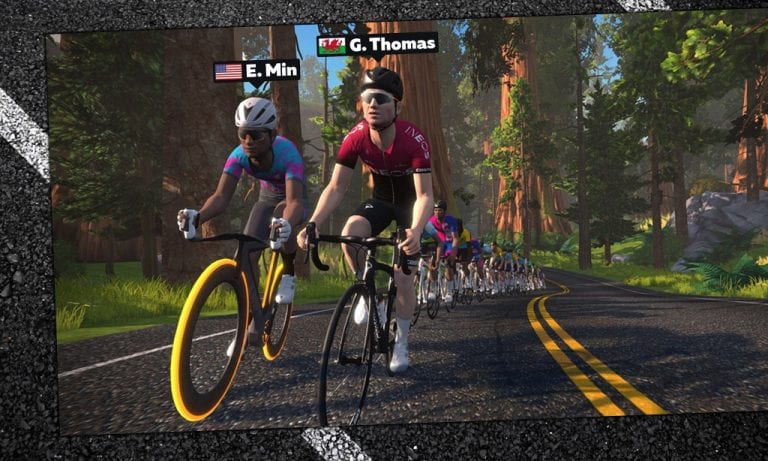
If you follow road or track cycling at all, you’ll know who Geraint Thomas is: a multiple World Champ on the track, and a two-time Olympic gold medalist there as well. Oh yeah–he also won the Tour de France in 2018.
Now, thanks to the magic of Zwift, we all have a chance to ride with Geraint. He’ll be leading a group ride with Eric Min on Watopia’s Sand and Sequoias route next Thursday at 11:30am PT. (Many Zwifters will already be riding this route next week, since it’s featured for stage 3 of Tour de Zwift! But who would turn down the chance to ride with G for a quick lap?)
Officially the route is 12.6 miles (20.2km) long with 482′ (147m) of climbing, but there’s a flat lead-in at the beginning of approximately 1.5 miles (2.5km).
Pace
Riders of all ages and skill levels are invited. This will be a large group ride, with faster riders naturally moving to the front while slower riders move to the back. Go at your own pace, or try to ride next to Eric or Geraint so you can be sure to see messages from both.
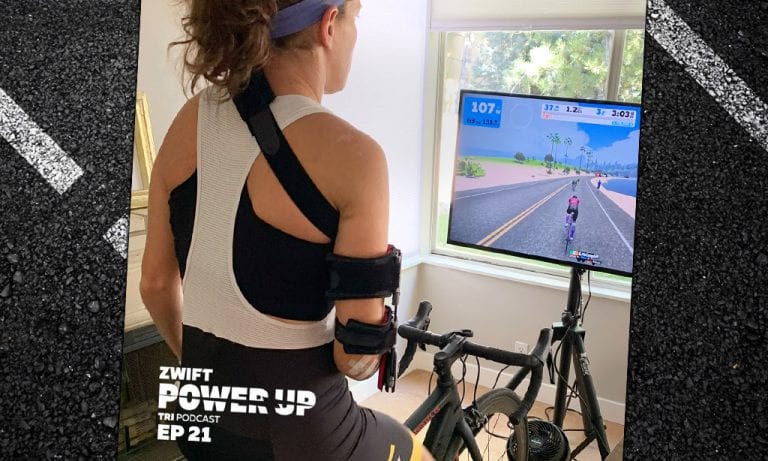
Skye Moench on Goal Setting (Zwift PowerUp Tri Podcast #21)
This week we’ve got Skye Moench joining us and we’re talking goal setting. As a new pro athlete this year, Skye had a breakthrough season with several wins including the European Ironman Championship in Frankfurt. With a recent bike crash, Skye shares with us what she’s learned about goal setting in her recovery on her journey back to the top!
About the Podcast:
The Zwift PowerUp Tri Podcast is hosted by former pro triathletes Matt Lieto and Jordan Rapp, lending their in-depth knowledge of the multisport to the Zwift Tri audience.
Any cyclist worth their chamois knows that body weight is a huge performance factor for riders. The more mass you have to move, the more power you have to put out to move it!
And this is true no matter what road you may ride. Sure, weight matters the most on climbs. But it’s also a factor on flats and descents.
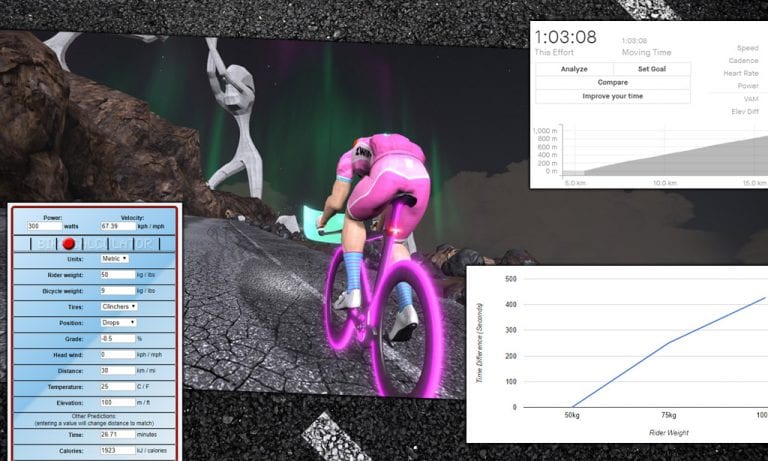
We decided to do some testing to see just how much each kilogram of weight slows (or speeds) a rider on Zwift. Our tests included flat roads, climbs, and descents. And they answer that eternal question: should you work to lose weight, or invest your money (Drops) in a faster virtual ride?
We found the results quite interesting, and we think you will, too.
A few notes about our tests:
All tests used a 183cm (6′) tall rider riding at 300 watts on the Zwift Aero frame with Zwift 32mm carbon wheels.
We ran each test at two different rider weights: 75kg and 82kg. We went with a 7kg difference because Zwift HQ says this is the weight difference between Zwift’s lightest and heaviest bikes. So the speed differences you see below could be realized purely through equipment changes in game!
Riding at higher or lower wattage or being significantly heavier or lighter than our test riders would impact time gaps somewhat, but we choose to keep the tests simple so the results would be easy to understand.
Effect of Rider Weight on Climbs
Climbing tests were completed up Alpe du Zwift, an 8.5% average gradient which is 12.2km long.
Not surprisingly, up the steep Alpe climb is where we can really see how much weight affects rider speed. The time gap here is over 6x what we see on the flats! This is why lightweight riders win mountain races outdoors while the heavier sprinters struggle to finish within the time cutoff.
Conclusion: reducing your body weight by 1kg will save you ~45 seconds up Alpe du Zwift.
Effect of Rider Weight on Flat Roads
Flat tests were completed over two laps of the Tempus Fugit route.
While some Zwifters like to say “it’s all about pure watts on flat roads,” it’s not that simple. Weight does affect your speed on the flats in Zwift, since it changes your computed CdA. Or to put it another way: two riders of the same height but different weights will have different CdA values in Zwift, meaning the heavier rider will need to push more watts to keep up with the lighter rider, who is encountering less (virtual) air resistance.
Conclusion: reducing your body weight by 1kg will save you ~9 seconds over an hour-long flat race effort on Zwift.
Effect of Rider Weight on Descents
Descent tests were completed down Alpe du Zwift, an -8.5% average gradient which is 12.2km long.
Riders complain about getting dropped on descents in Zwift, but that isn’t because the algorithm is computing speed incorrectly. The real reason riders get dropped on Zwift descents is that the pack keeps pedaling on the downhills. If you aren’t putting out power on a downhill in a race, you’ll get dropped–no matter what you weigh. Unless you supertuck smartly.
Conclusion: reducing your body weight by 1kg will cost you 1 second on a 10-minute Alpe du Zwift descent.
Buying Upgrades, Riding Up Grades
The great Eddy Merckx famously said, “Don’t buy upgrades, ride up grades.” He was making the point that, if you want to be a better rider, training is the way forward. Buying more expensive equipment will get you marginal gains, but increasing your power and/or reducing your weight will get you greater gains, without impacting your bank account!
Our test results above coupled with hundreds of additional test laps show an notable “2kg line” in Zwift performance on flat roads:
The difference between the fastest frame + wheel combo and a basic racing setup (Zwift Aero frame with Zipp 808 wheels) is 18 seconds over an hour ride. This is roughly the same time improvement you would see by dropping 2kg of body weight.
If you’re carrying a few extra pounds and find yourself concerned about your Zwift race bike setup being a bit slow–see if you can shed some weight. Dropping just 2kg (4.4 pounds) will have the same effect as upgrading your basic Zwift ride to a top of the line racer, assuming you’re able to maintain the same power.
There is also a “1kg line” for Zwift performance on steep climbs like the Alpe:
The difference between the fastest frame/wheel setup on climbs and a basic racing setup (Zwift Aero frame with Zipp 808 wheels) is 52 seconds over an hour climb. This is roughly the same time improvement you would see from dropping 1kg of body weight.
If you still haven’t unlocked the Lightweight Meilenstein wheels atop the Alpe, there’s a way to make up for it: losing just 1kg will save you more time than those wheels ever could. Time to start counting calories, perhaps?
An Important Note
If you’re overweight, losing those unhealthy pounds can improve your cycling performance both on Zwift and outdoors. But any attempts at weight loss should be handled carefully, and ideally under the watchful care of a qualified professional.
In a competitive, weight-based, results-driven environment like bike racing it’s easy to go too far and actually damage your body with extreme dieting or disordered eating.
Inspired to shed a few pounds? Surprised by the results above? Share any questions or comments below!
Note: This is a simplified version of the original post. The first version was revised after it generated a lot of confusion that distracted from the goal of learning “how much faster you’ll be if you lose 1kg of weight.”
Riding in Zwift’s big events is always fun for me, whether I’m treating the effort like a race or a social ride. Tour de Zwift 2020 is currently underway, and for the first time ever a big Zwift tour includes specific race events – so I had to have a go!
In past tours, Zwift always made it clear that the events were not races. But of course, many riders treated them as such, and without standard race categories to divide the groups up, finishing near the pointy end of these “group rides” was impossible unless you were a strong A-class rider.
Now we have official race events in this year’s TdZ, with proper categories. I was curious what the races would be like, since I knew two things:
We’d have a lot more riders than a typical B race, since TdZ is such a popular event
We’d have more sandbaggers (intentional or not) joining in, since lots of folks who don’t normally race would be hopping on to give it a try
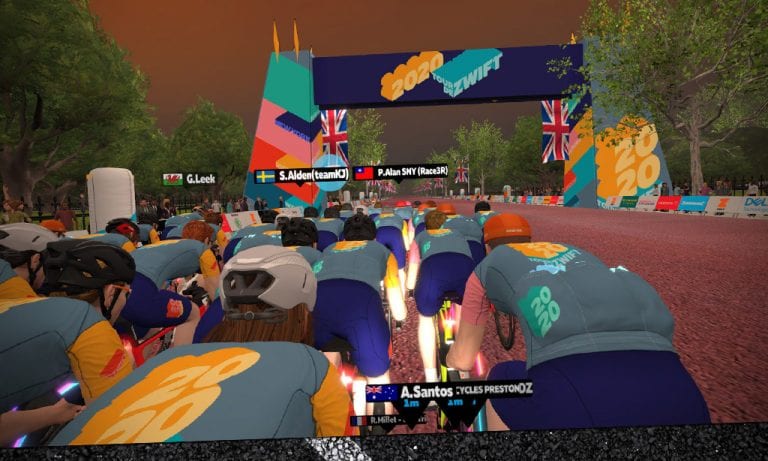
With that in mind, I signed up. 6:10am. 2 laps of London’s Classique. Let’s race!
Why Are TdZ Races so Short?
I’ve seen lots of comments from Zwifters asking why the official Tour de Zwift race events are so short. I wondered the same, so I asked Tom Hargreaves, Senior Growth Manager of Cycling at Zwift. (If you’ve never met him: Tom is an all-around nice guy, and a very strong cyclist.) Here’s what he said:
This is the first time that we’ve incorporated race events into a major Zwift tour. The objective is to make the races as accessible and enjoyable as possible for all Zwifters, to really drive participation. They’re shorter than the Group Ride events because it’s likely that they’ll be raced at a much higher intensity. e.g. 25mins at threshold for a race vs 45mins at Z2/3 for a group ride. The first is about racing for the win in your given category, the latter is about a personal challenge and ticking off all stages.
We’re conscious that some people who currently race on Zwift want longer and harder races (I’m one of those people) but realistically a 45min+ race isn’t something that the average Zwifter would even consider taking part in. For those that want the harder, longer races the community race organisers do a great job of putting these on. And it’s something that we’ll probably start branching into in the future but for now we’re focused on building the number of people who take part in racing, which to date can sometimes be perceived as un-enjoyable due to how tough or serious the events are. “Fun to play” is core to our Esports strategy.
Hard to argue with that. And it’s a good reminder to me that just because I want Zwift to work in a certain way doesn’t mean everyone does. While experienced Zwift racers may want longer events, there are many, many more inexperienced racers who Zwift wants to pull into racing–and the best way to do that is with shorter, less intimidating races.
Now let’s get to the race.
The Warmup
I rolled out of bed at 5:30am, kitted up, and went through my normal warmup routine. PR lotion on the legs. Caffeine gum and to wake me up and rev the heart rate… wait. Where’s my gum? Someone moved my gum. And I wasn’t about to go tromping around the house at 5:30 searching for it!
Oh well. I’ll survive. I climbed onto the trusty Roubaix and rode a quick warmup around London before heading to the start pens early.
Pro tip: in events with a big turnout, your position in the start pens is determined by who arrives first. So if you want to start near the front, get there 5-10 minutes early!
The Start
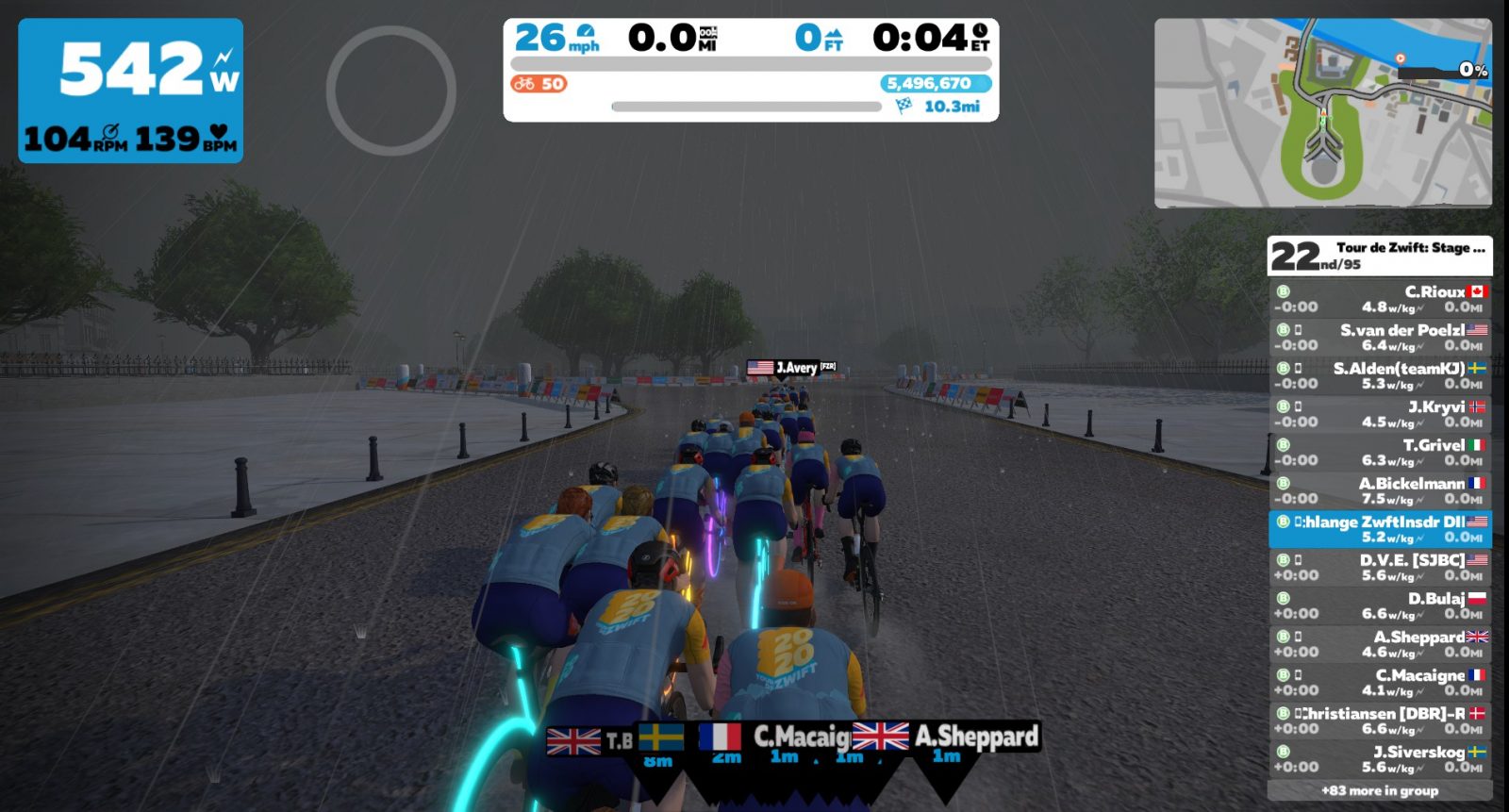
The start was a bit harder than most B races, but this didn’t surprise me: with 95 riders in our group and more sandbaggers than a typical race we would undoubtedly have a lot more strong riders churning at the front, bringing our group speed up.
I averaged 353 watts for the first 90 seconds, then things settled down as we entered the tunnel and hit the rollers along the Thames. I tried to stay close enough to the front that I wouldn’t get gapped and dropped when the group inevitably split. There’s nothing worse than looking up and seeing you have 20 meters of open road to close when you’re already on the rivet!
My strategy worked well, although it wasn’t easy. This group was moving fast, and before the short lead-in was finished the front pack had already been reduced from 95 starters to 37.
The Middle
I had picked up an aero powerup at the very beginning of the race, and decided to keep it for the end. I could have used it for a bit of relief early on, but with only two more chances of powerups before the final sprint, and my bad luck recently with the Zwift gods giving me XP bonuses instead of useful powerups, I decided that “a powerup in the hand is worth two in the bush.”
The pace was so fast that no one had a chance to attack and create gaps. Even without double draft enabled I could see we were averaging nearly 30mph, which is fast for a B race.
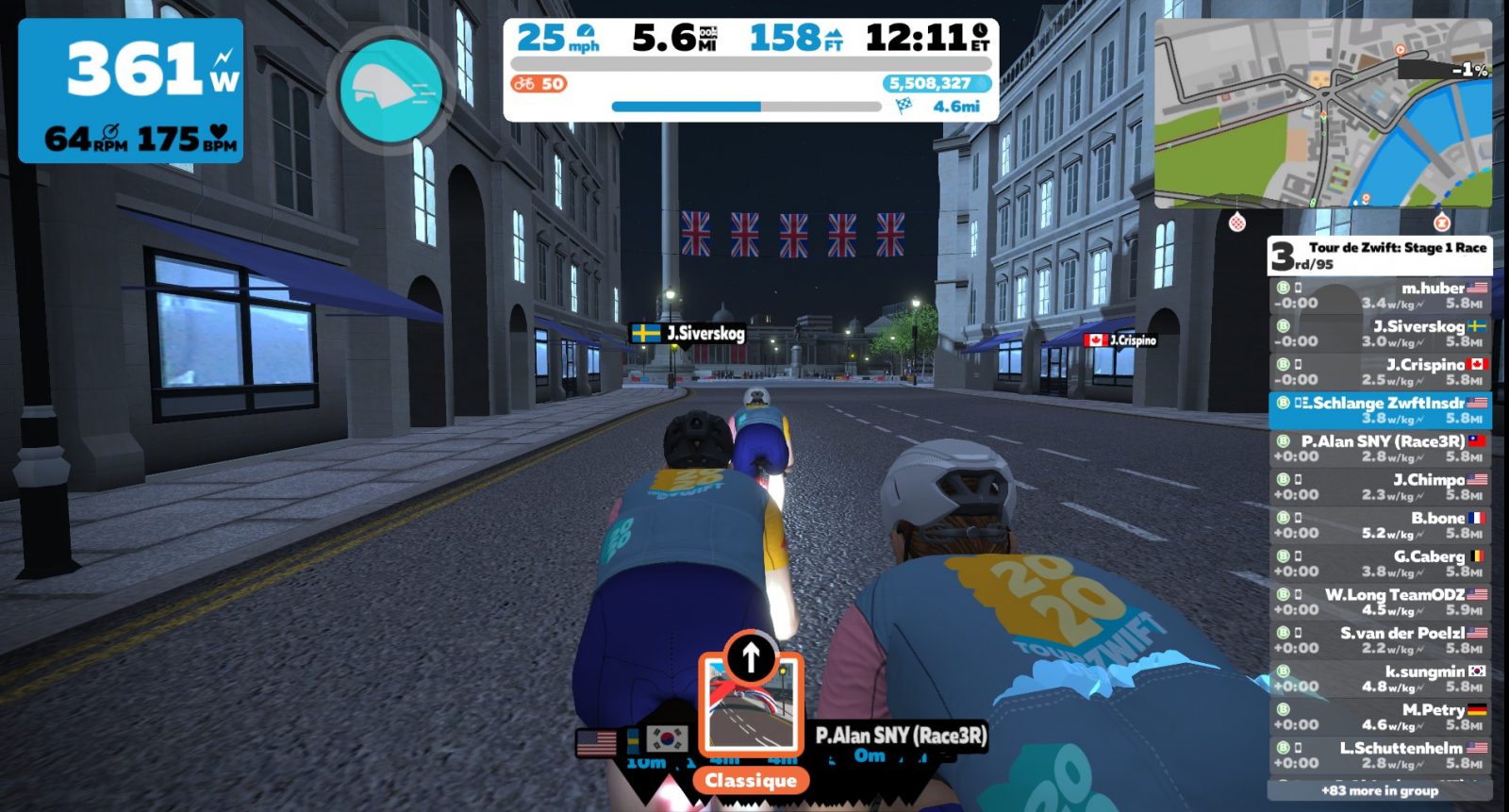
Atop Whitehall Hill, heading to Trafalgar Square in third wheel
We hit Whitehall Hill on the first lap, the only “bump” on the Classique route, and I got out of the saddle to hammer a bit and stay near the front. I was surprised at how easy the group took this first climb, but I certainly wasn’t going to complain. I wasn’t sure if it was the early morning, my lack of caffeine, tired legs, the high pace, or something else–but I just wasn’t feeling great on this race. So as we entered Trafalgar Square I took a deep breath and surfed the wheels, mostly hanging near the back of the pack.
First Person View
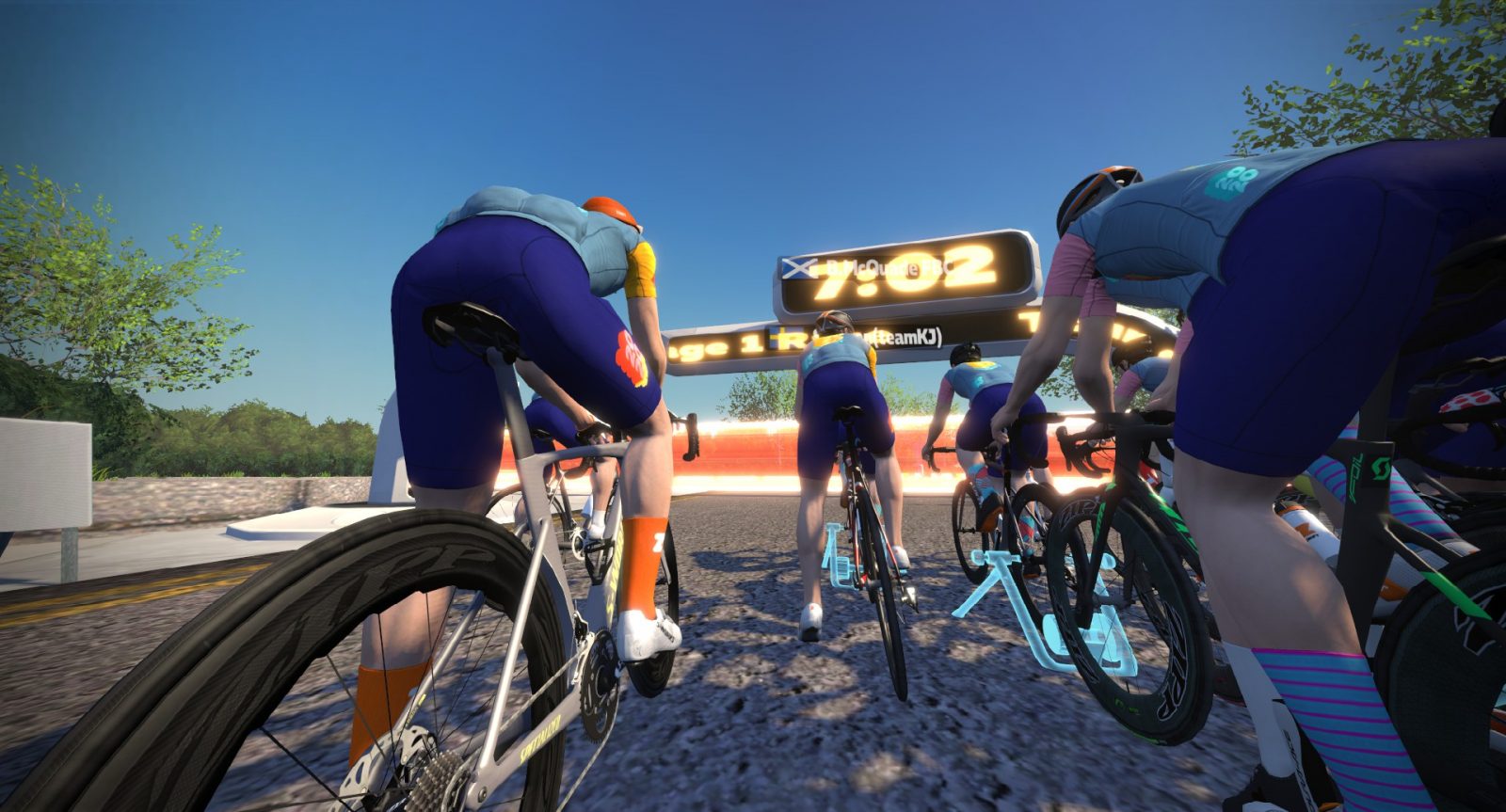
When an event puts everyone in the same kit, I often hit 3 on my keyboard to switch the camera to first-person view. Does anyone else do this? There are a few downsides to using this camera angle:
You can’t see riders to the side or behind you
You don’t see the blue thumb when someone gives you a Ride On
You can’t see up the road quite as easily, since you have a lower point of view
So why do I use it? Because it’s kind of hard to pick myself out of a group of people who all look like me, and I like the realism of the first-person view.
The Finish
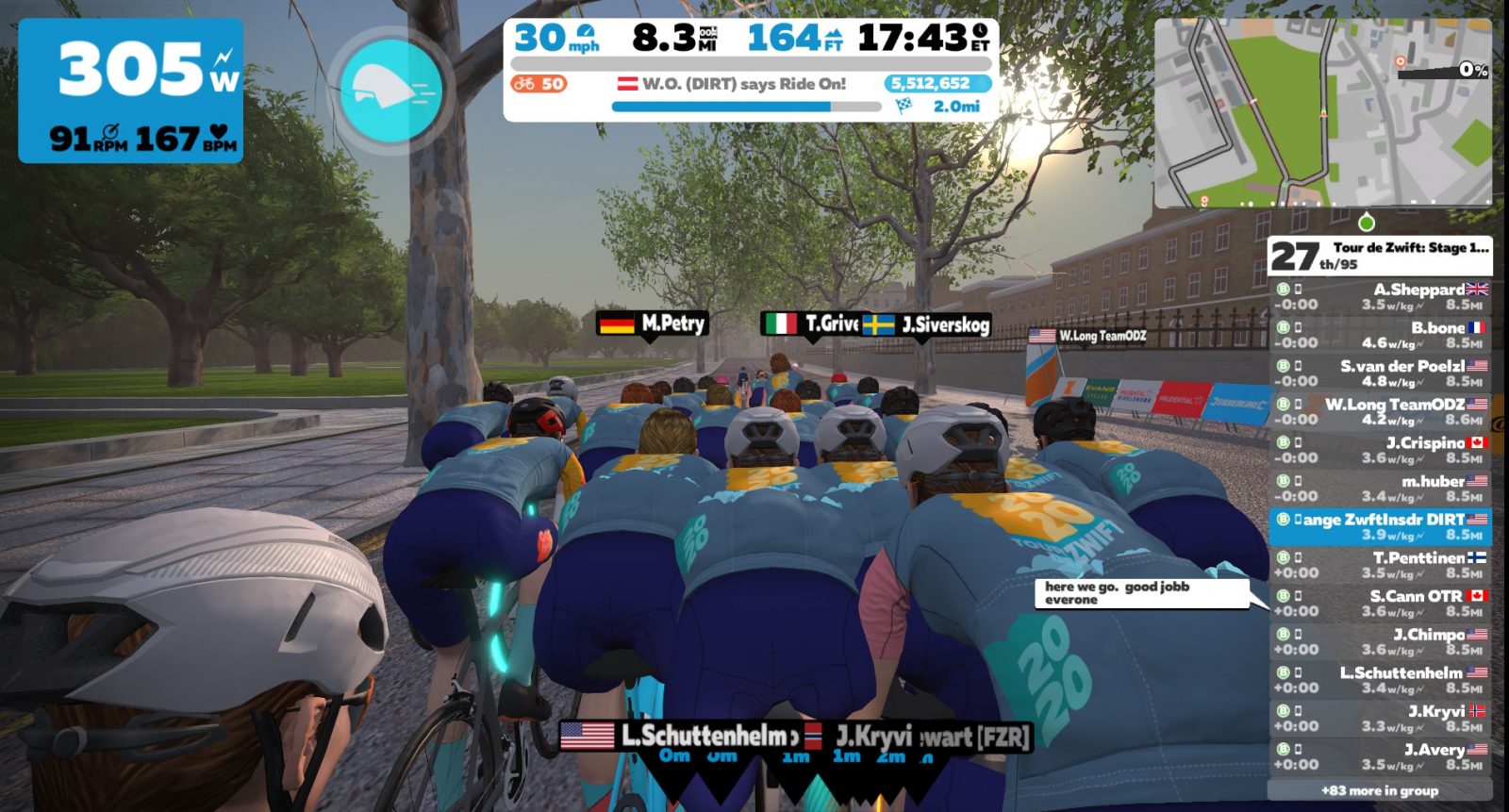
We hit the Birdcage Walk rise halfway through our last lap. “S. Cann” obviously had experience racing this route, based on his quick comment:
As soon as the rise hit, the group’s wattage ramped up–and it wouldn’t drop until we crossed the finish line. Looking at Strava, I averaged 353 watts for 90 seconds yet again, between Birdcage Walk and the top of Whitehall Hill. And that’s all I had–the group was strung out, gaps were forming, and the front pack charged away. I eased up, because I didn’t have enough left to chase them down, and nobody was coming around me to pull me back to that group.
For the next minute I averaged 314 watts–still going hard, but a far cry from 350+. I was in a group of 11 riders, with the front pack blowing apart several seconds up the road as the riders with something left in their legs began ramping it up for the final sprint.
The Classique Sprint
The Classique route’s finishing sprint is fun and fast, but it can be deceiving as well. It’s tempting to go hard from too far out, because the road is straight and you can see the finish arch from way back. For me, though, I try to just maintain position until around the 300-meter marker, at which point I trigger my aero powerup, shift, get out of the saddle, and “give it the beans” as my friends across the pond like to say.
So that’s what I did.
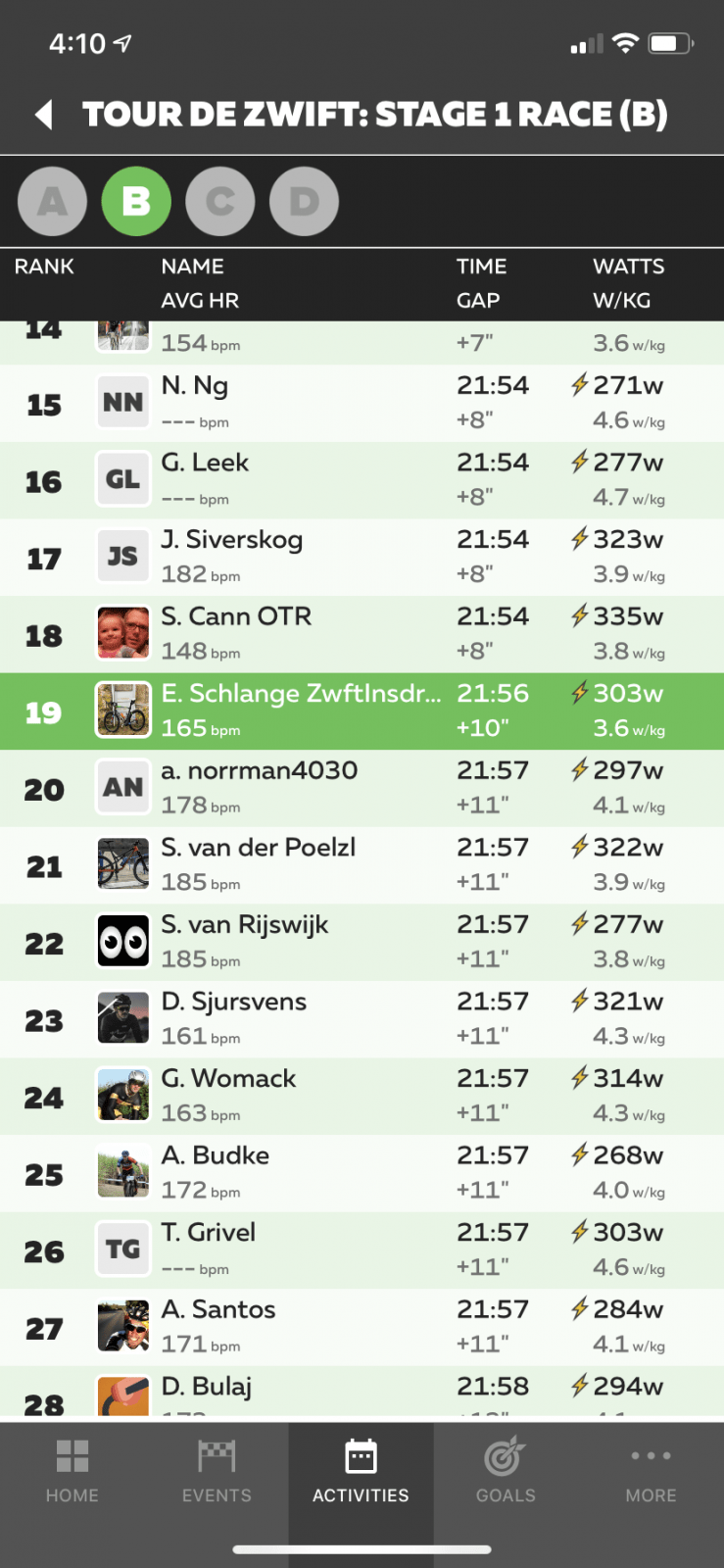
There was no way I was catching the front of the race, but I hoped to stay ahead of the others in my chase group and perhaps catch a shelled rider or two from the front group. And that’s what I did–despite not having much left (my 10s power in the sprint was only 621 watts) I was able to pass a few riders and finish 19th.
Flashbacks
This race reminded me of what I regularly experienced in my first season as a B (winter of 2017-2018). Back then, it seemed like the same thing happened in every race I tried: I would hang with the front pack for about half the race, then get dropped and caught by the chase group. I would sit in with the case group, then go hard to beat everyone in my chase group to the line. First place, second group. Every. Flipping. Time.
But I’m a stronger rider today than I was back then. I can put in the short 15-30 second digs required to stay on a wheel when the pack strings out. And I’m smarter, with a better knowledge of each route and an understanding of what I’ll need to do to stay with the front of the race.
How Fast Was That?
This race felt crazy fast, so I checked the numbers afterward:
1st place time, A category: 21:44
1st place time, B category: 21:46
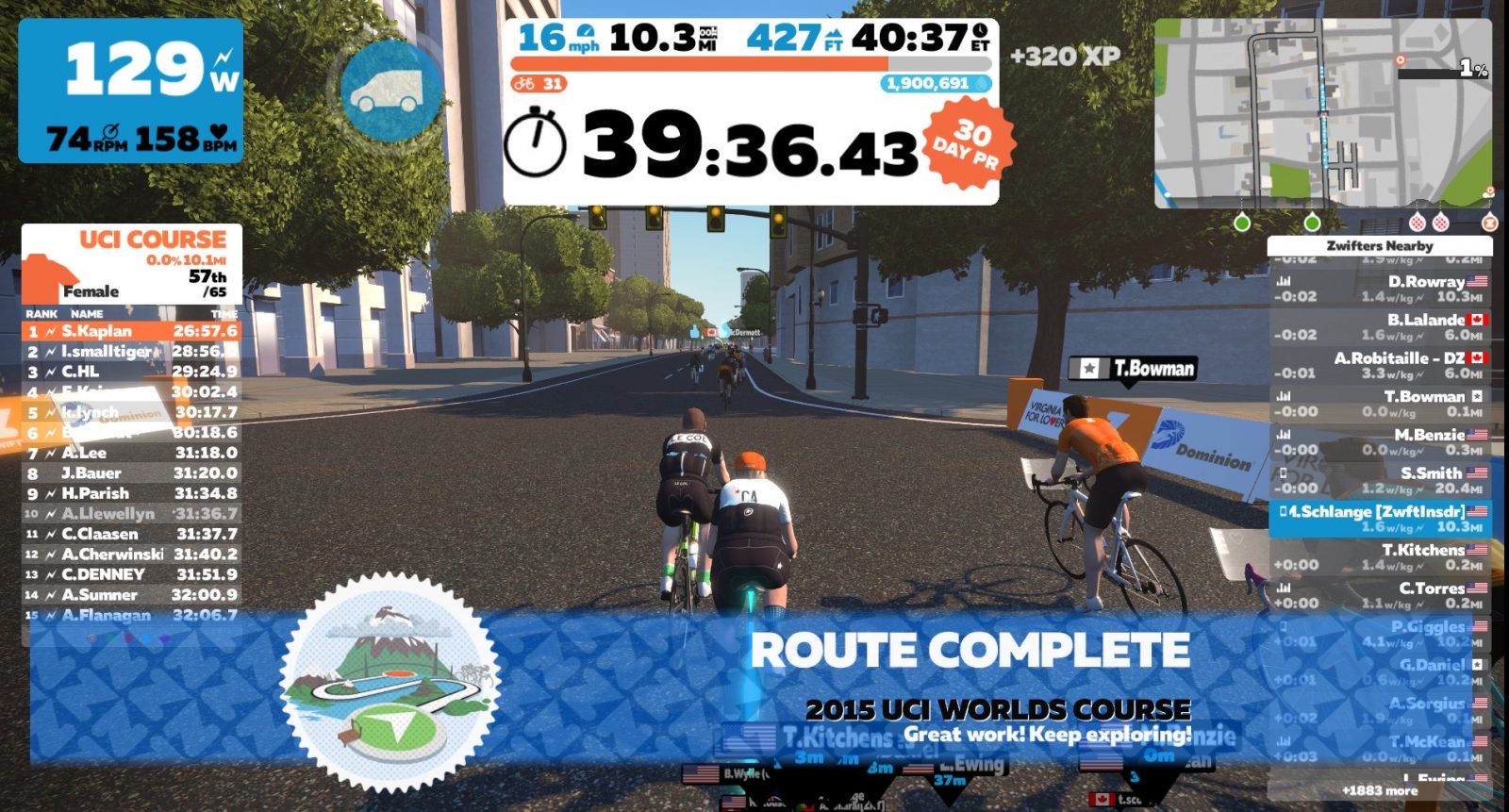
So my B race was essentially an A race! My finishing time of 21:56 didn’t feel so bad when I saw it was only 12 seconds slower than the winning time for the A’s.
(Did you catch that? Just one of many subconscious strategies for convincing myself that my result is more impressive than it really is!)
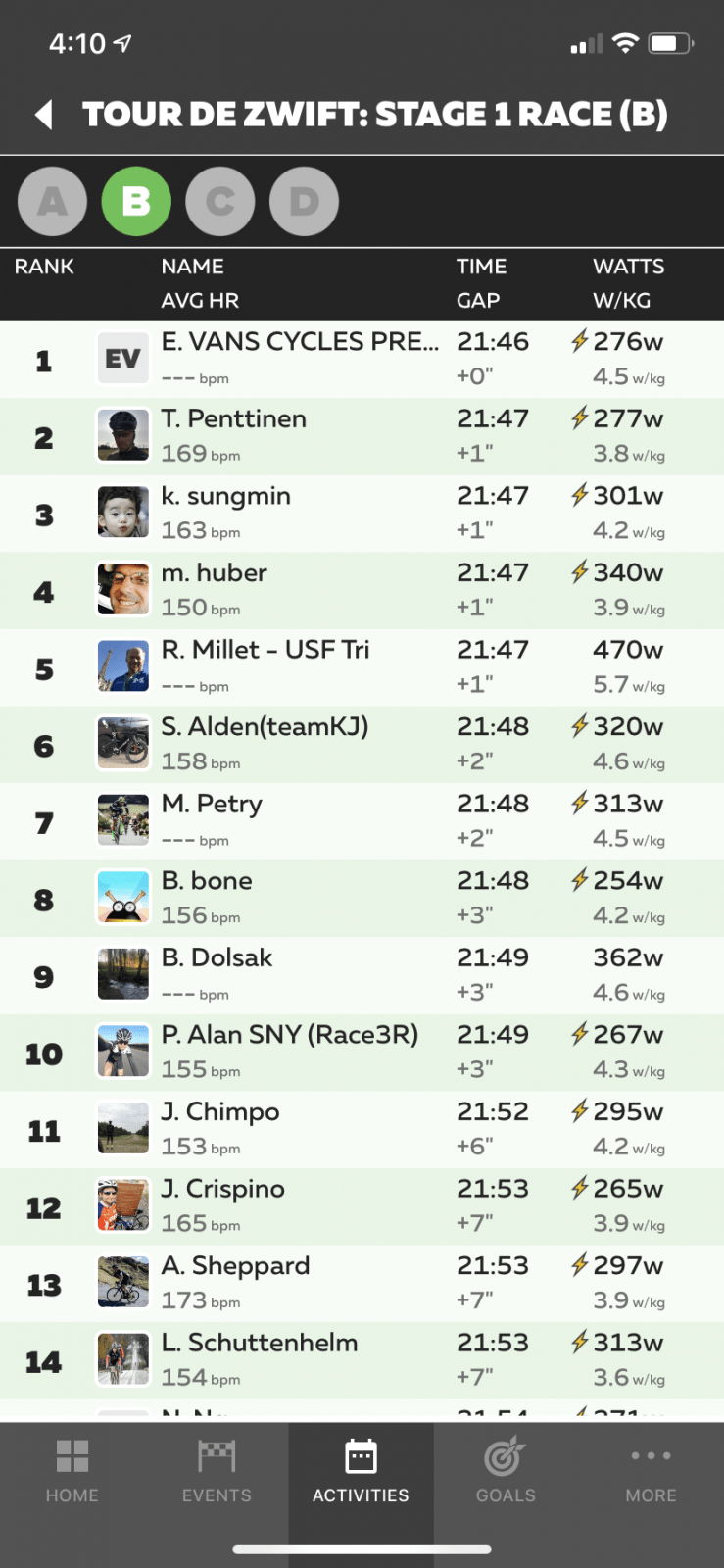
Why was our race so fast? Take a look at the wattage of some of the top finishers, keeping in mind that the stated category limit was 3.9w/kg:
I could complain here about how sandbaggers messed up my race, but I feel like I’ve been doing that too much lately. I could even make the case that, without the sandbaggers pushing the pace at the front, I’m pretty sure I would have hung with the group and been in the mix for the final sprint. But I don’t want to write about all that, so let’s move on. 😉
Takeaways
I only had one takeaway from this event, and that is to expect TdZ races to be super-fast. Because not only are they short races, but they also attract less experienced racers who will be exceeding category limits, raising the speed of the pack and making everyone work harder.
In the end, it was a great workout and a fun experience to race with a pack twice the size I normally see. And on ZwiftPower I came in 11th!
Last week’s record of 14,812 Zwifters online at once was fun to see, but we were pretty sure this week would go even higher thanks to Tour de Zwift. And we were right!
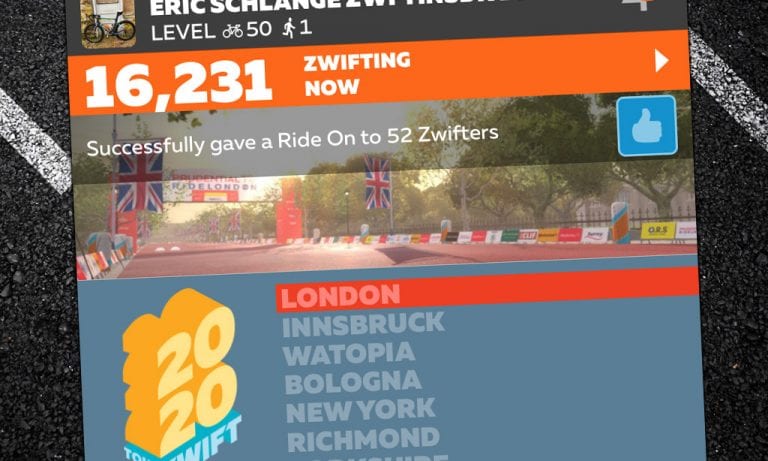
Today we hit a new high, just confirmed by Zwift HQ: 16,231 concurrent users on Zwift!
This represents a 9.6% increase over last week’s record and a 24.2% increase over last year’s high of 13,064.
Typically the weekly high traffic points are on Tuesdays around 11am PST, and that’s exactly when we saw today’s traffic spike. Of course, this is also the busiest time of Zwift’s year, with much of the northern hemisphere dealing with cold temperatures, poor weather, and shortened daylight hours.
Care to Make a Bet?
Zwiftcast hosts Simon, Nathan, and Shane have been wagering on what the winter season’s high point will be, and they’ve invited some guests to place their bets as well. What do you think? Have we just seen this season’s “peak Zwift”? Or will it go higher? Here are the current guesses:
Editor’s note: Monica is undertaking the “Couch to Route Hero” challenge of riding all 67 “free-ridable” Zwift routes (and getting all the badges) in 11 weeks. Each week she shares her story of the previous week’s struggles and accomplishments. Follow along on her journey, take the challenge yourself, and be sure to give her a Ride On if you see her on course!
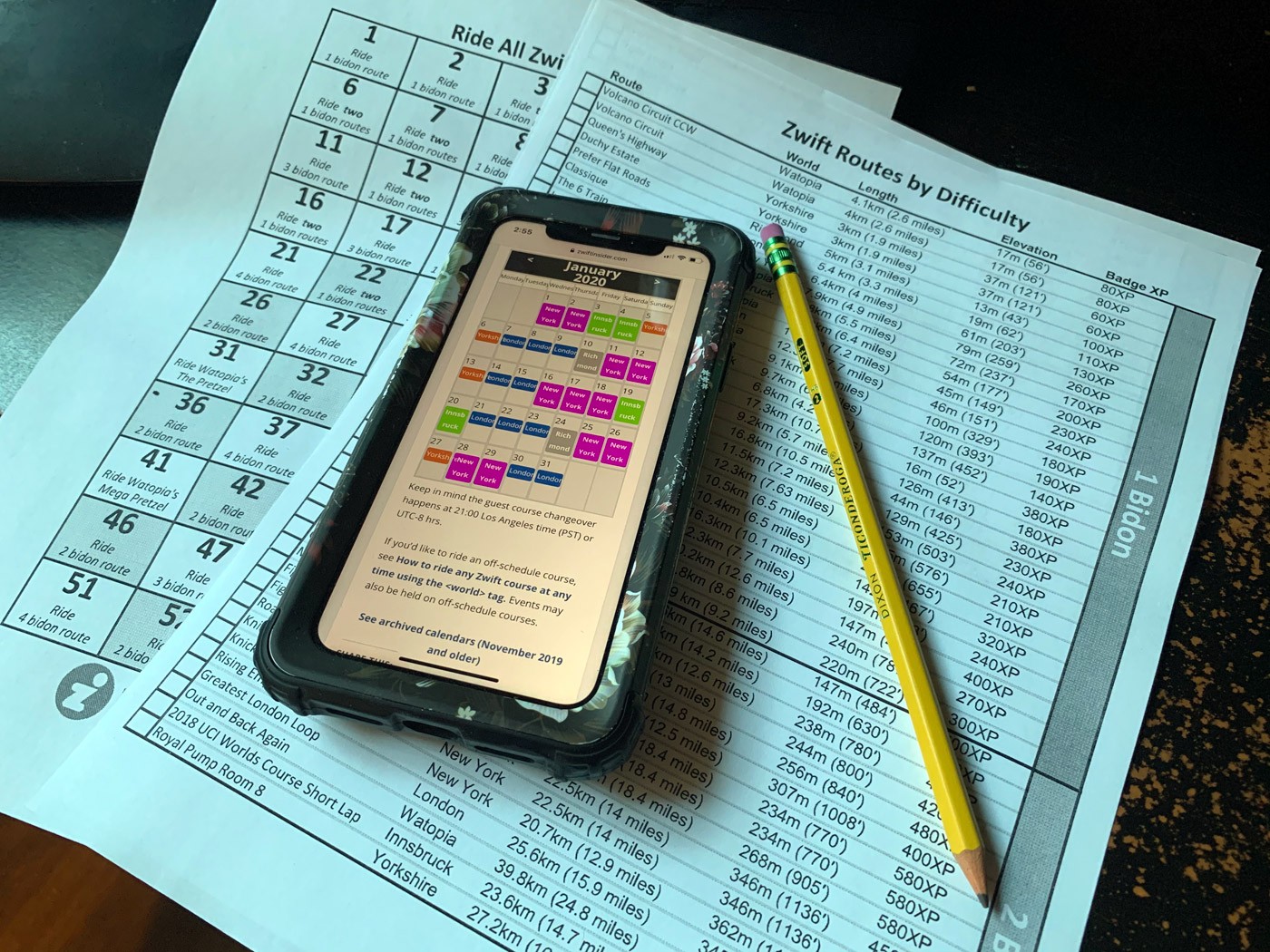
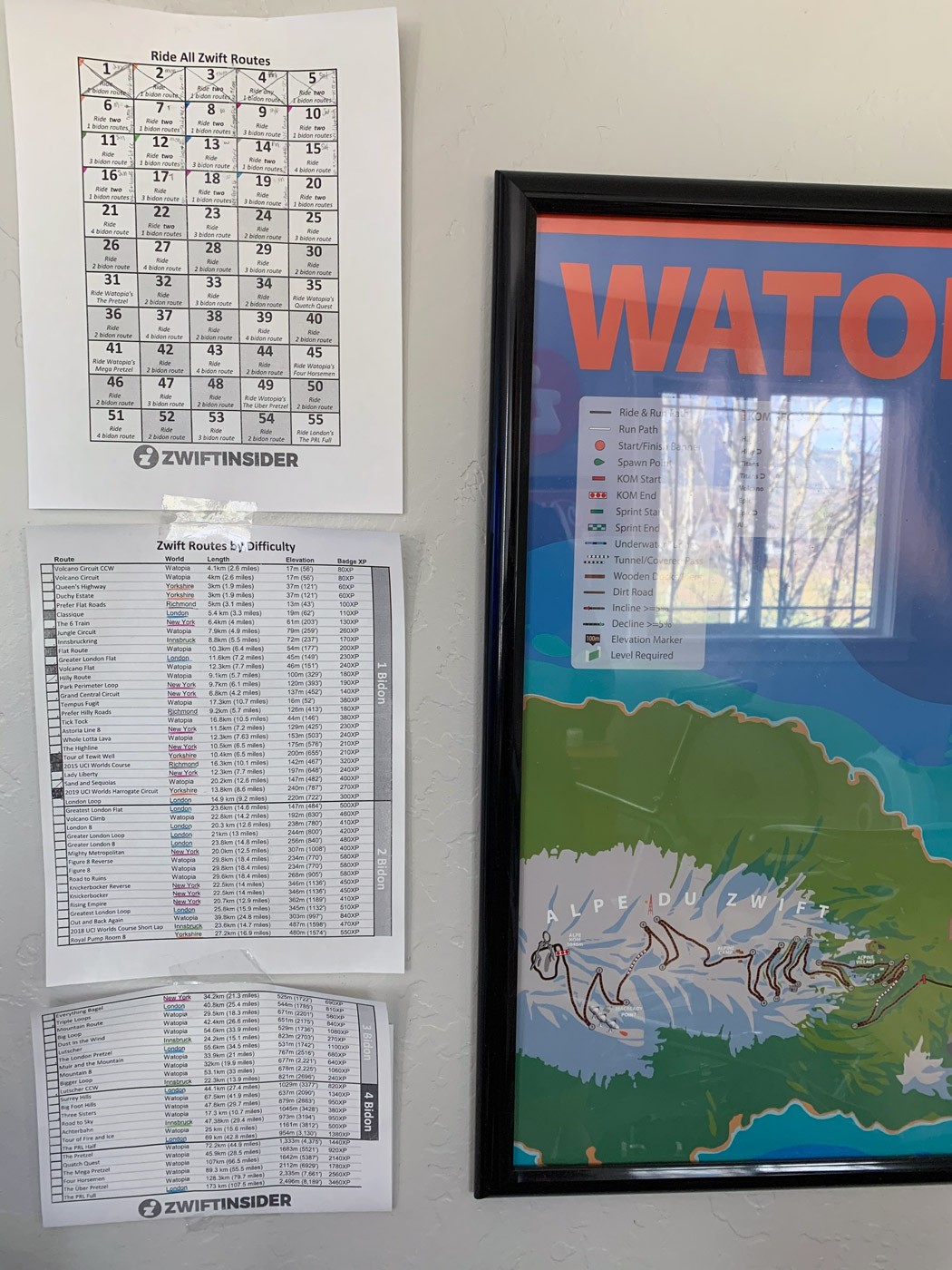
“What was I even thinking,” I asked myself as I held my head in my hands. There on the counter was the Zwift Insider Route Badge Quest paperwork Mr. ZwiftInsider put together for me. Taunting me. Already telling me I couldn’t finish the quest.
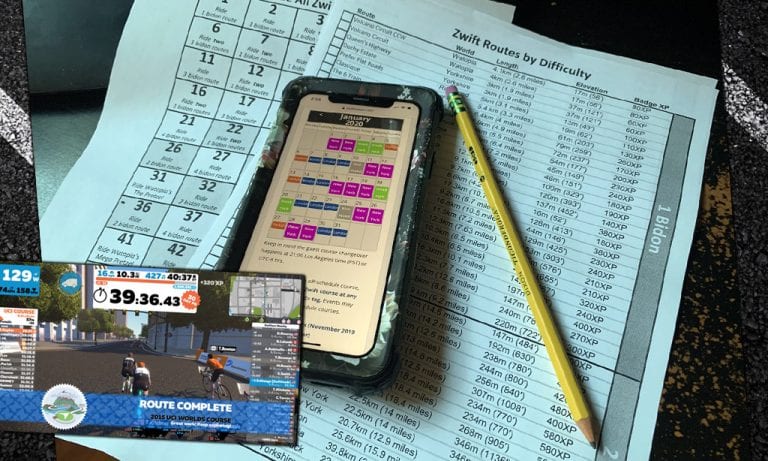
Last week I needed a challenge to get back on the bike regularly so I asked Eric to make me a schedule for getting all of the Route Badges. Something that would start from basically sitting on the couch (which, I’m begrudged to admit was my level of fitness over the holidays) to finishing the longest, most difficult routes on Zwift.
A Mini Planning Session
Days later I sat down with a plan. If I was going to complete all the routes in 11 weeks without ever having to world hack I needed to be intentional. I color-coded the paperwork Eric made me, then scheduled in the days I’d be riding Richmond, Innsbruck, and Yorkshire. These days are fewer and further between so I needed to make sure I got them in. Next, I filled in as many London and New York days as possible, leaving the remaining days of January open to Watopia.
Figuring this all out was trickier than I expected as I had to take into account three different schedules: my own, the Zwift guest world schedule (only one month at a time, mind you), and the schedule Eric made for what level of difficulty would need to be ridden and when. Phew!
Week One, Officially Done
I did all 5 days of the schedule this week! Even with a mild case of the flu in there! It ended up being 7 routes, all of which were 1 bidon routes: 55.9 miles and 2707 feet of climbing for a total of 3 hours and 36 minutes.
Part of me is proud of myself, the majority of me is totally freaked out about what’s to come! On the plus side, I also lost one of those holiday pounds I’d found over the last few months. And I’m quickly getting closer to Level 32!
Lessons Learned
Some of the routes have lead-ins but the lead-ins aren’t listed on the route difficulty page. I plan to research all of the routes so I can grant myself more time to be on the bike.
I can say “I’ll just go at my own pace” all I want, but I really need to listen to my body and actually do this. It’ll mean I won’t end up with weird pains the rest of the day because of my silly pride trying to win a sprint or keep up with a pack.
I need to drink loads of water again even when off the bike. Too many headaches from dehydration this week!
I need to take more time scheduling out the rides. I almost missed a London day and would have had to just wait and see if it would be scheduled by Zwift at the right time in February.
What about you?
I know many of you Zwifters said you’d do this Quest with me, so let me know what you’ve done so far! And please do tell: are you completely freaked out about the coming weeks? Asking for a friend!
eSports Cycling State Championship Announced for Missouri
Presented by Power Up Cycling, Big Shark Bicycle Company, and Urban Chestnut Brewing Company, the Missouri Indoor Race Series began last week. This 7-race series will culminate in a live Missouri Esports State Championship to be held the weekend of 2/22 and 2/23.
Racers must register (and pay $15) in order to participate in eachrace, then they can join in remotely from home, or use one of the 8 trainer stations available at sponsor Urban Chestnut Brewing Company.
There are six different groups of racers competing:
Junior Boys
Junior Girls
Open Men
Men Masters 45+
Open Women
Women Masters 45+
Last week was the first race of the series – watch Matt Brandt of team Indoor Specialist take the win. Check out his ice pack usage to stay cool. Does the man ever sit down?
A Taste of What’s to Come
Zwift is fast becoming its own cycling discipline, and we’ll be seeing more and more local cycling associations holding official races and championships on the platform in the months and years to come. Last year’s WSBA Sweatfest was the first we’d heard of a local association organizing a race series on Zwift, but a series with entry fees culminating in a championship takes it to the next level!
The Mechanics
Organizers of these races are using Meetups to make the races happen. This, presumably, is done so only registered riders are invited to the event. It’s a bit of a bodge, though, as riders can still interact with other riders on course when they’re in a Meetup.
Far more ideal would be Zwift allowing the creation of a “private event”–perhaps nothing more than a checkbox when creating a Meetup called “Hide all other riders”. Someday soon, perhaps?
Your Thoughts
We think this is exciting news. What about you? Would you like to see local associations embracing Zwift more and holding events there? Why or why not? Share below!
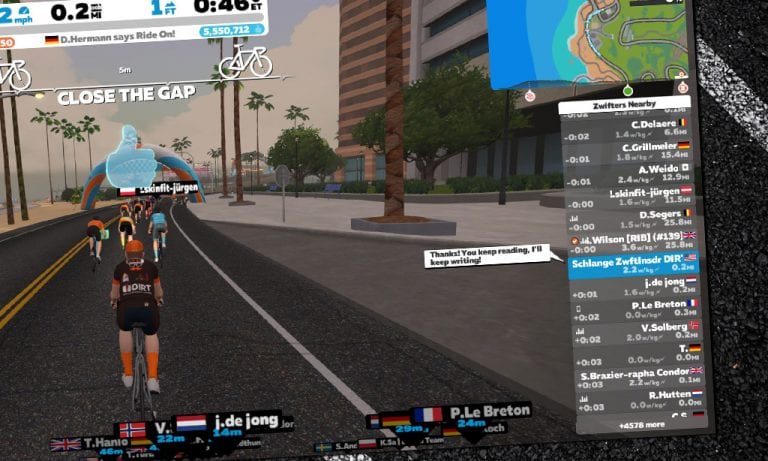
I’ve had many Zwifters thank me for the helpful information they’ve found here on Zwift Insider, and it’s so rewarding to hear people share how the site has helped them. When people message me in-game about it, my usual reply is, “You keep reading, I’ll keep writing.” And it’s true–because the site serves a growing number of visitors, I’m encouraged to keep working hard at creating content that is interesting and useful for the Zwift Community.
Lots of Zwifters have asked how they can support the site. Today I added a box to the right-hand side called “Support this Site”, and there you’ll find four ways you can directly help us out.
#2: Shop on Amazon through our link: if you click this link then make a purchase on Amazon, we get a small % of your entire purchase.
#3: Make a donation (Paypal account not required):
#4: Contribute a post: I’m always open to informative articles from others in the Zwift community. Email me at [email protected] with your idea and we can chat!
I know the vast majority of our visitors can’t or won’t support the site in any of the ways listed above, and that’s totally fine. I’m truly thankful for everyone who visits the site and finds it useful! But if anyone wants to support our efforts in a very tangible way, you’ve now got 4 easy ways to do it.
So thanks for visiting, thanks for reading, and if you’re able to support the site directly–thanks for that as well. See you out on course!
How the Race Was Lost – Auto-Braking Dreams and New FTPs
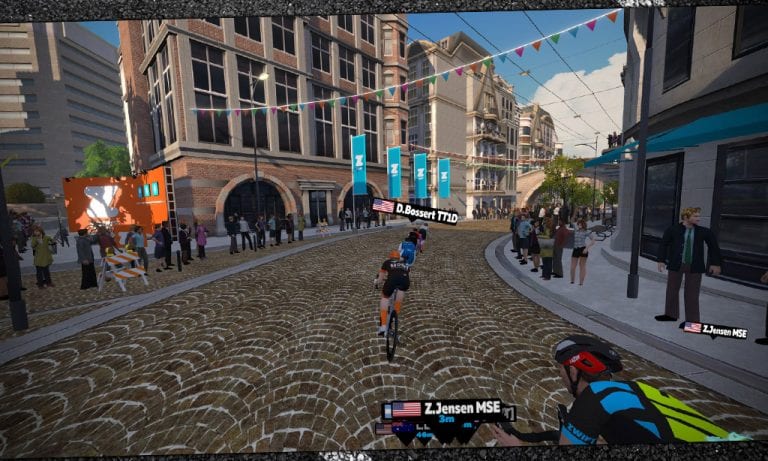
Last Thursday’s Crit City race was a fun one, mostly because I finally got to race with a local buddy. Sure, I still lost. Sort of. But there’s something special about riding on Zwift with someone you’ve accompanied for thousands of IRL miles. Sure, it’s virtual–but thanks to Zwift and Discord, it’s also very real.
Warmup
After missing my usual early-morning Zwift session the workday had gotten away from me. Now it was two in the afternoon and I just wanted to get a hard effort in so I wouldn’t go stir-crazy. So I messaged a few local riding buddies to see if anyone wanted to tackle a Zwift race with me, and my friend Zane came back with an affirmative. We quickly chose an event: Crit City. Bell Lap. 4:45PM. See you then!
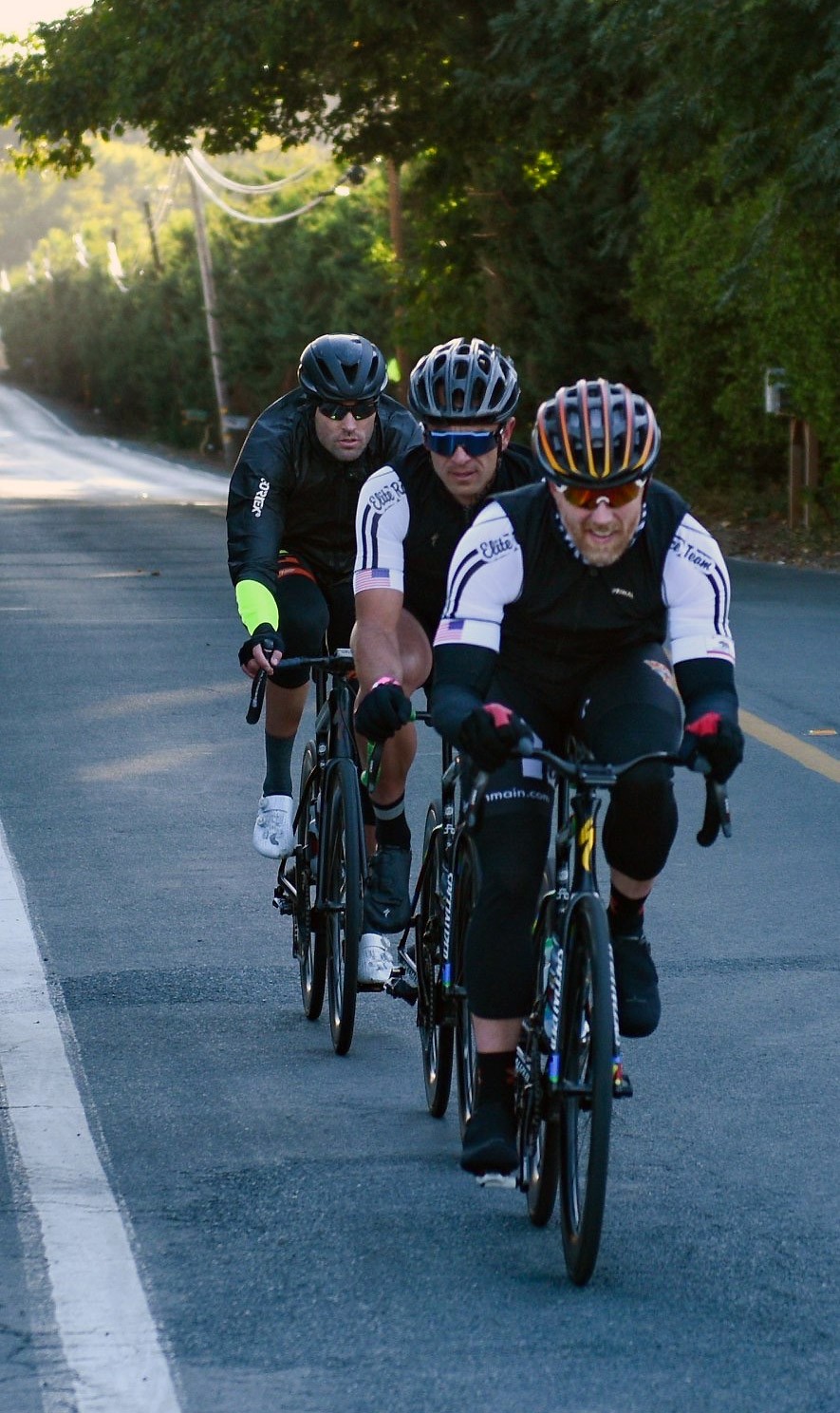
Front to back: me, Zane, and another friend riding our local Konocti Challenge imperial last October
Two Riders, One Mission
You have to understand, this was a rare occurrence: Zane and I ride together on Zwift quite a bit, but hardly ever race together since he prefers racing in the A’s. He’s a glutton for punishment, preferring to get shelled by the top riders so he’s better prepared when the outdoor season begins and he’s taking on the P/1/2 field here in Northern California.
Me, most of my races are done because I know I have a shot at the B podium. Sure, some races are purely for training – but I’m much more motivated to go hard if I think I can finish in the front pack.
Zane and I are good friends, but we’re opposites in many ways. He’s the guy you’ll see attacking repeatedly off the front–I’m the guy sitting in and trying to survive. He rides by feel, I love all the data. He is a naturally gifted athlete–and I’m far from that! His FTP puts him right near the top of the B category (325 watts, around 3.9w/kg), while mine is closer 300 watts, around 3.6w/kg.
But that’s one reason we enjoy each other’s company: we learn from watching the other guy, and riding together pushes us to try strategies and workouts we wouldn’t have attempted solo.
Our goal for this race was simple enough: try an attack to see if we can split the group and get away with a small breakaway bunch. (I’ve been wanting to be a part of such a breakaway ever since my first Crit City race, but I have yet to see it work). If we couldn’t get in a break, we would simply stay near the front on the crazy final lap, then go all-in for the sprint finish.
The Start
I tried convincing Zane to attack with me on the first lap up the twisty climb, but he wasn’t into that idea. So we just surfed the wheels near the front as the race began. As we pulled out of the start gate I realized I’d forgotten to switch back to my Tron bike, and was riding the S-Works Venge with Zipp 858 wheels. Not the absolute fastest option, but no time to change now.
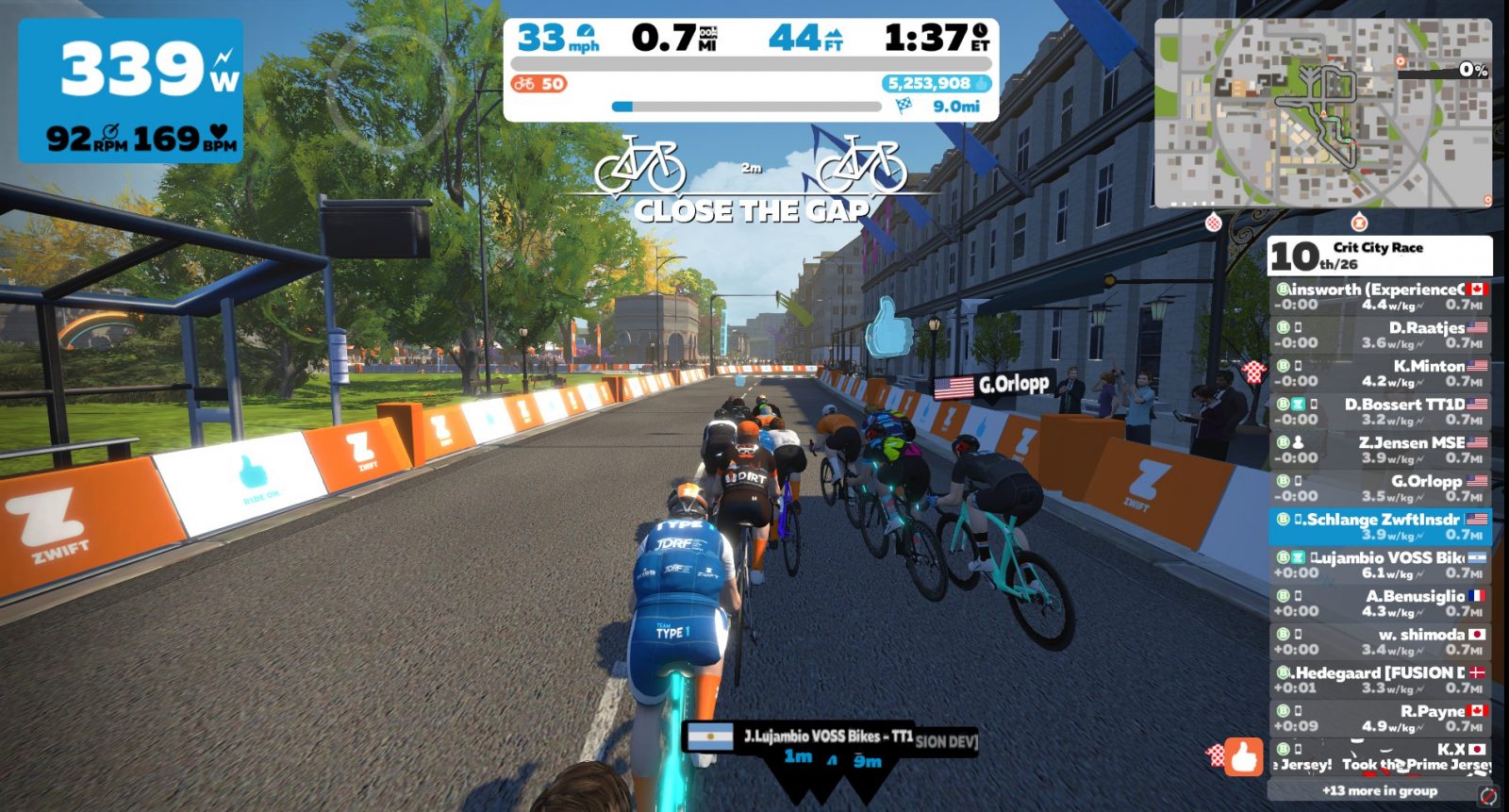
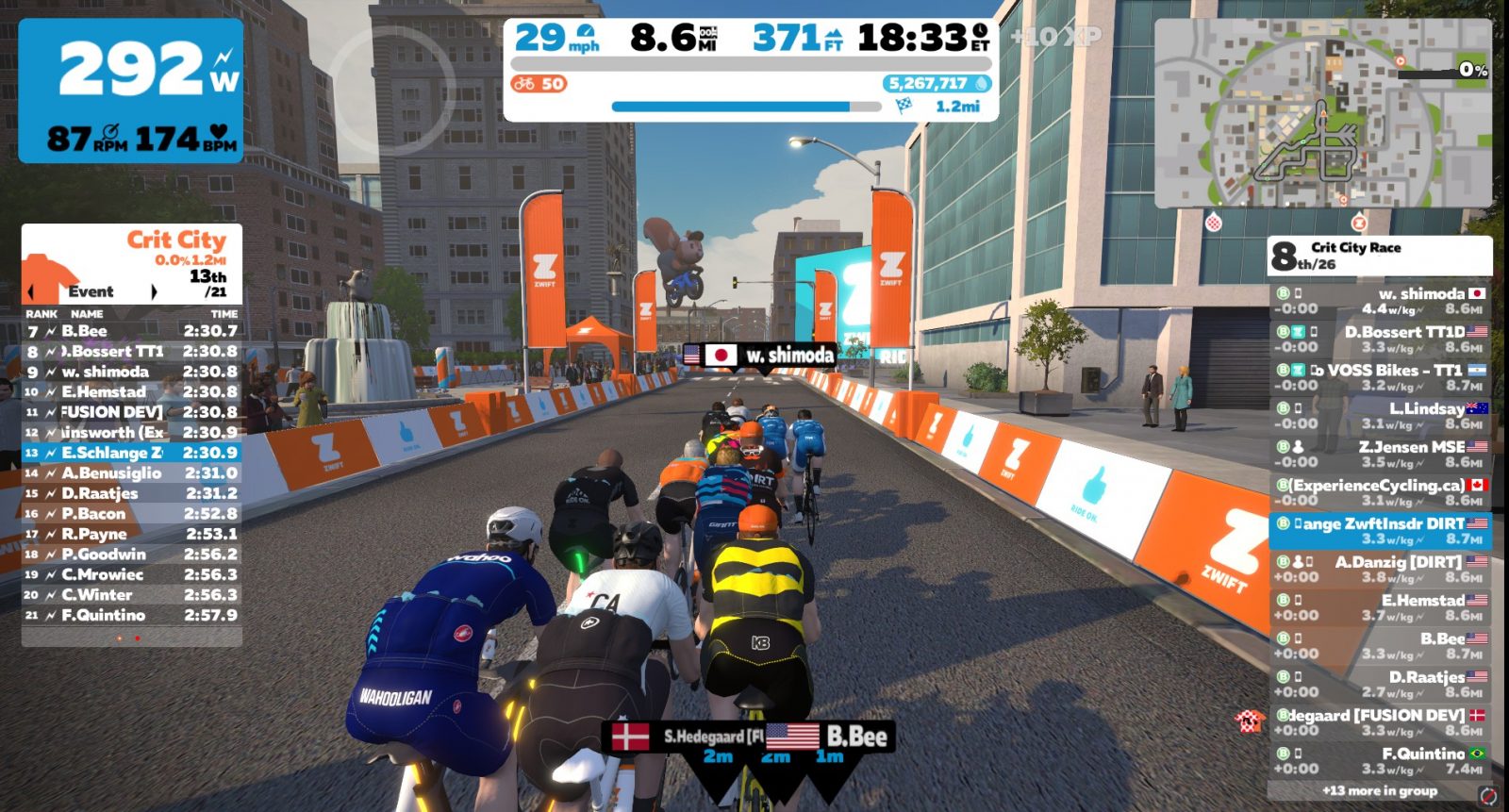
There were some strong riders pushing the pace at the front, and our group of 26 was reduced to 14 before the first lap was even finished. That group would basically stay intact for the remainder of the race.
The pack shrunk quickly from 26 to 14
After a couple laps, I was pretty sure we had two riders in the front of our group who would 1) finish the race well over the category limits or 2) blow up within another lap or two. They were constantly throwing down some big wattage on the front, but it was OK because we could sit on their wheels and let them work.
Were they sandbaggers, or just really strong? You really can’t think too much about that in a race situation. Just ride smart. Ride to win!
The Middle
We hit the twisty climb at the start of the third lap and Zane yelled in Discord, “I’m going for a break!”
I would have followed, except he caught me sleeping near the back of the pack. So I let him go. He managed a gap of 4-5 seconds, but good ol’ Hemstad towed us back to him.
Zane a few seconds off the front
Give Breaks (Brakes) a Chance
As we caught Zane I was reminded that breakaways need some help on Crit City–it’s just way too hard to get away, and this makes the races less exciting. Let’s go down a side road for a bit…
Here’s what I would love to see Zwift add to the Crit City course: position-based auto-braking. In a crit, pack position is huge. If you’re at the back of a pack going through tight corners you’ll have to put in a lot more work as the group slows to a crawl then you sprint back up to speed, over and over again. Conversely, if you’re in a 3-man breakaway off the front you can take that corner much more quickly. And this is a good thing, because it’s just about the only advantage the breakaway has on the chasing peloton.
We don’t have auto-braking on Crit City, though. Not yet. But it could be done! Riders could simply be slowed to a maximum speed (say, 20mph) on the two sharpest corners of the course. This would make the races more dynamic and crit-like.
But what if Zwift took it to the next level? What if the amount of auto-braking was based on your pack position? So the rider at the front of a pack would only get 20% of the auto-brake effect, while the riders at the back would get 100% of it.
I remember a little piece of software from a Zwifter years back that showed the percentage of draft effect Zwift was currently applying to your rider. So yes: Zwift already has a drafting “level” in play. What if that number was used to determine how much auto-braking was done? If you’re getting 0 draft, then 20% auto-brake. 100% draft? 100% auto-brake. And everything in between.
This would give the breakaway more of a chance, and reward those who are putting in the work on the front of the peloton.
Last lap: no powerup (again!)
The Finish
The remaining laps were fairly uneventful, and heading into the final lap I had received just 3 powerups in 7 chances through the arch. The powerup gods must be angry, because the ratios weren’t working in my favor! Hoping for something useful as we rode beneath the arch for the final lap, the spinner once again landed on the 10XP bonus. Boooo!
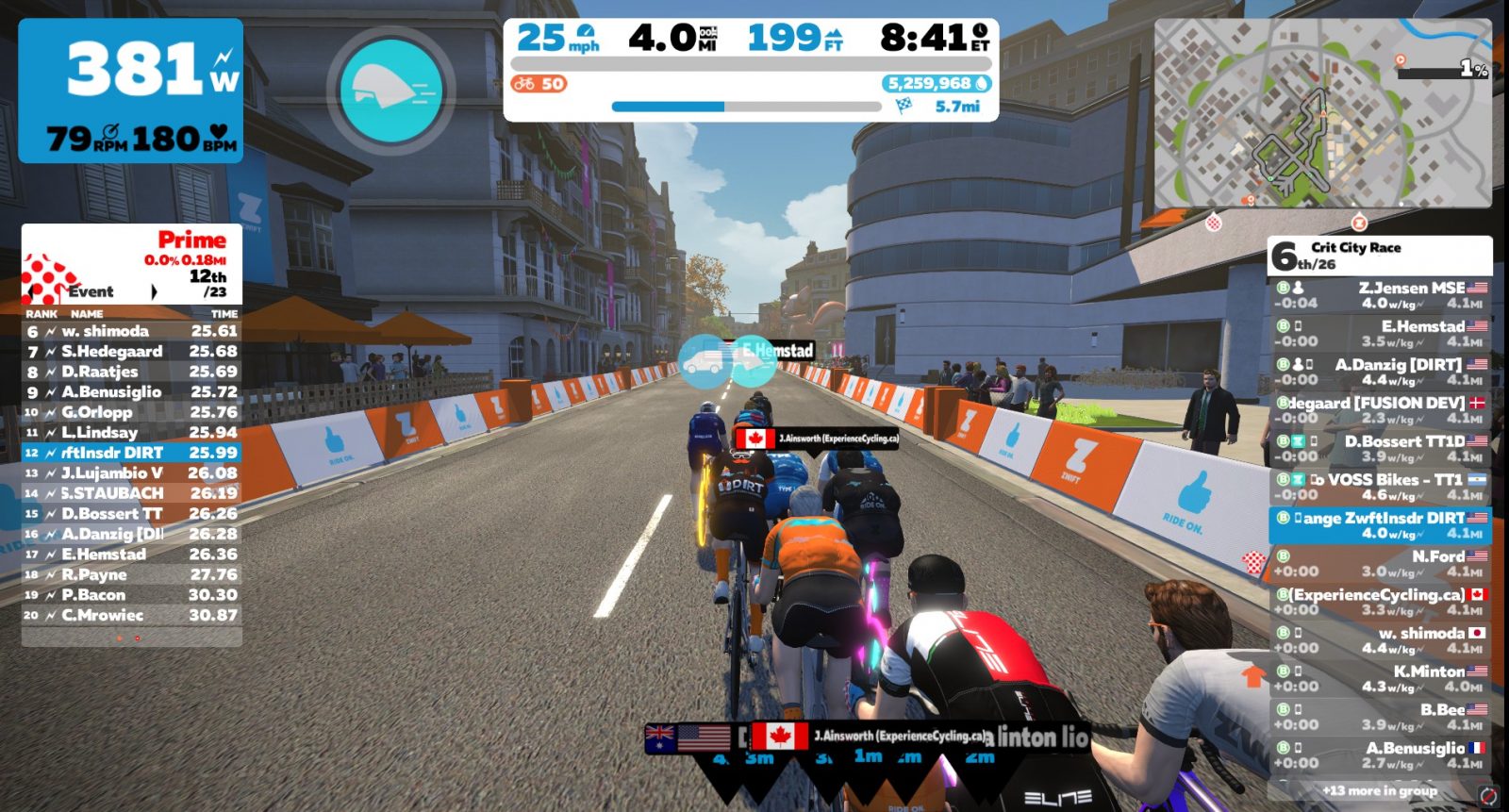
As always, the pace picked up when we hit the uphill twisties for the last time. I was out of the saddle happily hammering along, just doing my best to ride the wheels and conserve before the final sprint. Zane was right on my tail as we descended the bricks, making us 4th and 5th wheel as the pack stretched out thanks to Minton pushing hard on the front. I kept my eye on the riders ahead and the list to the right, ready to jump and grab a wheel if any strong riders looked like they may get away.
As we flew through the penultimate turn it was time to go all-in. No Tron bike? Can’t think about that now. No powerup? Oh well! My lovely wife had come up to the Lab and was yelling “GO GO GO!” and I was out of the saddle, head down, giving it all I had.
I wasn’t even sure if Zane was ahead or behind me. I was too busy putting everything I had into the pedals for those final 15 seconds.
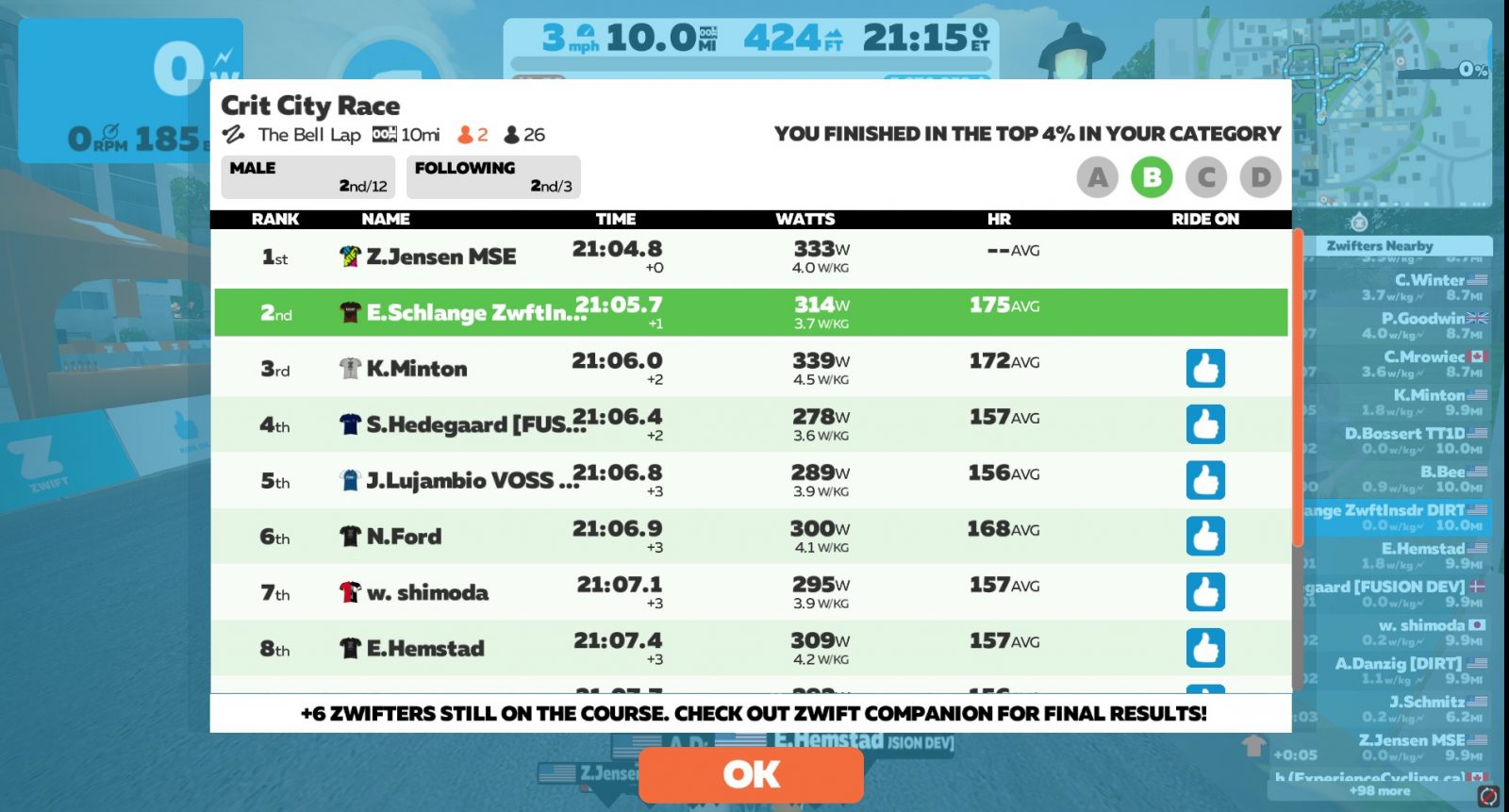
I crossed the line, looked up, and was delighted to see these results on the screen:
1-2, baby! I started singing “Weeeee are the champions” into Discord for Zane to hear, but I was so out of breath I only got the “We” out. NorCal boys take the podium!
Zane is a perfect example of how the current “final race results are on ZwiftPower” idea is broken. Why? Because he’s not on ZwiftPower.
Totally legit racer. Accurate power. But he’s not in the “final” results because there are too many hoops for him to jump through.
Oh yes, I’ve tried to get him to sign up. Repeatedly. But it’s just too much hassle for him. He just wants to ride. He’s never worn a heart rate monitor and doesn’t like hassling with tech. Since he doesn’t really care whether his Zwift race results are “final,” he’s not motivated to sign up.
For this race, that means: I won! Well, sort of. Except Zane beat me. But I DID get this:
Takeaways
Here are my takeaways from this race:
Racing with friends is fun. Even better if you’re on Discord.
Forgetting your Tron bike isn’t the end of the world. Neither is a lack of powerups.
A real-life cheering section always helps.
Your Thoughts
What do you think of my “positional auto-braking” idea? And does this count as a win for me? Please say it does. Chime in below!
With Apple TV, you can get high-quality Zwift performance at a reasonable price. You don’t need to shop for an expensive gaming computer or worry about whether it’s compatible.
But the platform and its remote do have their own quirks. In this video, Tariq from SMARTBikeTrainers gives Zwifters a list of handy Apple TV tips to make things a little easier. Don’t miss #10!
10 Zwift Apple TV Tips And Tricks You Should Know
Learn something useful?
Did you learn something handy from the video? Share it below!