Tiny Race Series – March 2 Routes and Last Week’s Results
See zwiftinsider.com/tiny for current Tiny Race details.
See zwiftinsider.com/tiny for current Tiny Race details.
Hello, dear reader. It’s been a few months since I wrote my last tale of race loss, but that doesn’t mean I’ve been lazy. Far from it! I’ve managed to lose (*checks ZwiftPower*) 17 races so far this year, but they’ve been pretty boring losses, so I haven’t taken the time to write about them.
I did win two gamified Repack Rush events, according to ZwiftPower. I’m not even sure that’s accurate. In fact, I’m quite sure it isn’t. And I got 2nd place in Stage 4 of ZRacing’s “Flat is Fast” January series, which was my best points result so far this year.
But today, I want to share my story of an exceptional race. Not because my result was exceptional, but because the event itself was far from the Zwift norm. Let’s dive in…
It was a Thursday, so I was on the bike at 6am spinning my legs in an easy 60-minute ride with Team Twenty24 in Richmond. I do this ride almost every week – it’s a great way to wake up, as ride leader Amanda Coker keeps the group chatty and positive while holding a steady pace.
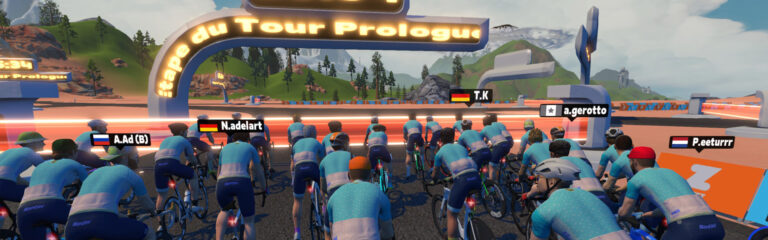
Then I joined the pens for my race: the L’Etape du Tour Prologue event on Going Coastal in Watopia. I knew the event would be big, as over 400 riders were already signed up. I knew the pace would be high, because there were no categories – everyone raced together! And I hoped I could hang onto the front of the group to the end, since it was a flat and short route (18.7km with 63m of elevation).
I joined the pens and saw Erik Lee was in the house. If you aren’t family with Erik, he’s a streamer (Don’t Get Dropped Cycling) whose videos we often feature in our weekly top 5 series. He’s a strong B racer, and as far as I know we’ve never raced in the same event before.
Popping over to ZwiftPower and sorting the signup list by ZwiftPower ranking, I saw the top ~15 riders had a score of 100 or better. Those are strong riders! I knew there was no way I was winning this race, but if I could hold on and sprint well in the finish I may just be able to nab a solid result.
The start was fast, but not too bad for a rider like myself who can hold solid steady watts. There were 518 riders in the start pens, but it strung out quickly, with elastic snapping all over the place before we even finished the 2.2km lead-in.
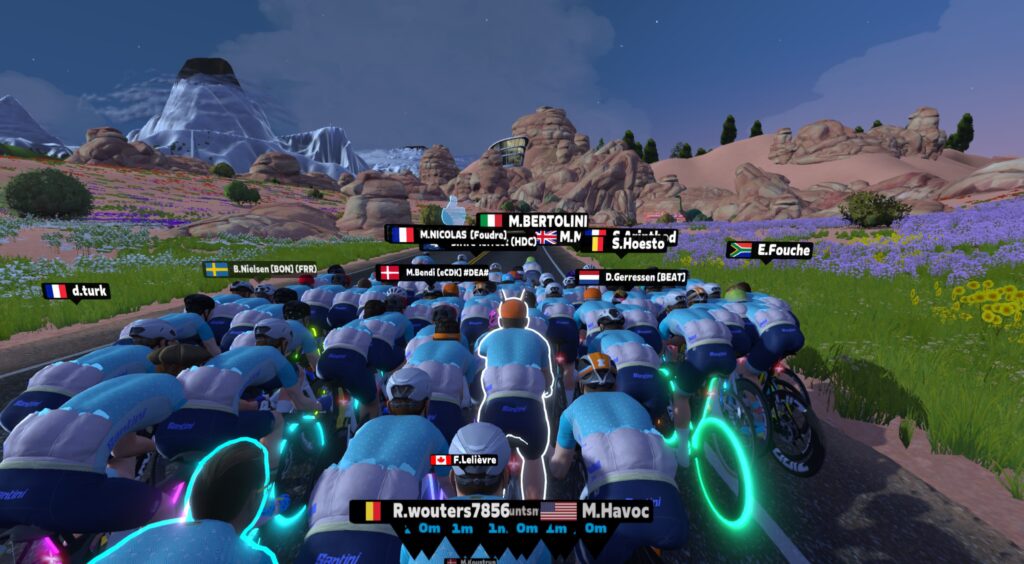
Call it serendipity: this was the perfect use case for Zwift’s new Player Highlight feature. Because we were all forced to wear the same kit (have I mentioned how annoying this is?) and the pack was huge, so without a highlight it was really hard to see yourself in the group. Even more so if you were on the Tron bike, which meant your rider’s head didn’t pop up when drafting.
This race really broke down into three sections, and this “start” was around 7 minutes long, taking us from the pens to the exit of the Fuego Flats oasis. I averaged ~305W for this bit, and just did my best to stay a few bike lengths from the front so I would benefit from the draft without getting gapped if a sizeable group attacked.
A few riders jumped off the front in this first section, but with a pack of (maybe?) 100 chasing, they weren’t getting far. I just surfed the wheels.
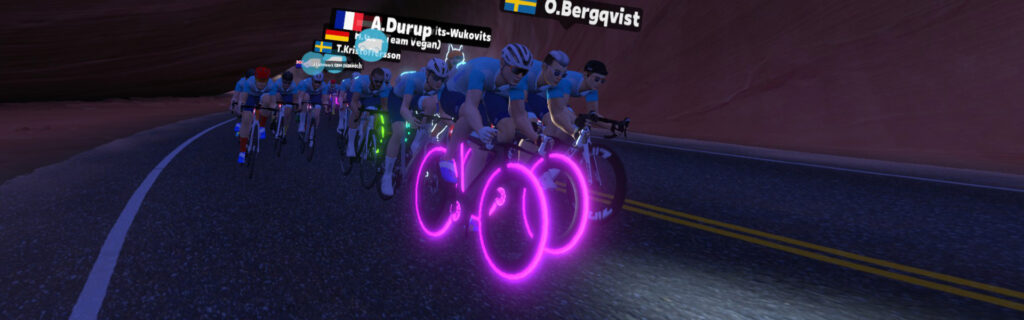
Zwift only renders the closest 100 riders, so the size of your peloton isn’t always clear in large events. You can see where you’re at by looking at your placing in the rider list, but if your pack is over 100, you don’t know if your pack is actually 100 riders like you’re seeing, or many more than that.
That said, there isn’t much difference between racing in a pack of 100 or 300. Either way, you’re not getting away on the flats, and it’s smart to stay near the front to avoid getting gapped.
The easiest bit of the race was from the oasis downhill to the descent into Googie Springs. I averaged ~275W for this 6-minute section, and not much happened apart from some attrition in the front group, shrinking it to around 80 riders.
I was feeling good in the front group. But then the work began.
The last 11 minutes of the race were the toughest, by far. I averaged around 320W for this bit.
As we zipped past Mr. Crankie’s Crab Shack in Googie Springs, the rollers began. And they just kept coming! Nothing steep or long, but constant up-downs where the strong riders would put in digs and stretch the group each time the gradient turned positive.
I tried to ride as efficiently as possible, letting myself drift back a bit on the climbs, while staying in touch with the front pack of ~40 who seemed to be staying together nicely. I also used my Zwift Play steering when possible to cut corners, giving me a slightly shorter line on the twisty roads. It helped!
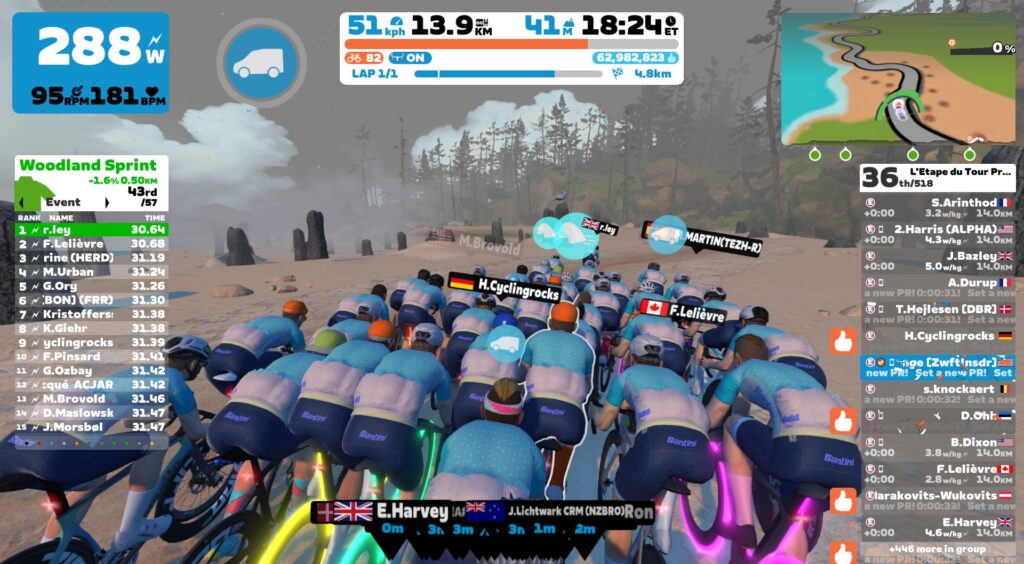
With 4km to go, the strong riders began attacking on a false flat, and the pack stretched out. I was out of position and already working hard when I noticed there were ~30 riders up ahead who had gapped the rest of us. This was the move!
But I didn’t feel I had the legs to chase them back. So I gambled. I stayed in the wheels of the chase group of ~25. And surprisingly, we bridged up! With 2.3km to go, it was all back together in the front group of 54.
You could feel the group take a deep breath at this point. With only 3 minutes left in the race, everyone knew it was kicking off soon. Get some oxygen. Spin the legs. Because this last bit is going to hurt…
The first attacker went with 1.8km to go. Then it was game on! The pack sped up from 44kph to 49kph, and began stretching out. I saw a certain “G Ozbay” fly past at 9+ W/kg. Then the road dipped down, past Herry’s, and tilted up for the final 250-meter run-in to the line.
I didn’t have much left, so I just activated my aero powerup then stood and hammered as best I could.
40th place. Ozbay took first. And in the battle of the Eric/ks, Erik Lee came out on top, finishing an impressive 16th!
See activity on Strava >
See results on ZwiftPower >
Despite finishing 36th in ZwiftPower, my result of 135.02 still earned me a slight points upgrade of 2.8 thanks to the super strong field. I’ll take it!
Could I have ridden this race differently and earned a better result? Maybe, but my gut says there’s nothing I could have done to significantly improve my finish.
I rode quite conservatively, apart from one short dig made in the oasis to follow a move I didn’t need to follow. Still, when the pack decided to go in that final 2km, I just didn’t have the legs to keep up. My only regret is not moving closer to the front when the pack sat up a bit before the final push, because doing so may have given me a few more positions in the finish.
This race reminded me of how difficult A-race finishes are, compared to B. In a B race, riders won’t go until the final 500 meters or less, and anyone who goes earlier than that is caught. In an A race, the pace picks up 2-3km from the line, sapping your legs before the sprint even begins!
So there’s a marked difference between an A-race finish and a B-race finish. But that’s why it’s such good training to race against the A’s as a B rider.
(I should add that the guy who won, Gökhan Özbay, is currently ranked #2 in the world on ZwiftPower. Is he legit? I’ll leave that for you to decide. But I’ll say this: if you’re ranked that highly without public dual recordings, elite Zwift race results, or strong outdoor results, other racers will consider you sus. And I wouldn’t blame them for doing so.)
Until next time… good luck in your racing, and Ride On.
Share below!
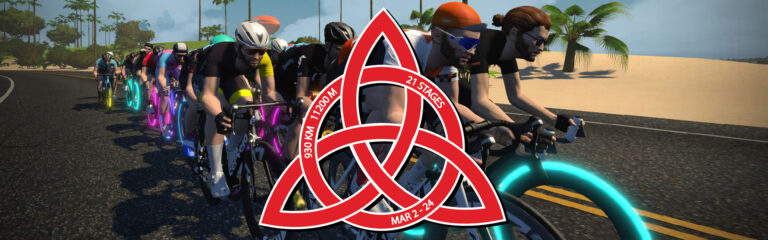
Flamme Rouge Racing’s biggest and hardest challenge of their third series of races begins March 2. World Tour Triquetra runs for three weeks, ending on Sunday, March 24 around the cobbles of Paris. The first Zwift Grand Tour of the year will visit every Zwift World over 21 stages while covering 930km and 11,000m of ascent – with just 2 rest days!
The Tour attracted over 2,500 riders in January, and FRR is looking forward to seeing many of those return, plus a few more for this epic journey into the unknown. Let’s look at the event details…
Can’t complete all stages? No problems. The Tour is made up of 3 editions consisting of 7 stages, and each will be individually resulted with awards given.
Meanwhile, those who can ride all 21 stages will chase the ultimate prize (which, let’s be honest, is mostly just the satisfaction of completion and the enjoyment of competitive racing!)
FRR offers all awards by gender and has 10 classes for Men and 7 for Women to create a tighter and fairer racing format.
With at least 8 event times available at each stage there should be a time available to fit everyone’s schedule around the globe, from Auckland to Hawaii.
Whether you are a sprinter, climber, domestique, GC contender, all-rounder, or team player there is something for everyone on every stage and it’s an ideal way to build towards the outdoor season.

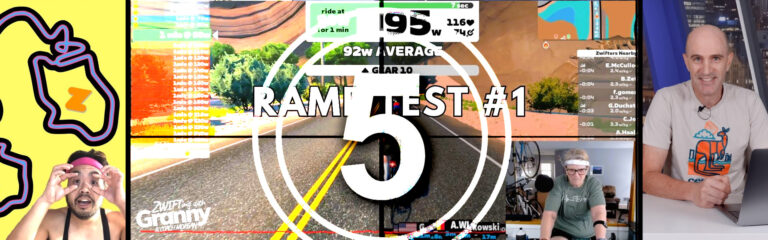
After the recent few winter months of riding on Zwift, one great way to test the fitness is through an FTP test. Watch as one Zwifter tackles a ramp test!
We’ve also chosen videos covering indoor cycling news, the discontinuation of the Zwift Hub One, a newer category B rider’s race recap, and a race recon.
After a couple of years of not having done an FTP test, Linda Messinger, Zwifting with Granny, decides to do a Ramp Test on Zwift. Watch as she tackles the dreaded FTP test. Note: Hit the subscribe button to help her get to 1000 subscribers!
Following the discontinuation of the Zwift Hub One, lots of Zwifters were left frustrated, questioning whether their purchase was right. Team Saunders shares their thoughts on the situation and shares their story with the Zwift Hub One.
As a newer category B rider, Georg attempts a category B race as part of Zwift’s Race Like a Champ series. Can he hold onto the lead group?
Share the link below and we may feature it in an upcoming post!
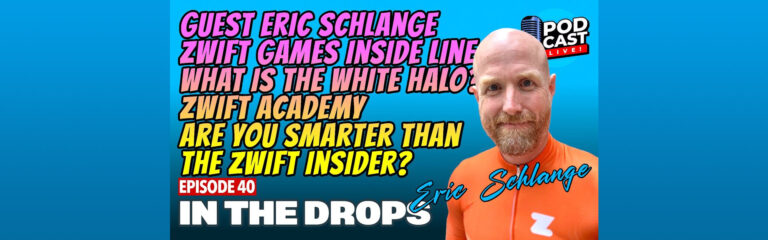
Episode 40 of In The Drops saw the return of the OG team, including Andrew ‘The Paceline’ Hudson and featured special guest, Mr Zwift Insider himself, Eric Schlange!
We looked in awe at Eric’s beautiful new bike, and heard about his visit to Eric Min’s home and what he learned about the future of Zwift. We admire the Gold Trons, both real and virtual. We discuss the new routes coming in and all the fun surrounding Zwift Games. Nathan takes over the Inside Line as he’s surprised by the appearance of a volcano in the middle of a TTT. There are velodromes and white outlines, the possibility of Zwiftin’ Cider and Lance being Lance. The show crescendos with Eric’s wish list of 5 things to improve Zwift!
Don’t miss the quiz, where we find out if anyone knows more about Zwift than Eric…
UPDATE: Zwift greatly improved their banding algorithm after this post was published. To see current “keep together” test results, read the updated post.
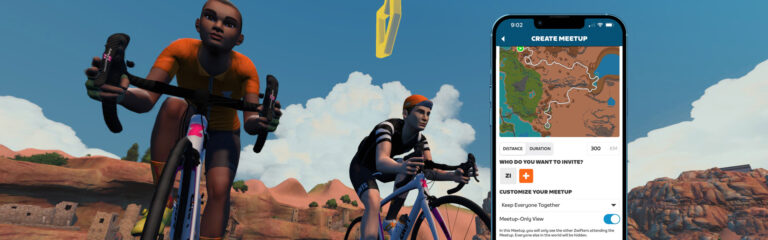
How does Zwift’s “Keep Everyone Together” logic work? I’m not entirely sure, but after publishing speed test results for rubberbanded Club events many Zwifters said “Keep Everyone Together” mode behaves differently in Meetups than Club events!
That seemed goofy to me… why would Zwift have two different Keep Together algorithms? I knew I had to run some tests to see if the rumors were true.
In addition to seeing if rubberbanding behaves differently in Meetups than in Club events, these tests were also done to answer the question do rubberbanded speeds in Meetups make sense? Or are they too slow, too fast, or some strange mix of both?
The riders in these tests were 75kg in weight, 183cm tall, and rode Zwift Carbon bikes with 32mm carbon wheels. I timed the riders on the Fuego Flats Reverse segment since it’s flat and long enough to get a stable speed reading.
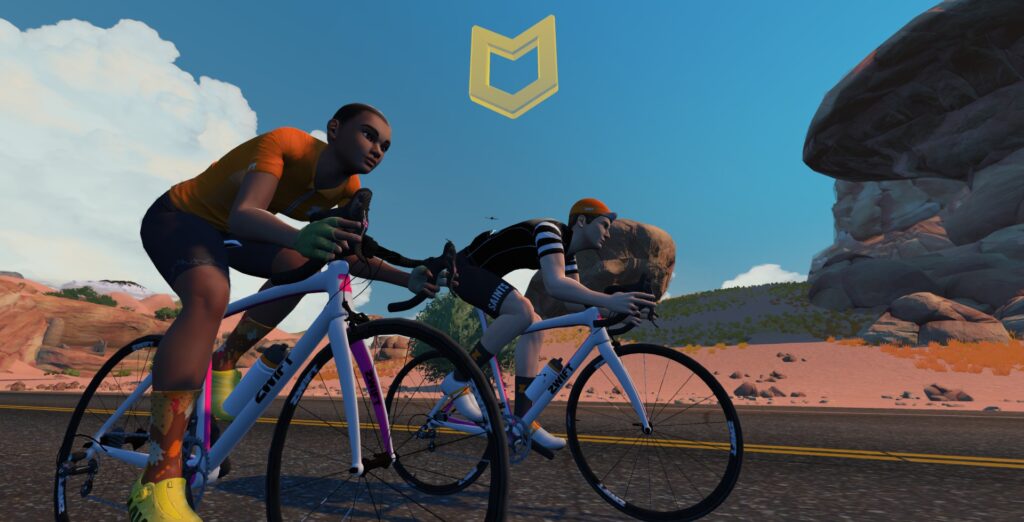
This first round of tests used just two riders in a Meetup event with “Keep Everyone Together” mode enabled. Here are each rider’s power outputs, segment times, and average speeds.
| Rider 1 | Rider 2 | Time | Speed (kph) |
| 300W | 300W | 10:19 | 41.06 |
| 300W | 225W | 10:55 | 38.8 |
| 300W | 150W | 10:56 | 38.74 |
| 300W | 75W | 10:56 | 38.74 |
| 300W | 10W | 10:56 | 38.74 |
| 225W | 225W | 11:42 | 36.2 |
| 225W | 150W | 12:09 | 34.86 |
| 225W | 75W | 12:09 | 34.86 |
| 150W | 150W | 12:37 | 33.57 |
| 150W | 75W | 14:10 | 29.9 |
The first thing that stands out here is how much faster the riders moved compared to a banded Club event. Here’s a comparison table:
| Solo Rider | Banded Meetup (2 Riders) | Banded Club Event (2 Riders) | Club Event (4 Riders) | |
| 300W | 40.23 kph | 41.06 kph | 32.58 kph | 40.19kph |
| 225W | 35.95 kph | 36.2 kph | 28.72 kph | |
| 150W | 30.81 kph | 33.57 kph | 26.12 kph |
Looking at these comparisons, it’s clear that the riders in the banded Club events were moving much too slowly, while the banded Meetup is pretty close to accurate. (Two riders holding 300W in a banded Meetup are just slightly faster than a standard event with 4 riders holding 300W.)
So something is clearly different with Zwift’s “Keep Everyone Together” algorithm for Meetups vs Club Events. Interestingly, though, both types of events share the same odd behavior when it comes to having a “strong” rider pulling a “weaker” rider. The results above, just like the Club event results, show that times don’t change as the weaker rider’s power decreases.
That is, when Rider 1 is holding 300W and Rider 2 is holding 225W, they’re traveling at the same speed as when Rider 1 holds 300W and Rider 2 holds 75W. That’s strange. Shouldn’t groups travel significantly faster if the group’s average power increases significantly?
Next, I wanted to test if a solo rider in a rubberbanded Meetup still traveled as slowly as the paired riders above. So I created a Meetup with “Keep Everyone Together” enabled, but only had one rider join. Here are the results:
| Rider 1 | Time | Speed (kph) |
| 1000W | 60 | |
| 300W | 10:56 | 38.74 |
| 225W | 12:09 | 34.86 |
| 150W | 14:09 | 29.94 |
First, notice that the times for the solo riders matched the times when we paired up two riders, but one was doing less power than the other (see Test 1 above). That’s certainly not a coincidence. And it actually matches what would happen outside! That is, you would travel at the same speed riding alone at 300W as you would if you held 300W but had a weaker rider sitting on your wheel.
Secondly, notice that the solo rider times in this test are slower than solo rider times when in free ride mode. They’re not nearly as far off as my solo rider tests in banded Club events, but they’re still off.
The 1000W test is also interesting since it’s sort of a “max speed” test that shows if banded Meetups have high speeds impacted. In rubberbanded Meetup mode the rider reached 60kph, while in free ride mode the same rider holding 1000W reaches around 62kph. Again, much closer than the banded Club ride (where the 1000W rider could only hit 47kph). But still not quite the same speed as a free ride.
These test results clearly show that “Keep Everyone Together” mode in Meetups behaves very differently from “Keep Everyone Together” mode in Clubs. Specifically, banded Meetups are markedly faster than banded Club events.
And that’s weird, right? I can’t think of any reason why Zwift would want to run two different versions of “Keep Everyone Together.”
Do banded Meetup speeds make sense? Or do they feel too fast, or too slow? My hunch is they may feel pretty accurate for medium and high-strength riders, since pack speeds in these limited tests are mostly aligned with the power being done by the stronger rider. For that reason, speeds may feel a bit fast for low-powered riders, since they’re effectively being pulled along at the strong rider’s speed, even if they’re putting out next to zero power.
Nobody will be breaking land speed records with the current algorithm like they did with the buggy one in years past, but for sure a rider who can only hold 100W is going to set a lot of Strava PRs if they jump into a banded Meetup with riders who can hold 300W!
Because of this, perhaps Zwift should consider tagging banded activities as “gamified” when posting to Strava, so the activities don’t show up on leaderboards or count for PRs. What do you think?
I’ll be testing speeds in a group workout to see if the algorithm that keeps riders together in these events matches up with either the Meetup or Clubs “Keep Everyone Together” algorithm. For science!
Also, we’re working on banded Meetup and Club event tests on Alpe du Zwift, to see how rubberbanding behaves on long climbs. Stay tuned!
Share below!

The Iceni Women’s Series is back! This popular women-only race series is celebrating Women’s History Month with a racing challenge each Tuesday in March. Powerhouses and strategists from category A through D are invited! See all the details below…
In case you don’t remember your Roman history, the Iceni tribe was ‘peacefully annexed’ by the Roman Empire at some point before 47 AD, though it was allowed some autonomy. When the King of the Iceni tribe died and Boudicca I became High Queen of Iceni, the Roman Empire saw her unfit to rule and invaded the region. Iceni then led a revolt against the Roman Empire and regained its independence, along with the independence of several other tribes.
This led to the subsequent formation of the Comhairle, an alliance of the British tribes. Iceni had a major say in Comhairle affairs and became an important center of trade, military, and leadership. A prime example of women pulling society together, right?
This series uses standard A-D women’s categories, and category enforcement will be used. Categories will start and race separately.
Sign up at zwift.com/events/tag/iceni
Each week features two different league times, which change slightly throughout the month due to daylight savings time. You will want to race the same league time each week if you are competing for the overall series win.
This year there are four distinct challenges over the month, with each week being a challenge in itself as riders look to maximize their series points.
This is one of the first major races on Sugar Cookie, a new route released by Zwift in October 2023, and the points in this race are tricky! The first sprint is FAL, but the second and third are FTS – so while the first sprint could encourage breakaways, the pack speed will be undeniably an advantage in the second and third sprints. To finish it off, the fourth and final segment will be FAL followed by 15km more of racing for finish points, including a short, steep climb around 20 km. Sprinters might have a chance to bag major FTS and FAL points, but will have a hard time with the 900 meter climb and furious racing after the segments are done. Prepare your strategies well for this one!
Intermediate Points :
Finishing Points: 75 – 1 points depending on your finishing position in your category.
Ready for some sprint-climb time? In this challenge, we’re adding a twist by featuring three short races for racers’ enjoyment. Be sure to choose bike equipment wisely, as drafting is disabled in the first two races.
Finishing Points: 50 – 1 points depending on your finishing position in your category on each mini race.
We are off to Yorkshire for week 3 with 2 QOMs and one sprint segment in play. Again, racers will have to think about their strategy for this course, as only FTS is up for grabs on the first sprint (right out of the gates, where everyone will have fresh legs), and then the Yorkshire QOM and Yorkshire Reverse QOM come within 5km of each other. Racers will likely target one or the other QOM. However, your strategy for this course might have to be dictated by the powerups that you get – with the anvil and the feather in the mix, each racer will have to adjust on the fly to get the most out of them.
Intermediate Points :
Finishing Points: 75 – 1 points depending on your finishing position in your category.
The last challenge of the series takes us to France, where riders, once again, will need to focus on their strategy to score the most points. Two sprints and two QOM’s are in play, all in the back half of the race, with the first up being a FAL sprint! (Breakaway, anyone?) But if you miss the FAL points there, you’ll have a good chance at FTS only a few kms later on the Aqueduct with a bigger group. So what will you go for? FAL, or FTS?
Intermediate Points:
Finishing Points: 75 – 1 points depending on your finishing position in your category.
The winner of the series is the rider who has accumulated the most points in their category, in their league. Each time slot has its own league.
See overall ZwiftPower standings for Europe time slot >
See overall ZwiftPower standings for Americas time slot >
Sign up at zwift.com/events/tag/iceni
ZMS Esports Studio will be providing live stream commentary of the races each Tuesday. Watch them on YouTube or Facebook!
Post below!
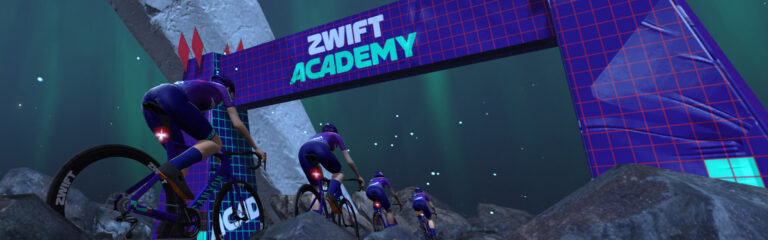
If you’ve been following this week’s Zwift Academy Final series from Eurosport, you know it’s been filled with highs and lows, thrills and spills, triumph and disappointment! Today, with the release of the final episode, the winners have been announced.
Congratulations to Maddie Le Roux (South Africa) and Louis Kitzki (Germany), winners of Zwift Academy 2023!

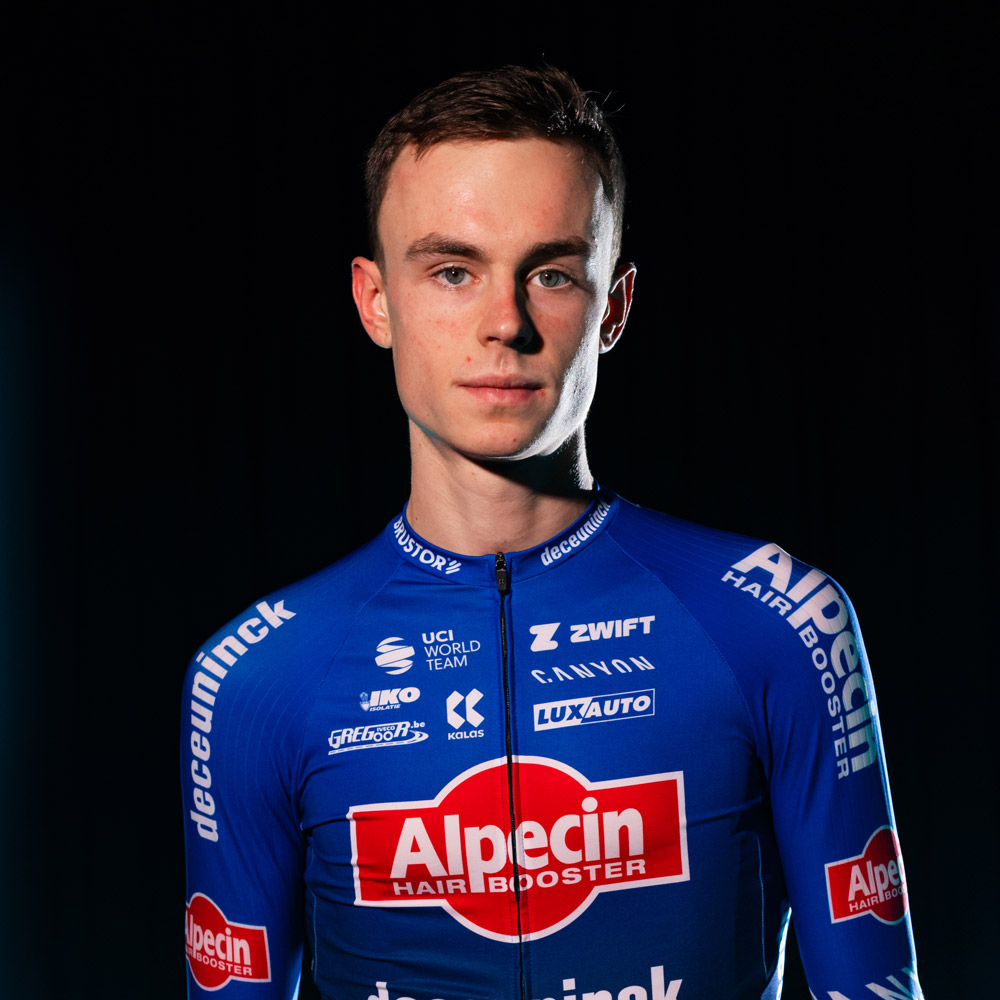
For the eighth year, the Zwift Academy talent identification and training program, in partnership with Alpecin-Deceuninck and CANYON//SRAM, has awarded professional contracts to two athletes who distinguished themselves above all others. South Africa’s Maddie Le Roux will join CANYON//SRAM Generation and Germany’s Louis Kitzki will join the Alpecin-Deceuninck Development Team. These two talented riders will add their names to a glittering list of Zwift Academy alumni, including Neve Bradbury and Jay Vine.
Maddie and Louis set themselves apart from more than 108,000 Zwifters who participated in the 2023 Zwift Academy. They were among the finalists – three women and three men – who were invited to their respective team camps for finals in Denia.
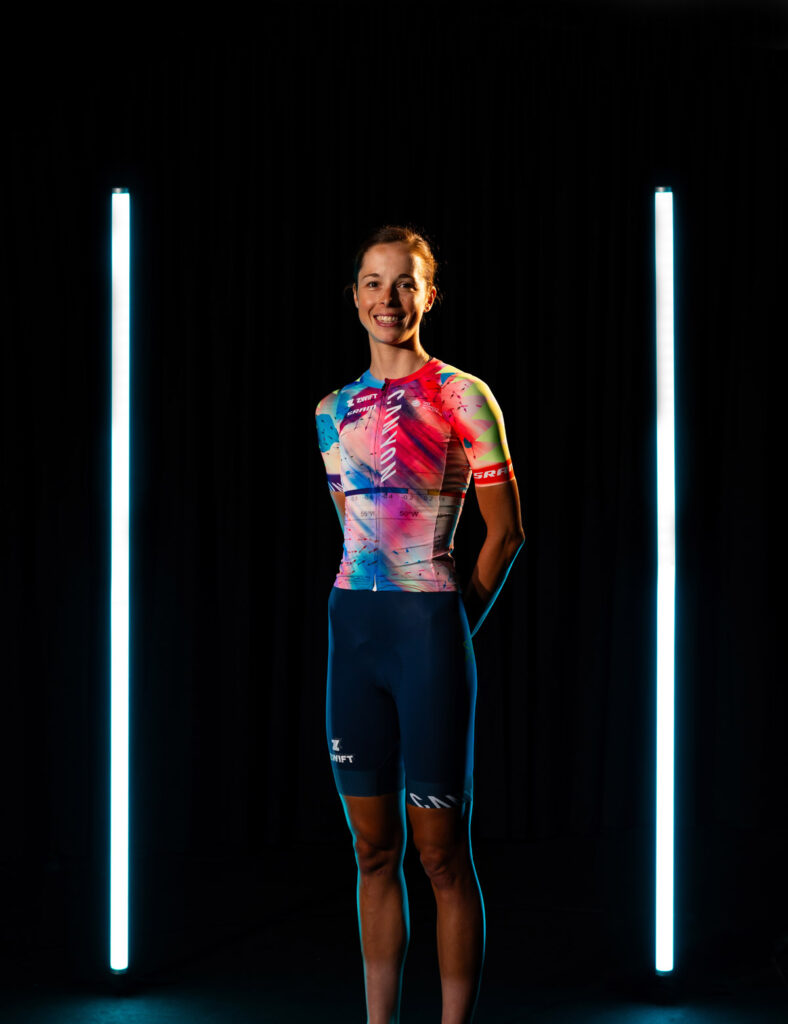
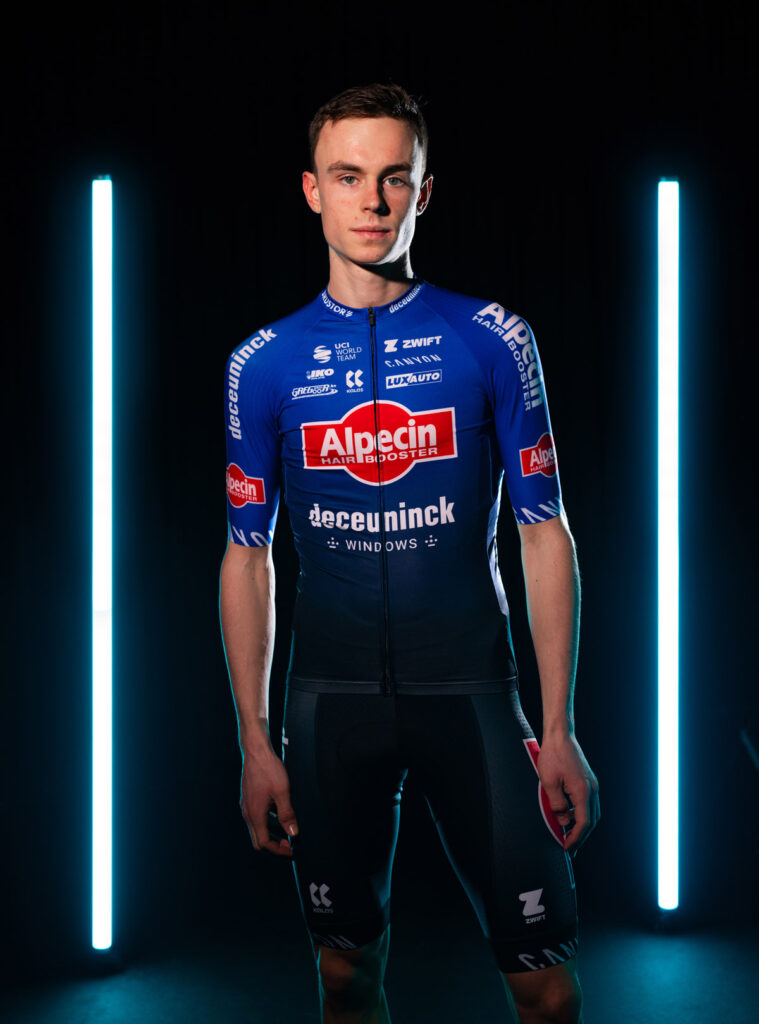
At the finals, all the finalists participated in challenges and races on the road as well as a Zwift race, met with coaches and team staff as well as joined the group rides with athletes from their potential future teams. Maddie distinguished herself by having strong power numbers and high-level race experience. Viewing this as her last opportunity to take her cycling career to the next level, Maddie approached each challenge with intense focus and a calm demeanor.
Adam Szabó, Team Director at CANYON//SRAM Generation says: “Maddie excelled in many of the challenges but where she stood out from all the finalists was supporting her designated leaders during the Zwift race. This moment was a turning point in the week, and we were sure this was what we were looking for in our team. We’re excited to welcome her to the team.”
“I’m excited to finally be able to share the news, it still feels unbelievable, to be honest, but I’m sure it’ll sink in soon,” said winner Maddie Le Roux. “It’s been a whirlwind since coming back from finals, but I am looking forward to joining the team in Europe and getting the season started.”
Louis impressed the coaching staff at finals with his raw talent, ambition and determination showcasing a huge amount of development potential. The youngest of the ZA Finalists, Louis took advantage of his exposure to the team’s coaches and the innovative talent identification opportunity Zwift Academy presents.
Kristof de Kegel, Performance Manager at Alpecin-Deceuninck says: “This edition, the finalists were the closest ever to compare on a physical level. Louis has the combination of a young age with the belief and awareness that his ‘weak points’ are only working points, which gave him the advantage over the other finalists. All three had massive physical capacities but Louis in our opinion the most workable profile in the long term.”
“The Zwift Academy Finals was such a unique experience riding with the team and getting to spend that time with the coaches, it is such a great way to really test if you can handle the professional cycling lifestyle,” said winner Louis Kitzki. “I am so excited to join the Alpecin-Deceuninck development team for the coming season, to learn from some of the world’s best cyclists, and hopefully follow in Luca’s footsteps!”
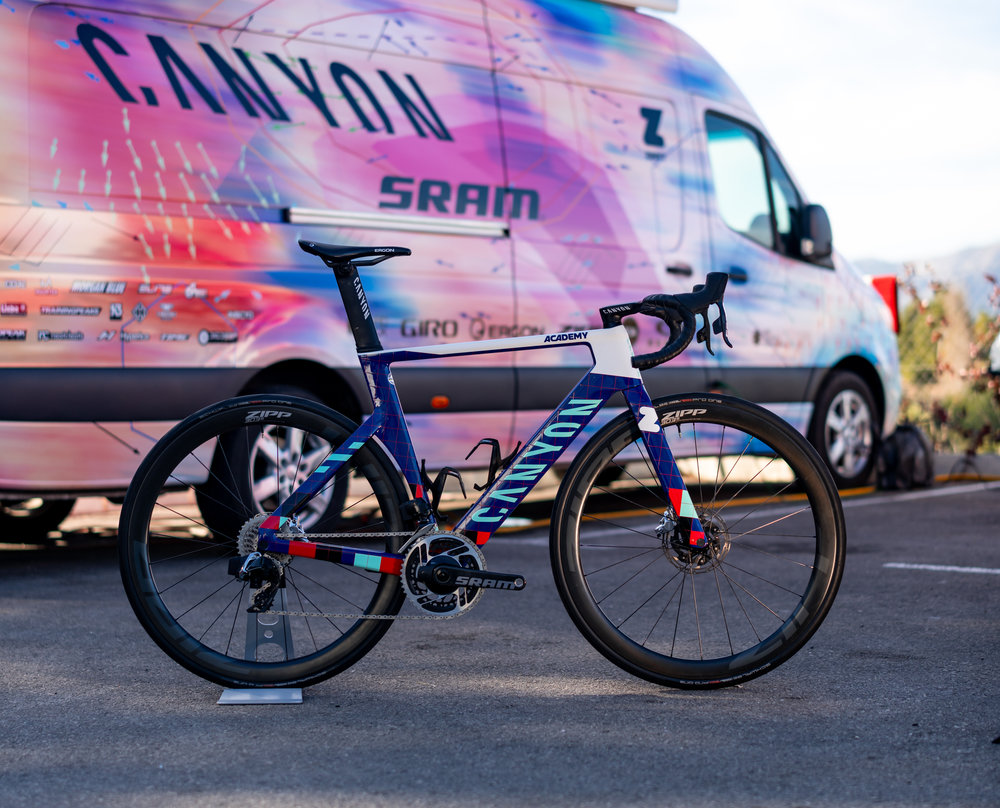
Maddie and Louis have been settling into their new teams since January. They’ve been enjoying riding on their specially designed Zwift Academy Canyon Aeroad and are looking forward to representing their new teams at the early season races.

Name: Clara Le Gros
Hometown: Paris
How did you get into cycling? For my 27th birthday (I’ll be 29 in 2024), I wanted to make changes in my life to make it more… healthy after almost a decade of professional couch potatoing! My brother gifted me a smart bike as I always liked to ride a bike as a child. As riding near a big city alone can be quite dangerous with no experience, hence the direct entry to the Zwift world. In fact, I began road cycling a few months after! Quite a unique way into the cycling world.
How many years have you been racing on Zwift? I really began Zwift races a year ago.
Are you part of a virtual team? I am part of Foudre since the beginning and I also began to ride with Hexagone’s Women’s team a few weeks ago to learn the highest level of women’s Zwift racing.
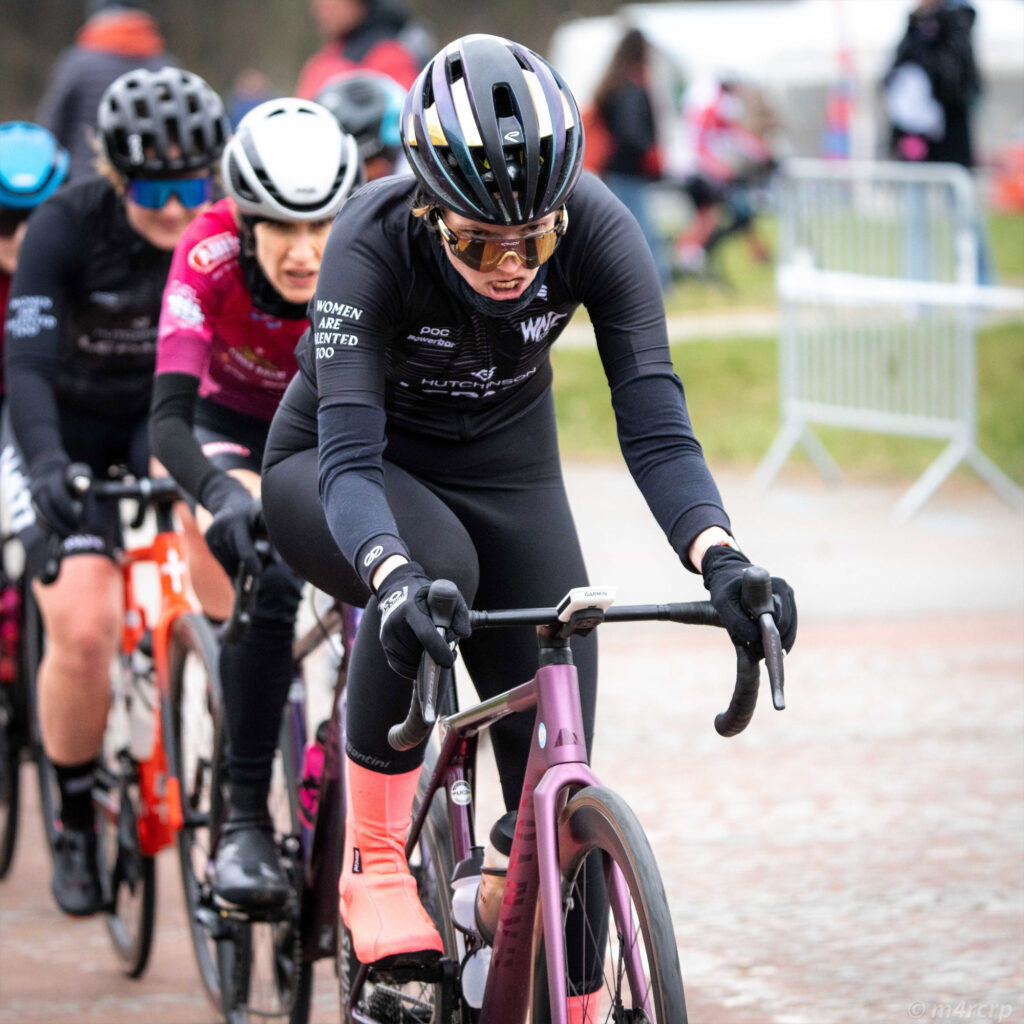
What do you love most about racing? I love to lose myself in a race. When nothing else matters… I feel my body and my mind in a way that I can’t describe, they are there more than ever and also, it is like I am not myself anymore. And then, if I succeed to win the race, it is just a rainbow of very strong emotions. I love it! I also like to speak with the other racers/teammates in Strava/WhatsApp. I think we really push each other to become stronger and everyone is always very nice. I really like the spirit in Zwift, especially between women. We really root for each other.
What is your favourite style of race (e.g. points, scratch, iTT, TTT, Chase, duathlon)? I like scratch and points races on flat/hilly races! I like to show my raw power. I don’t really like individual TT and mountain races as steady power is not really my cup of tea. I think I’d like to do more TTT as the common effort and the strategy needed is really interesting.
What is your favourite Zwift women’s race series? I really liked the Zwift Women Racing series that occurred this past Spring/Summer. The Tour de Boudicca in the beginning of January was also great as doing 3 nights of racing in a row is not so common! The third one is the French FFC championships, we unfortunately have a very small crowd at the highest level of French women Zwift racing but I must tell you that the women that are there are world-class! The common point between those women’s series is that the field is very strong and it makes me want to work harder and become better.
What is your most memorable racing experience, inside or outside or BOTH? When I won a sprint in the Boudicca series by 0.05s after a very bad launch! It was quite epic, especially with the broadcast comments behind! Also, even though I don’t go very often to « outside » races, a girl recognized me from Zwift as she saw broadcasts and my results. It was a real surprise, I felt like a star.
What is your favourite food to eat post race? Guacamole and waffles filled with chocolate.
What advice would you give to a woman entering her first Zwift race? Do not forget to buy a heart rate monitor. The beginning of a race is almost always very fast so brace yourself! Do not forget to warm up and fuel yourself. Even if it is a « short » effort (compared to outside races), you will need water and carbs! More importantly, to not hesitate to talk to the other women and ask questions! You can also join a team to share your pain… hmmmm… experience.