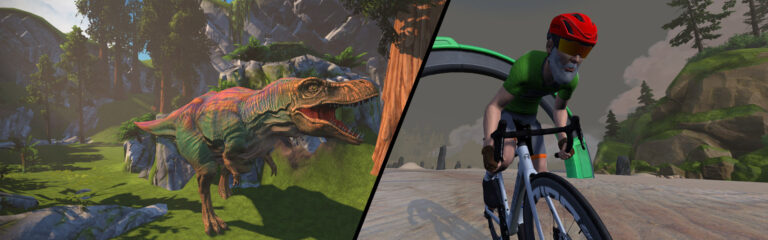
It’s the first L’Etape weekend of 2024, and hundreds of riders are already signed up for the big Main Stage event. Additionally, we’ve picked an eclectic mix of weekend events: a tough group ride, a women-only group ride, and two rides for a good cause.
The L’Etape du Tour de France series just launched this week, and the non-categorized races are proving very popular! This weekend is the first “Main Stage” L’Etape event, and competitors will take on a lap of Big Foot Hills (69.9 km/43.4 miles, 707 m/2,320′).
The Uber Pretzel (128.3 km, 2335m) is arguably Zwift’s toughest route, so if you want to grab this coveted route badge, doing it in a large group is a big help! The good folks at ENJOYYOURBIKE are hosting such a ride on Saturday, and there’s even a Discord channel to help pass the time.
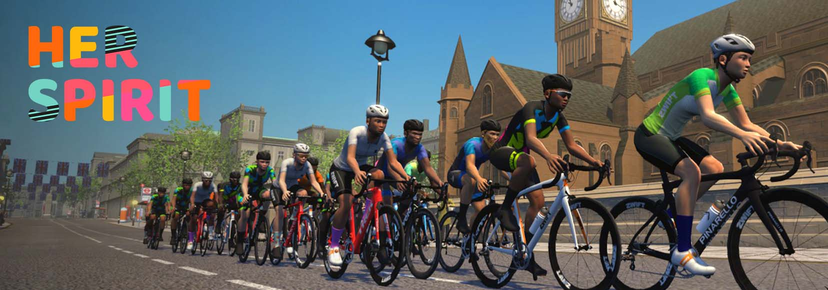
Ladies, if you’re looking for a women-only group ride, this may be just the ticket. It’s the last ride in the “Tour de Her Spirit”, and it’s an open-paced 90-minute event on London 8 Reverse. Finish the event to unlock the colorful Her Spirit kit!
✅ Big Name Leaders ✅ Good Cause ✅ Beginner-Friendly
Join Tour de France stage winners Andre Greipel and Marcus Burghardt on a ride held “to set a sign of peace and international understanding in Europe and the world.” The ride’s stated pace is 2.2-2.5 W/kg, on the Makuri 40 route for 60 minutes.
Popular Canadian cyclist Kris Yip passed away suddenly in January, and this event is being held to celebrate “Kris’s legacy of kindness, sportsmanship, and inclusivity.”
We choose each weekend’s Notable Events based on a variety of factors including:
Is the event unique/innovative in some way?
Are celebrities (pro riders, etc) attending/leading?
Are signup counts already high, meaning the event is extra-popular?
Does the ride include desirable unlocks or prizes?
Does the event appeal to ladies on Zwift? (We like to support this under-represented group!)
Is it for a good cause?
Is it just plain crazy (extra long races, world record attempts, etc)?
Is it a long-running, popular weekly event with a dedicated leader who deserves a shout out?
In the end, we want to call attention to events that are extra-special and therefore extra-appealing to Zwifters. If you think your event qualifies, comment below with a link/details and we may just include it in an upcoming post!
The finals for Zwift Academy 2023 have just finished, and Zwift partnered with Eurosport to bring you a series of four episodes documenting the finals process.
Today the final episode premiered, in which we find out who won the competition. Watch it below:
We begin in Denia, Spain, where the men are paired up with pro riders for some VO2 intervals near the start of a 5-hour ride. Then near the end of the ride, they’re asked to do it again, with an all-out 4-minute effort! Ouch.
The coaches compare each rider’s 4-minute power numbers from a couple of days earlier:
Mattia
Anton
Louis
Day 1
7.22 W/kg
7.5 W/kg
7.15 W/kg
Day 4
7.41 W/kg
7.87 W/kg
7.44 W/kg
The coaches meet with each of the three men’s finalists to let them know their final decision. And the winner? Let’s just say it’s a happy birthday for him!
On to the women, who take on a ride just under 100km where they are tested in their various skills and endurance. And they end with a 5.2km time trial, where the coaches tell them they’re simply looking for the fastest rider!
Katy
Laura
Maddie
TT Time
11:11:20
11:23:59
10:53:10
The coaches meet with each of the three women’s finalists to share their final decision. But you’ll need to watch the video to learn who it is!
Wahoo Releases KICKR v6 and KICKR MOVE Firmware Update: Virtual Shifting + Race Mode Over BLE
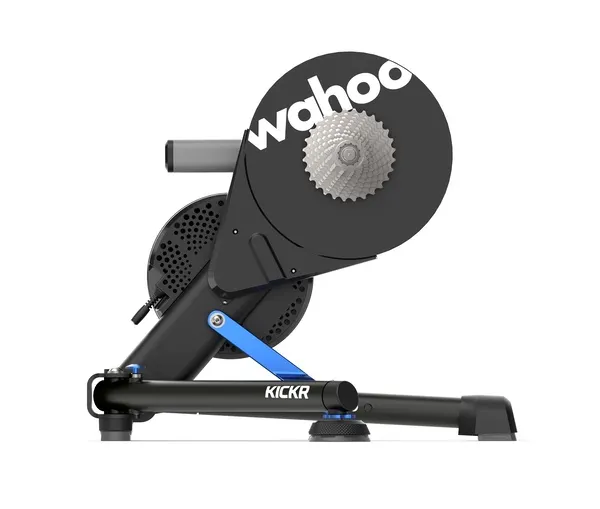
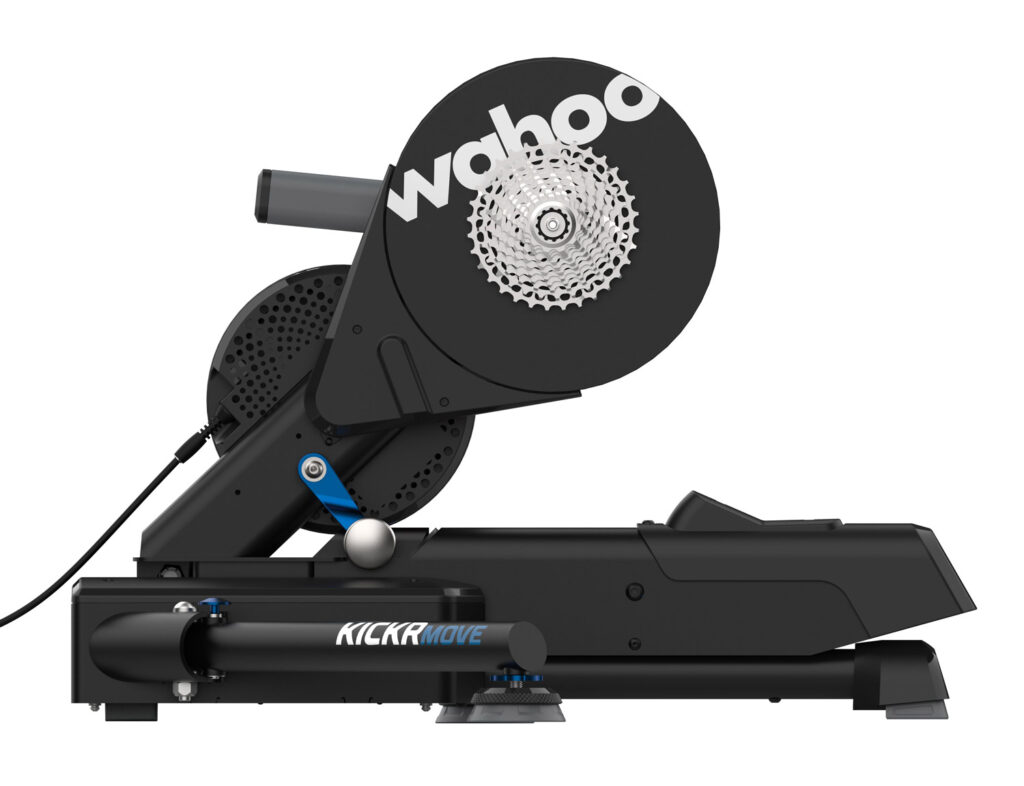
Wahoo just released firmware updates for the KICKR v6 and KICKR MOVE, bringing two new Zwift-specific features to their flagship smart trainers: virtual shifting and race mode over Bluetooth!
With virtual shifting, your chain doesn’t move between different rear cassette cogs when you shift. Instead, when you click to shift using your Zwift Click or Play Controllers, the resistance on your trainer changes so it feels like you’ve changed cogs.
This is how smart bikes like the Wahoo KICKR Bike, Tacx Neo Bike, and Stages SB20 have worked for years (although they use their own shifters, not Zwift’s). Today’s update adds virtual shifting to the KICKR v6 and KICKR MOVE, bringing the list of smart trainers supporting Zwift virtual shifting to four:
Zwift Hub
KICKR Core
KICKR v6
KICKR Move
You don’t need the Zwift Cog on your trainer to enjoy virtual shifting. In fact, we would argue that virtual shifting is smoother and quieter with a standard cassette! All you need is a Zwift Click or Play Controllers and your updated KICKR trainer on Zwift.
Keep in mind that you won’t get virtual shifting capabilities if you pair your KICKR via ANT+. It must be paired via Bluetooth directly on your device, via the Companion app, or via your local network.
Race Mode on Bluetooth
Race Mode sends power data to Zwift 10x per second (10Hz), instead of the default of once per second (1Hz). This increased responsiveness can be advantageous in races.
Before today’s firmware update, Race Mode was only available if you connected your KICKR via WiFi or the Direct Connect adapter. Now, as long as you’re connected via Bluetooth, Race Mode will be available.
Updating KICKR Firmware
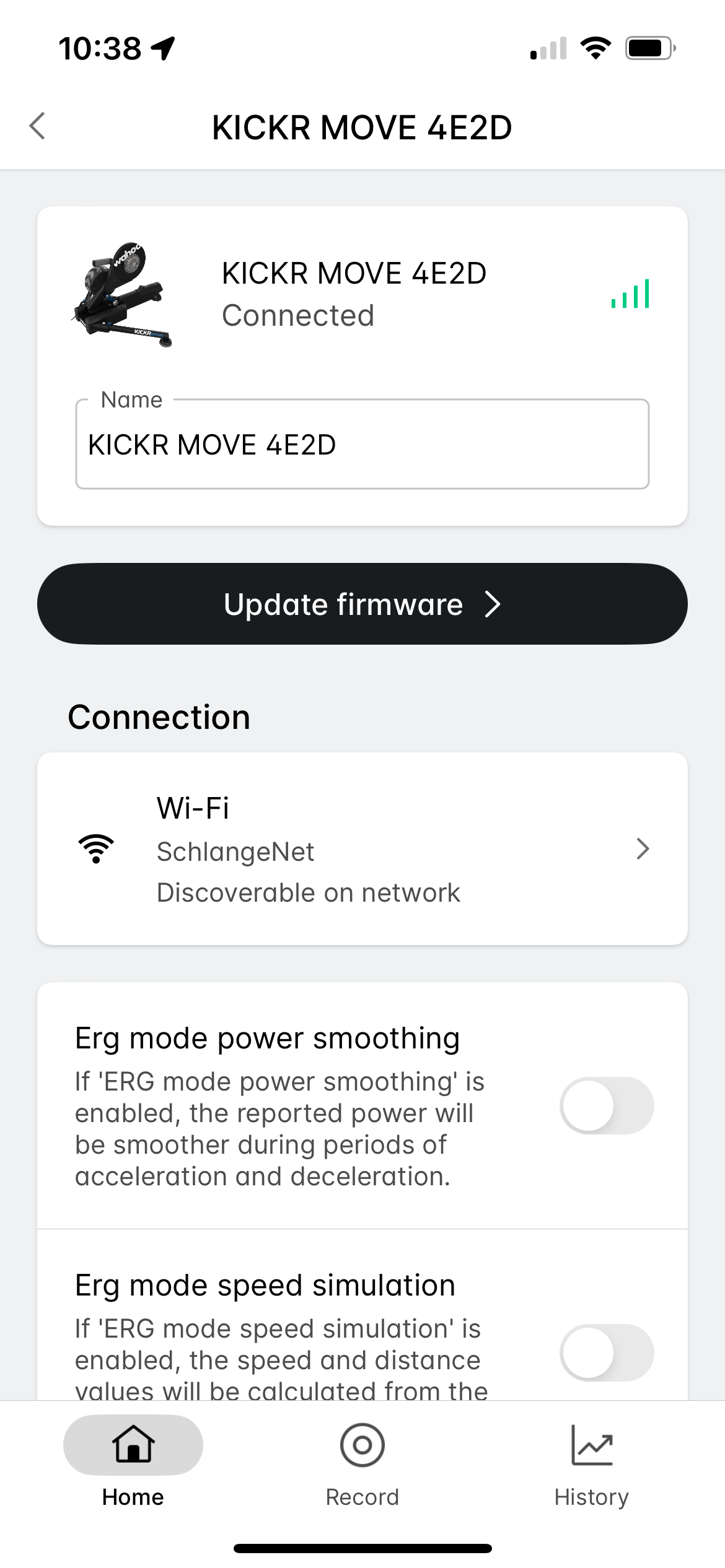
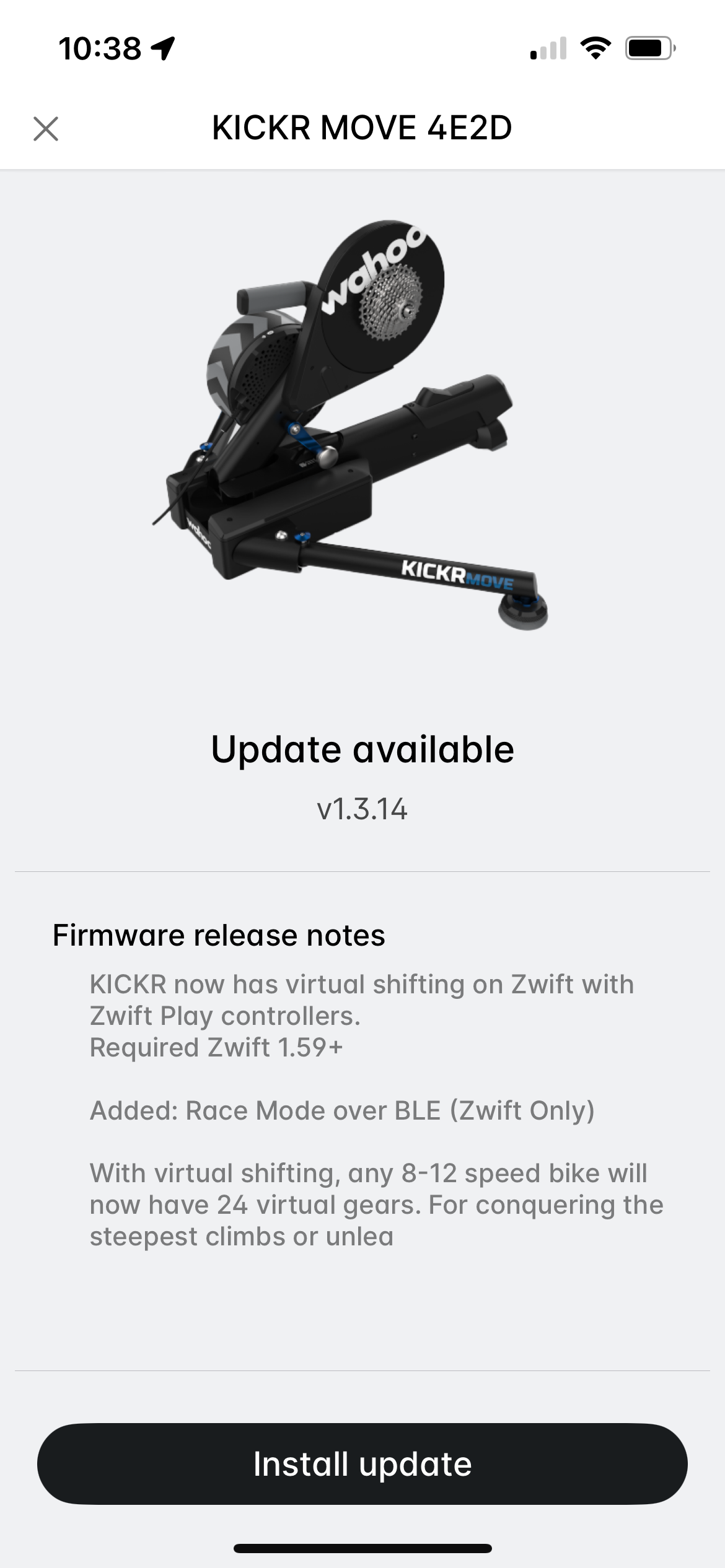
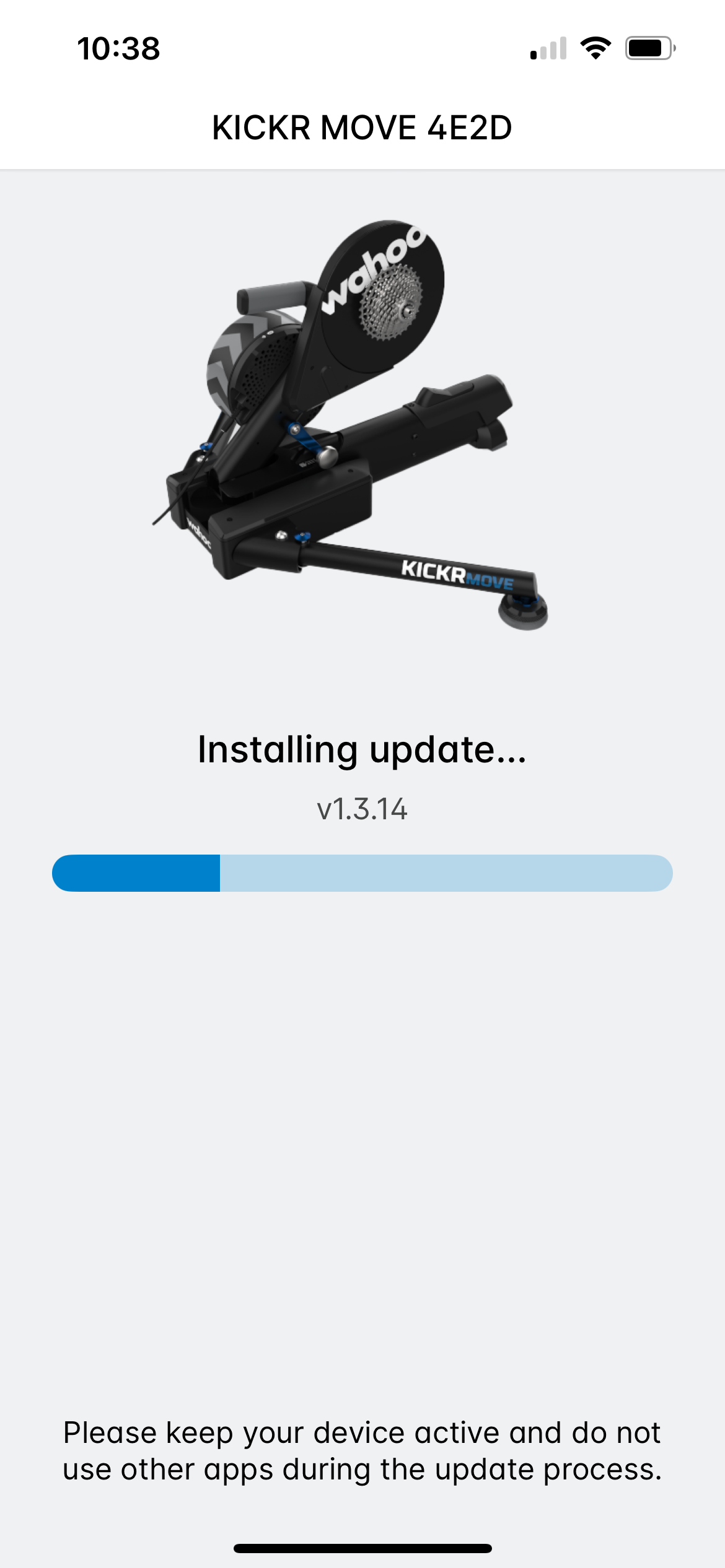
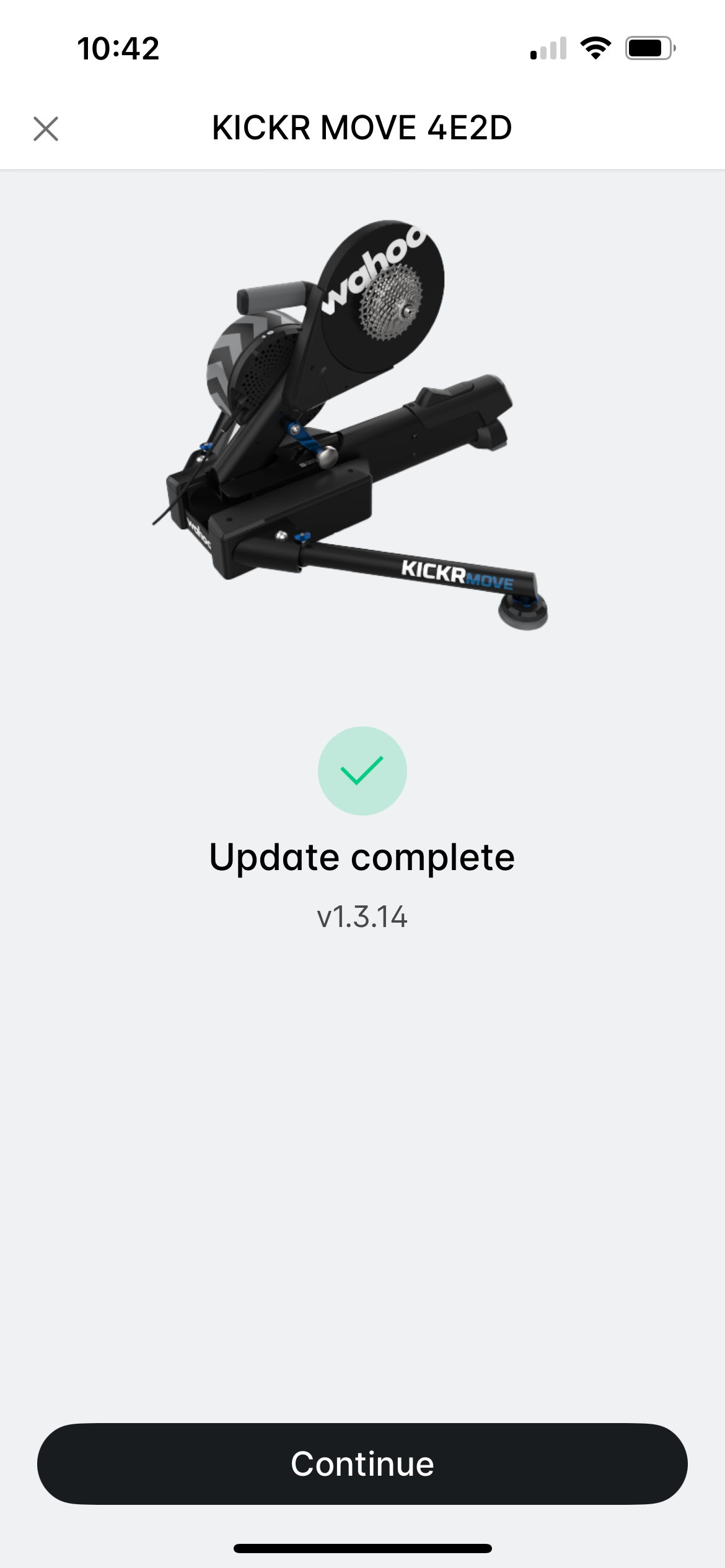
Installing new firmware is easy using the Wahoo app (available for iOS and Android). Just add your KICKR to your list of sensors if you haven’t already, then click it for details. Tap “Update Firmware” and follow the instructions:
What About Older KICKR Trainers?
Wahoo has said they’ll be releasing virtual shifting for KICKR v4 and v5, but we haven’t seen any hard release dates yet. Stay tuned!
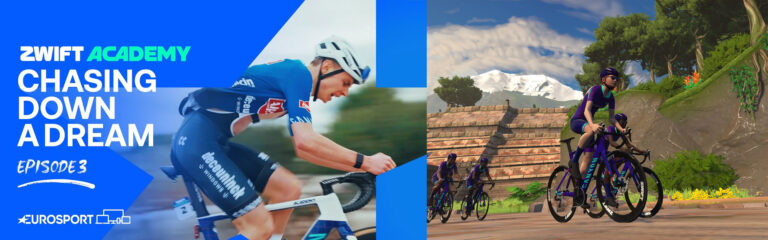
The finals for Zwift Academy 2023 have just finished, and Zwift partnered with Eurosport to bring you a series of four episodes documenting the finals process.
Today episode 3 premiered. Watch it below, or read the summary if you’d like…
We begin in Denia, Spain with the men, who take a downhill master class from Downhill Coach Jonny Towers. Jonny takes them down the descent first, then they take turns leading the pack down the descent while Jonny gives pointers. Adding to the fun, the descent is wet!
After this class, Jonny and the coaches agree that all three riders are very competent descenders, and while Louis is the fastest, Mattia seems to have the best mix of skill, teachability, and confidence.
Next on the menu for the men’s finalists was a Zwift race! The finalist’s job is to protect their Alpecin-Deceuninck teammates and “bring them smoothly into the final.” Louis and Mattia are able to follow the race radio instructions very well, with Mattia putting in a key final attack and averaging 5.2 W/kg over 40 minutes. Anton stays a bit hidden in the pack, and later reflects that there may have been a misunderstanding about instructions.
On to the women, who begin with a downhill master class with Jonny Towers. Laura and Maddie impress the coaches the most, while Katy lags behind a bit.
Then it’s on to the Zwift race! Our three finalists plus two CANYON//SRAM team members are racing against 4 other community teams, so there are 25 riders total in the race. As Matt Stephens explains, the goal here isn’t necessarily to win: it’s to see how well the finalists can follow instructions and execute a race plan.
With 1.1km left, Katy is the only surviving finalist in the front group. She finishes 8th.
Afterward, the coaches debrief, sharing that:
Maddie followed instructions immediately and perfectly
Laura also followed the plan well, but struggled a bit with the pace
Katy tried to do what she was told, but it was a bit erratic
Up Next
Watch this space for the final episode tomorrow, in which we’ll learn who wins the pro contracts!
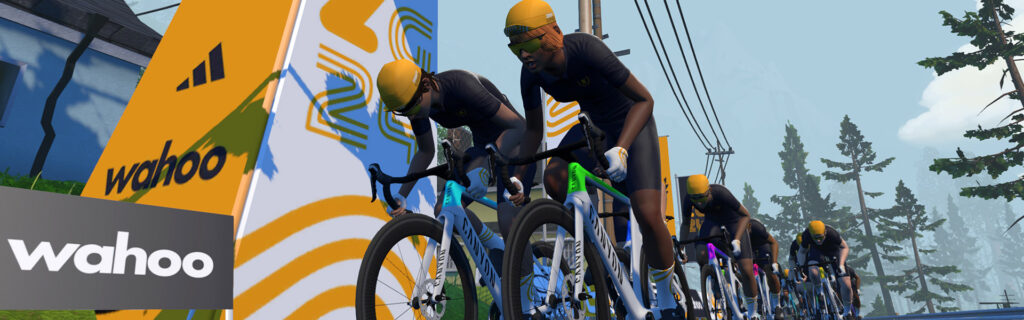
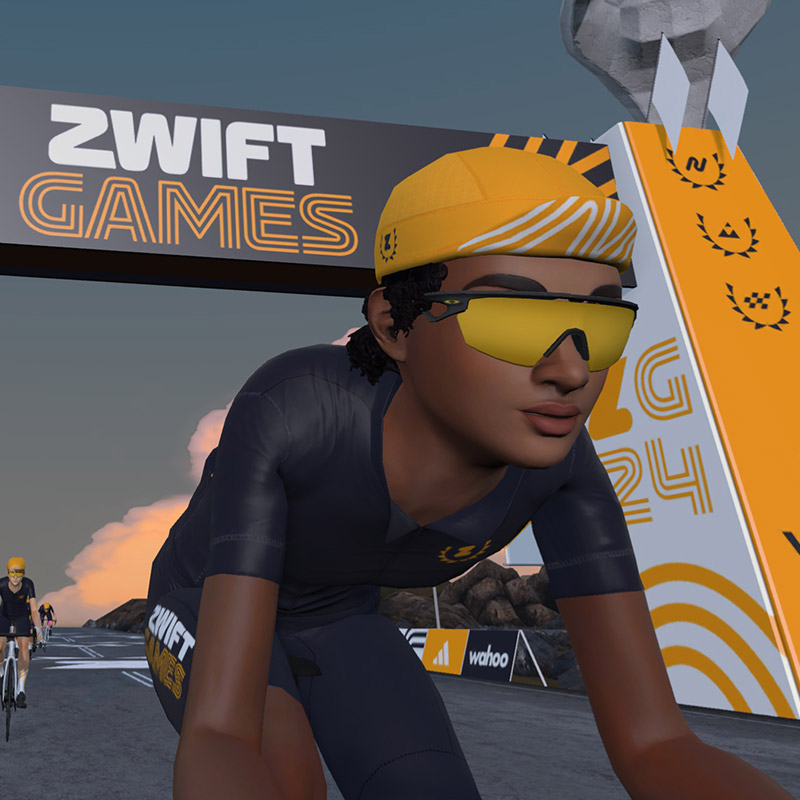
The inaugural Zwift Games is a 5-stage race series for community and elite racers happening in March 2024. Below, you’ll find everything you need to know about indoor cycling’s premier race festival!
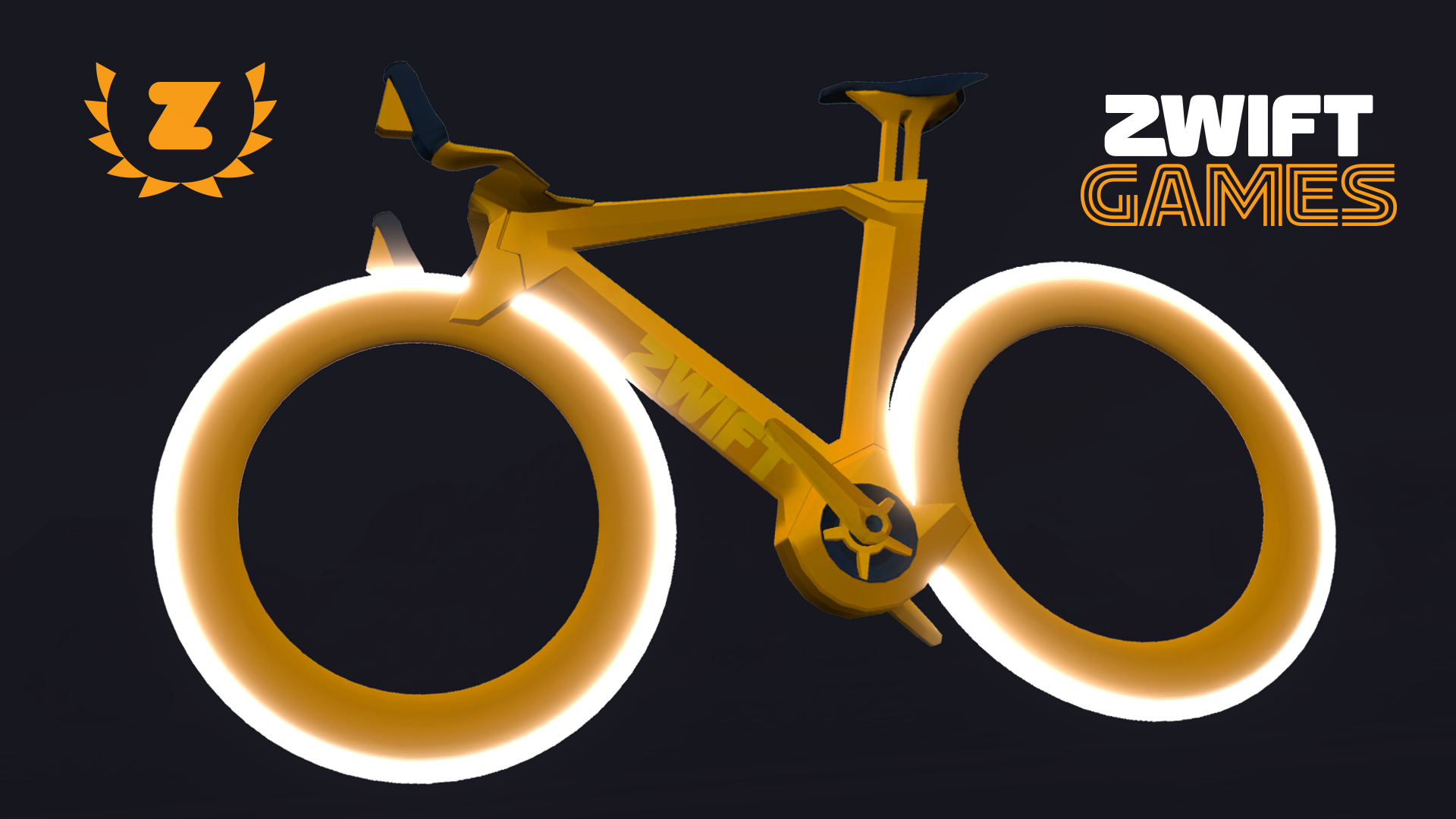
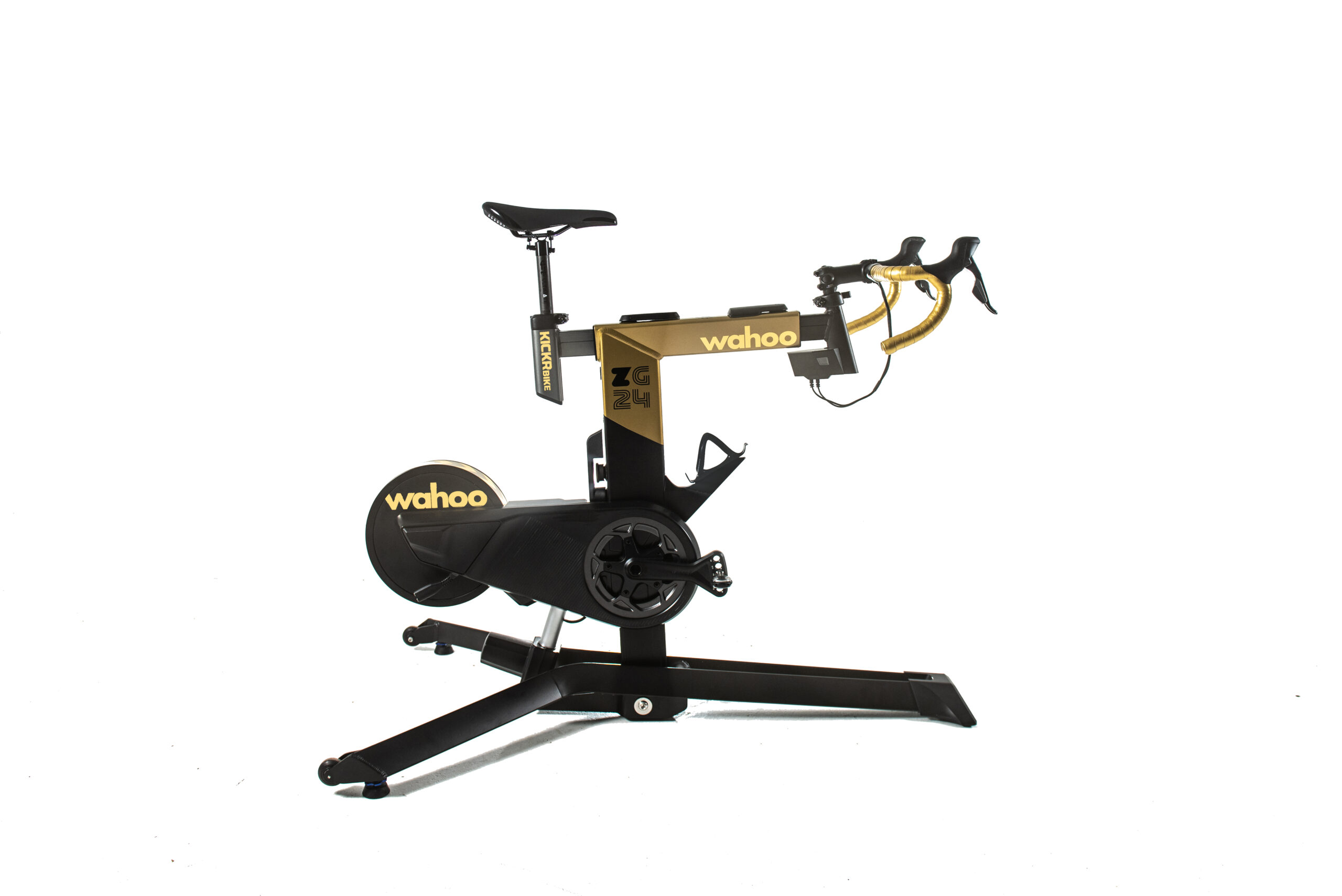
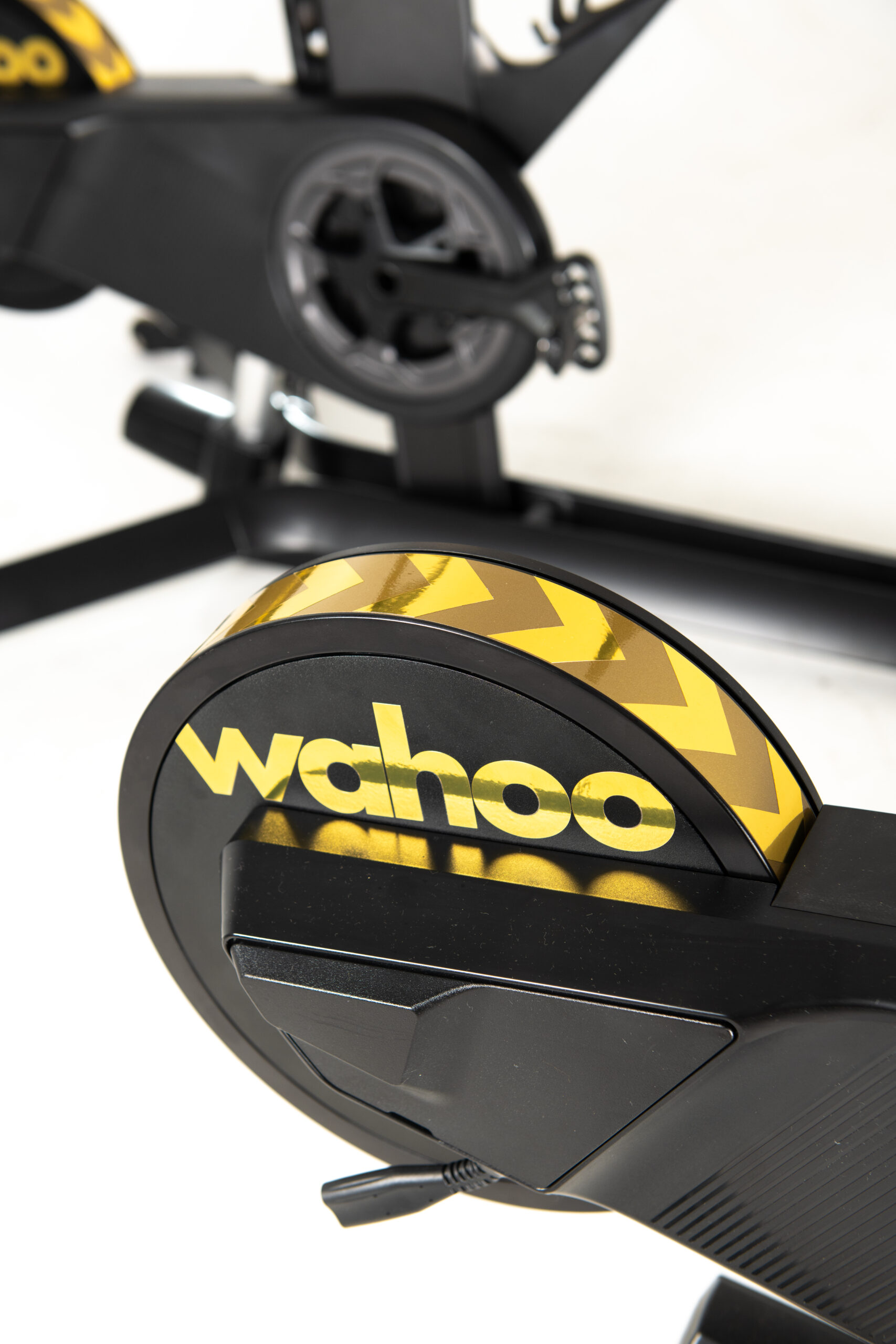
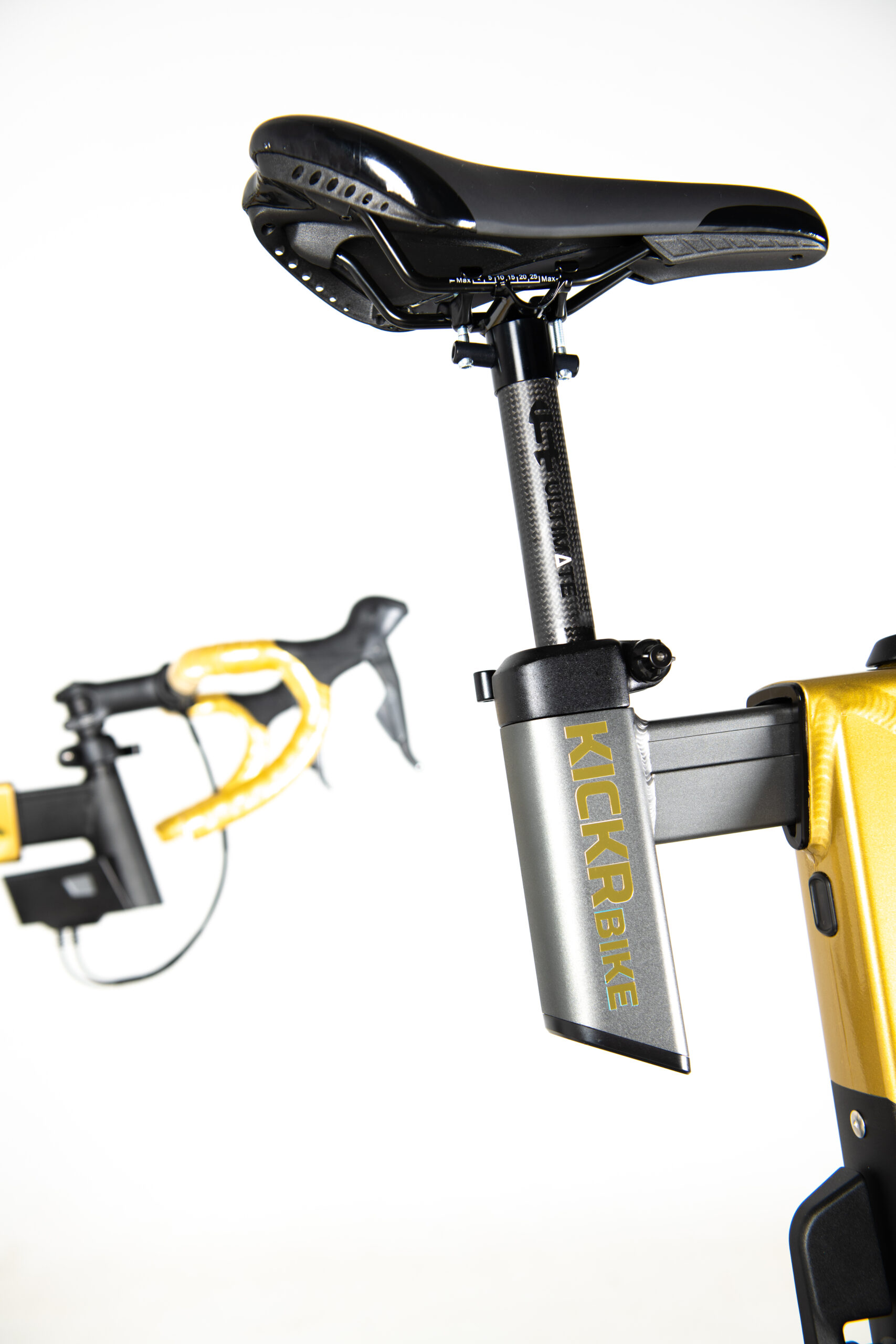
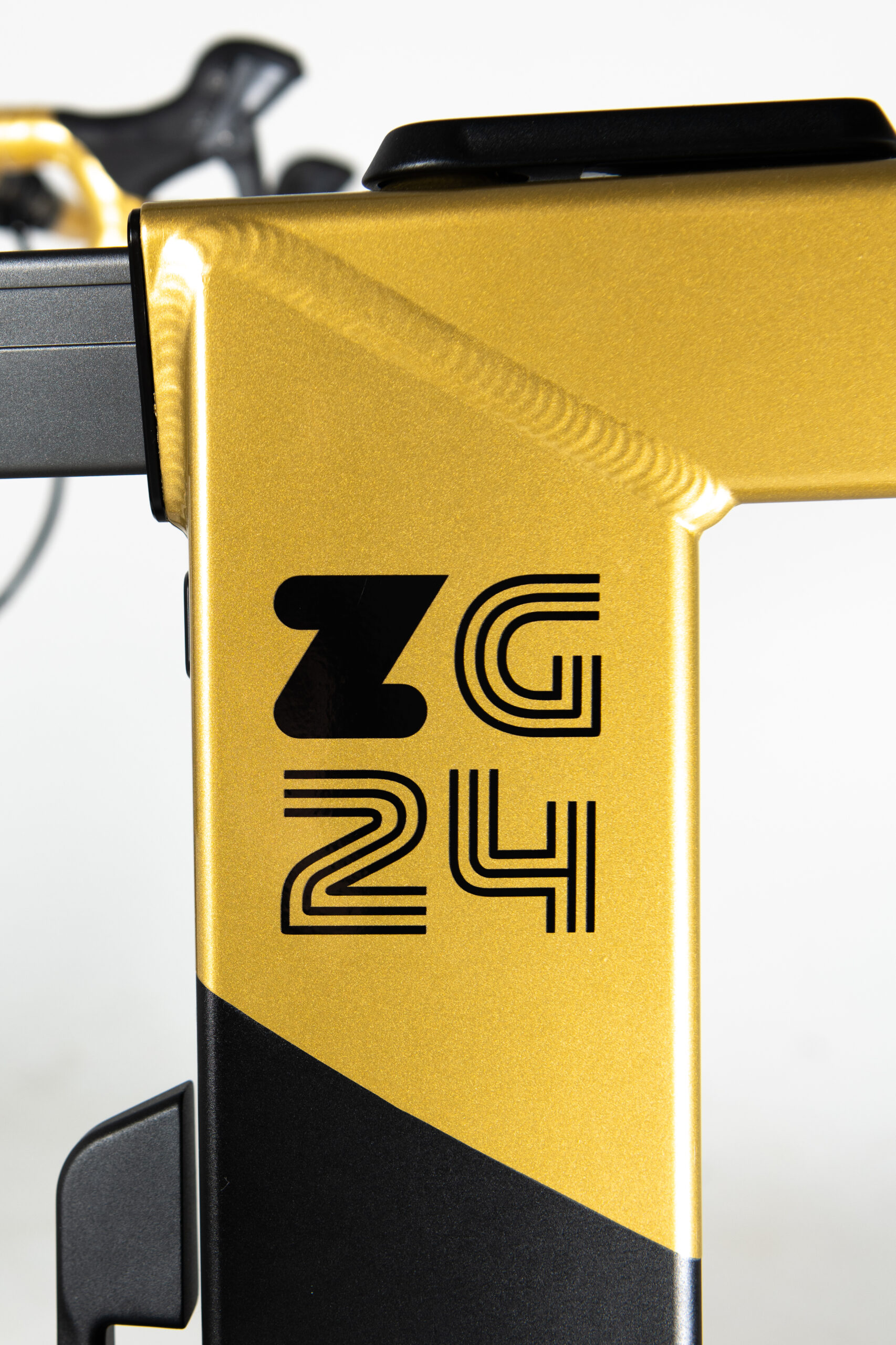
While most premier esports races are reserved for elite racers, everyone can participate in the Zwift Games. Community racers will have their own races and unlocks, while Elite racers will compete for a $110,000 cash prize purse, an in-game gold Tron bike, and the grand prize: a custom gold-painted Wahoo KICKR Bike!
Community Races
Schedule and Routes
Community races (A, B, C, and D pace groups) will begin on March 1st and progress through each of the 5 stages until March 17th. Makeup races will be available from March 18-31st. Races aren’t yet on the calendar for signup, but they will be scheduled at least 12 times daily on the hour.
A/B Categories: Zwift Games 2024 Epic, 1 lap (81.6km, 878m elevation), with Draft powerup at the Titan’s Grove KOM arch and Feather at the Jungle lap arch
C/D Categories: Three Little Sisters, 1 lap (37.7km, 434m elevation), with Feather powerup at top of Hilly KOM
Late-breaking big news for the ladies: Zwift has decided to hold a set of women-only Zwift Games community races with their own GC competition! They’ll happen on the same dates as the mixed community races above, but only 5x daily to increase field sizes.
In a surprising (and unannounced) twist, Zwift has set up all the Zwift Games events so frame and wheel choice are neutralized, just like the Elite races. This means you can ride any bike frame or wheels from your garage (even the Buffalo or Safety Bike!) and it will perform the same as everyone else’s frames and wheels.
Zwift says this was done to “make sure our whole racing community starts on a level playing field with respect to in-game equipment.” And don’t worry, the neutralized settings won’t slow you down… Zwift says they’re close to the Tron bike, meaning you’ll get good aero performance without sacrificing much speed on the climbs.
Community GC Competition
While each race event is a standalone competition, there is a time-based GC for the Zwift Games. This works just like the ZRacing series, allowing community racers to compete over all five stages for the best overall time in each pace category.
The women-only races will have their own GC (see it on ZwiftPower here), but the women-only events will also register in the overall GC, in case ladies ride a mix of the open and women-only races.
How to Register
No special registration is required – simply join any Zwift Games race to participate.
A total of five in-game unlocks are available to all Zwifters. Complete all five stages to unlock all five items:
Any one stage: Adidas Tempo 3-Stripes BOA Cycling Shoes
Any two stages: Oakley Sphaera Glasses
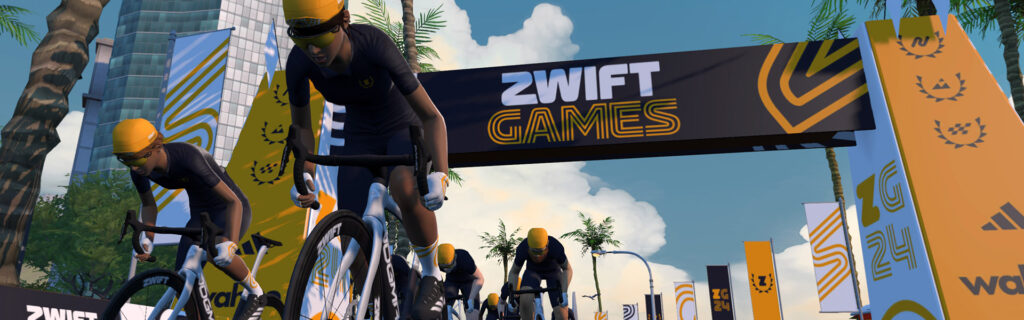
Any three stages: Zwift Games Kit
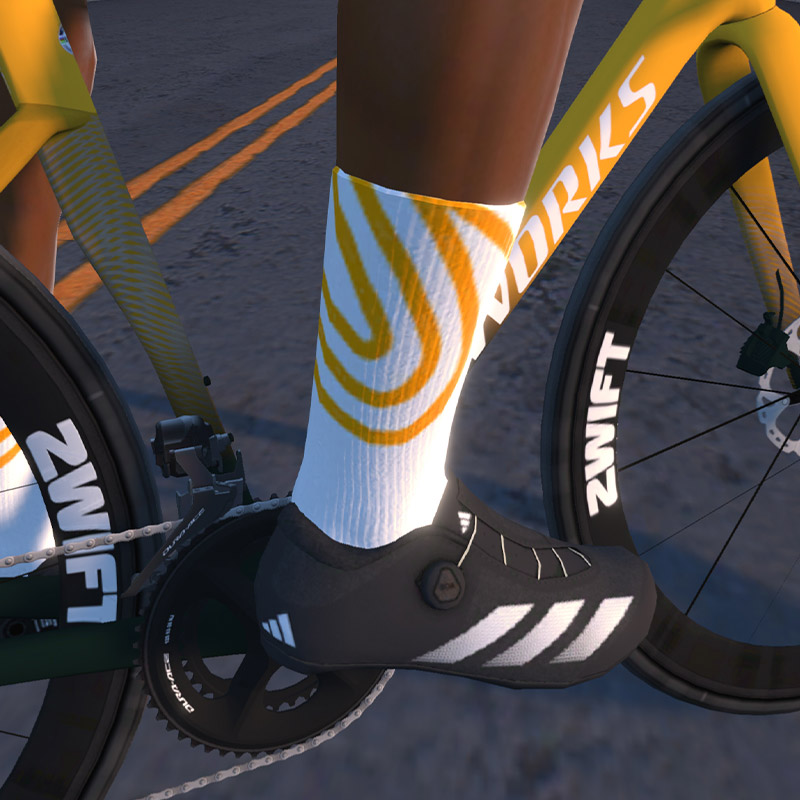
Any four stages: Zwift Games Gloves and Socks
All five stages: Zwift Games Gold Cap
Elite Championship Races
Schedule
The world’s best racers had to meet strict criteria to qualify for the Zwift Games Elite Championships. The official start lists show 187 men and 117 women representing 33 countries who will compete at the following dates/times:
Sprint Championships (Races 1-3)
Elite Men – March 2 @ 6pm UTC
Elite Women – March 3 @ 6pm UTC
Epic Championships
Elite Men – March 9 @ 6pm UTC
Elite Women – March 10 @ 6pm UTC
Climb Championships
Elite Men – March 16 @ 6pm UTC
Elite Women – March 17 @ 6pm UTC
Elite Championship Prizes
Elite men and women will be awarded equal prize purses, making for a total prize purse of $110,000 awarded to up to 20 winners (10 men, 10 women). That’s Zwift’s biggest prize pot ever! First-place winners will also unlock the Gold Tron bike in game.
Sprint Championships
1st place – $7,000, Gold Tron unlock
2nd place – $5,000
3rd place – $3,000
Epic Championships
1st place – $7,000, Gold Tron unlock
2nd place – $5,000
3rd place – $3,000
Climb Championships
1st place – $7,000, Gold Tron unlock
2nd place – $5,000
3rd place – $3,000
Overall Championship
The overall men’s and women’s champions will be determined based on points earned for finishing positions in the five championship stages. Each race awards 100 points to 1st, 99 points for 2nd, down to 1 point for 100th.
$10,000
Gold Tron unlock
Unique gold-painted Wahoo KICKR Bike (see below)
Fan Guide and Live Streams
Learn all about the Zwift Games Elite Championships by reading the official fan guide. It includes race schedules, course info, start lists, and more.
The final race of Zwift Racing League 2023/24 Round 3 happens Tuesday, February 27, and it’s a banger! A team time trial on Watopia’s Out and Back Again course, this is the longest race of round 3 (42.2km), and may just be the longest TTT in ZRL history. This will test teams’ technical abilities, communication skills, and endurance.
There’s much to discuss including route details, bike choice, and team time trial best practices. Let’s go!
Looking at the Route: Out and Back Again
Out and Back Again is 42.2km long, with 334 meters of elevation gain. The course is mostly flat/rolling, apart from two key climbs: the Volcano KOM and the Hilly KOM Reverse.
There are lots of places where a team can be caught out and needlessly slowed on this course, so we’ve broken the entire route into logical sections:
0-9.9km: Flat start in the desert. Get yourselves into a solid rhythm and rotation, as this is the least technical part of the ride.
9.9-10.8km: Climb out of Saddle Springs. Very draftable 3%, so keep your speed up.
10.8-13.9km: Descent from the Redwoods and into the Ocean Boulevard tunnel.
13.9-14km: Ramp out of the tunnel and onto dirt. Push to keep speeds up while staying together.
14-15km: Over the docks and dirt of the Fishing Village. Try to keep speeds up on the dirt.
15-16.9km: False flat bends and slight climb up toward Italian Villas.
16.9-17.6km: Recover as you descend to the Italian Villas, go through JWB Sprint to the start of The Esses.
18.3-18.6km: Ramp into the Esses. Push hard to keep your speed up, then regroup at the top.
18.6-22.2km: The Esses to the base of the Volcano KOM. Keep your speed up on The Esses, pushing hard near the bottom of descents to gain speed that will carry you up the short climbs.
22.2-25.8km: Volcano KOM. This will be the longest, hardest effort of the race. Keeping the team together here will be challenging, but you’ve still got ~17km after this climb, so you don’t want to drop too many riders. Plus, this climb is very draftable, so staying together helps everyone.
25.8-30.3km: Volcano descent. Recover.
30.3-31.8km: Flat Volcano land bridge. More recovery, but keep the speed up.
31.8-32.4km: Dirty Sorpressa. Power up here to keep speeds up, but be aware that there’s a bit more climbing just ahead.
32.4-34.1km: Rollers to base of Hilly KOM Reverse. Push at the start up the climb past the waterfall, then grab a bit of recovery before the next climb begins.
34.1-36.6km: Hilly KOM Reverse. The second-longest climb of the race. Push hard at the base so you don’t lose time, then regroup as the road flattens after the first push. If you need to drop a struggling rider, this may be the place to do it.
36.6-38.2km: Hilly KOM descent to left turn toward desert. Recover.
38.2-39.4km: False flat up to the Titans Grove intersection. Stay in rotation, keep your wits about you, and keep your speed up.
39.4-42.2km: Flat finish. Try to rotate those pulls until the Fuego Flats sprint begins, then go all-in for the final push.
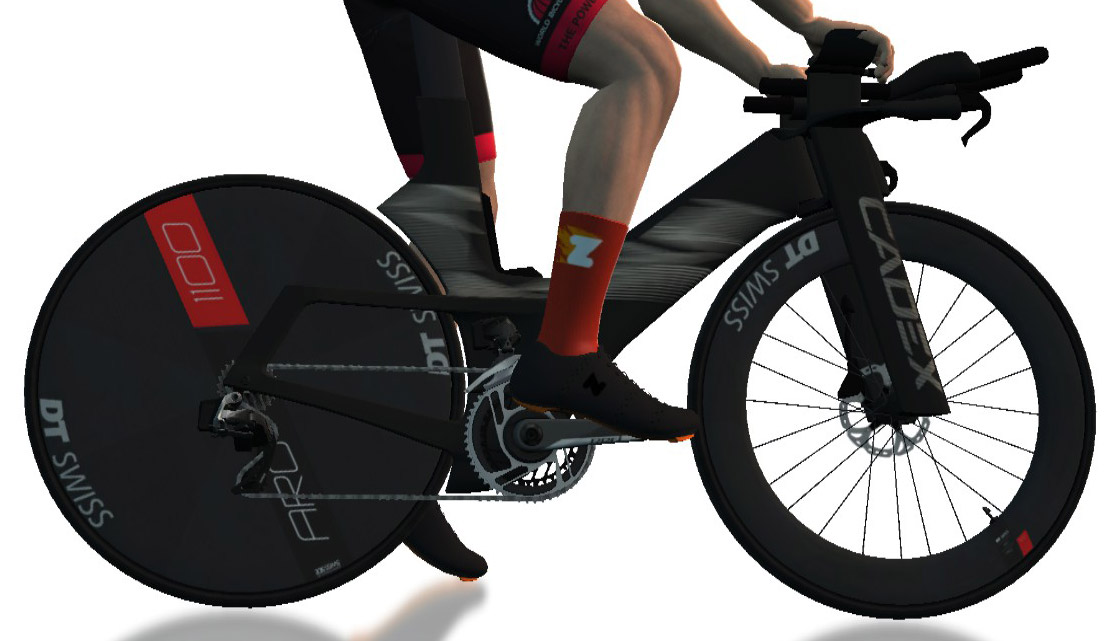
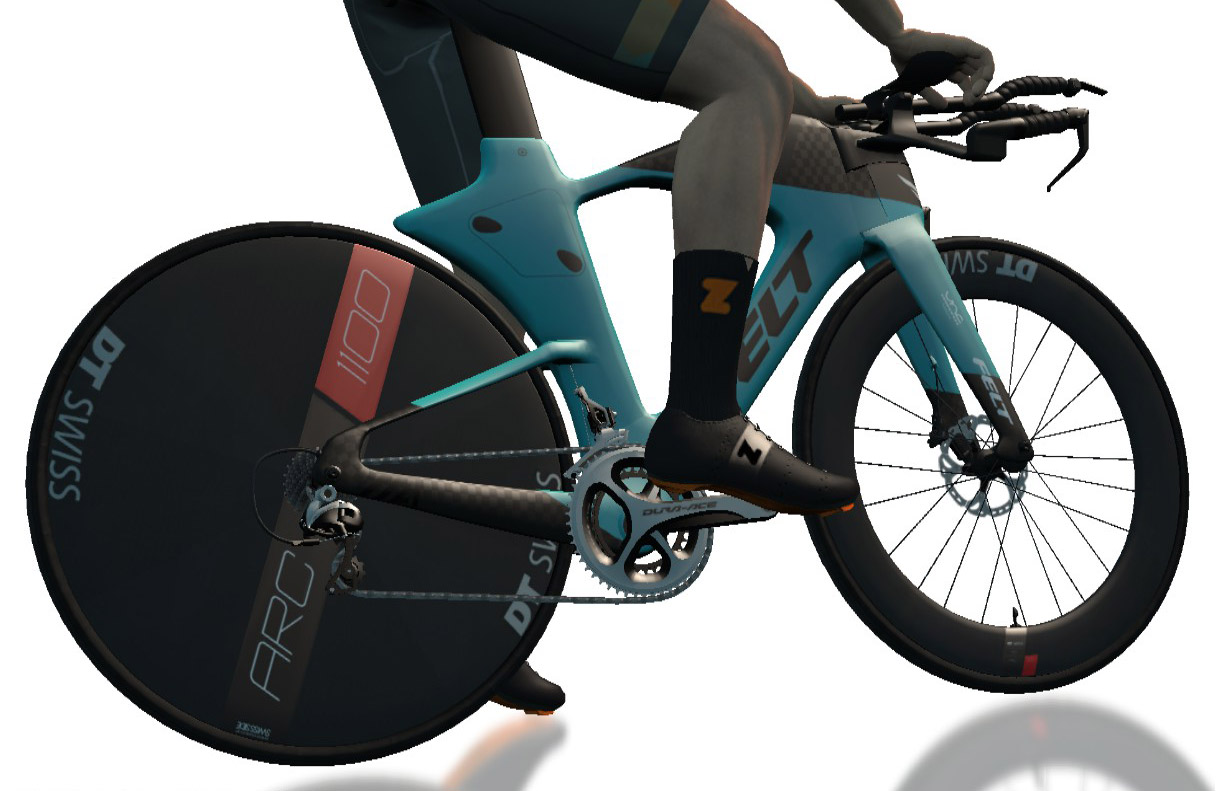
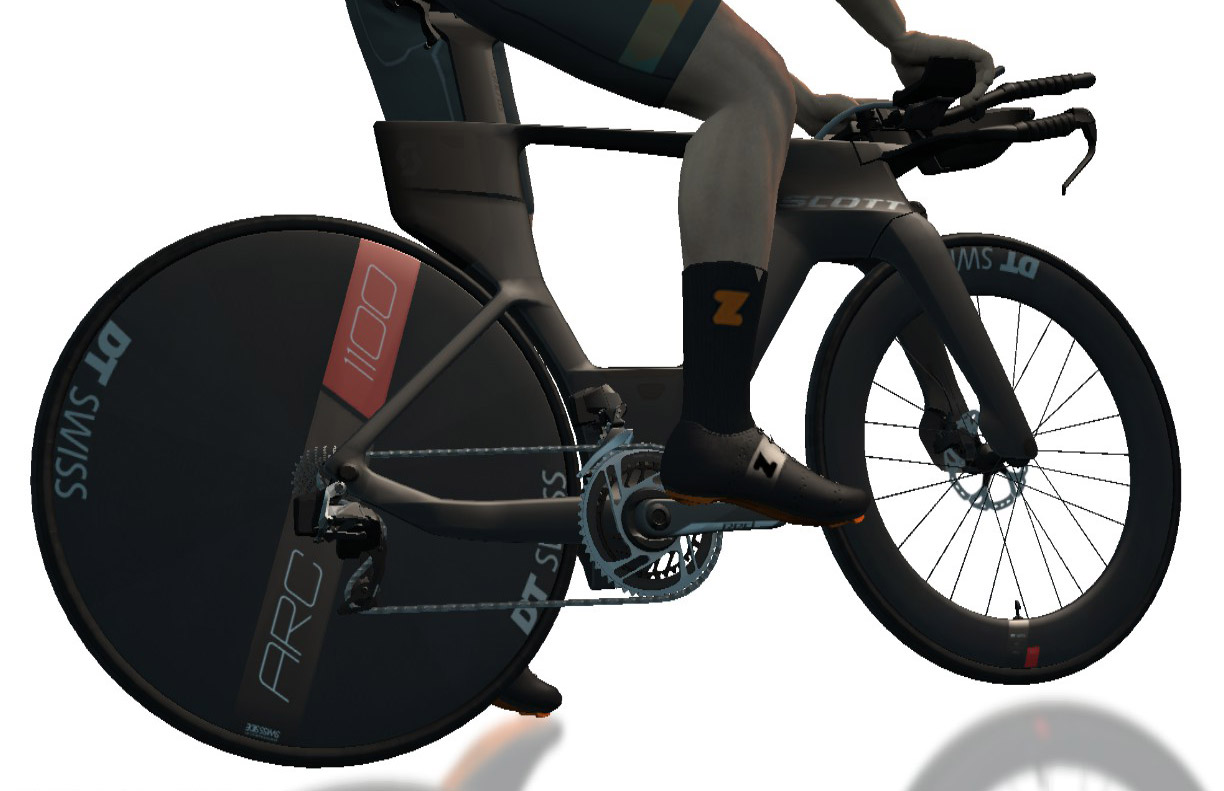
This week, bike choice is easy: grab your most aero TT setup! The CADEX Tri is the fastest frame in game by a solid margin, and the DT Swiss disc wheels are the fastest wheels. If you don’t have access to that setup (level 40+) then see this post to determine the fastest TT setup available at your level.
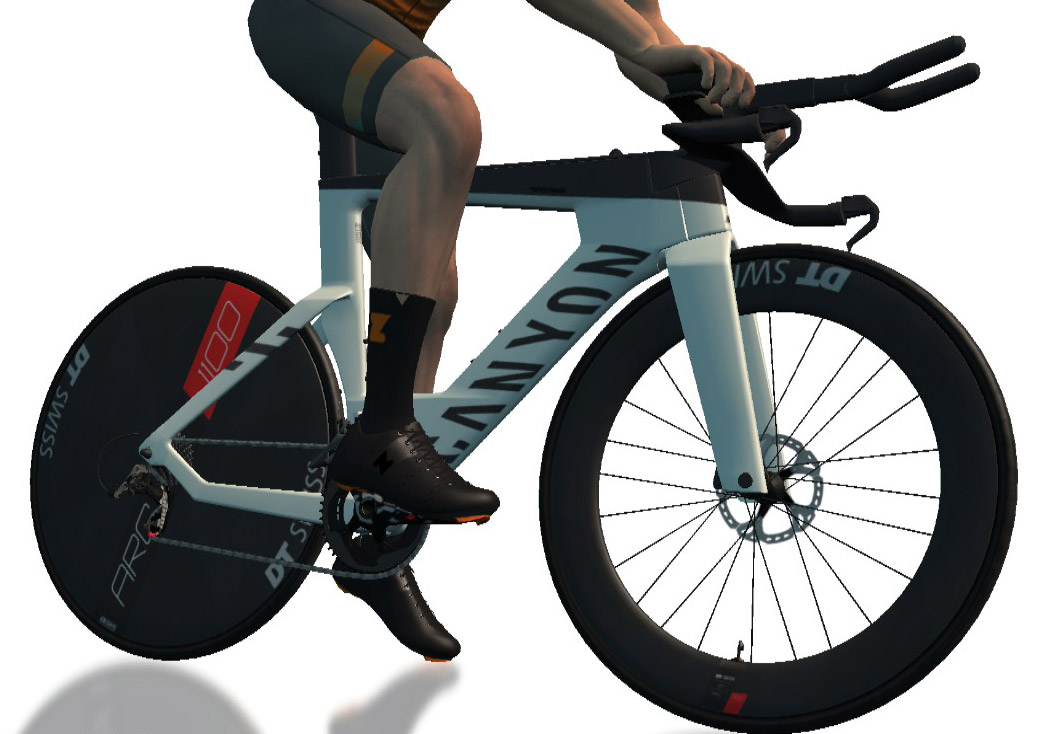
The Canyon Speedmax Disc is the next fastest frame, so also a solid pick. And if you want just a bit less weight on the climbs without sacrificing much on the flats, both the Felt IA 2.0 (available at just level 16) or the Scott Plasma RC Ultimate (level 19) are very capable frames.
Technical courses like this week give valuable seconds to teams who can push on climbs where power matters most. But it’s a delicate balance that has to be struck on a longer route like this, where pushing too hard too early may blow apart your squad.
You will want a target pace and attack plan for the two key climbs, as well as good comms on Discord throughout. Ideally, a team director can be on comms, helping everyone maintain focus and keeping the team together over what is sure to be a trying course.
Your goal in a ZRL TTT is to get four riders across the line in the shortest time possible. That means every team’s pace plan will differ based on the abilities of each rider. Given the length and technicality of this week’s race, chances are good that one or two of your riders will be dropped before the line.
Again, we highly recommend having an experienced DS on Discord directing your team, especially if your team contains some inexperienced TTT riders.
The finals for Zwift Academy 2023 have just finished, and Zwift partnered with Eurosport to bring you a series of four episodes documenting the finals process.
Today episode 2 premiered. Watch it below, or read the summary if you’d like…
Episode Summary (Spoiler Alert!)
First up, we have the men doing an INSCYD test. They begin with a progressive set of 6-minute intervals at 4, 5, and 5.5 W/kg, followed by a 4-minute all-out effort. There’s just one problem – the coaches underestimated the strength of all three riders, and set the target powers too low!
The men have to redo the test at higher power. At the end, the coaches are impressed, since each of the young finalists has an FTP “relatively above” 6 W/kg. Alpecin-Deceuninck’s Head of Performance Kristoff de Kegel says, “This is the best level in the Zwift Academy that I saw in the last 3-4 years, actually.”
The coaches say Mattia is standing out with his profile of a GC rider, but Anton impresses them the most with his high relative FTP (6.5 W/kg). Can young Louis close the gap?
On to the ladies, who are taking on a 5-hour endurance ride 131km long. Each of the finalists are paired up with pro team riders for some sprints at the start, which proves to be a very humbling experience. During the middle of the ride, the finalists undertake some skills tests like dropping back to the team car for bottles, grabbing bottles on the side of the road, riding in a group, and paceline efforts.
Matt Stephens comments that Maddie and Laurie look strong, while Katy seems a bit hesitant on the wheels.
At the end of the 4 hours of riding, Laura is able to put out more sprint power than at the start! The coaches see that as a good sign, and Laura seems to come out on top on the day in terms of overall performance.
Up Next
Watch this space for episode 3, premiering tomorrow!