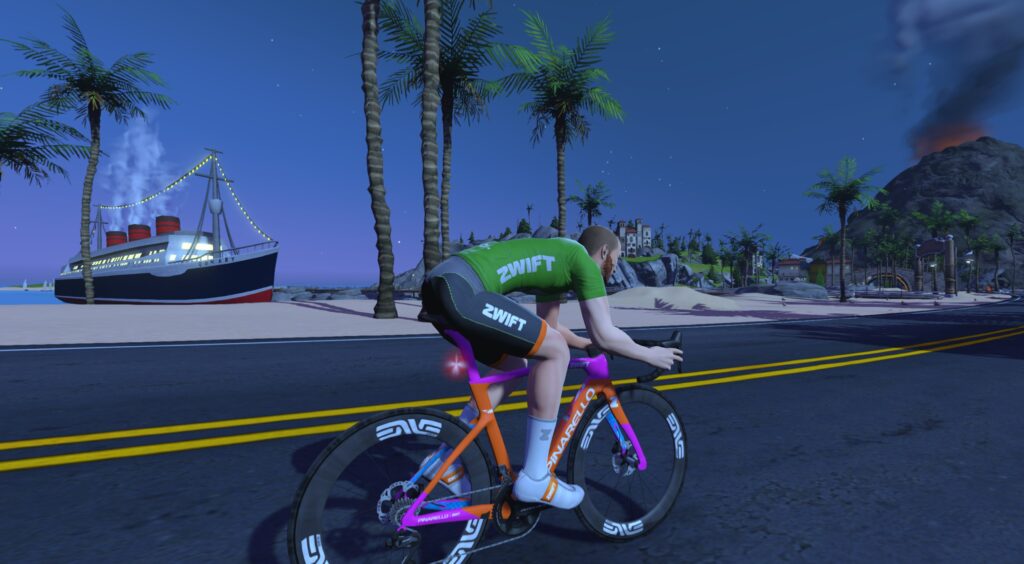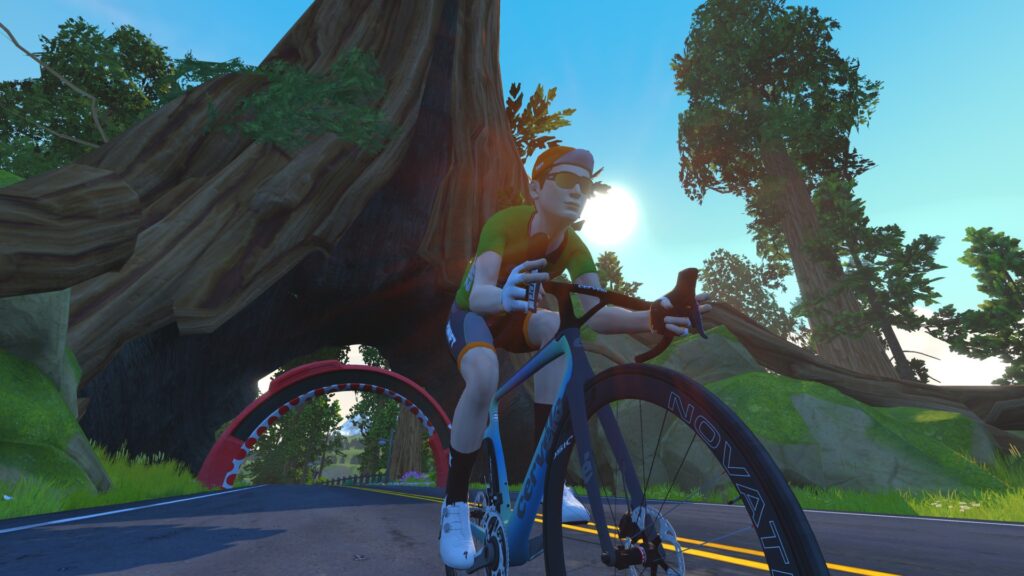
How did you get into cycling? Trying to beat my commute times during graduate school.
How many years have you been racing on Zwift? Almost 4.5 years
Are you part of a Virtual team? Yes, Revolution Velo Racing
What do you love most about racing? Being able to be competitive while at home and trying to make it to the final sprint!
What is your favourite style of race (e.g. points, scratch, iTT, TTT, Chase, duathlon)? Points
What is your favourite Zwift women’s race series? I really enjoy any series that includes a scratch race and a points race. The mini races are also becoming a favorite.
What is your most memorable racing experience, inside or outside or BOTH? Winning my state scratch race on the velodrome. On Zwift, winning a 20-lap race on the Crit course.
What is your favourite food to eat post race? A burger
What advice would you give to a woman entering her first Zwift race? Be ready to go with 5 seconds to go and it’s always worth it to give your all to stay with the group. And if you don’t, find a group and practice riding in a group to figure out how you best race!
Any upcoming race you are looking forward to? Hoping for more women’s races in the summer to meet more ladies!
After Sunday’s thrilling Tour de France Femmes avec Zwift finish, we have to feature the Alpe Celebration Rides once more this week. But we’ve also got three popular stage races on tap, and a long, beginner-friendly group ride!
Last Sunday, the final stage of this year’s Tour de France Femmes avec Zwift ended on the iconic Alpe d’Huez. And what a stage it was!
Zwift has been holding events on Alpe du Zwift all week to celebrate. Rides have 5 pace categories to choose from, with a Robopacer joining each group to ride at the stated pace.
Finish the ride to unlock the new 2024 Watch the Femmes Kit, and you’ll also get to spin the Watch The Femmes spinner at the top for extra surprise unlocks featuring WtF kit collections from 2024 and past years!
This week featured the final race of the Women’s Racing Series, and it’s the race of truth! An individual time trial on 2 laps of Scotland’s Loch Loop for a total distance of 16km. Bring your fastest TT rig!
We’ve featured this event several times in the past, as it’s always well-attended and well-led, at a pace that helps everyone stay together. Experienced leaders and sweepers do their best to keep the groups together with the help of doubledraft and a zapping fence, so everyone can work together to knock out a long ride!
This week’s ride is held at a 1.7-2.2 W/kg pace on Electric Loop for a total length of 103km.
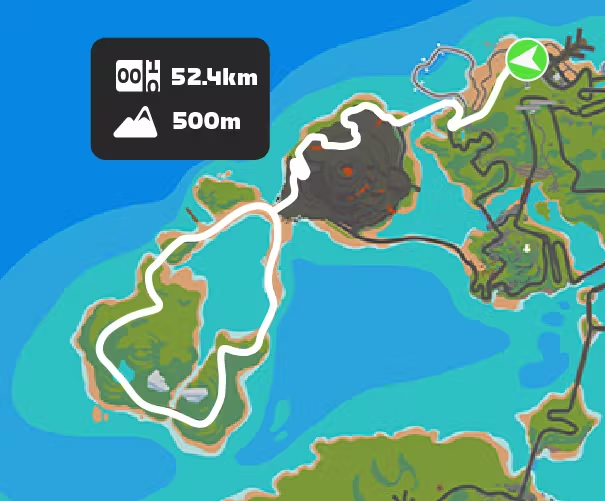
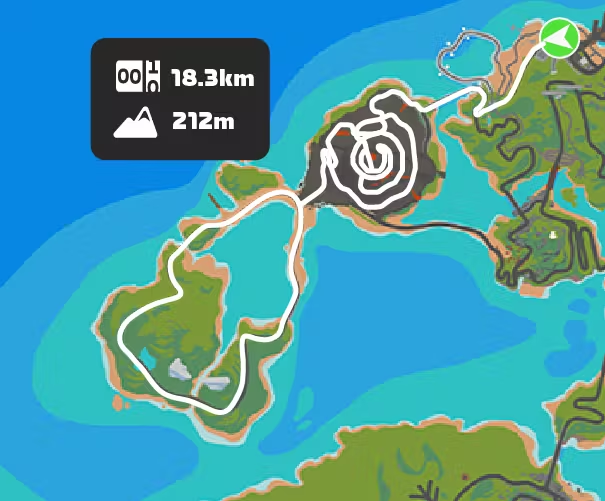
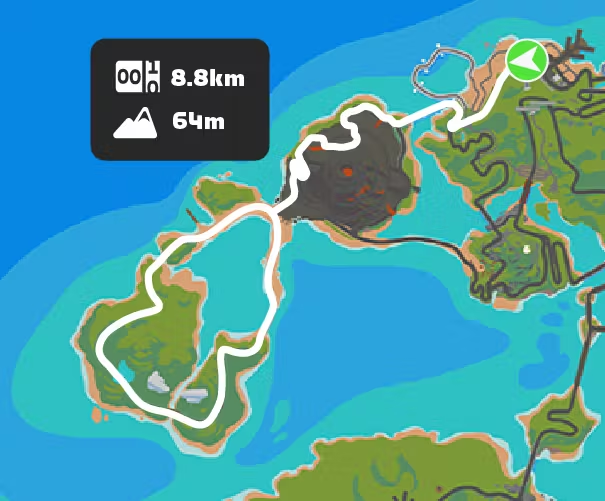
The Spanish HISP club is holding its popular Tour de Hisp, a 15-day tour featuring 13 different stages. This Saturday’s race features Watopia’s newish Itza Party route (45.7km, 498m), so even if you haven’t been taking part in the tour, you can jump in and try out this fresh route and get the route badge plus bonus XP!
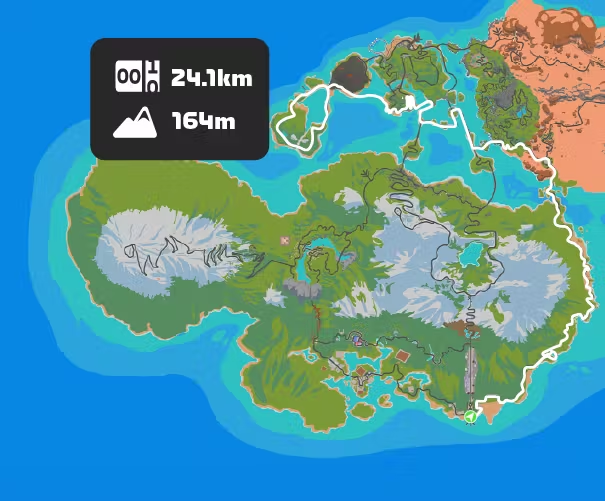
The “Tour de Stars” from Four Star Racing is a multi-stage event during the month of August. Stage 6 is on Sunday, covering 1 lap of Watopia’s Triple Flat Loops (36.3km, 134m), and it’s already got a solid number of signups, making it the most popular race on Sunday.
You can, of course, race an individual event without completing all the stages. Each category starts separately, and the race uses standard category enforcement.
We choose each weekend’s Notable Events based on a variety of factors including:
Is the event unique/innovative in some way?
Are celebrities (pro riders, etc) attending/leading?
Are signup counts already high, meaning the event is extra-popular?
Does the ride include desirable unlocks or prizes?
Does the event appeal to ladies on Zwift? (We like to support this under-represented group!)
Is it for a good cause?
Is it just plain crazy (extra long races, world record attempts, etc)?
Is it a long-running, popular weekly event with a dedicated leader who deserves a shout out?
In the end, we want to call attention to events that are extra-special and therefore extra-appealing to Zwifters. If you think your event qualifies, comment below with a link/details and we may just include it in an upcoming post!
Wahoo recently announced their latest generation of chest-strap heart rate monitor, named the TRACKR HEART RATE. This is the third generation of Wahoo’s TICKR line, and as the only chest strap HRM in Wahoo’s shop it replaces the 2nd generation TICKR and TICKR X. (Wahoo also sells the TICKR FIT optical armband HRM sensor.)
I’ve been a fan of Wahoo hardware for years, and that includes the original TICKR which impressed me so much that I wrote a post back in 2018 explaining why I was replacing my failed TICKR with another TICKR. (Spoiler: it’s because it lasted for 1000+ rides.)
But in recent years, I’ve been unimpressed with the second second-generation, having gone through three of them in short order before turning to another brand.
Will this new generation from Wahoo fix the sins of the previous generation? I sure hope so. Let’s dive into all things Wahoo TRACKR HEART RATE…
What’s New/Different?
Here’s how the new TRACKR HEART RATE differs from the 2nd-gen TICKR:
Battery: Rechargeable battery (TRACKR HEART RATE) vs coin cell
Strap Closure: Hook-closure strap vs button-closure
Battery Life: 100 hour between charges for TRACKR HEART RATE vs 500 hours per coin cell for TICKR
Size: the face size of the TRACKR HEART RATE is noticeably smaller (see photo above) than the TICKR – 30mm tall vs the TICKR’s 35mm. It’s also a few mm narrower.
Weight: TRACKR HEART RATE is 12 grams with a 28-gram strap by my measurements, while the TICKR is 16 grams with a 32-gram strap
Price: TRACKR HEART RATE retails for $89.99 while the TICKR was $49.99
Additional Features
Like the TICKR, the TRACKR HEART RATE features ANT+ and Bluetooth connectivity and supports up to three concurrent Bluetooth connections. The LED at the top-center of the HRM indicates battery status and whether the TRACKR HEART RATE is paired to devices/apps, and an IPX7 rating means you don’t need to worry about wearing the TRACKR HEART RATE in rain or sweat since it can be submerged up to 1 meter for 30 minutes.
And it’s all supported by the Wahoo app, which can deliver additional metrics like average HR, Max HR, and Total Calories.
What’s In the Box?
The TRACKR HEART RATE is a simple device, and comes in a simple package containing a simple instruction manual, the USB 3.0 charging cable, the HRM pod, and the chest strap.
Getting Set Up
After unboxing my TRACKR HEART RATE, I decided to charge it so it would be ready for testing later in the day. That’s when I ran into my first hurdle: the charging cable requires a USB-C port! I’ve got a pile of USB ports to plug into here in the office, but they’re all the older “standard” Type-A plugs. (Oddly enough, I’ve never needed a USB-C port, until the TRACKR HEART RATE arrived in my mailbox. That’s because I’m a PC guy and not a Mac guy.)
USB-C?! Whose idea was this?
After poking around a bit, I found that one of my desktop computers had a USB-C plug in the back. Whew. No need to buy an adapter. We were in business, and with a snazzy magnetic attachment to the HRM to boot! (Charger trivia: the charging cable that ships with the TRACKR HEART RATE has the same connectors as the cable that ships with Shokz bone conduction headphones.)
After charging the unit, I strapped it on for my first test session on Zwift. That’s when I noticed the next thing: the TRACKR HEART RATE’s strap is shorter than the TICKR strap. That’s one way to save weight, I suppose! My chest is around 36″ in the area where I would strap on a HRM, and the old TICKR strap had around 6″ of extra adjustable room once when I wore it, while the new TRACKR HEART RATE strap has around 3″. Maximum length of the TICKR strap (without stretching it) is 39″, while the TRACKR HEART RATE is 35″.
It’s actually a good change if you’re a small enough human, since it saves a bit of weight. But larger riders may run into issues.
Usage Notes
I’ve used the TRACKR HEART RATE on upwards of 20 rides so far, both indoors and out. Overall I’ve found that it connects quickly and works as advertised. I’ll discuss a few particular sessions, though, as they each are illustrative in their own ways.
The TRACKR HEART RATE is in blue, while the Rhythm is in black. As we typically see with armband monitors, the Rhythm lags behind the TRACKR HEART RATE by 1-3 seconds. You don’t notice this with steady state work, but when you’re doing 30/30s like I am above, the two will often be separated by 1 or 2 beats.
Overall, though, the two monitors tracked each other quite nicely.
Next, let’s look at the one odd anomaly I’ve had with the TRACKR HEART RATE. It was on an outdoor ride, and I wasn’t wearing a second HRM, so I suppose I can’t prove that these readings were wrong. But as I chugged along at a steady low zone 3 tempo, I was surprised to look down and see my head unit displaying a heart rate in the 190s! (My max HR is right around 189.)
This happened twice, for 1-2 minutes at a time. Nothing seemed out of the ordinary – not my position on the bike, my sweat level, my effort level. There was nothing I could point to that would cause the readings to be so far off. (And no, my heart rate was not in the 190s. That would have certainly been noticeable.)
But like I said, I’ve only had that happen once. Every other activity has shown accurate heartrate as expected. Here’s one from yesterday, in fact, in which I rode up a solid climb, then took a dip in a freezing pond while wearing the TRACKR HEART RATE (for science) before coming back downhill fully chilled.
Lastly, I should mention that battery performance seems to be within specs. After charging the battery up to 100%, I’ve checked it in the Wahoo app after each ride. It seems to be dropping by around 1% per hour of use, which is right in line with the claimed 100-hour rechargeable battery life.
Comparisons and Conclusions
There are basically three big-name chest strap makers in the market today: Polar, Garmin, and Wahoo. Polar and Garmin both sell HRMs that are slightly cheaper than the TRACKR HEART RATE, and they also have more expensive versions or same-priced versions with more features, like onboard memory. (Notably, both Polar and Garmin use replaceable batteries.)
The only other chest strap HRM with a rechargeable battery that I know of is the COOSPO H9Z, although there could be others. Like other “off-brand” HRMs, the COOSPO is much cheaper than the big-name brands.
The $89.99 price point for the TRACKR HEART RATE seems quite high for what it is, especially when you consider that it replaces the $49.99 2nd-generation TICKR. Why such a massive price increase? This is the biggest weakness of the TRACKR HEART RATE, in my opinion. With the long-term durability of the TRACKR HEART RATE yet to be seen, it’s hard to recommend it above the more feature-rich and proven Polar H10 ($90 but often on sale) or even the Polar H9 ($60).
While no HRM lasts forever – especially chest strap HRMS – the second-gen TICKR earned a reputation for poor durability. I’m hoping the lack of a battery door will help the TRACKR HEART RATE to live much longer. But, as all the reviewers below agree, that remains to be seen. Here’s hoping Wahoo learned a lesson from previous TICKR versions and have released a durable HRM in the TRACKR HEART RATE.
More TRACKR HEART RATE Review Videos
GPLama
DesFit
The Run Testers
Questions or Comments?
What do you think? Will you be considering a TRACKR HEART RATE? What’s your favorite HRM, and why? Share below!
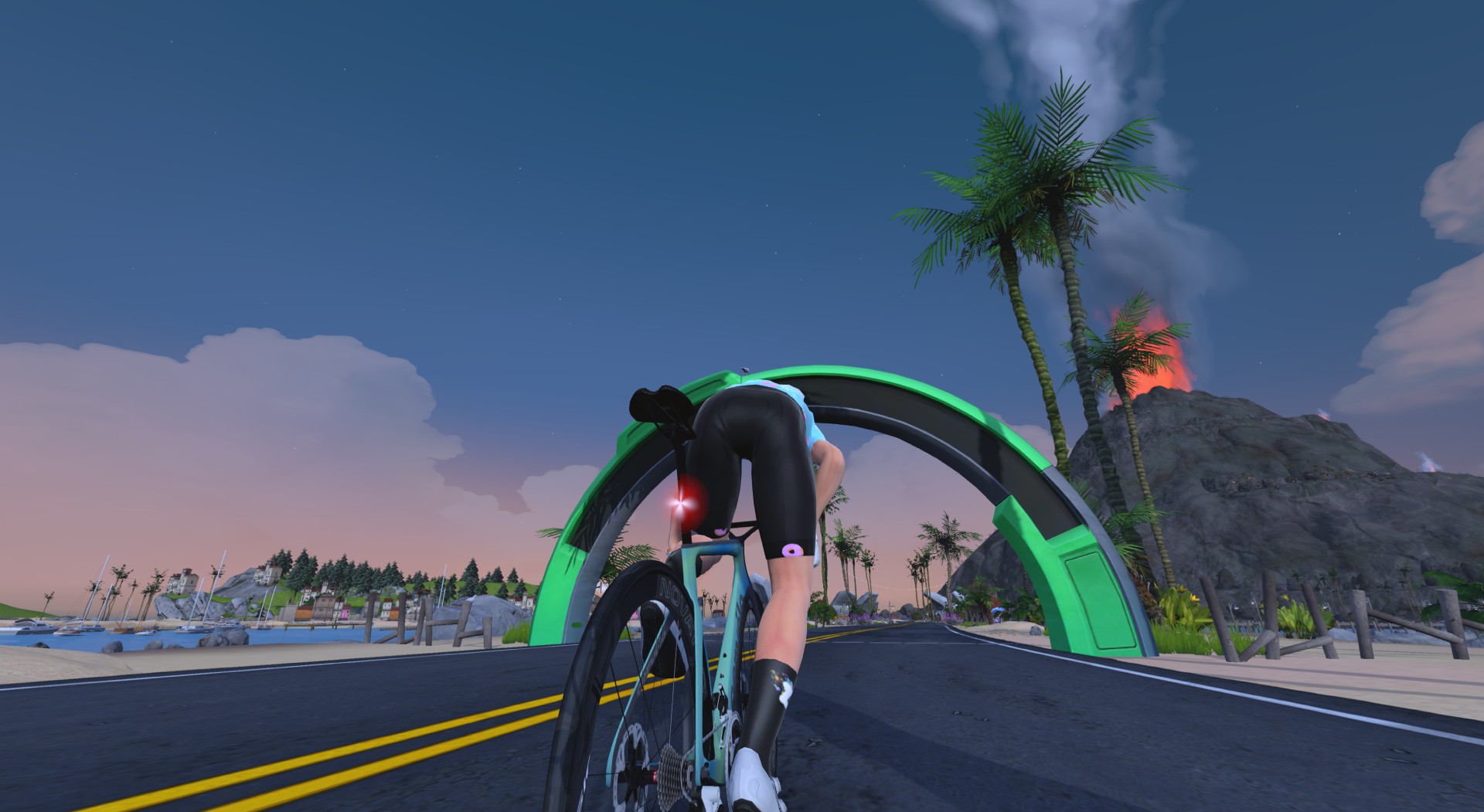
We’ve already announced the Zwift World Series, which is Zwift’s new flagship race series that encompasses both elite and community-level events for peak Zwift season. This week, Zwift posted the first set of community races, happening on August 29-September 1 on the new Richmond Loop Around route.
Here are the big reasons why the Zwift World Series community races are interesting:
They function as a monument race one weekend per month from September to January, offering a chance to challenge and test yourself against the Zwift racing community
Plenty of opportunities to participate, with races scheduled from Thursday to Sunday across multiple time slots
Global Leaderboards for each month’s races, plus a General Classification that combines all the monthly races to see how you rank against your peers throughout the series
Zwift World Series Community kit unlock when you complete any of the five races
Elite riders can use these races as recon events prior to the big elite races, and community riders get to race the same course as the elites to see how they compare.
Three brand-new courses and two never before featured in Zwift racing.
Route Details: Richmond Loop Around
This new route has never been ridden in Zwift, although Richmond’s roads will be familiar to many riders! It’s a punchy, attritional course with key climbs that reward a high VO2 max. Visualize it as three laps of the Cobbled Climbs Reverse (featuring the 23rd St Reverse, Libby Hill Reverse, and E Main St climbs) followed by one lap of the standard Richmond 2015 UCI Worlds route with its three climbs: Libby Hill, 23rd St, and Governor Street. See more route details >
Powerups: Aero awarded at the Lap Arch on each passing (2x)
Primes (elite races only):
23rd St KOM Reverse on the 3rd time passing
Broad St Sprint
Race 1 Schedule and Signup
Community races August 29-September 1, 2024 Elite qualifier: September 5 (Men 17:10 UTC, Women 18:30 UTC) Elite race: September 19 (Men 17:15 UTC, Women 18:40 UTC)
All About Zwift’s New Pinarello Dogma F 2024 Frame
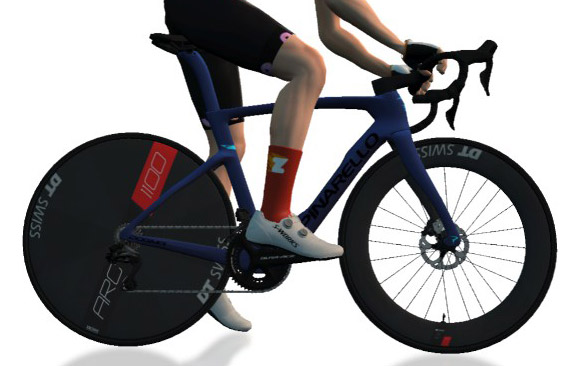
In June, Pinarello rolled out the latest version of their flagship road racing bike, the Dogma F. Previous versions of this bike were ridden to Tour de France victories by Team Sky/Ineos in 2012, 2013, 2015, 2016, 2017, 2018, and 2019… so it’s fair to say the Dogma line has built a reputation as a strong all-around race machine. Last upgraded in 2021, the real-life “New Dogma F” (that’s what Pinarello calls it) is 108 grams lighter than its predecessor, with a new cockpit, a slightly longer wheelbase, slight aero gains, and more tire clearance.
The Pinarello Dogma F 2024 is available in Zwift’s Drop Shop once you’re updated to game version 1.72. Here’s how it’s described there: “Whatever the road throws at you, the DOGMA F is always the right bike.“
Priced at 1,400,000 Drops, it’s slightly cheaper than the previous Dogma F (1,418,600), but both versions are level-locked at 40. They share this high-level unlock with a handful of other frames (mostly Pinarellos), and the only frame with a higher level lock at this time is the Zwift Safety at level 44.
The new Dogma F is rated 3 stars for aero performance and 4 stars for weight on Zwift, which matches the previous Dogma F’s ratings. But would it perform just like the old frame? We ran it through our battery of tests to find out…
Here’s everything you need to know about the performance of the new Pinarello Dogma F 2024 frame in Zwift.
Aero (Flat/Rolling) Performance
The new Dogma F is faster on flat roads than the previous version but just barely, beating it by one solitary second in our flat test.
The Dogma F 2024’s flat test time of 51:19 puts it 2 seconds behind the “fast four” (Cervelo S5 2020, Felt AR, Specialized Venge S-Works, Uranium Nuclear) which all turn in identical times of 51:17. It’s probably best compared with the Scott Addict RC and Canyon Aeroad 2024, though, since it’s more of an all-arounder than a pure aero frame. The new Dogma F is 1 second slower than the new Aeroad 2024, while it is 3.5 seconds faster than the Scott Addict RC.
All of this means the new Dogma F is 6 seconds faster than our “baseline” Zwift Aero frame on our test course, which is two laps of Tempus Fugit totaling 34.6km.
Climb Performance
With its ultra-light 4-star weight rating and the IRL frame being lighter than the previous version, we figured the new Dogma F would outclimb the old one. And it certainly did! The new Dogma F is 4 seconds faster up the Alpe than the previous version.
The Dogma F 2024 turns in an Alpe climb time of 48:55, which is 33 seconds faster than our Zwift Aero baseline and 5 seconds slower than the best climbing road frame in game – the Specialized Aethos.
Compared to its all-arounder competition, the Dogma F 2024 turns in the same climb time as the Scott Addict RC, while besting the Canyon Aeroad 2024 by 3.5 seconds.
Note: all test results above are from a 75kg, 183cm rider holding 300W steady using Zwift’s stock 32mm carbon wheelset.
All-Arounder Comparison
Until recently, the Scott Addict RC was considered the best all-arounder in game, at least if you removed the Tron bike from the equation. Then the Canyon Aeroad 2024 came out last month, turning in a better aero performance than the Addict but a slightly worse climbing performance. (You could say the two frames were quite evenly matched, with the Aeroad 2024 having the edge in aero performance, and the Addict having the edge on climbs.)
But here we have the Pinarello Dogma F 2024. It matches the Scott Addict’s climb performance, while beating it in aero performance. And while it loses to the Aeroad 2024 by 1 second in our flat test, it beats the Aeroad by 3.5 seconds on the climb!
What if we compare it to the Tron bike? Here’s an updated version of a very useful chart that makes comparison easy:
Tron vs Top Performers
Colored based on frame. Mouse over each point for details. Zwift Concept Z1, Specialized Venge S-Works, Pinarello Dogma F 2024, Canyon Aeroad 2024,Scott Addict RC, Specialized Aethos
If you only look at the enlarged dots (which are the top-performing setups), you’ll see two noteworthy things:
The Tron (yellow dot) is no longer sitting on that top performance curve. It has been beaten.
The Pinarello Dogma F 2024 has three top-performing setups (using the DT Swiss Disc, ENVE 7.8, or DT Swiss 62 wheels).
Conclusions
While the performance gaps between Zwift’s top all-arounders are admittedly small (less than 5 seconds in a ~50-minute test), the new Pinarello Dogma F clearly has the best performance in this category.
Last month we said the new Aeroad was about to become very popular with Zwift racers, and the same is true of the new Dogma F. But while the new Aeroad is available at level 10, the Dogma F is a more exclusive item, requiring level 40 or above.
And no: you don’t get a color slider with the new Dogma F. (There’s actually one that shows up, but it doesn’t do anything. We assume this is a bug Zwift will fix, but we don’t know if “fix” means the color slider will work… or it will just not show up. We vote for a working color slider.)
We’ll be updating various posts soon to add the Dogma F 2024, including:
Important note: this post contains speed test results for Zwift frames or wheels. These results may change over time, and a bike's performance relative to others may also change. We don't always revise posts when performance rankings change, but we do keep current, master versions of our speed test results which are always available. See the frame charts, wheel charts, and Tron vs Top Performers for current performance data.
Zwift version 1.72 begins its phased rollout today. This is a minor update that opens up some former event-only routes and adds a shiny new Pinarello to the Drop Shop. See details below…
Four Free Rideable Routes
Four routes that were previously event-only are now available for free riding:
Each of these routes also has a completion badge, which means they award an XP bonus the first time they’re completed.
New Bike Day: Pinarello Dogma F 2024
The Pinarello Dogma F 2024 frame is now available for purchase in the Drop Shop:
Price: 1,400,400 Drops
Aero Rating: 3 stars
Weight Rating: 4 stars
Level Lock: 40
We’re finishing up our speed tests now, and it looks like this will be a strong all-arounder with better climbing performance than the new Canyon Aeroad 2024 balanced by slightly worse aero performance. Watch for a detailed post in the next day or two!
More Release Notes
Zwift provided notes on additional tweaks and bug fixes in this update:
Fixed an issue where fence controls were missing for the ride leader if they joined an event after it started.
Fixed an issue where the Zwift Play and Ride controllers could vibrate multiple times for each hazard and boost on Repack Rush.
A couple of weeks ago, we shared an opportunity for Zwifters to design the route for the final race of the next Zwift Racing League round. In fact, it’s been decided that the final race of each round of the 2024/25 Zwift Racing League season will feature a new community-designed route!
Fifty-one submissions were sent in, and as someone who got to see all of them, I must say there were some really solid routes submitted.
After spending hours looking at each and every proposed route, a panel of judges (including myself) narrowed the field to just three. And now the Zwift community gets to decide which one we’ll race on October 15!
Hint: to best understand the proposed routes and their profiles, click to see the ride details for each route above, then scroll along the profile below the animated map to see the direction of travel.
For runners recovering from injuries, cycling is a good way to maintain fitness. This week’s top video follows an injured runner as he tackles an FTP Test on Zwift.
We’ve also selected videos about the Zwift Ride, climbing Alpe du Zwift, improving fitness with Zone 2 training, and Tiny Races.
Injured Runner tries Bike FTP Test on Zwift – Hard!
After recently sustaining an Achilles injury, Tim has been riding on Zwift in order to maintain some fitness. Watch as he tackles a ramp test on Zwift.
Unboxing and Build the Brand New Zwift Ride Smart Bike
Louise Vardeman recently received the new Zwift Ride smart bike. In her latest video, she unboxes and sets it up!
My Next Challenge & Ride Across Series
Katie Kookaburra introduces her next big challenge as she climbs Alpe du Zwift.
Can only 2 weeks of Zone 2 training improve Zwift racing results?
Ollie, aka, Not Tadej Pogacar, has been trying Zone 2 training recently. Can two weeks of Zone 2 training help him improve his racing results?
EP.29 – What is harder? a Cat 3 Crit or Zwift Tiny Races?
In the latest episode of Cranks & Sprints Chronicles, Rodrigo shares a recap of his most recent week of training, which includes a spicy crit race and the Zwift Insider Tiny Race series.
Got a Great Zwift Video?
Share the link below and we may feature it in an upcoming post!
How did you get into cycling? Cycling has always been a family sport. I raced in the Elite from 2005 to 2008, taking part in two Tours of Italy and one Tour de France.
How many years have you been racing on Zwift? I’ve been racing on Zwift since December 2022 and I find them a stimulating comparison.
Are you part of a Virtual team? Team Italy.
What is your favourite style of race (e.g. points, scratch, iTT, TTT, Chase, duathlon)? I like points races but also endurance races (I’ve already done two 12-hour races for charity).
Oplus_131072
What is your favourite Zwift women’s race series? I like the ZRL, Boudicca Tour, and Iceni women-only races.
What is your most memorable racing experience, inside or outside or BOTH? Outdoors, the 24 hours of Montello in June 2022 were exciting, while indoors, the 12 hours non-stop in December 2022 and 2023 were thrilling with 389 and 410 km covered on Tempus Fugit.
What is your favourite food to eat post race? After the race I recover with a good protein pudding.
What advice would you give to a woman entering her first Zwift race? For those who start taking part in races on Zwift, women or men, it’s the same, I recommend a good warm-up to start with: the first 5 minutes are on fire.
Any upcoming race you are looking forward to? Let’s finish the Iceni Women’s Tour, which I care a lot about because it has a great participation. We’ll see. From May to October I will try to cover as many kilometres as possible, indoors and outdoors, to participate in the Km for The Cure initiative to support the prevention, research and treatment of breast cancer.