The Grade KOM (Watopia) Zwift Segment Details
Key Details
- Length: 3.52 km (2.2 miles)
- Elevation Gain: 305 m (1,001‘)
- Average Gradient: 8.6%
- Found in Watopia
- In-Game Name: The Grade KOM
- Strava segment
- ZwiftPower Leaderboard
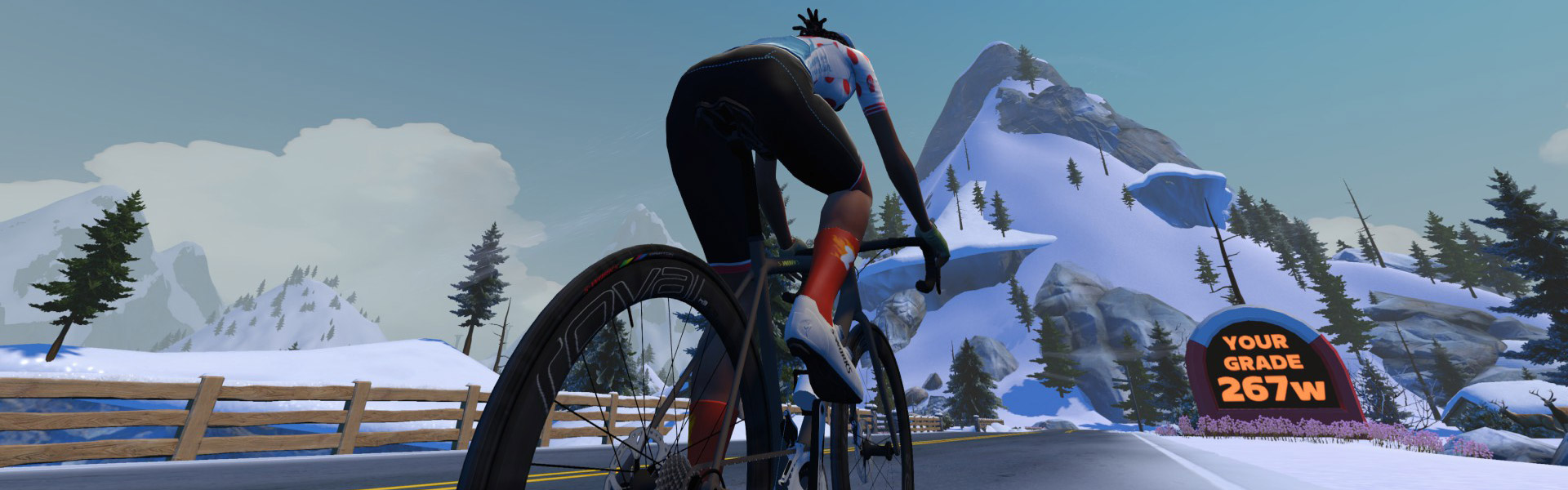
“The Grade” is more than just another Watopia climb segment… it’s an in-game FTP test! Give your maximal effort up this climb and Zwift will detect your FTP based on your segment time and average power. A sign just past the finishing arch displays your detected FTP.
Curious how long it will take you to complete this climb? Here are a few metrics from our bot tests with a 75kg, 183cm rider on the Tron bike:
- 150W (2 W/kg): 27:46, 146W FTP (97.3% of average)
- 225W (3 W/kg): 18:47, 210W FTP (93.3% of average)
- 300W (4 W/kg): 14:22, 267W FTP (89% of average)
- 375W (5 W/kg): 11:44, 328W FTP (87.5% of average)
- 450W (6 W/kg): 10:04, 388W FTP (86.2% of average)
- 525W (7 W/kg): 8:49, 449W FTP (85.5% of average)
- 600W (8 W/kg): 7:54 (not FTP detected for efforts below 8 minutes)
The first half of this climb is perfectly straight, beginning in Ciudad La Cumbre on Watopia’s southern coast and heading straight up the mountain toward the Epic KOM.
The road flattens just before the halfway point as you come to an intersection, then tilts upward again for the twisty second half of The Grade. If you feel like you’re moving extra slow, it may be because the road surface turns more icy as you climb – this is Zwift’s ice/snow surface, and it rolls slower than standard tarmac.
Hammer your way up that snaking road and empty the tank as you head through the KOM banner to maximize your FTP test result. Well done! If an FTP increase is detected you’ll see confetti fly, and Zwift will automatically update your in-game FTP setting.
Routes Featuring this KQOM
| Route | Length | Elevation | Lead-In |
|---|---|---|---|
| Elevation Evaluation | 24.6 km (15.3 miles) | 396 m (1,299‘) | 3.1 km (1.9 miles) |
| Hilltop Hustle | 13.6 km (8.5 miles) | 336 m (1,102‘) | 2.7 km (1.7 miles) |
| Oh Hill No | 7.9 km (4.9 miles) | 306 m (1,004‘) | 0.2 km (0.1 miles) |
| Peak Performance | 45.7 km (28.4 miles) | 726 m (2,382‘) | 0.9 km (0.6 miles) |
| Power to the Tower | 43.8 km (27.2 miles) | 1494 m (4,902‘) | 0.9 km (0.6 miles) |
| Radio Rendezvous | 20.4 km (12.7 miles) | 728 m (2,388‘) | 3.1 km (1.9 miles) |
| Three Step Sisters | 37.9 km (23.5 miles) | 586 m (1,923‘) | 0.2 km (0.1 miles) |
Leader’s Jersey
A word about accuracy: as much as possible, we’ve used Zwift’s in-game numbers for the segments listed. Strava data may differ slightly.
Does it change you FTP if its lower than before?
No. It always shows your result on the sign after the banner, but you only get a confetti burst and a change prompt if it’s an increase over what’s saved on your profile.
I did a recce at 105w and no it didn’t drop my FTP to 102.
Does the ghost rider follow 2nd time up
If you have HoloReplay enabled, yes.
On a traditional FTP test it always instructs to stay seated. This is a route, and an FTP test. Does the seated thing apply for accuracy?
Z2 workout 3.3 w/kg resulted in 92%.
That number would be different if I was 20kg heavier?
Will this result affect the category enforcement for races/events?
Yes: i got an FTP increase today, and am now listed as a B rider instead of C.
When will this be on the Watopia Map pdf? It doesn’t show yet.
mine came up to say my ftp test was 199 and currently I’m at 188 ftp on Zwift but I got no update or confetti??
I’d like to try this for an FTP test. How exactly does this calculate an FTP? I saw the video and the rider made it to the banner in under 20 minutes. What if it takes me longer than 20 minutes(usual time for an FTP test) to reach the banner? If I hold greater watts than my current FTP for 20 minutes, but then drop watts until I reach the banner will this lower my FTP?
Text above explains how it works. Just give a maximal effort to the top, and it’ll detect your FTP from that.
more info: https://zwiftinsider.com/the-grade-review/
What is the recommended strategy when you reach the flat section in the middle of the Grade. Should you ease up and recover for the next section or go full gas?
Most people do best with keeping an effort steady. So I would recommend continuing to go full gas. Which is hard, because you have to shift gears in order to do that!
Or set trainer difficulty to zero or unpair your “controllable trainer”.
If it’s to be a proper power test there is no earthly point in having to faff about with varying gradients and gear changes. You want to keep the power on at all times.
Of course, feel free to change gears if you need to, but only because the legs and lungs want it, not because the gradient changes.
In addition to the full length “The Grade KOM” Strava segment, is it possible to create a public “The Grade KOM – Lower Portion” to complement the “The Grade KOM – Upper Portion”?
I definitely didn’t look for a sign at the top; I was cooked. Is there a way to see that result somewhere else in the game?
It will automatically set your profile FTP to the new value, if it’s an increase. You can see that by editing your profile in game.
If you have video screenshots enabled it should have saved a video…
If you have photos enabled it should have snapped a highlight pic…
Otherwise… no, it’s not saved anywhere that I know of.
How do I get to this workout? I am searching all the events, workouts, FTPs test and I still can’t find it. The Grade KOM?
Its a route in Watopia. You just ride the route.
Ride any of the routes listed above under “Routes Featuring this KQOM“.
Someone help me understand this.
I just completed The Grade in 16m:15.7s with an average of 361 Watts, on screen as I cross the finish.
The sign gave me a Grade of 327W.
Why isn’t it 361?
Because it’s computing your FTP estimate. FTP is the max effort you can hold for a longer period, typically 40-60 minutes. So the test looks at your average for whatever time it takes to get up the grade, then multiplies it by a factor to estimate wha you could do for 40-60 minutes.