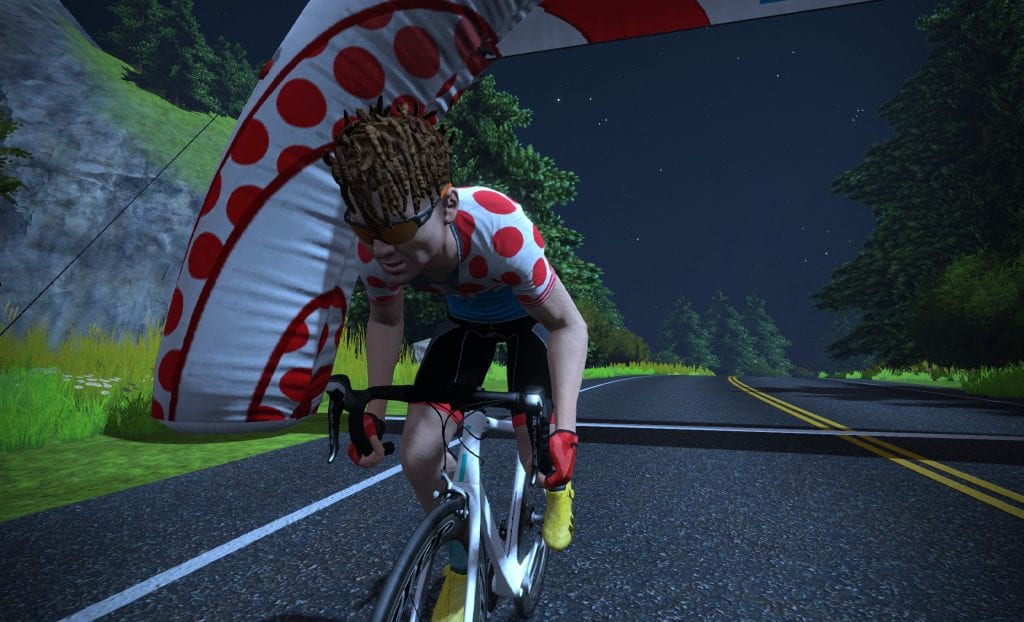
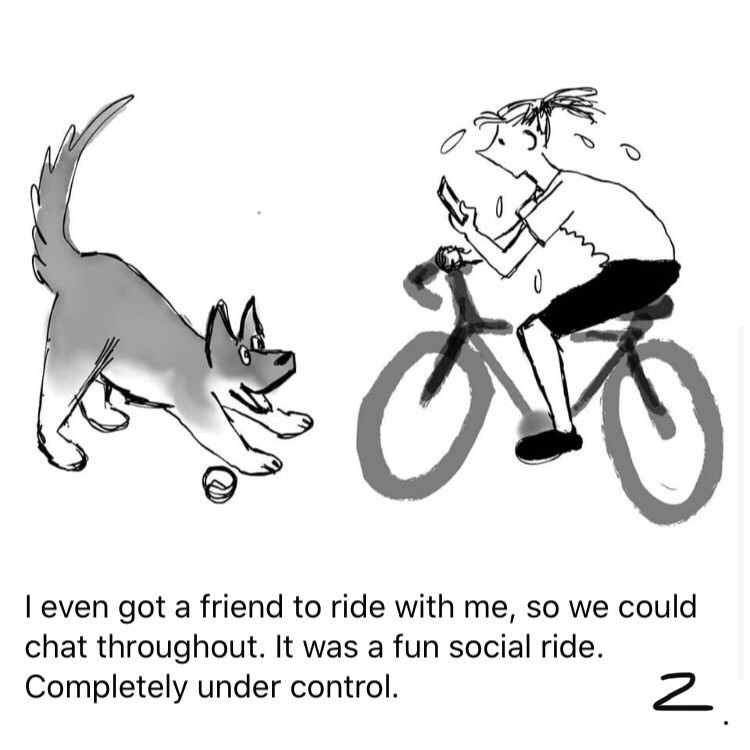
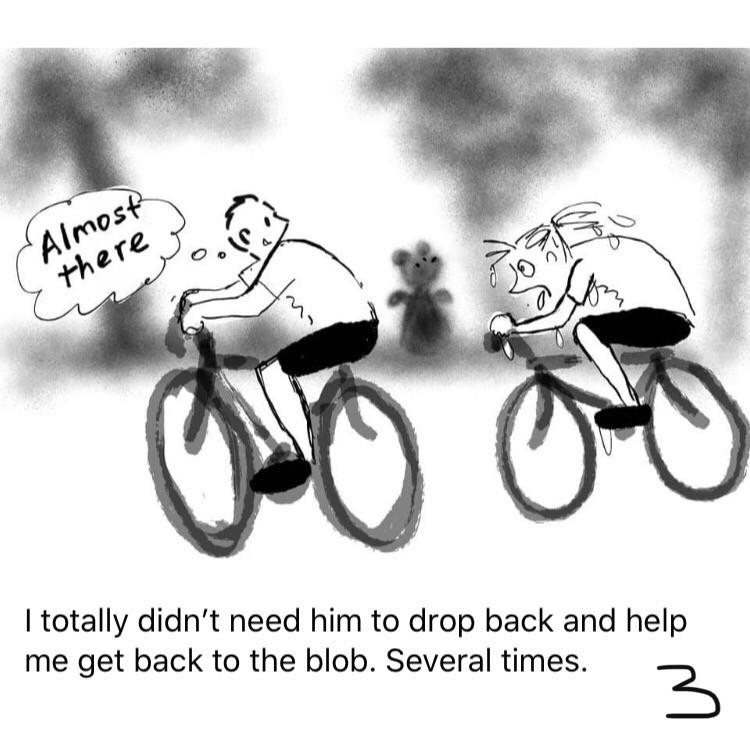
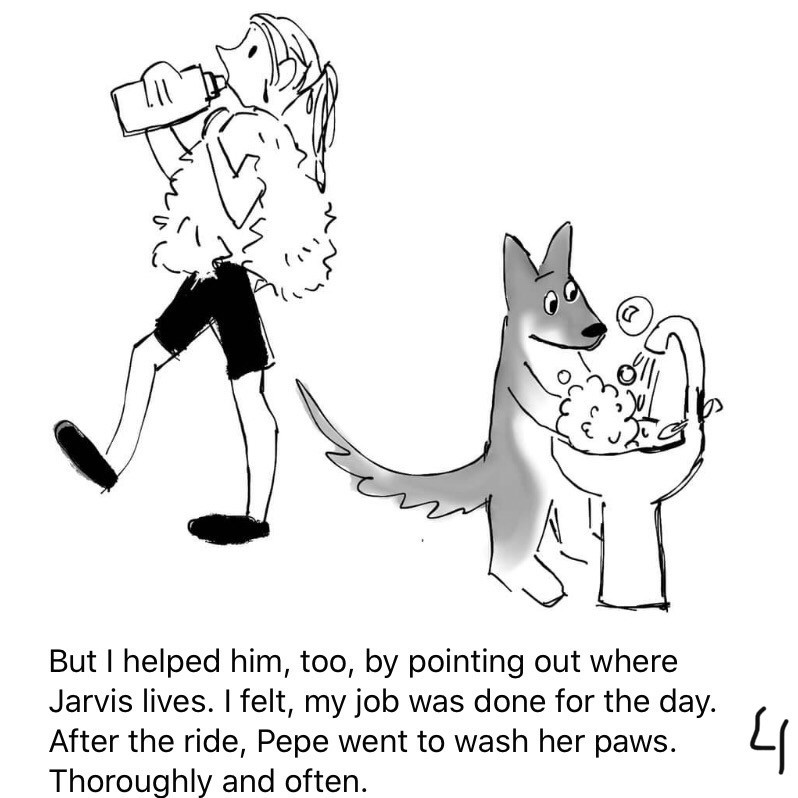
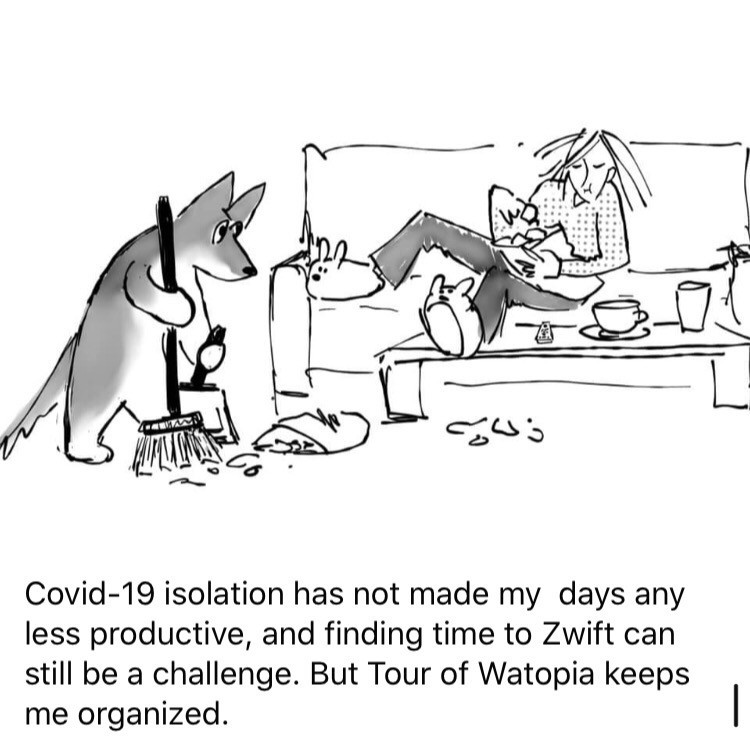
It’s April Fools’ Day, and you know what that means – the game team at Zwift is going to have a little fun!
This is our 6th April Fools’ Day on Zwift, and each year the HQ has come up with something fun for the community. Last year we were burning rubber, and the year before that it was Paperboy. 2017 we had big heads, 2016 gave us the old-timey effect, and 2015 we rode big wheels on Jarvis.
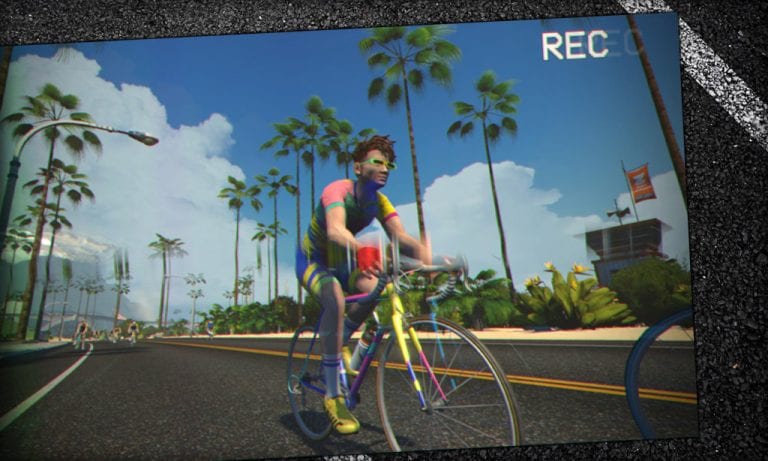
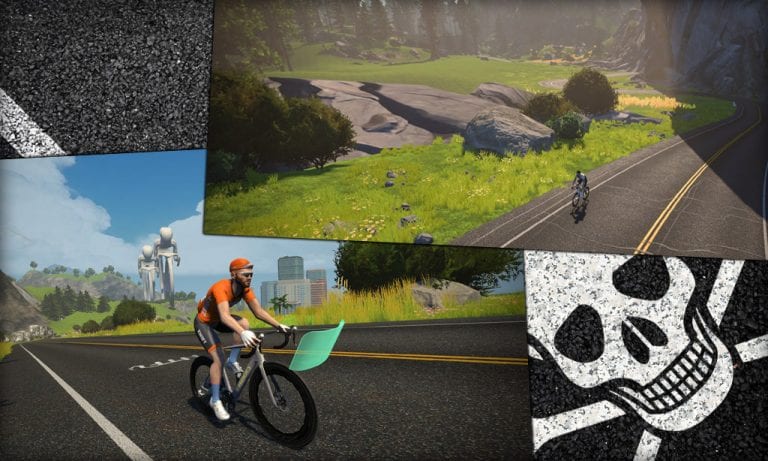
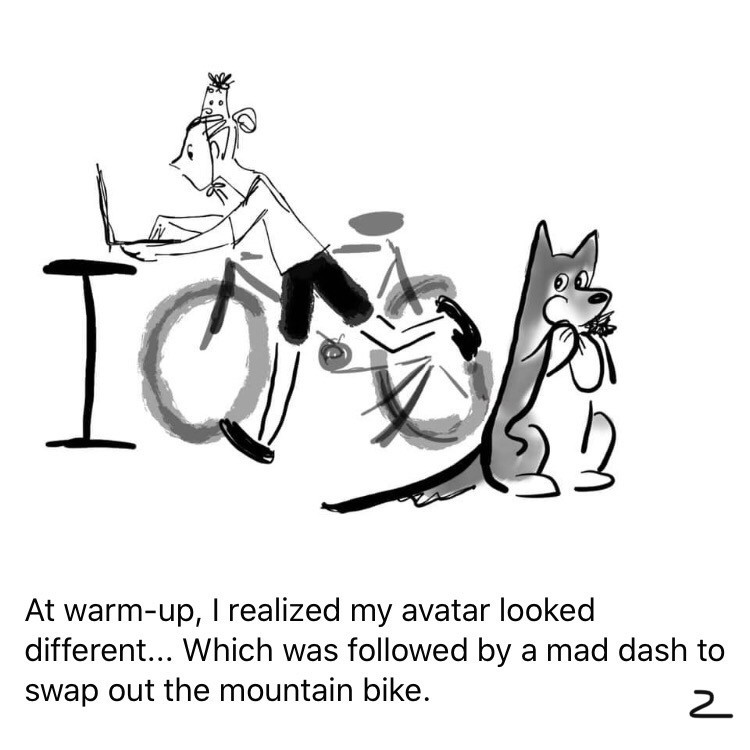
This year we’re going back to 1989 with rad neon kits, brightly-painted steel bikes, and tube socks.
Use the color slider to change your frame’s colors, and enjoy the silliness. We all need a bit of a laugh these days!
Strava Includes Indoor Activities in Monthly Challenges for April
Back in February 2018, Strava made it possible for Challenge organizers to include indoor activities in their challenge stats. This was big news in the world of Zwift, where riders had gotten used to only outdoor miles counting!
But even with that change, Strava’s own monthly challenges (which make up the bulk of challenges on the platform) have never allowed indoor activities. Until now.
For obvious reasons, Strava has seen fit, at least for the month of April, to allow manual entries, virtual activities, and trainer workouts to count towards completion of their challenges. This applies to both cycling and running challenges. The April challenges now include this language:
We expect all athletes to honor the Strava Community Standards, which includes abiding by all health advisements and restrictions in your area prior to undertaking any physical activity.
With this in mind, GPS, manual entries, virtual activities and trainer workouts will count toward this challenge. Many of you take a lot of well-deserved pride in your challenge accomplishments, and we want to help you stay motivated even if you aren’t able to get outside as you normally would. There’s never been a better time for us to make indoor activities count toward challenges, and so we’re happy to respond to this long-standing request.
If you’re a Strava user, go visit the Challenges page and sign up. A little extra motivation never hurts!
Your Thoughts
What do you think – does this give you a little extra motivation? What challenge(s) are you signing up for? Share below!
Couch to Route Hero, Week 11 (Not Even Somewhat) Done
Editor’s note: Monica is undertaking the “Couch to Route Hero” challenge of riding all 67 “free-ridable” Zwift routes (and getting all the badges) in 11 weeks. Each week she shares her story of the previous week’s struggles and accomplishments. Follow along on her journey, take the challenge yourself, and be sure to give her a Ride On if you see her on course!
We’re finally at week 11 of the 11-week challenge and it’s not ending in any way I could have imagined. It seems we can blame Eric as he created the challenge without factoring in a global pandemic. I will have words with him about this, don’t you worry!
The Week Lined Up
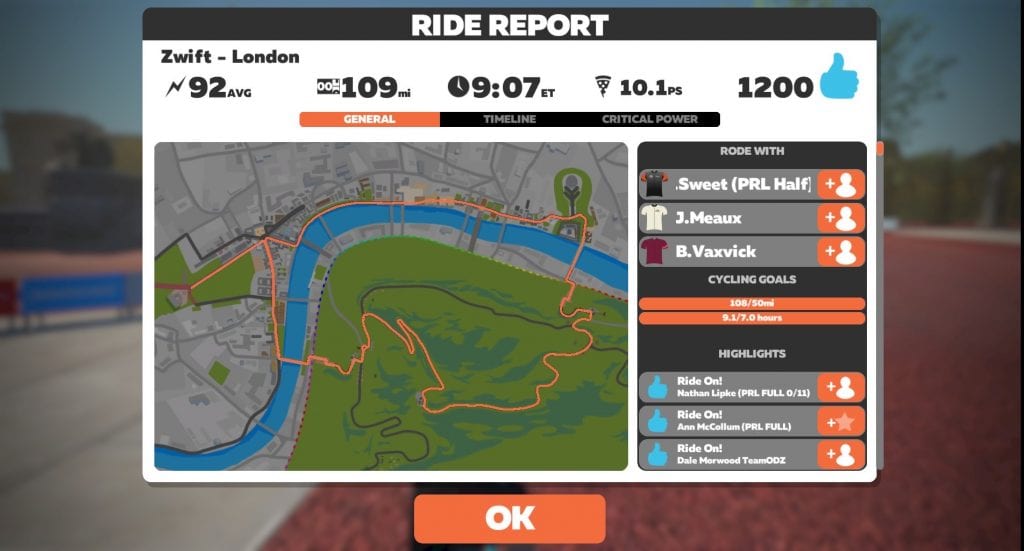
I added 2 new route badges for a total of 61. Only 6 left, and none of them are in the 5+ category. Sweet relief! I rode 127.4 miles with 8,336 feet of elevation gain in 10 hours, 35 minutes.
I started the week with the usual preparation most experienced riders would do: come down with a mild case of the flu.
It’s important to note here that I do NOT have the Coronavirus. Apparently other illnesses are also flying around out there and in all our efforts to stay Sheltered-in-Place I still found one of these bugs and succumbed to it.
Step two of the preparation included a week of supplements, sunshine, water, and fruits and veggies. I also added in some discouragement and frustration as I considered the fact that the world might be riding the PRL Full without me.
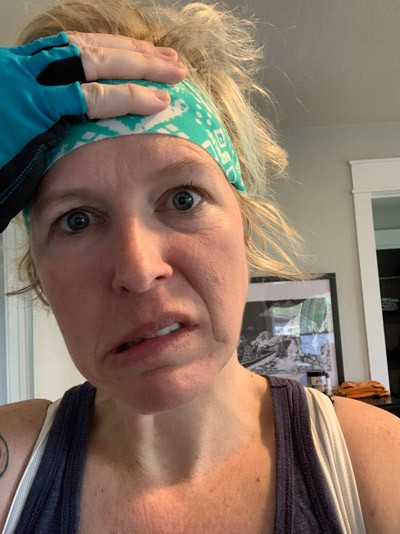
On Saturday I woke up somewhere around 900 times in the night wondering if it was morning and was I any better. It was not, and I was not. When the alarm went off at 6am I’d had the 21 minutes of sleep recommended before the longest ride of one’s life. So I popped out of bed and suited up. Carbs, water, and caffeinated gum were on the breakfast menu after which I hopped onto my trusty steed!
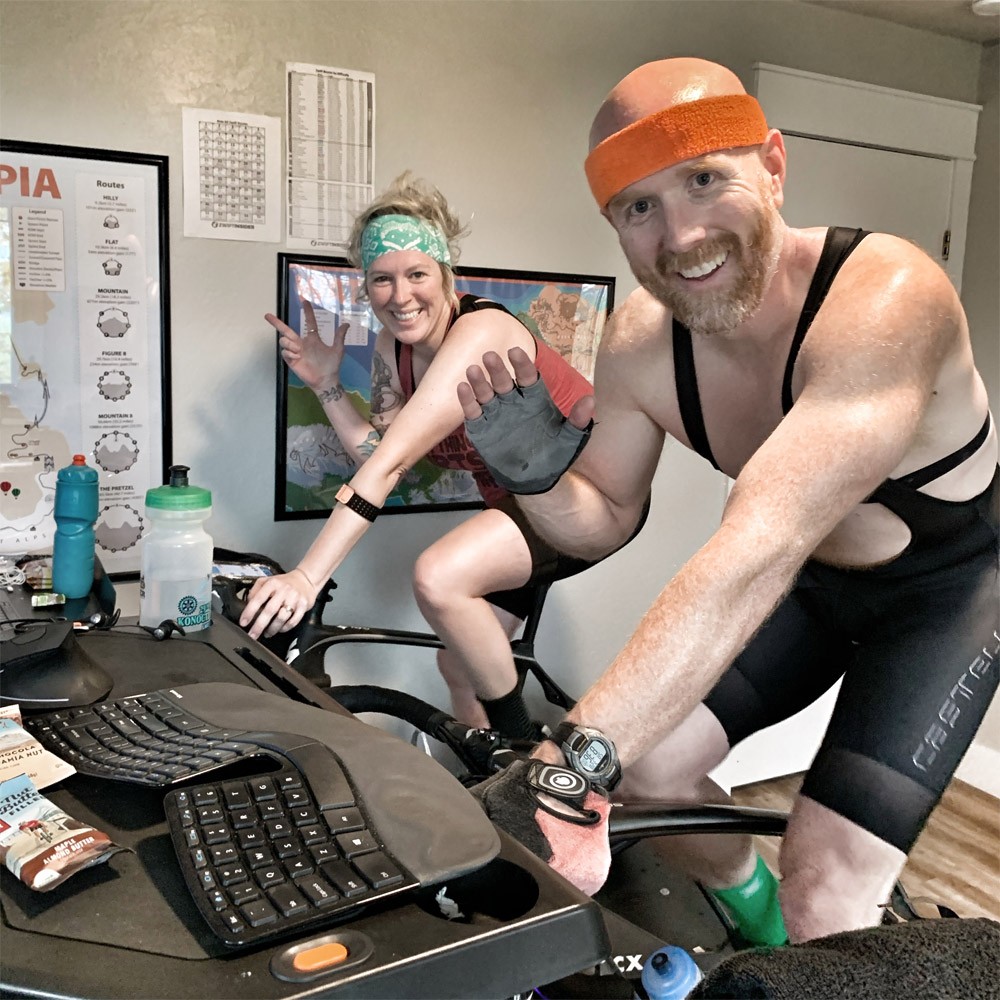
Eric and I, starting the big ride
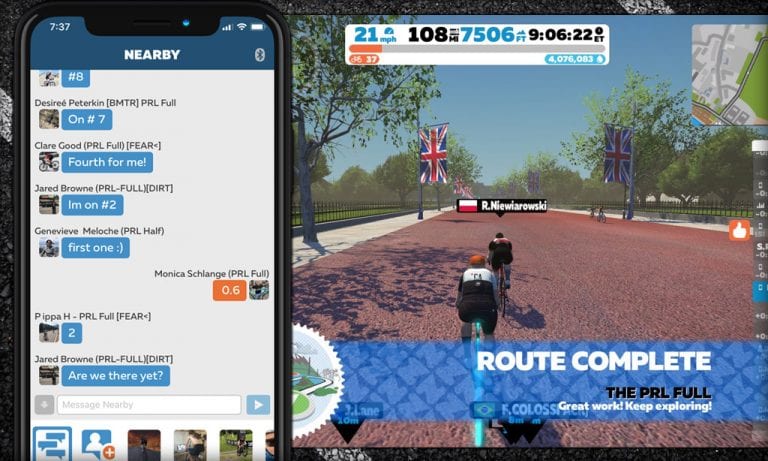
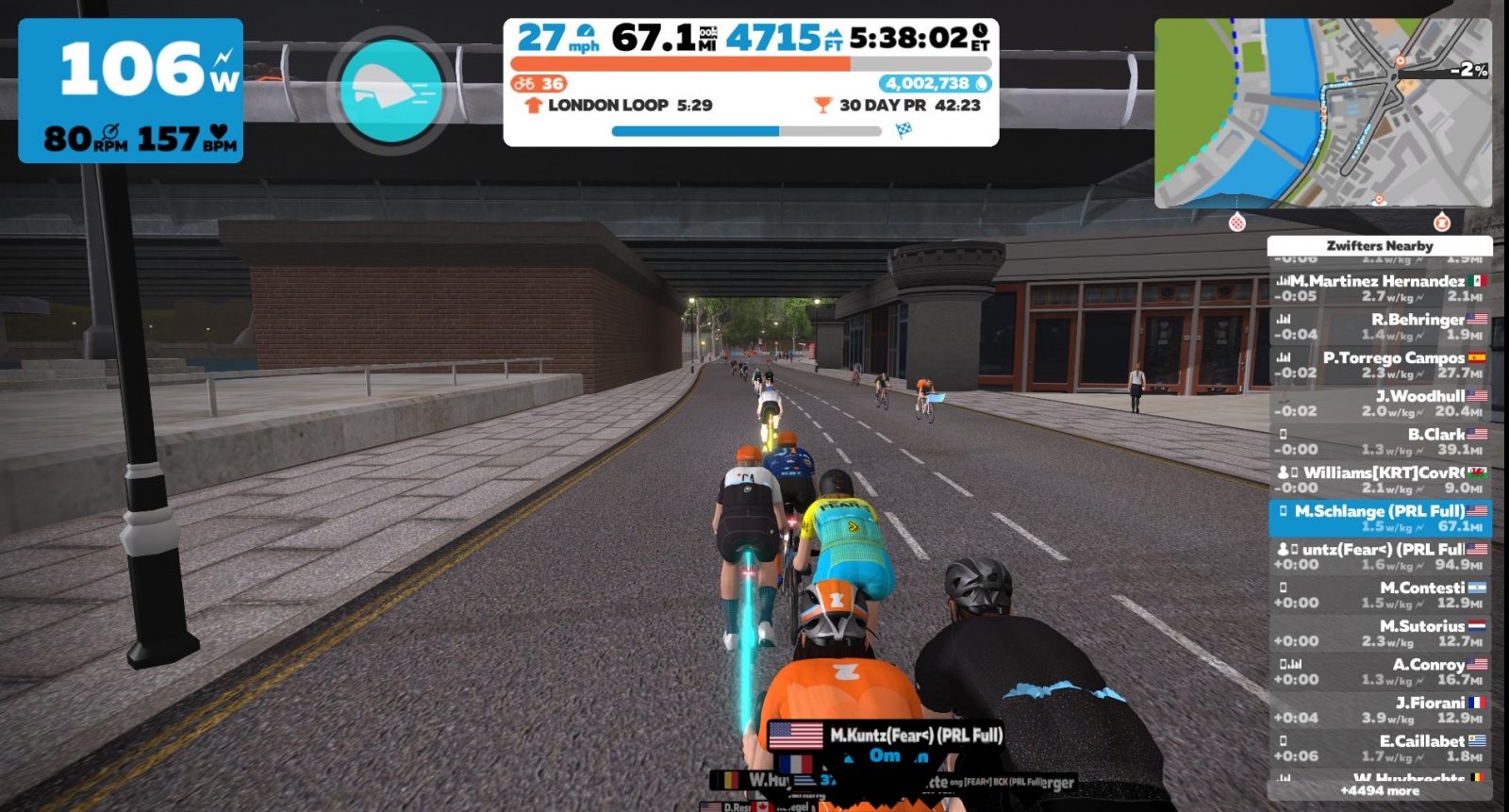
The plan was to stay in Zone 1 or 2 for a few laps of the London Loop, which we’d do 11 times for the PRL Full. I wanted to see if I could ride with the bug or maybe just kick sickness to the curb with a low effort. I was clearly in prime condition for this ride as just hopping onto my bike brought my heart rate almost all the way up to Zone 2! Seeing others with “PRL Full” in their in-game names added several beats per minute so I settled into a perfect Zone 3 and was off! I’ve always been an overachiever.
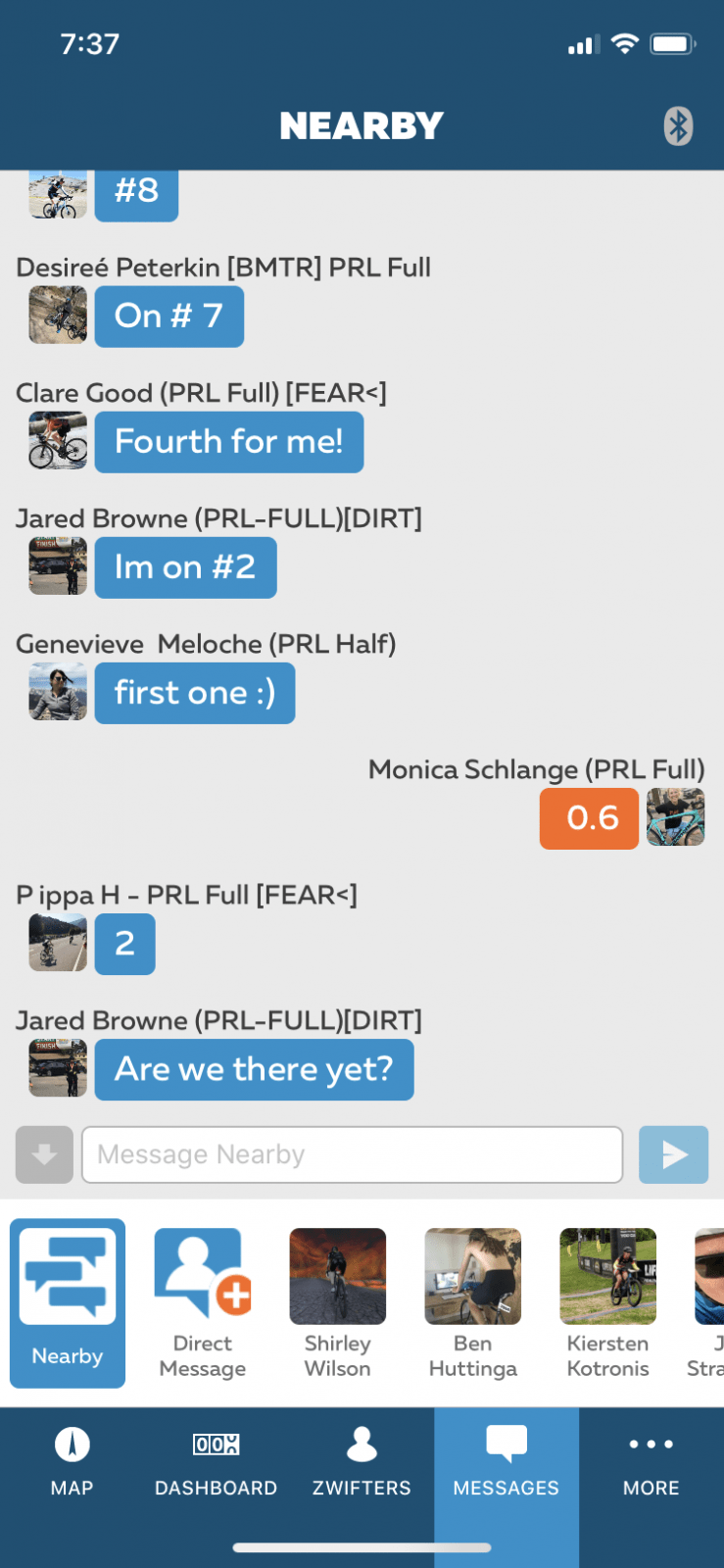
The first 3 laps were a breeze. Mainly because I have no recollection of even riding. With so many people sending messages it was all I could do to write back or join in the conversation. Pedaling was forgotten! Glorious!
Those around me must have gotten into a rhythm by my lap 4 as the chatter calmed down somewhat. It was then I decided I really needed to pay more attention to my heart rate. My immunity means more now than it ever has before so I needed to be a bit smarter. I slowed down (which is what all cyclists want to do) and settled in for another 2 laps. The plan was to stop for a long break after lap 6.
During lap 5 I realized I was feeling worse than anticipated. I’d ridden about 40 miles and was quite fatigued, feeling somewhat nauseous. I let those I’d been riding with know that I’d be taking a break and hopped off once I hit the top of the Box Hill. I laid down on some towels on the floor and suddenly my entire head felt like it would explode. This was the worst headache I’d had in a long long time. The teen daughter brought me some medication and I added more carbs, more caffeine, and a freshly washed face. I was ready to ride again.
I rode most of lap 6 with a bit more cheer and decided to stop on the downhill again for a real break. I changed into my best bib shorts and ate what I referred to as “real food.” Really, it was just a brownie, some Kombucha, and a banana. I was antsy to get back on my bike and finish what I started before my legs revolted and before Eric (who was quickly riding the PRL Full beside me) was long gone from his bike.
At lap 7 I was glad I had taken the long break as it was a slow trudge up Box Hill. When I reached the end of the descent I decided I’d likely take a long break at every descent. Why not? Everyone else was doing the route at their own pace, this would be mine. But when I got to the bottom a dear friend I only know through Zwift had hopped on. Daffyd Williams, a cat A racer with KRT jumped in and said hello. That gave me the pep I needed! He instinctively jumped in front of me and I clumsily hung on to his wheel. As we neared Box Hill I warned him it would be the slowest climb of his life. He didn’t mind as he was saving his legs for a race the next day. We both meandered up and I wondered how long he could handle this pace, picturing him at his home in the UK probably out of the saddle doing one-legged, no-hands drills. Daffyd pulled me along the flats again and around to another ascent, adding in some hilarity over messaging. I decided he was my new best friend and immediately texted all my current best friends to let them know.
Daffyd pulling me along
I was feeling the nausea and fatigue as we made our way up the climb, this being my 9th time. Only two left but I needed a break. Daffyd and I parted ways at the descent and I hopped off my bike, this time adding a second pair of bibs to my poor sit bones.
Once my feet quit hurting I hopped back on, planning to stop at the end of each lap. Halfway up my 10th ascent I had to immediately dismount and lay on the floor. The nausea of the flu-bug was back and had decided it was here to stay. A long rest and more water gave me the edge I needed to finish climb 10 without heaving on Eric’s empty bike next to me. One. Lap. Left.
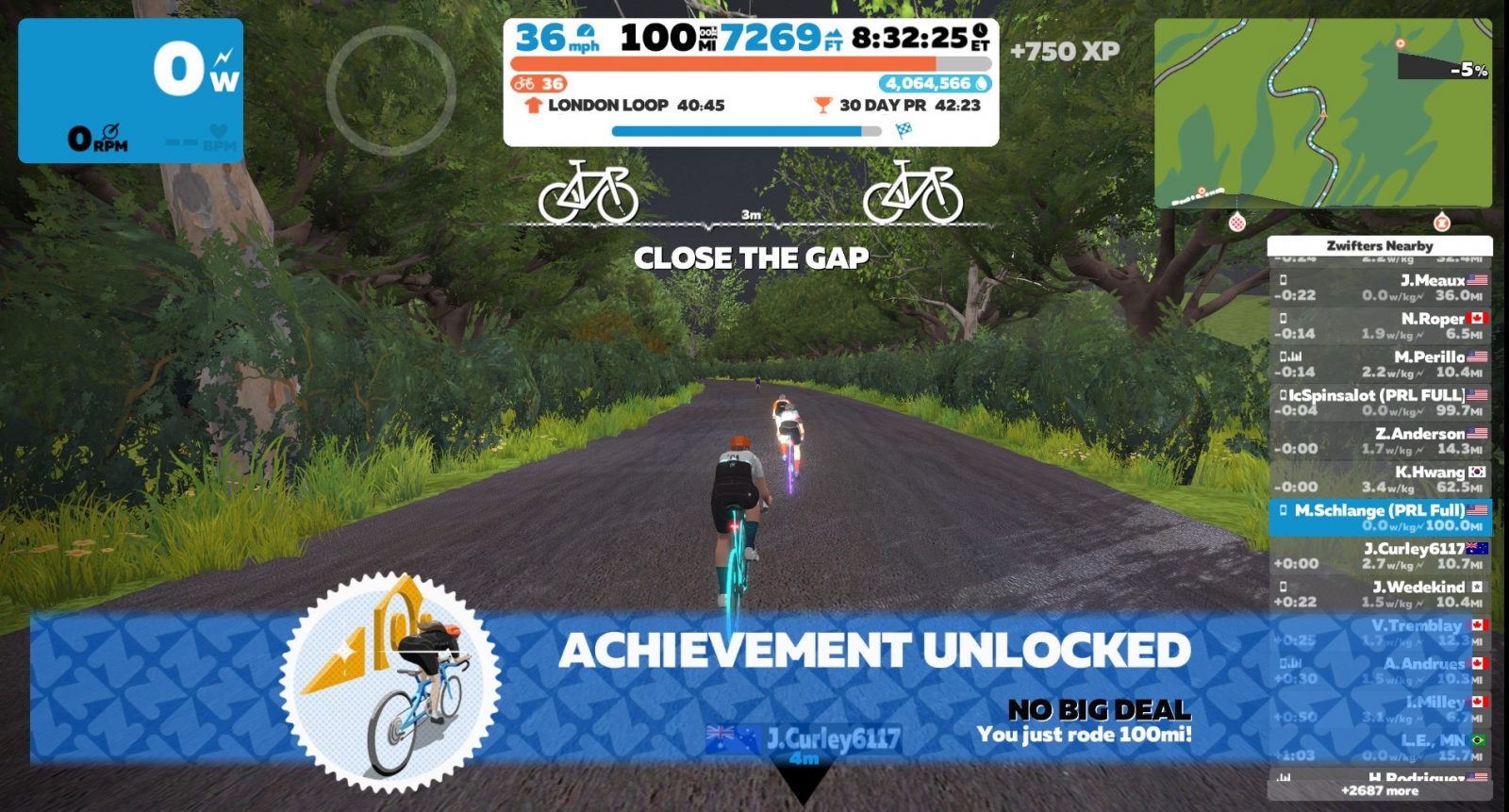
Lap 11 brought me to my first great achievement of the ride: the 100-mile mark! It’s called the “No Big Deal” Achievement Badge and came with 750 XP Points. I yelled out “I just hit 100 miles!!!” to my family in various places in the house. They all cheered! My first century of my entire life! It also meant the sweet relief of knowing I only had ~7 miles left of this route.
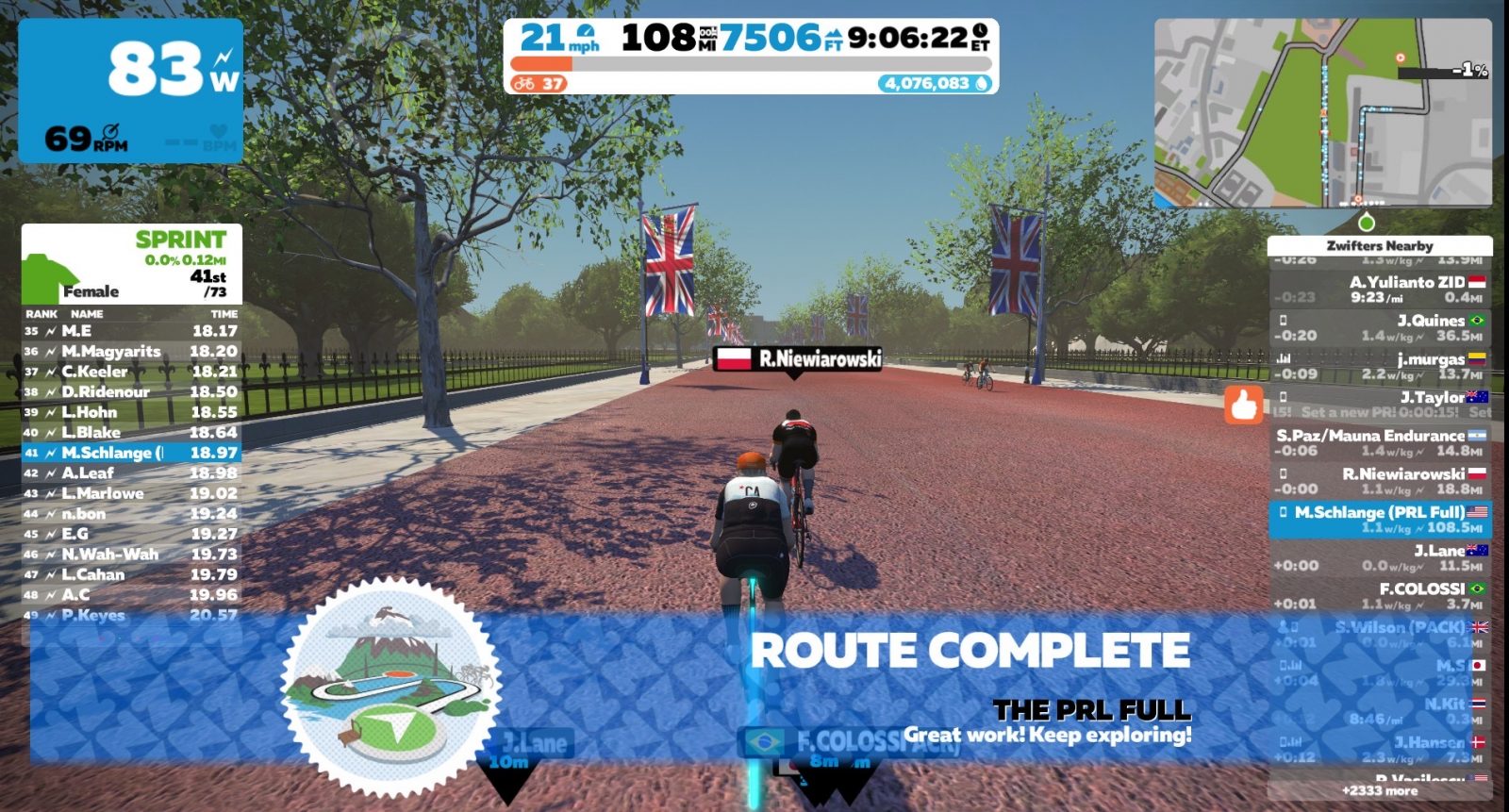
Because the end of the PRL Full is at the Classique banner on the Mall I was leaving the circuit other Zwifters were still on. That pained me as I wanted to encourage everyone along the way. I let them know I was leaving as I passed my virtual baton off to them to finish together. I limped in to victory, soaring under the banner as I pushed out 90 watts of raw power!
9 hours and 6 minutes of riding got me the most coveted of Route Badges on Zwift! Sweet relief!!!
After Hours
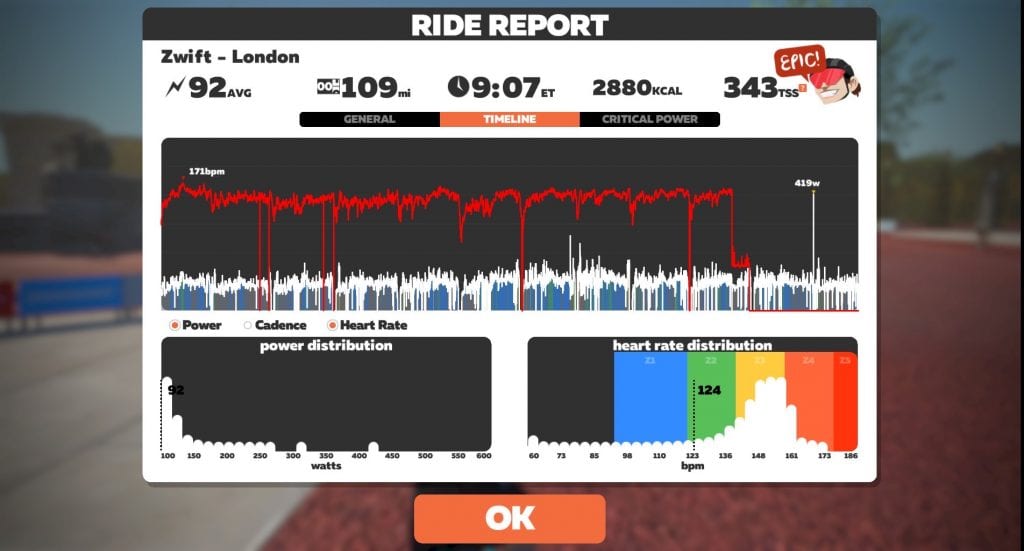
It was so fun to see I got exactly 1200 Ride Ons while completing the PRL Full! On the same notification screen, I also found that I rode mostly in a high zone 3. Oops.
Eric placed a to-go order for Indian food where I figured I’d eat my weight in naan. I burned 2800 calories! Clearly I’d forgotten about the nausea while I was ordering which meant I had plenty of leftovers for Sunday!
The Following Days
The night of the PRL Full I assumed I’d sleep well. My 21 minutes of sleep the night before, coupled with an entire day of riding seemed like a good sleep remedy. I slept solidly for 2 hours after which the 8,433 mg of caffeine I had earlier in the day must have kicked back in. I got out of bed around 11pm and didn’t feel mentally tired again until 4:30 in the morning. I slept until 9 when Eric woke me up to remind me I wanted in on a Zoom version of a church Sunday School class that was happening. I was groggy but happy and feeling proud of myself. The whole rest of Sunday was spent in my pajamas lying around the house feeling nauseous but content.
As I finish writing this piece 2 ½ days after the ride my body has completely recovered and I’m finally feeling better from the flu. I can now say with complete certainty I am glad I did the ride!
My New Friends
I have a bajillion new friends I rode with, and that was the very best part of this whole thing. We spent almost the entire time talking. Topics included what we were going to eat after the ride was over… most popular answer was “beer.” What lap we were on… 7/11, 2/11, 11th lap. Whether we were doing the PRL Full, or the Half. Explaining to non-PRL riders what “PRL” was, and so on. I think everyone was cheered on no matter what lap they’d hit.
Various Zwifters would joke that the pain they were feeling was all my fault. I found myself responding “Blame me today, thank me tomorrow?” and hoped that would be the case as I too was really regretting my own decision to do this ride.
As I neared the end I found a few people who’d finished the ride earlier came back to cheer me on to the finish line. They logged back in very late in their timezones and kept encouraging as I rode. I felt the love!
Once this Shelter-In-Place craziness is over I plan to travel the world and meet each of you!
Next Week
The original Route Badge Quest didn’t have a “Global Pandemic” contingency plan factored in and I’m still feeling a little sickly so I’ll see how the week plays out. I have the following routes that still need to be done: Watopia’s Figure 8 Reverse, Road to Ruins, and Out and Back Again, New York’s Rising Empire, and Innsbruck’s Lutscher CCW and Achterbahn. I’ll just ride them as I feel like it. It may take one week. More likely two. I’ll continue to write about the journey each week.
How About You?
Did you ride the PRL Full or the PRL Half? Let us know! We don’t have an actual count (I know it was more than 40) and would love to know just how many people got a PRL Badge this week! Also, was that your last ride for all your route badges? Are you officially a Route Hero?
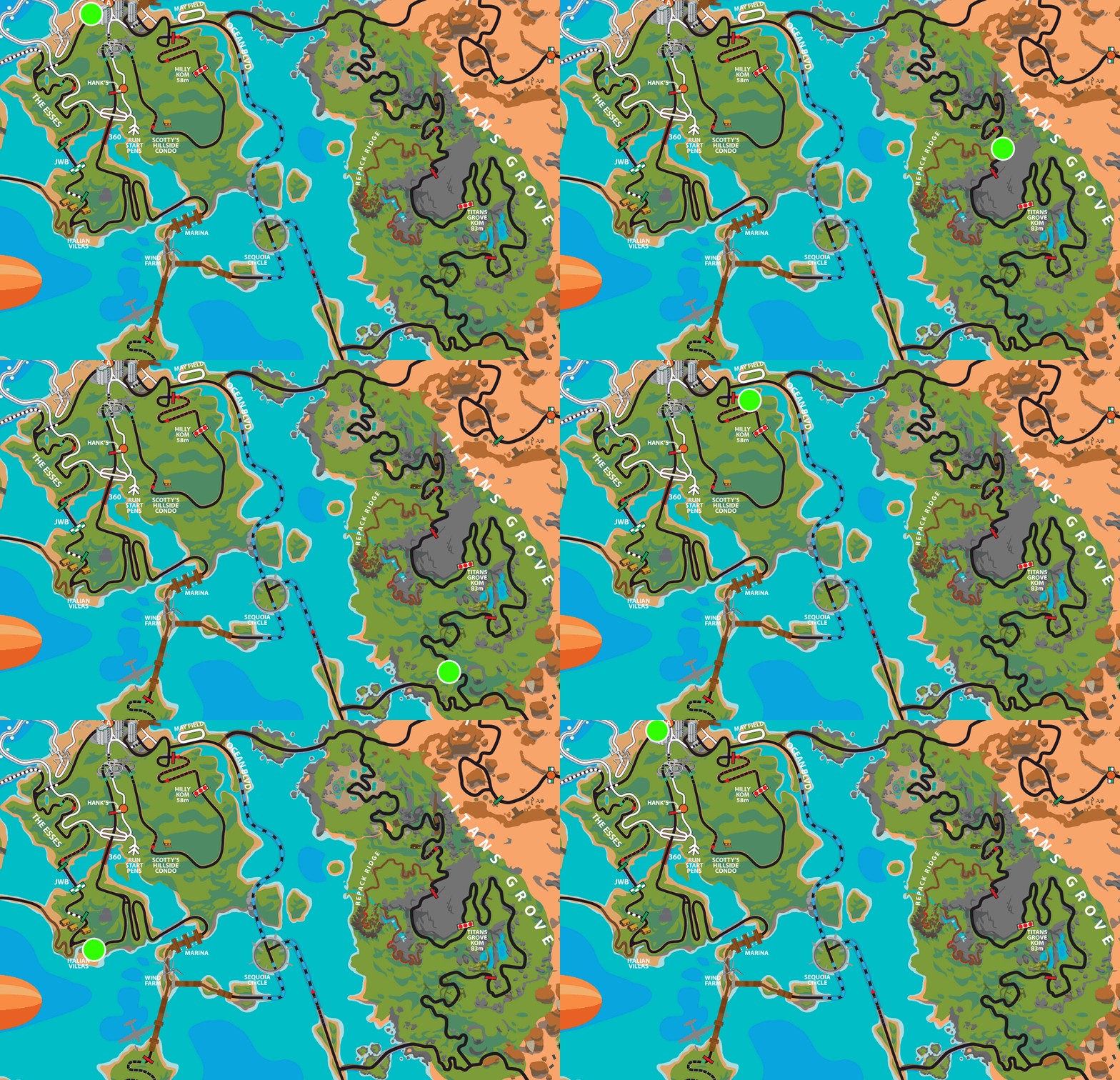
Our newest Rebel Route covers the newest roads in Watopia (Titans Grove) and the oldest (Hilly Route). That means you’ll get to hammer two short KOM climbs with some recovery in between!
The idea for this route came from Shawn McAfee, who you may know through his Zwifty videos. Thanks, Shawn!
About Rebel Routes
“Rebel Routes” are Zwift rides that are not available on Zwift’s routes list, thus requiring manual navigation. See all rebel routes >
The reward for your rebel ride? Exploring a new route, knowing you’ve gone where few Zwifters have gone before. And a Strava segment rank in the tens or hundreds instead of the thousands! They are included as a separate category on our Veloviewer Route Hunter leaderboard.
Route Description
Downtown Titans is a medium-length route at 24.6km (15.3 miles) long, and it begins and ends at the downtown Watopia start/finish line. Select the Hilly Route to get started.
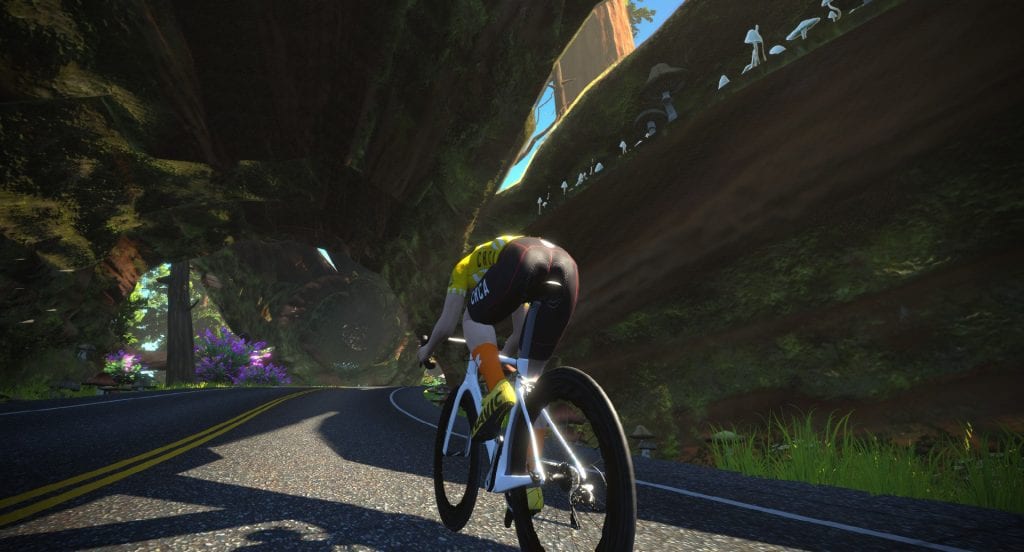
Ride up through the drive-thru tree
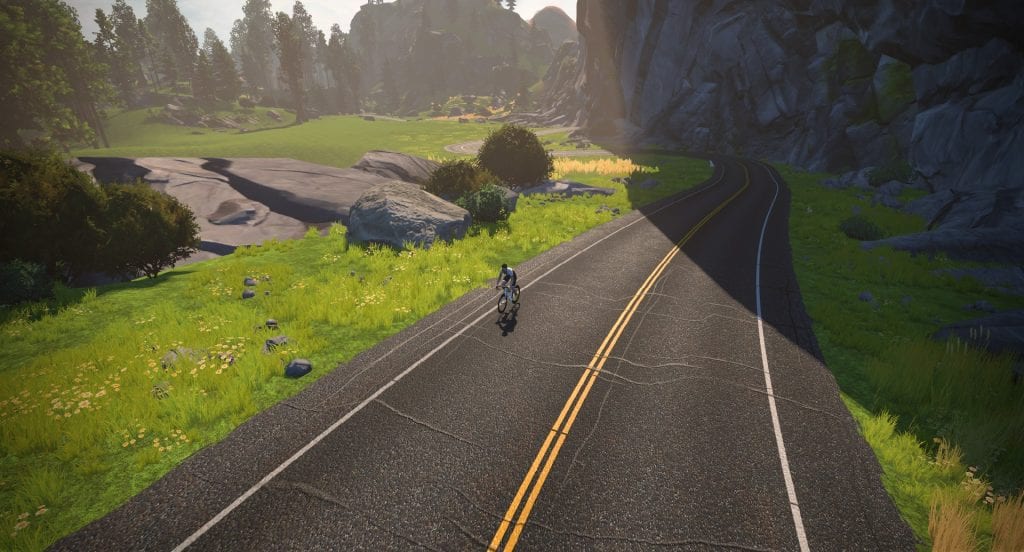
Hit that KOM hard!
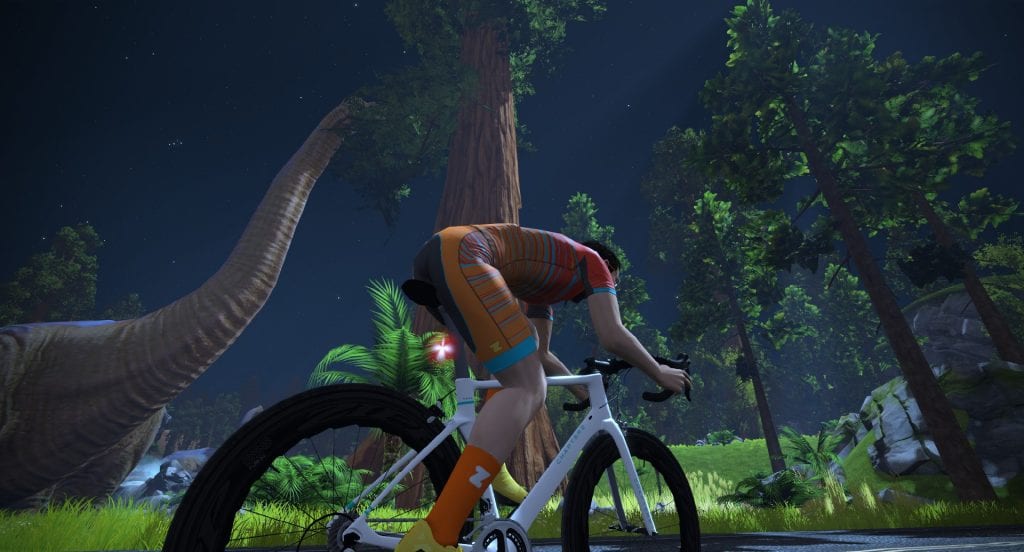
Wave hello to the dinos
Take a quick left onto Ocean Boulevard, then the next left to head toward the desert where a right-hand turn takes you into Titans Grove. This rollercoaster of a road will have you twisting and turning up and down through the giant sequoia trees and even a lost valley with living dinosaurs! But to see the dinos you’ll have to climb the timed KOM first. Top the leaderboard and grab that jersey, then descend to the dinos, wave hello, and continue your rollercoaster road to the end of Titans Grove.
A right turn out of Titans Grove takes you back toward Ocean Boulevard where you will turn another right to head down into the ocean tunnel. Right again to head toward downtown Watopia, then a left to get onto the Hilly Route.
When Watopia first launched (around May 2015), the only road on the island was the Hilly Route. So enjoy yourself – you’re riding a piece of Zwift history! Hit the short forward KOM and see if you can grab that leader’s jersey, then descend the backside through the statues, past Hank’s Gas Station, and over the 360 Bridge.
Soon enough you’ll hit the cobbles of the Italian Villas, where you’ll want to wind up those legs because you’ve got a sprint section coming up. Can you grab the green jersey?
Cross the JWB and hit the ramp in the Esses – another rollercoaster ride toward the final stretch of this route. Once you descend into downtown Watopia and cross the finish line you’re done. Nice work!
Grab that KOM jersey!
Down thru the status
Hit the sprint segment!
Profile
This route’s highlights are the two KOMs, as you can see below. Climb up to the top of the Titans Grove KOM, then recover as you descend down to the Ocean Boulevard flat road. Then it’s up-up again to the Hilly KOM, a descent, and rolling/flattish roads to the finish.
Getting Started + Lead-In
Start by choosing the Hilly Route. This will spawn you just before the downtown start/finish, which is where our route begins. There is no significant lead-in to the start of this route.
Turn by Turn
Here are the turns you’ll need to make to successfully complete Downtown Titans after selecting and starting the Hilly Route.
Zwift is a place where riders (and runners) come together). We see this now more than ever, but it was true back in late 2014 when Zwift first launched! When those first beta users received their invites and began to pedal around Jarvis, it didn’t take long for group rides and races to spring up, grassroots-style.
The “Clubs” feature has been brought up numerous times in interviews with CEO Eric Min over the past year or more. In those interviews, Eric often mentions how the community has been Zwift’s greatest asset – the best content creator they’ve got. And that’s true! Eric has also said Zwift needs to “get out of their own way” and let the community create more content without Zwift being the gatekeeper. That’s one of the big goals of Clubs – to let the community form their own groups, create their own events, and generally build smaller, more intimate communities without ZwiftHQ needing to manage things.
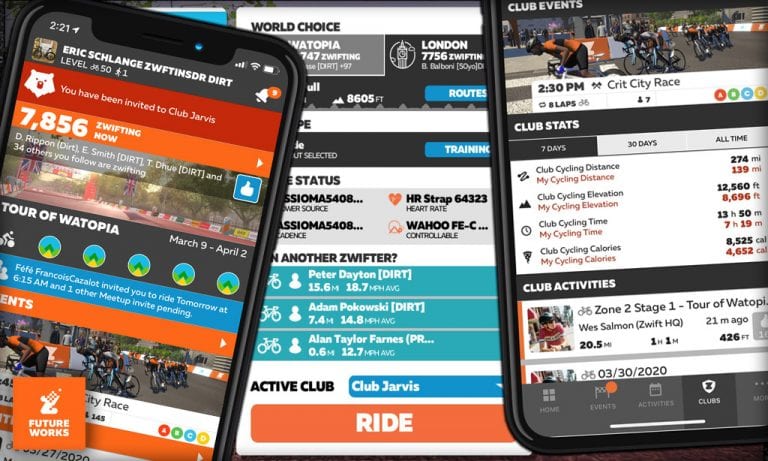
That’s the big Clubs dream. And today, Zwift has announced the initial rollout of the Clubs feature under its FutureWorks label! What does the functionality look like today – and what might it look like down the road? Let’s dig in!
A FutureWorks MVP
The current Clubs functionality represents what Zwift calls an “MVP”, or minimum viable product. The MVP concept is common in lean startups and agile product development lifecycles where it’s very important to get a product in front of customers who can provide testing and feedback for future iterations. And that’s exactly what Zwift is doing with this Clubs release.
Clubs is the second feature ever to be released under Zwift’s “FutureWorks” label. (The first was steering on Repack Ridge.)
As an MVP, the current Clubs functionality is pretty basic. Zwifters, while happy to see something tangible on the Clubs front, will probably be disappointed that there isn’t more to it. But consider this: it’s the initial release of a feature that will change the face of the Zwift community forever. Zwift is right to be careful and seek our feedback as they build it out!
Functionality
Clubs today includes the following features:
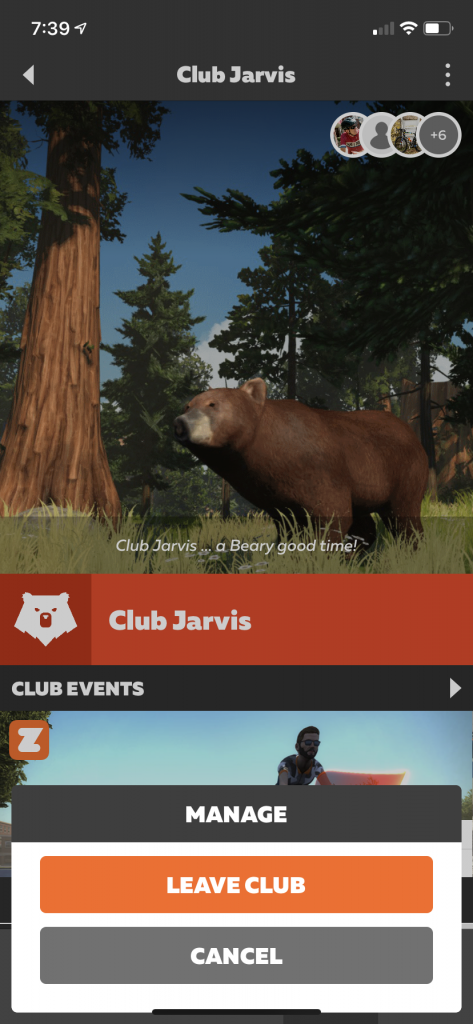
Joining and leaving the club: Zwifters can respond to club invites via Companion. You can also leave a club at any time.
Basic club content: about info, Facebook and Discord links, club image, tagline, banner message for members. Club admins can manage this content, which shows up on the Club’s homepage in Companion.
Listing of events linked to the club: while clubs cannot yet create or edit their events, ZwiftHQ can link a club to an event (for example, a weekly group ride organized by a particular team would be linked to that team’s club). If a club is linked to an event, that event shows up on the club’s list of upcoming events.
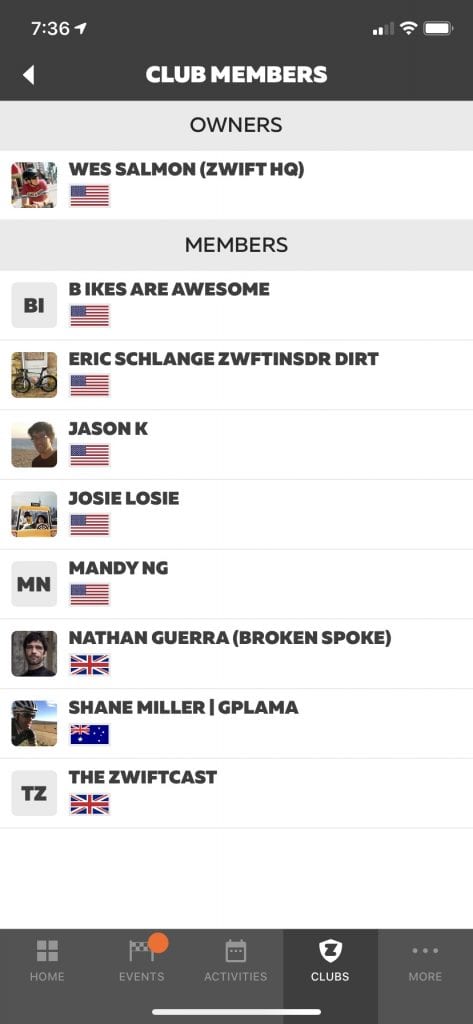
Club member list: club homepage shows total member count, which can be tapped to view a list of members.
Club activity summary (total distance, elevation, time, calories): this shows the totals for all activities linked to the club. You can choose between 7-day, 30-day, and all-time views.
Member activities list: view all completed activities in chronological order. Very similar to your current activity feed.
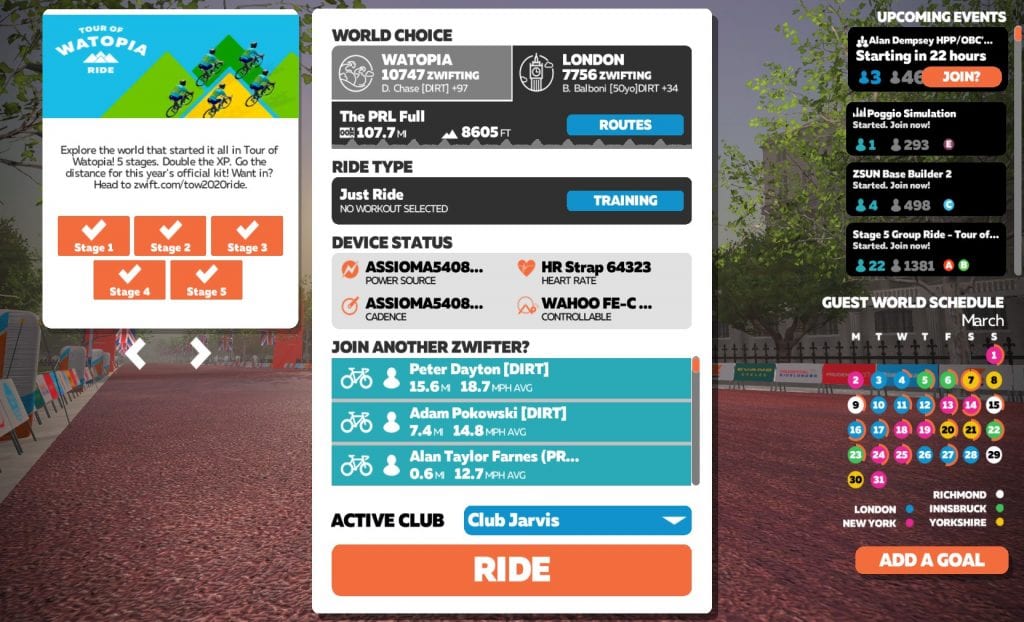
Active Club selector in-game: there is a new dropdown menu on the join screen where you select which club to link your activity with. Zwifters can join multiple clubs, but each activity can only be linked to a single club. That linking is done here, before you begin your Zwift session.
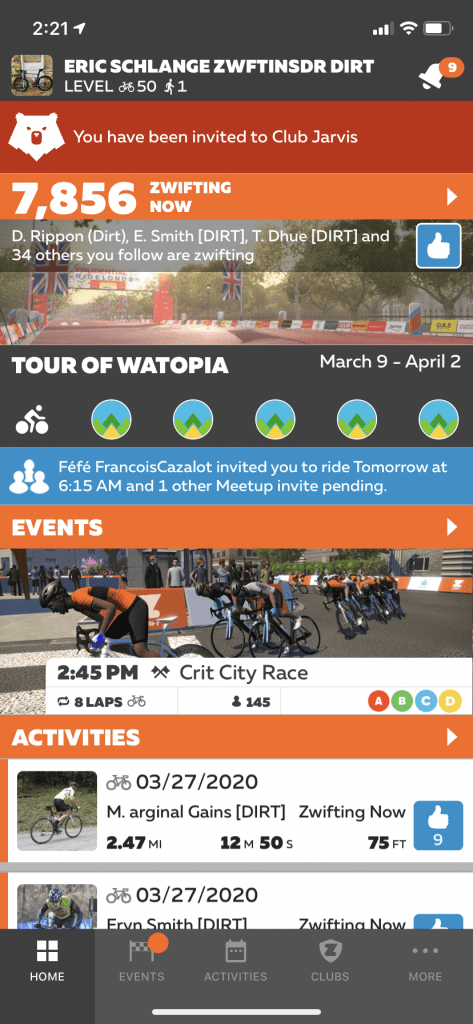
Club invite in Companion
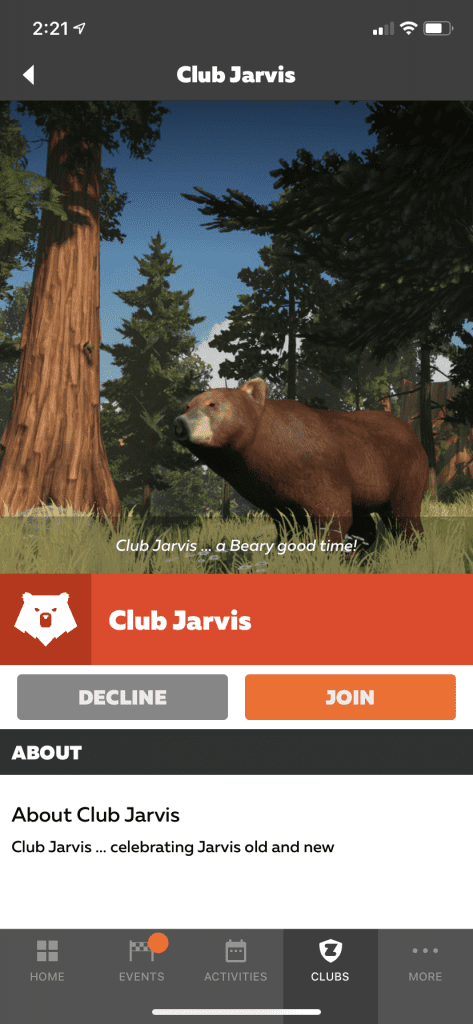
Click “Join” and you’re in!
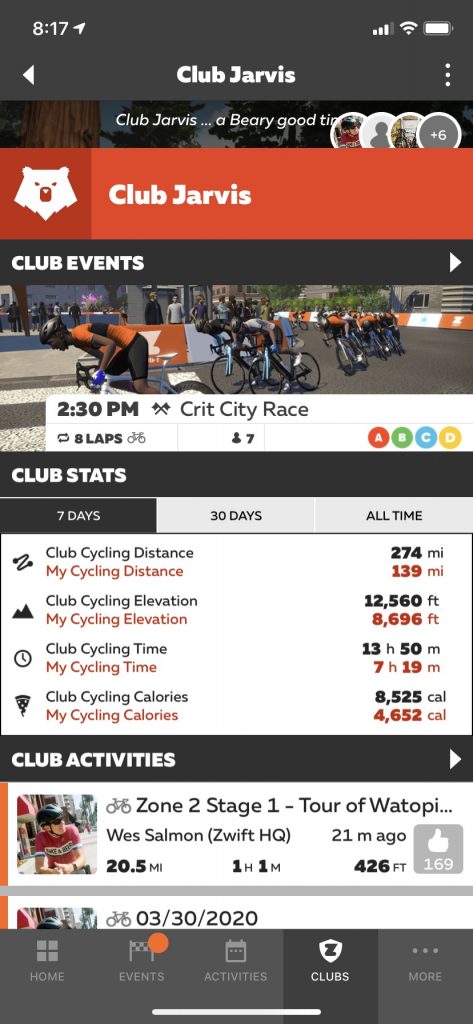
Some of the Club home screen contents
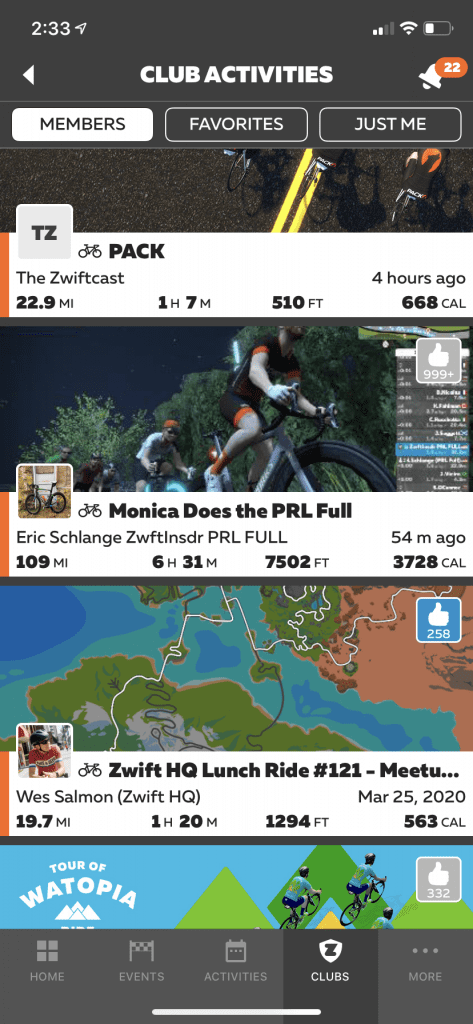
Club activities list
Club members list
Leaving the club
“Active Club” dropdown on Join screen
When Can We Use It?
The plan is to onboard more Zwifters and clubs progressively as the community tests features and provides feedback. If major bugs or other issues arise, the release to more users may be delayed as those issues are resolved. This is all part of the agile software development lifecycle.
Phase 1: Beta Users Only
The initial Clubs rollout includes just one club, named “Club Jarvis”. (This is a nod to Jarvis Island, where all the early beta users began their Zwift journey.) Zwift will be sending out club invites to all beta users who are still active Zwifters. So if you signed up before Zwift went to a paid service in late October 2015, and you’re still actively using Zwift, you should get an invite.
Those invites won’t be sent all at once, because the invite list is in the tens of thousands. Zwift will be sending the invites in waves.
Phase 2: Established Teams
After beta users are invited, Zwift will allow a handful of teams to create a clubs and begin using the features. The plan is to onboard teams progressively, beginning with the most established teams. (This plan is subject to change.)
Providing Feedback
In Companion, the Clubs tab includes a FutureWorks logo at the top-right. Tapping this provides access to the FutureWorks Clubs Forum, which is where Zwift is asking us to post feedback on the Clubs features.
This feedback is vital to further developing Clubs functionality, so please chime in!
Future Plans
This is the exciting part. What will Clubs allow us to do in the future? Surely event management is a big piece teams are hoping for soon. But there’s much more in store for sure.
Your Thoughts
What do you think of the Clubs MVP? What are you most excited about in terms of future functionality? Comment below!
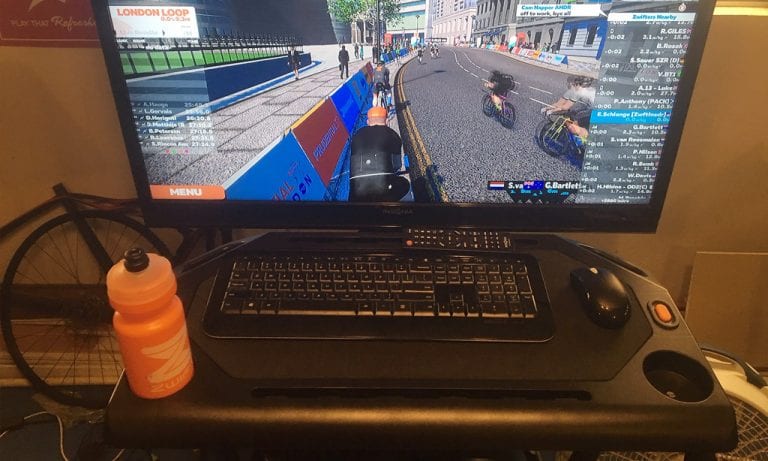
Serious Zwifting requires some sort of platform for storing things like your keyboard, mouse, phone, iPad, TV remote, towels, laptop… the list goes on! I run Zwift from a PC into a TV, so at a minimum, I need my keyboard, mouse, phone and remote within easy reach.
For three years I used a music stand for this purpose, which did a passable job. Music stands are wobbly, though, and don’t provide much space. Like many Zwifters I had lusted after the Wahoo KICKR Indoor Cycling Desk, but just couldn’t pull the trigger on a $250USD table. I wanted something larger and sturdier, but I didn’t want it that bad!
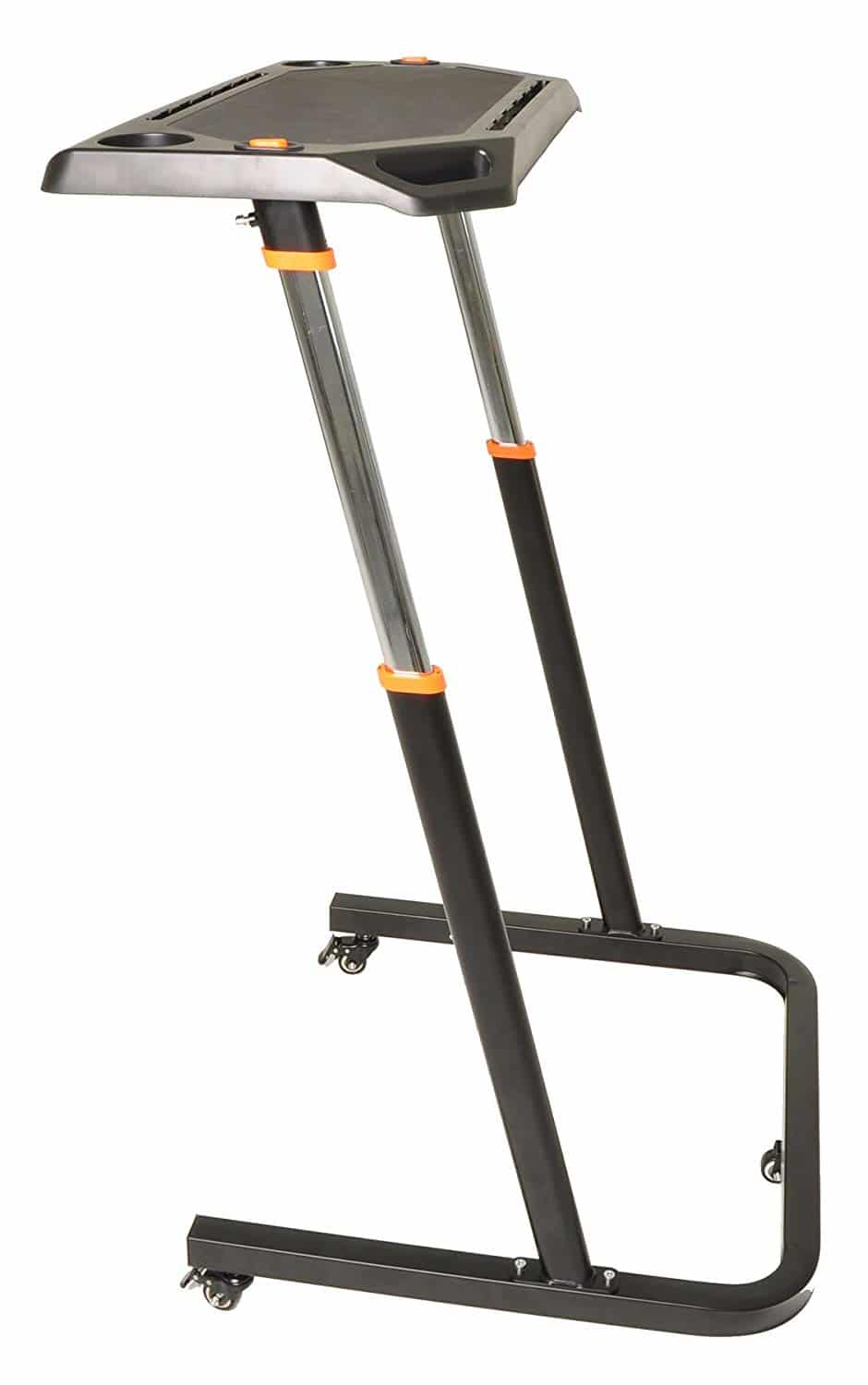
In reading Amazon comments on the Wahoo desk I discovered a lower-priced alternative: the Conquer Desk. Priced at $139USD, the Conquer desk is nearly identical to Wahoo’s except it’s got Zwifty orange accents, bidon-holders, and costs $100 less! I ordered one, it arrived 3 days later, and I’ve been using it ever since. Here’s my quick review…
A Few Highlights
Height adjustable from 35″ to 47″
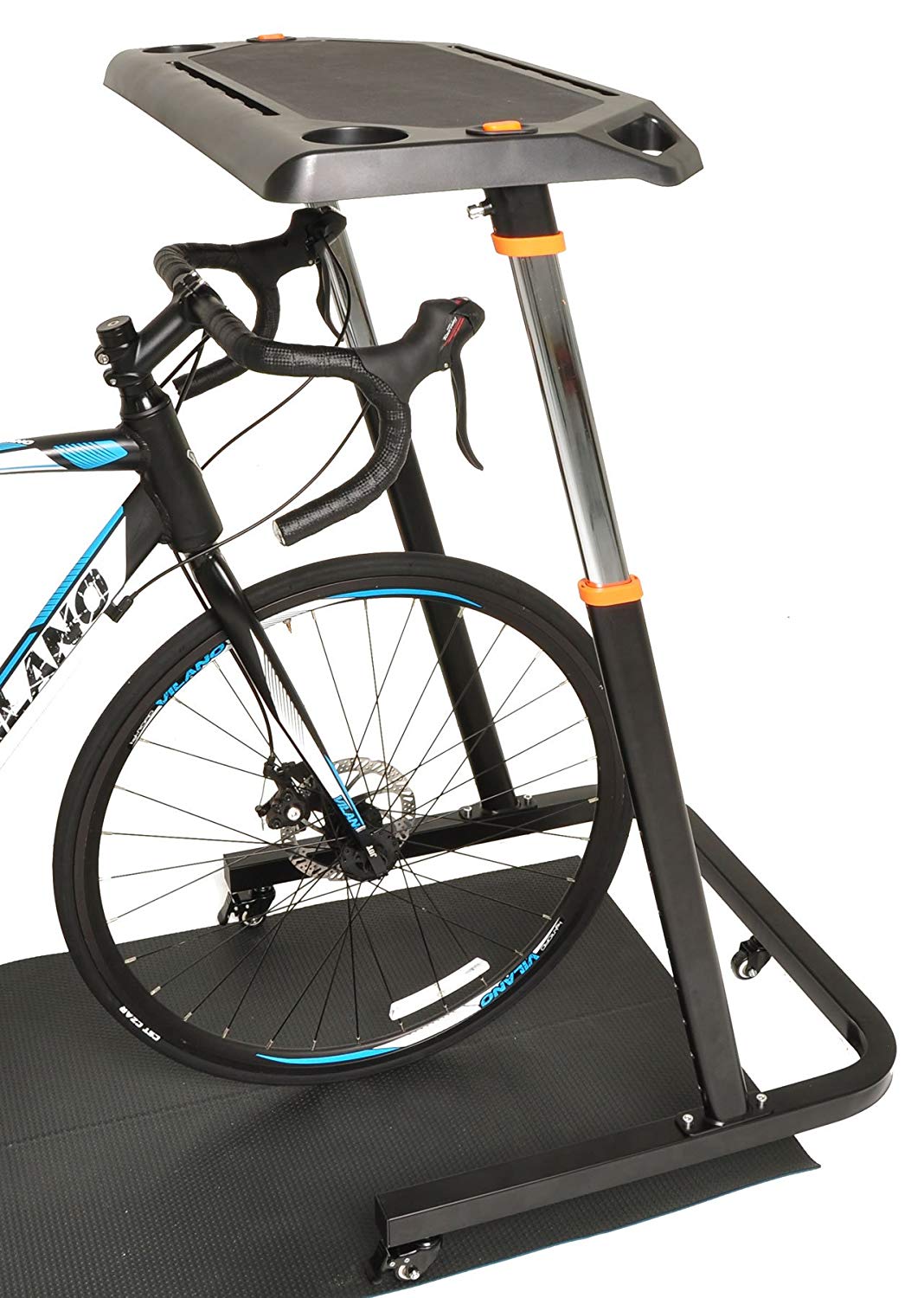
Fits nicely around your front wheel so the table is within reach while riding
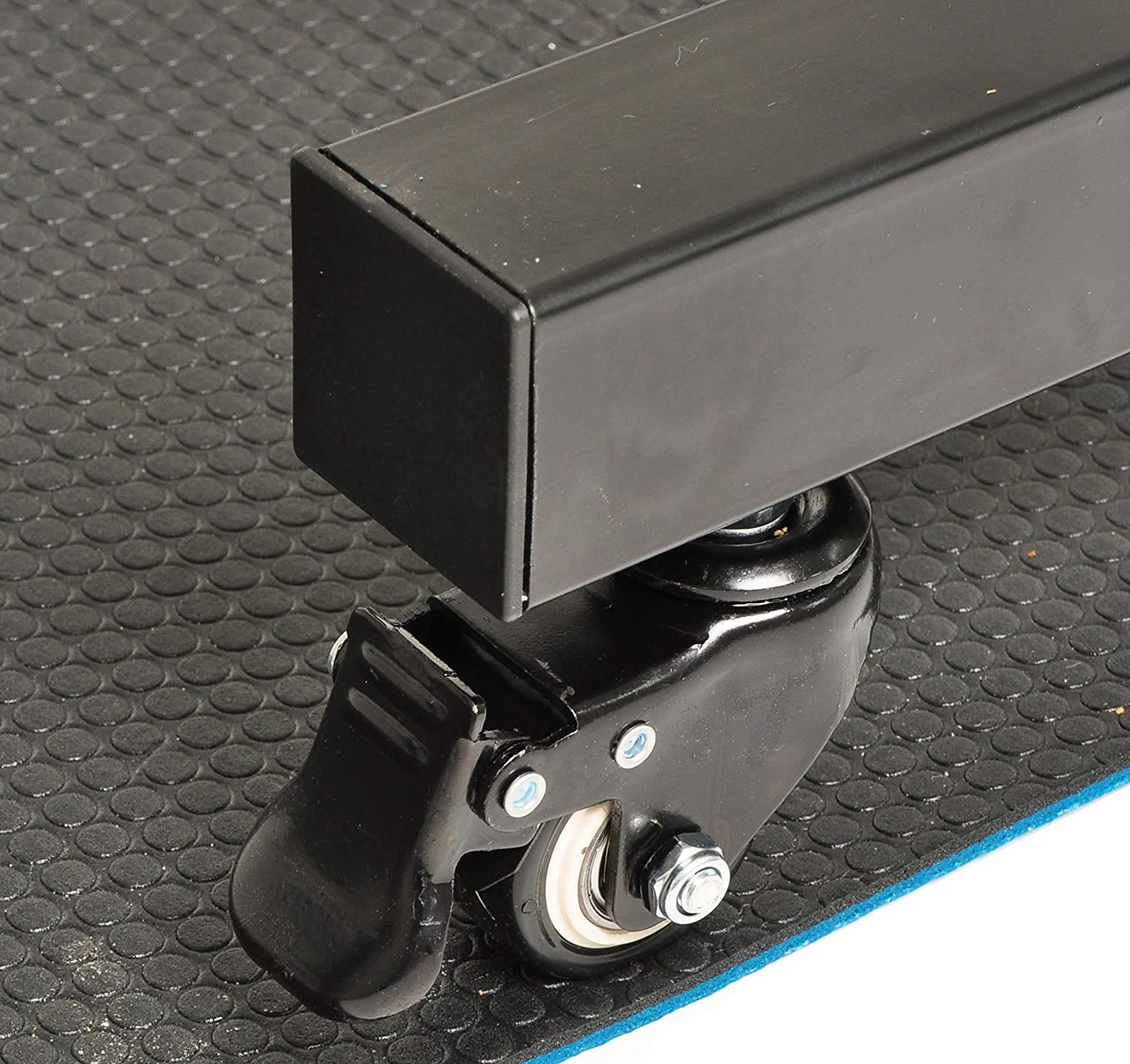
Easily portable with locking wheels for easy movement and stability once in position
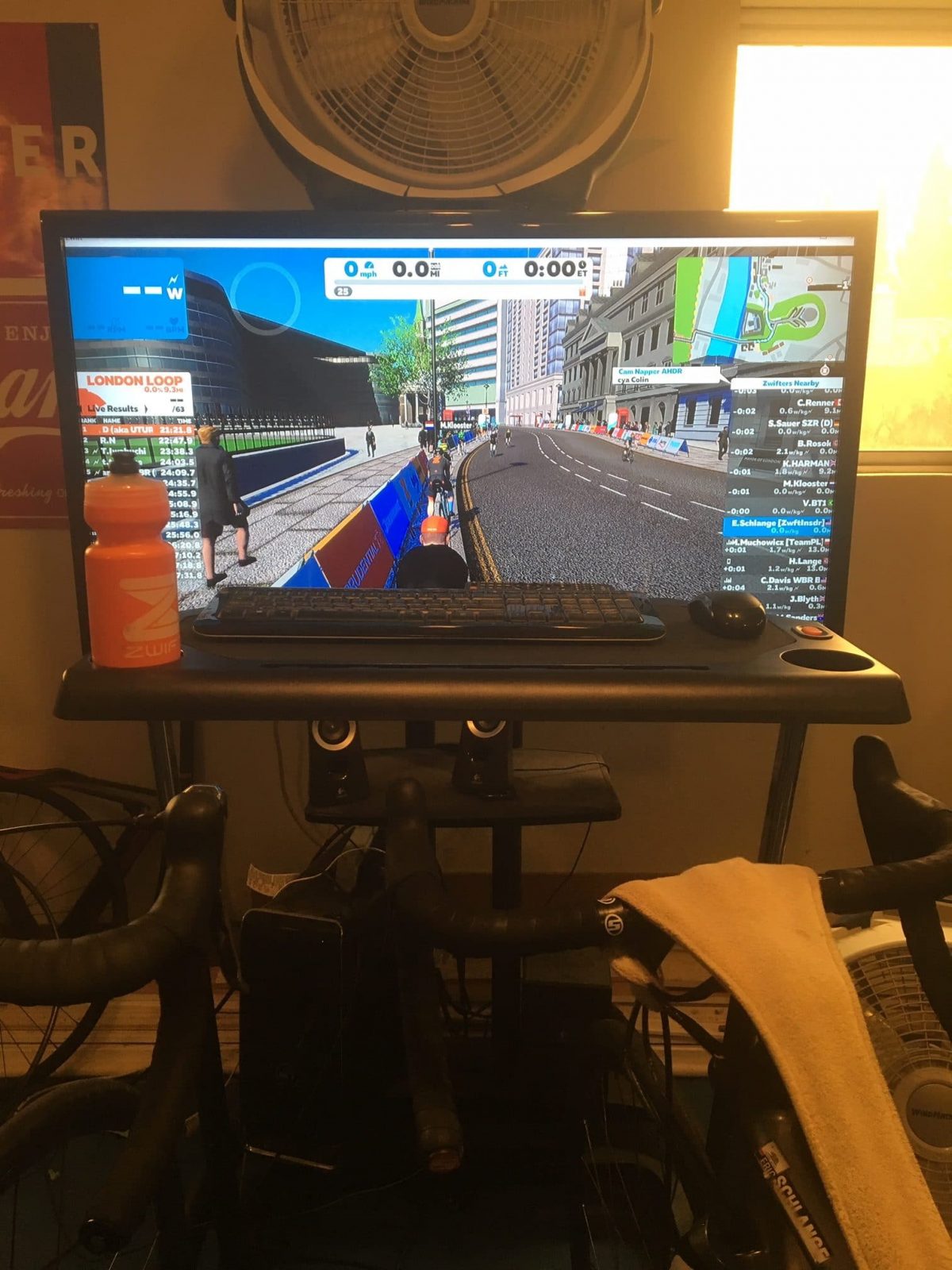
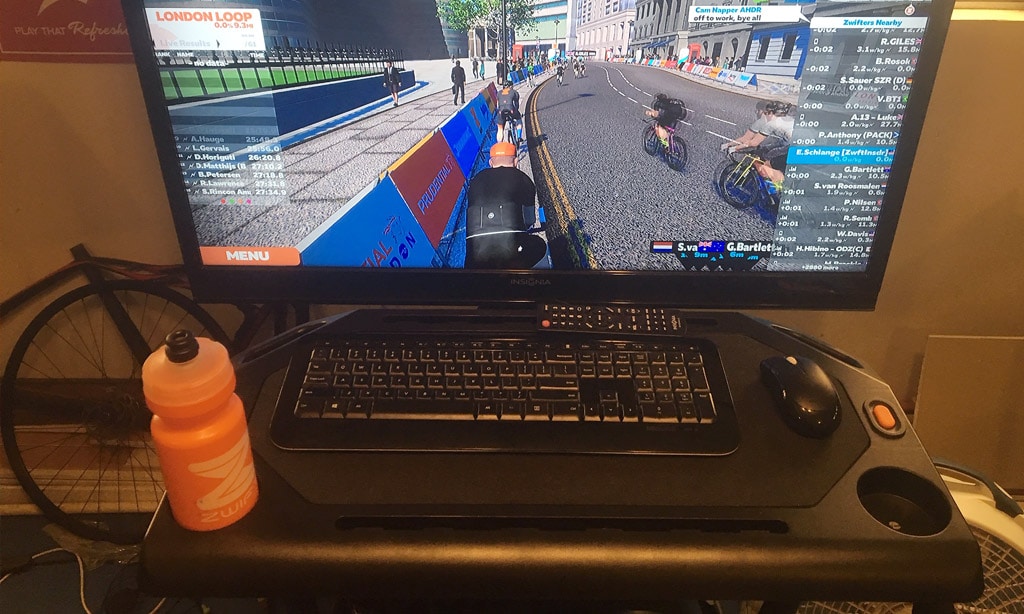
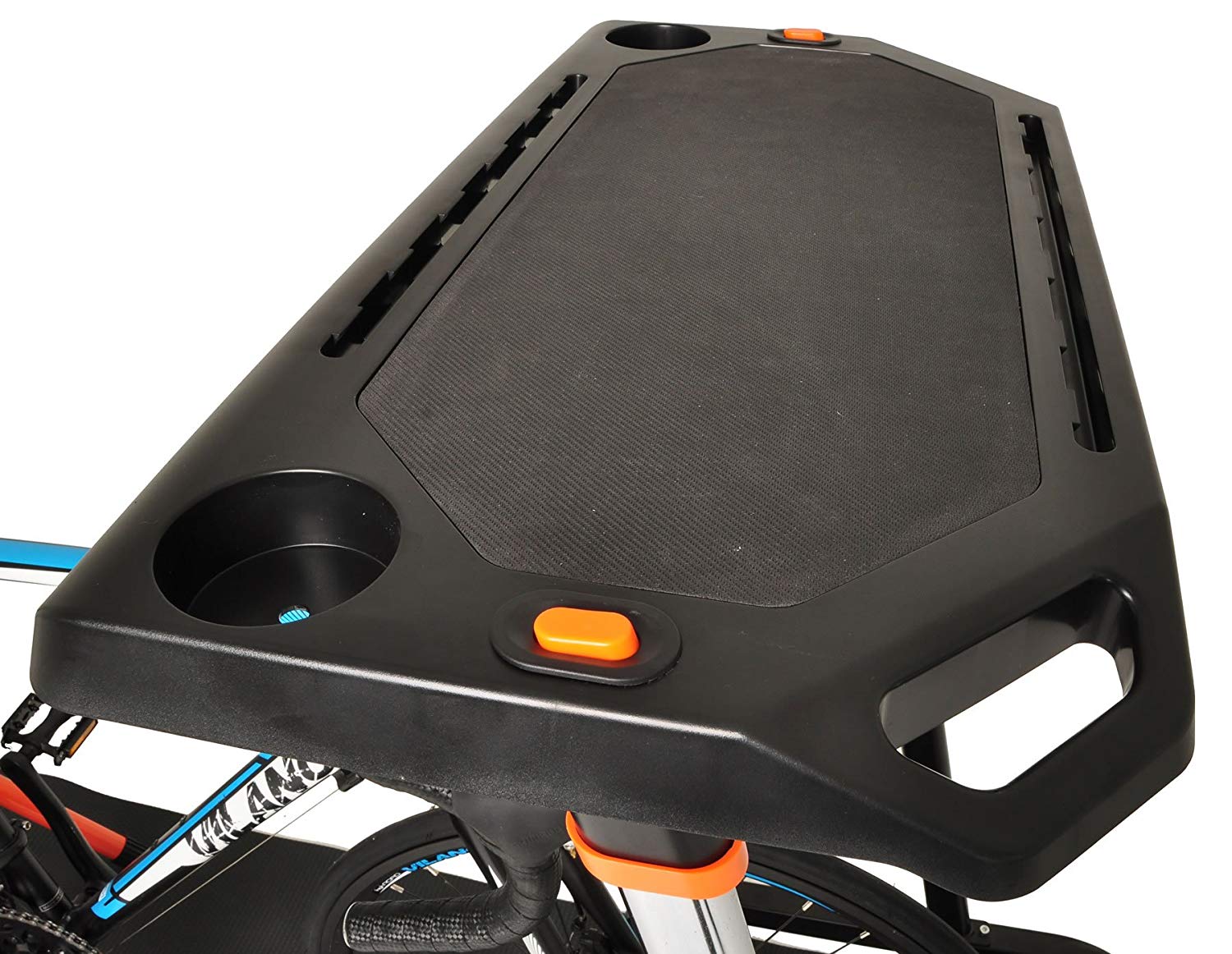
Well-designed 14″x28″ desktop has a non-slip surface, two cupholders, a tablet/phone stand and channels for cables
Steel frame for strength and durability
Priced at $139, ships free from Amazon (at least within the US)r
Assembly
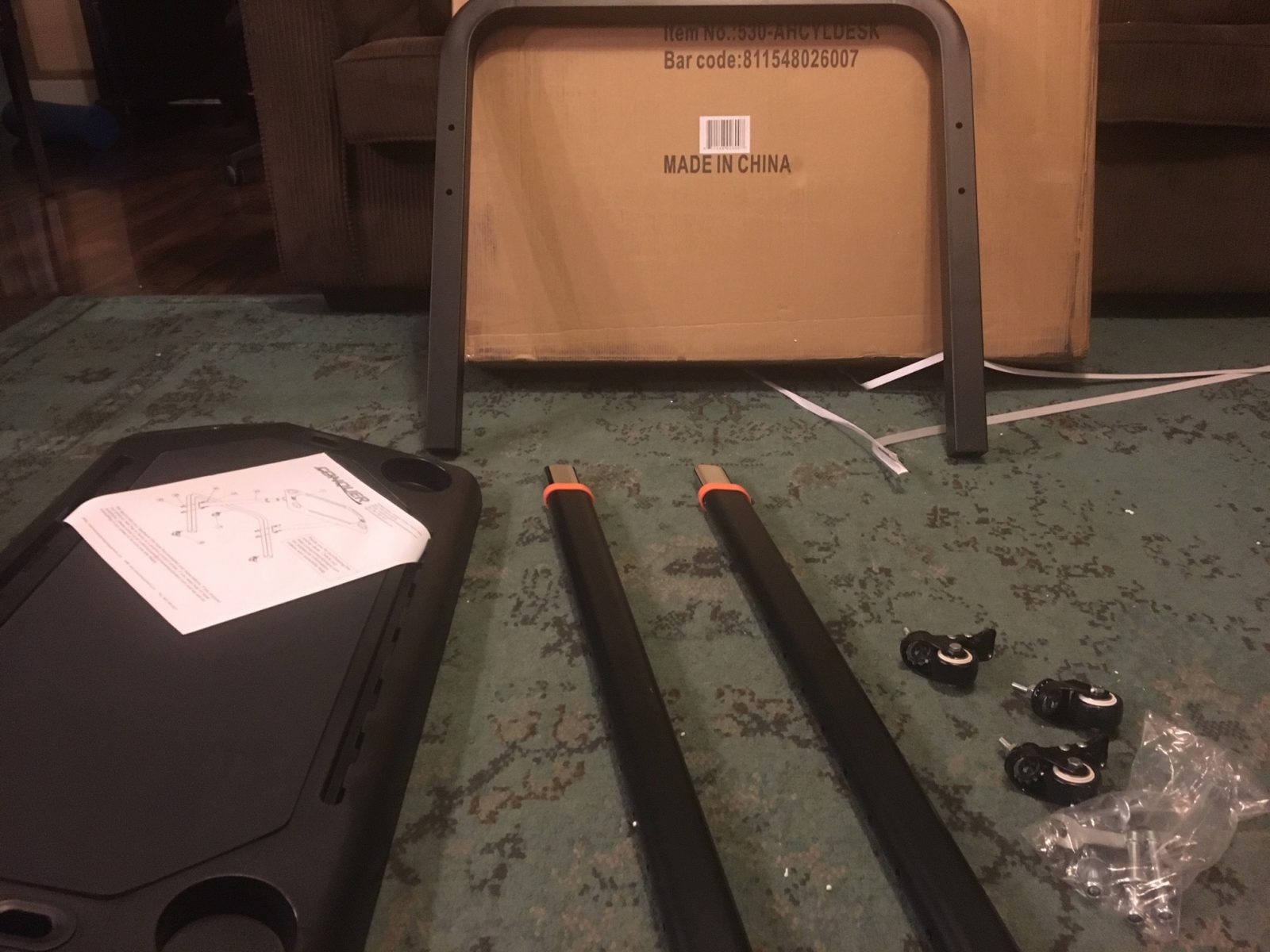
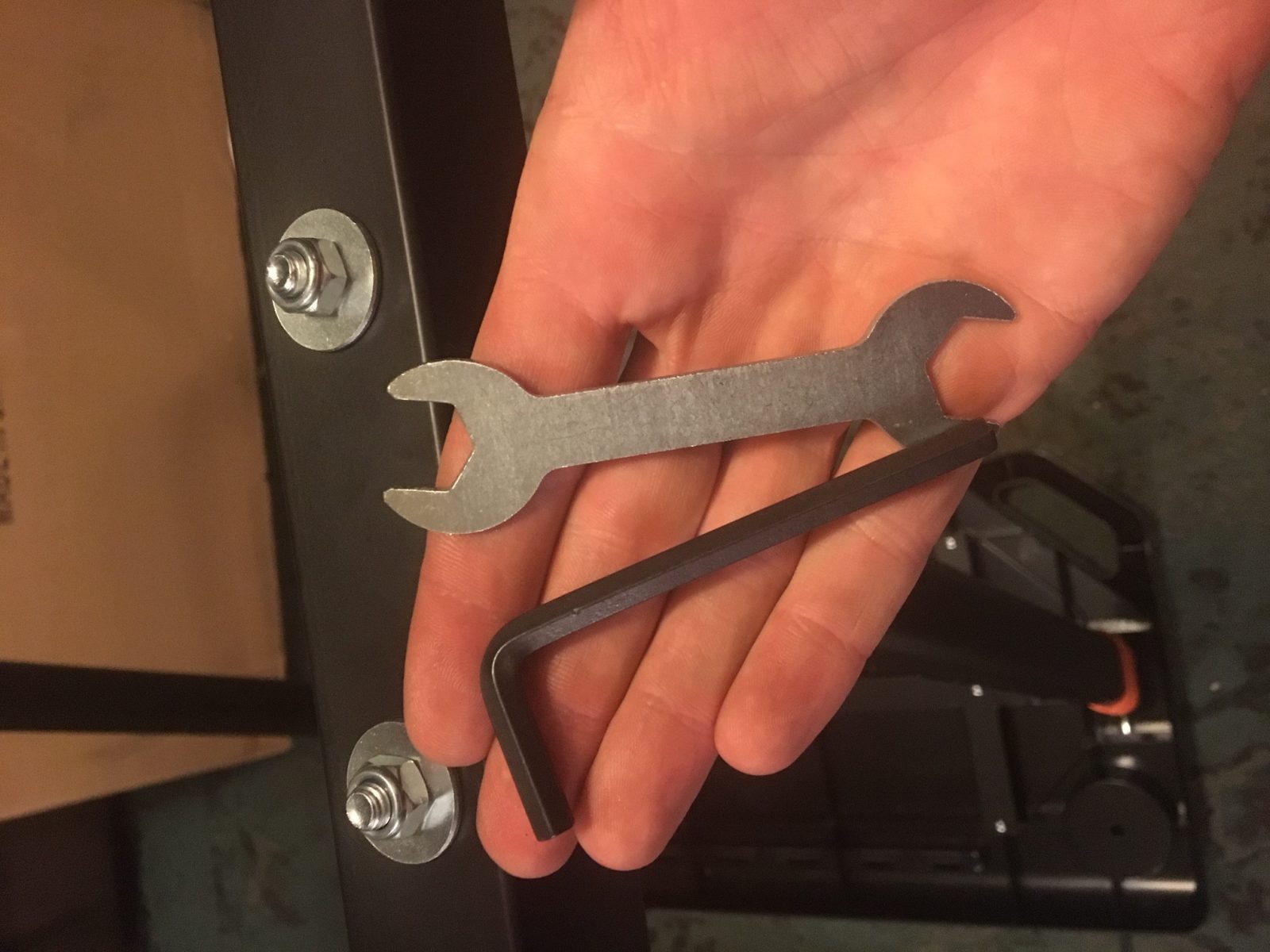
Unpacking and assembling the table takes 10-15 minutes, and the desk ships with the only tools you need.
Build Quality
The desk is almost entirely made of hi-tensile steel, with the exception being the plastic desktop. Even the desktop has a steel frame, though, so it can hold plenty of weight!
Contents of the box
Includes all the tools you need
Set up as a shared table with my wife
Push the orange button to adjust table height
Looking wheels – which the Wahoo desk lacks!
There’s really nothing more than needs to be said: if you’re looking for a Zwift station desk, the Conquer desk deserves a look!
Problems Connecting to Zwift from Germany, Poland, or Elsewhere? Try This.
Normally I resist getting into Zwift tech support issues via a blog post, because there are such a variety of potential causes and problems that it’s better left to the professionals But I wanted to share this tip to help any Zwifters who may otherwise miss a ride or run, because I know how important regular exercise is during these challenging times. So let’s get into this!
The Problem
Spoiler alert: I don’t know the precise problem. Here’s what I know:
Over the past week or so I’ve seen numerous posts from Zwifters in Germany complaining that they aren’t able to log into Zwift.
It appears to not be a steady problem – sometimes logging in works, other times it does not.
All the while, their Internet connection appears to be working fine. They can connect to other sites and services.
All the German Zwifers I’ve queried who reported the problem were connecting through Deutschs Telekom, who appears to be the largest ISP in Germany.
The rest of the world is able to log onto Zwift fun during these times – it’s not a system-wide Zwift problem.
I’ve seen riders from Poland complain of similar issues when connected through T-Mobile. I’m not sure if it’s affecting other countries.
When you log into Zwift, information from your computer travels through a variety of devices before hitting Zwift’s servers. And it’s the same when Zwift’s servers talk back to your computer. It appears that the Deutsche Telekom service is functional. Zwift’s service is functional. But somehow, the two aren’t staying on good speaking terms. Possibly AWS (Amazon Web Services, which Zwift runs on) is blocking data from Deutsche Telekom. Or Deutsche Telekom is blocking data from AWS, perhaps as a way to throttle Internet usage at a time when it is spiking. Or something else is going on in between.
For Zwifters, understanding the exact problem isn’t the big deal. Getting a solution, so they can get on Zwift, is the important thing! So let’s get to that.
Two Solutions
There are two solutions: use a VPN, or connect via mobile data.
Connect via VPN
A VPN (virtual private network) has many uses including accessing a secure network remotely (work from home, anyone?), bypassing geo-restrictions, and protecting the your privacy. CyberGhost VPN describes their service this way:
CyberGhost VPN is a piece of software that hides your IP address and reroutes your internet traffic through an encrypted VPN tunnel. This way, you can protect your digital identity from your ISP, government authorities, and snoopers.
Setting up a VPN service and connecting your Zwift device through it should fix any connection problems German (and Polish?) Zwifters are having. Two VPN services I’ve seen recommended by German Zwifters are CyberGhost VPN and ProtonVPN.
One Zwifter Martijn Vreys wrote to me detailing his experience with login issues and the solution with CyberGhost:
Hi Eric,
This is awesome, many thanks for the advice. I was indeed having trouble logging into Zwift and did notice that 4G worked perfectly, but Zwifting from my phone is just not as much fun.
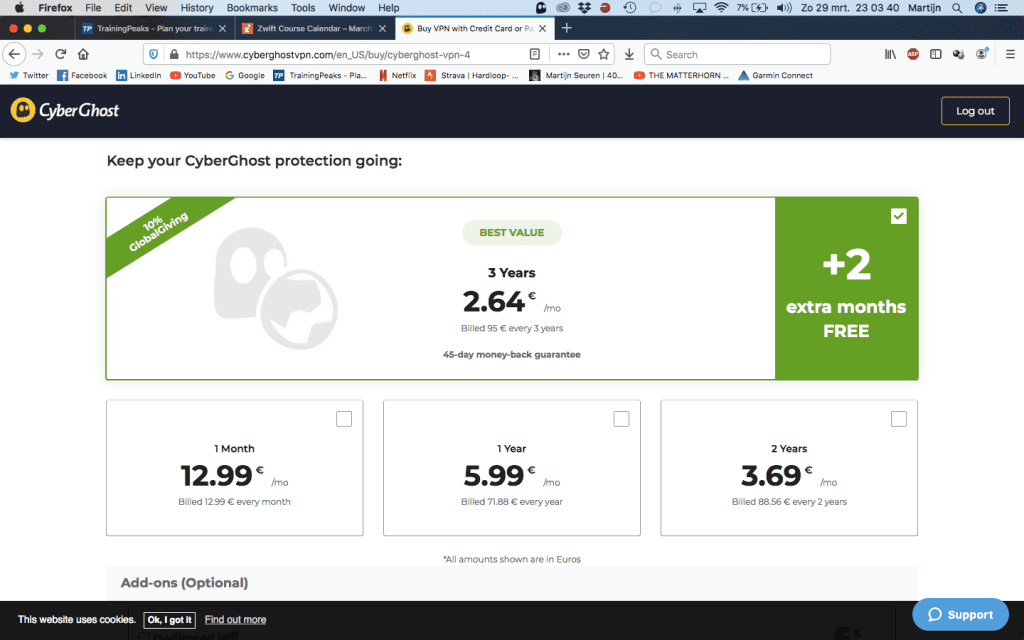
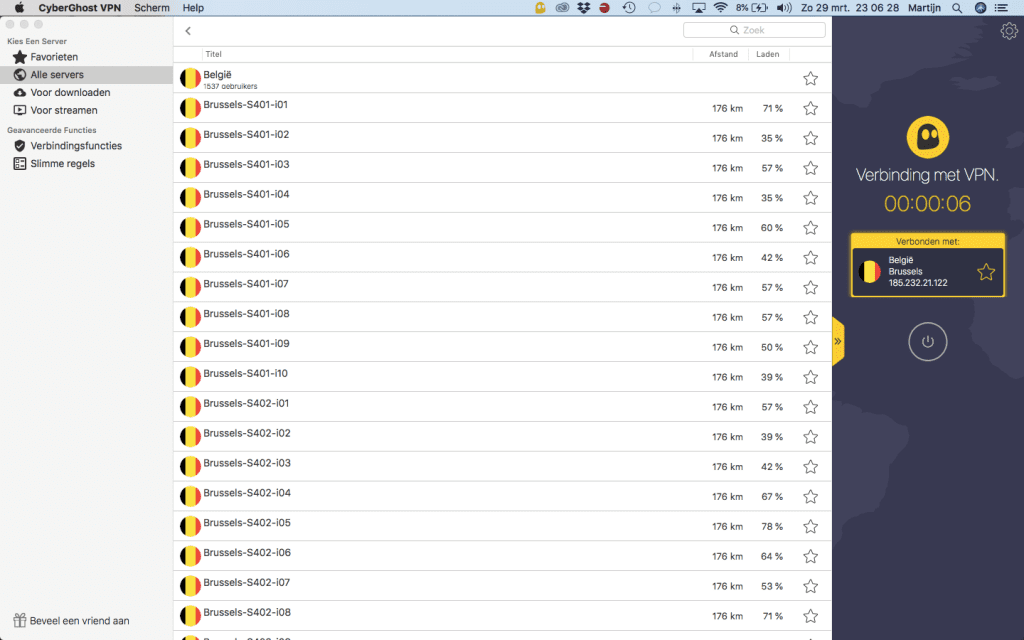
I followed your recommendations and went with CyberGhost. I got a subscription (there are different payment plans available, starting at 12.99 euros for 1 month to 2.64 euros per month for a 3y subscription. After setting up your account, the website will let you download the software onto your laptop, where you can log in with your newly setup account. It then shows you which country you are currently connected to (Germany) and which countries you can choose from (I took Belgium).
You select the country, it sets up the VPN in seconds, and then I opened Zwift. It worked perfectly, while it didn’t work 10mins before I started this via regular wifi connection. Super quick, super easy, not very cheap but saves countless hours of trying to log in. Many, many thanks!
CyberGhost pricing
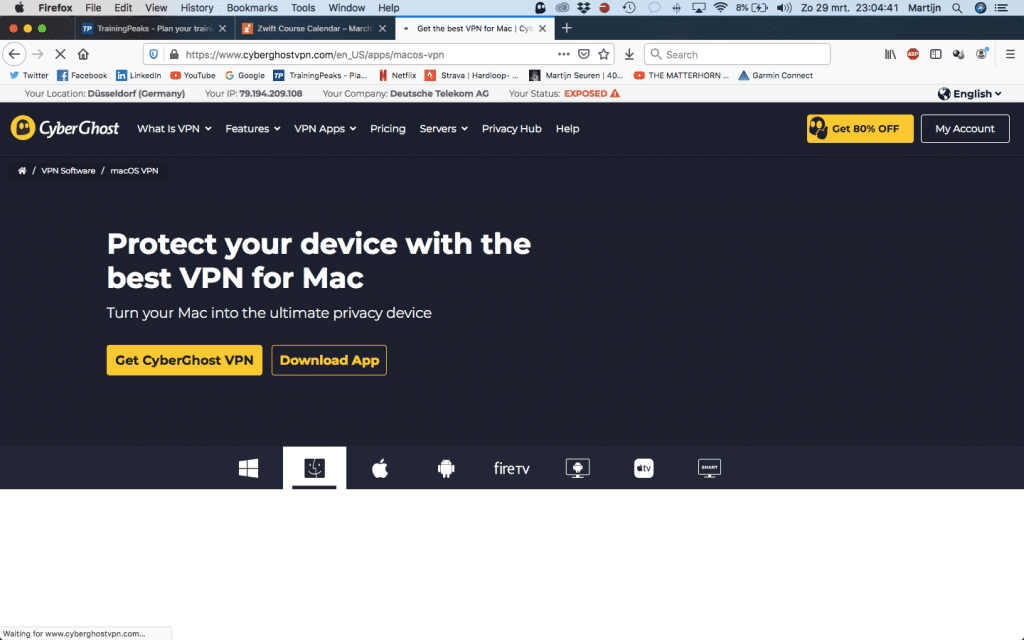
We can see Martijn is connected via Deutsche Telekom
Selecting a server to connect through
One important note: if you connect through a VPN, the Companion app will not see your active Zwift session unless your Companion device is also using the VPN.
Connect via Mobile Data
Another solution is to connect to Zwift using your mobile device’s data plan. Assuming your mobile device uses a different network than your ISP (eg, Deutsche Telekom) this should work as well. Just turn your mobile phone into a hotspot, then connect to Zwift through that wifi.
You will incur some additional mobile data use this way, but it shouldn’t be a massive amount if you’re only riding Zwift (not downloading the game for a fresh install, etc).
Questions or Comments?
Share info below! I may not be able to answer questions or fix problems, but perhaps Zwifters can share info below and help each other out!
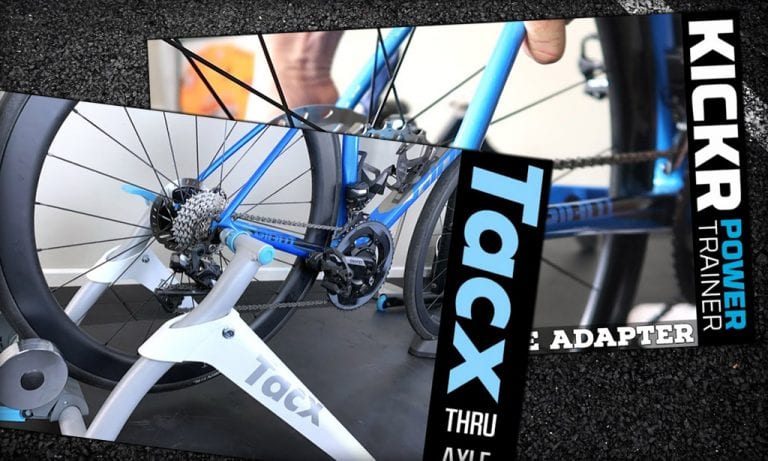
How To: Use a Thru-Axle Bike on a Wheel-On Trainer (Videos)
Mountain bikes are all thru-axle these days, and road bikes are moving in that direction quickly as well as the cycling world adopts disc brakes. And while we love the stiffness and reliability of thru-axle, many wheel-on trainers don’t include thru-axle compatibility out of the box.
Never fear, though: our favorite Lama is here, with videos to guide us on getting the job done!
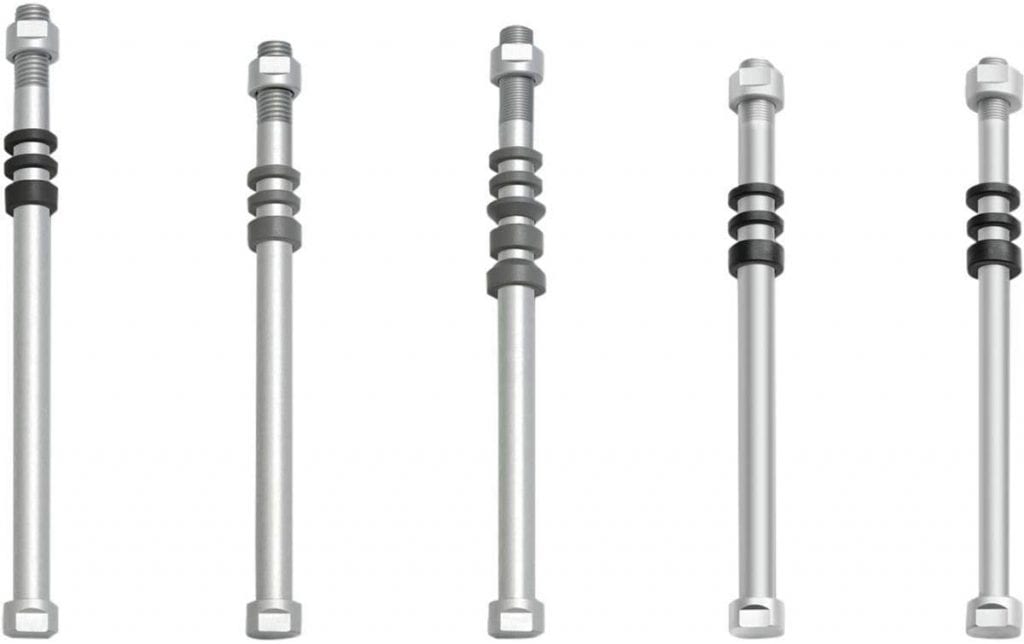
If you have a Tacx wheel-on trainer such as the popular Tacx Flow Smart, you’ll need to know the length, diameter, and thread type your bike’s rear wheel uses. Then just purchase the correct “Tacx E-Thru Axle” on Amazon or elsewhere.
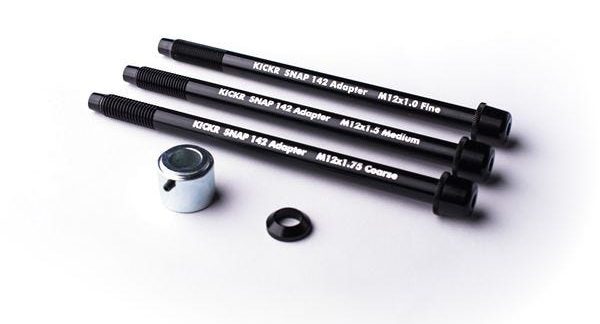
Using the Tacx adapters on other brands’ trainers is going to be a little “hit and miss,” as Shane says. They won’t work with the popular CycleOps Fluid 2, for example. The Wahoo KICKR Snap has its own adapter kit, but only for 12×142 thru axles.
Tacx E-Thru Axle Adapters
KICKR Snap 142×12 Thru-Axle Adapters
Here are Shane’s tutorial videos showing how to set up the Tacx and Wahoo thru-axle adapters.
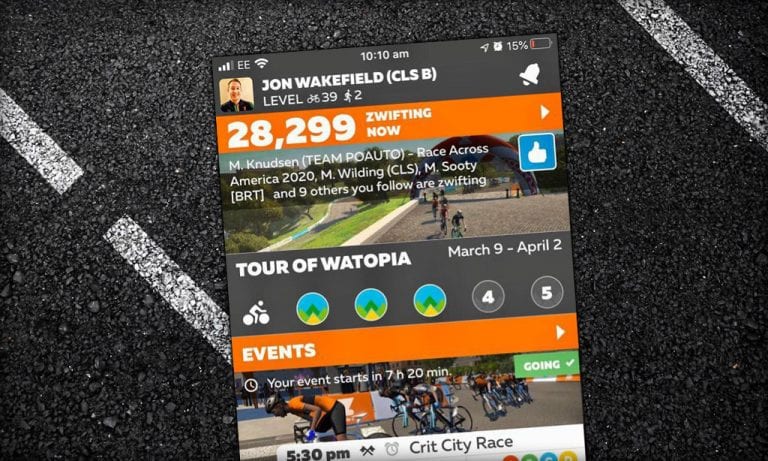
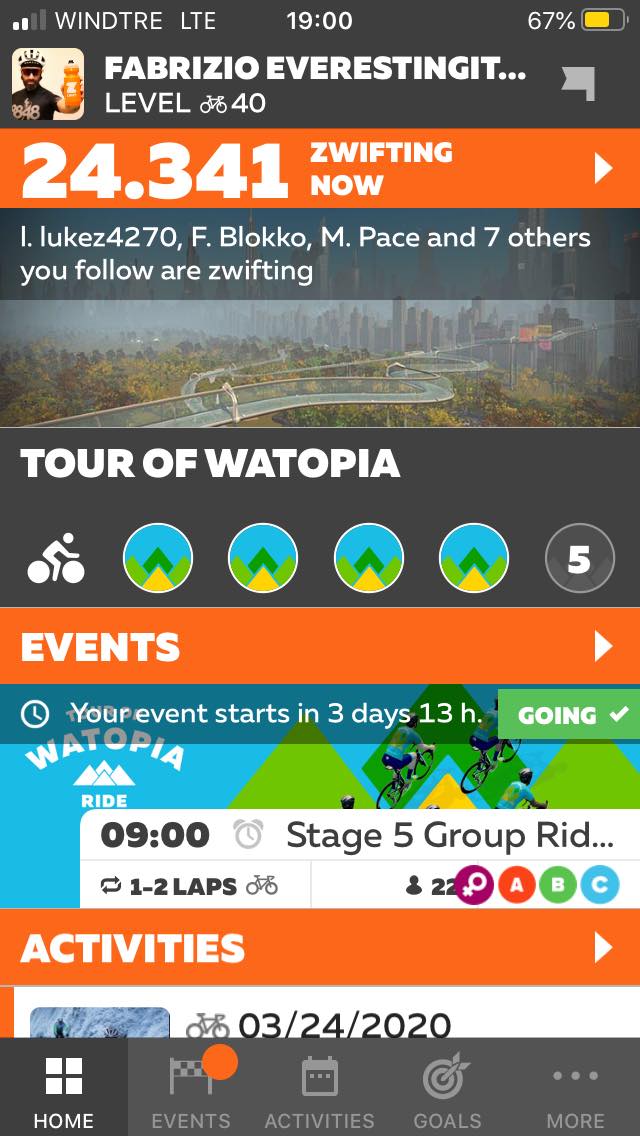
Peak Zwift records are being broken every few days lately. Last Tuesday we hit a new high of 24,341, then early this morning it seemed all of Europe showed up to ride together as we hit a new high of 28,299!
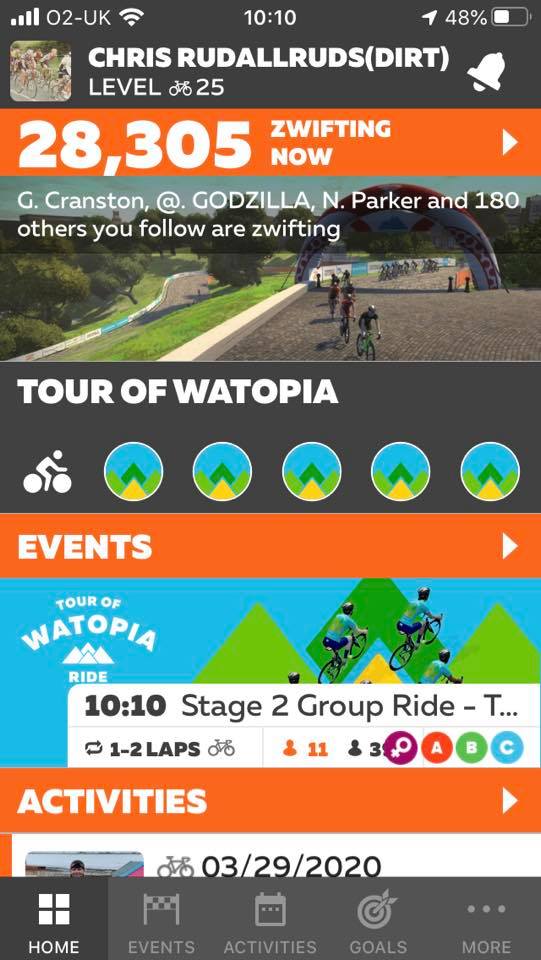
The peak was reached right around 10am UK time, when astute Zwifter Jon Wakefield snapped this Zwift Companion shot with the highest number seen on the day.
Will it go higher? We think so. We think we’ll burst through the 30k barrier this week, and the next line of interest after that would be 30,024, which would double the Peak Zwift we set back in January 2020.
Stay healthy, take care of one another, and Ride On!
Update: Zwift Chris Rudallruds shared a screenshot showing 28,305 riders online, so that’s the official high water mark as far as we know. (Zwift has chosen not to confirm peak numbers during this time.)