After lots of testing, we’ve created a scatter plot chart pitting the Tron bike against top-performing wheels and TT frames. Here’s how the best time trial frames and wheels in Zwift compare to the Tron bike on flats and climbs.
Frames used, in order of aero performance:
CADEX Tri: most aero TT frame on Zwift (1,029,500 Drops, level 42)
Canyon Speedmax SLX Disc: former top aero TT frame on Zwift (891,000 Drops, level 26)
Felt IA 2.0 & Scott Plasma RC Ultimate: very aero frames, but best climbing TT frames on Zwift (both turn in identical performance numbers) (1,136,000 Drops, level 34 & 33)
Roval Alpinist CLX (135,300 Drops, level 32) or Lightweight Meilensteins (unlocked via Alpe du Zwift spinner): both top climbers deliver the same performance
Tron vs Top TT Performers
Colored based on frame. Mouse over each point for details. Zwift Concept Z1, CADEX Tri, Canyon Speedmax CF SLX-Works, Felt IA 2.0 & Scott Plasma RC Ultimate,Specialized Shiv Disc, Cervelo P5
Chart updated September 23, 2022
Observations
Not surprisingly, TT setups are more aero than road setups (like the Tron bike), but don’t climb as well. This replicates what we see outdoors.
The Tron bike is clearly the standout here in terms of climbing performance, beating the best TT combination (Felt IA 2.0 or Scott Plasma RC Ultimate + Lightweights or Roval Alpinist wheels) by 49 seconds up the Alpe.
But if you look at aero performance, the best TT setup (CADEX Tri + DT Swiss Disc wheels) beats the Tron bike on our flat test by a whopping 110.5 seconds.
We’ve enlarged the points which perform best (you want points that are lower and leftward).
Your Thoughts
What conclusions do you draw from this chart? Share your thoughts below!
Tiny Race Series – August 27 Route Details and Last Week’s Results
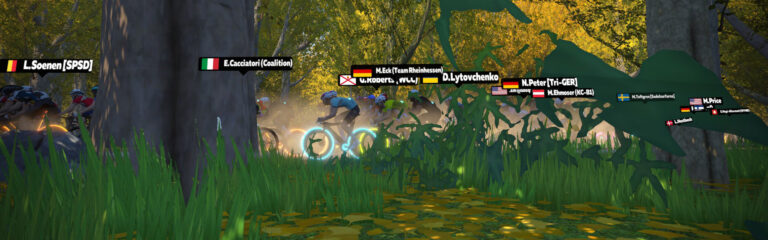
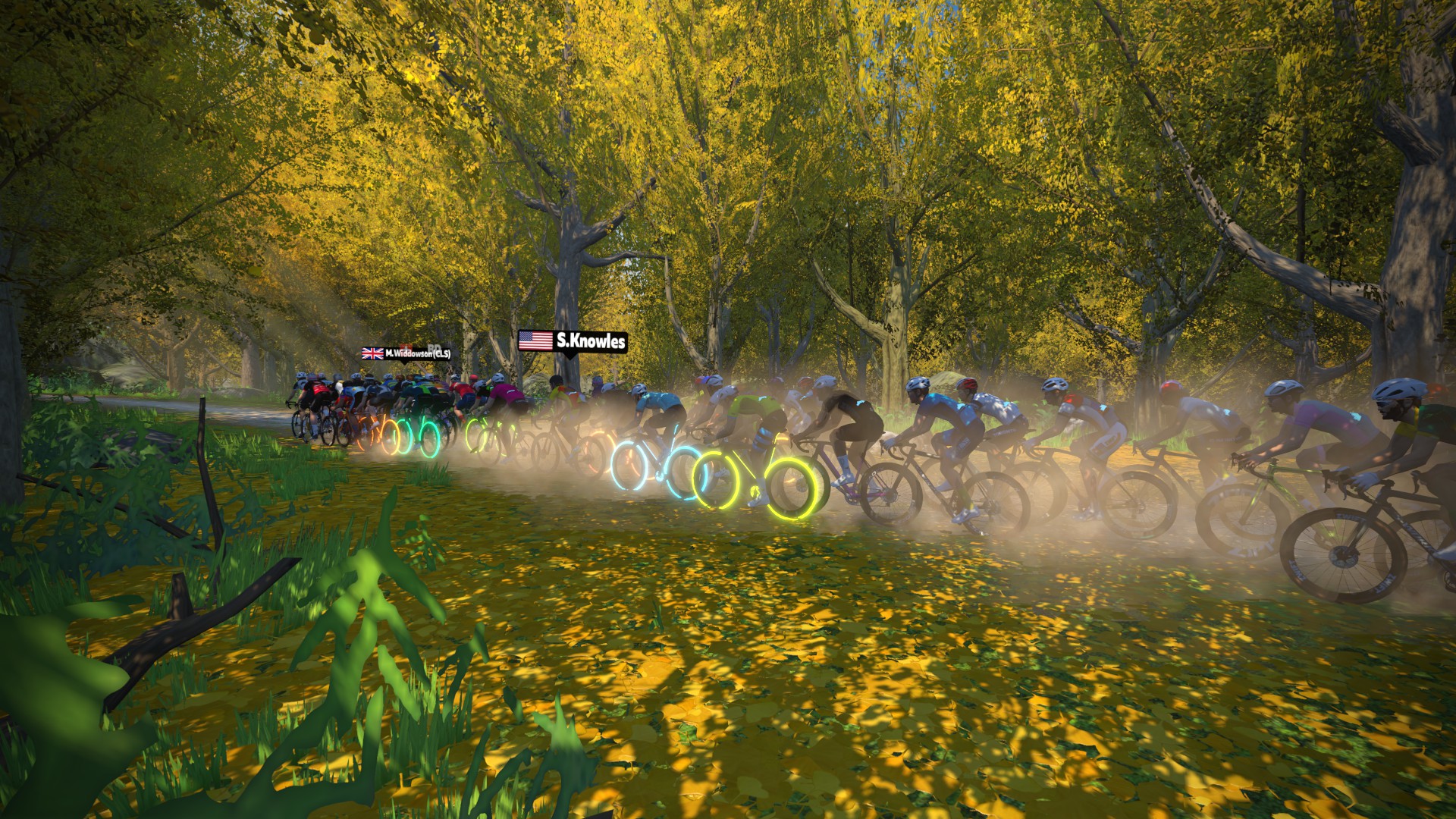
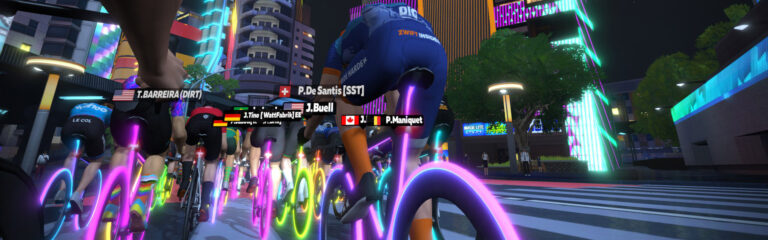
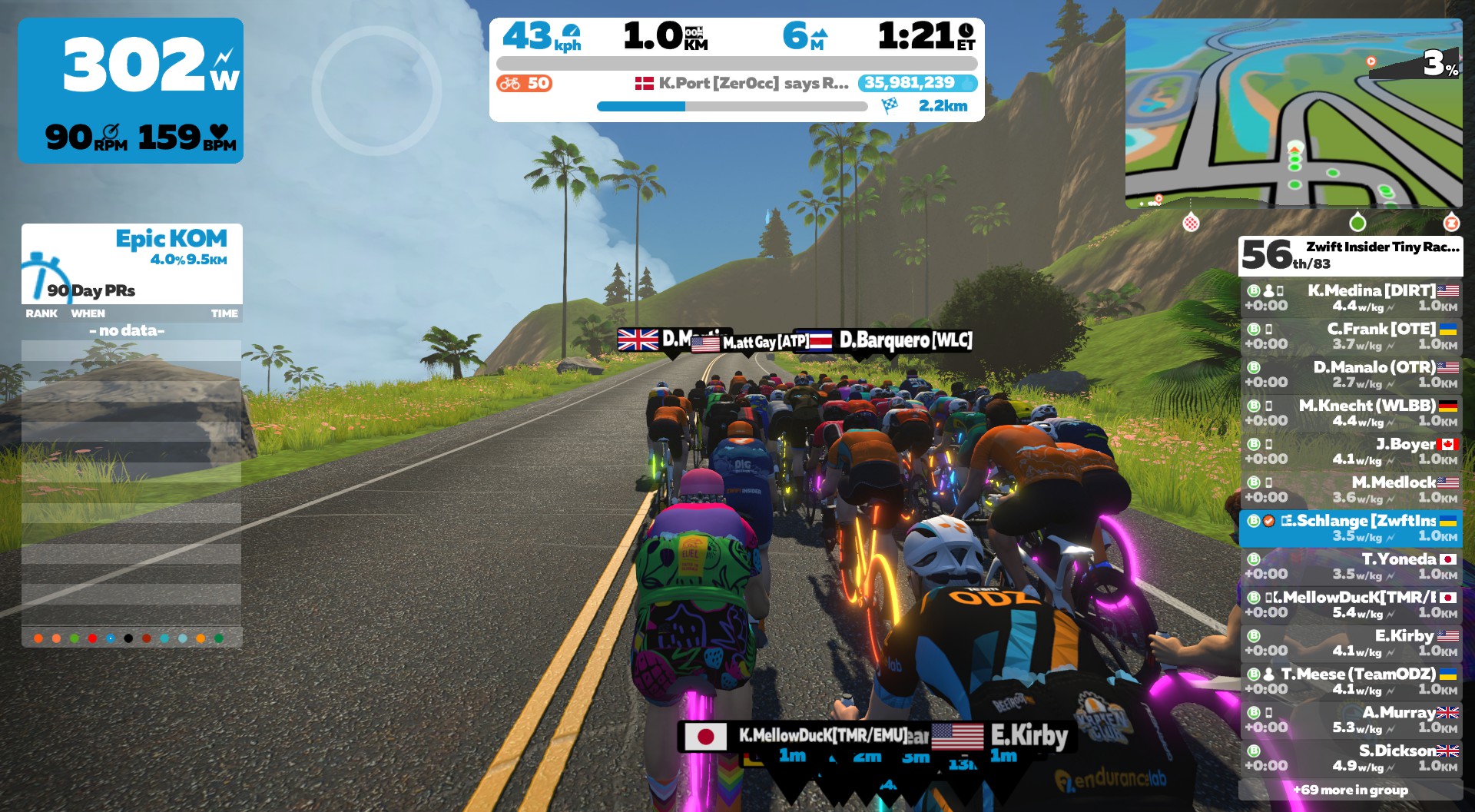
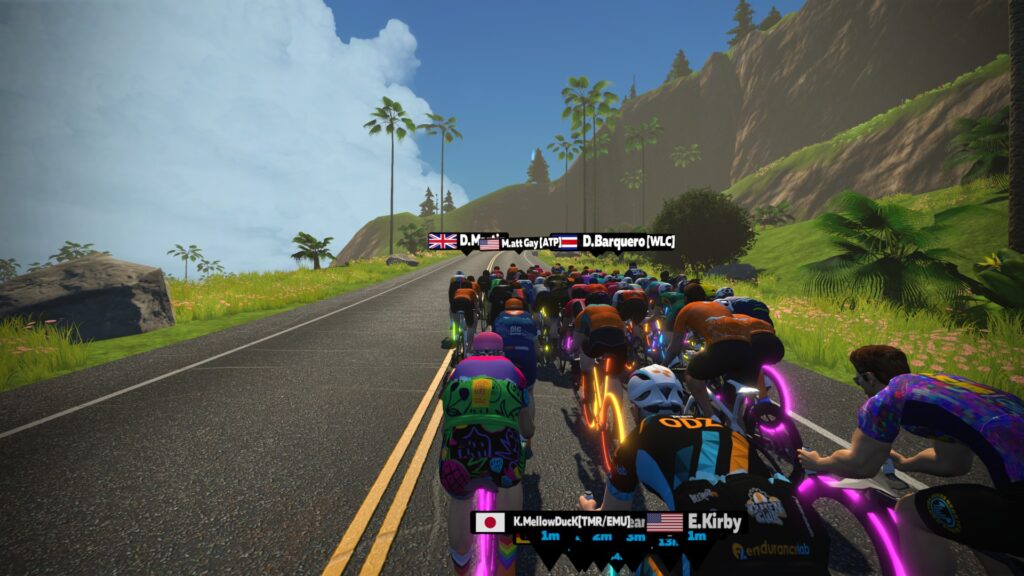
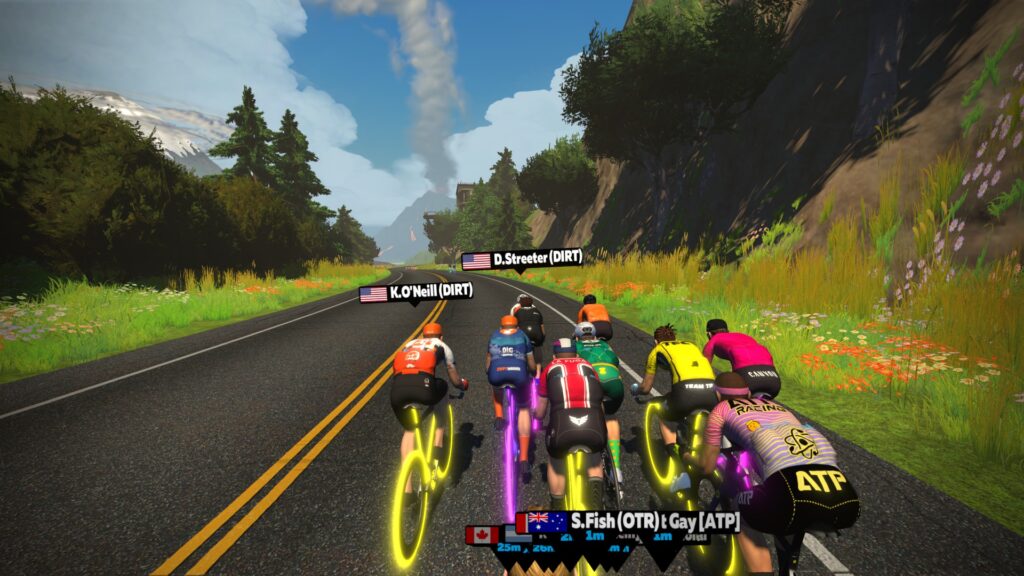
Last Saturday’s set of Tiny Races was a fun mix of custom Watopia and Makuri Islands routes. Some climby, some flat, some dirty! The most surprising, perhaps, was the Makuri Islands Valley to Mountaintop (3.5km) race because of how much the pack strung out through the early dirt of the Golden Forest. A very attritional race!
Beginning the Titans Grove KQOM ReverseOn the Volcano Circuit ReverseThrough the Golden ForestAttacking in the forestSteamrollers!
A pitchy little loop, with a drawn-out final sprint that’s slightly uphill. This one is all about timing: modulating your power to efficiently maintain momentum on the short climbs, activating your powerup for maximum effectiveness… and where should you start your final sprint?
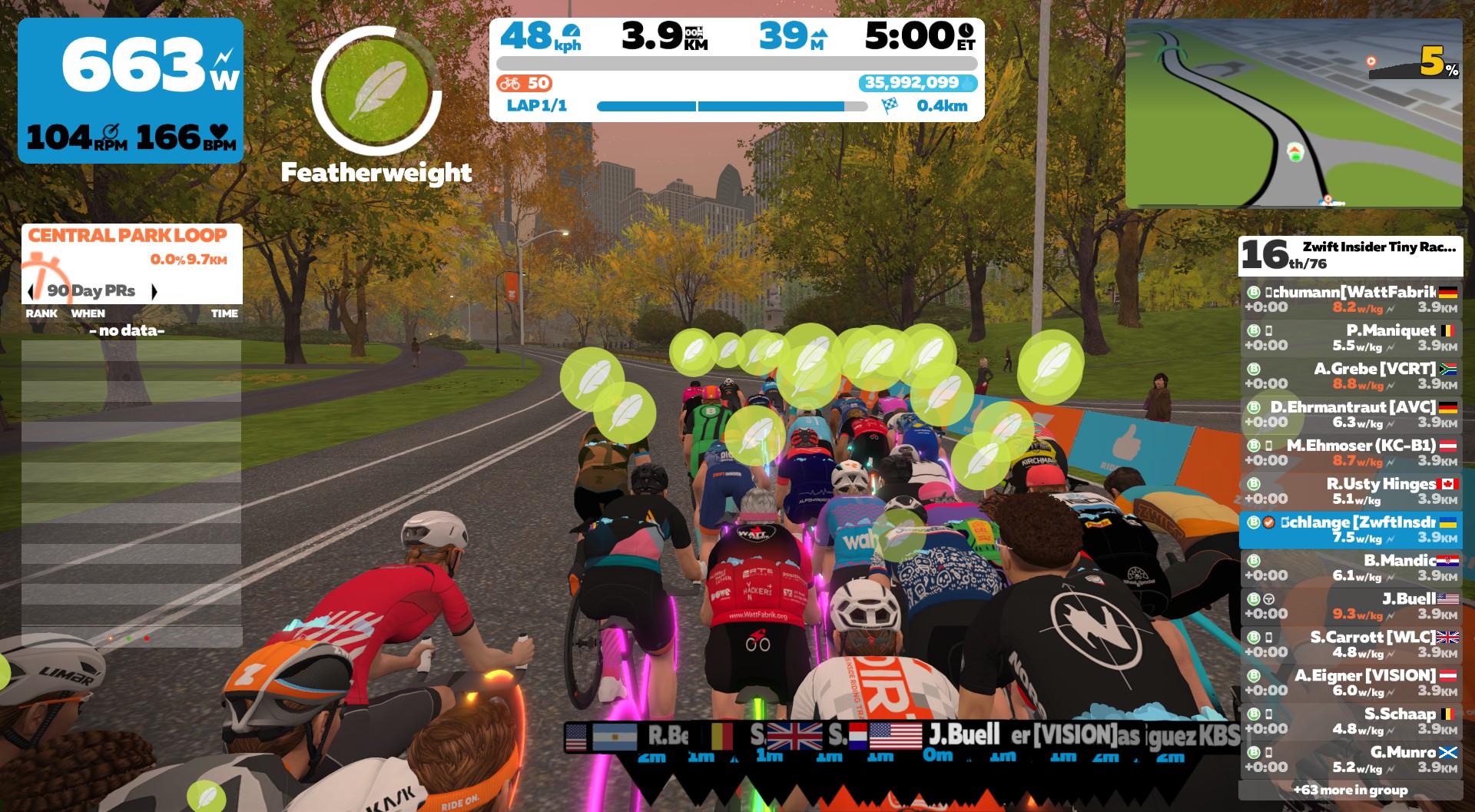
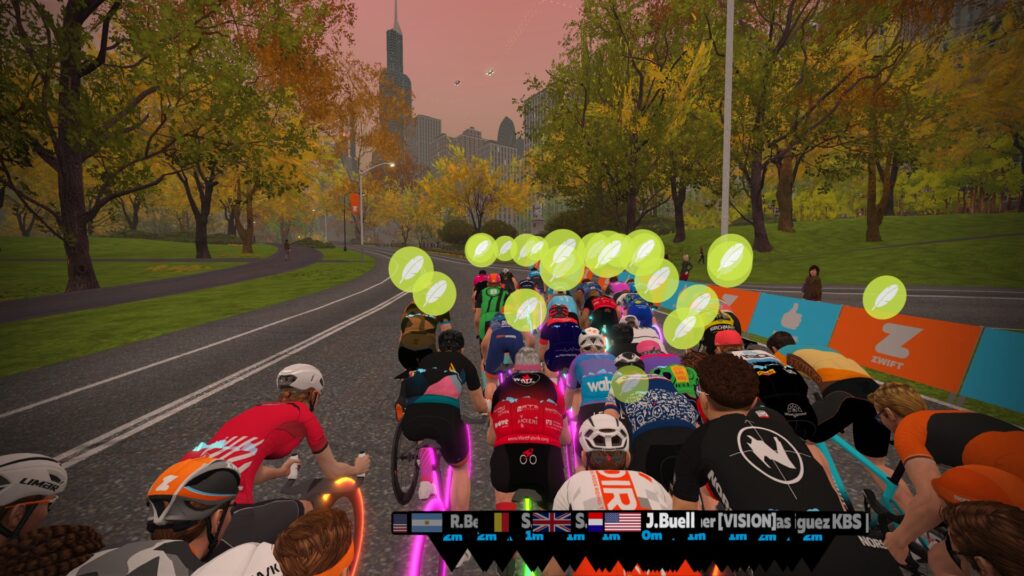
One quick clockwise loop of Central Park’s inner roads. Do you use your feather on the kicker on the back of the course, or save it for a bit of a boost in the long, flat finishing sprint?
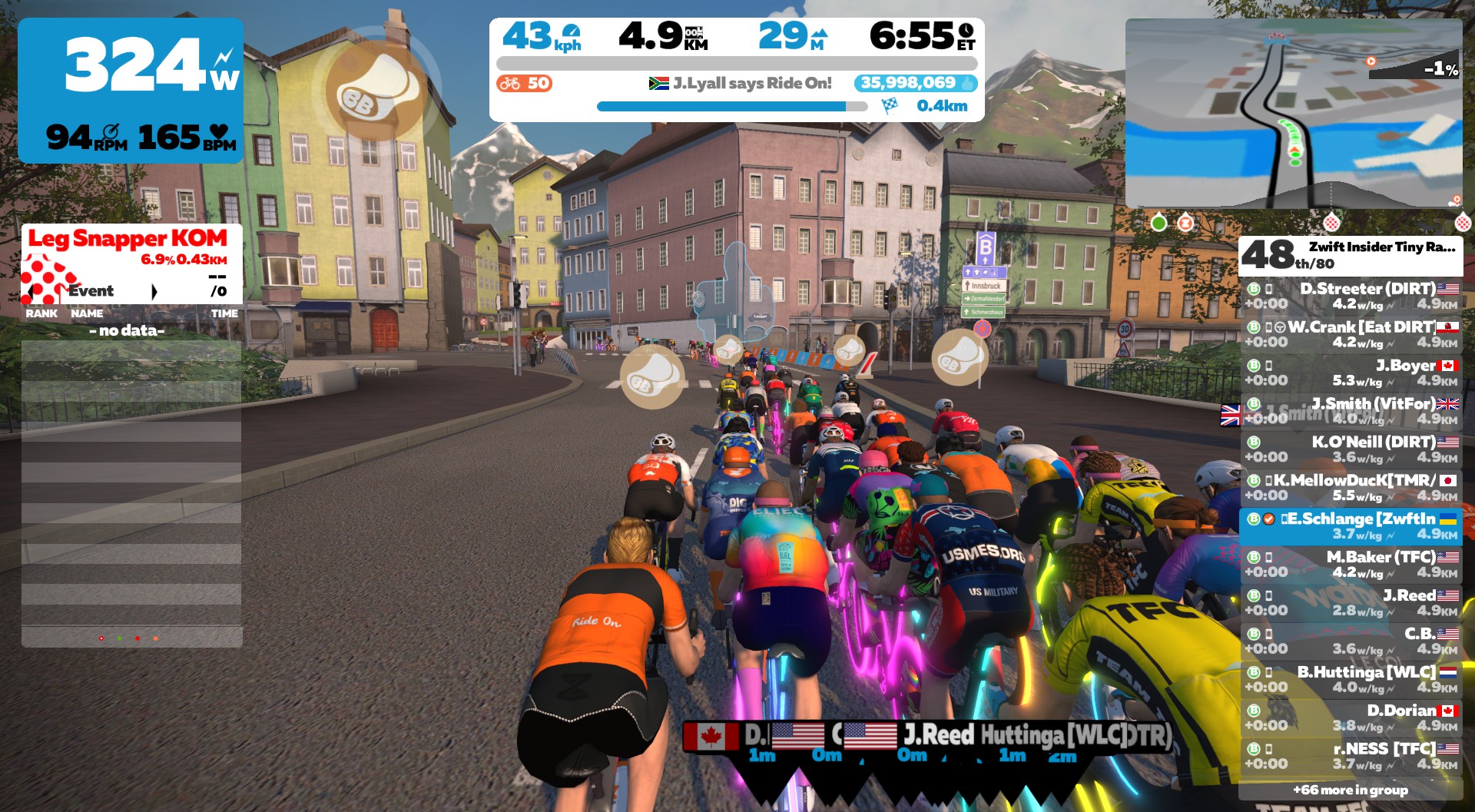
This is gonna be a wild one! Start with a descent, then a longish climb. Grab a ghost at the banner, then it’s a quick descent into a really steep, short kicker (20%+!). Grab another ghost at the Libby Hill KOM banner, then descend Libby’s cobbles and end on the paved, straight downhill that follows. Climbers will get away on the last kicker, but bigger riders may just be able to chase them back!
This mostly downhill race covers just the lead-in of the Jungle Circuit Reverse route, which includes the rope bridge. Race ends at the Jungle banner. Bring your gravel bike!
Immediately following each hour’s racing, we’ve scheduled 30-minute “Chat & Chill” events where riders from all categories can spin out their legs together and have some fun chatting about how it all went down. The events haven’t been created yet, but when they’re done you’ll be able to find them at:
Zwift displays preliminary race results in game when you cross the line, but points are computed after all four races finish, with final results on ZwiftPower. (We have to press a ZwiftPower button to compute results manually, so if your rankings don’t show up right away, just be patient.)
Riders will earn points based on finish position in each of the 4 Tiny Races. The category winner of each week’s series is the rider with the most points across their timezone’s 4 races. Here are the links for each timezone’s results on ZwiftPower:
A bittersweet upgrade last week meant a major challenge lay ahead to maintain the winning streak. But it was not the challenge I had imagined. No, the challenge was not so much beating the A Graders, as finding any to race against.
Despite my apprehensions about coming up against A+ monsters who would rip my legs off up the Leg Snapper, I committed to starting my quest early in the week when fields are larger.
First Attempt: A Lonely Affair
I signed up for my usual Monday 9:10pm slot, put the kids to bed, and jumped in for a quick warm-up in the pen. Alone. Eventually I would find two companions. One, in his firstever race on Zwift, appeared to have misunderstood what he was getting himself into. He pottered along for a while at a constant 1.9 W/kg and then quit.
The other was Zwiftaholics’ #1 fan, Rob Bane (I need to get him a hoodie or something). He was considering his usual B grade race but decided things looked a little thin in my pen and came to join me. Rob has a strong track record and a good kick, so even though he may not have yet received the official upgrade to A he’s certainly on the threshold and no easy beat.
We had some fun with our first powerups; I fired off a ghost and sprinted away, only for Rob to pop his aero and counterattack immediately. We came together again after a couple of high-intensity minutes, then disaster struck. Rob had taken ill and couldn’t finish the race. I was left to my own devices and decided to finish for the sake of a recon of the new finish line.
It was, technically, a win, even if I was so slow that I would not have made the D podium. This is definitely not what I had pictured when starting this challenge. I had to give it a proper go, but as the week wore on I was despairingly sending Eric screenshots of the signup numbers on ZwiftPower, which showed a column of mostly zeroes. The rare reasonably-sized fields required unreasonable wake-up times (4:10am racing, anyone?)
I’m quickly learning that A racing is a vastly different affair, one where you need to be much more selective and look for the events that consistently attract strong fields. The sheer volume of Zwift Classics time slots overwhelms this category.
Second Attempt: To Chase Or Not to Chase?
Eventually I jumped into a race at short notice because it had managed to cobble together a field of 8. That would have to do. I held onto the front of the race over the first snapper, and let one rider go up the road on the long straight back towards the usual start/finish banner. When a second rider bridged, I had a choice to try and follow (with an aero PU for help) or trust in the group. I chose to sit, legs already feeling the effort. That was where the race was lost.
Our little group had lost its two best engines, and as much as I tried to spark a chase there was no enthusiasm for it. We watched the gap go out and prepared our tilt for the final podium spot. In the end I would put in a new Leg Snapper PR and haul in an early move to take third place. It was a respectable result, with our front two firmly in the A+ category, and in the end it was the last tilt I could make at the course.
Another little gold cup graces my ZwiftPower trophy cabinet, but not a particularly shiny one. Was this to be the story arc of this challenge? A series of pulsating, hard-fought wins in New York, Watopia, and France that gave way to an increasingly uninspiring and tokenistic set of ‘successes’ as the Classics wear on?
With only a mass start time trial left, and me left to choose between a competitive A field (unwinnable) or a patchy one (unsatisfying), it all seemed like a fizzle of a finish was inevitable.
And then an angel appeared, in the form of James Bailey.
When All Hope Seemed Lost…
James announced on Facebook that category enforcement was getting some tweaks to better align it with ZwiftPower. I found a Classics race to sign up for and sure enough, there it was. The little green circle was back. I could race as a B once more.
Thus the challenge will end where it all began, back with the Bs. The course doesn’t particularly suit me, but the arbitrary categorisation lines are once again in my favour. See you on the hill.
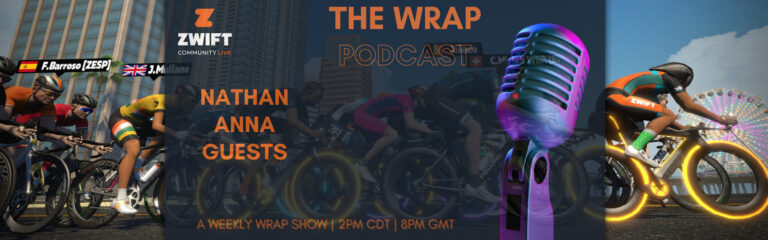
With over 1500 podcast downloads already The Wrap (presented by Zwift Community Live) is turning into the go-to place for Zwift opinion, racing, training, and fashion! Episode 5 has just dropped and this week Nathan and Anna talk about the new WTRL TTT format, enhancements they’d like to see to other race formats, and the BIG camera angle debate.
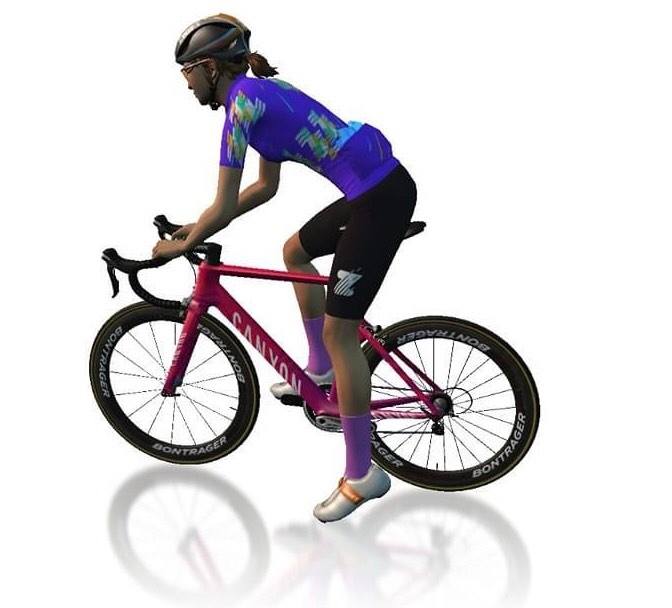
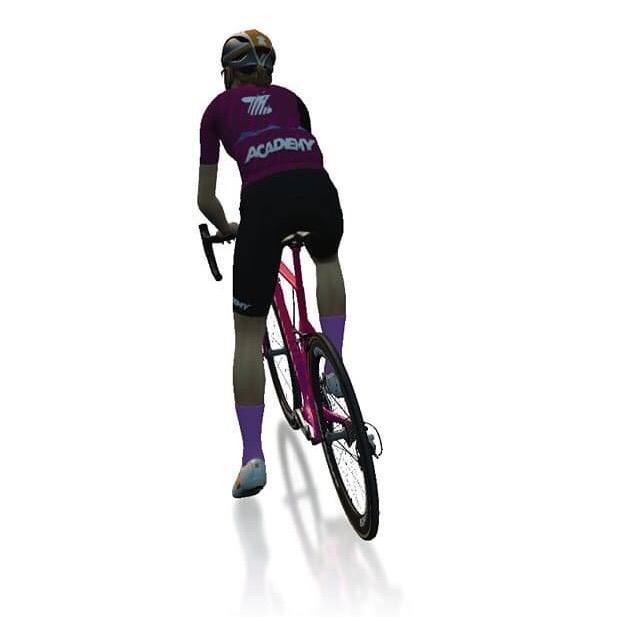
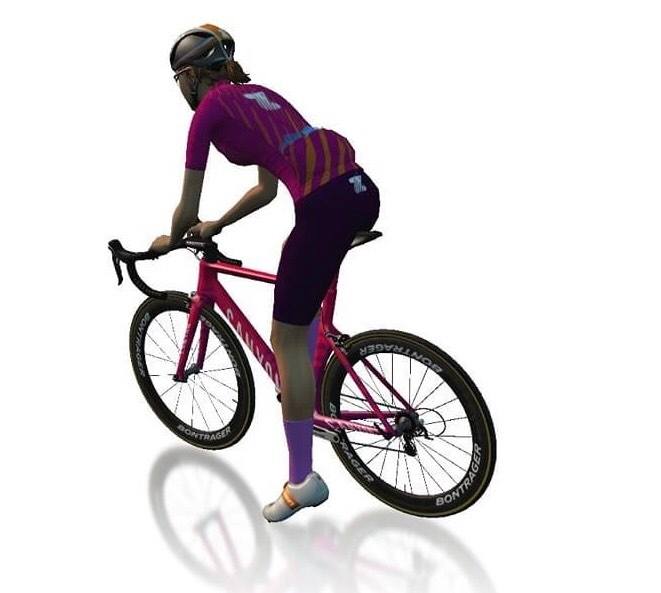
Guest Kate Veronneau chats all things Zwift Academy 2022 and shares some highlights from the Tour de France Femme avec Zwift.
Fashion spotlight was on Zwift Academy jerseys over the years (2016 came out on top) and the garage pick of the week was the Canyon Speedmax CF SLX Disc.
The Wrap is all about showcasing the awesome Zwift community, from upcoming events to must-have tech to community guests to the all-important avatar fashion segment. The live nature of the show means that hosts Nathan Guerra and Anna Russell can interact directly with those watching, gaining valuable insights and opinions across a wide range of topics.
New Zwift Feature: See Pace Partner Locations Before Joining
Have you ever clicked to join a Pace Partner, only to find yourself in the middle of a climb with cold legs? The. Worst.
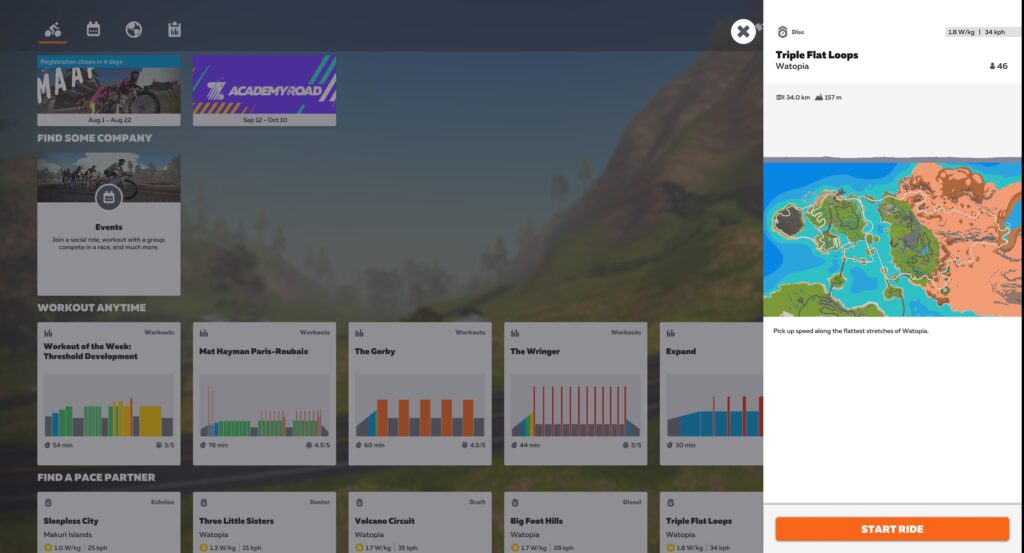
Zwift’s August update included a totally revamped interface for joining Pace Partners from the new homescreen. The separate tiles for each Pace Partner let you easily see the current pace, approximate group size, and route for each bot.
But there’s one additional upgrade Zwift made to Pace Partner joining which wasn’t mentioned in the update notes: current Pace Partner location!
Where’s the Bot?
Simply click any of the Pace Partner tiles for a sidebar showing details of the route currently being covered:
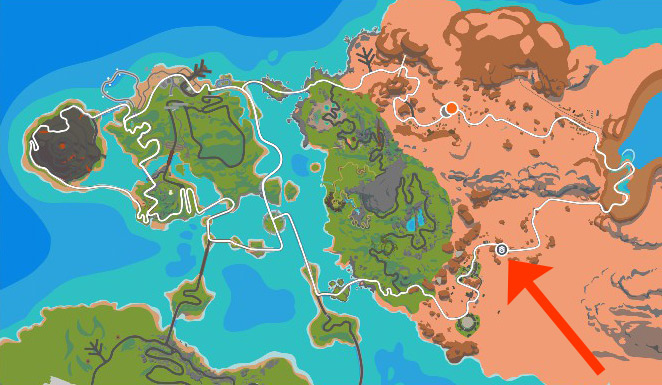
If you look closely at the map, you’ll see a small grey circle with a Pace Partner beacon. This is the current location of the Pace Partner!
Pace Partner location, enlarged to show texture
New Homescreen Rollout Timing
On a related note: Zwift tells us the new homescreen is quickly rolling out to iOS and Android platforms, with plans to roll out to AppleTV in September. So if you don’t have it yet, you should soon.
It only feels like yesterday that we were undertaking the Zwift Academy Road 2021 training. Where has the time gone? The previous years’ events have been excellent so I have no doubt this year will be the same. ZA Road 2022 starts off with a 26-minute interval session that will introduce us to what’s in store for the next few weeks of training. Especially useful if you’re new to Zwift Academy and/or structured workouts!
Alternatively, if you can’t make the ride, you can still read about the event and all things Zwift Academ here.
Looking for a Sunday social ride paced around 2 w/kg? Check out the new Woofpack Social ride, which is presented by Speed Hound. Speed Hound is a sports brand offering a wide range of products from recovery products to cycling and triathlon apparel and they sponsor a number of athletes including the DNA Pro Cycling women’s team.
This 60-minute social ride, hosted on the “R.G.V.” course, is led by Speed Hound athlete Adam Feigh, who is a professional triathlete. If you fancy a ride and some good conversation then join in! There is the added bonus of winning some apparel, as the event says: “the ride leader will take a group selfie, and whoever is closest to the leader wins an article of clothing from Speed Hound’s lifestyle apparel collection!”
Over the last few months, I have noticed an increase in the number of stage races that are being offered, which is nice to see!
The Tour de HISP is a 13 stage race in just 15 days. This event is taking place on the “Cobbled climbs” course in Richmond. There are varying lengths depending on the category and early numbers indicate this will be a competitive event.
As summer slips by here in the northern hemisphere, riders may be seeking some longer endurance rides in preparation for an intense winter of indoor racing. Therefore, I thought I would highlight the 3R’s 100km endurance events, taking place on various flatter routes.
Three timeslots available this weekend, each on different courses:
Zwift Insider’s Tiny Race series has been a big hit, with hundreds of racers turning out to each event, making for a highly-competitive set of four short back-to-back race events. It’s happening again this Saturday on four “custom” routes!
The point of these events is to “earn ZwiftPower ranking points, get a solid VO2 workout, and just have fun going all-out in a different sort of Zwift race!”
This week’s Top 5 Zwift Videos feature some nutrition tips, a training plan success story, and a new Zwifter’s first ride. There’s also some racing content, including a look at Zwift Insider’s Tiny Race Series.
Are You Making This One Big Mistake on Zwift? How To Get Faster On Zwift
James (Nutrition Triathlon), a sport and exercise nutritionist, talks about the mistakes Zwift riders often make when managing their nutrition.
How I gained 30 Watts in Just 6 Weeks! Zwift’s FTP Builder Program Tested
Does the 6-week FTP builder training plan live up to its name? In J Mower’s experience, it does!
My First ride with Zwift
Gabe King, who lives in Alaska, recently switched from a Peloton bike to Zwift and a smart trainer. See what he makes of his first Zwift ride.
Saturday in Hell: Zwift Insider Tiny Races straight after MAAP Stage 2
What is it like to do four short races in one day? Trevor Holdsworth (The Musette) gives Zwift Insider’s new Tiny Race Series a try.
Road to Category A Ep. 3 // Zwift Classics (A)
Oli Chi (ZRace Central), who is normally a B category rider, continues his efforts to race with the A category in the Zwift Classics.
Got a Great Zwift Video?
Share the link below and we may feature it in an upcoming post!
How the Race Was Won: Fast Finishing Tiny Race on Rooftop Rendezvous
I’ve really been enjoying Zwift’s Insider’s new Tiny Race series, but due to a combination of PC crashes and scheduling snafus, by our third week of the series I had yet to partake in the fourth and final race of the day.
But that was all going to change. Today I would race all four Tiny Races. And even though it was the toughest Tiny Race week yet (thanks to some gut-punching climbs), I was looking forward to suffering with my Zwift B comrades.
The Warmup
I did my typical “casual” pre-race prep: two pieces of caffeine gum (200mg) around an hour before the race, plus some PR lotion on my legs. Then I jumped into an ERG workout in order to test a top-secret new smart trainer while getting my warmup work in.
The legs felt pretty good, and although the workout was a bit tougher than my typical warmup, I thought that might be a good thing considering the hard, short efforts about to come.
The First Three Races
For those unaware, Zwift Insider’s new Tiny Race Series happens every Saturday. Racers take on a set of four short races scheduled 15 minutes apart so you complete them all in an hour. You are given points based on your finish position in each race, and the winner on the day is the rider with the most points.
Race 1, starting the Hilly KOMRace 2: feathers into the finishRace 3: dropping burritos before the Leg Snapper
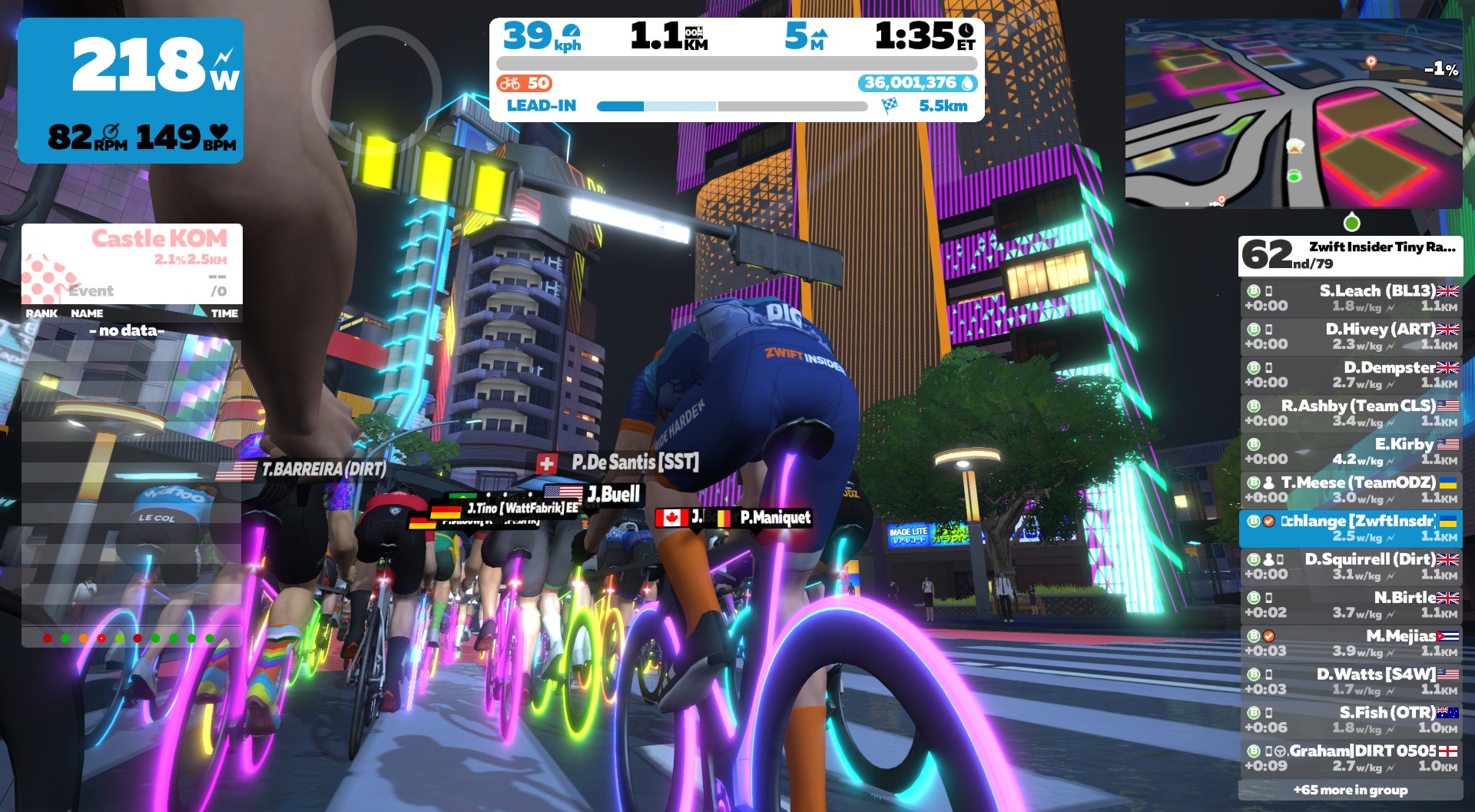
On this day my first three races were fun blasts, but the results weren’t exactly impressive: 17th, 11th, and 43rd (I hate you, Leg Snapper). I knew I was out of contention for the overall win, and to be honest I didn’t think my race #4 result would be any better, with the Rooftop KOM thrown into the middle of the route.
Race #4 Begins (and I Learn Something)
Easy tempo at the start of race 4
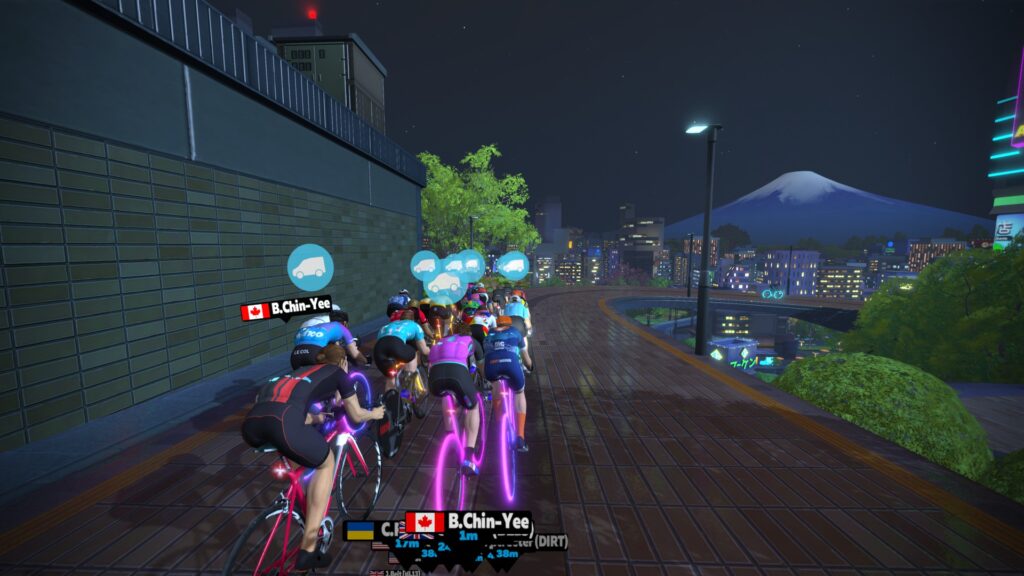
Our B field of ~80 riders spun out of the Neokyo start pens for the final race with our legs still feeling the efforts of the first three races. This race covered one lap of Neokyo’s Rooftop Rendezvous, and everyone seemed to know that the upcoming Rooftop KOM would be the decisive segment. So we all sat in and chugged our way down the road to Painsville.
At the foot of the KOM I noticed something surprising – a virtual start/finish arch was in an unexpected place. (Ironically enough, I was the guy who had designed/chosen this route, and I didn’t even realize it finished where it does! For some reason I thought it finished on the flats like many Neokyo routes, after the arcade and start pens.)
This could be interesting.
The finish was at the end of the KOM descent, with just ~200m of flat road before crossing the line. That meant I had to stay near the front on the descent if I wanted a shot at the win. This wouldn’t be a problem. Being a bigger rider (84kg), I always float to the front on descents anyway.
Pro Tiny Race tip: you can’t hang in the back of the group on high-speed descent finishes, because the group stretches out, and you pouring on the watts won’t bring you forward like it does on flat ground or climbs.
Downhill finishes require good timing and high body weight. Thanks to years of Zwift racing and bad food choices, I possess both! (If you need further evidence, I refer you to my only ZRL win, which ended in a downhill sprint.)
The Rooftop KOM
Flying up the lower bits of the Rooftop KOM
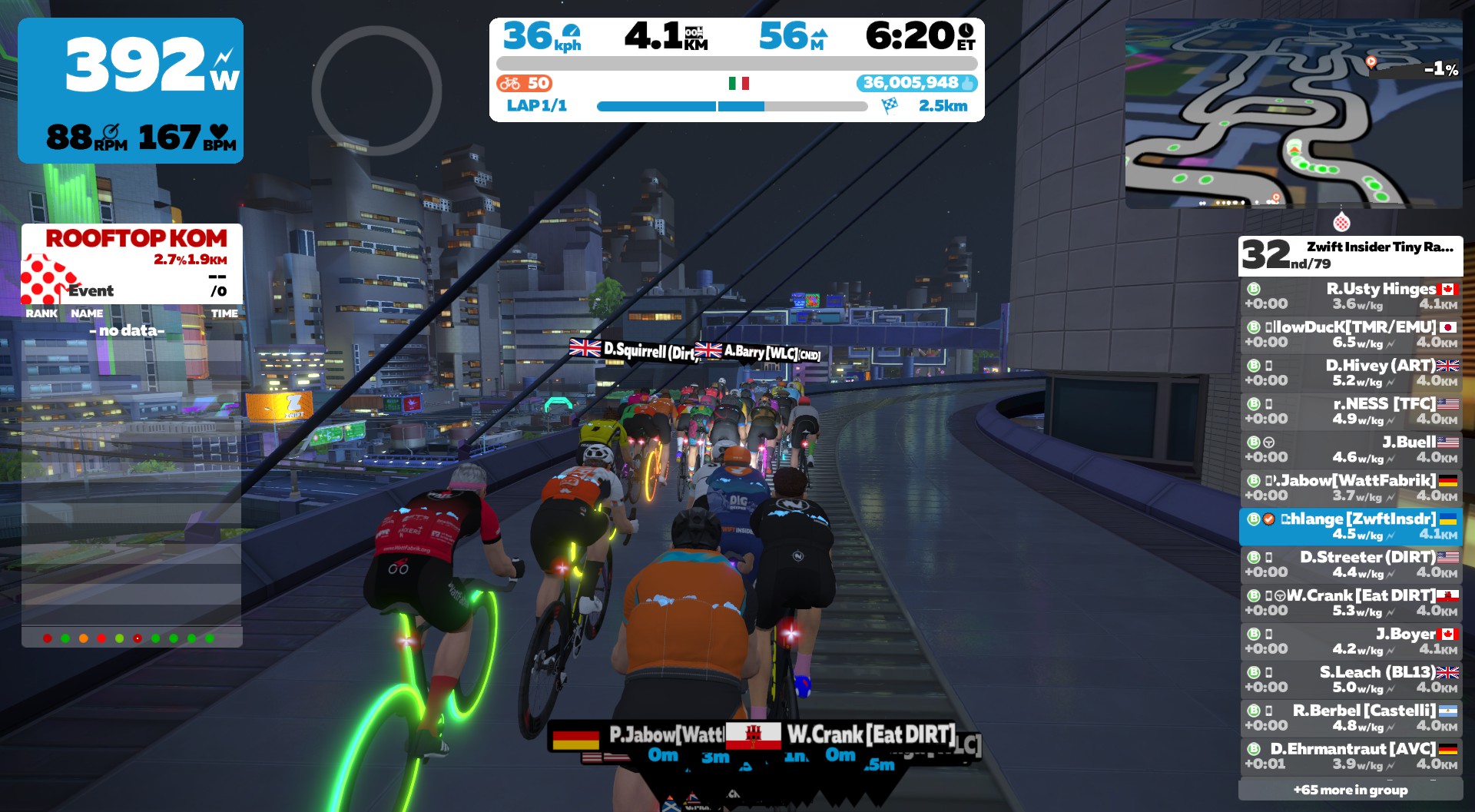
We hit the lower slopes of the Rooftop KOM, and my goal was simple: hold a position near the front of the pack. This is a ~3-minute climb, and drafting makes a big difference at only 2.7% average gradient and speeds over 35kph in the Bs. So I stayed out of the wind, kept the power high, and hoped the pace stayed manageable.
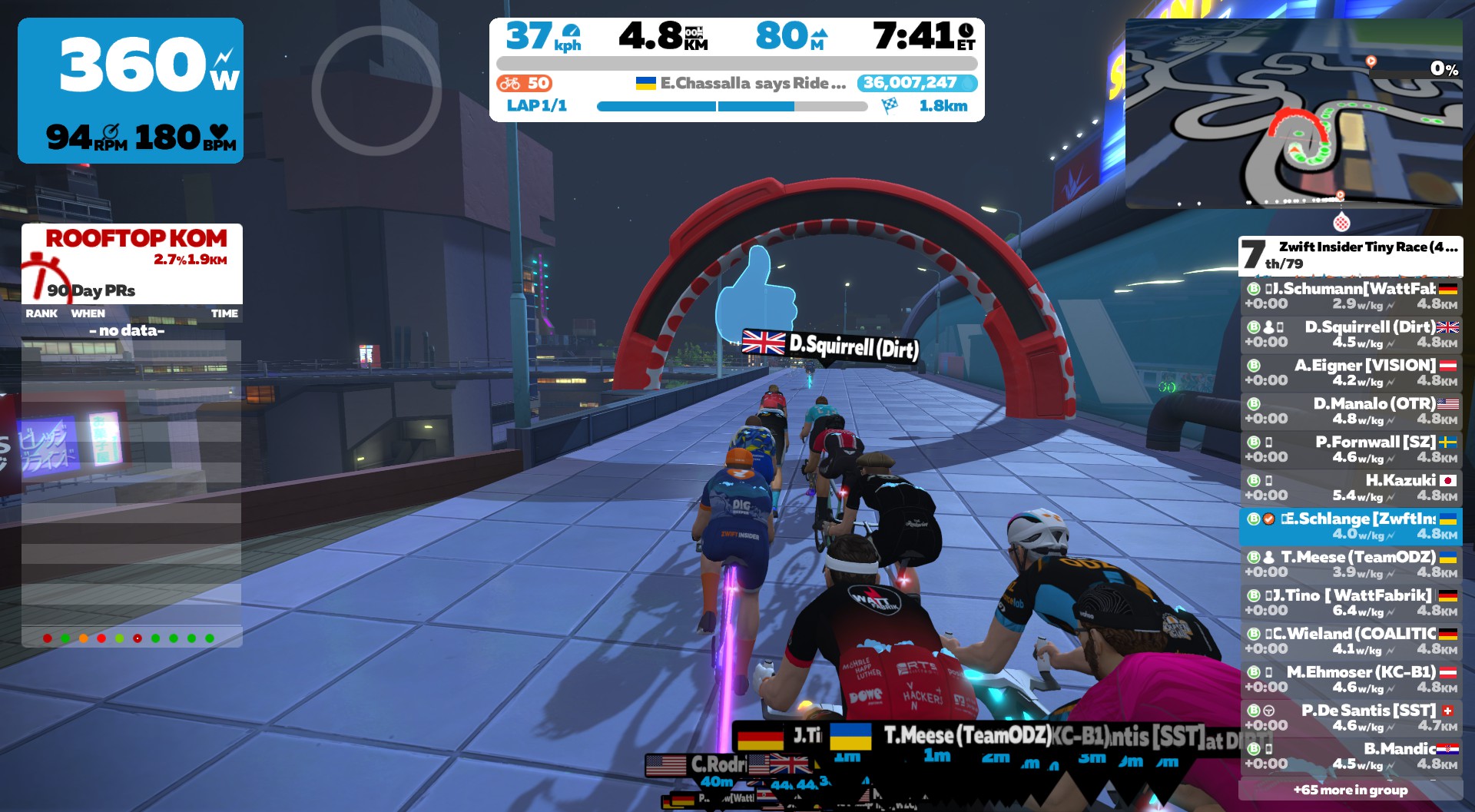
Finishing the KOM in the front pack
And it did! I come over the top near the front of the front pack, with one rider attacking solo just ahead.
I had a shot at this. I just had to hold a good pack position, then time my final sprint well.
The Finish
Flying down the descent – look at all those wasted powerups!
Flying downhill toward the finish line, everyone seemed to be saving their legs for the final effort. Then one rider attacked, and I saw Dave Squirrell (a very strong B from DIRT) go orange as well. It was go time!
Triggering my draft boost powerup, I did my best to grab Squirrell’s wheel. Our speed increased from 60 to 70 to 80+ kph as I spun 120rpm+ in a seated, all-out sprint. My legs were feeling the efforts of three earlier races, but my position and timing saved me as I slingshotted around Squirrell into open space, somehow staying away across the line.
Knowing the race field was strong, I was excited to see what sort of ZwiftPower points result I’d earned with the win. And I wasn’t disappointed – the result was 109.26, which is by far my best ever!
My previous best was a 140.67 from one of the first week’s Tiny Races (7th place against an even stronger field). So a 109 is just… crazy. A fluke, one might say. And I’m shameless enough to gladly take it.
Takeaways
While fitness is the thing that keeps you in contention (that is, in the front pack) for Zwift races, taking home the big win requires a combination of good timing, big power that suits the finish, and a bit of luck.
One of the fun things about crafting these Tiny Races is seeing how different mid-course obstacles and finish layouts tailor certain courses to certain riders. I’m trying to mix it up so no single type of rider always has the advantage, but this particular race was actually laid out far differently from what I had envisioned.
And it worked! We’ll see this route again in the Tiny Race series, because there aren’t a lot of routes with downhill(ish) finishes.
Here’s a self-destructive tip for Rooftop Rendezvous, offered against my better judgment: riders with pack-leading 3-minute w/kg would be wise to attack hard on the KOM to drop riders like myself, because otherwise us big dudes are likely to fly off the front and take the win.
See you on course!
Your Thoughts
Have you ever raced Rooftop Rendezvous? How did it go for you? Share below!
Tiny Race Series – Week 3 Results and Week 4 Route Details
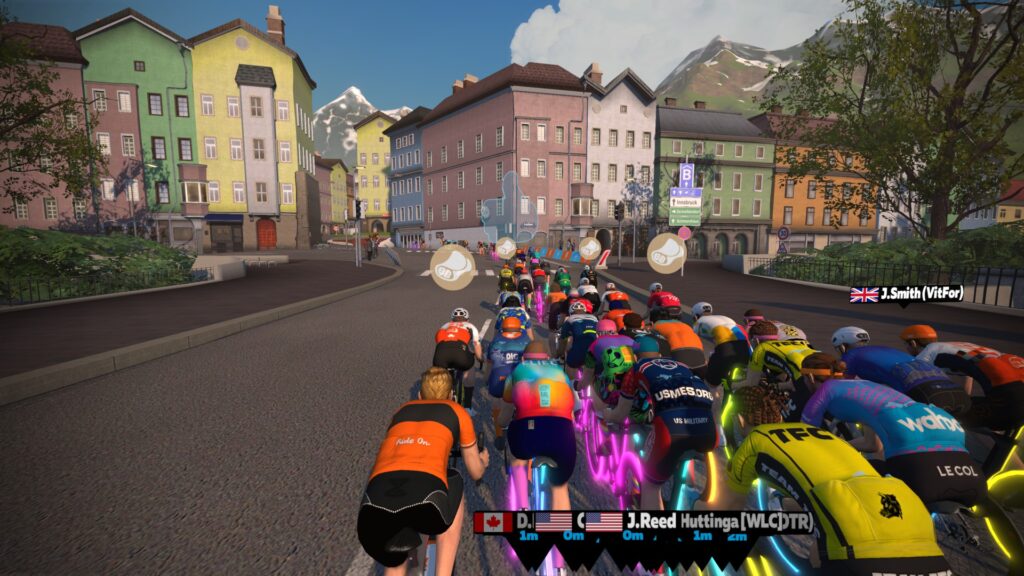
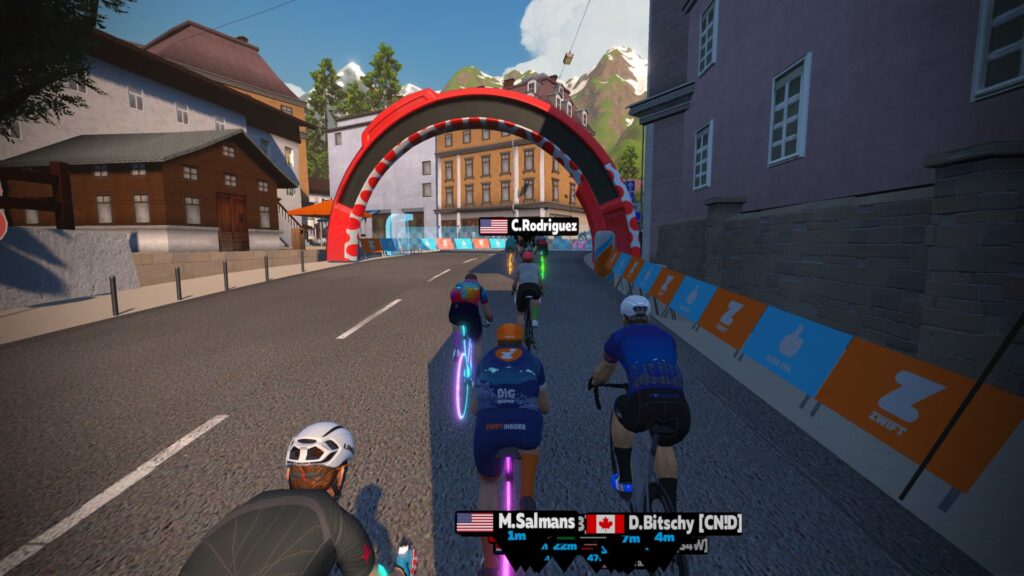
Last Saturday’s set of Tiny Races was the toughest yet! Thanks to custom-length routes on Watopia Hilly, Innsbruckring, and Rooftop Rendezvous riders were treated to climbs (respectively) 2 minutes, 1 minutes, and 3 minutes in length. Ouch!
Thanks to a PC crash the first week and a scheduling snafu the second, this was my first time actually riding and finishing all four races. And it was a blast! I even came away with an improbable win on the final race… more on that in another post. A few shots from my races in the Zone 2 time slot:
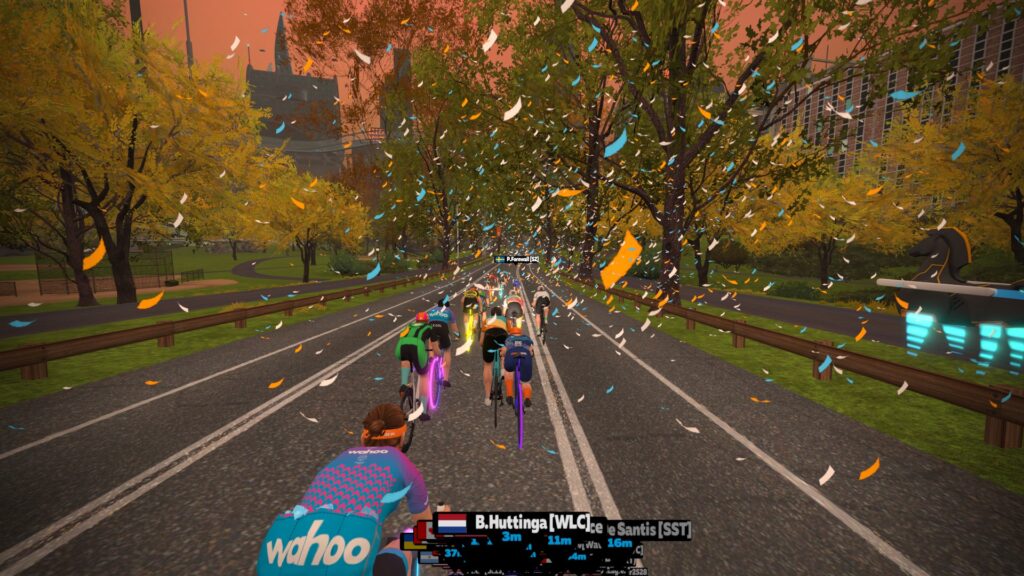
Starting the Hilly KOMThe front of the race is way up the road…So many burritos flying in Innsbruck!The new Leg Snapper KOM bannerRiders using their feathers smartlyLots of confetti in NYCSpinning it up in Neokyo!Descending the Rooftop KOM toward the finish
A: Naofumi Nozaki (AHDR) B: Daniel Manalo (OTR) C: Tristan Slominski D: David White (EVO)
* Mike Jonsson and Daniel Manalo tied for points in Zone 2 B division, but Daniel had the highest placing with a 2nd place finish in race 1, so he gets the overall win.
This Week’s Routes
This week is all “custom” routes, because racers are really enjoying these. Instead of four routes in four worlds we’re doing two in Watopia and two in Makuri Islands.
Here are photos so you can see the precise location of the custom finish lines:
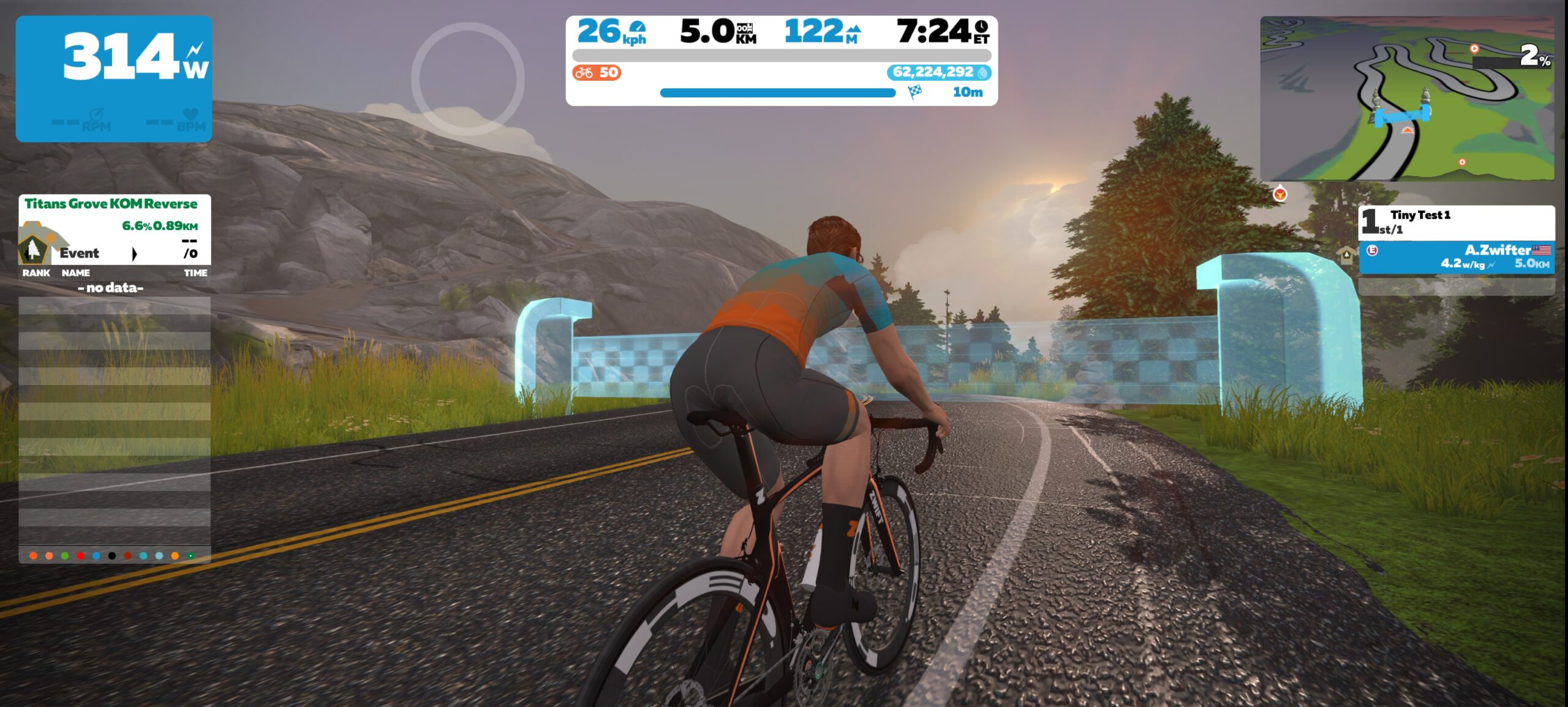
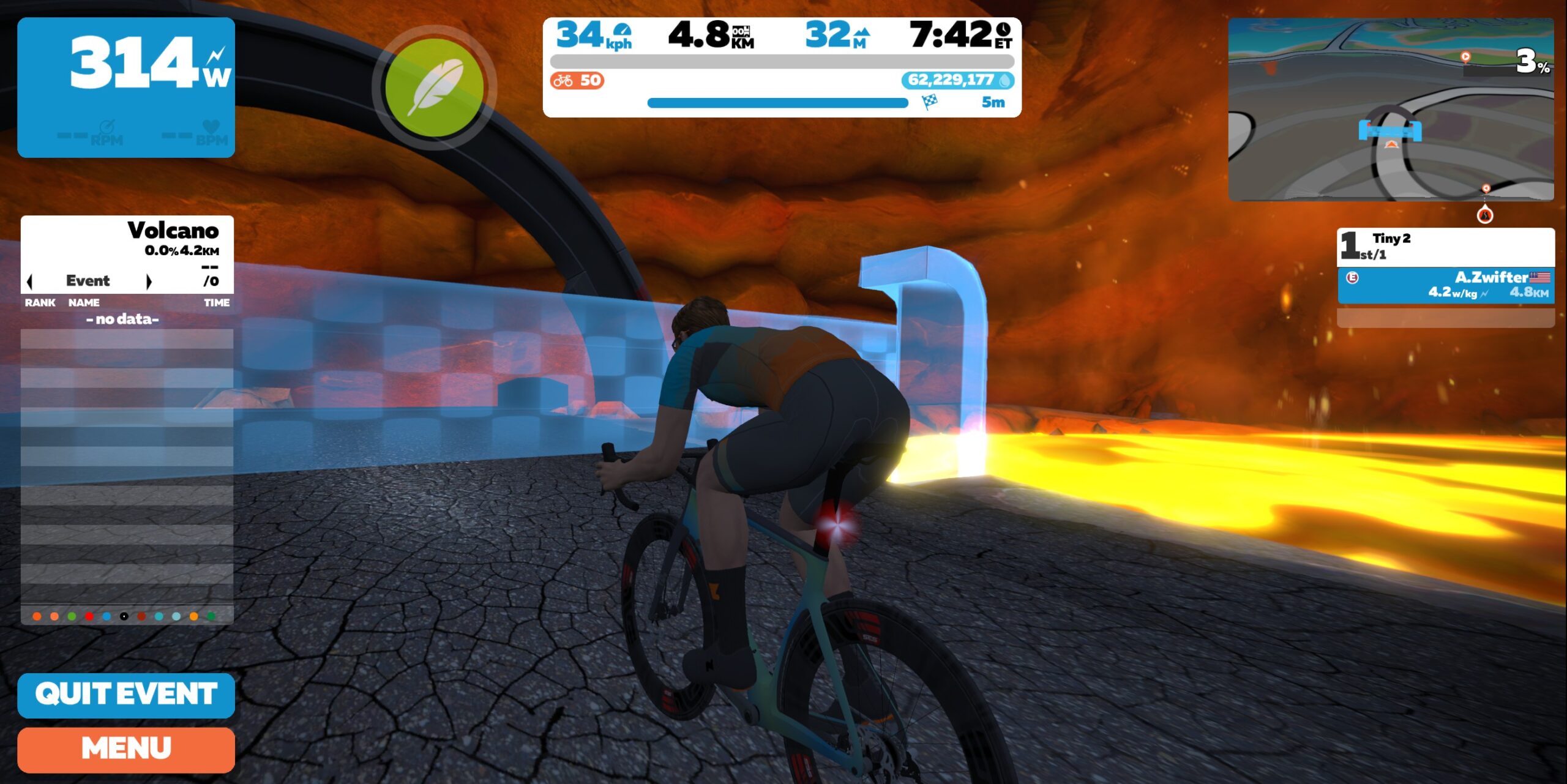
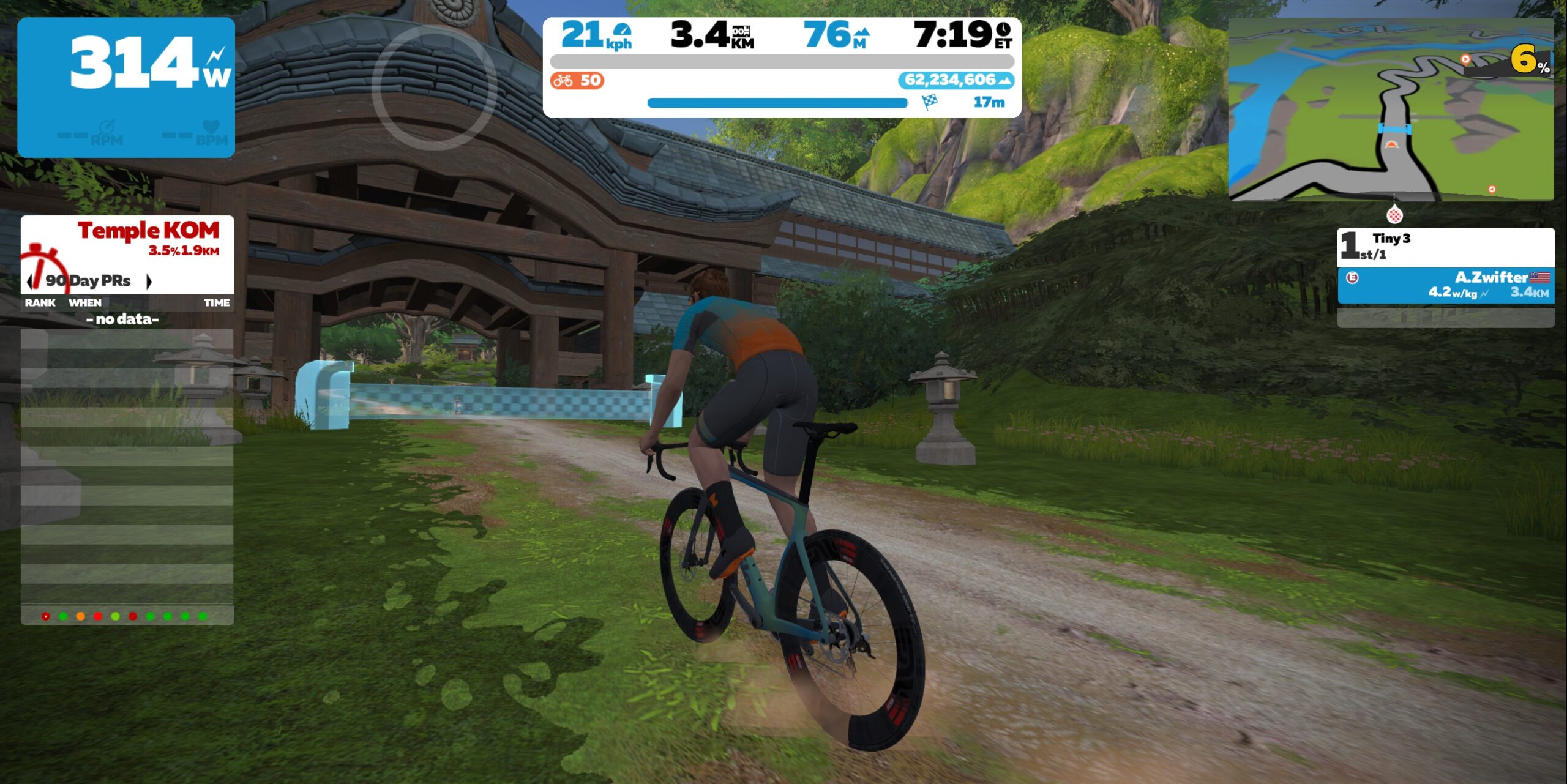
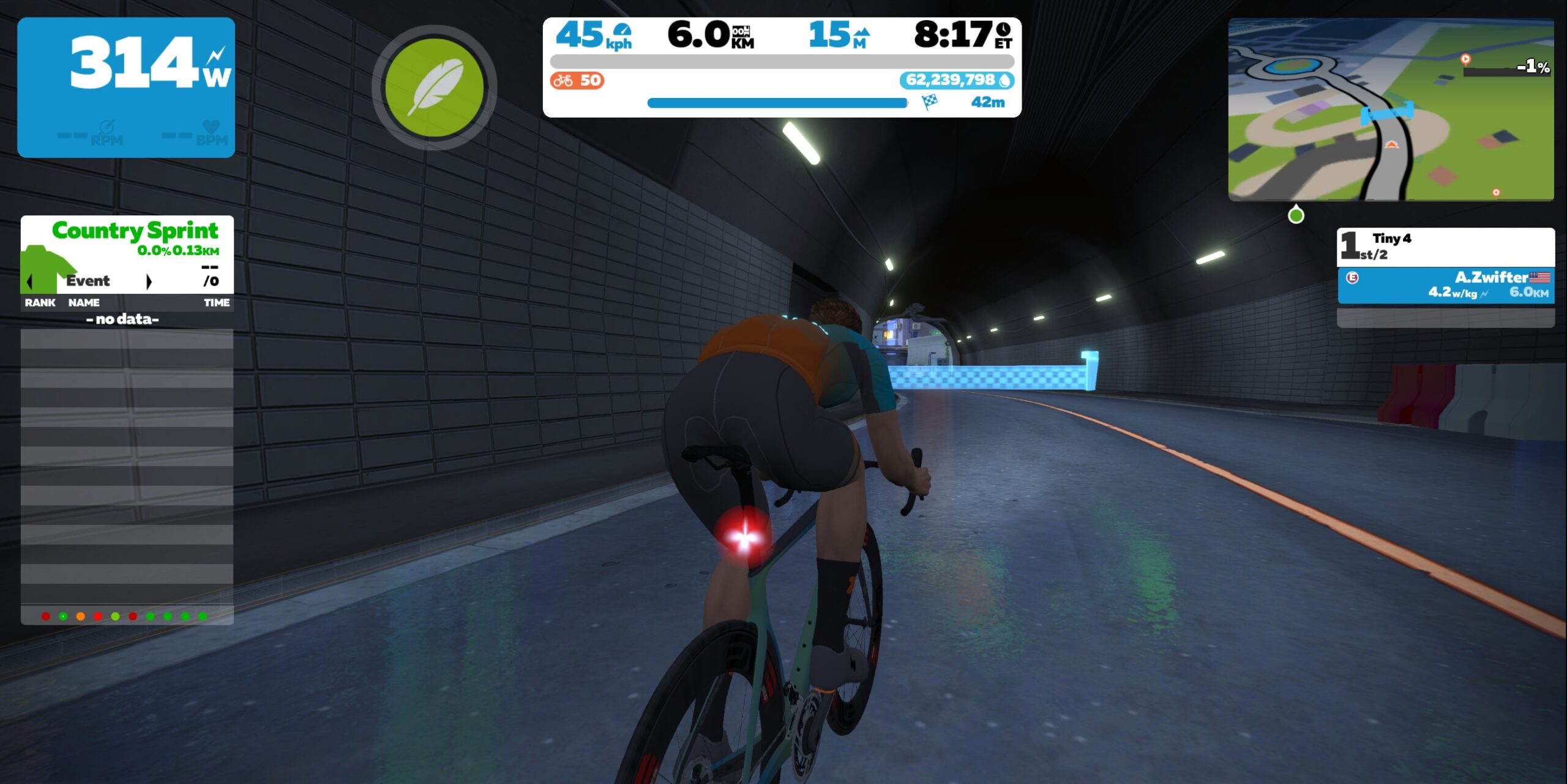
Muir and the Mountain custom finish just before Titans Grove Rev KOMVolcano Circuit CCW custom finish just before lap bannerValley to Mountaintop custom finish at TempleWandering Flats custom finish near end of Neokyo Tunnel
Custom length, ending atop the Titans Grove Reverse KOM. This will be a topsy-turvy start through the uphill rollercoaster of Titans Grove which includes a ride-through tree and Jarvis the perenially unlucky bear. It’s all going to come down to the final ~90-second climb up the KOM, though.
Lead-in section only, race ends at lap start banner. Most of this course is flattish, but the finish is one of the most technical in all of Zwift. First you have the longish ramp that saps your legs and encourages early attacks…then there’s still a few hundred meters of twisting, slightly uphill road. Good legs will keep you in contention, but timing will get you the win!
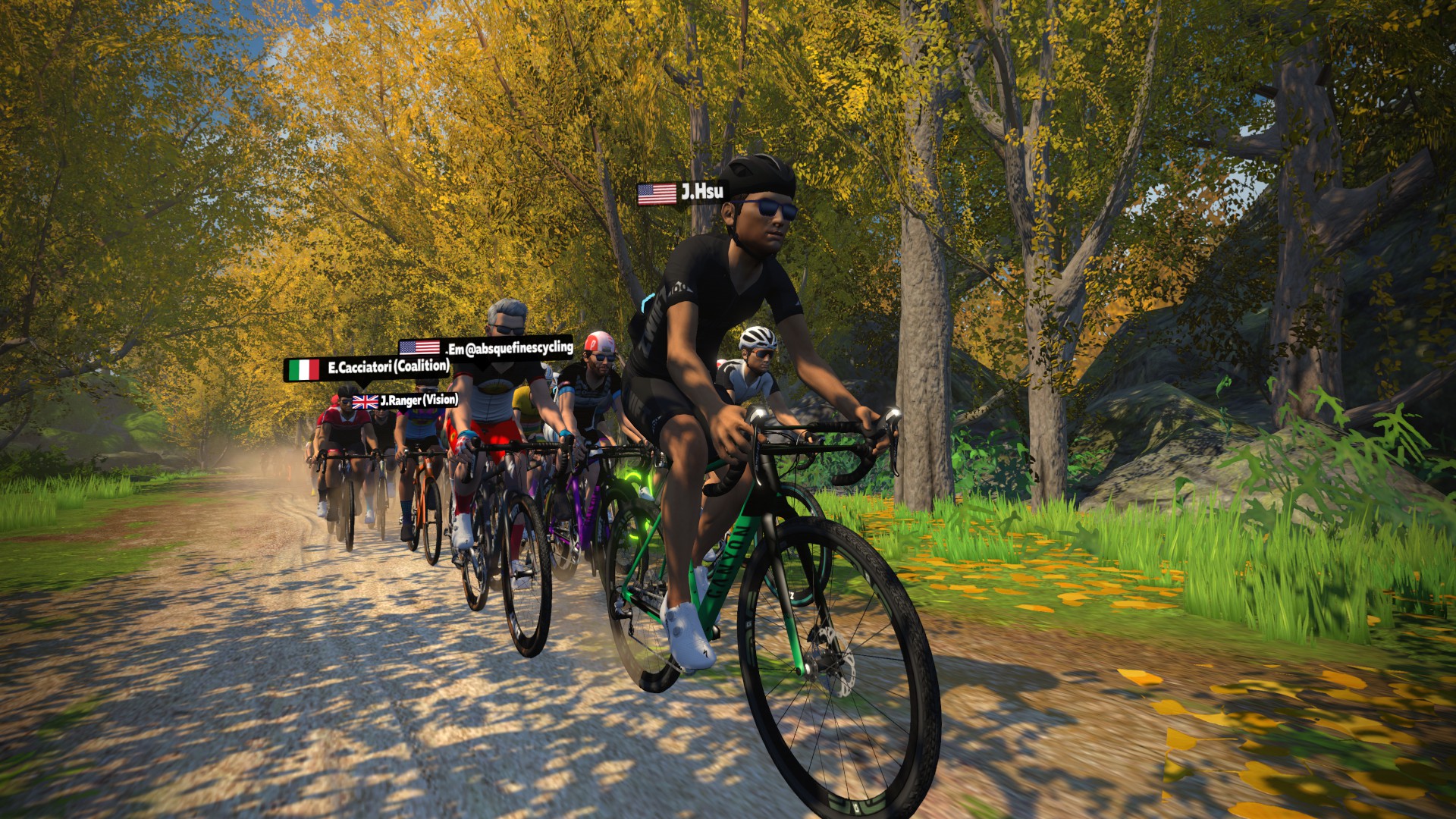
Custom length, ending at the Temple partway up the Temple KOM. This route is mostly dirt, beginning with the beautiful “Golden Forest” section and ending partway up the Temple KOM. Hint: if you don’t pick a gravel or MTB you’ll be left in the dust. (Extra hint: spend a few extra Drops to get some name-brand gravel wheels. Read this post for details.)
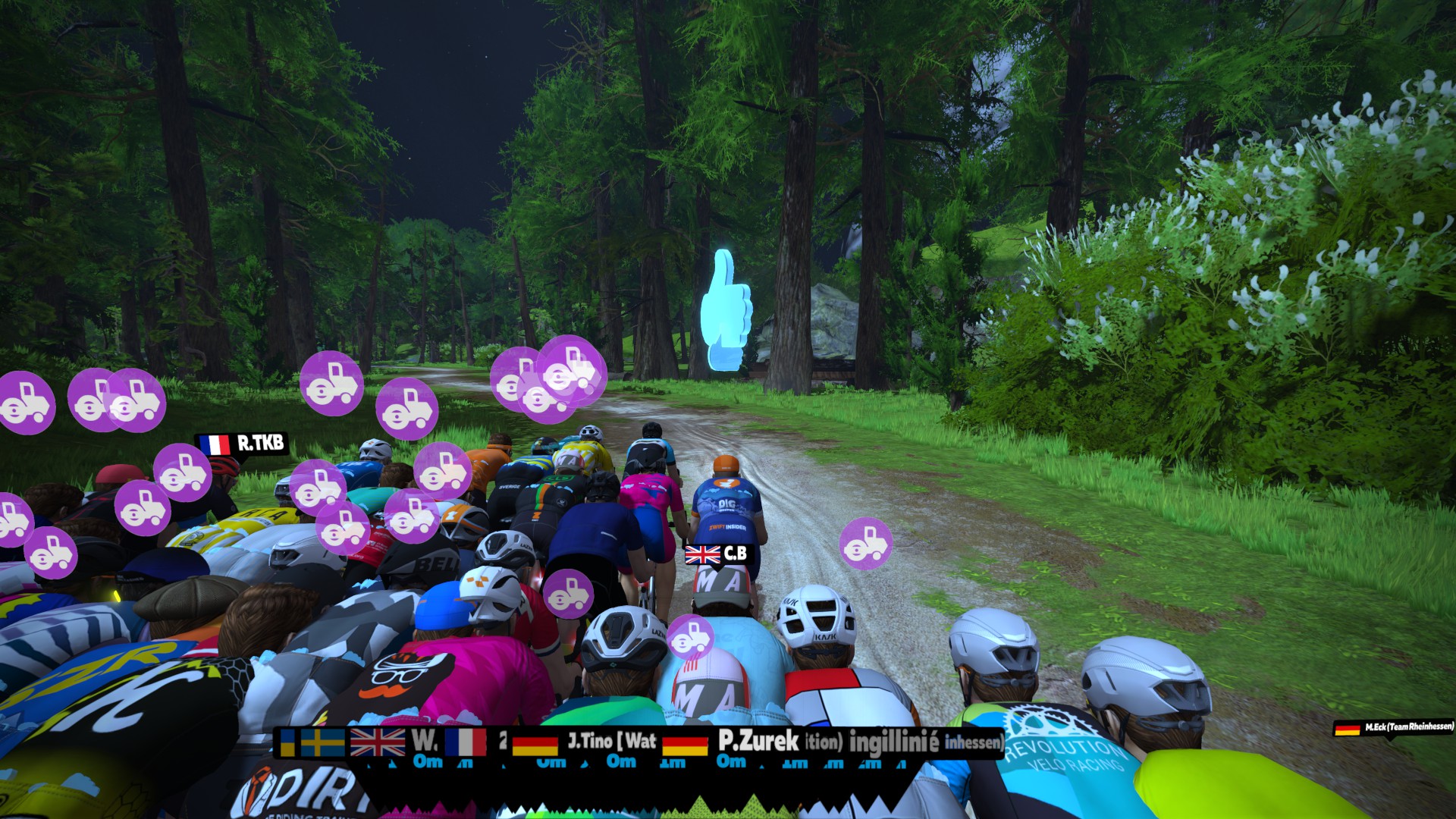
Custom length, ending near the end of the tunnel to Neokyo. This is the “easiest” of the week’s routes in terms of climbing, but we predict a drawn-out sprint finish as riders rev up their steamrollers in the dirt and go long to the tunnel.
Immediately following each hour’s racing, we’ve scheduled 30-minute “Chat & Chill” events where riders from all categories can spin out their legs together and have some fun chatting about how it all went down. The events haven’t been created yet, but when they’re done you’ll be able to find them at:
Zwift displays preliminary race results in game when you cross the line, but points are computed after all four races finish, with final results on ZwiftPower. (We have to press a ZwiftPower button to compute results manually, so if your rankings don’t show up right away, just be patient.)
Riders will earn points based on finish position in each of the 4 Tiny Races. The category winner of each week’s series is the rider with the most points across their timezone’s 4 races. Here are the links for each timezone’s results on ZwiftPower:
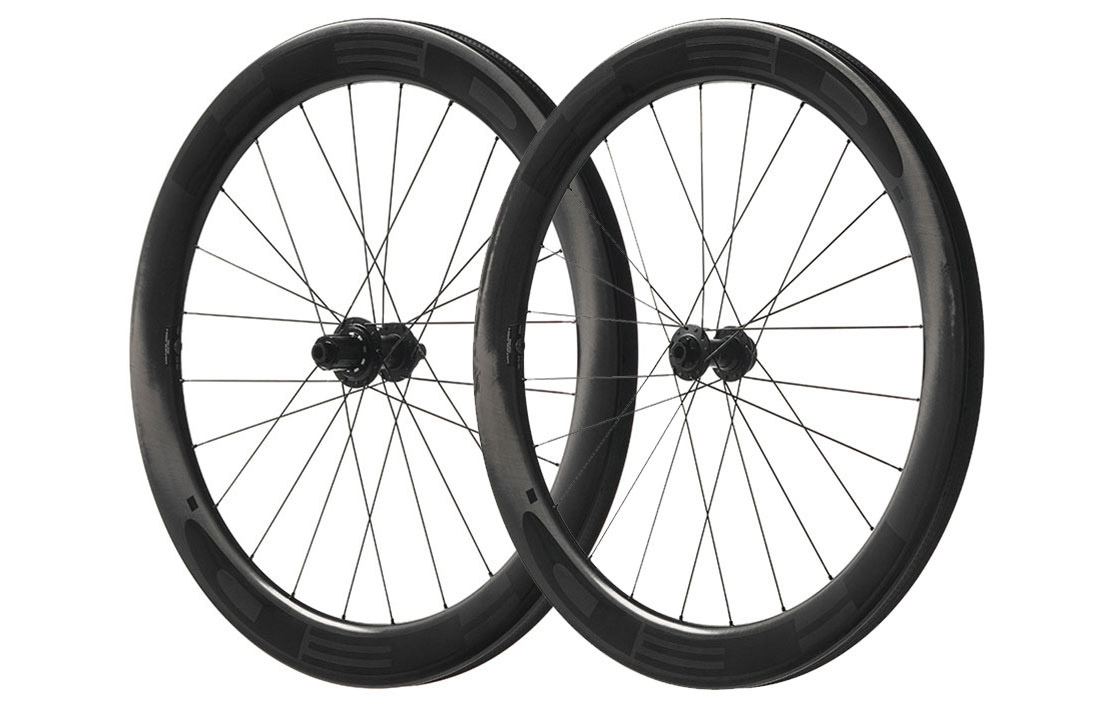
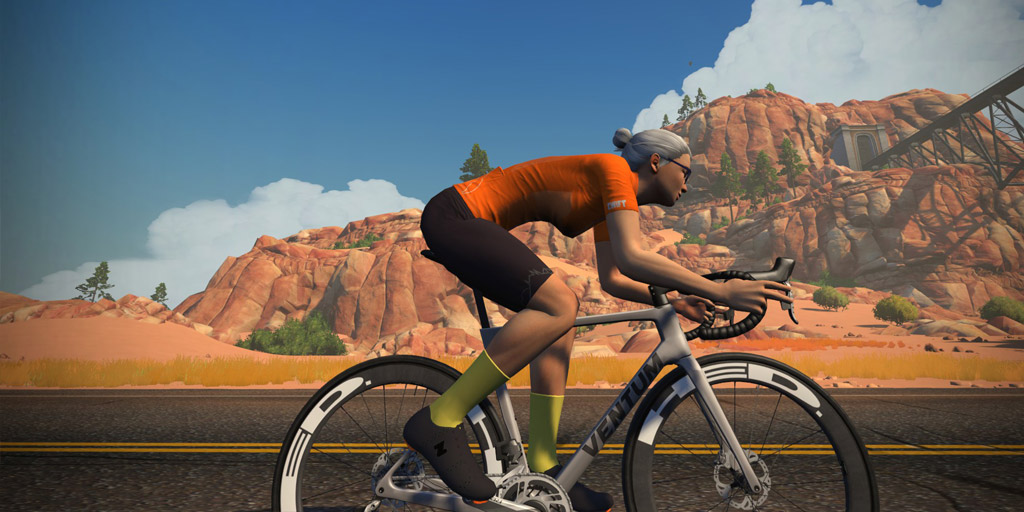
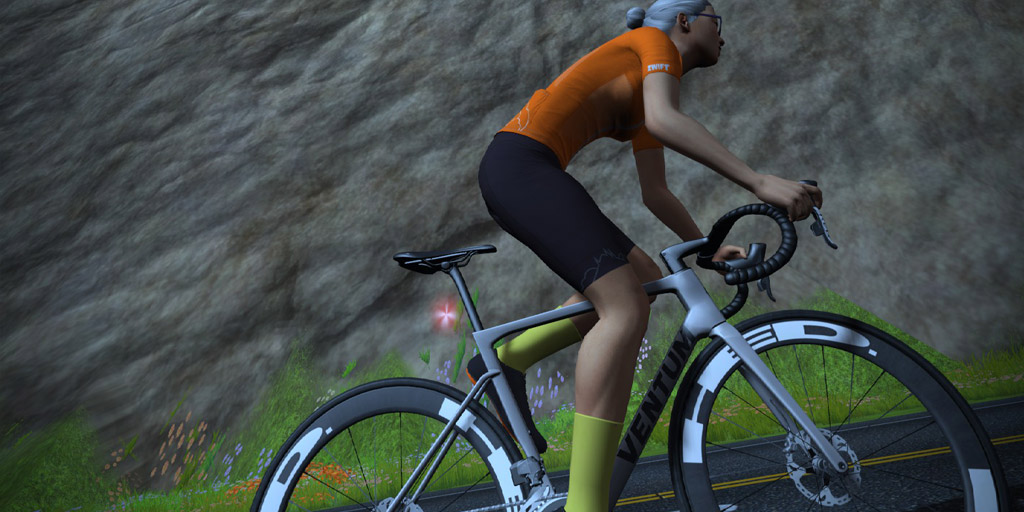
Zwift’s August update included the first in-game wheelset from Minnesota-based HED: the Vanquish RC6 Pros. HED’s Vanquish RC Pro series are the company’s top-of-the-line carbon hoops, and they come in multiple sizes: the RC4 (40mm), RC6 (60mm) RC8 (80mm), and RCD (Aero Disc).
The Vanquish RC6 Pros in real life
These wheels are rated 3 stars for aero and 3 for weight, indicating that their aero performance won’t stand out from the crowd. We ran them through our normal tests to learn exactly how they perform.
Here’s everything you need to know about the performance of the new HED Vanquish RC6 Pro wheels in Zwift.
Aero (Flat/Rolling) Performance
The RC6’s aero performance is just slightly better than the CADEX 42 and slightly worse than the Mavic Cosmic Ultimate UST. This places them around the 37th percentile for aero performance.
Their test time of 51:08.5 is 43.5 seconds slower than the current fastest road wheels (DT Swiss ARC 1100 DICUT DISC) on our test course, which is two laps of Tempus Fugit totaling 34.6km.
Climb Performance
The new RC6’s climbing performance matches CADEX 42 wheels, placing it in the 65th percentile overall. And yes, we agree that it’s a bit surprising to see a 60mm deep wheelset performing better on climbs than it does on flats!
The RC6 wheels turn in an Alpe time of 49:22. The fastest overall climbers in game (Lightweight Meilensteins and Roval Alpinist CLX) complete the test 8 seconds faster.
Note: all test results above are from a 75kg, 183cm rider holding 300W steady using the Zwift Aero frame.
Conclusions
The HED Vanquish RC6 Pro wheels look pretty sweet IRL, but their performance on Zwift won’t be turning any heads. If you’re a HED fan, though, you may want to pick these hoops up to give your bike a unique look.
In Zwift, these wheels are essentially a copy of the CADEX 42 wheelset. Not in terms of looks, mind you, but they have the same price, level lock, climb performance, and almost identical aero performance (1/2 second difference, which is probably just a Strava rounding error).
IRL, the deeper-dish HED wheels outweigh the climber-friendly CADEX 42s (1589g vs 1327g), and we would assume the deeper HED wheels outpace the CADEX 42s in terms of aero performance. So it seems a bit odd that they would match on Zwift. But that’s why we test things – because IRL performance doesn’t map directly to Zwift performance. That’s simply not Zwift’s goal when they add items to the Drop Shop.
The HED Vanquish RC6 Pro wheels will be added to the following posts, and it can also be found on our Master Zwift Wheels List:
Important note: this post contains speed test results for Zwift frames or wheels. These results may change over time, and a bike's performance relative to others may also change. We don't always revise posts when performance rankings change, but we do keep current, master versions of our speed test results which are always available. See the frame charts, wheel charts, and Tron vs Top Performers for current performance data.