

Today, JetBlack announced (and Zwift enabled) a new feature on their flagship Victory trainer: a wired USB connection to Zwift.
Updating Your Trainer’s Firmware
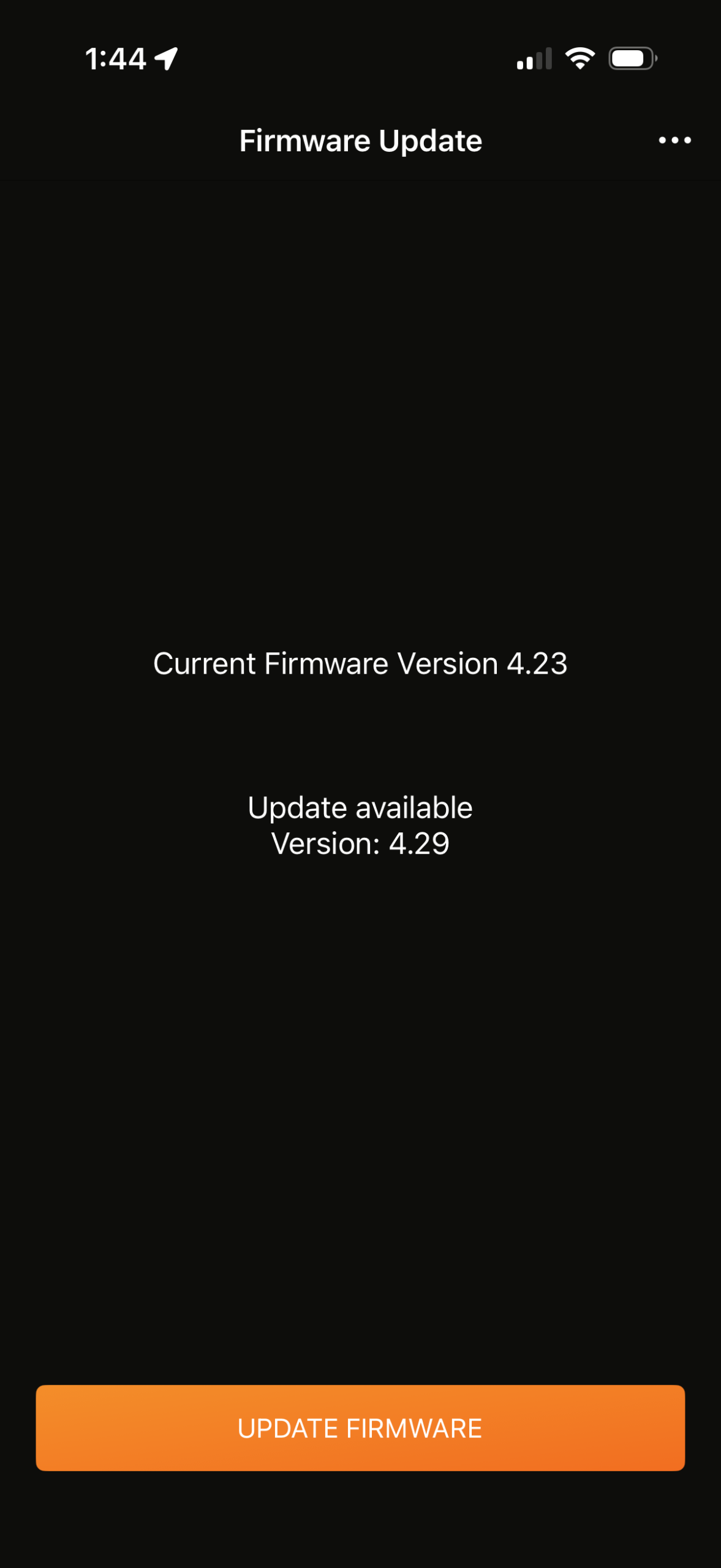
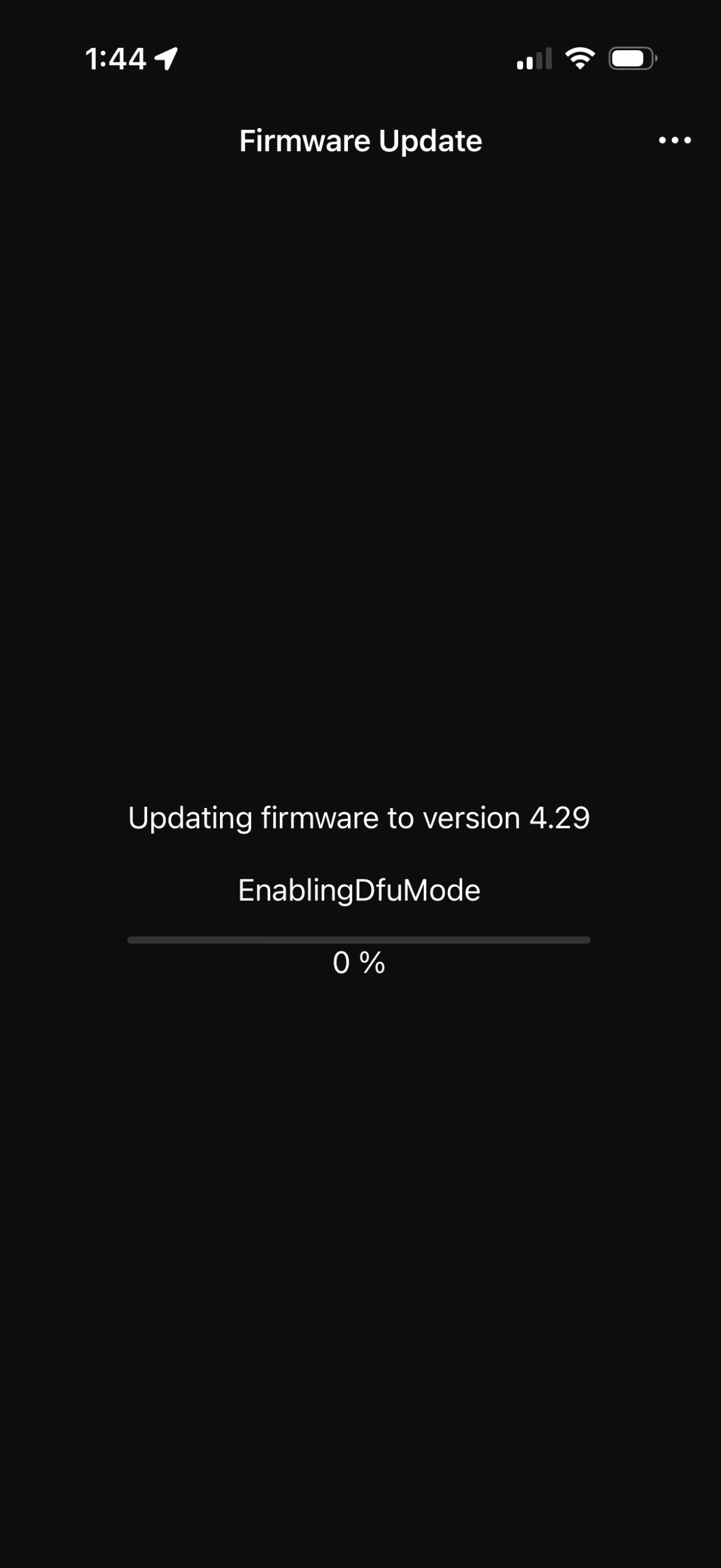
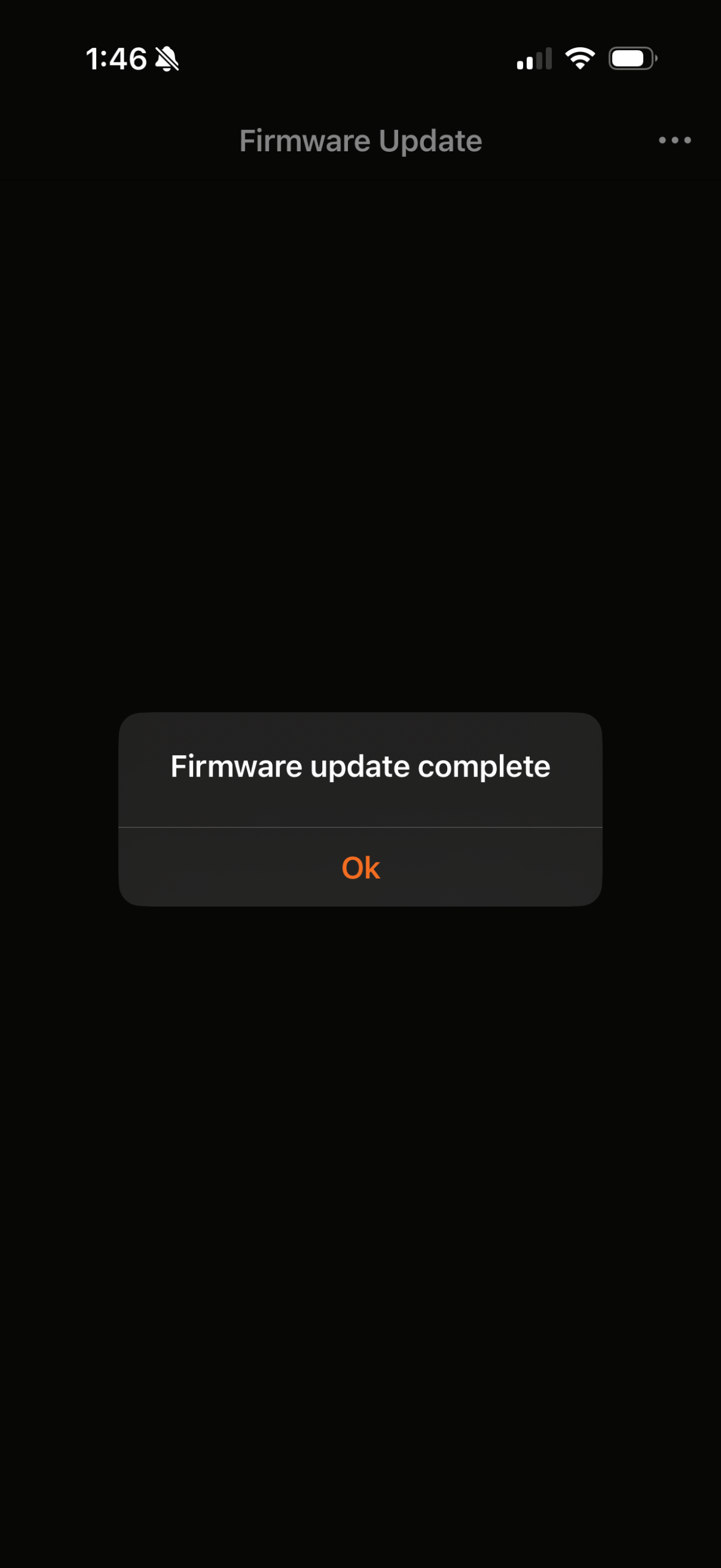
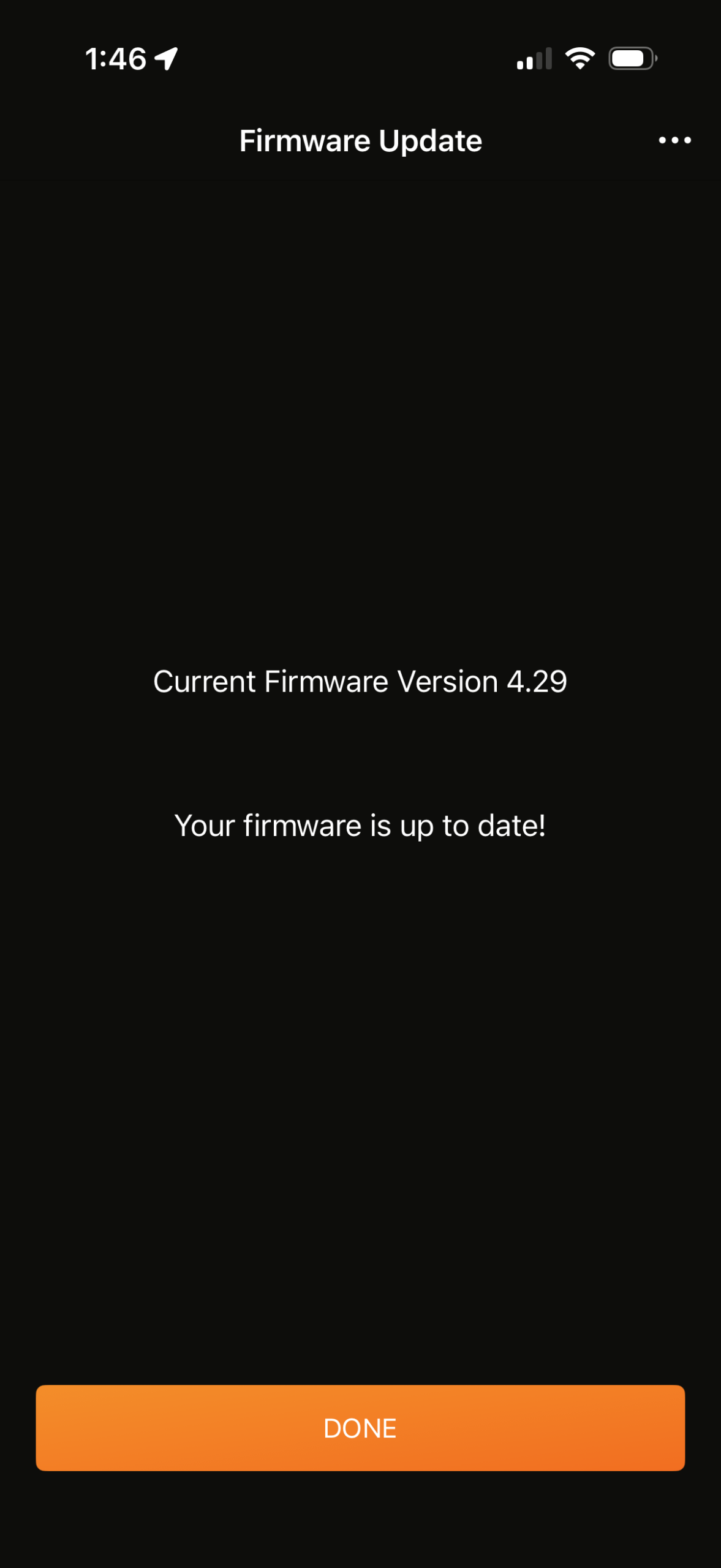
To enable data transfer via the Victory’s USB-C port, you’ll need to be running firmware version 4.28 or later. To update your trainer’s firmware, open the JetBlack app, connect to your trainer (it will do this automatically if you’ve done it in the past), then go to Settings>Firmware update. The actual updating process from there is quite simple, and takes 1-2 minutes:
Connecting To Zwift Via USB
Once your firmware is updated, you’ll need to connect the trainer to your Mac or PC using a longish USB-C cable. Zwift recommends a USB 2.0 cable over the newer 3.0 or 3.1 standard, as there’s less signal loss over 2.0. It’ll need to have a USB-C connector on one end (to plug into the Victory), while the other end will need to have whatever connector is supported by your PC or Mac. Here’s a 10-foot USB 2.0 cable from Belkin with USB-C on one end and USB-A on the other.
Once the trainer is connected to your PC or Mac via a USB cable, that connection option should show up in Zwift as the default recommended connection method:
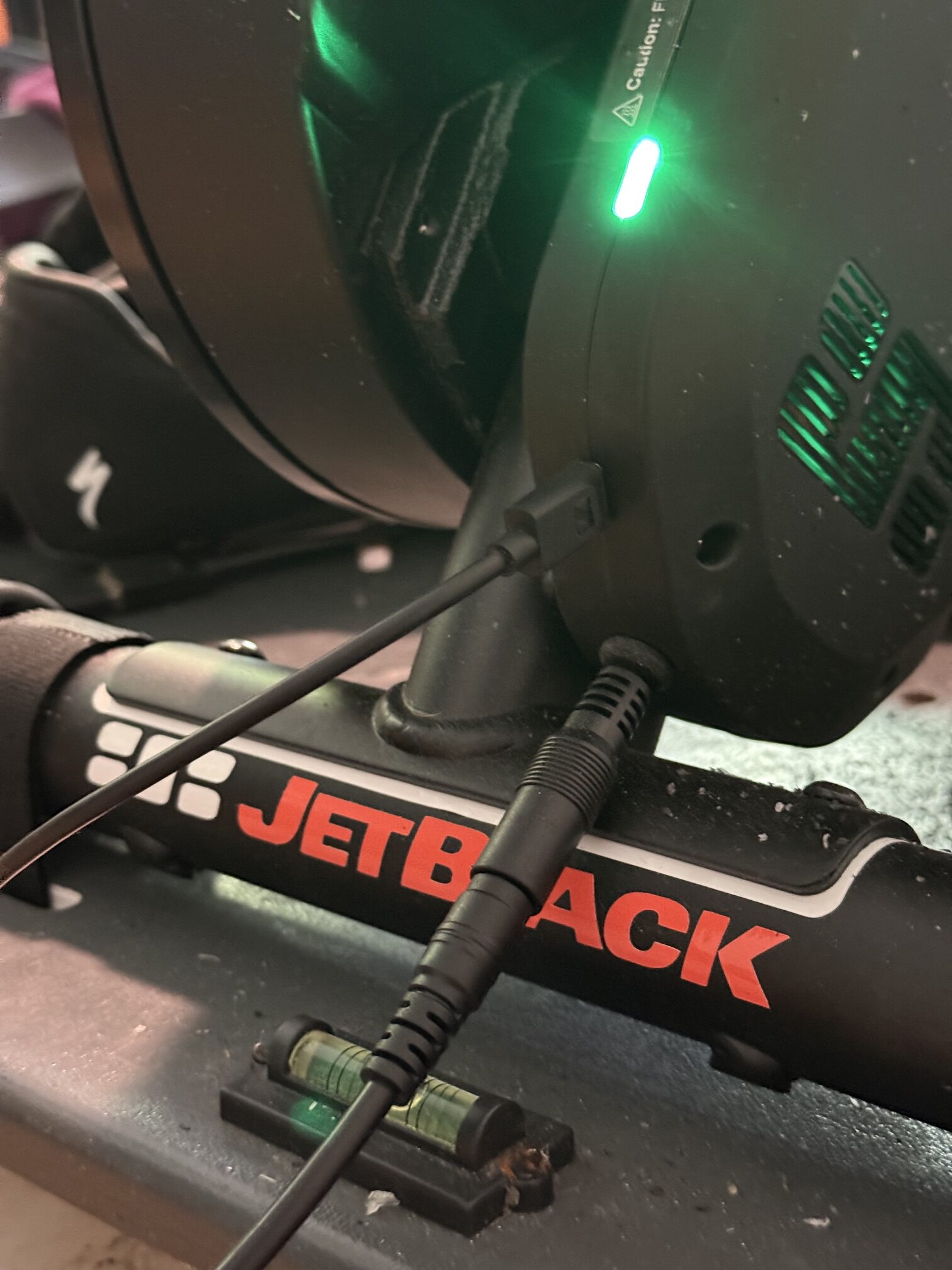
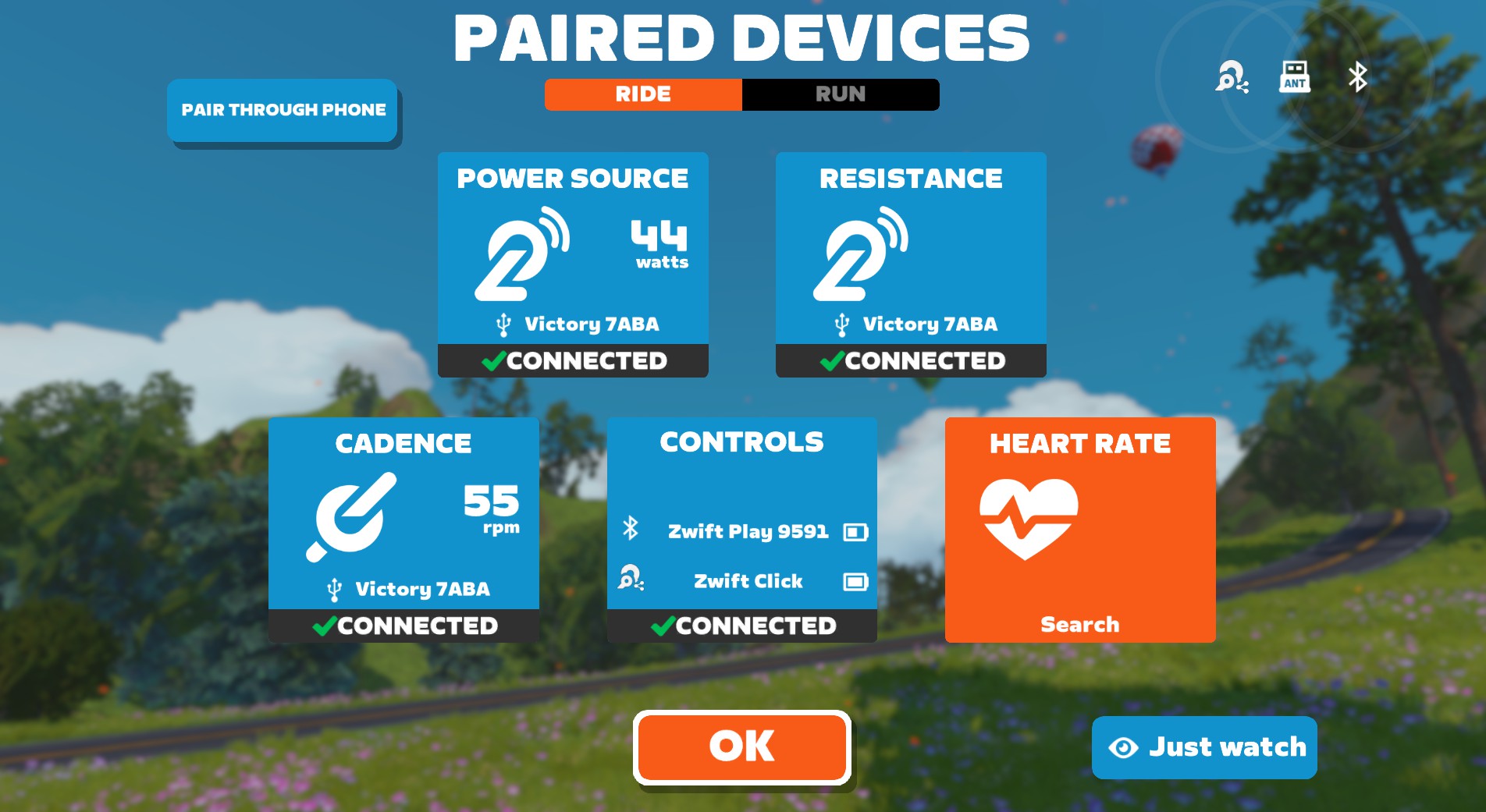
Depending on your computer’s capabilities, if you click “All” you’ll see that the trainer can connect via WiFi, Bluetooth, ANT+, or USB. Zwift automatically sorts the available connection methods in order of reliability:
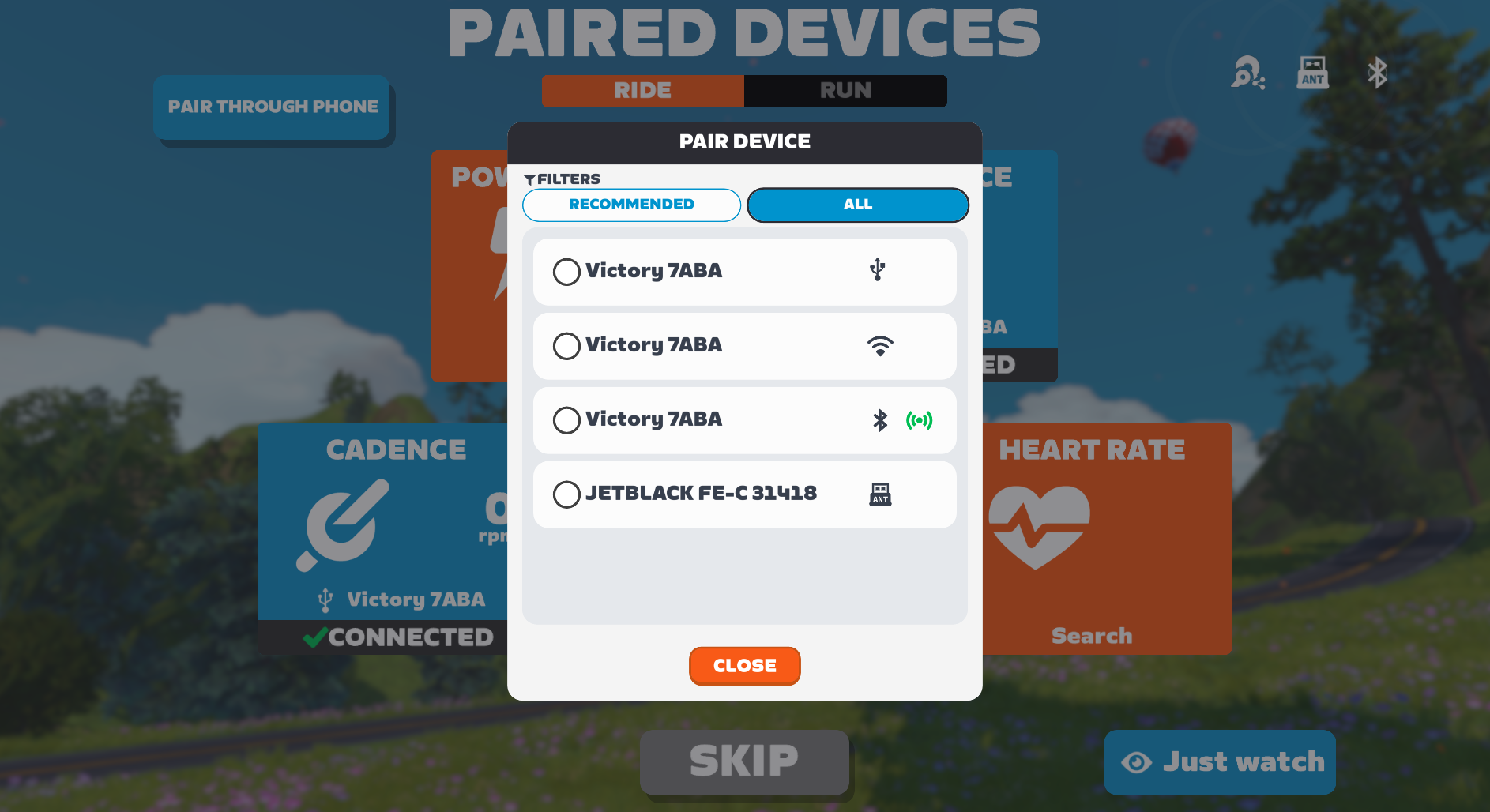
Click/Play Bridged Connections
The JetBlack Victory and Wahoo KICKR CORE 2 both let you use your trainer as a Bluetooth “bridge” for your heart rate monitor and Zwift Play or Click controllers, which reduces the number of Bluetooth connections your Zwift device (PC, tablet, Apple TV, etc) has to juggle.
While the trainer bridging feature has been available for months now, it’s worth noting it again here, as the bridged data flows through whatever trainer connection method you choose. In certain situations, you may improve connection quality by using this bridging feature rather than pairing your HRM or controllers directly to your Zwift device.
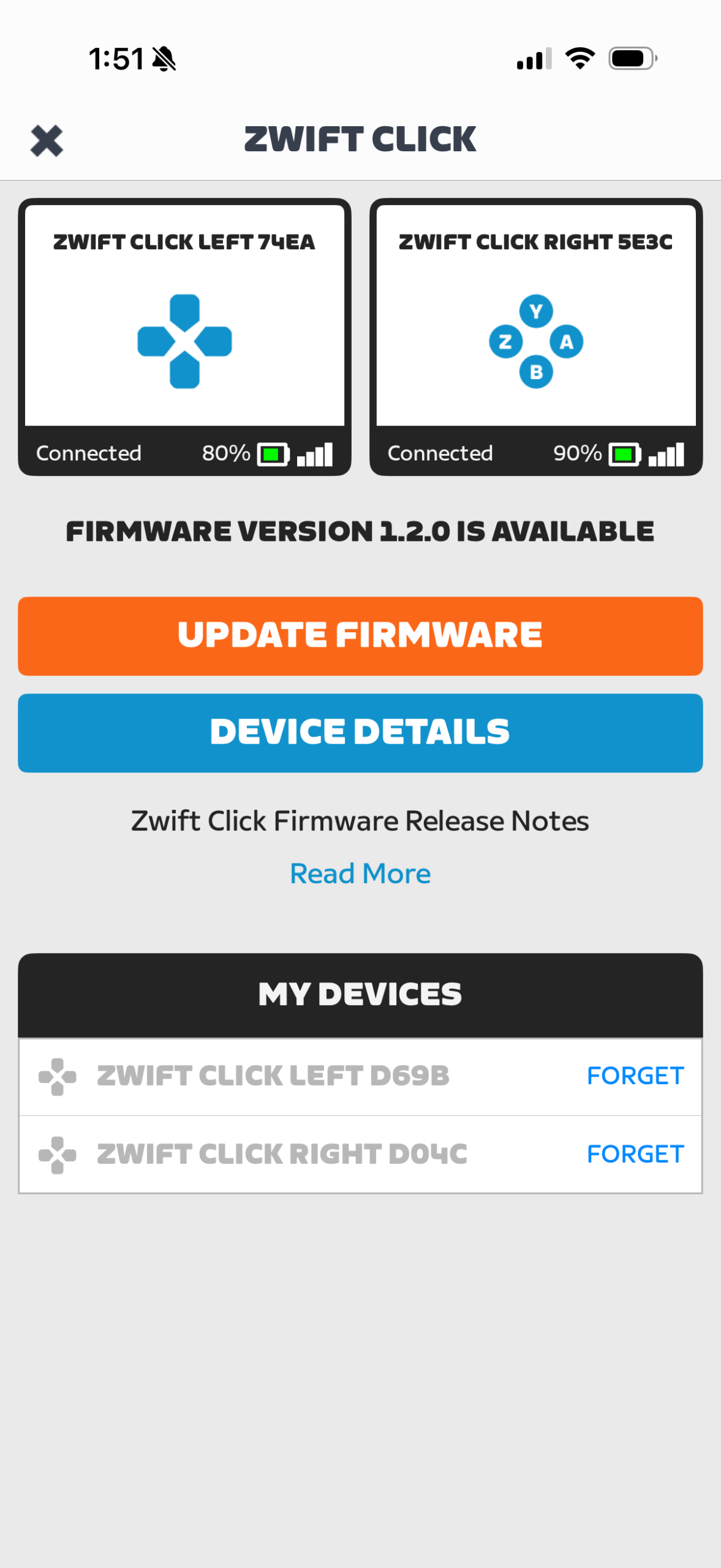
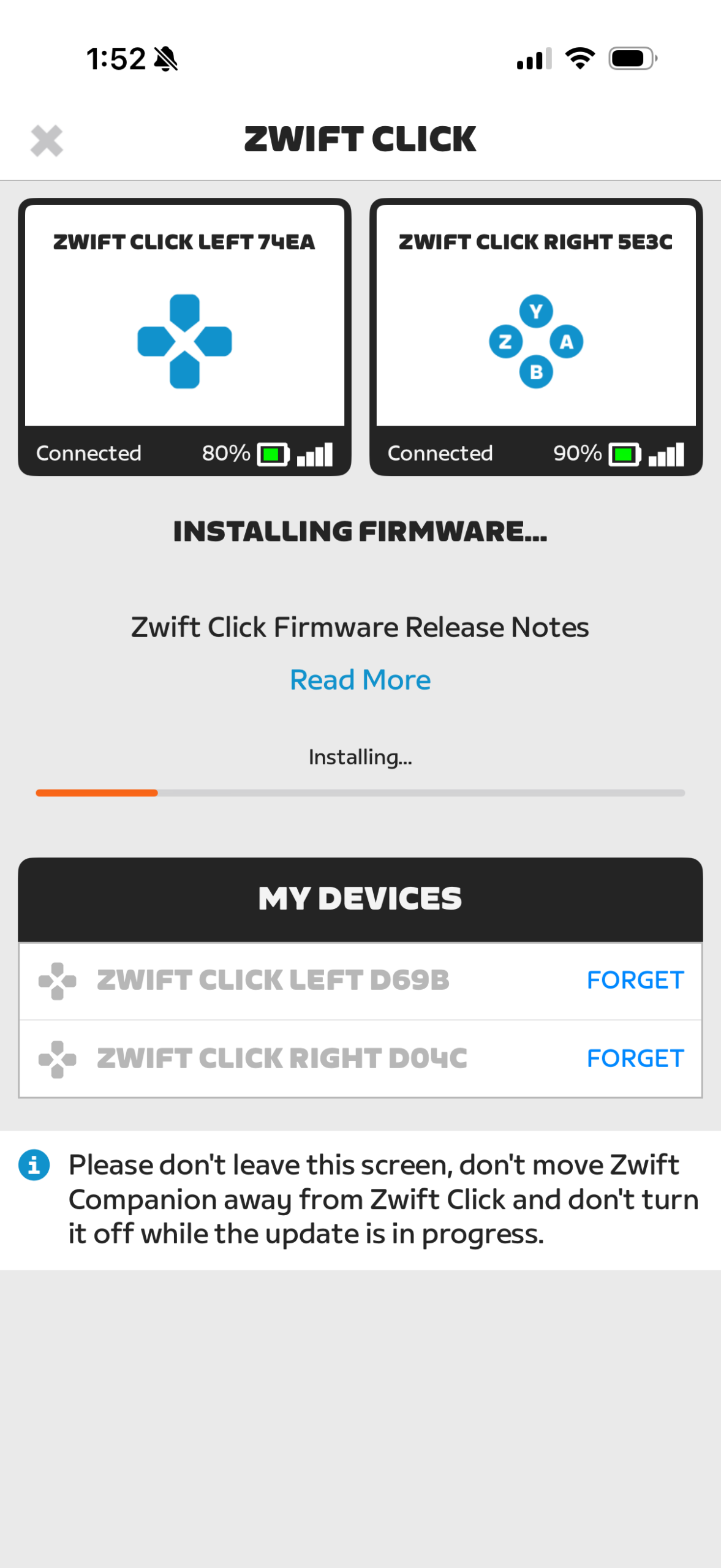
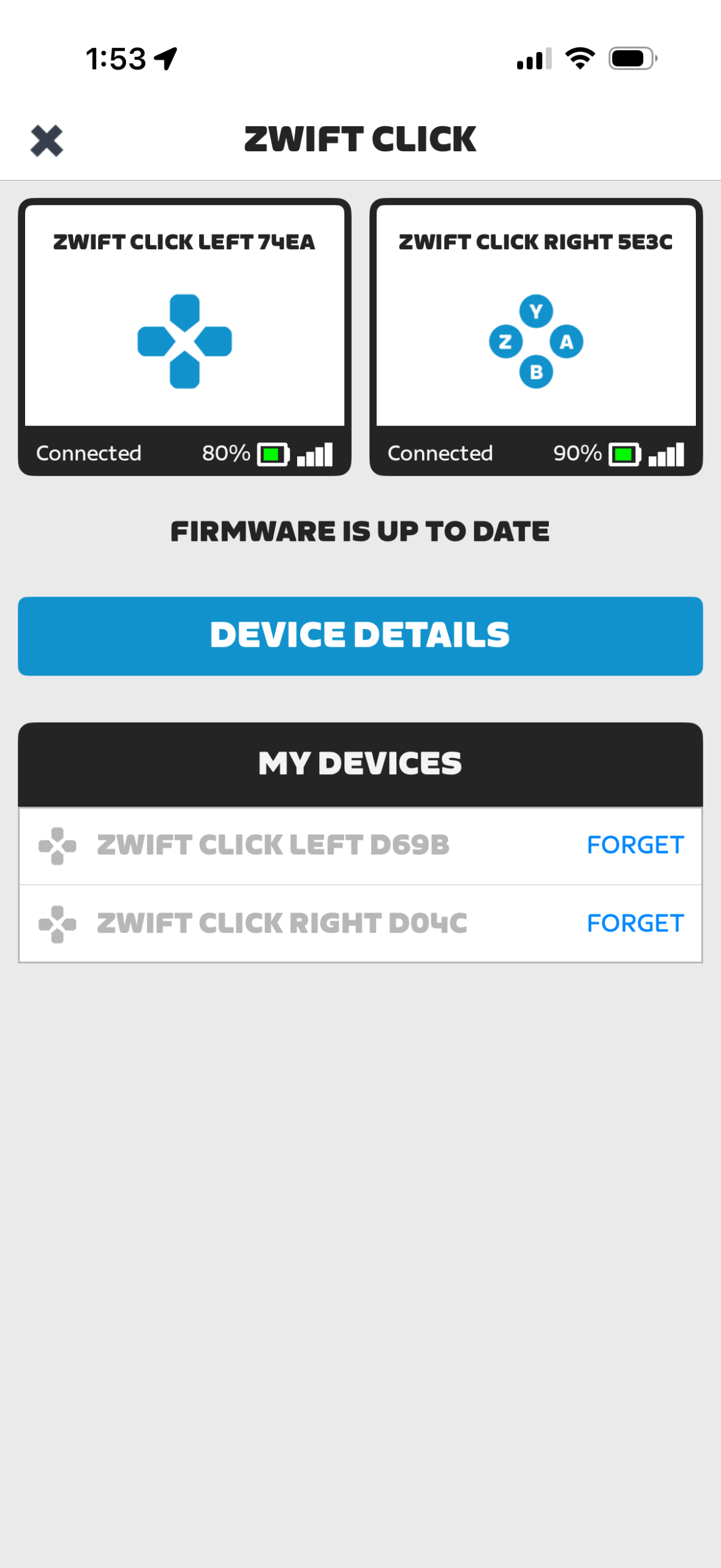
Make sure you update your Zwift Click/Play firmware using the Companion app to ensure maximum reliability:
Questions or comments?
While wiring your trainer will be unnecessary for most Zwifters, the stability of a USB connection will appeal to some. If you’re in a “noisy” environment, struggling with WiFi, Bluetooth, or ANT connection drops, this may be the setup for you. (And at just $399US, the JetBlack Victory is an unmatched value in today’s trainer marketplace.)
Will you be giving USB a try on your JetBlack trainer? Would you like to see this option on other trainers? Share your thoughts below!

USB makes up for the 2 Bluetooth connections vs the new Kicker Core with 3 Bluetooth connections.
If one is using different tablets, PCs, phones, then a direct USB connection can get around Bluetooth not playing nice and releasing the connection.
Super cool. For those that don’t know, the Jet Black Victory trainer has been fabulous for me. Excellent trainer not just for the money, but period.
smart.
Useful connectivity option. Tried it today and it works very well.
“In certain situations, you may improve connection quality by using this bridging feature rather than pairing your HRM or controllers directly to your Zwift device.”
Can you explain this? Wouldn’t going directly from the HRM to Zwift device be better than going from HRM to Trainer to Zwift device?
Maybe. Maybe not.
If your PC is a bit far away and Bluetooth connections to it drop… having the wired connection may be better.
You may also have a PC with poor Bluetooth connectivity (not unheard of – Mac has always done better with Bluetooth than Windows). Using this method lets you bypass Bluetooth completely.
It works! Literally plug-and-play.
Ever since the last Zwift firmware update, my Zwift Play has been having connection issues. (And when it did connect, it shifted 2 virtual gears at a time!) I plugged in the USB cable to the Victory, and, Presto!, the Zwift Play connected through the Victory via bridge immediately… and the virtual shifting works correctly.
Victory is just a great trainer.
Set it up this morning…BT has always been flaky on my computer-TV setup…frustrating dropouts on a regular basis…I think it was because of the BT sound system I use…sound occasionally disappearing…riders disappearing…Didn’t see any of that after the USB connection…ither than a few rider dropouts (I think) due to Star link…