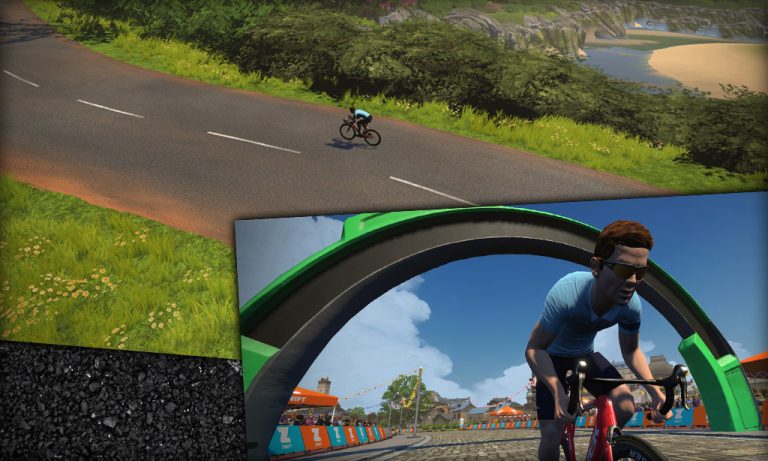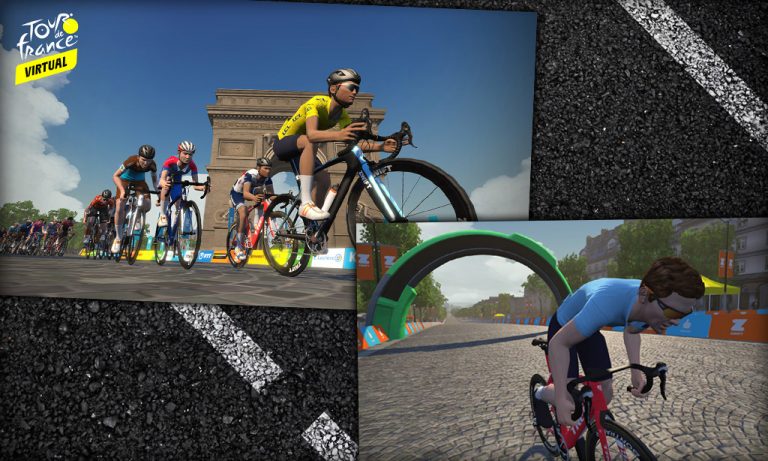
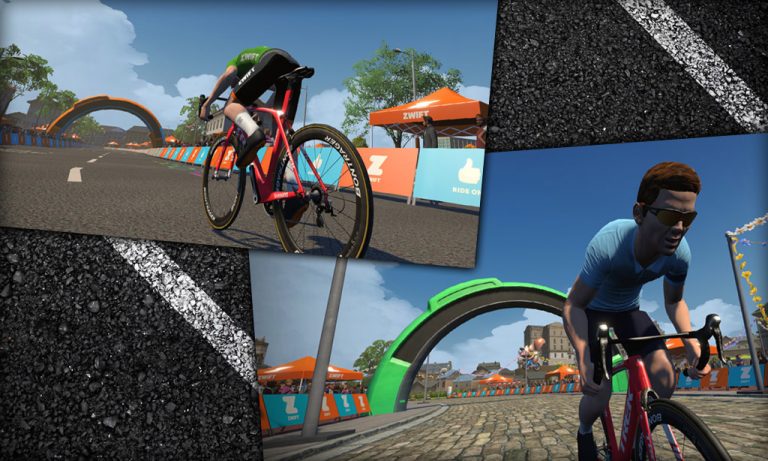
This segment exactly matches the Champs-Élysées route in Paris, starting and ending at the lap arch and traveling the circuit in a counter-clockwise direction. Soon after the lap begins, you'll feel the resistance ramp up as you begin climbing Montée des Champs Elysées, the 1.3km rise up to the Arc de Triomphe. There's a sprint point here (a leaderboard segment within a leaderboard segment) which you can contest if you'd like. Either way, soon enough you'll find yourself looping around the Arc de Triomphe to descend Avenue des Champs-Élysées. This is perhaps the most recognizable road in the world, and there are lots of famous real-world sites built into the game. See if you can spot the Eiffel Tower, the Obelisk of Luxor, and other landmarks. Or just put your head down, give it all you've got, and see if you can grab that leader's jersey!
Route Maps & Details for Zwift’s France Course
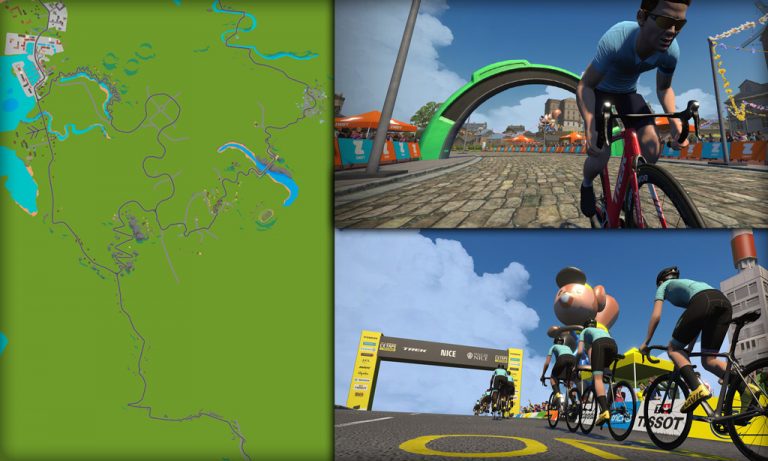
This page includes basic details for all routes on Zwift’s France world. For additional route details, click the corresponding link to be taken to that route’s detail page.

This seems to be a route tailor-made for racing! It’s simply three laps of the Croissant circuit followed by a finishing spur that ends on the Pavé Sprint Reverse.
Route Basics
Length: 28.2 km (17.5 miles)
Elevation: 132 m (433‘)
Lead-In: 3.2 km (2.0 miles)
Map: France
Restriction: none
Achievement Badge: 565 XP
This seems to be a route tailor-made for racing! It’s simply three laps of the Croissant circuit followed by a finishing spur that ends on the Pavé Sprint Reverse.

French cyclists use the term “casse-pattes” (literally “leg-breaking”) to refer to particularly difficult parts of a ride, or roads that awkwardly change gradient and break a cyclist’s rhythm. Released with Zwift’s France map for the first-ever Virtual Tour de France, the Casse-Pattes route covers the large outer loop of the map in a clockwise direction. The first 12km is pan-flat with two timed sprint segments, but then that rhythm is broken up in the back half by two timed KOM climbs.
Route Basics
Length: 23 km (14.3 miles)
Elevation: 155 m (509‘)
Lead-In: 0.9 km (0.6 miles)
Map: France
Restriction: none
Achievement Badge: 460 XP
French cyclists use the term “casse-pattes” (literally “leg-breaking”) to refer to particularly difficult parts of a ride, or roads that awkwardly change gradient and break a cyclist’s rhythm. Released with Zwift’s France map for the first-ever Virtual Tour de France, the Casse-Pattes route covers the large outer loop of the map in a clockwise direction. The first 12km is pan-flat with two timed sprint segments, but then that rhythm is broken up in the back half by two timed KOM climbs.

This quick, flat loop is the “shortest” of France’s new routes (those released in April 2025) and covers all the new roads. (Yes, Macaron is shorter – but it’s event-only. And while Ven-10 is actually shorter in length, you’re climbing Ventoux the whole time, so it feels much longer!)
Route Basics
Length: 9.3 km (5.8 miles)
Elevation: 49 m (161‘)
Lead-In: 3.2 km (2.0 miles)
Map: France
Restriction: none
Achievement Badge: 185 XP

Literally “sweet France”, this route covers the upper loop of Zwift’s France map which was created for the first-ever Virtual Tour de France. It runs in a counter-clockwise direction, which means it’s just a reverse version of the R.G.V. route.
Route Basics
Length: 24 km (14.9 miles)
Elevation: 133 m (436‘)
Lead-In: 0.2 km (0.1 miles)
Map: France
Restriction: none
Achievement Badge: 480 XP
Literally “sweet France”, this route covers the upper loop of Zwift’s France map which was created for the first-ever Virtual Tour de France. It runs in a counter-clockwise direction, which means it’s just a reverse version of the R.G.V. route.

Added in Zwift’s March 2023 minor update, this event-only route is the longest ride in France by far. And it contains more sprint/KQOM segments than any other Zwift route, with a total of 24!
This route was rolled out as part of Zwift’s 2023 #watchthefemmes campaign, with fondos held here on April 8th, the same day as Paris-Roubaix Femmes avec Zwift 2023.
Route Basics
Length: 145.9 km (90.7 miles)
Elevation: 1099 m (3,606‘)
Lead-In: 1 km (0.6 miles)
Map: France
Restriction: Event Only
Added in Zwift’s March 2023 minor update, this event-only route is the longest ride in France by far. And it contains more sprint/KQOM segments than any other Zwift route, with a total of 24!
This route was rolled out as part of Zwift’s 2023 #watchthefemmes campaign, with fondos held here on April 8th, the same day as Paris-Roubaix Femmes avec Zwift 2023.

This mostly flat figure 8 covers France’s new roads in a counter-clockwise direction while also climbing the Petit KOM and rolling through Les Intestins.
Route Basics
Length: 23.1 km (14.4 miles)
Elevation: 243 m (797‘)
Lead-In: 0.6 km (0.4 miles)
Map: France
Restriction: none
Achievement Badge: 465 XP
This mostly flat figure 8 covers France’s new roads in a counter-clockwise direction while also climbing the Petit KOM and rolling through Les Intestins.

This route is named after the famed Paris-Roubaix race which inspired its Zwifty cobbled roads. It begins with the tricky Les Intestines and settles into a flat, sprint-filled loop on France’s newer cobbled roads before finishing up the Petit KOM.
Route Basics
Length: 19.8 km (12.3 miles)
Elevation: 241 m (791‘)
Lead-In: 0.3 km (0.2 miles)
Map: France
Restriction: none
Achievement Badge: 395 XP
This route is named after the famed Paris-Roubaix race which inspired its Zwifty cobbled roads. It begins with the tricky Les Intestines and settles into a flat, sprint-filled loop on France’s newer cobbled roads before finishing up the Petit KOM.

Released with Zwift’s France map for the first-ever Virtual Tour de France, La Reine (translated “The Queen”) was the Queen Stage of the vTDF, taking riders partway up Mount Ventoux to the Chalet Reynard banner.
This route began as an event-only route, but became an open route in the December 2022 update.
La Reine is an alternative way to ride Mount Ventoux, but be warned: it bypasses the Mount Ventoux KOM start line, so if you choose to ride all the way to the top, you won’t be listed on the leaderboard or Strava segments for the main Ventoux climb! If you want to ride the KOM start to finish, select the Ven-Top route.
Route Basics
Length: 22.4 km (13.9 miles)
Elevation: 1201 m (3,940‘)
Lead-In: 0.4 km (0.2 miles)
Map: France
Restriction: none
Achievement Badge: 460 XP
Released with Zwift’s France map for the first-ever Virtual Tour de France, La Reine (translated “The Queen”) was the Queen Stage of the vTDF, taking riders partway up Mount Ventoux to the Chalet Reynard banner.
This route began as an event-only route, but became an open route in the December 2022 update.
La Reine is an alternative way to ride Mount Ventoux, but be warned: it bypasses the Mount Ventoux KOM start line, so if you choose to ride all the way to the top, you won’t be listed on the leaderboard or Strava segments for the main Ventoux climb! If you want to ride the KOM start to finish, select the Ven-Top route.

Added in April 2025 with several other routes in France’s first expansion, Knights of the Roundabout is unique in that it covers all of France’s “flatter” roads, avoiding only the Ventoux climb. Seen on an overhead map, this route covers four connected circuits.
Route Basics
Length: 51.2 km (31.8 miles)
Elevation: 336 m (1,102‘)
Lead-In: 3.2 km (2.0 miles)
Map: France
Restriction: none
Achievement Badge: 1025 XP
Added in April 2025 with several other routes in France’s first expansion, Knights of the Roundabout is unique in that it covers all of France’s “flatter” roads, avoiding only the Ventoux climb. Seen on an overhead map, this route covers four connected circuits.

While not the shortest route in Zwift (the Crit City routes are shorter), Macaron has the distinction of being the shortest point-to-point route in Zwift and the shortest route in France.
Route Basics
Length: 2.6 km (1.6 miles)
Elevation: 15 m (49‘)
Lead-In: 0 km ( miles)
Map: France
Restriction: Event Only
Achievement Badge: 50 XP
While not the shortest route in Zwift (the Crit City routes are shorter), Macaron has the distinction of being the shortest point-to-point route in Zwift and the shortest route in France.

Launching with Zwift Games 2026, this route begins from France’s newer Normandy start pens and covers a bit of the newer cobbled roads, as well as well-worn road sections including the Aqueduc, Les Intestins, and the Petit KOM.
Route Basics
Length: 30.6 km (19.0 miles)
Elevation: 369 m (1,211‘)
Lead-In: 0.2 km (0.1 miles)
Map: France
Restriction: none
Achievement Badge: 610 XP
Launching with Zwift Games 2026, this route begins from France’s newer Normandy start pens and covers a bit of the newer cobbled roads, as well as well-worn road sections including the Aqueduc, Les Intestins, and the Petit KOM.

Looking for a tour of France? Released with Zwift’s France map for the first-ever Virtual Tour de France, the Petit Boucle route is the longest on the map (along with Tire-Bouchon). Its name references Le Tour’s “Grand Boucle” nickname, which means “big loop.”
It covers all roads in both directions, except for the road up Mont Ventoux.
Route Basics
Length: 60.8 km (37.8 miles)
Elevation: 483 m (1,585‘)
Lead-In: 0.9 km (0.6 miles)
Map: France
Restriction: none
Achievement Badge: 1220 XP
Looking for a tour of France? Released with Zwift’s France map for the first-ever Virtual Tour de France, the Petit Boucle route is the longest on the map (along with Tire-Bouchon). Its name references Le Tour’s “Grand Boucle” nickname, which means “big loop.”
It covers all roads in both directions, except for the road up Mont Ventoux.

Petite Douleur (“little pain”) is the smallest possible circuit on the France map. With each lap ending atop the Petite KOM, this would make a butt-kicker of a racecourse. The strongest riders can do the loop in under 20 minutes!
This began as a Rebel Route, then was added to the game for Tour de Zwift 2025.
Route Basics
Length: 13.9 km (8.6 miles)
Elevation: 194 m (636‘)
Lead-In: 10.9 km (6.8 miles)
Map: France
Restriction: none
Achievement Badge: 280 XP
Petite Douleur (“little pain”) is the smallest possible circuit on the France map. With each lap ending atop the Petite KOM, this would make a butt-kicker of a racecourse. The strongest riders can do the loop in under 20 minutes!
This began as a Rebel Route, then was added to the game for Tour de Zwift 2025.

Released with Zwift’s France map for the first-ever Virtual Tour de France, the R.G.V. route covers the upper, larger loop of the map in a clockwise direction. The first 12km is pan-flat, while the back half includes a timed KOM and some rollers along the river.
“R.G.V” stands for route grand vitesse, or “high speed road”. A fitting name, since this route is definitely one for the sprinters. Though only 24km in length, it includes three timed sprint segments!
Route Basics
Length: 24 km (14.9 miles)
Elevation: 133 m (436‘)
Lead-In: 0.9 km (0.6 miles)
Map: France
Restriction: none
Achievement Badge: 480 XP
Released with Zwift’s France map for the first-ever Virtual Tour de France, the R.G.V. route covers the upper, larger loop of the map in a clockwise direction. The first 12km is pan-flat, while the back half includes a timed KOM and some rollers along the river.
“R.G.V” stands for route grand vitesse, or “high speed road”. A fitting name, since this route is definitely one for the sprinters. Though only 24km in length, it includes three timed sprint segments!

Released with Zwift’s France map for the first-ever Virtual Tour de France, Roule Ma Poule is essentially the reverse version of the Casse-Pattes route, covering the full outer loop in a counter-clockwise direction with a different start/finish location atop the Petit KOM.
Route Basics
Length: 23 km (14.3 miles)
Elevation: 155 m (509‘)
Lead-In: 3.1 km (1.9 miles)
Map: France
Restriction: none
Achievement Badge: 460 XP
Released with Zwift’s France map for the first-ever Virtual Tour de France, Roule Ma Poule is essentially the reverse version of the Casse-Pattes route, covering the full outer loop in a counter-clockwise direction with a different start/finish location atop the Petit KOM.

The second-longest route in France and the longest to include France’s new cobbled roads, Sacre Bleu is flat and full of sprints.
Route Basics
Length: 71.2 km (44.2 miles)
Elevation: 396 m (1,299‘)
Lead-In: 0.5 km (0.3 miles)
Map: France
Restriction: none
Achievement Badge: 1425 XP
The second-longest route in France and the longest to include France’s new cobbled roads, Sacre Bleu is flat and full of sprints.

With 11 sprint or KOM segments scattered across less than 36km, this is a segment-heavy route! True Zwift nerds will recognize that this route is simply the first half of Sacre Bleu. Read on for details…
Route Basics
Length: 35.2 km (21.9 miles)
Elevation: 193 m (633‘)
Lead-In: 2.6 km (1.6 miles)
Map: France
Restriction: none
Achievement Badge: 705 XP
With 11 sprint or KOM segments scattered across less than 36km, this is a segment-heavy route! True Zwift nerds will recognize that this route is simply the first half of Sacre Bleu. Read on for details…

Looking for a tour of France? Released with Zwift’s France map for the first-ever Virtual Tour de France, the Tire-Bouchon route is the longest on the map (along with Petit Boucle).
Its name translates to “corkscrew” in French, and that’s exactly what your ride may feel like as you cover all the France map’s roads in both directions (except for the road up Mont Ventoux).
Route Basics
Length: 61 km (37.9 miles)
Elevation: 483 m (1,585‘)
Lead-In: 3.1 km (1.9 miles)
Map: France
Restriction: none
Achievement Badge: 1220 XP
Looking for a tour of France? Released with Zwift’s France map for the first-ever Virtual Tour de France, the Tire-Bouchon route is the longest on the map (along with Petit Boucle).
Its name translates to “corkscrew” in French, and that’s exactly what your ride may feel like as you cover all the France map’s roads in both directions (except for the road up Mont Ventoux).

Essentially the little brother (half-brother?) of the big Ven-Top route, Ven-10 just does the first half of the Ventoux KOM while Ven-Top covers it completely.
Route Basics
Length: 10 km (6.2 miles)
Elevation: 781 m (2,562‘)
Lead-In: 1.4 km (0.9 miles)
Map: France
Restriction: none
Achievement Badge: 200 XP
Essentially the little brother (half-brother?) of the big Ven-Top route, Ven-10 just does the first half of the Ventoux KOM while Ven-Top covers it completely.

Released with Zwift’s France map for the first-ever Virtual Tour de France, the “Ven-Top” route is named for the massive climb it contains: Mont Ventoux! This GPS-accurate model of the world-famous climb is by far the toughest ascent in game, climbing 1480 meters (4857′) from the beginning to end of the timed KOM segment.
Route Basics
Length: 20.9 km (13.0 miles)
Elevation: 1534 m (5,033‘)
Lead-In: 0.2 km (0.1 miles)
Map: France
Restriction: none
Achievement Badge: 420 XP
Released with Zwift’s France map for the first-ever Virtual Tour de France, the “Ven-Top” route is named for the massive climb it contains: Mont Ventoux! This GPS-accurate model of the world-famous climb is by far the toughest ascent in game, climbing 1480 meters (4857′) from the beginning to end of the timed KOM segment.
Looking for route details of other Zwift worlds? Jump to:
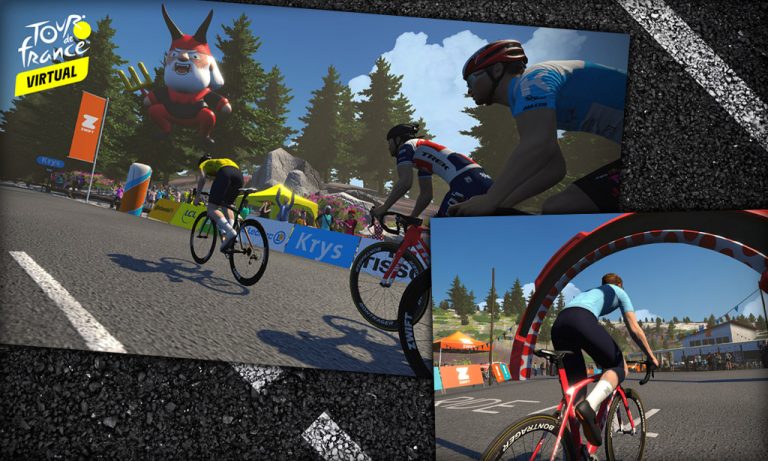

Virtual Tour de France Special: The Tour de France Is Coming To Zwift! (Zwift PowerUp Cycling Podcast)

It’s official! The Tour de France is coming to Zwift with 6 men’s and women’s races over the course of 3 weekends called Virtual Tour de France. That’s right, women will be taking part too! And that’s not all, there will be new worlds for riders to explore in-game as France and Paris both make their Zwift debuts.
The Zwift PowerUp Cycling Podcast is launching 3 weeks of Virtual Tour de France specials as Matt, Greg, Kristin, and Dani chat to the winners of each virtual race and share their own stories and insight in mid-week updates.
Catch post-race interviews every Monday and mid-week updates every Thursday until the end of the Virtual Tour de France.
About the Podcast
The Zwift PowerUp Cycling Podcast features training tips from host Matt Rowe (Rowe & King), with regular co-hosts Greg Henderson (Coach Hendy) and Kev Poulton (Powerhouse Cycling).
All About the Virtual Tour de France on Zwift
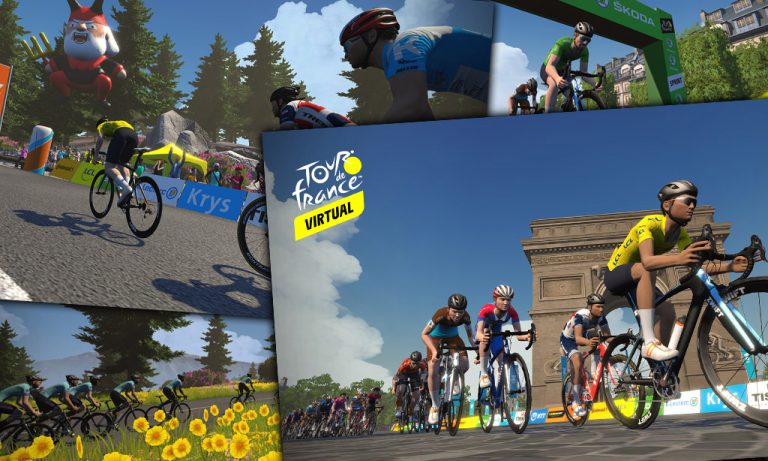
It’s official: the world’s first Virtual Tour de France will be held on Zwift, beginning this weekend!

In some ways, this event looks like the traditional TdF: most of the same teams and riders, broadcast on the same networks, competing in July on French roads for iconic leader jerseys. In other ways, it will be completely different: all the racing will be done on indoor trainers, after all! Plus there are only six stages, with smaller teams, and riders are competing for charity instead of a prize purse.
This is truly a Zwifty celebration of the TdF, and that is exactly what it should be. Let’s look at the details of the world’s first virtual Tour de France, including the Virtual l’Etape du Tour, where all Zwifters can ride stages on Zwift’s just-released France and Paris maps.
New Zwift Maps
The Zwift community has been abuzz with news of new virtual tarmac to ride thanks to two new maps built specifically for the virtual TdF. We are still putting together the details of the new routes, but here are some screenshots and other teasers released today by Zwift.
France Map
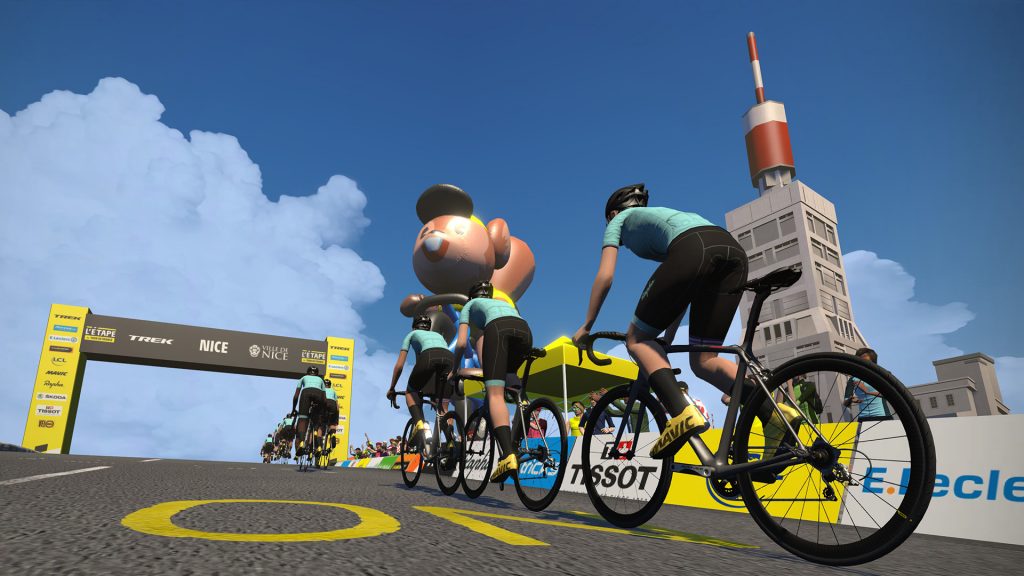
Mont Ventoux 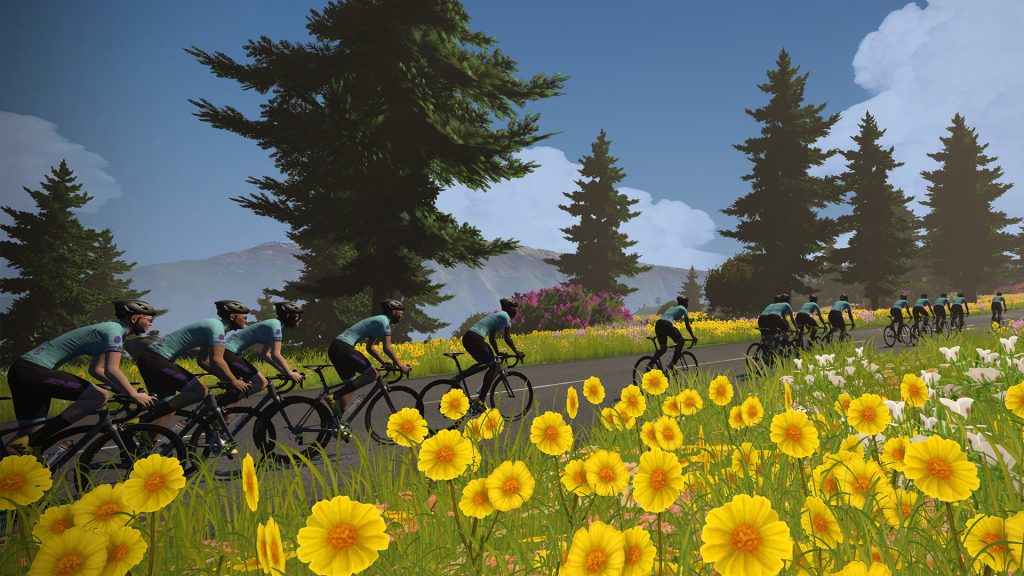
Iconic sights abound! 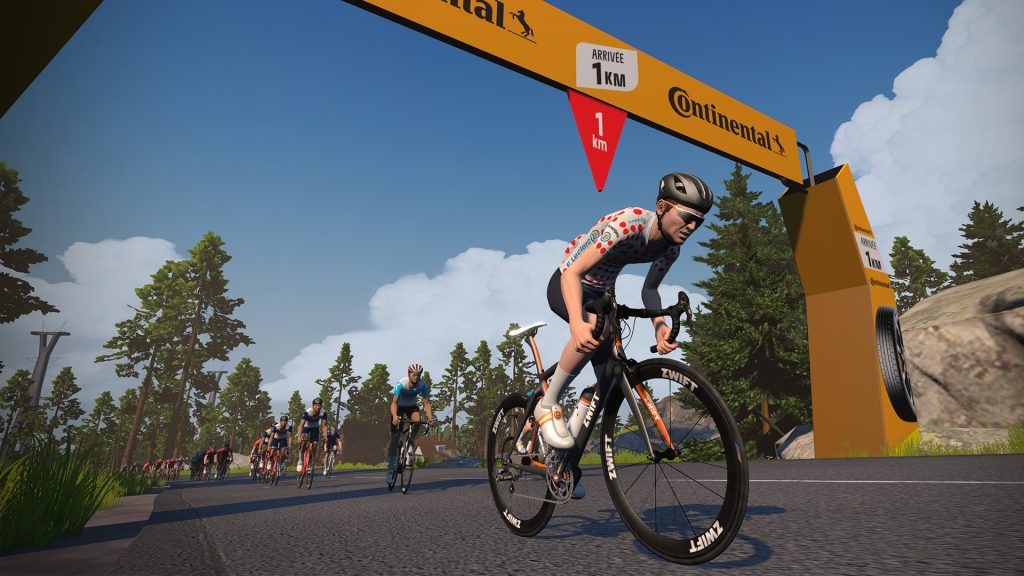
Several timed KOM and sprint sections are included 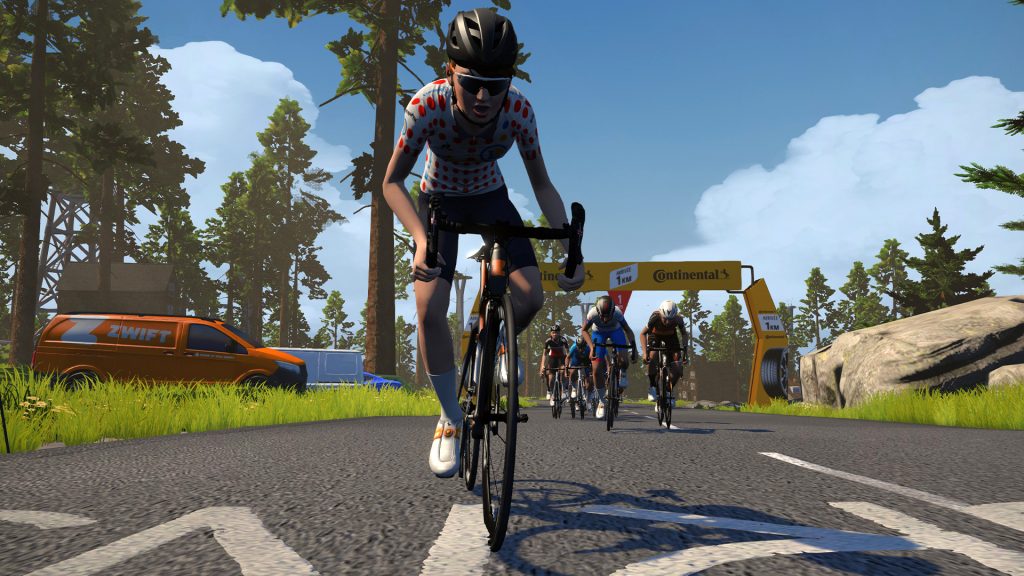
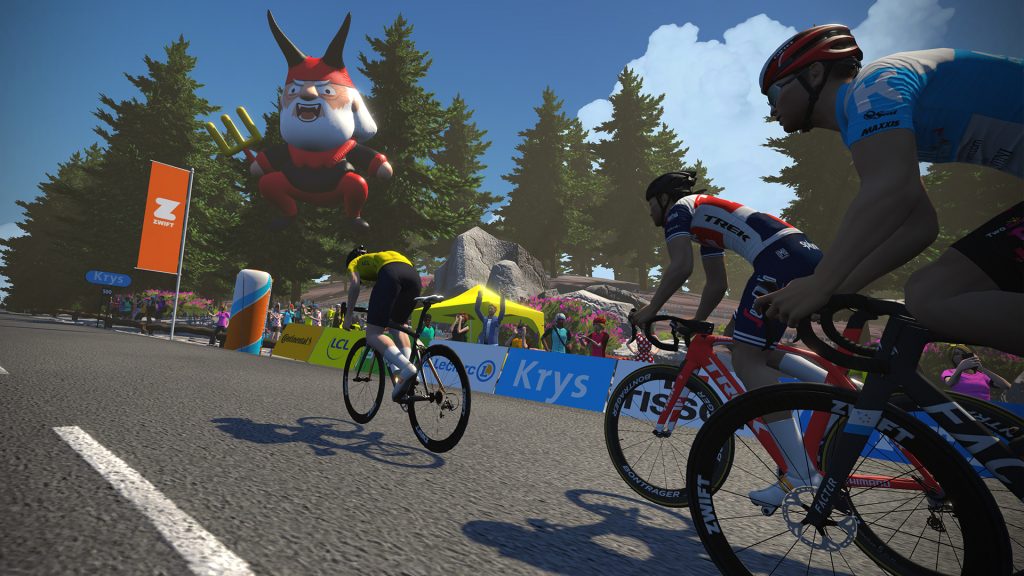
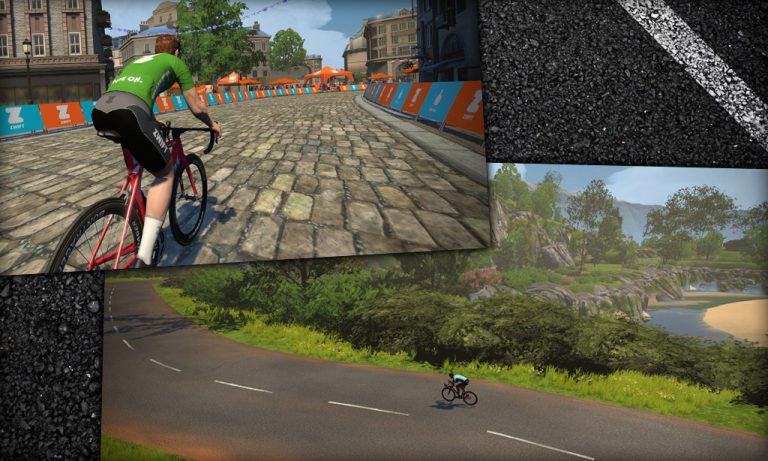
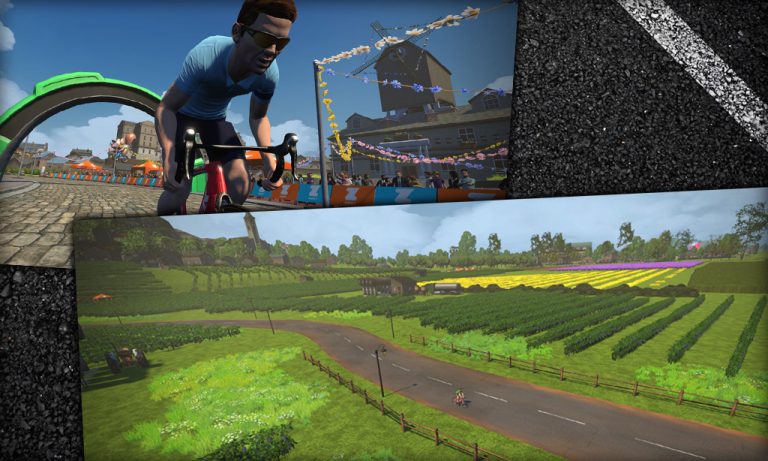
According to Zwift, “The French map takes inspiration from the country and should evoke strong connections with the country as Zwifters pass through vineyards, over Roman aqueducts, and through sunflower fields. The new map also plays host to a virtual replica of Mont Ventoux. Zwift’s Mont Ven-Top, meaning snowy peak in gallic, is a punishing climb that is sure to test the legs of any rider.”
Paris Map
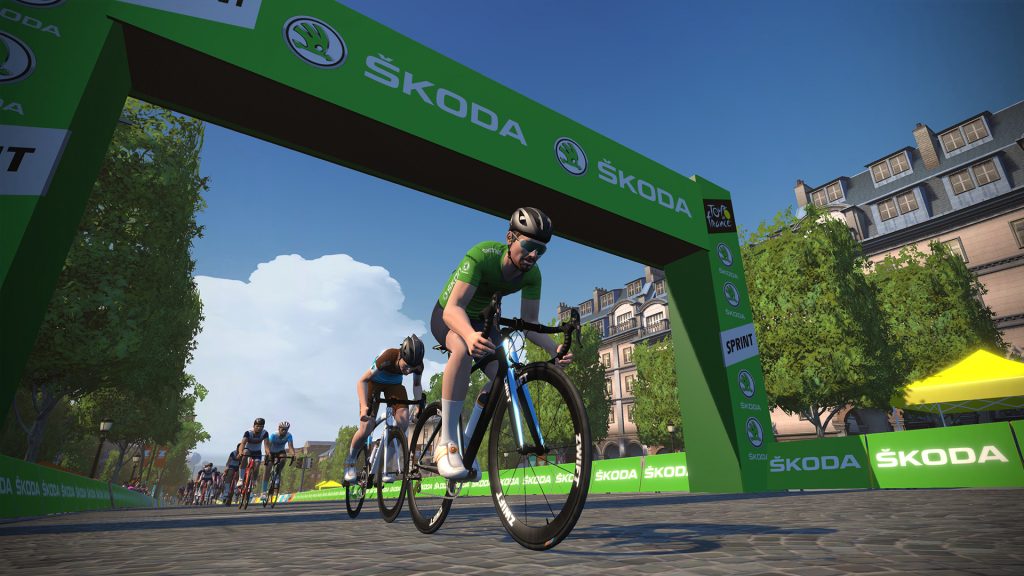
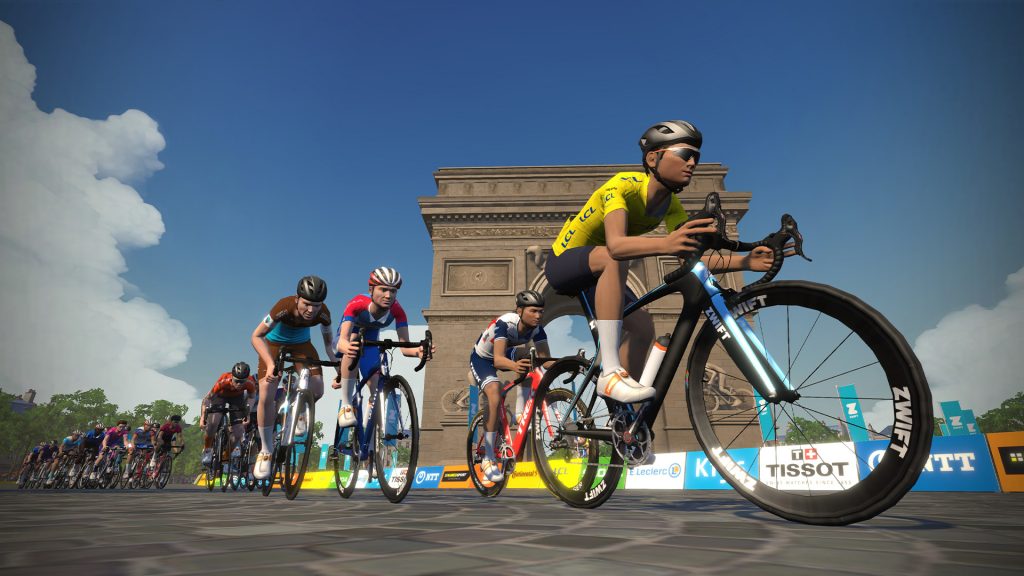
The Paris map is much smaller than the France map, “taking in the finishing circuit we’ve all come to associate with the final stage of the Tour de France. Zwifters will be able to ride around the famed Arc de Triomphe, navigate around the Place de la Concorde and sprint down the cobbled Champs-Élysées just like the best sprinters of the Tour de France. Zwifters will be able to join events on the new maps during the Virtual Tour de France.”
Virtual Tour de France Stage Details
The pros will be racing on Saturday and Sunday for three consecutive weekends beginning July 4th. In contrast to the TdF’s grueling 21-day schedule of long daily events, the virtual TdF races are meant to “deliver the best virtual racing experience for both competitors and viewers,” so each stage is only about an hour long.
Every stage is designed to mimic iconic portions of La Grande Boucle. Here is the schedule as we know it (we will update with additional links once route details for the new Paris and France maps are published):
- Saturday 4th July, Stage 1: Nice, 36.4 km (4 x 9.1 km, hilly stage) – Watopia Hilly Route (Reverse) – Watch Highlights
- Sunday 5th July, Stage 2: Nice, 29.5 km (682 m of ascent, mountain stage) – Watopia Mountain Route – Watch Highlights
- Saturday 11th July, Stage 3: North-East France, 48 km (2 x 24 km laps, flat stage) – France R.G.V. Route – Watch Highlights
- Sunday 12th July, Stage 4: South-West France, 45.8 km (2 x 22.9 km laps, hilly stage) – France Casse-Pattes Route – Watch Highlights
- Saturday 18th July, Stage 5: Mont Ventoux, 22.8 km (finish at Chalet-Reynard, mountain stage) – France La Reine Route – Watch Highlights
- Sunday 19th July, Stage 6: Paris Champs-Elysées, 42.8 km (6 laps of the circuit) – Paris Champs-Elysées Route – Watch Highlights
Parity
Gender parity is a hot-button issue in pro cycling, and the virtual TdF is clearly planned to delivery equal coverage and competition for both men’s and women’s teams. In fact, the women will kick off the virtual TdF by racing first on July 4th, followed immediately by the men!
Men’s and women’s stages will be held on identical courses over the same distances, and both events will receive equal broadcast coverage.
Pro Team Participation
The world’s top cycling teams will be lining up to battle it out in the virtual TdF. For each stage, teams will select four riders to compete. Riders can be rotated in and out for different stages, so we will certainly see a variety of top pros taking parts on routes that best suite their strengths.
Confirmed teams for the virtual TdF include:
Men’s Teams
AG2R La Mondiale
Arkéa Samsic
Alpecin-Fenix
Astana Pro Team
B&B Hotels-Vital Concept
Team Bahrain McLaren
Bora Hansgrohe
CCC Team
Team Cofidis
Circus-Wanty Gobert
Deceuninck – Quick-Step
EF Education First Pro Cycling
Groupama-FDJ
Israel Start-Up Nation
Team INEOS
Team Jumbo-Visma
Lotto-Soudal
Mitchelton-SCOTT
NTT Pro Cycling
Rally Cycling
Team Sunweb
TOTAL Direct Énergie
Trek-Segafredo
Women’s Teams
Alé BTC Ljubljana
Team Arkéa
Boels-Dolmans Cycling Team
CANYON//SRAM Racing
CCC-Liv Team
Ceratizit – WNT Pro Cycling
Drops
FDJ Nouvelle-Aquitaine Futuroscope
Lotto Soudal Ladies
Mitchelton-SCOTT
Parkhotel Valkenburg
Rally Cycling
TIBCO-Silicon Valley Bank
Trek-Segafredo Women
TWENTY20 Pro Cycling
Team Sunweb
Valcar Travel & Service
Confirmed riders from Zwift’s press release include the past three winners of the TdF (Chris Froome, Geraint Thomas, Egan Bernal) plus Greg Van Avermaet and other top pros for the men’s race. Marianne Vos, Chloé Dygert Owen, Kirsten Wild, and Anna Van der Breggen are among the big names confirmed for the women’s race.
In an interesting twist, DC Rainmaker did a little digging and learned that no male riders are allowed to race more than 3 stages total, and no female riders are allowed to race more than 4 stages total. This makes it even more of a team event since no single rider will be able to dominate the series.
Jersey Competition
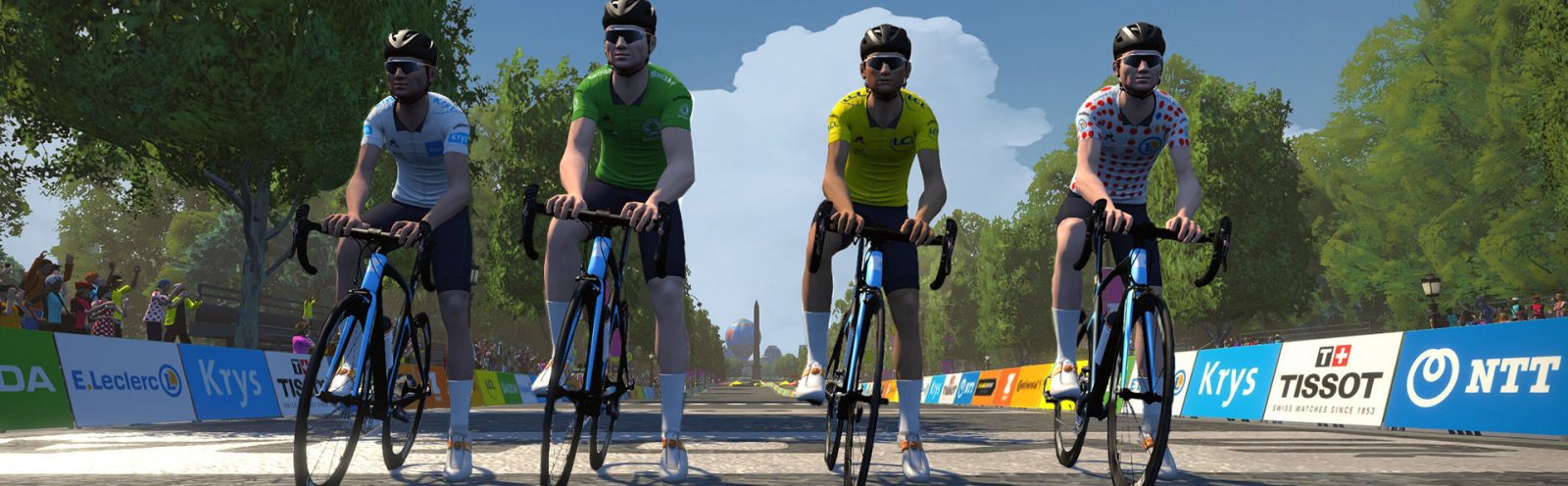
Anyone who follows Le Tour knows about the “race within the race.” That is, there are multiple classifications or competitions happening concurrently during and across all stages. The virtual TdF will be similar, but competition will be entirely points-based. During each stage, riders will score points on specific climbs, sprints, and across the finish line. These points will be totaled on a team basis and used to designate a leading team in each classification:
- Best Sprinter classification (green jersey): for the team holding the most sprint points
- Best Climber classification (polka dot jersey): for the team holding the most KOM points
- General Classification (yellow jersey): for the team holding the most points overall
The teams leading each of these classifications will choose one rider on the day to wear the classification’s leader jersey.
Each stage will also see a rider awarded the Most Aggressive rider award, sponsored by Antargaz. A Best Young Rider classification (white jersey) will be awarded to the rider with the most points under 25 years old.
Current Standings: Women / Men
Keeping It Simple
Since this is a charity event, anti-cheating controls are being kept to a minimum. Zwift says that pre-race validation checks will be done to ensure accurate equipment and rider weights. No post-race performance verifications will be done.
Where to Watch
The virtual TdF will be broadcast to over 130 countries, with broadcasts taking place every Saturday and Sunday, July 4-19, from 3pm-5pm CET (9am-11am EDT/6am-8am PDT).
- Worldwide: GCN App, Zwift.com
- Europe:
Highlights will be available on Zwift’s YouTube channel after each stage.
Virtual L’Etape du Tour de France
Each year, L’Etape du Tour de France provides cyclists with the opportunity to get a slice of the Tour de France experience through a mass participation cyclo-sportive held on one of the Tour de France mountain stages. The Virtual l’Etape du Tour de France will be no different, allowing participants to test themselves on the same roads as the professionals!

Discover France!
Want to ride Zwift’s new French roads as soon as possible? There will be “Virtual Tour de France Discovery Rides” where you can ride the exact stage the pros raced the weekend before. See this ZwiftHacks search for a list of upcoming Discovery Rides (more will be added soon).
It appears that Sunday, July 12th, will see the first Discovery Rides events on the France map (for stages 3 and 4).
“Tour de France United” Charity Initiative
The virtual TdF kicks off a charity initiative in celebration of the Tour de France that will run until the conclusion of the rescheduled Tour de France in August. Called “Tour de France United”, the initiative has been created to raise funds for five charity partners: Emmaüs, Secours Populaire, Jeugdfonds Sport and Cultuur, BiJeVa, and Qhubeka.
Questions or Comments?
Share below! We’ll do our best to answer questions and comments as more information is released in the coming days.