Zwift’s annual fondo series is a popular tradition where thousands of riders push themselves to finish long rides. The series continues this weekend, which is perfect for anyone working to complete the Rapha Festive 500 challenge!
Each month of the series features different routes, most not used in Zwift fondos of years past. Riders can choose between a short, medium, and long route (traditionally called the Bambino, Medio, and Gran Fondo, respectively). As the series progresses each month, the short, medium, and long options get slightly longer.
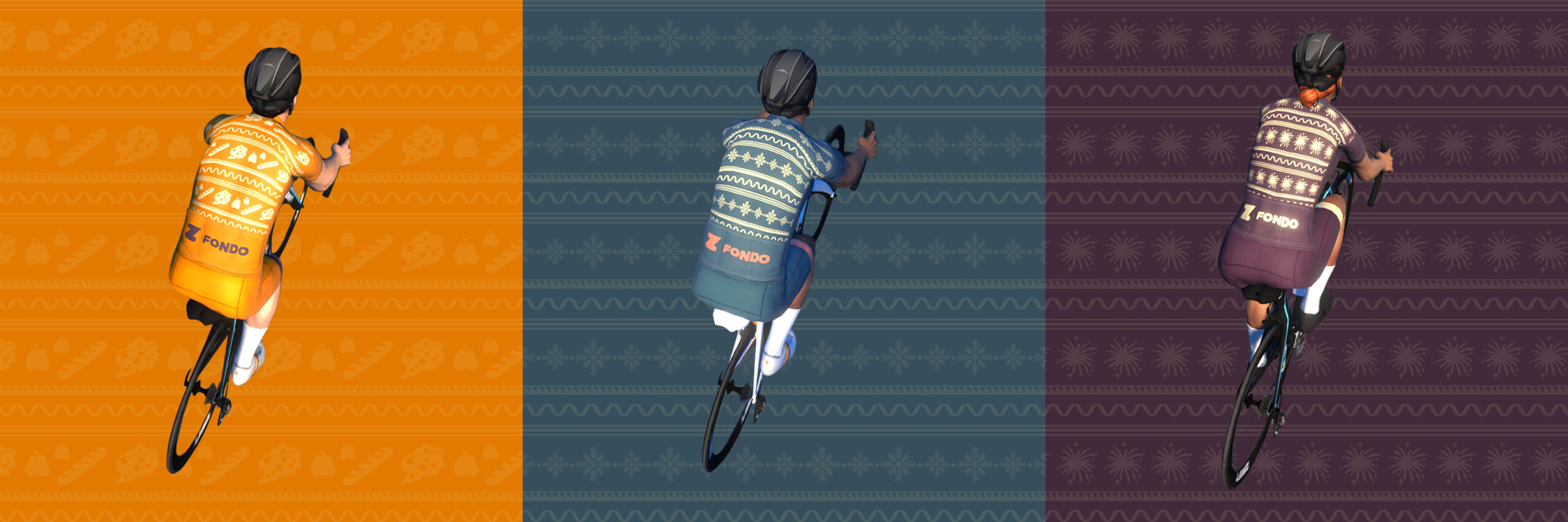
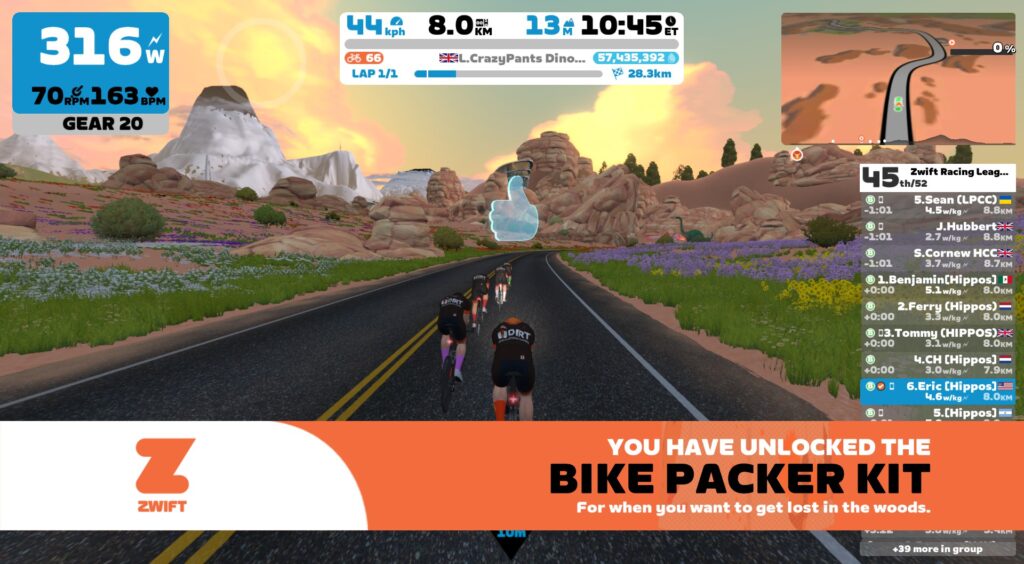
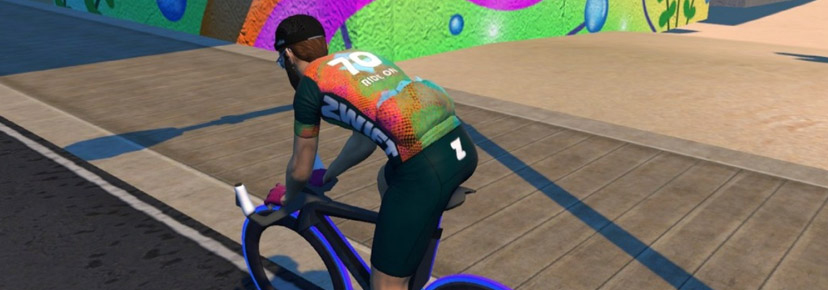
This year, you can unlock a different fondo kit each month by completing any of the three fondo distances. Here’s a shot of all three kits (this weekend’s fondos unlock the middle kit):
These kits are exclusive, meaning they will never be available anywhere else. A true badge of honor!
Is this a race?
Officially, no. But hundreds (possibly thousands) of riders will turn out for each of these popular “fun race” events, and the front of each category will certainly be filled with strong riders going all out.
With so many riders taking part, everyone should be able to find a group going at their desired pace. You do you!
How the Categories Work
Unlike other Zwift events, the A, B, and C groups don’t refer to rider strength or fitness. Instead, they correspond to route and distance options:
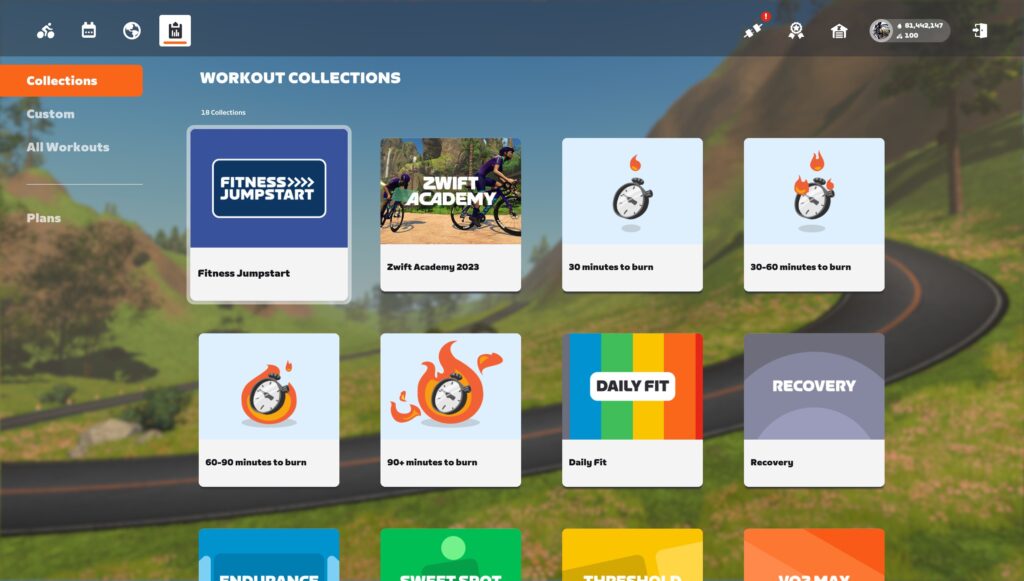
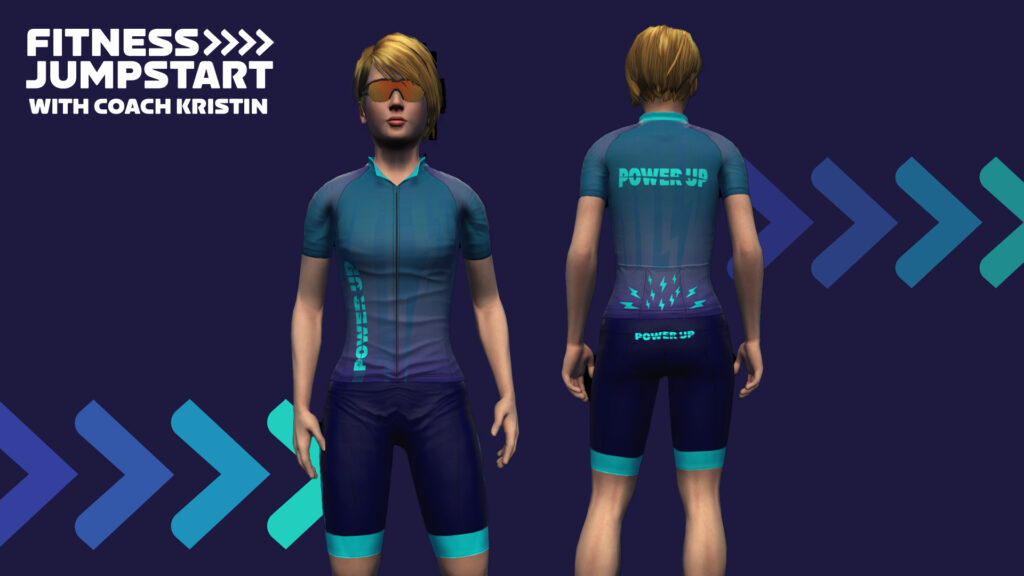
Fitness Jumpstart with Coach Kristin Series Begins January 1
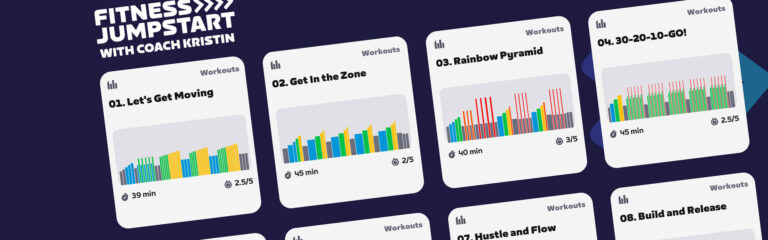
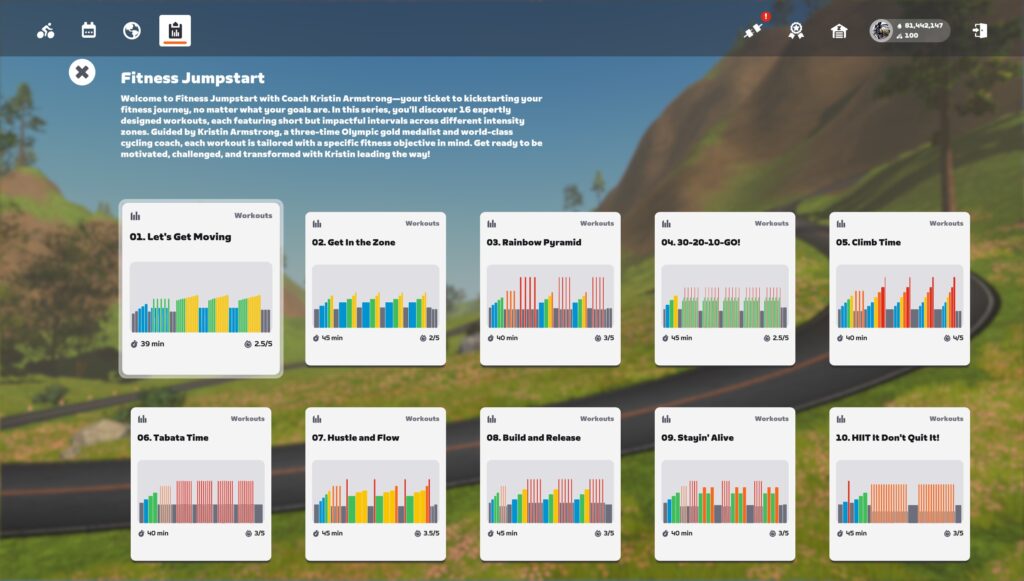
Zwift has just announced the Fitness Jumpstart with Coach Kristin series, a “fun and engaging 8-week workout series created by Kristin Armstrong that will help get you started on the path to long-term fitness by teaching you how to stay fit with healthy training habits.”
Read below to learn all about the schedule and workouts of this unique series open to all riders!
Who is Kristin Armstrong?
Kristin Armstrong is a three-time Olympic gold medalist, mother, entrepreneur, and cycling coach for athletes of all abilities, from world-class level to every day cyclists. Learn more about Kristin at kristinarmstrongusa.com >
Series Schedule
The series begins on January 1, 2024, and ends on February 25.
Group workouts will be scheduled throughout the series – two new workouts each week for eight weeks.
Note: The Zwift Women’s Training Club will also be hosting the workouts in women-only events in the public calendar on Tuesdays and Thursdays. You can join the club here.
Workout Details
Week 1: How to Set Goals
Workout 1: Let’s Get Moving
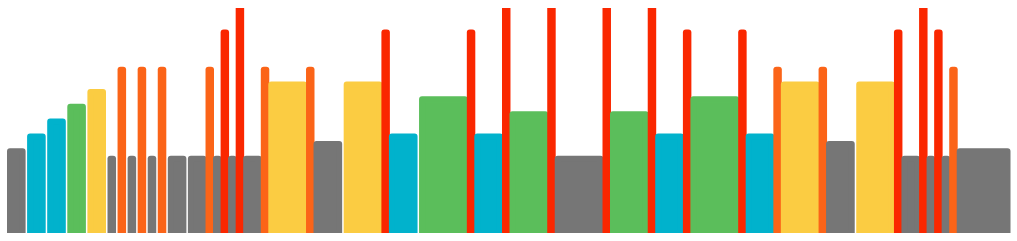
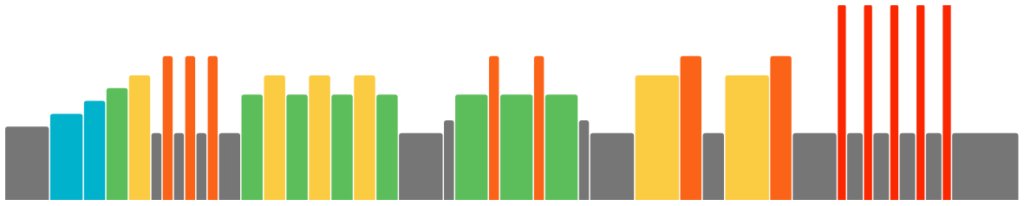
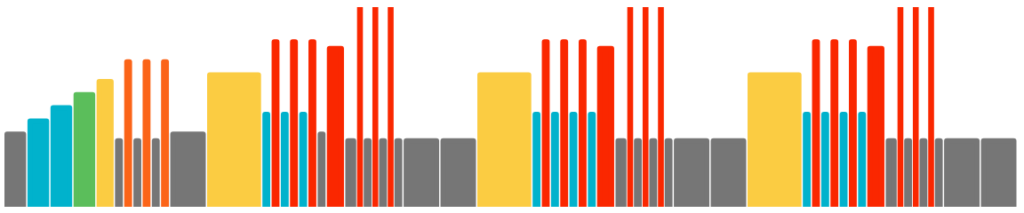
This is your first stop in the Fitness Jumpstart series. We’re going to get those legs moving and hearts pumping, while also clueing you in on some smart goal-setting tips. Today’s plan? Three sets of six-minute intervals, gradually upping the power every 30 seconds in Zones 3 and 4. It’s all about fun and building endurance!
This workout is all about exploring different training zones, giving you a feel-good workout while fine-tuning your fitness. Think of this session as a ramp-up, just like our warm-ups. Perfect for checking in with how you feel as you spend time in each zone. Let’s get to it!
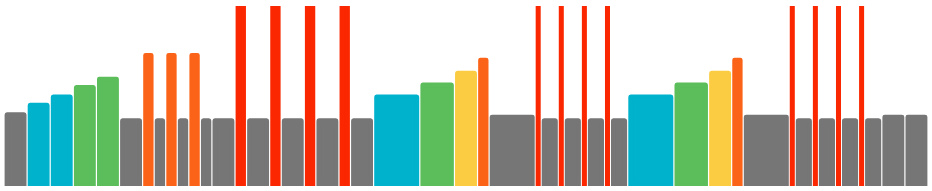
The “Rainbow Pyramid” is all about mixing endurance with bursts of power. We’re going to challenge your legs with short, intense efforts, followed by a progressive climb. Get ready to see all the colors of your effort as we build your stamina!
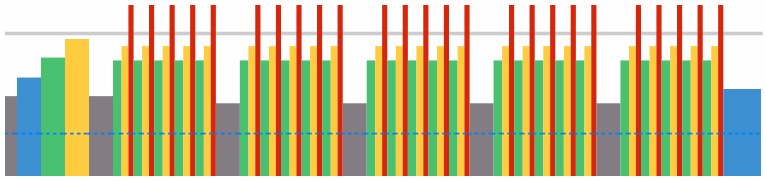
The “30-20-10 Ride” is a fantastic fat-burner and endurance enhancer, all wrapped up in a short, sweet package. We’re talking controlled 30-second efforts, spicier 20-second pulls, and all-out 10-second sprints. Repeat 5 times with 2-minute recovery breaks. Time to feel the burn!
Today, we’re simulating an epic outdoor climb, right here indoors. We’ll progressively work through all the training zones, stepping up the challenge as if the climb’s getting steeper. Get ready for an aerobic fitness boost, Zwift style!
This workout is a metabolism-boosting, calorie-crushing session. We’ll alternate between high-intensity 20-second bursts and 10-second rests, 8 times across 4 sets. It’s not just about burning calories; it’s about supercharging your heart and muscles. Let’s Tabata!
Today’s ride is a mental and physical test, aiming to stretch the duration of each segment. We’re building aerobic fitness and efficiency, starting with 30-second hustles and flowing into longer builds. Three sets, each longer than the last – let’s hustle!
Today’s challenge? We’re building intensity every two minutes, like tackling a steepening climb. Then, we hit five 20-second powerful efforts, earning double the rest–for 40-seconds. It’s a ride that demands focus and loads of energy!
Today, we’re pushing beyond our threshold for longer durations. This kind of effort is key to lifting our Functional Threshold Power to new heights. Prepare yourself for a challenge!
On today’s agenda are microbursts – short, sharp shocks that are fantastic for improving speed and power adaptability. Expect an entertaining yet challenging ride, with noticeable improvements each time. Let’s HIIT it!
Today, we focus on building our fitness foundation with high-intensity short intervals. You’ll certainly earn each recovery. It’s a great balance of pushing hard and resting well. Ready to challenge yourself?
This session mixes endurance with bursts that take you from Sweet Spot to Threshold power. It’s not just a workout; it’s a fitness builder designed to keep you on your toes!
Today, it’s all about giving your best using cadence to hit the zones. It’s a workout that challenges both your heart and muscles, focusing on cadence over resistance. Get ready to give it your all!
Today’s all about high-intensity microbursts – short but powerful efforts that are super effective and fun. These bursts are great for keeping your speed and power output sharp. Let’s see some progress and enjoy the ride!
We will jump through different intensities with short intervals, offering an efficient and fun-filled session. We’ll touch every zone and finish with smiles all around. Let’s mix things up!
This workout is a lively blend of steady, longer efforts and quick, explosive bursts. It’s about enjoying the ride while pushing the pace. Prepare for a dynamic, fun-filled session!
Tour de Boudicca 5.0 3-Day Women’s Stage Race Announced
“Boudicca was the Queen of the Iceni who led a revolt against Roman rule in ancient Britain around 60-61 AD. A warrior queen, she was a true inspiration to women and a hero to her people. She might have failed in her quest but she gave it everything she had. The Warrior Games has created a three-day stage race in her honour open to all female Zwifting warriors.”
The Warrior Games has announced the fifth edition of Tour de Boudicca, a popular women’s stage race. Registration deadline is January 4, with stage 1 kicking off January 12th. See below for our summary of the event, and read the full race document for details.
About the Race
Stage 1: Friday January 12, 19:00 GMT/ 14:00 ET/ 11:00 PT/ 06+1 AUS
The Tour begins with a set of short races back to back. Make sure you set the best time for these three as this will go towards your Individual General Classification!
Note: an extra time slot has been set up for the Americas for this race only, starting at 7pm EST/4pm PST.
In this points race, team points are given for fastest through segment up The Clyde Kicker and first across the line for the Champion’s Sprint, with bonus points at the finish line.
Stage 3: Sunday January 14, 19:00 GMT/ 14:00 ET/ 11:00 PT/ 06+1 AUS
Team points given for fastest through segment on Titans Grove Reverse and first across the line on Volcano QOM, with bonus points at the finish line.
Individual and Team Competitions
Individual GC winners will be awarded in each category based on each individual’s time across all three stages.
The Team GC will be based on points earned in stages 2 and 3 by the top three riders from each team. Team GC winners will be named for each category.
How to Enter
As explained in the race doc, “Interested, established teams must submit an entry form of team roster by 4th January 2024 to The Warrior Games at [email protected].”
Interested riders should read the full race document, which explains full entry requirements, including the Warrior Games weigh-in protocol.
Live Broadcast
ZMS Esport Studio has been streaming Zwift racing for years, but they’ve recently been added as an official Zwift vendor and asked to cover Tour de Boudicca as a full production broadcast.
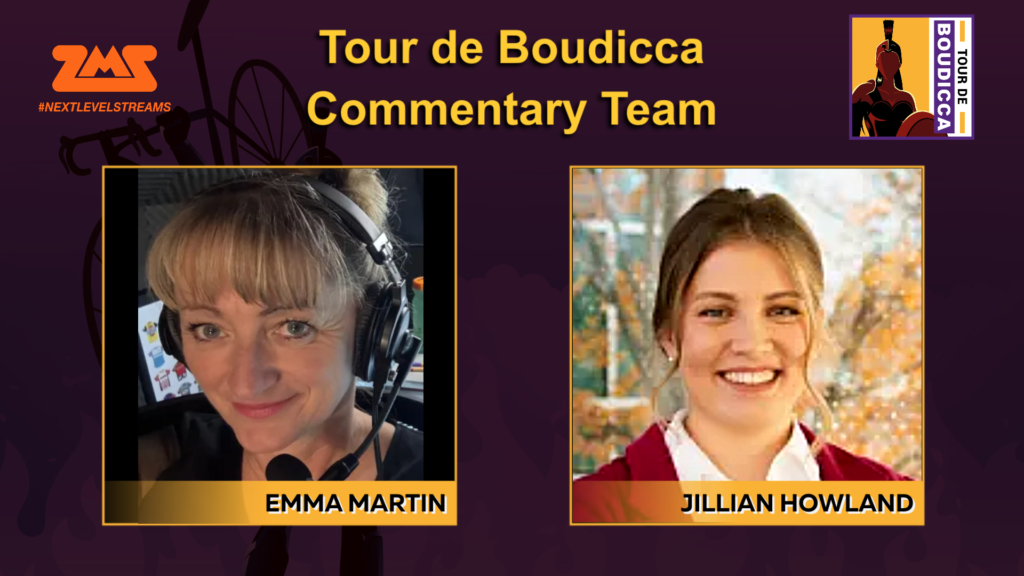
ZMS will be covering all three stages of Tour de Boudicca, not including the Americas timeslot of stage 1. Broadcasts will include live rider data throughout, rider “pain cams”, and coverage of all four categories, with commentary by Emma Martin & Jillian Howland.
When I got a preview of Zwift’s changes, my initial thought was “Finally, more levels to chase!” I also liked the idea of Zwift making the steps between each level more even and progressive. But it’s been really interesting to observe the community’s responses to Zwift’s changes, and I thought it might be helpful to discuss that today.
First, Let’s Summarize the Changes
The addition of levels 61 to 100 is the big news, but lots of changes came with those new levels:
Level-Up Requirements Reduced: the final levels in the previous scheme (levels 56-60) required 30,000 XP to attain. The highest levels in the new scheme (levels 91-100) only require 11,000! Clearly, Zwift wanted to make it easier to level up.
Level Progression Smoothed: the amount of XP needed to level up now increases at a regular rate as you progress from level 1-100.
Bonus XP Added: the new Streaks feature awards a healthy shot of bonus XP for your first two rides each week.
Bonus Drops Added: riders now receive a 50,000 Drops bonus each time they level up.
Changes to Accelerated Leveling: nearly everyone had “extra” XP with Zwift’s new levels. because you were either on a lower level than you should be (since levels now require less XP to attain) and/or you had banked extra XP after hitting the level limit at level 50 or 60. To get riders to their “proper” levels while still giving them the fun of leveling up, Zwift implemented two new methods of accelerated leveling, with some small UI changes attached. Curious how it works? See details under “Accelerated Leveling” here >
Endless Level 100: once you reach level 100, you’ll keep filling up your progress bar, earning a Drops bonus each time you earn the 12,000 XP required to finish level 100.
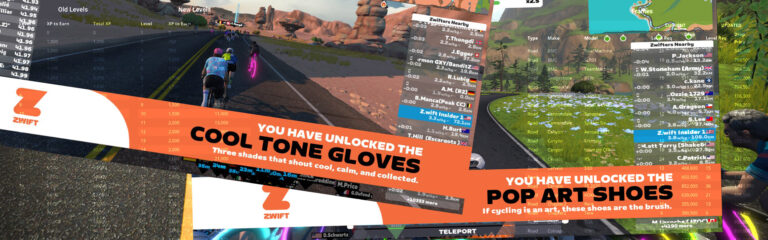
40 Levels of Fresh Prizes: Zwift has always given riders a prize for reaching a new level, so 40 new levels means… 40 new prizes! See the whole list here >
Drop Shop Pricing and Unlock Levels Changes: many every frame and wheelset in the Drop Shop was repriced and set to unlock at a different level (see our updated Zwift Shopping Guide).
After reading most of those comments, I would lump them into a several groups:
“How does accelerated leveling work? I’m at level X with Y XP, and I don’t understand what the game is saying…” This was probably the most popular comment, and I understand why: Zwift’s new accelerated leveling schemes aren’t easy to wrap one’s head around.
“I worked hard to level up, and now these n00bs can do it so much easier, and that makes me angry.” Honestly, this response completely surprised me. But a lot of people felt this way!
“New levels are great, but additional changes are needed to make leveling up more attractive.” With no new Drop Shop items unlocked at higher levels and no way to clean out our crowded garages, this feedback isn’t surprising. Many riders voiced the opinion that Zwift has just added a few months of level-up work for some level 60 riders who will cap out soon enough (see #5 below).
“I was so close to getting the new bike/wheels I wanted, and now they’re further away.” There was a fair amount of confusion about what frame or wheels to buy after everything was reshuffled – and some anger from Zwifters who felt Zwift had “moved the goalposts.”
“I was at level 60, and now I’m finding it too easy to level up.” This feedback came a few days after the big change, but it came nonetheless. Avid Zwifters now find themselves leveling up every day or two thanks to being accelerated via both the “double XP” and “20% discount” methods.
“This is a great change. Ride on!” People tend to air their grievances more than their atta-boys, but there were definitely plenty of comments from folks who just said they were happy to have new levels and unlocks to work toward.
Let’s discuss each of these a bit.
#1: Confused by Accelerated Leveling
This is the third time Zwift has added levels and implemented a fresh accelerated leveling scheme along with it. Here are the three schemes they’ve used:
Levels 26-50 added: 8x accelerated leveling for level 25 riders who had earned extra XP over the level 25 requirement
Levels 51-60 added: 2x accelerated leveling for level 50 riders who had earned extra XP over the level 50 requirement
Levels 61-100 added: 2x accelerated leveling for level 50+ riders who already had “extra” XP in their account, plus 20% leveling discounts for just about every rider to a certain level
You don’t have to understand accelerated leveling in order to take advantage of it… just ride, and the leveling happens. But still, many riders want to know how it works. Maybe they don’t trust Zwift to implement it fairly (“Don’t touch my hard-earned XP!”), maybe they’re just trying to figure out what it will take for them to reach higher levels. Regardless, it’s a pretty complex setup to understand, and Zwift’s latest version of accelerated leveling is the most complex yet!
Zwift could help themselves now by doing the same thing they should have done a long time ago: create a level system that doesn’t need to be “upgraded” in the future. Whether that’s a lot more levels (level 1000!) or a “prestige system” (for example, you may have levels 1-100, but once you finish 100 you get a prestige “star” and start at 1 again), the important thing is that Zwifters should always have something they’re working toward in terms of player level.
If you’re still confused by Zwift’s accelerated leveling scheme, and simply must fully understand it, read the “Accelerated Leveling” section on this post.
#2: Annoyed that “Everyone Gets a Trophy”
Some Zwift veterans who earned 750,000+ XP to reach level 60 are angry that level 60 is now attainable by earning just 223,500 XP. Like I said above, I was surprised by how many people (including Zwifters I deeply respect) shared this view! It was a good reminder that my perspective is only my perspective – a good life lesson that Zwift blogging continually teaches me.
Different people are motivated (and demotivated) by different things, and that’s OK.
I’ve tried to get inside the minds of the Zwifters who feel this way, but haven’t succeeded in doing so completely. As I understand it, this may be a concern if you were at a fairly high level, but aren’t planning on riding much on Zwift in the future. In that case, riders might “catch” you or even pass you, having done much less work than you did to get to your level.
If you’re still active on Zwift, you’ll be leveling up just as fast as the newer riders. Maybe even faster (see #5 below)! In this case, the only tiff you may have with Zwift is what happens when I reach level 100, and so do the n00bs. It may be that you still have a lot of extra XP when you hit level 100, while the n00bs earned just enough to get there. Isn’t it unfair that you’re both at the same level?
I suppose it is. And some riders find that very annoying.
#3: This Change Is Good, But More Change Is Needed
Some riders were fine with the changes, but said Zwift needs to make further changes in order to keep the level system motivational. Some of those changes include:
New Drop Shop items unlocked at higher levels
A garage cleanup/organization tool so you can get rid of unwanted items, easily swap bikes, etc
A more motivational plan for what happens once you reach level 100 (eg, prestige system or level 101+)
I completely agree with these points. While I’m personally fine with all the changes Zwift made (even if I think they could have done some of them differently for better outcomes), Zwift could have knocked it out of the park by also releasing new features/items that satisfy these three points.
The good news is, Zwift can still do it. All three of these additional improvements could be implemented, and in fact I know at least one of them is in the works. Here’s hoping all three get rolled out in some form soon.
#4: Miffed By Moving Goalposts
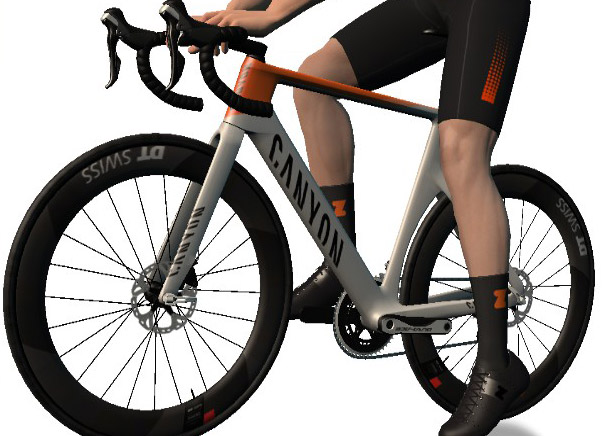
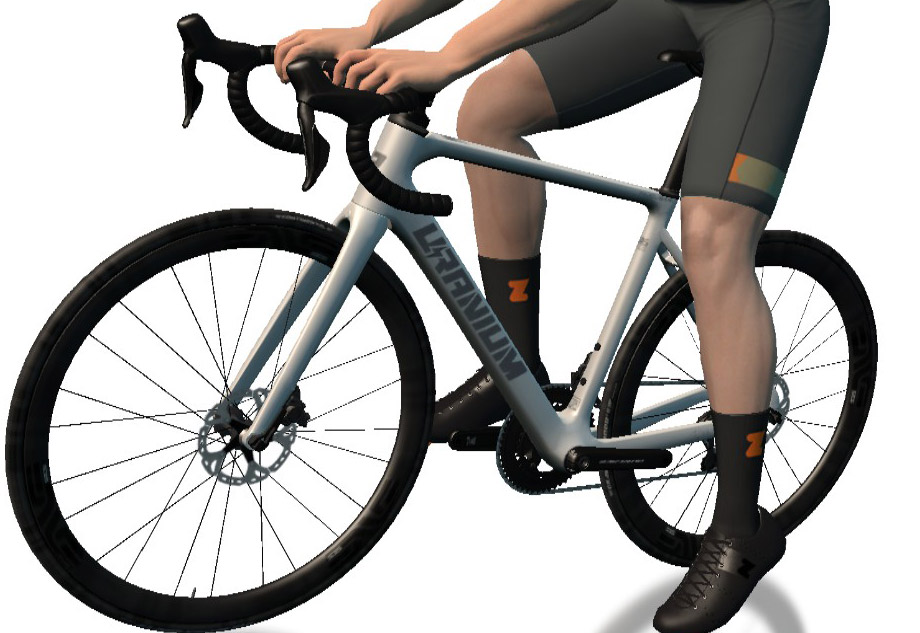
The Canyon Aeroad (with DT Swiss ARC 62 wheels) and Uranium Nuclear. All items moved to higher level unlocks…
When the Drop Shop changes rolled out, I quickly heard from Zwifters who had been looking forward to buying a particular frame or wheelset which was now either 1) unlocked at an even higher level, 2) more expensive, or both. (This included the Canyon Aeroad frame and DT Swiss ARC 62 wheels, which both moved to much higher level unlocks.)
The good news is, when it comes to racing frames, Zwift made a mistake and currently has the Felt AR (one of the four fastest frames in the game) unlocked at level 16. So if you want a fast frame, it’s more attainable than ever… until Zwift changes things.
More good news is that, for most lower-level Zwifters, it’ll take much less work to get up to those super-fast frames and wheels. Yes, the Drop Shop got reshuffled. But in the end, the disc wheels and fast frames will be unlocked sooner.
The bad news is, some of you may have to put in more work for your first set of good race wheels (ZIPP 808 at level 25). There’s just no way around that. Zwift wants faster equipment to generally be at higher levels, so this change was necessary to organize the Drop Shop logically.
#5: Leveling Up Is Too Easy
Two weeks after Zwift rolled out levels 61-100, I’m already hearing from Zwifters at level 75 or higher. While I appreciate Zwift trying to walk the balance of giving high-level Zwifters the fun of leveling up while honoring all the “banked” XP in their account, my personal feeling (and the general sentiment I’m hearing) is that it’s just too easy to level up when you’re getting both the 2x acceleration and 20% discount.
I’m at level 67 and leveling up every day or two with 60 to 90-minute rides. Given that the levels are capped at 100, I’d rather level up every week or two.
#6: All Good, Ride On!
Many Zwifters are perfectly happy with the changes Zwift rolled out. They don’t need to know how the sausage is made (understanding accelerated leveling), they aren’t stressing over which frame or wheels to buy next, and they certainly don’t care if leveling up is now easier for others than it was for them.
Your Thoughts
Personally, I’m about 50% in the #6 “All Good” camp. I resonate with #3 and #5, but overall I’m generally just happy to have more levels for now, and hopeful Zwift will do something to make level ups more interesting before I hit level 100.
But what about you? Which of the six items above do you identify with most? Or perhaps I missed your perspective in the way I lumped groups together? Share your thoughts below!
Over the past few weeks, we’ve seen quite a few developments in indoor cycling including the release of a new smart trainer and new levels on Zwift. This week’s top 5 Zwift videos include a video about how one special triathlete used indoor training, the new Tacx Neo 3M, a rider’s first Zwift race in a year, and details on the new Zwift levels.
Indoor Training Really Works!
Lucy Charles-Barclay, the current IRONMAN World Champion, shares details on how she used indoor cycling and Zwift to help build her fitness throughout her journey as a triathlete.
Garmin Tacx NEO 3M In-Depth Review: Worth it!?
After four long years, Garmin has finally updated the Tacx Neo. Garmin included a few notable upgrades including motion sliders, WiFi connection, and more; however, it comes at a price. Watch as Ray, aka DC Rainmaker provides everything you need to know about this new smart trainer.
First RACE in a YEAR! 🥵🤢 ZWIFT RACING LEAGUE // Glasgow Crit Circuit
Katie Kookaburra races for the first in time a year, and she throws herself in the deep end by racing in the Zwift Racing League race in Scotland. Throughout the video, she provides commentary on her race.
Eric Barfell recently raced in stage 4 of the Flamme Rouge Racing series where he raced some extremely strong category B riders. Can Eric pull off a solid finish after a brutal start to the race?
Zwift Increases Levels to Level 100
Oli Chi from ZRace Central provides details on the latest major change on Ziwft, which involved increasing the levels to level 100 and introducing the new Streaks feature. Learn all about it in this video!
Got a Great Zwift Video?
Share the link below and we may feature it in an upcoming post!
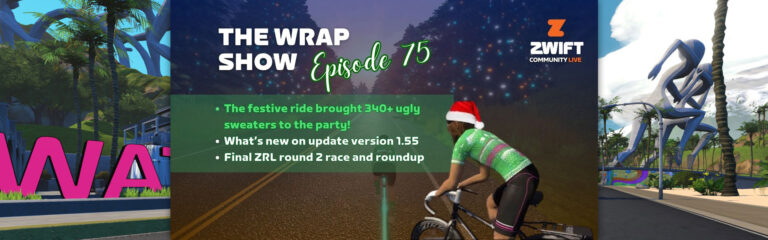
This week The Wrap celebrated the holidays with a festive “ugly sweater” ride. Participants in the ride were encouraged to wear their “worst” combination of in-game gear for the 43km cruise along the new Coast Crusher route. Lots of in-game banter was had around all the diverse kits on display. Plenty were featured in the post-ride show in episode #75 but only one could come out as the winner on the day. Chris Wallner took the honors and right to be on the judge’s panel for next year’s festive ride!
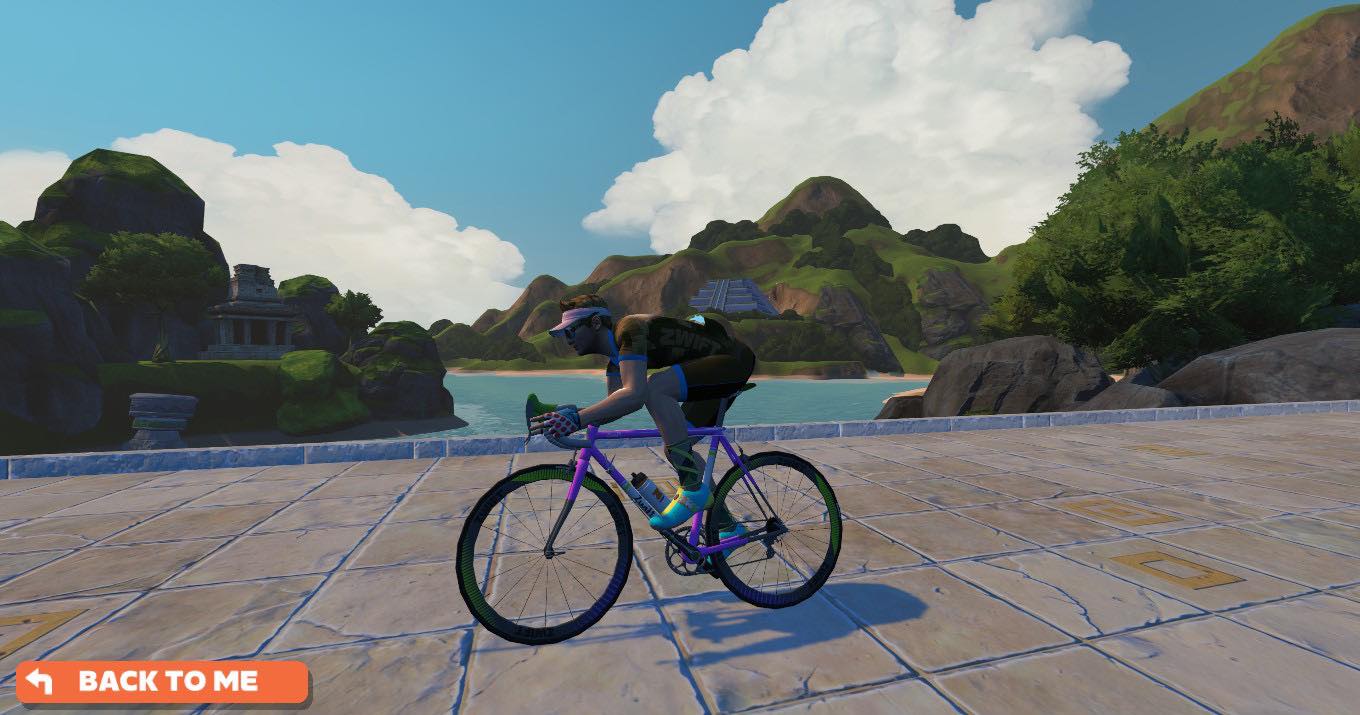
Going by Chris Crush MS on Zwift, after getting the news of winning he said, “I can neither confirm nor deny purposely adding in the KOM gloves and the Pink visor! Knowing the audience and research paid off. It was the Zwift Steel bike and some supersonic wheels as well. Love the show clearly and I’ll happily be a Kit Elf judge next year.” Chris is obviously an avid listener of the podcast as each piece of riding attire seems to have been selected from Anna’s discreetly revealed “most despised” list of kit over the 75 episodes of The Wrap. Well done being so attentive to detail, Chris!
Winner Chris WallnerPookie from our Twitch streamers community brought a level up flex comboGabriela Guerra brought her Grandma style w/ Visor patchwork kit on the day!
Other EP #75 topics include: Dealing with tech issues around zwifting, XP farming updates, and a bunny trail into possible future race formats for ZRL and game event in general. My personal favorite topic of the week is the potential of Zwift adding a place to “set up Fort Brag” after an event… or at least give all my excuses as to why I did not win! A post-event “space” in-game that is exclusive to an event for discussion, banter, debriefing, and congratulations is a long time coming. At the least a message board living on indefinitely in the Companion for us all to recognize each other’s achievements, talk thru tactics that were employed, and plan our next showdown!
0:00 Opening scene 3:38 Intro & Topics 5:55 What have we been up to: Anna ZRL racing and Nathan’s tech issues 14:42 How is XP farming going, leveling too easy now? 22:43 Festive Ugly Sweater ride rankings and winner! 37:50 Community Fashion pick 39:32 ZRL 2023 Round 2 Wrap-Up, format & course ratings, new ideas! 55:47 Stealth Updates? More workouts in club rides, PR notifications, social enhancements 1:06:00 Gun time vs Chip Time in events 1:10:00 Streaks, butterflies, & long animations worth the time? 1:12:55 Are riders leaning more in the pack? 1:14:42 More festive ride chatter 1:17:40 NPC Story Submission 1:20:20 Coming up, Teppi level 100 ride, Anna Ironman training and Nathan weight training
The Wrap is live weekly on Thursdays 11pm CDT/5pm NZT (Friday). Catch it live on Youtube, Twitch, Facebook & X (formerly Twitter). Subscribe to Zwift Community Live on YouTube for all the latest episodes and live notifications.
In the Zwift Hot Topic series we focus on popular discussions, controversies, questions, or creative ideas in the Zwift community. We’ll share a couple of different perspectives, but we want to hear your thoughts, too. So read on and chime in below!
Leveling up is one way that many modern video games show progression. It’s a clear indicator that your hard work and skillful gameplay are paying off.
This can come with fun rewards like new abilities or gear for your character or avatar. In Zwift, we can unlock fun cosmetic kit items and the chance to get new Drop Shop equipment.
It’s also a kind of shorthand for how experienced you are at that game. That level 60 rider you see cruising around Watopia probably knows more of the ins and outs of Zwift than one who’s level 10. That number signifies the time and effort they’ve put in over the years.
But recently, Zwift changed how levels work. The XP needed to reach each cycling level is now less than it used to be, and users are being shifted to their new number with accelerated leveling. (Learn more about the new Zwift level system in this article!)
Does this cheapen higher levels? Is it disrespectful to more experienced Zwifters? After riding so long to reach level 60, now someone else can get there with a lot less work.
In fact, it even takes less XP to reach level 100 than it used to take to reach level 60. A Twitch streamer called DrWeebles said this feels like a downgrade.
DrWeebles: “I worked really darn hard and put a lot of time into Zwift to get to level 60 and get the XP that I have, and I prefer if levels that are added increase my XP from where it is now, not bring it backwards.”
A Zwifter who goes by Hardclaws responded with some counterpoints. He pointed out that other games have rebalanced levels in a similar way so they can become more accessible and rewarding to newer players.
Hardclaws: “Reducing the experience required to level up is ok and it’s nothing new. If you get on World of Warcraft now you can level way quicker than you could when the game was originally released. It’s how the world is and always been when it comes to levels and makes it more appealing.”
Being able to level up faster helps to keep people motivated and engaged with Zwift, especially when they may not be riding as much as the “power users.” If the next level and unlock is just 100XP away, they’re more likely to ride just a little bit longer than if they had 500 points to earn.
I like having more rewards to chase. I know the promise of something new and shiny can tempt me to do more riding than I normally would!
Also, it’s not like the old leveling system really made sense. The amount of XP you needed to get from one level to the next would go up and down inconsistently. The new system gradually increases the XP needed to level up, making it more intuitive.
Zwift did try to give max-level riders something with this update. Level 100 riders will still see their progress bar fill up as they ride. Once it is filled, they will earn 50,000 Drops and the progress bar will reset again.
Hold on. Does there even need to be a maximum level?
Hardclaws: “I don’t get why there is even a level cap anyway. Just let levels keep ticking on. Who cares if someone is level 1000? (It) just shows they ride a lot. At least if you don’t have a cap on the levels then you never have to worry about this.”
Weebles agreed that he might be able to accept the XP rescaling if levels continued indefinitely. Of course, if that happened, Zwift couldn’t continue to give unlocks past a certain point. Maybe they could release more over time. At least riders would get the satisfaction of continued progress – and bragging rights!
Your Thoughts
What do you think? Did Zwift make the right call with these changes, or is there a better way to handle XP and levels that can motivate everyone?
Heading into Christmas weekend, we’re seeing lots of long rides being spun up. So this weekend we’re featuring five of the most popular, each of which is special in its own way. See our picks below!
The Rapha Festive 500 challenge is simple, but not easy: ride 500 kilometers (310.7 miles) in eight days, from December 24-31, 2023. Outdoor bike and handcycle rides count toward the total, and so do virtual rides, as long as you upload them to Strava.
This year, as in years past, Zwift is working with Rapha to host events and give unlocks to finishers. It all begins Sunday. Are you in?
Teppo Laurio is a top Zwift racer known for doing crazy things on the bike around Christmas (including earning the Tron bike in 7 days back in 2021). This year he’s trying to reach Zwift’s new level 100 before 2024 arrives, and you can join his XP farming quest with this 200km ride on Crit City’s Downtown Dolphin. Join for all or part and level up with Tepi!
We’re getting into the big stuff with Zwift Insider’s Epic Series, a progressive series tackling Zwift’s toughest routes as group rides and races. This weekend we tackle The Uber Pretzel as a group ride. Next weekend we race it!
✅ Popular Event ✅ Endurance Challenge ✅ Jersey Unlock
The Germany-based ENJOYYOURBIKE squad is hosting the most popular community-hosted ride this weekend based on current signup numbers. A group ride on Watopia’s The Pretzel, and the ride includes a Discord channel to help pass the time.
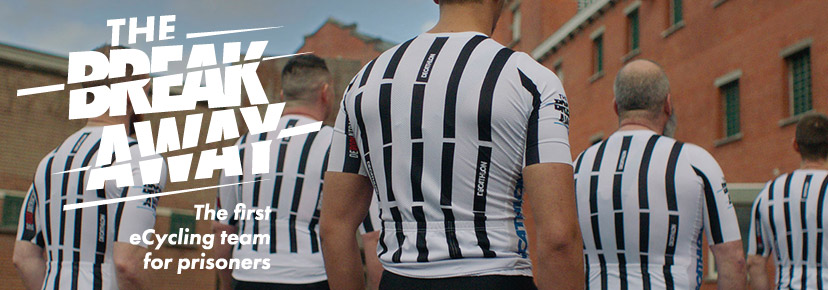
Want to go long… and hard? Here’s a race on Watopia’s Zwift Gran Fondo route, with a cool twist: the ride description says “And we have some guests with team “The Breakaway” ( a group of Belgian prisoners).”
We choose each weekend’s Notable Events based on a variety of factors including:
Is the event unique/innovative in some way?
Are celebrities (pro riders, etc) attending/leading?
Are signup counts already high, meaning the event is extra-popular?
Does the ride include desirable unlocks or prizes?
Does the event appeal to ladies on Zwift? (We like to support this under-represented group!)
Is it for a good cause?
Is it just plain crazy (extra long races, world record attempts, etc)?
Is it a long-running, popular weekly event with a dedicated leader who deserves a shout out?
In the end, we want to call attention to events that are extra-special and therefore extra-appealing to Zwifters. If you think your event qualifies, comment below with a link/details and we may just include it in an upcoming post!
Your Thoughts
Got other events that stand out this weekend? Share below in the comments!
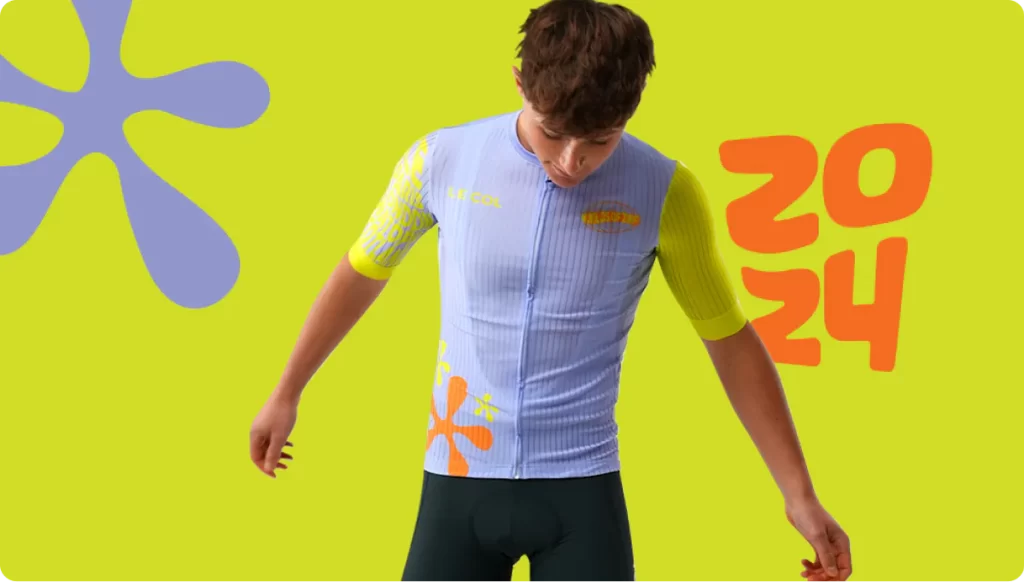
Been riding Tour de Zwift and want to rock the same kit IRL as you do in the TdZ events? Here’s our tip: buying the Tour de Zwift bundle cuts the price in half ($190/£142.50/€172.50), then you can further reduce the price by using the TdZ discount code ZWIFT24 for an additional $60/£50/€55 off!
First launched in 2017, Tour de Zwift is the biggest annual tour on the platform – a celebration of discovery across all Zwift worlds!
This year’s tour has just been announced. Beginning January 3, it consists of eight stages spread across all of Zwift’s maps. Each stage has three group ride options based on how far you want to ride, with (new this year) races each weekend. (There are run options as well, which we’ve covered in this post.)
So grab a friend and join the biggest party of the year! Here’s everything riders need to know about this year’s TdZ.
TdZ will be the first chance anyone gets to unlock these three route badges, since they were formerly Rebel Routes.
Weekend Races
This year TdZ isn’t just about group rides. Each stage’s long route will be available as an epic race event on the weekend! See schedule below.
Fresh Kit Unlocks (and IRL Le Col Kit Discount)
Zwift partnered with Le Col to bring the Tour de Zwift collection to life. Complete any stage to unlock a £50 ($60/€55/¥9000) reward from Le Col to use for the IRL kit (details below).
Ride and Race Categories
TdZ “Ride” events are group rides, not official races. The ride category you join determines which route you will ride:
A: Long Ride
B: Standard Ride
C: Short Ride
D: Women-Only Ride (uses the Standard route)
Category groups will leave the pens two minutes apart, with A starting first. Late join is enabled for TdZ events.
Weekend Epic Races will use Zwift’s category enforcement to automatically place riders into the correct pace group.
Three of Zwift Insider’s Rebel Routes have been turned into official routes which will see their debut in Tour de Zwift! Here’s your first chance to earn the new route badges and extra XP.
Le Col is offering a £50/$60/€55/¥9000 discount to Tour de Zwift riders which can be used on anything in Le Col’s shop (not just the TdZ kit)! Discount code is ZWIFT24. Combine that with the Tour de Zwift bundle price, and you’ll get the kit to your door in the USA for ~$144!
First launched in 2017, Tour de Zwift is the biggest annual tour on the platform – a celebration of discovery across all Zwift worlds!
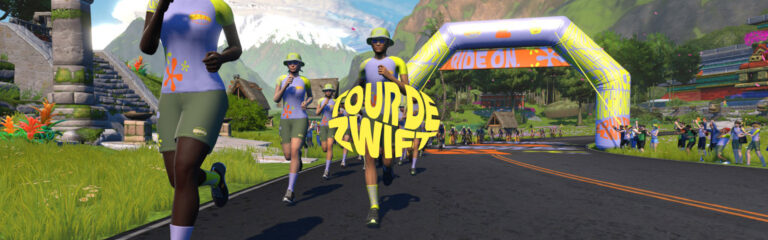
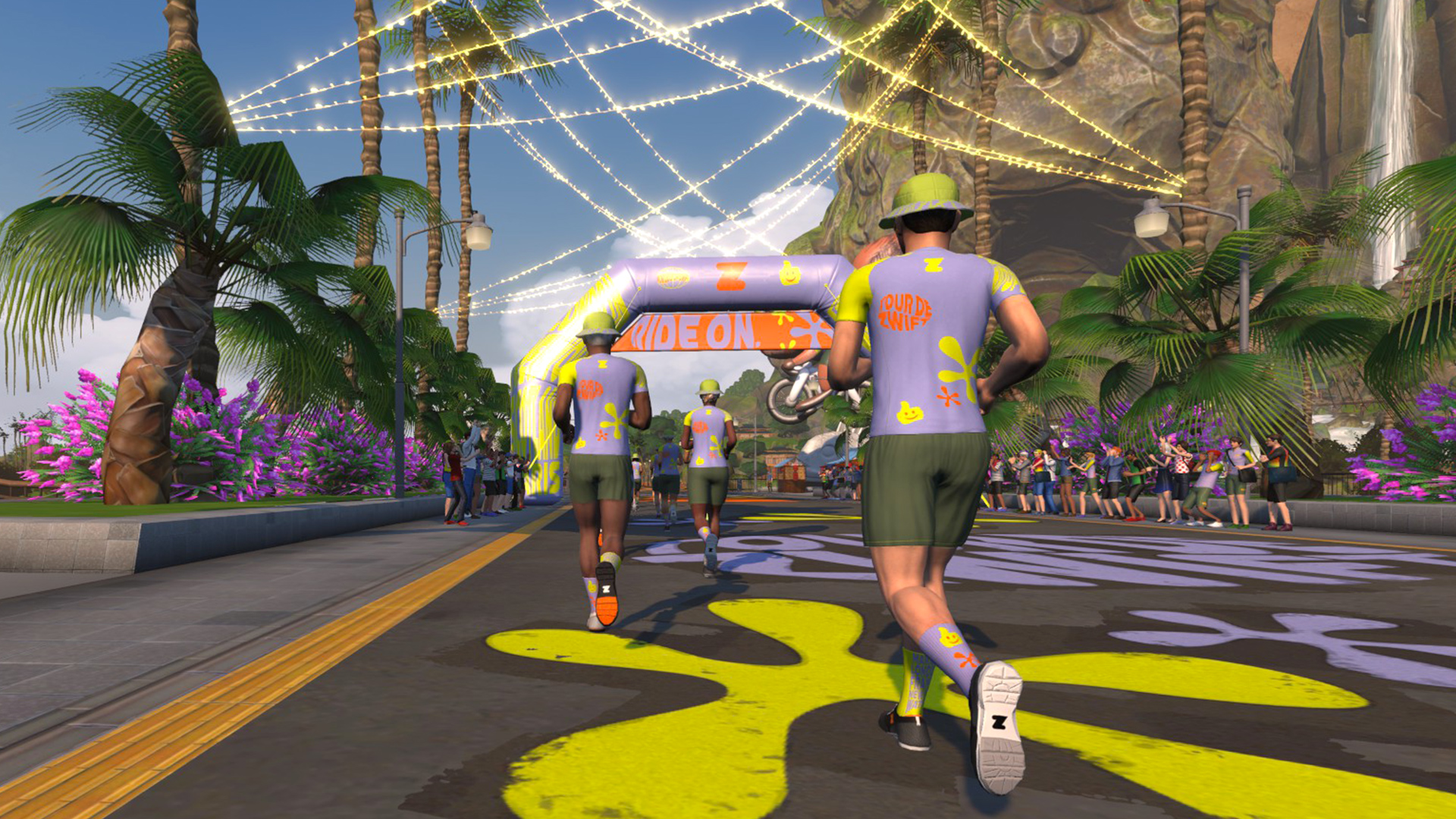
This year’s tour has just been announced. Beginning January 3, it consists of eight stages spread across all of Zwift’s maps. Each stage has two group run length options, so grab a friend and join the biggest party of the year! Here’s everything runners need to know about this year’s TdZ…
TdZ will be the first chance anyone gets to unlock these three route badges, since they were formerly Rebel Routes.
Fresh Kit Unlocks
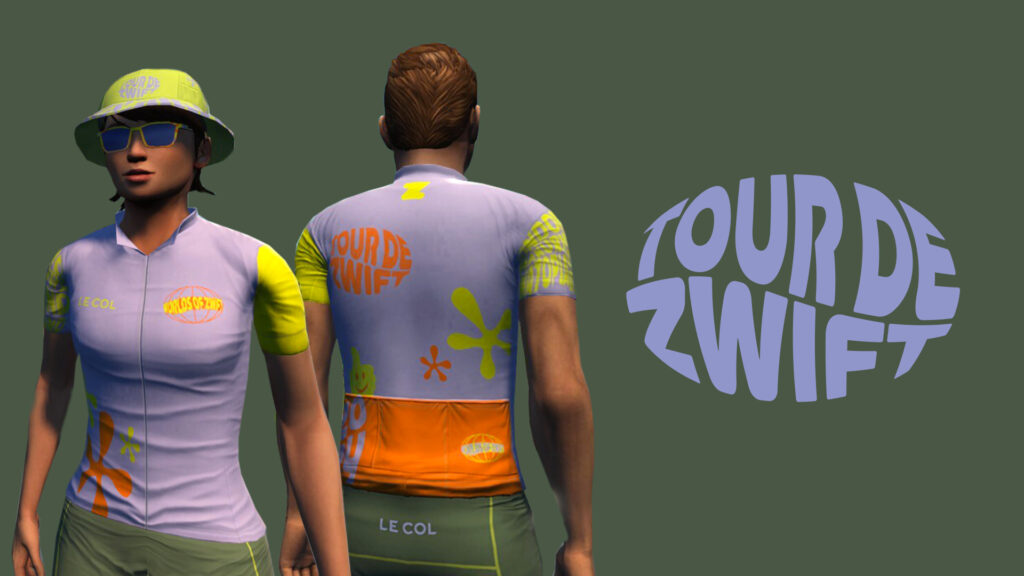
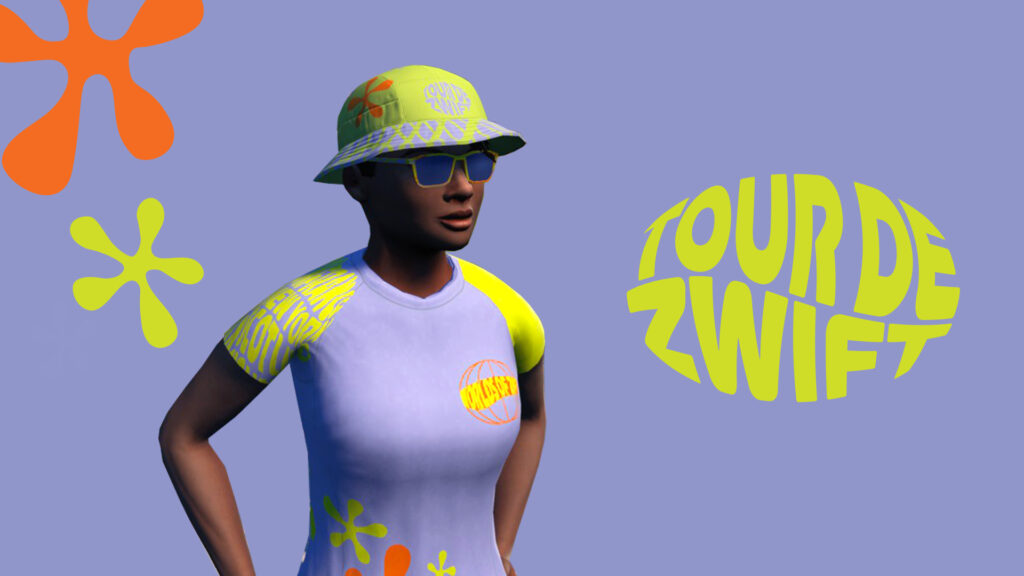
Unlock the Tour de Zwift 2024 kit as you progress through the stages. See details below…
Run Categories
TdZ events are group runs, not official races*. The category you join determines which route you will run:
A: Long Run
B: Standard Run
*Some runners will race the stages, while others will treat them as social events. Everyone is free to go as easy or push as hard as they’d like. Just have fun!
Three of Zwift Insider’s Rebel Routes have been turned into official routes which will see their debut in Tour de Zwift! Here’s your first chance to earn the new route badges and extra XP.