Home Blog Page 525

Zwift releases version 1.0.10979 update

0

Zwift releases version 1.0.10979 update

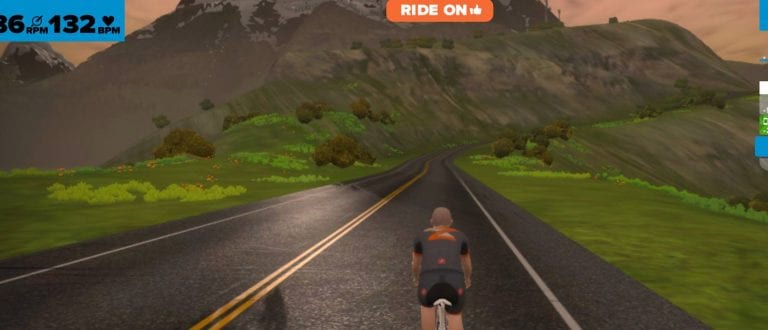
Zwift has released a minor “service release” today, addressing some bugs and adding a few new features. A few notable items include:

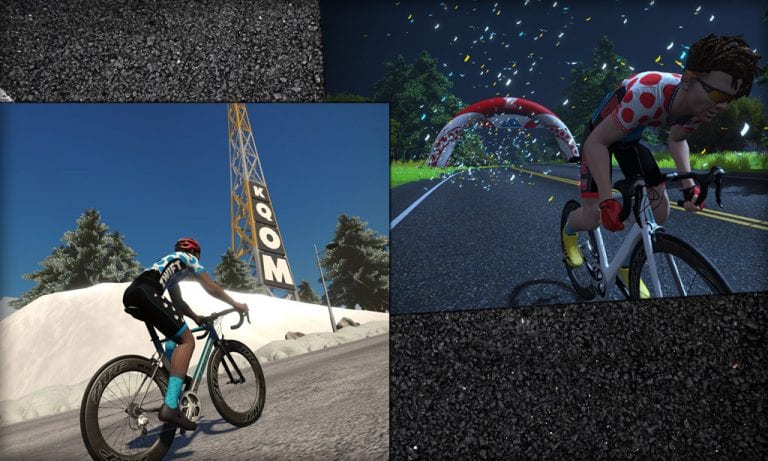
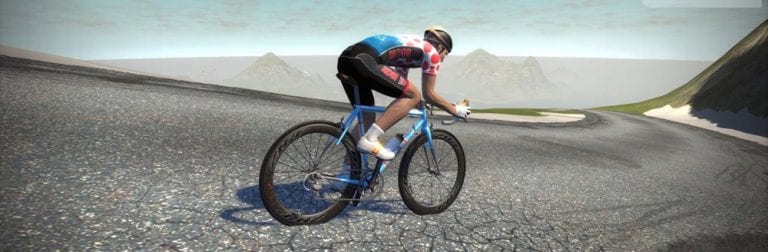
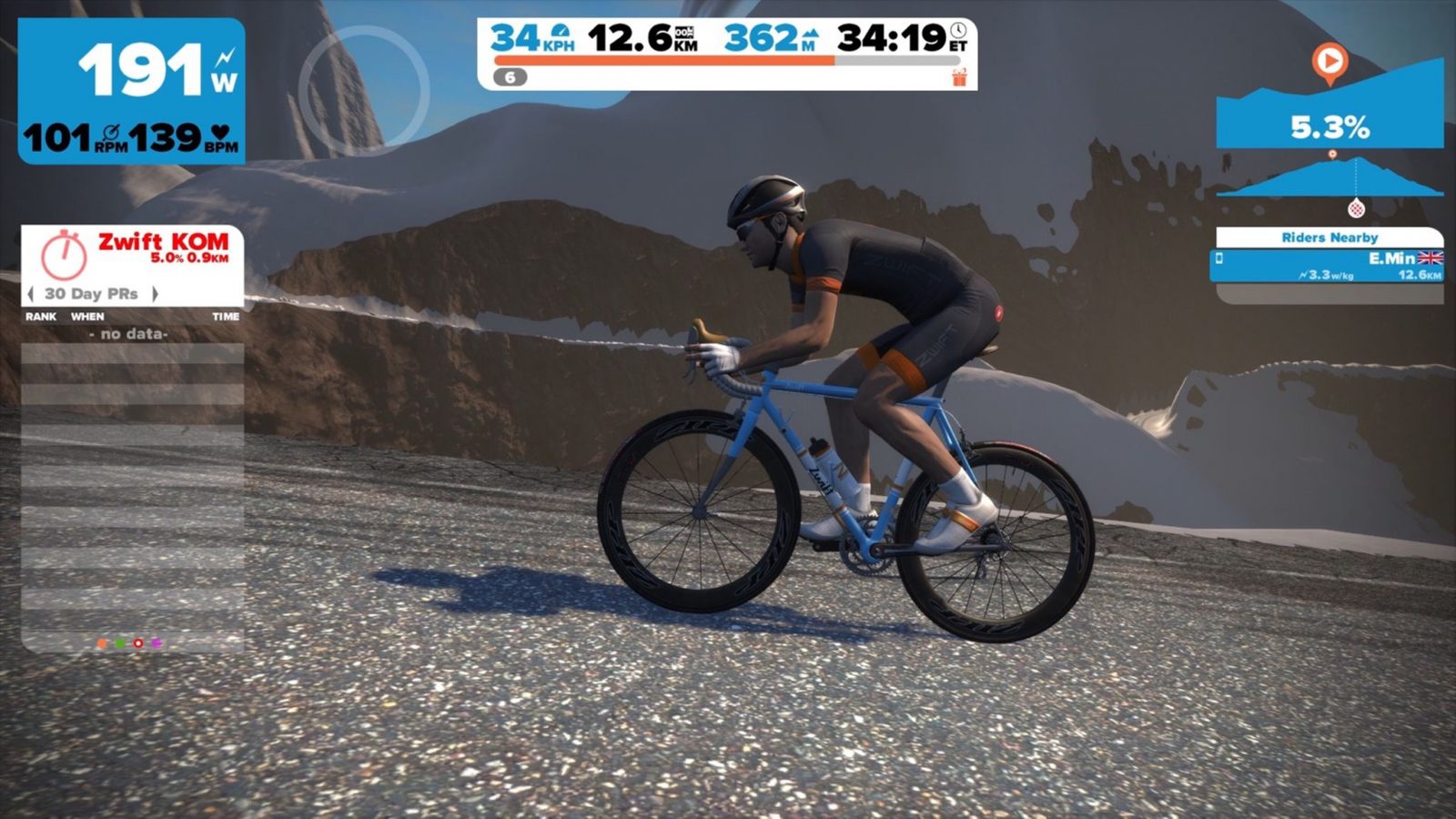
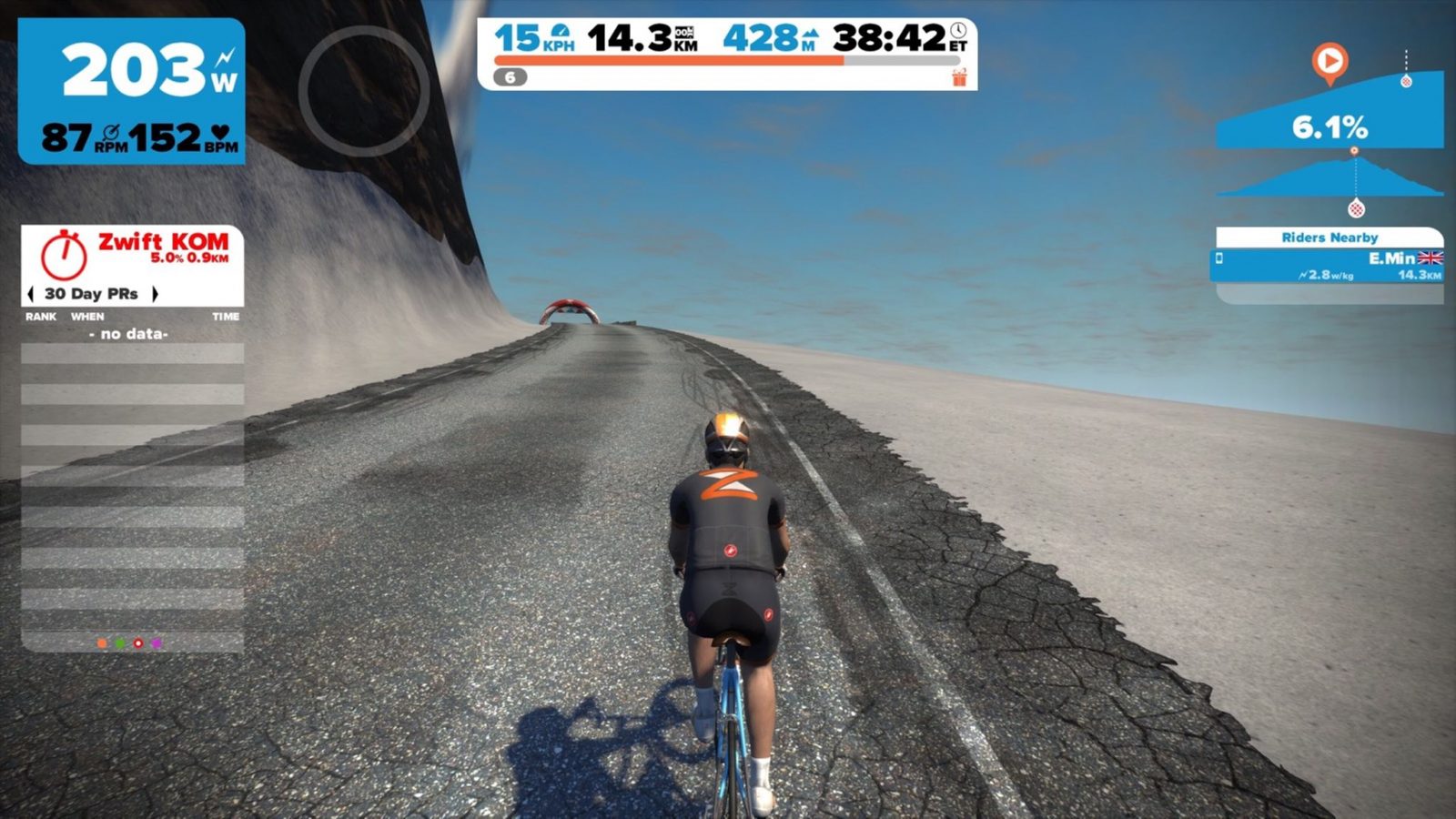
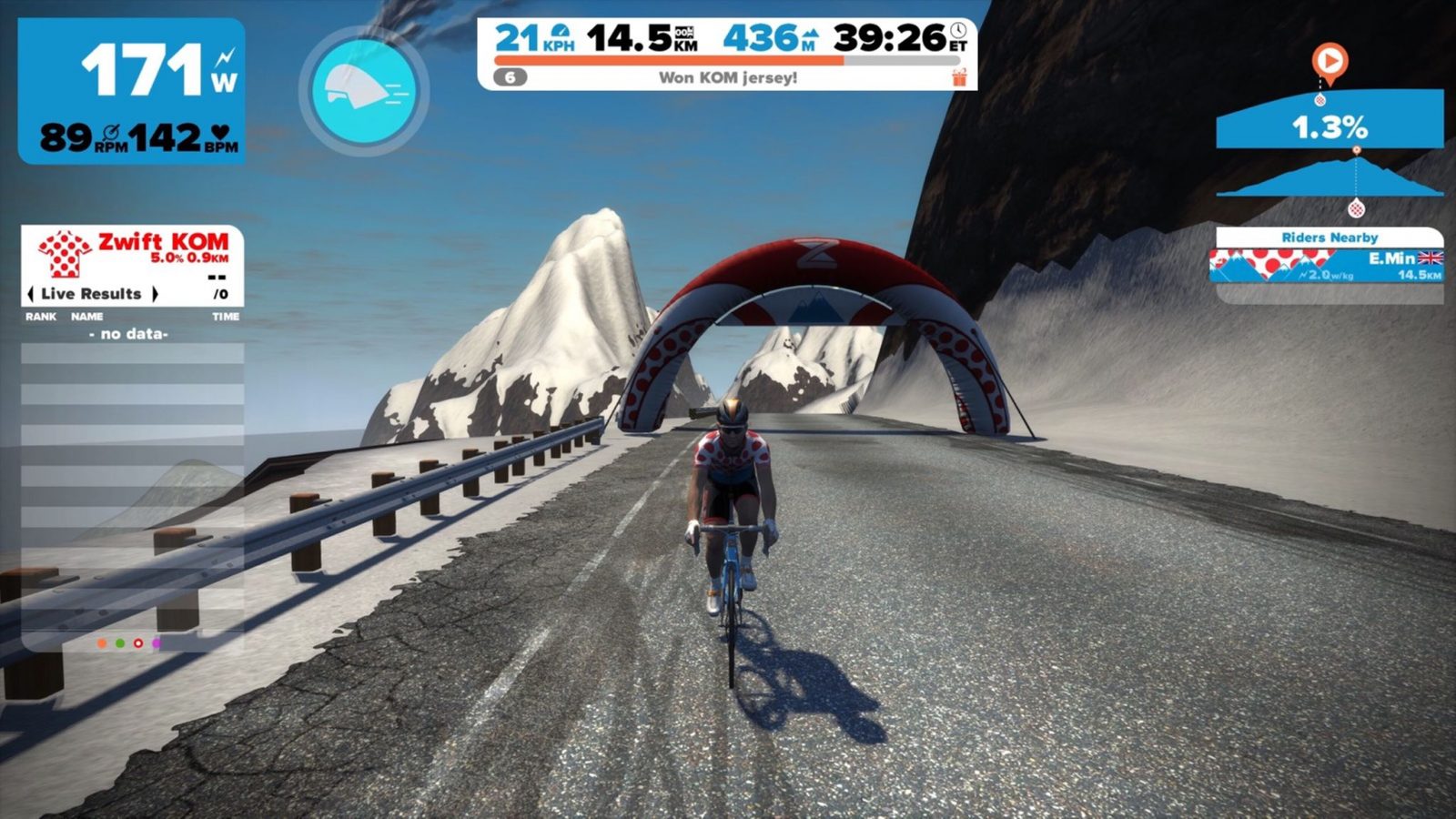
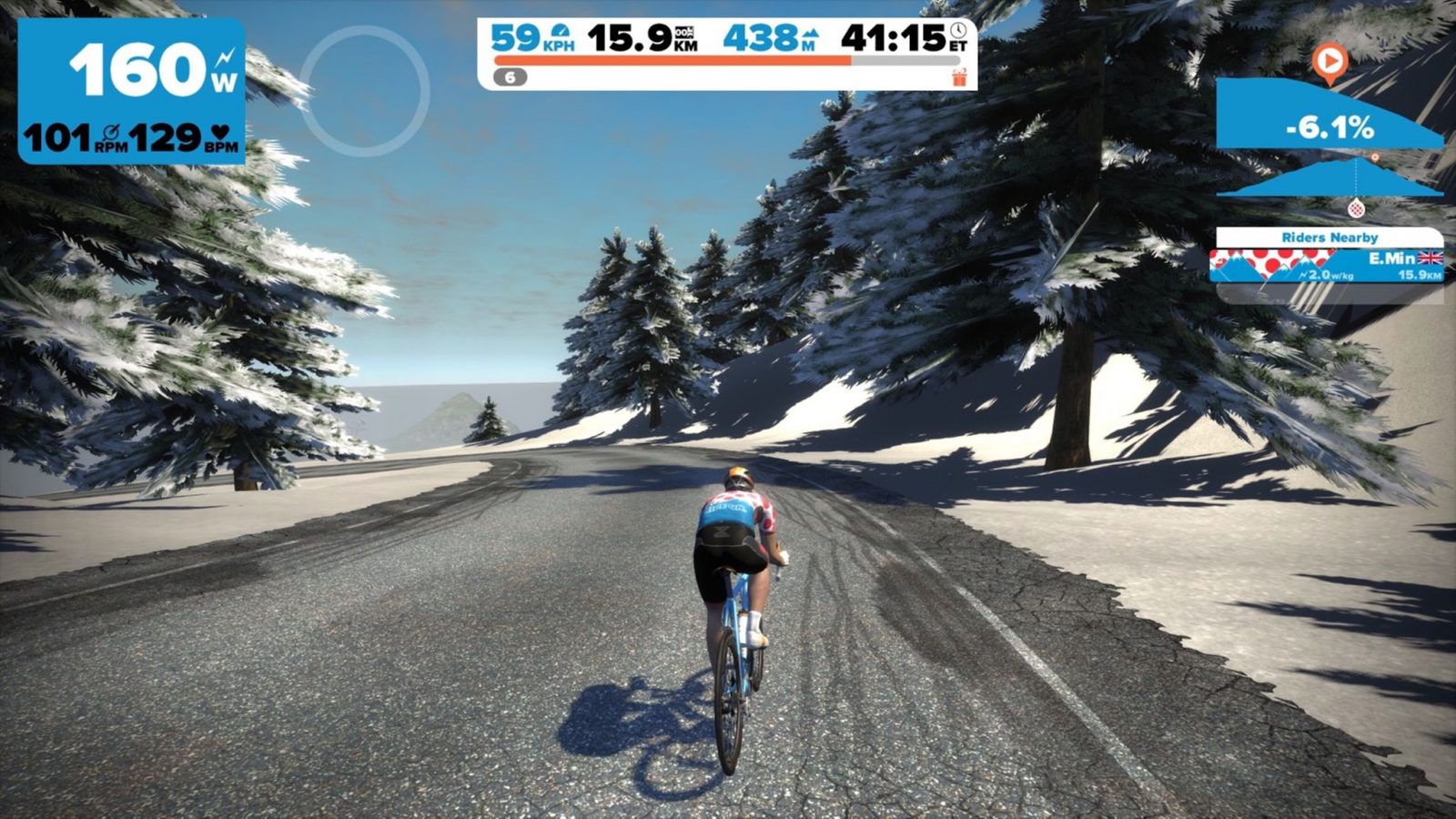
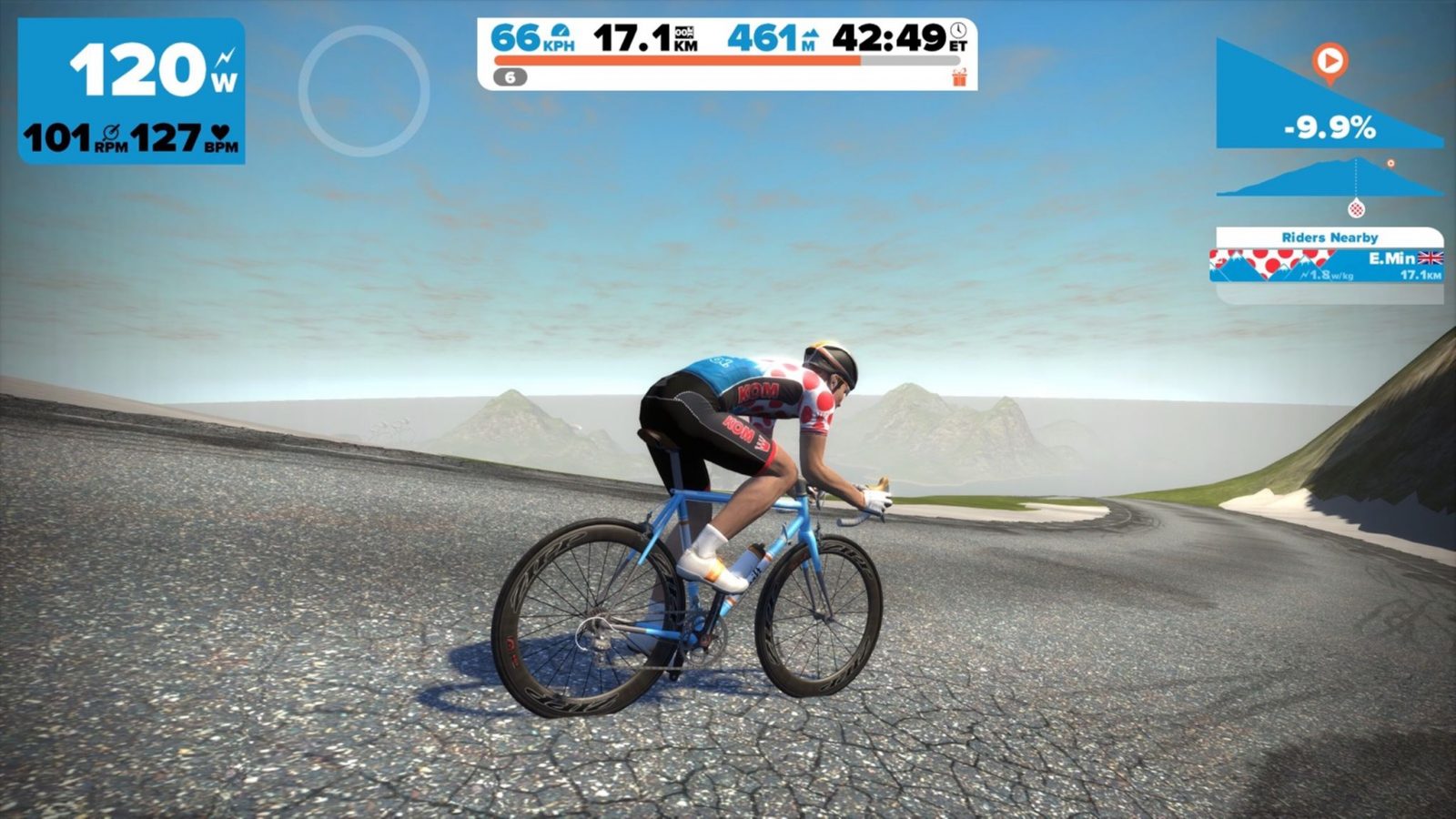
  • Added Epic KOM ‘mountain goat’ jersey
  • Fixed the “Figure 8” route
  • Added 100kph achievement (+1000XP)

Read Zwift’s post about this update >


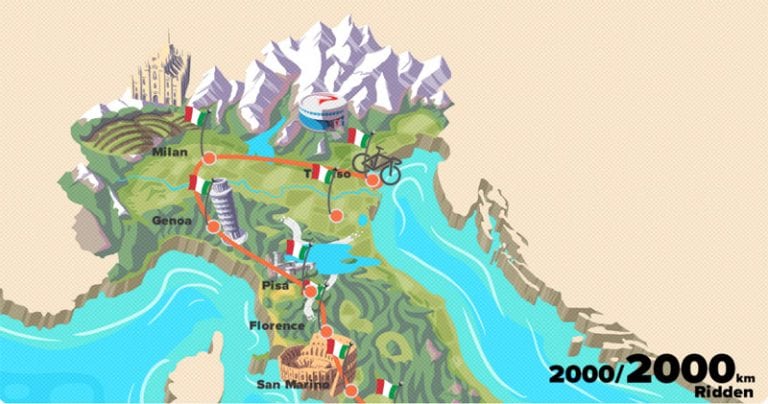
Zwift “Tour Italy” challenge details

21

Completing the Challenge

You must be level 10 or higher before you can enter the Tour Italy challenge.

To enter, simply select it as your challenge from the menu screen (hit “T” in-game, then click the challenge image at the top-right to see your current challenge information and/or switch to a new challenge.) Then ride 2000km and you’re done!

What’s the prize?

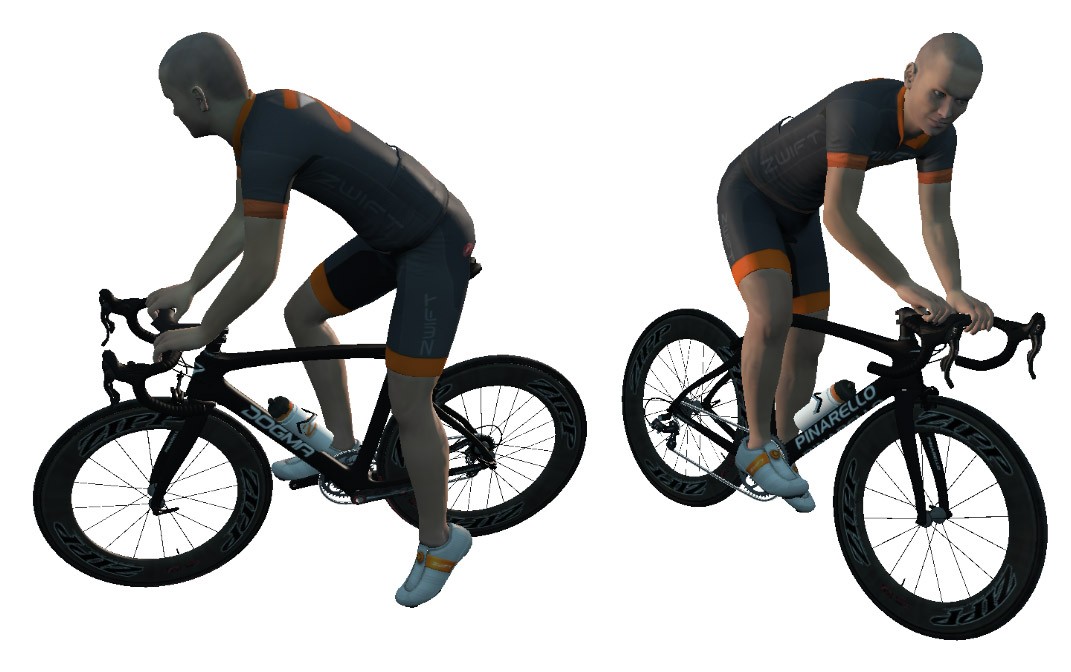
A brand-new (virtual) Pinarello F8 Dogma! You’ll actually get the bike at around the 90% completion mark, when you hit Treviso, home of Pinarello Bicycles.

About the Pinarello Bike

Prior to this challenge only a select few Zwifters got to ride a Pinarello, because the Pinarello Dogma 65.1 bike was available to early beta testers (called the “Pinarello Dogma” in game). This is a different Pinarello, though–the F8 is a little lighter than the 65.1, completing the Alpe climb 17 seconds faster in our speed tests. Although it’s a nice piece of virtual kit, the F8 is not a terribly fast bike in game–slower even than the Zwift Aero which is unlocked at level 13, and the Canyon Aeroad 2021 unlocked at level 10.

pinarello-f8

Join the Zwift KOM Hammerfest – April 1-5th 2016

0

Join the Zwift KOM Hammerfest – April 1-5th 2016

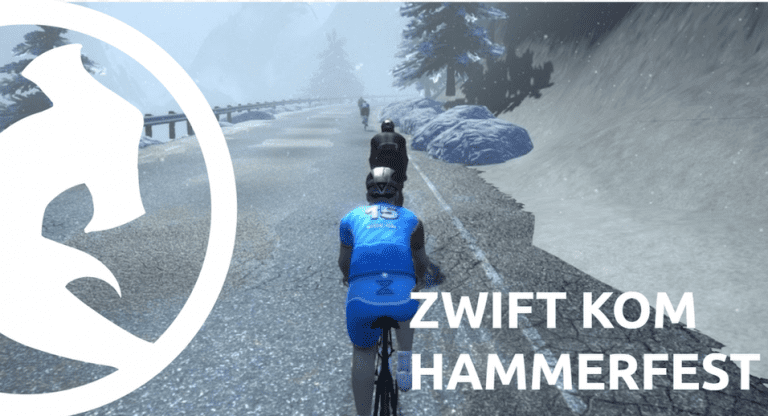
Zwifter Trapper Markelz of Boston, MA is organizing a different kind of Zwift race this April–a multi-day stage race called Zwift KOM Hammerfest!

All you have to do is sign up, ride the selected segments during the time window and you’ll be added to the leaderboard. (To be clear: each stage is essentially a solo effort, since riders don’t all begin the race at the same time.) Strava will collect the times, and Trapper’s software will grab that information and automatically update the leaderboard.

Stages are as follows (check the race homepage for details/updates):

  • Stage 1 – Individual Time Trial – April 1st
    Richmond flat course, 3 laps. 9.3 miles.
  • Stage 2 – EPIC KOM Forward – April 2nd
    Category 2 climb 5.9 miles in length with 1,361 feet of climbing on an avg grade of 3.9%, maxing out at 10.7%. 
  • Stage 3 – EPIC KOM Reverse – April 3rd-4th
    You thought this climb was hard in Stage 2? Going up the reverse side gives you a shorter climb (3.8 miles) but a steeper grade (5.8% average).
  • Stage 4 – Sprint Climb Finish – April 5th
    Take the Prefer Hills route from the start. Ride the first original KOM, U-turn at the bridge at the bottom and ride the reverse KOM. 4.2 miles total.

Questions or comments? Join the conversation about this race in the Zwift Riders Facebook group.


Learn more and sign up here >


Watopia “The Pretzel” Route Details

Watopia “The Pretzel” Route Details

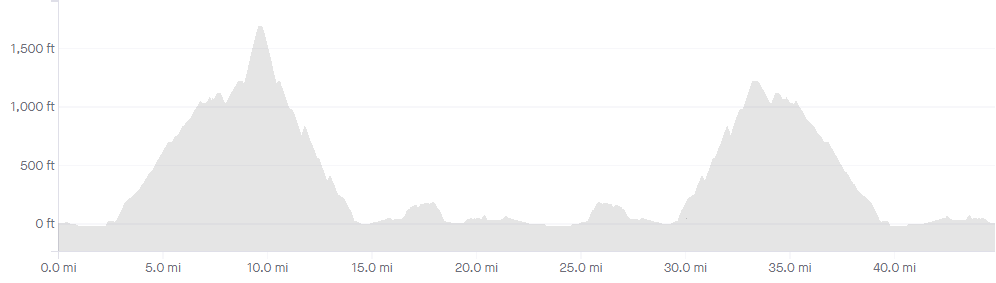
When this route was released it was the longest and most challenging on Zwift, covering all segments in Watopia at least twice. With new roads and routes added since its creation, The Pretzel is no longer the longest or toughest route. But it still packs a punch at 44.8 miles (72.1km) in length with 4,375′ (1333m) of elevation gain.

See upcoming events on The Pretzel route at ZwiftPower.com >

Route Description

The Pretzel begins at the popular downtown Watopia start/finish, and heads out Ocean Boulevard to take on the Epic KOM forward. Once you reach the top of the Epic KOM you’ll hang a left onto the horribly-named “bonus climb” – a steep, icy climb to the radio tower platform!

Then it’s a fast descent back to Watopia proper where you’ll hit the Hilly KOM reverse, loop around through the start/finish banner, onto the Esses then a loop around Ocean Boulevard to the Hilly KOM forward.

Next we head past the fishing village again, but turn right at the wind turbines to head up the Epic KOM reverse. Hit the final climb hard then descend back to Ocean Boulevard for a quick trip through the fishing village, the Italian Villas, and over the Esses to the downtown start/finish. You did it!

Route details:
Distance: 72.2km (44.9 miles)
Elevation Gain: 1,333m (4,375′)
Strava Forward Segment (from start banner) Strava Reverse Segment


Watopia “Mountain 8” Route Details

The “Mountain 8” route on Watopia similar in distance to “Figure 8“, but with substantially more climbing since it takes you over the reverse Epic KOM and up the radio tower climb. The strongest riders can complete this route in under an hour, but mere mortals will need 75 minutes or more.

Route Description

Beginning at the downtown Watopia start/finish, we head out Ocean Boulevard and hang a left at the windmills toward the docked planes and the start of the route’s big climb: the reverse Epic KOM.

Helpful note: before you destroy yourself chasing a Strava PR on the reverse Epic KOM, be warned: this route turns you onto the radio tower “bonus climb” before the Epic KOM banner, so your ride won’t match up with the Strava segment!

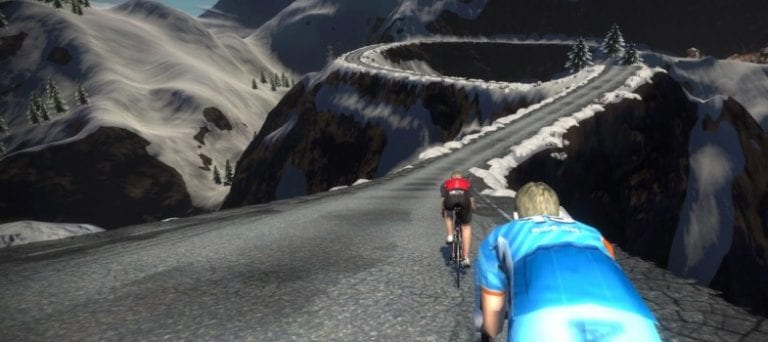
Near the top of the Epic KOM you’ll turn right to hit the bonus climb, which feels nothing like a bonus – more like a punishment! This is the steepest climb in Watopia, and you’ll need all the w/kg you can muster to work your way to the top.

Once you’ve arrived at the radio tower enjoy the view at the top, then bomb down the hill and through the Epic KOM banner to begin your descent long descent back to sea level. Soon enough you’ll find yourself back on Ocean Boulevard, riding through the Fishing Village. Almost done!

An easy snaking climb onto the main Watopian loop takes you through the Italian Villas and over the forward sprint segment, then it’s The Esses and a quick descent into downtown Watopia for the finish. Nice work!

Route details:
Distance: 32km (19.9 miles)
Elevation Gain: 677m (2,221′)

Strava Forward Segment from Start BannerStrava Forward Segment from Start PierStrava Reverse Segment

Epic KOM segment details for new Zwift Watopia mountain route

Epic KOM segment details for new Zwift Watopia mountain route

Epic KOM Forward

Distance: 5.9 miles (9.5km)
Elevation Gain: 1361′ (414m)
Avg Grade: 3.9%
Max Grade: 10.7%
Strava Segment

Epic KOM Reverse

Distance: 3.8 miles (6.1km)
Elevation Gain: 1303′ (397m)
Avg Grade: 5.9%
Max Grade: 12.2%
Strava Segment


Watopia mountain route released

0

Watopia mountain route released

Zwift has just pushed out update 1.0.10735, which includes the Watopia Mountain Route!

While the Richmond course was scheduled for Thursday and Friday, riders are currently being taken to Watopia automatically.

Climb on!


Nathan Guerra likes it!
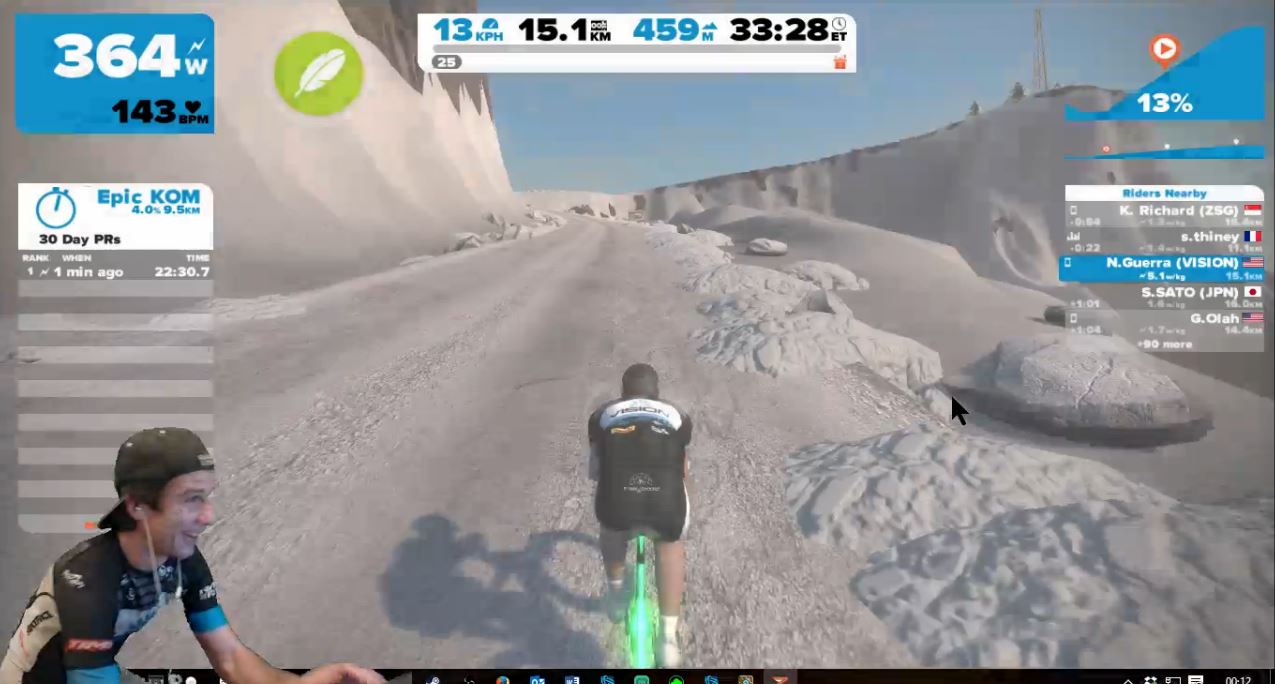
13% grade if you turn left after the Epic KOM!

More Watopia mountain route teaser shots

More Watopia mountain route teaser shots

Courtesy of Zwift CEO Eric Min’s recent test ride posted to Strava. According to Eric the route is “Epic and nearly ready!”


How to Unlock the Tron bike in Zwift

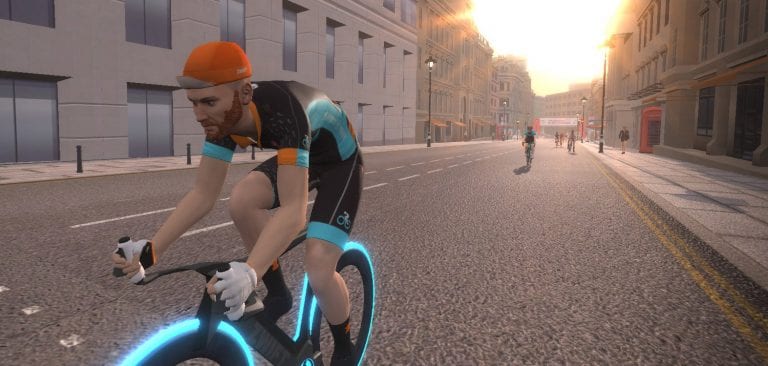
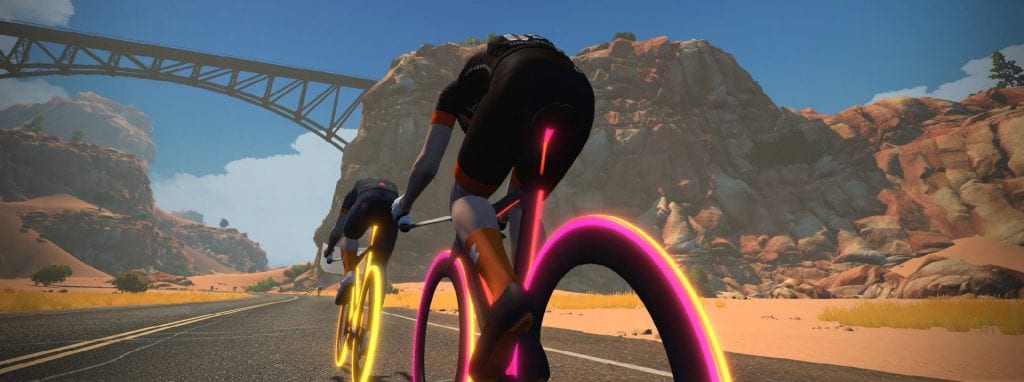
The Tron bike (named the “Zwift Concept Z1” in game) is definitely the coolest ride in Zwift (and one of the fastest). How do you get it? Three simple (but not easy) steps:

  1. Select the “Climb Mt. Everest” challenge in Zwift, and start climbing. You elevation will accumulate over many rides, and you can always click to check your progress.
  2. At the top of Mt Everest (8,848m / 29,028′) keep going!
  3. Climb 41,152 additional meters (135,014′) and you will unlock the coveted “Concept Z1” (aka “the Tron bike”).

That’s right: it takes a total of 50,000 meters (164,042′) of climbing to earn the Tron bike.

Once you’ve unlocked your Tron, see if you can dial in the multicolored light scheme >

Run Zwift with minimal distractions using this simple hack

10

Run Zwift with minimal distractions using this simple hack

Update: this hack is no longer needed, as Zwift has added “Hide the Display” mode in April 2021. Read all about how it works >

To run Zwift with minimal on-screen “heads up display” elements, add this line to the <config> section of your Zwift preferences file located at Documents/Zwift/prefs.xml:

<MINIMAL_UI>1</MINIMAL_UI>

This turns off the rider list, leaderboards, speed/rider timer, and more. Here’s a screenshot of the result:

Zwift running with minimal interface elements

Here is my prefs.xml file with the line added. If you’ve never edited an XML file before, it is as easy as opening the file in a text editor (Notepad works great on a PC), editing the file and saving your changes. Saving a backup copy of the original file is always a good idea!

<ZWIFT>
 <DEVICES>
     <LASTCADENCEDEVICE>720996</LASTCADENCEDEVICE>
     <LASTPOWERDEVICE>720996</LASTPOWERDEVICE>
     <CTF>12543</CTF>
     <LASTHRMDEVICE>7891038</LASTHRMDEVICE>
     <LASTSPEEDDEVICE>9716</LASTSPEEDDEVICE>
     <LASTTRAINERDEVICE>2837993477</LASTTRAINERDEVICE>
 </DEVICES>
 <CONFIG>
     <MINIMAL_UI>1</MINIMAL_UI>
     <RICHMOND_BRANCH_PREFERENCE>0</RICHMOND_BRANCH_PREFERENCE>
     <BRANCH_PREFERENCE>3</BRANCH_PREFERENCE>
     <BATTPREFS>20</BATTPREFS>
     <PREFERRED_MONITOR>2147516416</PREFERRED_MONITOR>
     <TRAINER_EFFECT>0.5</TRAINER_EFFECT>
     <IMGPREFS>0</IMGPREFS>
     <USER_RESOLUTION_PREF>1920x1080</USER_RESOLUTION_PREF>
     <AMBIENT_VOL>0</AMBIENT_VOL>
     <SFX_VOL>0</SFX_VOL>
 </CONFIG>
 <WORKOUTS>
     <LAST_WORKOUT>4035902721</LAST_WORKOUT>
     <EDIT_IN_WATTS>1</EDIT_IN_WATTS>
     <USE_ERG>1</USE_ERG>
 </WORKOUTS>
</ZWIFT>