

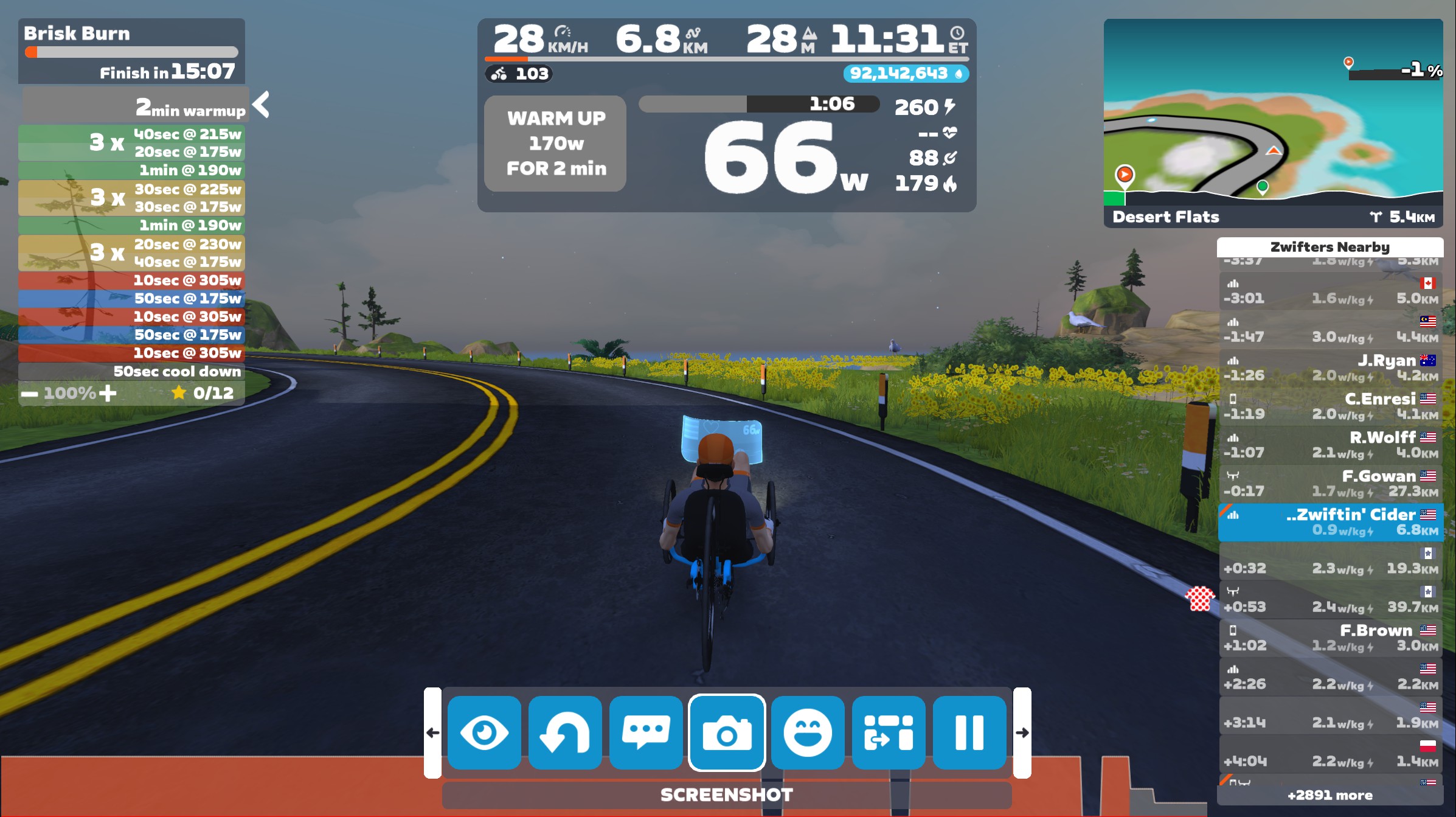
Zwift version 1.114 begins its phased rollout today. The update adds a new recumbent trike to everyone’s garage, plus three configurable fields to show split/interval averages. See details below…
New Zwift Recumbent Trike
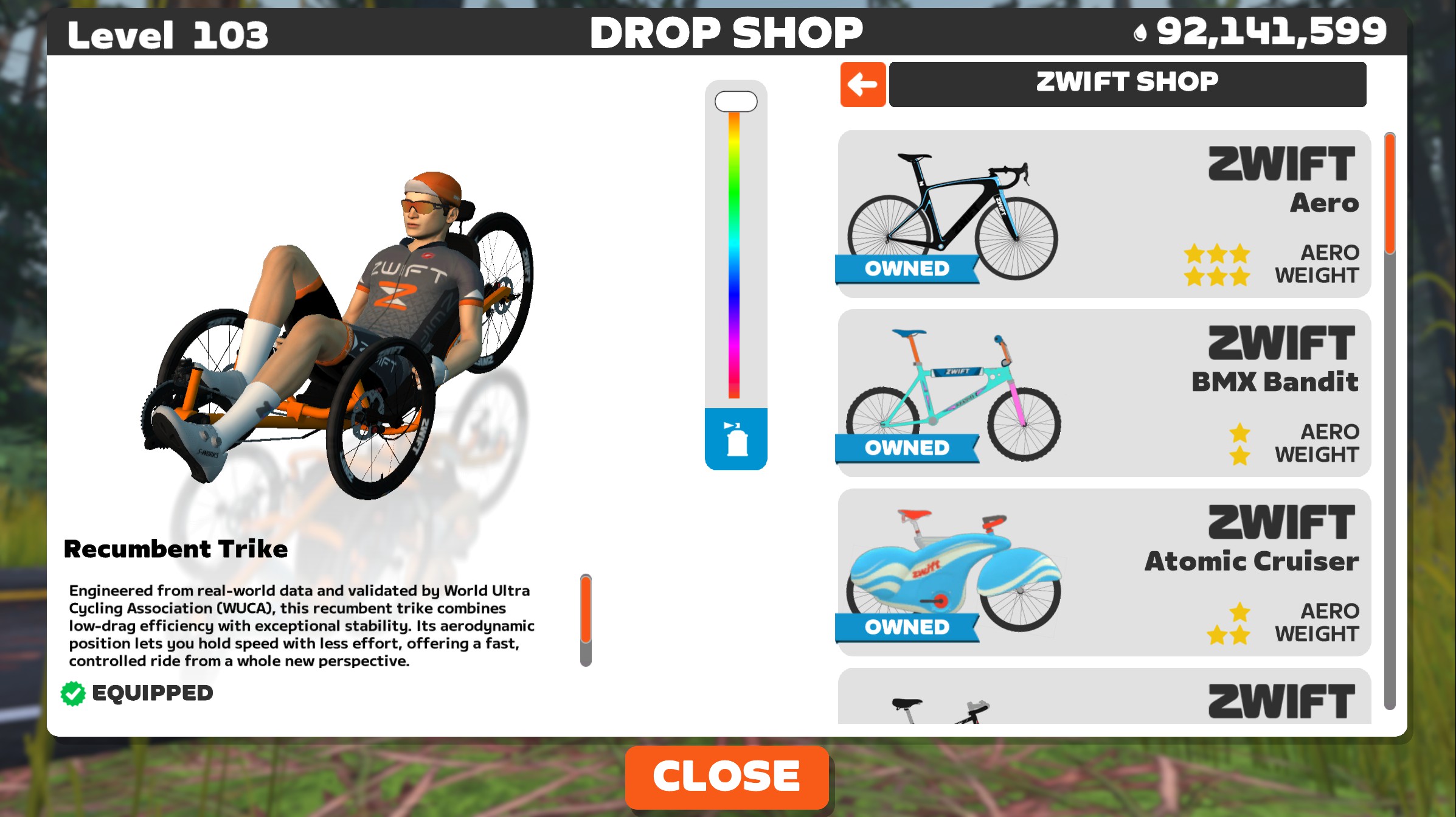
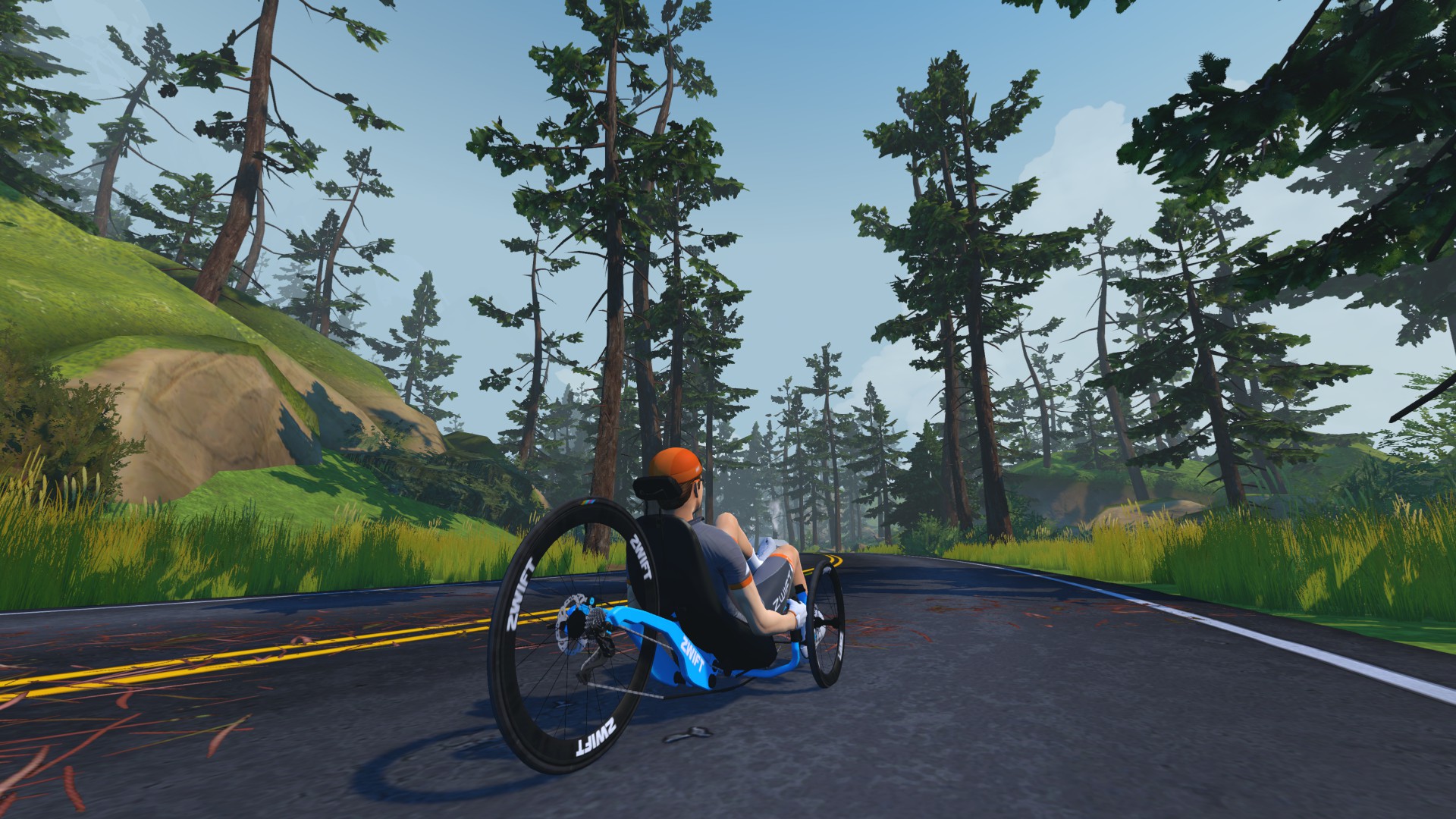
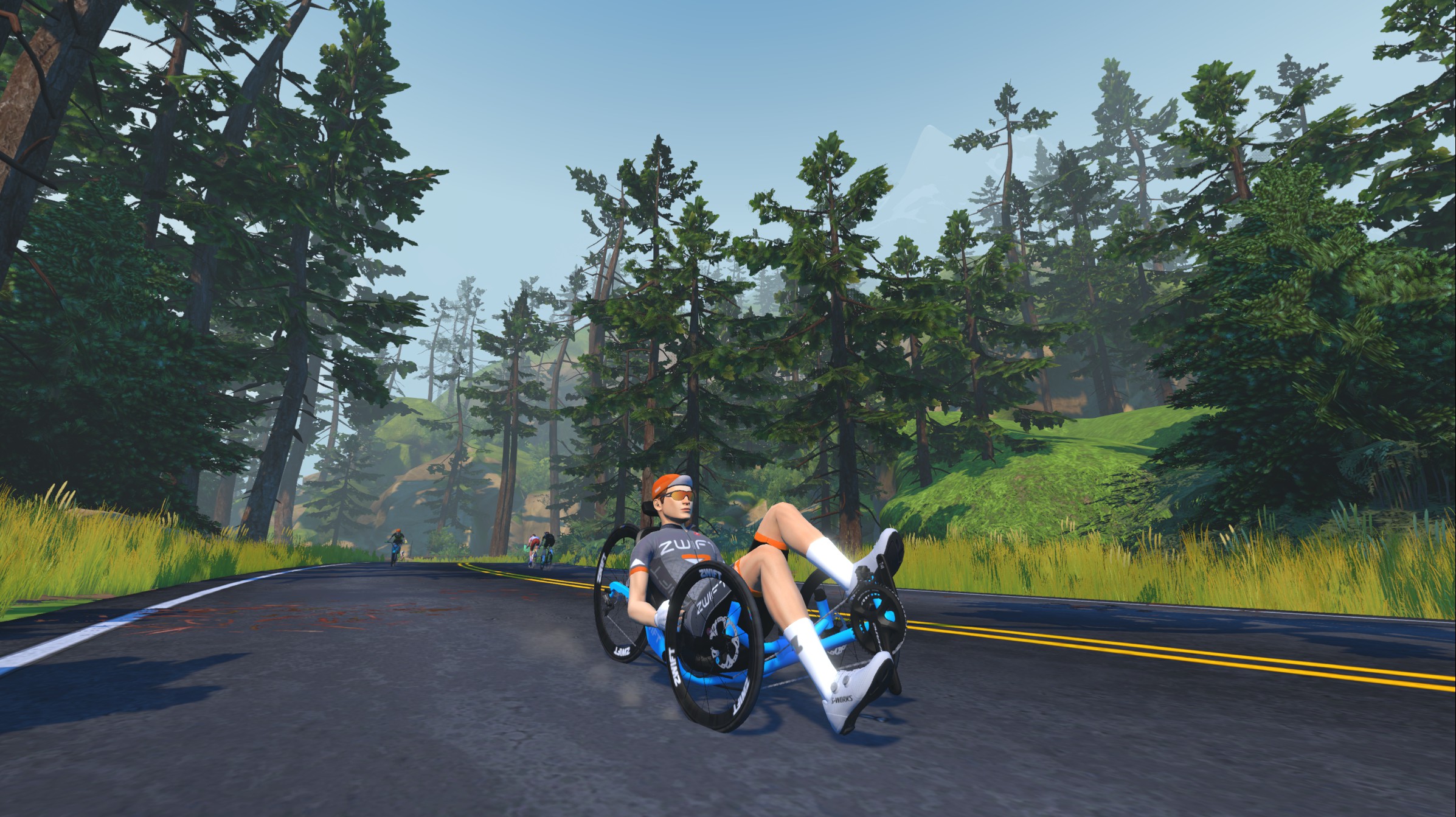
Zwift says: “A new Zwift Recumbent Trike is available in everyone’s Garage. Engineered from real-world data and validated by World Ultra Cycling Association (WUCA), this recumbent trike combines low-drag efficiency with exceptional stability. Its aerodynamic position lets you hold speed with less effort, offering a fast, controlled ride from a whole new perspective.”
The trike is rated 1 star for weight and 4 stars for aero, just like Zwift’s Handcycle. It’s actually less aero than the Handcycle, but lighter weight. We’ll publish a complete post on its performance soon.
Split Average Power/Cadence/HR Added To HUD
The previous update added customizable fields to the workout HUD, but Zwifters were requesting the ability to see averages for the current interval instead of averages across the entire workout.
Today’s update brings that capability to the game, with split average power, heart rate, and cadence now available as HUD fields. These show your averages for your current split when not in a workout or the current interval when in a structured workout.
Configure these fields by going to Settings>HUD and selecting “Workouts” at the top. This lets you modify the setup for the HUD that only shows during structured workouts:
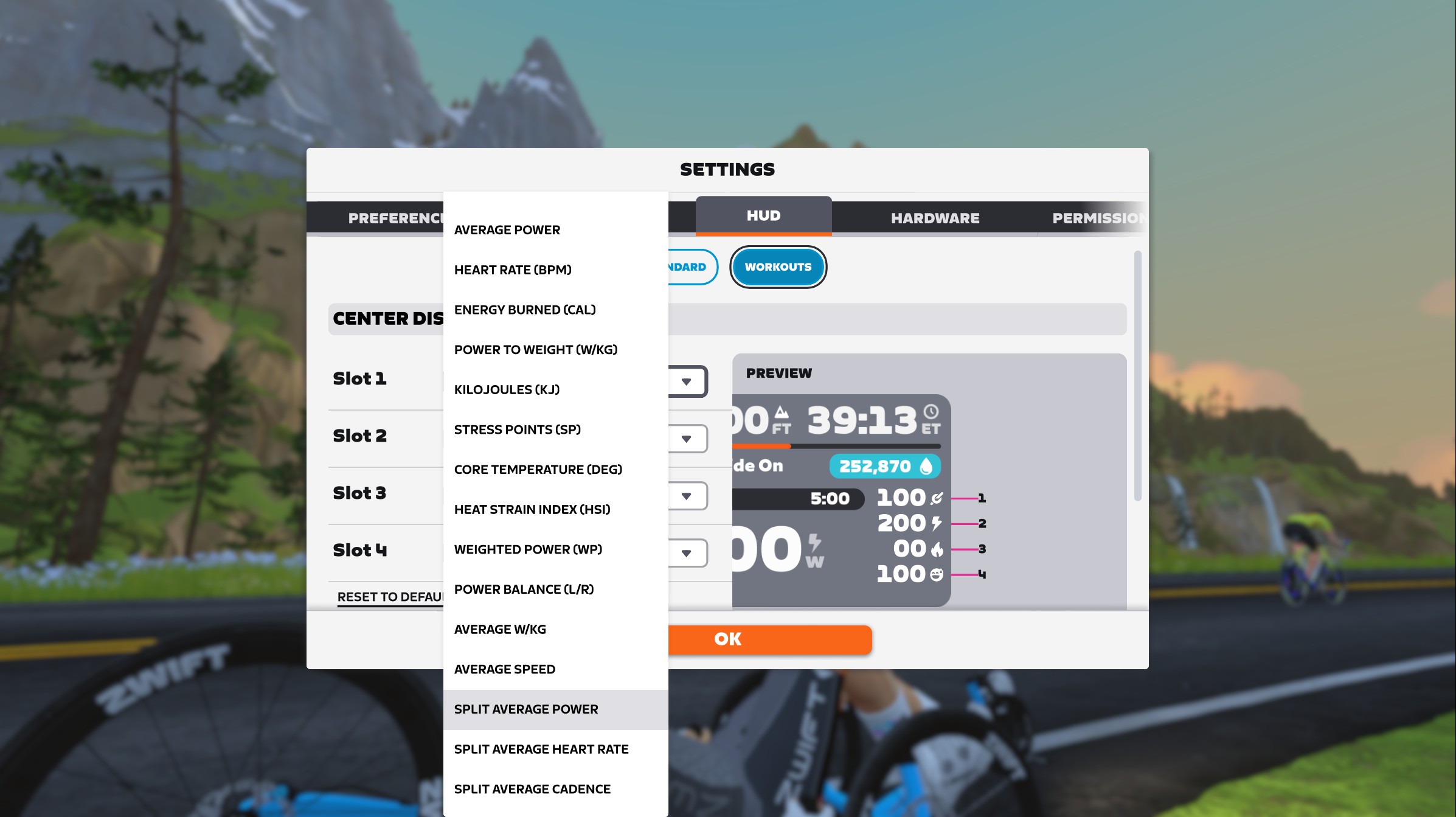
There are now 16 available HUD metrics:
- Cadence (RPM)
- Average Power
- Heart Rate (BPM)
- Energy Burned (CAL)
- Power to Weight (W/kg)
- Kilojoules (KJ)
- Stress Points (SP)
- Core Temperature (Deg)
- Heat Stress Index (HSI)
- Weighted Power (WP)
- Power Balance (L/R)
- Average W/kg
- Average Speed
- Split Average Power
- Split Average Heart Rate
- Split Average Cadence
If you do choose to display a split average in your HUD, be aware that there is nothing in the UI that makes it clear these are split averages vs full-ride averages. We recommend showing only split averages or full ride averages, but not both, since the fields look the same.
Release Notes
Zwift supplied the following additional release notes (our added notes are in italics):
- Fixed an issue that could potentially cause Zwifters to lose bike upgrade progress after teleporting.
- Fixed an issue that could potentially cause workout text to overflow the HUD in French, Italian, and Spanish languages.
- Fixed an issue that could cause workout cadence goals to disappear while a workout was paused.
- Fixed an issue that could cause the 3rd-person camera view to zoom in after switching bike frames.
- Fixed an issue that could cause the 3rd-person camera to zoom in when equipping the handcycle.
- Fixed an issue that could cause Coffee Stops to not be available in private meetups with the “Keep everyone together” setting enabled.
- Fixed an issue that could cause the crankset to be invisible on the Specialized Tarmac SL8 frame.
Discuss this update in Zwift’s forum >
Questions or Comments?
If you spotted any other changes or bugs in the update, please comment below!


First! Really wish Zwift would add W’Bal to the HUD, it’d be great for racing. Maybe Eric can convince them to do so 🙂
That was the main perk of Sauce for me, so it would be awesome to have that integrated.
I’d love to see that. My guess is it hasn’t happened since Zwift would also need to add a field for riders to enter their W’.
Does this one also count towards the 18 new frames we are supposely getting this year ?
What we got so far … 5 gravel frames, 3 Van Rysels and now this one.
So 9 more to come right ?
Hoping for a Cannondale TT bike.. SuperSlice although it’s certainly not new.
Edit: Lab71 edition would be, fingers crossed
Likely; and ~4 of the new ones will be Giant/Liv bikes that I’m aware of also to come in a month or two prior to TDF.
Eric – I’ve confirmed with Zwift that this release also fixes the bug that broke resistance changes when doing workouts in INCLINE mode. Hopefully Zwift will be updating release notes.
This was a very annoying bug from 1.113.0 and am glad that they’re saying it’s fixed. Haven’t gotten my update yet so fingers crossed!
Looks like the 3 new routebadges for gravelmountain are gone?
I still have the one I got from the broken stage on the gravel mountain.
The run routebadge on Gravel Mountain “Red rock run” is also removed
Yeah, that’s crazy, they removed the other ones. They are giving up on gravel mountain completely then? That’s just sad and embarassing. Now that they have rouvy no money to spend and no need to spend money?
I got the “Red rock loop” badge with the 1.114 update this sunday
There are two other red rock loop badges that were removed, i think it was reverse and arcade.
I know there are two other. But all three “red rock” (gravel mountain) badges were removed from the “Just watch” badgelist when I checked the 1.114 update. But I still got one this weekend, with the 1.114 update 🙂 that was surprising
My princeton wheels purchased have disappeared after this update. What kind of trashy update is this?
By Zwift standards, a normal one!
Which wheels?
Princeton wake 6560 wheels. Those red ones. I had purchased them just before you posted the article stating we can get them by doing 2 workouts from zwift camp. Since I had purchased them using drops, I didn’t do those workouts. Now after the update, wheels have disappeared from garage and drops aren’t refunded either. This is nuts
Hi Ketan – I just checked with a buddy who had these wheels, and they’re still in his garage on v114. So this isn’t a problem everyone is having, apparently. If you can’t find them, I’d reach out to Zwift support!
Ok. Thanks. I have mailed them from the registered email id. Let’s see 🤞
i still have the red ones in my garage also.
At long last I can ride a tadpole recumbent trike like I have to in the outdoors.
Next on my wish list is a disability symbol or clothing to wear on Zwift.
Like a sunflower for invisible disabilities.
OK, the recumbent is a complete slug to ride, it gets hardly any draft, and my biggest gripe is it needs to lift a wheel when cornering at speed. im sure zwift employess who made this have never ridden one. the animation of your rider needs to move his arms when (tank) steering, but i guess they’ve just locked it to the static frame handles. it would be cool to drop a HPV aero fairing on it *none of that horrid UK or US rubbish seriously you guys have to look at what the aussies are doing! an Aussie HPV aero trumptrike/elite shell, so you can comfortably sit on 40mph on the flats.
Since last update I can no longer log into Zwift, will not accept my password
Have I missed the speedtest for the Recumbent frame or are they still in the pipeline ?