

Zwift rolled out “Hide the Display Mode” in its April 2021 release, allowing Zwifters to hide all on-screen heads up display (HUD) elements for a more immersive and uncluttered viewing experience.
Using the setting is quite easy on any Zwift device. Here’s a quick video showing how to toggle it on and off:
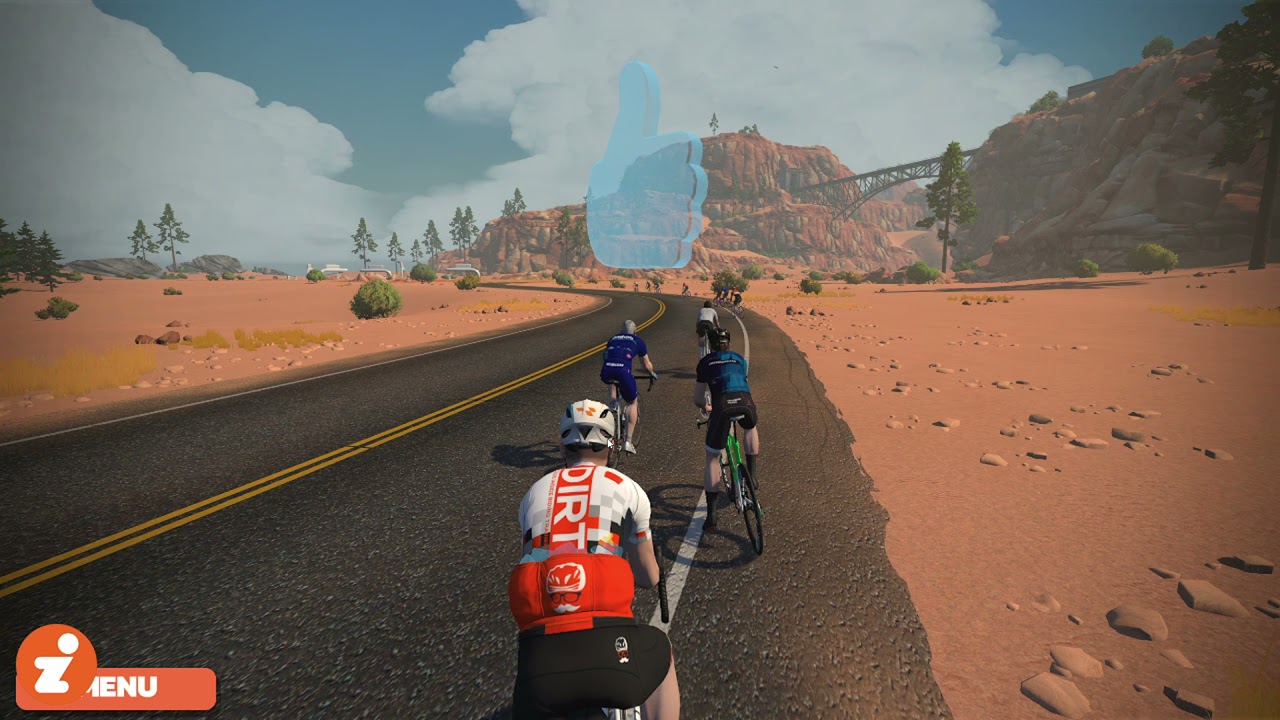
The “H” keyboard shortcut turns your HUD off and on. If you’re on iOS, AppleTV, or Android, though, you’ll need to swipe up from the bottom center of your screen to pull up the game’s actions menu, then click the button that looks like two overlapping boxes.
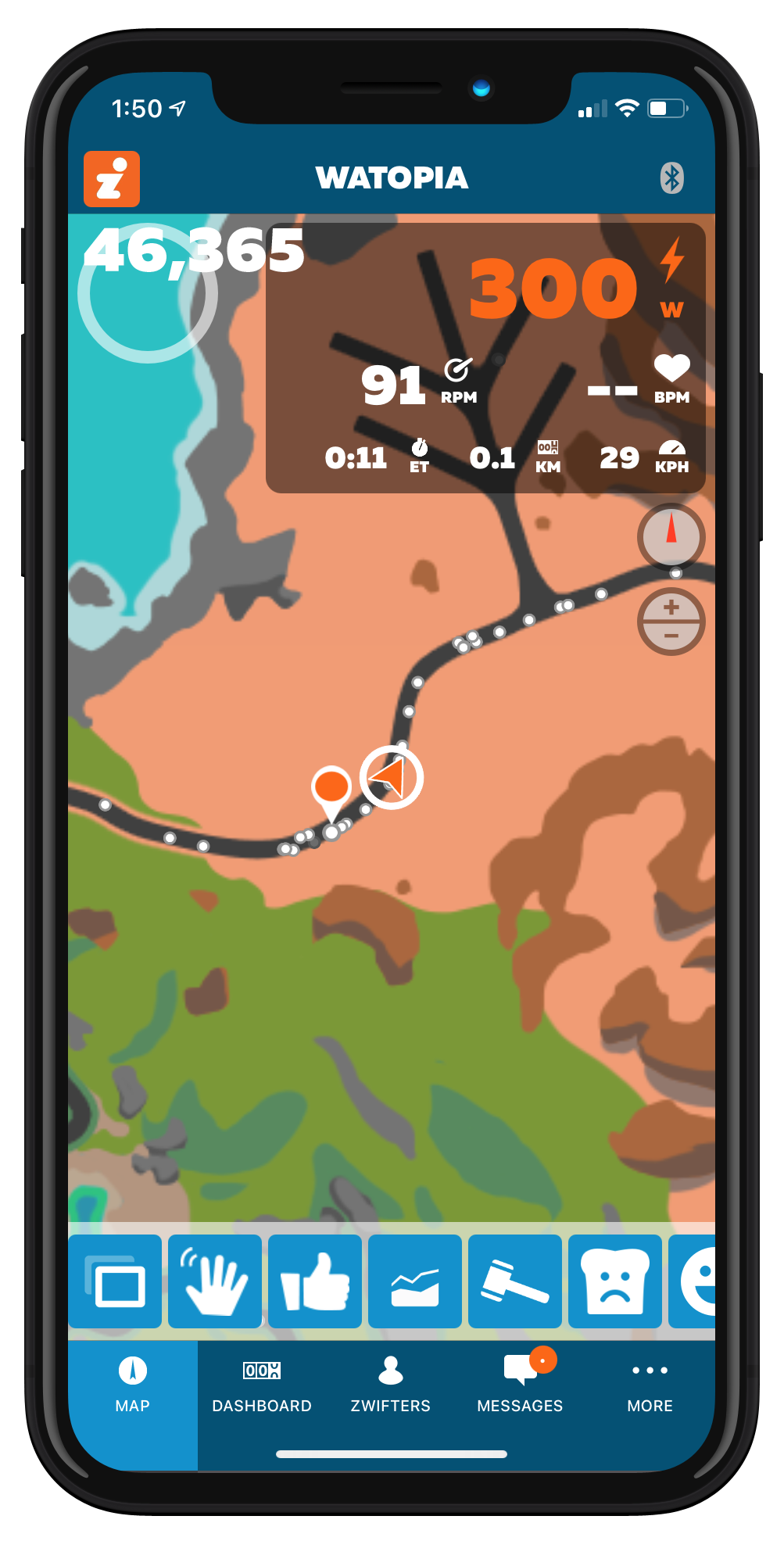
This same button is also available in the Companion app, so you can use your phone to toggle the HUD off and on if you wish.
“No HUD” Events
Event organizers are holding some “No HUD” events where participants are forced into No HUD mode (see these events on ZwiftHacks).
This offers a new twist on racing for sure! Think about how your racing experience might change if you didn’t have:
- The nearby riders list
- Your own numbers at the top-left
- Overall distance (or distance to go)
- Visible powerups
- The minimap
If you aren’t very knowledgeable about the course you’re racing, the absence of these elements can negatively impact your results, for sure.
Companion to the Rescue
Luckily, we still have the Companion app. Your Zwifting device may be in HUDless mode, but you can still see most of the key info on your phone via Companion, as well as activating powerups. In No HUD races, having Companion running will give you a competitive advantage.
Clean Shots Bonus?
Next-level Zwifters know how to take killer photos in-game. And while it would seem that No HUD mode might help us take better pics, it doesn’t really change anything in its current implementation.
Why? Because PC/Mac users already get two shots saved with each snapshot (a clean one and one with HUD elements). And oddly, iOS and other users will get HUD elements in their shots whether they’re running in No HUD mode or not. (We assume this is a bug. Let us know below if you experience anything different.)
Questions or Comments?
Post below!

