Simon, Shane and Nathan convene to discuss all the latest on Zwift.
Shane and Nathan give us a readout on the mood music coming from the big Zwift Week staff convention in Long Beach, then the Zwiftcasters move on to discuss the eagerly-awaited new feature for Group Rides which is being called The Fence. Is this farewell to flyers?
Next the podcasters move on to discuss the usefulness, or otherwise, of videos posted on YouTube giving encyclopaedic guides for how to cheat on Zwift. A cheats’ charter, or a useful contribution to the discussion around an increasingly important issue, as e-sports gets bigger and bigger?
Finally the trio move on to give their verdicts on the KISS SuperLeague as the men’s competition wraps up and the women’s contest enters its final stages. What have we learned? What could be improved?
Zwift has released the details for Tour of Watopia, and the most exciting part (for us, anyway) is the new game features which the Tour will show off. First, we have new event options (see notes under stages below) which will surely be used in other events moving forward. These allow events to be run at night, to always give out helpful powerups, to be run as a TT race, etc.
Most exciting of all is the new “Tempus Fugit” flat route which will be unveiled on (or before) May 6th. This appears to be the much-anticipated Watopia flat expansion.
We’ll be publishing more about these new features as information becomes available. For now, here’s what we know about the upcoming Tour of Watopia.
This stage appears to be using a new Zwift feature which allows events to run at a particular time of day for all participants. “Night mode” will have us all riding the Jungle in the dark. Bring your flashlights! Or ride your flashlights, as everyone will be on a the Tron bike for this stage.
This stage appears to be using a new Zwift feature which allows events to hand out only helpful powerups (probably the aero helmet, van, and feather) at each arch.
By the looks of it, Stage 5 will have us riding on the much-anticipated Watopia expansion. Here’s what the event page says:
We have a surprise for you in Stage 5.
We’re bringing a whole new climate to Zwift. A little bit of California here. A little bit of Arizona there. Some Utah. And a dash of Colorado. Shake well and serve. We can’t wait for you to ride it. Remember to stay hydrated and keep the dust out of your eyes.
Finish this stage to unlock the 2019 Tour of Watopia kit.
The new route appears quite flat–flatter than any other route on Zwift, in fact. Perfect for a TT course! Tempus Fugit is Latin for “Time Flies” so our guess is this is exactly what Zwift has in mind. This stage looks like it will be run in double draft mode.
This stage appears to be using a new “Against the Clock” event mode for TT’s. We’re not sure what this will look like exactly, but it looks like new features for TT races are being rolled out so that’s exciting.
Our final stage is up Alpe du Zwift. This one’s gonna hurt!
Zwift may have something new up their sleeve for this stage, too–the event description includes this: “P.S. Keep a finger on the camera button—a snowy friend of ours is wandering the mountain. Be sure to catch him!”
Will a Yeti be joining us on our voyage up the Alpe? We’ll know soon enough!
Each stage has an A or B group to join. B is for women only, while A is for anyone. Both groups will ride the same distance.
Makeup Dates
If you miss one or more stages, makeups events for stages 1-4 will be held on April 29-May 5th.
Additionally, makeup events for ALL stages will be held May 27-June 2nd.
Prizes/Unlocks
Completing 5 stages unlocks the Tour of Watopia kit (see below). Your kit will arrive in your garage after the make-up weekend finishes (after April 29).
Complete all 7 stages and you’ll unlock a Tour of Watopia paint job for your Zwift Aero bike.
Cycling vs Triathlon Bike Training (Zwift PowerUp Tri Podcast #3)
It’s a crossover episode!
Greg Henderson of the Power Up Cycling podcast visits Matt and Jordan to talk training differences between cycling and triathlon.
A cycling perspective can help triathletes tackle typical weaknesses on the bike.
About the Podcast:
The Zwift PowerUp Tri Podcast is hosted by former pro triathletes Matt Lieto and Jordan Rapp, lending their in-depth knowledge of the multisport to the Zwift Tri audience.
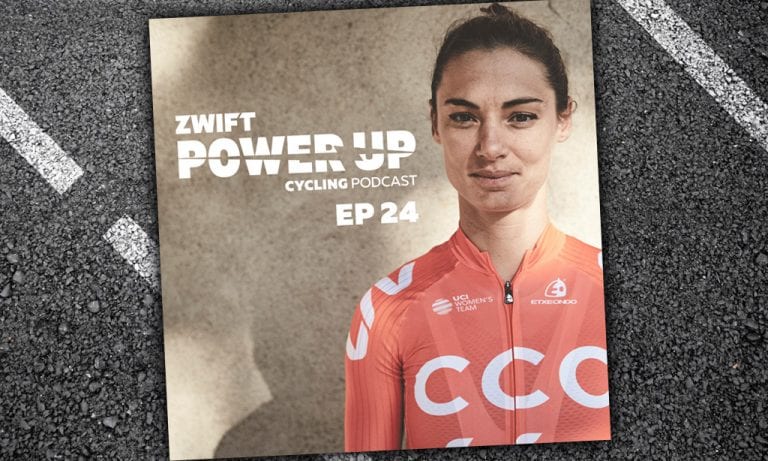
Power Up Training Camp (Zwift PowerUp Cycling Podcast #24)
The coaches dive into season prep—from training camps to the benefits of double days. They also recap their very own Power Up Training Camp in Banyoles, Spain, where six lucky Zwifters joined the coaches of Rocacorba Cycling to get in tip-top shape for their upcoming seasons.
Finally, co-owner of Rocacorba Cycling and professional cyclist Ashleigh Moolman Pasio offers insight into the world of women’s pro cycling.
The Vegan Cyclist attended the KISS Super League event in New York City, and asked some of the riders and attendees just how serious Zwift racing is to them. He also offers his own view on Zwift racing. A fun watch!
You can have great power in your legs, but only one can win a race. Even for some of the strongest Zwifters, the top step of the podium isn’t something they experience every day. Cameron Jeffers had to wait a while for his first win. Was the feeling worth the wait?
We’ve published quite a few equipment tests on Zwift Insider after the new Drop Shop opened. CyclingHub tested Zwift’s wheelsets as well. Check out this video for an extra load of information.
Keira’s first ever Zwift race, an update from the KISS Super League, discussion with Greg Leo, and what’s this… no more carrying powerups into the start pens?!
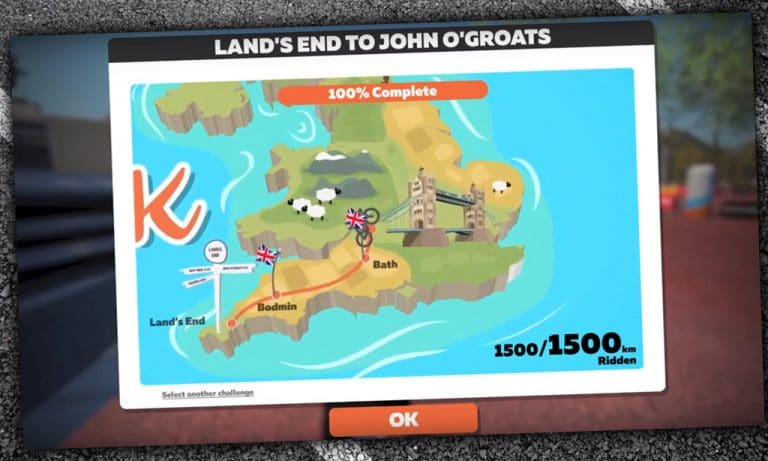
Today I stumbled upon a post from one Will Carey in Zwift Riders which simply said “I’m planning this ride IRL in the summer” … and included this video:
My first thought was: hurray! Zwift has finally created another challenge! This is something veteran Zwifters have requested for years, since we’ve knocked out the three existing challenges (Tour Italy , Ride California. and Climb Mt. Everest) a long time ago. These longer challenges provide wonderful carrots to encourage longer, harder, and more frequent efforts.
And this challenge made sense: Zwift already has the London course, with a rumored Yorkshire UCI Worlds course possibly coming this year. A LEJOG challenge (riding the length of Great Britain) seems smart!
But then reality set in. I noticed the challenge progress meter read “100% complete.” Plus Will’s Facebook profile said he was a graphic designer–a creative guy! And there were no Zwift updates to download. But the video was so polished!?
So I reached out to Will and he confirmed the truth: an elaborate hoax! Here’s what he told me:
I was putting together a video for an upcoming ride this summer and I thought, why not do it in the style of Zwift?
Having said that, it’s quite frustrating to have not seen any new challenges in years, despite the fact that you can knock out the graphics for one in an afternoon!
They should add an around the world one; that would keep people quiet for a while.
I thoroughly agree, Will. Hey Zwift: give us more challenges!
He also shared a bit of detail on what it took to create this video:
It was difficult to match the art style of the previous challenges because the style is different on all three. This is a sort of hybrid.
It took about six hours to do but that included a couple of hours recreating assets that already exist in Zwift.
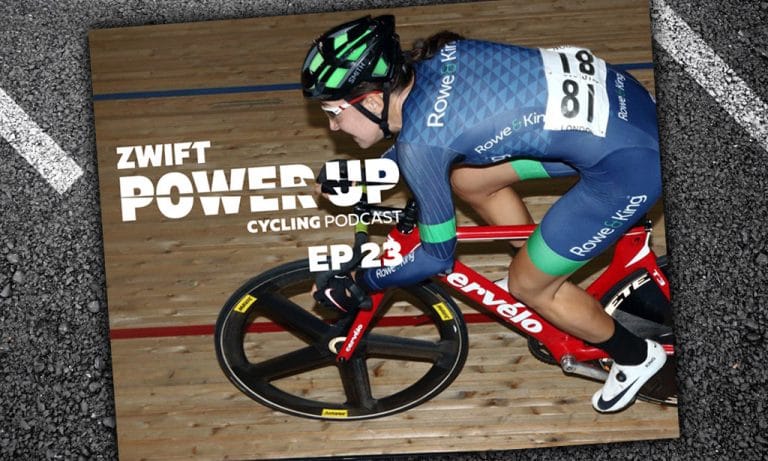
Track World Championships (Zwift PowerUp Cycling Podcast #23)
Greg Henderson and Dani Rowe (maiden name: King) have an impressive collection of Olympic, World, and Commonwealth gold medals between them on the track. In Episode 23, Greg and Dani review the recent World Track Champs and chat all things track cycling!
If you’ve been on Zwift since early days or visited any Zwifty forums you’ve no doubt come across something from Shane Miller, aka GPLama. His posts cover all things bike tech, but trend heavily towards indoor training. And while he is passionate and serious about what he does, he also maintains a sense of humor, responding to comments with a quick joke or perhaps a prancing lama gif.
From a casual cyclist to making a business out of cycling tech news and info and being one of the most followed Zwifters on the ZC app, Shane is an singular character to be sure. While spending this week in Long Beach at Zwift’s corporate “Zwift Week”, I sat down with him for a quick interview. Let’s dive in GPLama and learn about who his is, where he came from, and where he’s going.
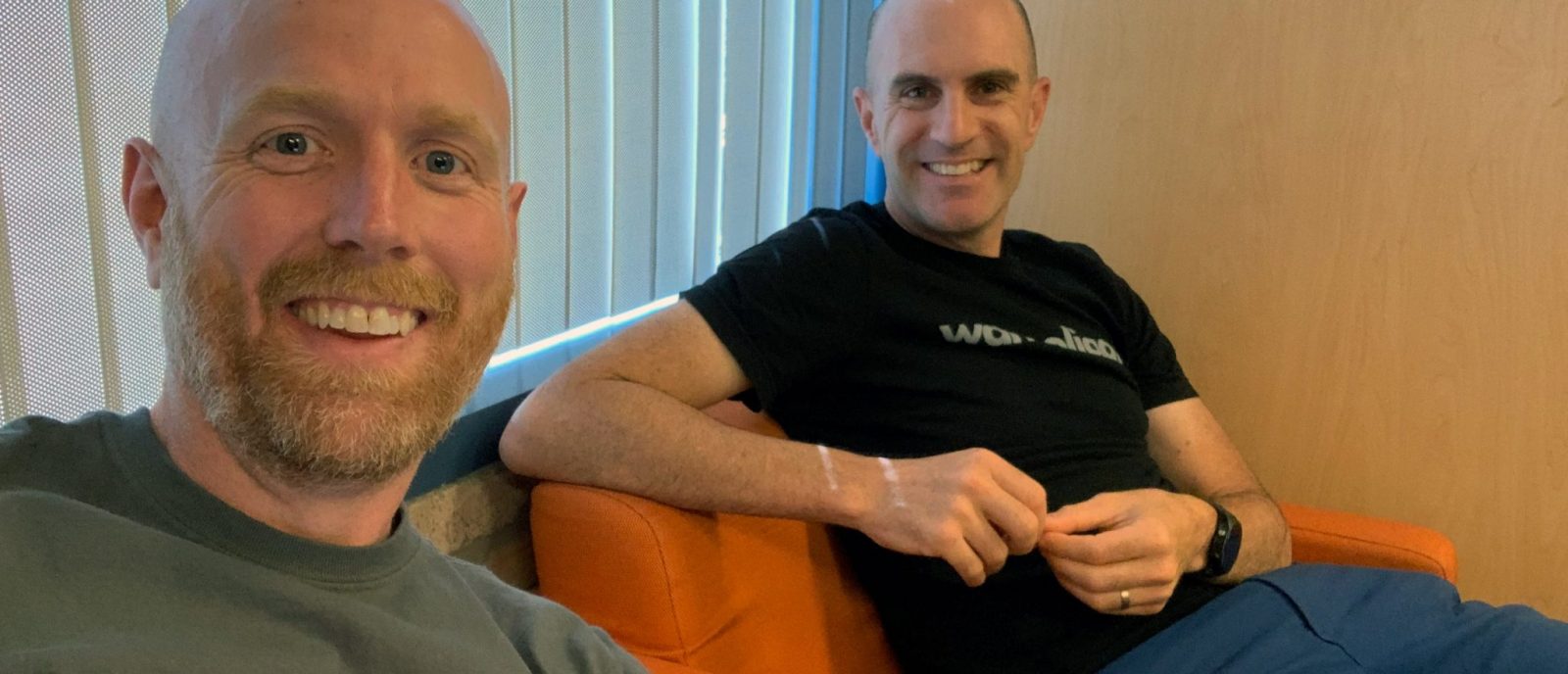
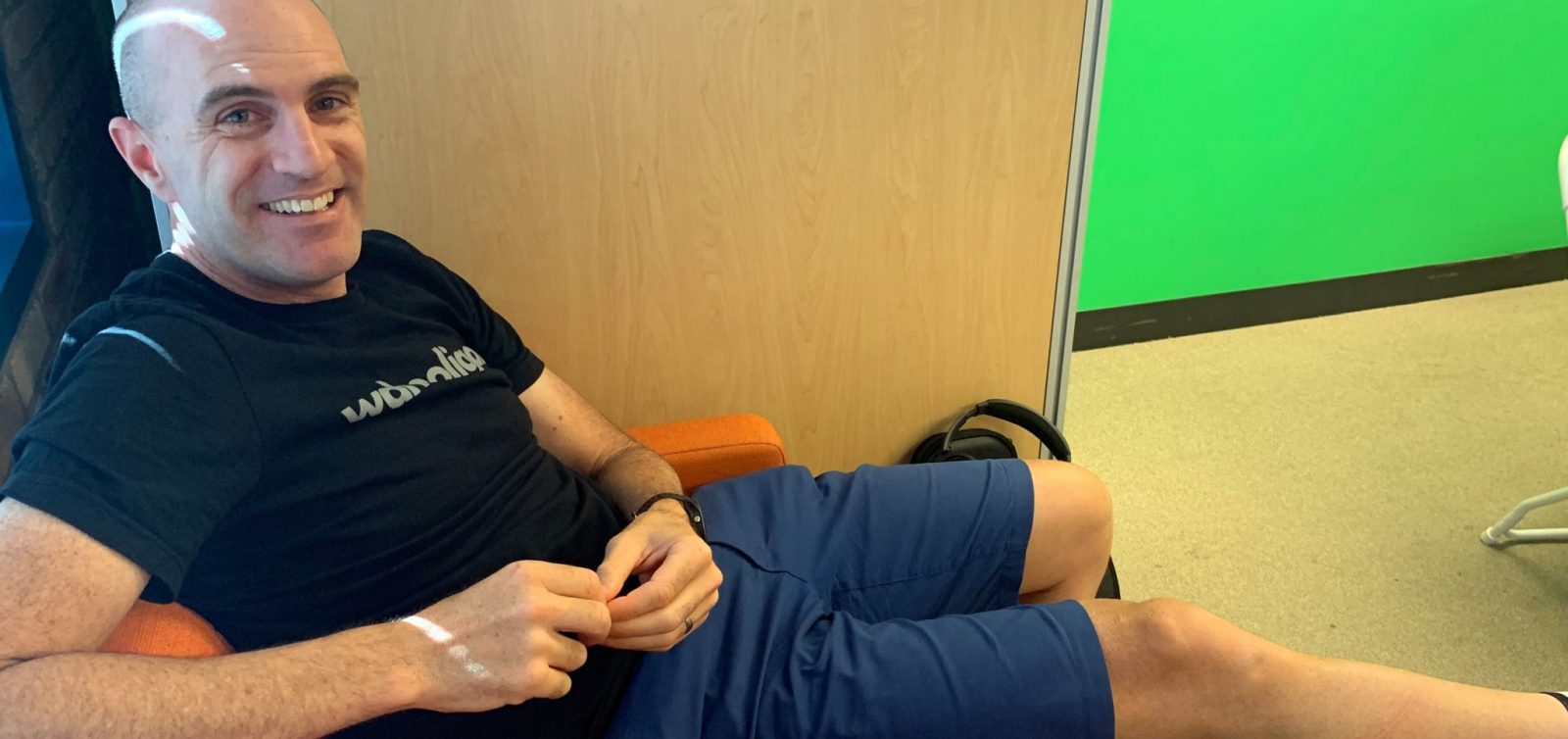
Me and Shane, hanging in Zwift’s lunch room
Where’d you come from?
My cycling history started later than most. Took up competitive cycling at 25, and like most people getting into cycling got addicted very quickly to cycling, riding in the hills, etc… which led to healthier eating, learning about training, etc. Quickly went from 85 kg to 69 kg in about 6 months, then took up competitive cycling not long after that.
I enjoyed a good 10 years of competitive cycling, from club races to national elite, but focused primarily on masters racing and the TT discipline where the combination of tech, power meters, training, and being in full control really matched my passion of using technology to push the limits.
After ticking all the boxes there and while I was thinking of retiring from competition, Zwift came along and reignited my love for bikes and tech. The motivation and inspiration you gather from the connected peloton of people all of the world really got me hooked on Zwift. When Zwift launched open beta in Melbourne in April 2014, it was with a 1 lap TT event of Watopia.
Given Shane’s familiarity with TT, he posted the fastest time and won the event in front of Zwift’s CEO Eric Min. This was when Zwift had 15 employees… very early days.
Racing in Melbourne, 2015
His obsession with tech and speed meant Shane always had a good collection of trainers and bike tech. As Zwift’s user base grew, Shane found himself answering questions on his blog and social media, helping people get going on Zwift. He really found his footing in video on YouTube due to its global reach.
Commonly referred to as Australia’s DC Rainmaker, Shane has found a good niche in user experience videos rather than commercial reviews. His regular videos involve things like the “Lama Lab Test” and his sheep patrol rides.
Just what is the Lama Lab Test?
It’s a protocol that has been developed over a couple years that tests the user experience of an indoor trainer. Important things like response time, feel, accuracy. It can be useful for weeding out trainers, older and newer ones, as well as power meters.
What are you up to now?
In the last 12-18 months, GPLama, my username, has become my business. I tell people now that I run a sports tech company. My product is videos, reviews, technical feedback to companies based on pre-production products. The public-facing stuff that people see is based on the final production units, but behind the scenes is the rest of the iceberg… product development feedback to companies, pre-release testing of units, and sports tech consulting.
The ethos of my channel is to share my passion and experience to use technology in new and better ways. Workout modes in Zwift, using trainers in certain ways, configuration options, etc. For me it’s really easy to share my experience on the bike, what I’m doing in the Lama Lab. I’m sharing what I’m doing on Zwift.
I hope what I’m doing is helping the industry move forward. At a basic level, what’s being sold and what’s written on the box isn’t always the experience people have when they’re at home and on the bike. The industry still has a long way to go in regards to providing polished, finished products in mass production and on time. That’s where I hope to move things forward, bring them to a better place. To boost consumer confidence that what you buy is what you’re gonna get.
Tell me some big goals for the next year
100k subscribers on YouTube. It’s a significant one and should happen in the next 12 months.
Being more integrated with the development of some products, knowing I’ve been a part of the development of those, is exciting.
I’m also looking to diversify my reliance on one single source (YouTube). Sharing content across other social platforms like Facebook, Twitter, and podcasts (Zwiftcast, and recently returned DC Rainmaker Podcast featuring GPLama). And hopefully centralizing that into one location on the web over at gplama.com. Also looking forward to collaboration with other content creators with the same goals and motivations: to help others have a better experience on the bike.
But like everyone I’m interested in the next trainer that’s coming out, the new iPhone, new integrations. The thousands of hours of data we’ve submitted to all these services, if we could use big data to deliver a bit of AI-powered training, a better experience on a bike, to find better routes to ride.
There’s always something new. So there’s no lack of content.
Tell me about your daily Zwift setup
I’m lucky enough to have a library of trainers, but for general riding or racing it’s a Wahoo Kickr 18 with the Climb on the front. I ride my thru-axle carbon Giant TCR 2019 on Zwift, which is also my outdoor bike.
Favorite route: Watopia Hilly. 9.2 ks, I could do it with my eyes closed.
Favorite bit of Watopian scenery: the secret loot boxes at the top of Alpe du Zwift. Are they really loot boxes?
Favorite bike: Buffalo with 808/disc combo
Virtual hair style choice: the wild man yeti look, because I finally get to feel the wind in my hair on a bike.
Favorite kit: Aussie Hump Day Ride, no question
Longest ride on Zwift: 416km
Favorite workout: The Lama Lab Test
One Zwift feature you’d like to have: steering. It would open up a whole new world of experience.
Most inspirational Zwifter: Nathan Guerra, the amount of k’s Nathan was putting in and streaming in the early days, for his professional MTB training.
Most memorable race on Zwift: CVR in Vegas in 2017, which I believe is still one of the best esports events in terms of production value to date.
Closing Comments?
There’s no secrete sauce to what I do. You can walk into any shop and buy the cameras and software I use. I’m a self-taught video guy who has learned by example from others in this space to create content, raise my standards, and reach out to other content creators to get questions answered.
To be able to do that from anywhere in the world is pretty great. It just shows me that we are truly a digital, globally-connected peloton.
Eating Disorders in Endurance Sports (Zwift PowerUp Tri Podcast #2)
In this episode, 2016 Ironman 70.3 World Champion Holly Lawrence joins Matt and Jordan to talk training, racing, life, injury, dietary habits, doping accusations, and everything in between. Episode 2’s key topic dives into nutrition, from carbo-loading with sweets to whether leaner is better in the world of tri.
About the Podcast:
The Zwift PowerUp Tri Podcast is hosted by former pro triathletes Matt Lieto and Jordan Rapp, lending their in-depth knowledge of the multisport to the Zwift Tri audience.
What event or ride did you train for and feel that you conquered specifically because of the training done on Zwift?
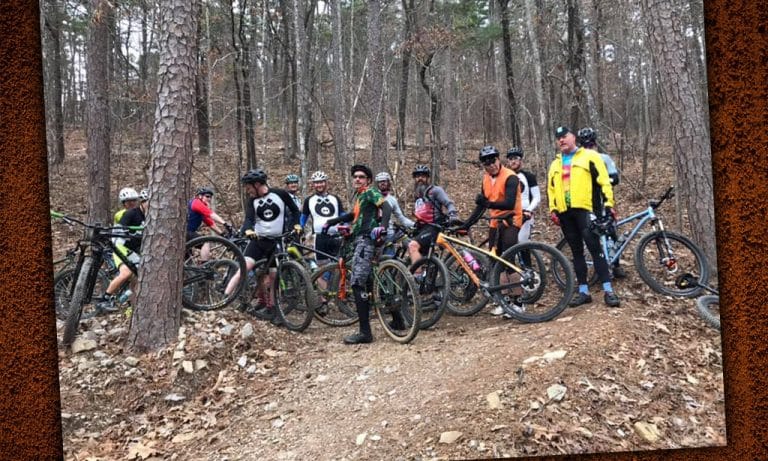
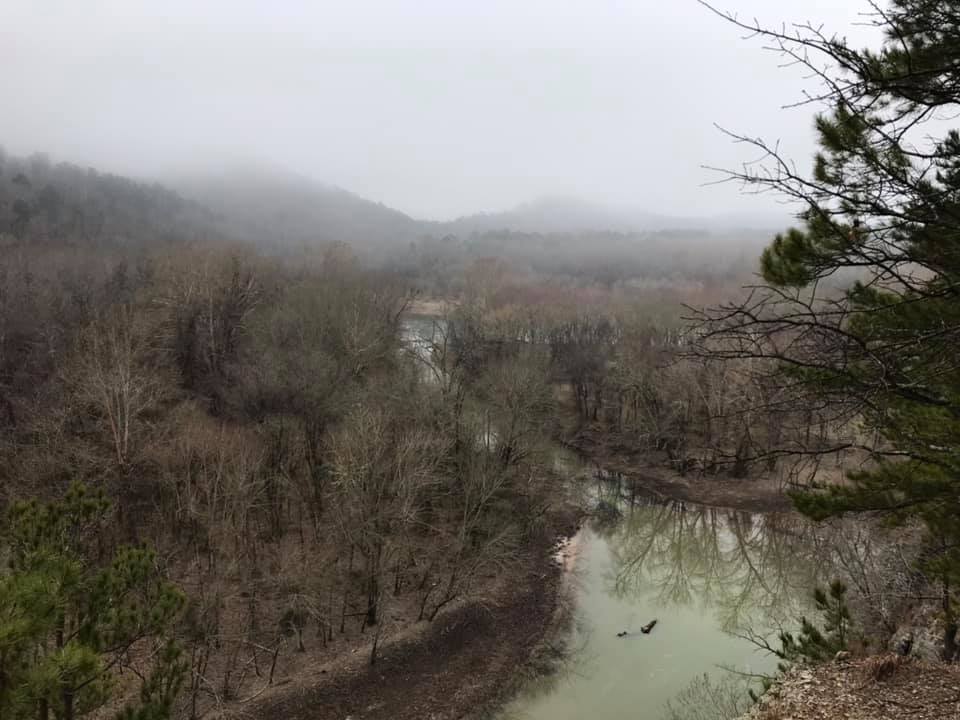
For me… it was 2 weeks ago. I started riding zwift consistently last July in 2018. I had been a dedicated mountain biker for a long time, but only casually rode on zwift in the winter. My MTB team does an annual bike trip in the mountains of Arkansas. It’s 4 days of riding and over 100 miles of singletrack in the Ouachita mountains. Awesome stuff.
Problem is, the highlight of the weekend is a ride I had never been able to complete. A 50 mile self-supported out and back.
This year was my 4th attempt to conquer the ride. I decided in July that this was the year I would make it. I committed myself to the Crit Crusher training plan on zwift and woke up daily at 4-4:30am to ride. Months ticked by, I got faster. I met the gang over at DIRT Zwift Team and rode even more. I started racing The Morning Grind Fondo on a weekly basis and got completely addicted.
Meanwhile, every MTB trail in Dallas closed for 3 months with record rains. I continued to ride zwift, daily. I racked up 3000 miles over those next 6 months. I raced harder. I upgraded from C to B. And I enjoyed every bit of it.
Now back to the goal, the team camp was here. Time to put up or shut up. This is what I trained for the last 6 months. Zwift every day was fun but it was for this epic goal. I would not fail.
My back had been strained for a full week since the inaugural DADurday chase race. I could hardly lace my riding shoes that morning when I woke. But I set out, committed to the goal. As long as I pedaled I felt ok. After 10 miles I felt I could do more. At 25 I had reached the halfway point. My lungs and legs felt great. My bike cooperated, I pedaled on.
50 miles of beautiful singletrack later I emerged from the forest with a smile on my face and arms raised in victory. It wasn’t a race, but a personal demon that haunted me year over year. I had conquered it. And it didn’t even seem that difficult, I made it back with the third fastest time and still had more left in the tank.
Zwift changed me. It took sweat and tears and aching muscles on cold mornings, and it turned them into fitness and confidence. It gave me the opportunity to achieve the goals I had set in my life and to enjoy a great trip with friends.