

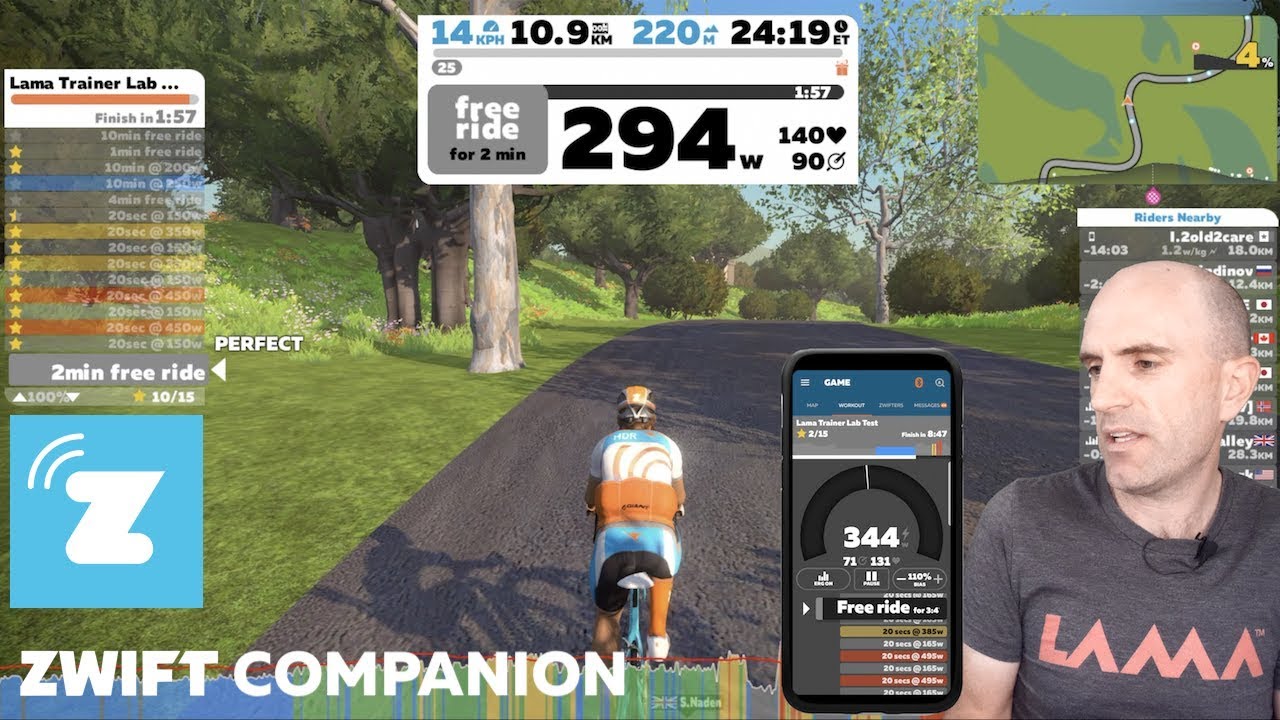
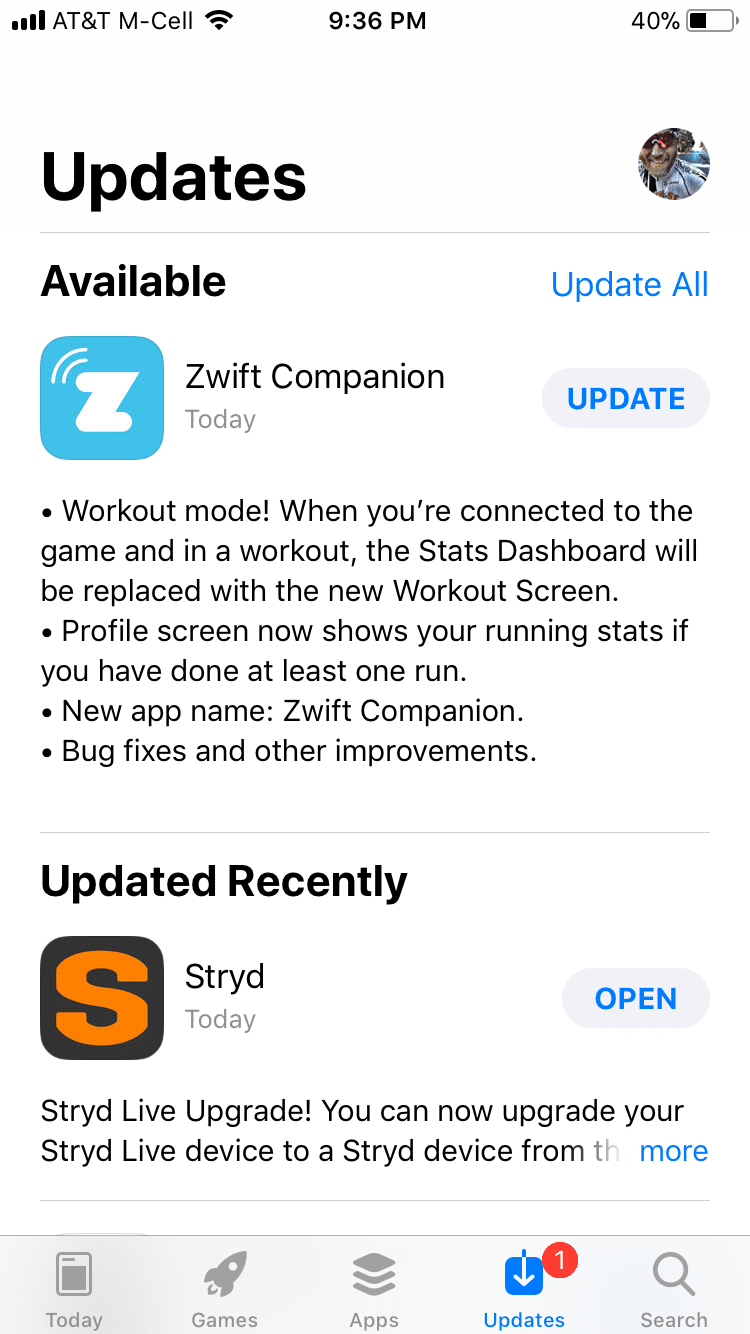
 The “Zwift Mobile Link” app for iOS and Android has been renamed “Zwift Companion” and given a major upgrade in its ability to interact with workouts.
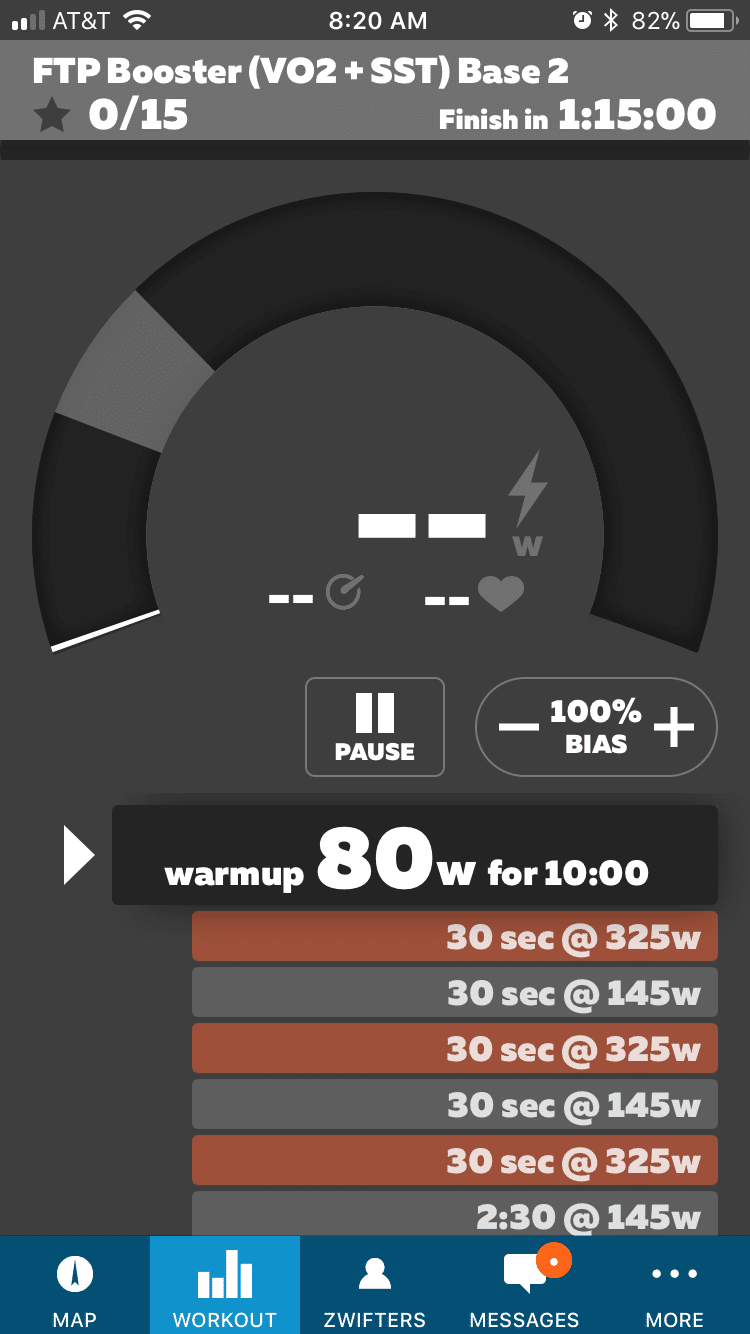
The new workout screen includes the following:
- Pause workout: need a restroom break? Forgot to grab a water bottle? Pause your workout, do what you need, then hop back on.
- Erg mode off/on: having a hard time holding your interval in Erg mode, or just want to force yourself to modulate your power manually? Turn it off easily by tapping to turn Erg mode off.
- FTP bias adjustment: this will increase or decrease the wattage targets for workouts where intervals are based on a percentage of your FTP. You can increase to 110% or decrease to 90%. Useful for those days when you’re feeling a little weak (or extra strong).
- Increase/decrease trainer resistance (incline): when Erg mode is off, you can increase or decrease the resistance level on your trainer… essentially simulating whatever gradient you prefer.
- Skip Interval: slide left to right on the current interval to skip to the next.
- Current workout’s details (title, intervals, etc)
- Current wattage, HR, and cadence
As you can see, Zwift Companion does not provide any new workout functionality that isn’t already available via your keyboard/mouse in game (see Zwift keyboard shortcuts). But it does put all of that functionality within easy reach! This is especially important for users who do not have a keyboard nearby, including AppleTV users who don’t want to mess with the remote to interact with their workout.
According to Zwift’s Jordan Rapp, this update paves the way for future game screen changes where we could choose to have a less cleaner screen where many of the elements are only visible in the app. I like that idea!
Here is Zwiftcast’s Simon Schofield interviewing Jordan Rapp about the changes to Zwift Companion:

And here’s Shane Miller summarizing the app changes:


Hi, I have tried without success to log onto my Zwift companion app. It worked wonderful the previous day and suddenly I can not get logged in.
No password is accepted there is no link for “forgot password” so I am buggered.
Zwift on my pc is all functional but companion cannot login.
My kinetic trainer is linked to my phone and I thus HAVE to work via my phone.
How do I get a new password if that is the problem if there is NO option to click.
What am I to do to get connected again.
I cannot create a new profile on the same e mail adress…and I have to as my kinetic trainer and Zwift should all be the same.
Hope to receive a solution.
All my other quires have not received an answer.
Best regards
Rita Maree
There’s a “forgot password” link directly beneath the login form, at least in the iOS app. I don’t have Android to test it with.
If you use the same email and password as you’re using to sign into Zwift, it’ll work. That’s all I can tell you! Make sure you remove any trailing spaces, etc.
There is a skip button, but what about a back button? I accidentally skipped forward, and lost an hour and a half of my workout because of it. Please inform me as to how to do this, or if Zwift has forgotten this, when Zwift will have this defect corrected.
I would also love a rewind button, much more useful than a skip button
New to Zwift but using Zwift Companion I don’t understand why there isn’t a search event by calendar function rather than searching day after day chronologically, its annoying especially if you have to skip ahead a couple of weeks.
I agree it would be a handy feature to have some “advanced search” features.
Until then, I just use ZwiftHacks: https://zwifthacks.com/app/events/
Is there any way to or a plan to let Microsoft surface tablet users run the companion app while Zwifting on another device?
Thanks,
Highly doubtful. Companion is for iOS and Android only.
Okay, thanks for the info.