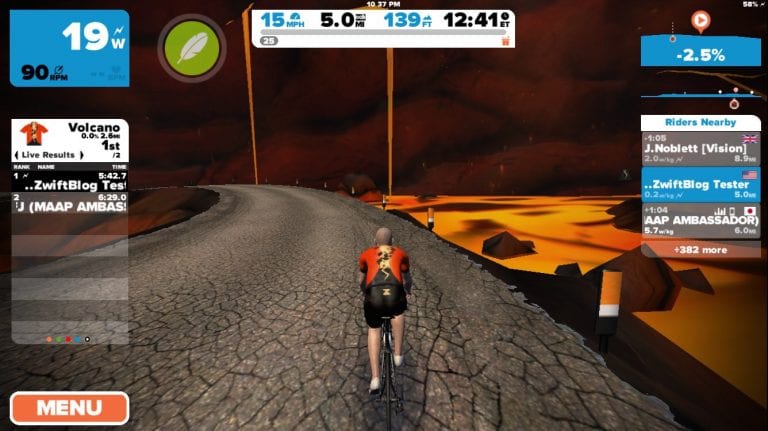
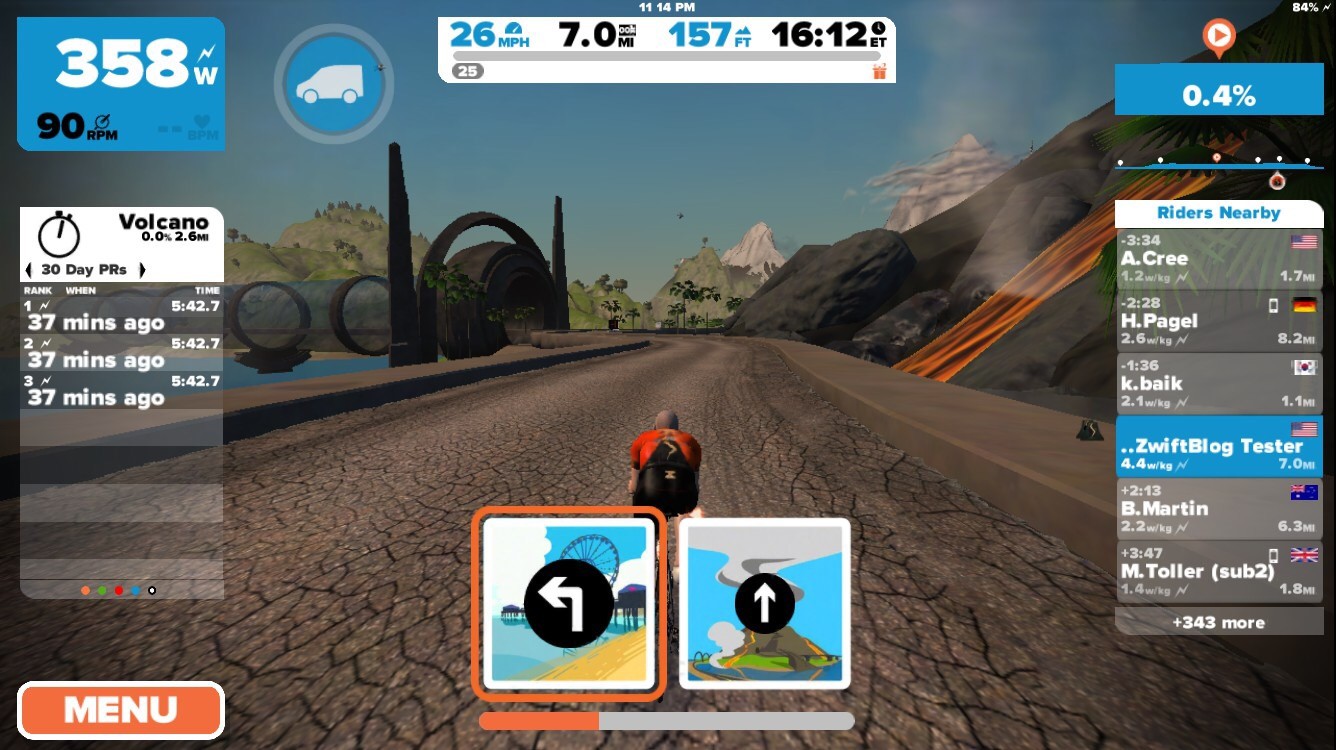
Zwift has just been updated with a new a series of Watopian roads based around an active volcanic island. The expansion consists of a loop (4.1km, 2.6 miles) around and through the volcano, with connecting roads to the south (a dirt road at the Italian Village) and east (a new ocean tunnel which can be found just before the final tunnel on your way to the start/finish banner).
As anticipated, the new volcano circuit course is flat and short, making it perfect for criterium-style races.
New Route Details
Three new route options have been added in-game which utilize the new roads. Here are their descriptions:
Volcano Circuit: immediate u-turn from start, right to new ocean tunnel, left to go around volcano circuit clockwise indefinitely. Route Details >
Volcano Circuit CCW: immediate u-turn from start, right to new ocean tunnel, right to go around volcano counter-clockwise indefinitely. Route Details >
Volcano Flat: similar to current Flat Route except you hang a left at the Italian Village and ride around the northern leg of the volcano circuit clockwise then back out through the ocean tunnel and onto the main road and the start/finish banner. Route Details >
Photo Gallery
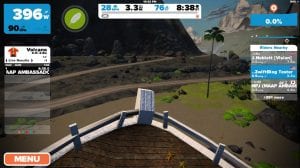
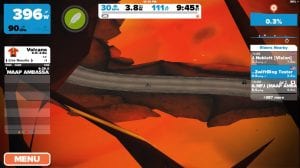
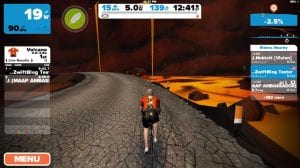
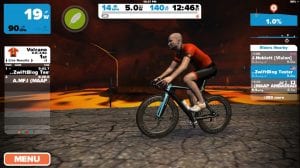
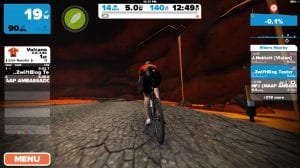
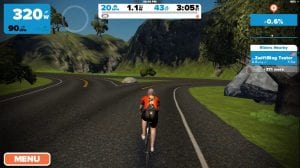
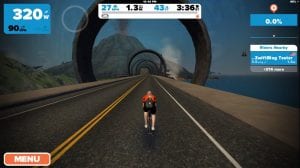
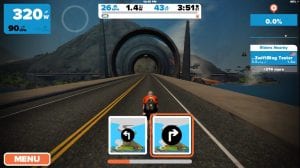
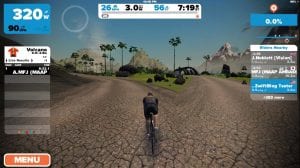
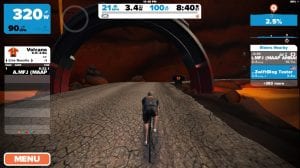
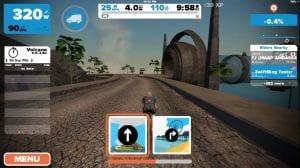
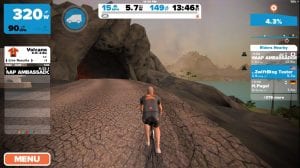
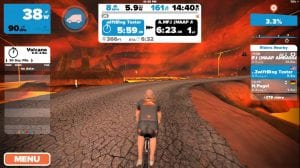
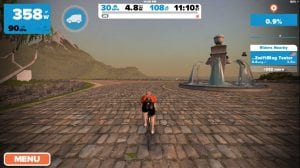
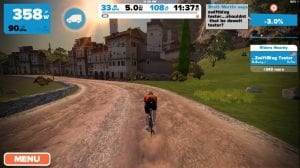
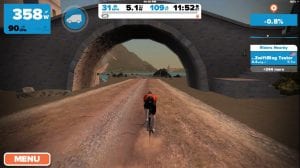
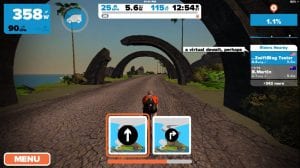
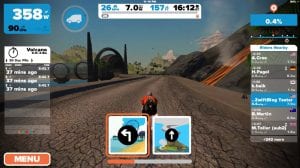
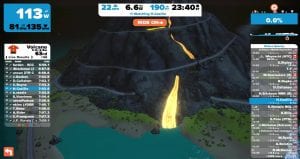
Here’s a gallery of shots taken on the new routes. (Please excuse the low resolutions, as these were taken on an iPhone since the expansion was released on iOS before it came to Mac/PC.)
Stay on the road!
Here’s a look at the Volcano Leader’s jersey.
Ocean tube to the volcano
Volcano Circuit Start/Finish banner inside the mountain
Entering the volcano…
A new neighborhood has been added to the Italian Village.
Episode 19 of Zwiftcast has been released. Here’s the full episode description:
Simon, Shane and Nathan are back with all the latest eruptions from the land of Zwift. The trio vow NOT to talk about the imminent release of the Volcano Route, on the basis it’s bound to be released hours after the podcast is published, just like the unfortunate timing of the iOS version of the game and the podcast!
But the boys do chat about whether iOS is responsible for the upsurge in Lady Zwifters, a trend confirmed by CEO Eric Min and illustrated with an interview with new Lady Zwifter, Angela Prescott.
In other Zwifty news, Simon, Shane and Nathan try to put the GCN outage into perspective; discuss the brilliant Zwift Community Live project and wonder if the relative absence of new developments in the game is an inevitable consequence of the platform’s rapid growth in subscriber numbers.
Coach David Lipscomb provides an FTP 101, with some invaluable advice on how to get the best from the test that many new Zwifters undertake. Shane and Nathan have some other views…
Frank Garcia, from Team X, introduces another superb community initiative – the Zwift Virtual Rankings. Followed up with a discussion on the now notorious #PowerUpsAreForPussies suggestion.
The biggest decision many Zwifters have to make on trainer choice is wheel-off, or wheel-on. Experienced Zwifter Paul Stokes goes from wheel on to wheel off and provides a thoughtful assessment on whether the extra expenditure is worth it. Finally, the Zwiftcast trio discuss what Apple TV might mean for Zwifters.
Issues with speed sensors through 4iiii strap resolved
Power/speed/cadence/HR ANT+ support using Wahoo dongle. (You cannot control your trainer via ANT+, but Zwift can receive ANT+ data through the dongle.)
Developing your sprint technique (SkillZ and DrillZ – January 18)
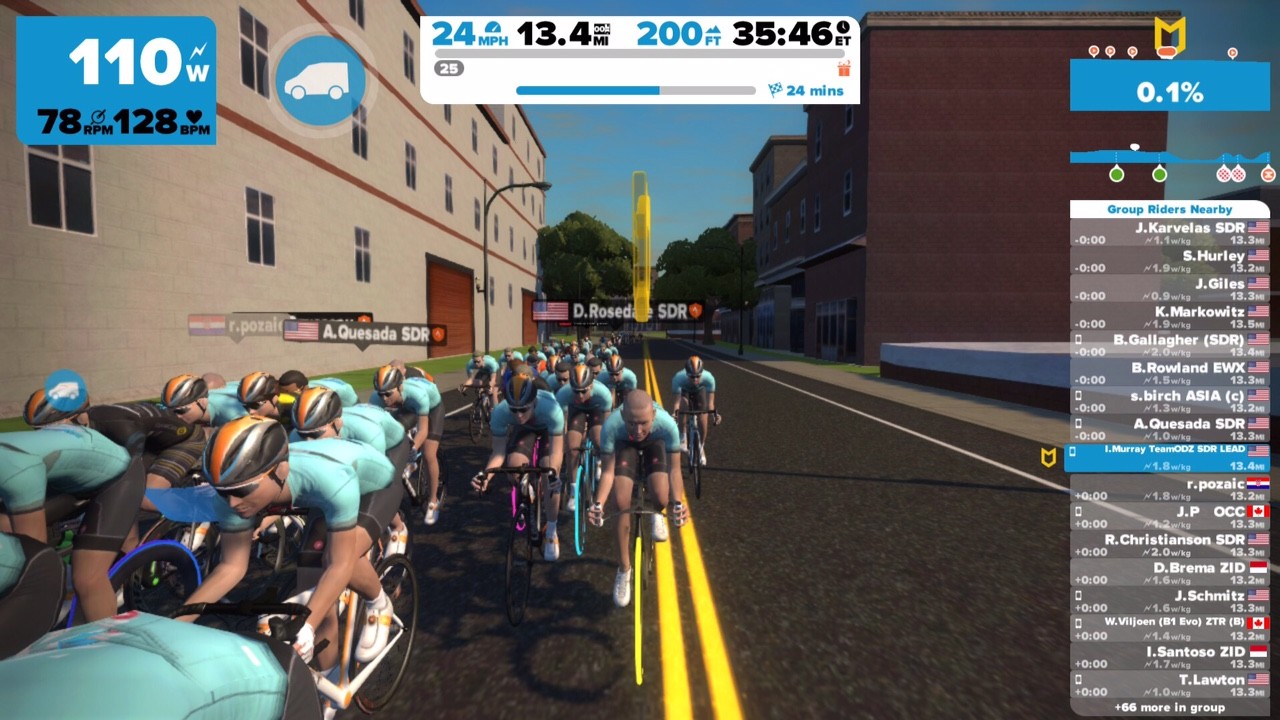
Ian Murray of Team ODZ leads the Castelli Ride Series SkillZ and DrillZ training ride each Wednesday at 6:30PM EST.
Each ride focuses on developing key skills for competitive riders, and each week Ian posts a written summary for the benefit of anyone who couldn’t make the ride. Here is the summary for January 18th, 2016.
Well, Murphy struck in glorious fashion tonight! This evening was plagued with technical issues with my Internet access and new headphones; however, we fought through it and did some good work on developing the technique to execute a sprint.
As was the case two weeks ago, I am back on the road. Earlier in the morning, I tested out using the treadmill in the hotel gym, my Stryd power meter (meant for running) with Zwift set to cycling on my iPad, and with Discord open on the cell phone. It worked awesomely… until a ton of sweat found its way into the microphone on my headphones. We’ll call that set number three in the last six months and the first victim of 2017. New headphones were purchased over lunch, but I didn’t have time to do much testing before the event. It worked on the way to the hotel gym and subsequently failed as soon as I got on the treadmill. Fortunately, the Discord users could hear me, even though I could not hear them. Anyway, I found out that typing on the iPad while running on a treadmill is only slightly less difficult than doing it on the rollers at home. On to SDR!
Today we focused on proper gearing for a sprint, both sitting and standing. One of the weaknesses that is fairly common among cyclists who do not practice sprinting against an opponent is improper gear selection. When we are going near full gas, it is easy to simply lift the pace and sprint. Doing it in a race, though, is often not that simple. Timing a sprint is very important, and in Zwift, there is often a brief lapse in pace before the sprint. That is because we have not figured out how to effectively execute a lead-out train like we would attempt during an IRL race. Thus, Zwift sprints tend to be from a small group, emulating IRL break away sprint finishes.
In the case of Zwift sprinting, it is critically important to ensure that you are in the best gear to start and finish the sprint with as little shifting as possible. Chains skip, fall off, and break more often when you need clean action. That is not due to Mr. Murphy. It is due to high stress placed on the chain and the rider subsequently putting the chain in a position of weakness. That’s why chains drop more often when climbing or sprinting than when just riding at a chill pace. It is not because of bad karma or because the cycling gods have it out for you. You simply rolled the dice and paid for a mistake.
As usual, we started with our 1.5 W/kg pace while riders were moving within the bunch to practice that skill. After about ten minutes, we moved on to the sprint class. To start the DrillZ, I had all of the riders shift to a gear that offered resistance while pedaling at about 80 RPMs. I picked that RPM target, as it is not so low that it is a grind to ramp up the speed, nor is it so high that power won’t spike on the “jump” that starts the sprint. The drill was simply to start at that 80 RPMs and accelerate up to 105-115 RPMs over 10 seconds. The point was just to feel how the graduated ramp up feels, not to be an example of how one should execute a sprint. We repeated the drill a number of times, attempting to ramp up the RPMs (and as a side product, the power) quicker and quicker each time, holding the maximum power at that high RPM level for five to ten seconds.
After a few iterations, we adjusted the starting RPMs, both upwards of 90 and down to the low 60s. This was simply to show inefficiencies that are inherent with starting the sprint from those RPM ranges. To be clear, all of these range assertions are based on the understanding that the rider is already working to some extent and not just soft pedaling. Starting from the 90s is effective to quickly get to very high RPMs, which is very helpful to respond to attacks, but the rider will likely need to shift one or two times to avoid spinning out and limiting power output. Starting from a much lower cadence provides a rider a greater power range in the same gear. However, most riders will find it difficult to accelerate quickly from such a low cadence, and the time it will take to achieve optimal cadence for power output may allow too great of a gap to open for the rider to cover. Think of this like shifting your vehicle from second gear to fifth gear. When you do that, you normally experience a lag and a slower building of speed, making it harder to merge into traffic. It is the same when pedaling at a low cadence, especially if it is being done at an already higher-than-normal power output.
After executing a number of these drills, we switched from a seated starting position to a standing starting position. Most of the time, we start our sprint from a standing position, and the gearing is often different. Normally, I find that shifting one or two clicks harder is a great starting point for a standing sprint. Also, I can start from a slightly lower cadence, normally around 75 RPMs, and still get a great run with maybe one additional shift. As I discussed earlier, the fewer shifts that you need to perform while the chain is under load, the less chance you have of dropping or breaking your chain. Like in the seated sprinting drills, we practiced our ramp ups, progressing from a slower, methodical build to ramping as quickly as possible and sustaining that max power.
Now, one thing is painfully clear to most cyclists who have tried to sprint from more than a few hundred meters: executing a standing sprint becomes counterproductive if you cannot keep the pedals turning fast and the power flowing from the legs. More often than not, the lactic acid starts burning in the legs, causing the rider to expend energy to stay out of the saddle rather than utilizing that energy to go forward at a high rate of speed. Thus, we finished up our ride by practicing the longer sprint of about 30 seconds. Starting from a standing position, riders accelerated to max power, held it for 5 seconds, dropped to a seated position, and held the effort for the remainder. We repeated the effort 5 times on 60 seconds of rest, bringing us to the end of our session.
Remember, executing a strong sprint is as much about technique as it is about raw power. Sure, someone like Kittel or Cavendish can absolutely crush 99 percent of us even with a poorly executed sprint from a technique perspective. However, you may be able to take the county line sprint or the Castelli Saturday Showdown win from your riding buddy despite him or her being a bit stronger. I can’t guarantee you a win every time, but it definitely gives you a bit of an advantage if you take the time to practice these techniques from time to time.
That’s it for now. Next week we will go over counterattacking techniques and timing. We will also be back to live streaming on Zwift Live on Facebook next week, so tune in live or catch the video later if you are not able to participate. Until then, Ride On!
WBR London Igniter Sessions notes for week ending January 14
Just like anything else sprinting is a skill to be mastered on Zwift and Team WBR’s weekly London Igniter sessions on Thursday and Friday of last week focused on delivering group sprinting sessions aimed not only at improving rider fitness through the delivery of high intensity interval training [HIIT] but also at coaching the skills and techniques necessary for a successful sprint.
It is all very easy when you are in the midst of a practical demonstration but sprinting can be frustratingly difficult when you’re alone staring at a leader board with numbers which appear completely unattainable.
Consider whether you could:
Drop to the back of the group in order that when the sprint begins you can use the draft effect of the group to increase your speed as you power through;
Hold on to that PU [please no more feathers!!]… we see so many people just itching to press the button but don’t hit it too soon, wait until you’re at least past Marble Arch before kicking in the boosters;
By the time you pass the 300 metre sign be at 90% of your max;
Be flat out before you pass the 200 metre sign and then hang on to the grim end as the legs get heavier and heavier…
So how did we do?
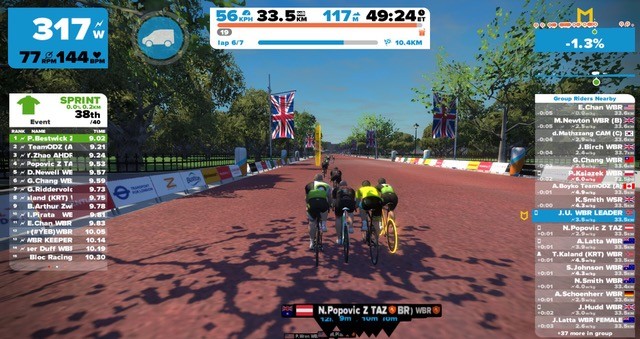
Two amazing groups: 31 riders under 11 seconds on Thursday and another 20 under 11 seconds on Friday. Just remind me, was The Mall red before we started or did we paint it red with our power numbers? PB’s were falling like thumbs from the sky…
The picture above was taken from the final sprint on Friday and ‘yes’ you are reading that correctly: 9.02!! #kudos to Paul Bestwick but most of all #kudos to all those who achieved their own personal goals!
Looking forward to seeing you on a sprint track near here very soon… bring on that green jersey!
Club WBR welcomes all riders that want to support World Bicycle Relief and the events which Team WBR offers you on Zwift.
On our Facebook page at Club WBR you will find the latest ride reports on our events and announcements of upcoming events.
UPDATE: while the world tag hack can be done on iOS, it’s simpler to use the “date hack” method outlined here.
Using an iPhone or iPad to run Zwift, and you want to ride a different world than ZwiftHQ has currently scheduled?
The world tag hack is already in common use for Zwifters on PC/Mac. This hack can also be used on Zwift iOS, although it’s a bit more challenging. Here’s how to get it done…
In iFunbox right-click prefs.xml and choose “Copy from PC.” Select the edited prefs.xml from your computer to copy it onto your iDevice.
Run Zwift on your iDevice and enjoy your selected world (but do it quickly–see below!)
Here’s a video showing the steps above:
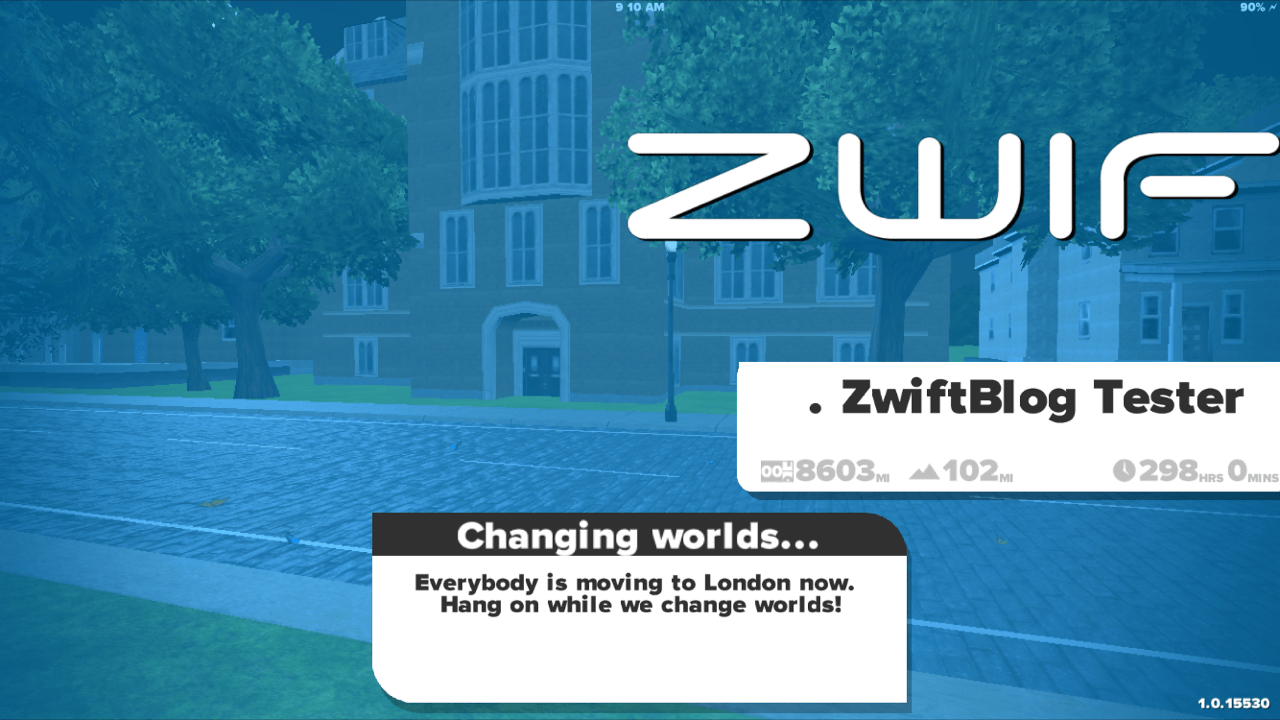
Unlike Zwift on PC/Mac, Zwift iOS will automatically switch you back to the scheduled world if you use this world tag hack and don’t move past the startup screen quickly enough. You will see a “changing worlds…” message as shown below:
To avoid this, simply click your username quickly when signing in.
Important: Do not insert bogus values into your preferences file!
There are no “hidden” courses, secret maps or back doors which can be found by inserting the wrong values into your prefs.xml file. If it’s invalid, Zwift will just behave unpredictably or even crash. Follow these instructions carefully and you’ll be safe!
The London Classique course was the chosen set for January 19th KISS EU race. As usual, the fast roads of central London favored a large group to battle for the win. In the As, Johnny White got the better of Juan Culebre and Jon Onaindia (ADZ) in a fast finish from Trafalgar climb to the finish line.
Right from the gun, the lead peloton in the A category went fast and furious. Over the first laps on the classique course, the group narrowed down to 11 riders: Cartwright (KissRT), Garcia (Team X), Brock (PTz), Boniface (Team ODZ), Larsen, Ruane, Culebre, White, Onaindia (ADZ), Ostreng (HIL) and Hedgehog (KissRT). This group of heavy-hitters and well-known sprinters went on to cover the race course within 42 minutes.
White takes the win.
With a couple of laps to go, Michael Larsen and Tim Cartwright (KissRT) tried to break away from the main group, but were caught at the bell. Instigator of the main break of the day, Cartwrightwon the “q/l Report – Combativity Award” for the day in a tight battle with Larsen, also hyperactive at the front of the race. Ultimately, the pack came as one at the bottom of the last Trafalgar climb. The last hill was the place of choice for Culebre to break away, with White and Onaindia (ADZ) in his wheel. In the last straight, White outsprinted Culebre and Onaindia. Brett Boniface (ODZ)took 4th, winning the bunch sprint.
Fast paces on the Mall
BJ Afonso (PTz) takes the sin in the B cat.
In the B category, the race came down to a bunch sprint as well. BJ Afonso (PTz)took the win over Rick Barbera (KissRT)and Craig Nicholls. The C category saw a large amount of upgrades for this race, and within the category limits, Richard Treadway took the win in a close sprint against Mick Simpson and Mike Shine.
The Ds also had their share of upgrades, and Rob Purbrick ultimately came out on top, 10 seconds prior to Christian Mikkelsen and Ashley Howell.
KISS EU – Jan 19th / Provisional results: A Category:
1- J.White (GBR-U/A)
2- J.Culebre (ESP-U/A)
3- J.Onaindia (ESP-ADZ) B Category:
1- B.Afonso (POR-PTz)
2- R.Barbera (USA-KissRT)
3- C.Nicholls (GBR-U/A) C Category:
1- R.Treadway (USA-U/A)
2- M.Simpson (GBR-U/A)
3- M.Shine (IRL-U/A) D Category:
1- R.Purbrick (GBR-U/A)
2- C.Mikkelsen (NOR-U/A)
3- A.Howell (GBR-U/A) q/l Report – Combativity Award : T.Cartwright (GBR-KissRT)
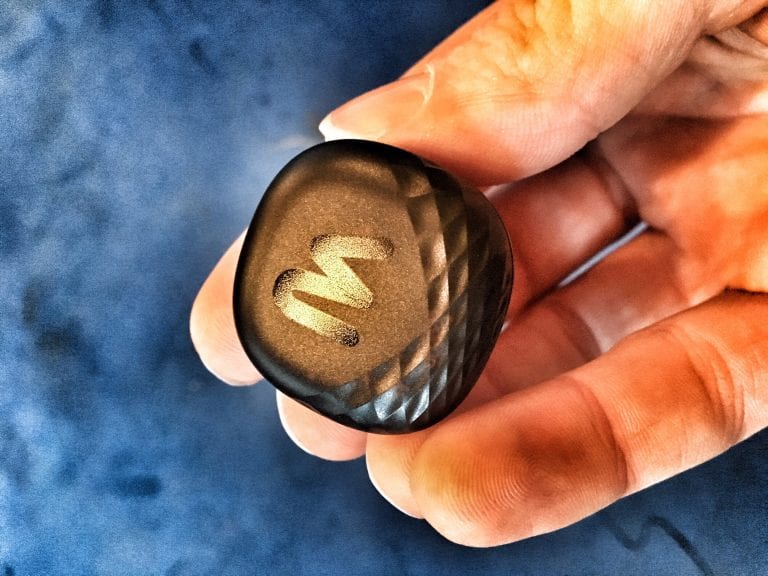
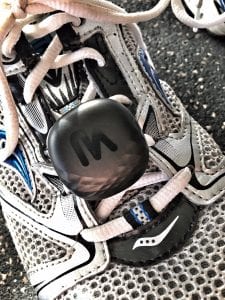
The latest Milestone Pod was released in August of 2016, and is actually the third version of their pod. The first was only a prototype, the second was radically redesigned and still used by some runners today. But this latest Pod is certainly the best yet, and includes a refreshed app.
It should be noted that while the pod and (especially) the app offer a lot of metrics and tools, this review focuses on using the Milestone Pod for running on Zwift. More thorough reviews of pod accuracy and metrics can be found elsewhere, and Milestone’s own website offers a wealth of information as well.
Here’s an intro from Milestone Sports:
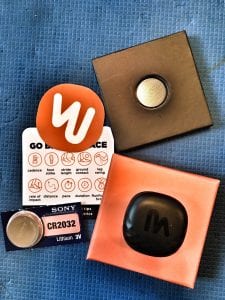
Package contents
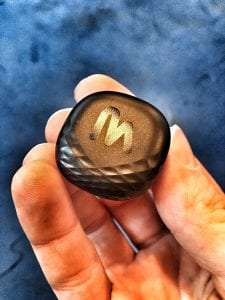
What’s Inside the Pod?
The pod contains internal sensors and an accelerometer which capture 200 measurements per second across three axes (up, down, and across).
Power is provided by a standard 3v 2032 battery which, according to Milestone, should last longer than the average pair of shoes (6-8 months). Swapping out the battery takes only a few seconds.
(The pod I received included an extra battery with a note that said some users had complained that the batteries shipping with the pods were already somewhat depleted. Kudos to Milestone for being proactive on this issue.)
About the App
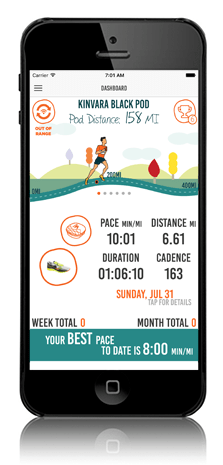
The MilestonePod app is available for Android and iOS. Here are some of the features/functionality it offers:
Pod sync: wirelessly sync data from your pod to the app
Run log: see your stored run data which includes distance, pace, steps, calories and time. It also shows you gait and health metrics including foot strike, rate of impact, cadence, stride length and ground contact time.
Shoe odometer: track the total mileage of your shoes so you know when it’s time to get a new pair.
When installing the MilestonePod app I was prompted to enable GPS for the app. I was curious as to why this was required, their app doesn’t track your runs via GPS like Strava or other apps might.
Here’s what Jason Kaplan from Milestone Sports had to say about it:
The reason we ask for location is so that we can see the beacon in the Pod. When you run and do not sync for 10 or more minutes then you may notice a notification on your phone that you have a run to sync. This is from the beacon in the Pod and the only way we use location. But, because we use the beacon this way the pop-up is required. We do not connect to GPS from the app today or know your location in any way.
What Does the Pod Do?
The pod tracks 12 metrics:
Time and date
Calories burned
Duration
Distance: calculated using the pod’s accelerometer (no GPS used)
Pace: minutes per mile (or kilometer)–this is the metric Zwift uses to calculate your speed in-game.
Foot strike: where your foot first makes contact with the ground. The App will display your average percentages between heel, mid-foot and toe.
Cadence: the average number of times your foot hits the ground in one minute. The generally accepted “golden” standard is 180 steps per minute (spm).
Ground contact: also known as stance time, this is the average amount of time your foot spends on the ground.
Rate of impact: Every time you land, your foot impacts the ground with a certain amount of force, which is counteracted by an equal and opposite force applied by the ground to your foot. Rate of impact is the amount of time your body has to deal with that ground force.
Stride length: average length of one full stride.
Leg swing: how high you get your foot off the ground and towards your butt following push-off. Higher is better.
Runficiency Score: incorporates your cadence, stance time and stride length into a proprietary measure. The best possible Runficiency Score is 100, the global average Runficiency Score is currently 73.
You can learn more about these metrics on Milestone’s site. While oodles of metrics may not be your cup of tea, many athletes (such as myself) love this data. I found it very interesting, for instance, that my foot strike numbers show me running on my heels a lot… which is true!
The pod stores your run/metric data, then automatically syncs it to the phone app when available. Pods can store up to 20 hours of data between syncs.
Bluetooth Only
The pod communicates via Bluetooth only, no ANT+ support. So if you have devices which can only pair with ANT+ sensor like some Garmin watches, you’re out of luck. But for Zwifters, Bluetooth is all you need!
Using the Milestone Pod on Zwift
Attaching to Your Shoe
Hooking the pod to your shoe takes just a few seconds. The pod will wake up and begin collecting data as soon as it senses movement. You will know it’s awake when you see the green light flash.
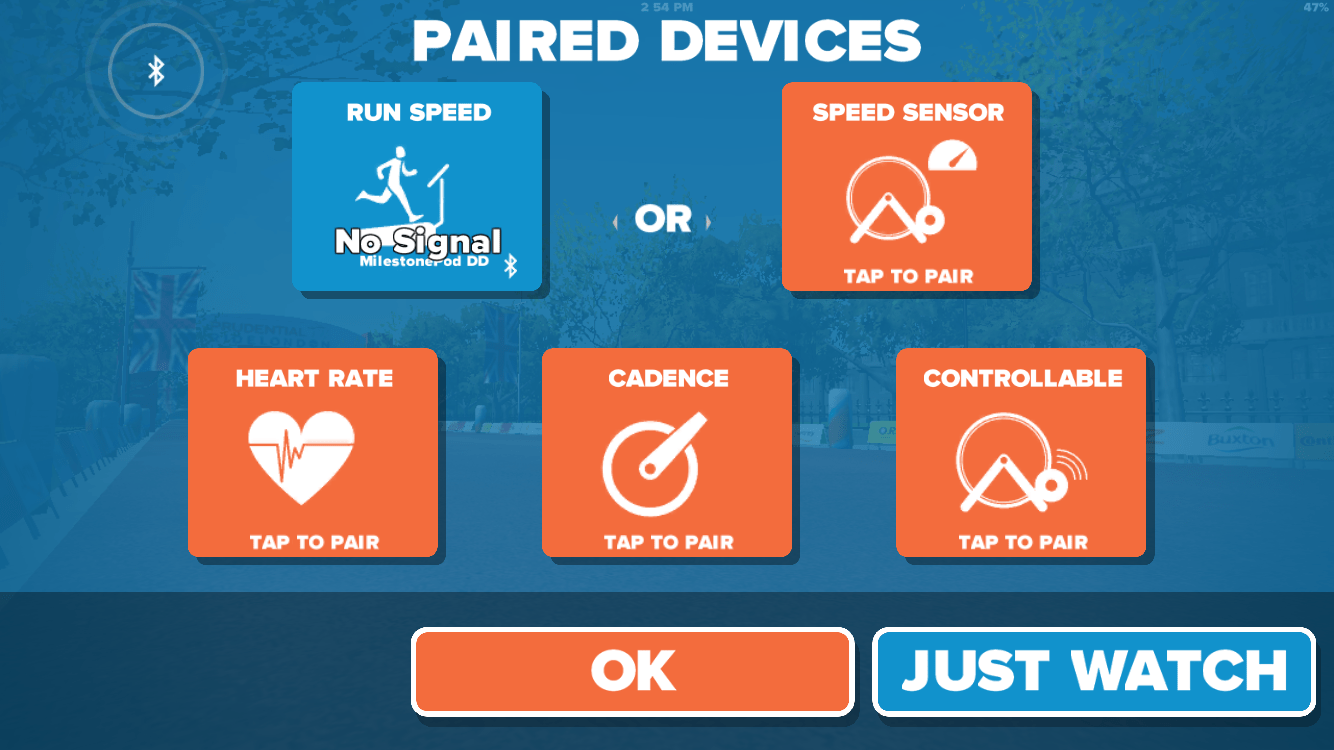
If running mode is enabled and your pod is awake it should show up in the pairing screen–just select it and you’re ready to go!
Here’s a video from Milestone showing how to pair with Zwift:
The only substantial bug related to the Milestone Pod and Zwift that I’ve found is when you stop running, your Zwift avatar keeps going at the last pace it received! Getting your avatar to stop is pretty easy–just switch to another app then back to Zwift. This bug is on Zwift’s side (according to Milestone Sports) and not a big deal in grand scheme of things, considering both the pod and Zwift are still in early testing phases.
Pay no attention to the “no signal” message–it’s a beta thing…
Accuracy
I’ve found the pod to be quite accurate in my tests, but I will also say I haven’t thoroughly tested accuracy through a wide range of paces.
vs Treadmill
Pod pace is consistently within .2MPH of the treadmill’s speed.
vs GPS
I’ve tried several runs where I use Strava on my phone to track the run via GPS while leaving Zwift open and running there using the Pod. In these runs my final distance has always been within 1/10 of a mile, which is impressive! Here are my latest tests: Strava Run / Zwift Run
If anything I’ve found that the pod straight out of the box is just slightly faster than GPS or the treadmill, but considering these numbers are before calibration (which can be done in the app) I would say they’re quite impressive.
Milestone states that out of the box the pod is typically 93% accurate or better.
Calibration
To calibrate the pod, open the app after your first run or walk and click the “Tap to Calibrate” icon on the run detail page. This pushes an updated algorithm to your pod based on your activity metrics.
A Note About Support
I’ve had several interactions with Milestone support while testing their pod, and I must say I’ve been very impressed with their responsiveness. Whether it’s messaging them through their Facebook page or emailing their support techs, I’ve always quickly received thorough and accurate responses.
And this isn’t just my experience… I’ve heard similar testimonials from other Milestone Pod users as well!
Overall Impressions
At a price point of $24.95, the Milestone Pod is pretty hard to beat if you’re looking for a simple way to get going with Zwift Running. Even though the realtime features are still in beta, they work already and should only improve over time.
Castelli Ride Series Skillz and Drillz, January 11
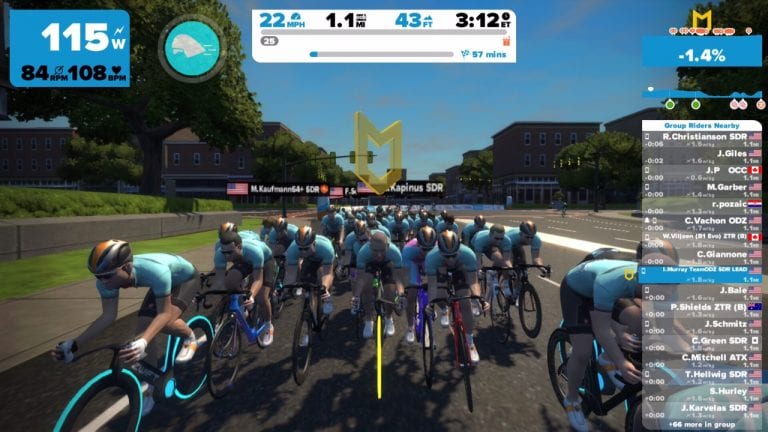
Another big group this week, as we jumped back into the subject of working efficiently as a group. Today’s focus was how to efficiently chase down a small break, expending as little energy as possible.
We were able to show that with just a little extra effort and a lot of control, the big group could easily bring back a rider who had a 30-second advantage. Some punishments were doled out when the group violated the parameters of the drills, but we’ll get to that later.
Here’s a replay of the ride:
First, like usual we got in a good warm-up while practicing to work in a group. I cannot stress how important of a skill this is, which is why we start with it every week. The ability to “feel” where you are in the group is really about controlling your position to be able to respond to changes within the dynamics of the group. When working with teammates in a group, the ability to maintain your position can allow you to control the pace and the tactics of the race. If you are unsure of what I mean regarding positioning, I encourage you to take a look at the video of the Magnus Monday race from 16 January. TeamODZ had numbers in the break and set about to control the front of the race. Because of the numerical advantage, TeamODZ members were able to move to the front to control the pace and chase any rider attempting to escape, and others were able to drift to the back, following wheels to recover. This sharing of the workload allowed the team leader to spend the first two-thirds of the race as protected as possible, saving precious energy to win the race on a sprint finish.
After the warm-up, we immediately got down to business. Like I said at the beginning, today was about controlled chasing of a small break. By small, I mean I sent one rider up the road. The ever faithful Chris V. went up the road on a moderate-hard attack for 90 seconds then dropped back to a steady 2.0 for the chase. I put a ceiling of 3.0 on the group, and we began working together to bring Chris back. Those who were able to do so took turns working the front of the group to maintain the pace, and those who couldn’t stayed in the draft. Keeping the pace steady meant a much smoother ride with fewer significant changes of pace. This allowed many of the riders with lower FTPs to be able to stay with the group, even at efforts greater than the riders could normally sustain on their own.
On iteration number two, the front of the group had a little more trouble controlling the output, so we had to put some punishment out there when the group exceeded the maximums for more than a few seconds. During the third run, the attacker went off the front and settled in, just as during previous iterations. However, every time the group violated the ceilings, I had the attacker launch a 15-second full-out attack. By the third attack, the will to violate the w/kg ceiling had gone out of the bunch. We chased down the attack in no time with a nice steady effort, largely keeping the group intact.
After a few more iterations, I moved to the front to play the surging game. In the surging game, all riders had to stay behind me and try to stay on my wheel. Meanwhile, I set about moving the pace from 2.0-3.0 w/kg in a completely random manner. Any rider who passed me had to stop pedaling, go to the back, and work their way back up to my wheel. Most riders found that period of time fluctuating back and forth to be much more difficult than the harder, steady efforts that we had been doing. This drill was simply to show everyone that keeping things steady is a much more efficient way to operate.
We closed off the ride with a couple short sprints, just so everyone could say that they got a decent workout. As we went through our cool down, we conducted a brief wrap-up of the evening’s lesson. First, hard but steady is way easier than constant surging over your limits in the long run. By maintaining a steady tempo, riders have more opportunity to share the workload. If the riders at the front are constantly jacking up the pace, there is little incentive for others to contribute to the chase. If only 3 riders are willing to do the work, it doesn’t matter if the chase pack is 3 or 50. It will still only have the strength of the 3 riders putting in the work. On the contrary, a steady pace will likely invite contributions from other riders, even it is not tactically smart to do so. The desire of most riders to stay near the front will inherently create space for the mistake of overshooting the leader now and again, meaning that there will be some contribution to pace setting.
Remember the theme that we have been hammering for the last few weeks. Riding smarter will give you many more opportunities to finish with the group or even compete for the win. Being efficient is a key component to being a smart rider. Keep practicing these skills when riding in groups or races, and until next time, Ride On!

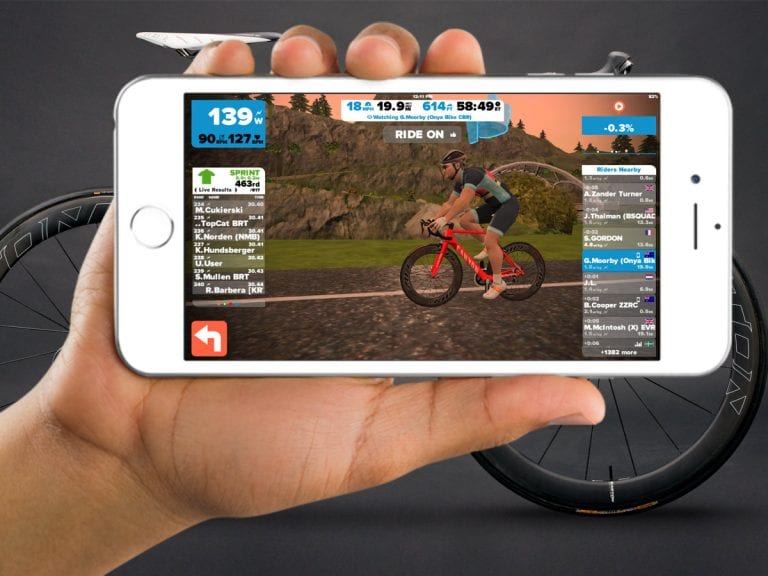
 ZwiftHQ has just released a major update to the Zwift iOS app, which includes:


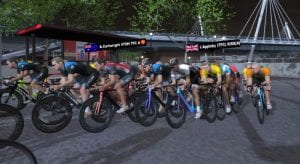 Right from the gun, the lead peloton in the A category went fast and furious. Over the first laps on the classique course, the group narrowed down to 11 riders: Cartwright (KissRT), Garcia (Team X), Brock (PTz), Boniface (Team ODZ), Larsen, Ruane, Culebre, White, Onaindia (ADZ), Ostreng (HIL) and Hedgehog (KissRT). This group of heavy-hitters and well-known sprinters went on to cover the race course within 42 minutes.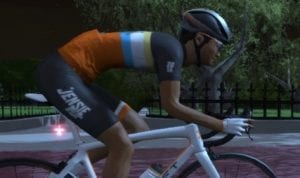
 Pod sync: wirelessly sync data from your pod to the app
 What Does the Pod Do?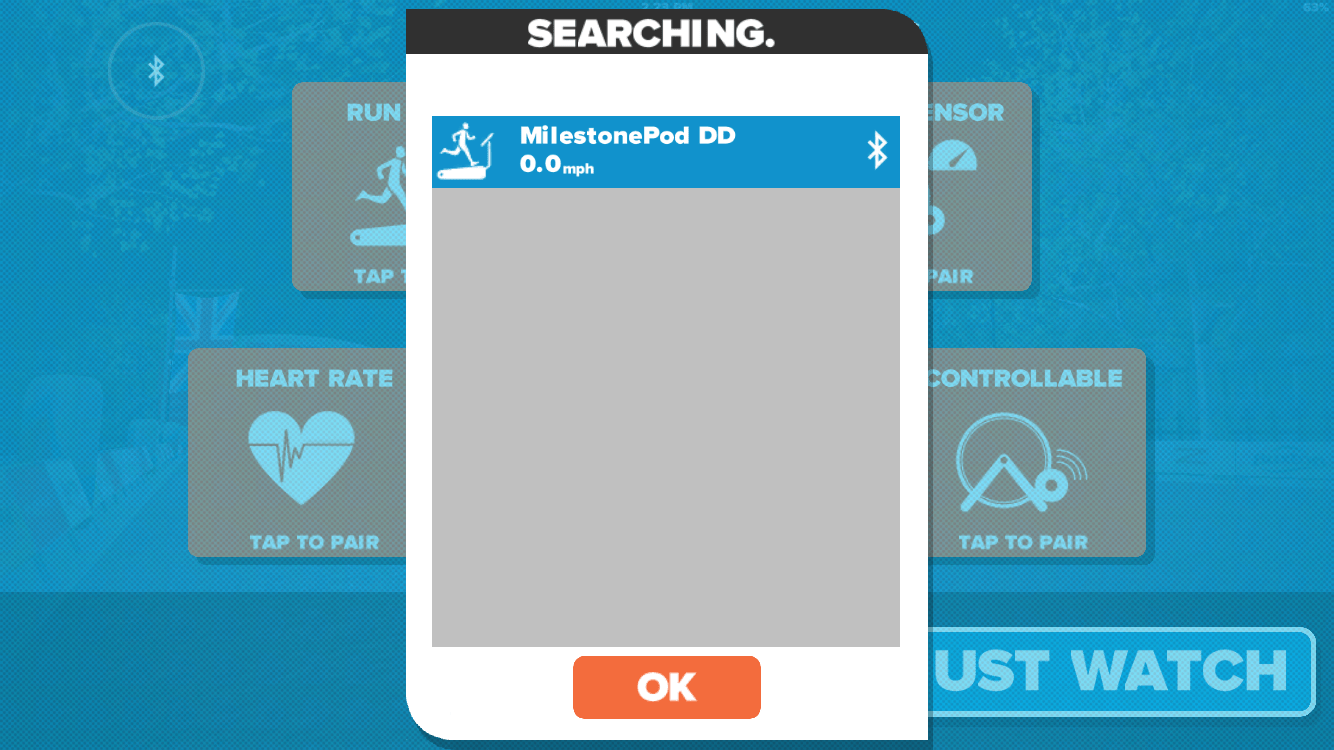
 Accuracy
 Another big group this week, as we jumped back into the subject of working efficiently as a group. Today’s focus was how to efficiently chase down a small break, expending as little energy as possible.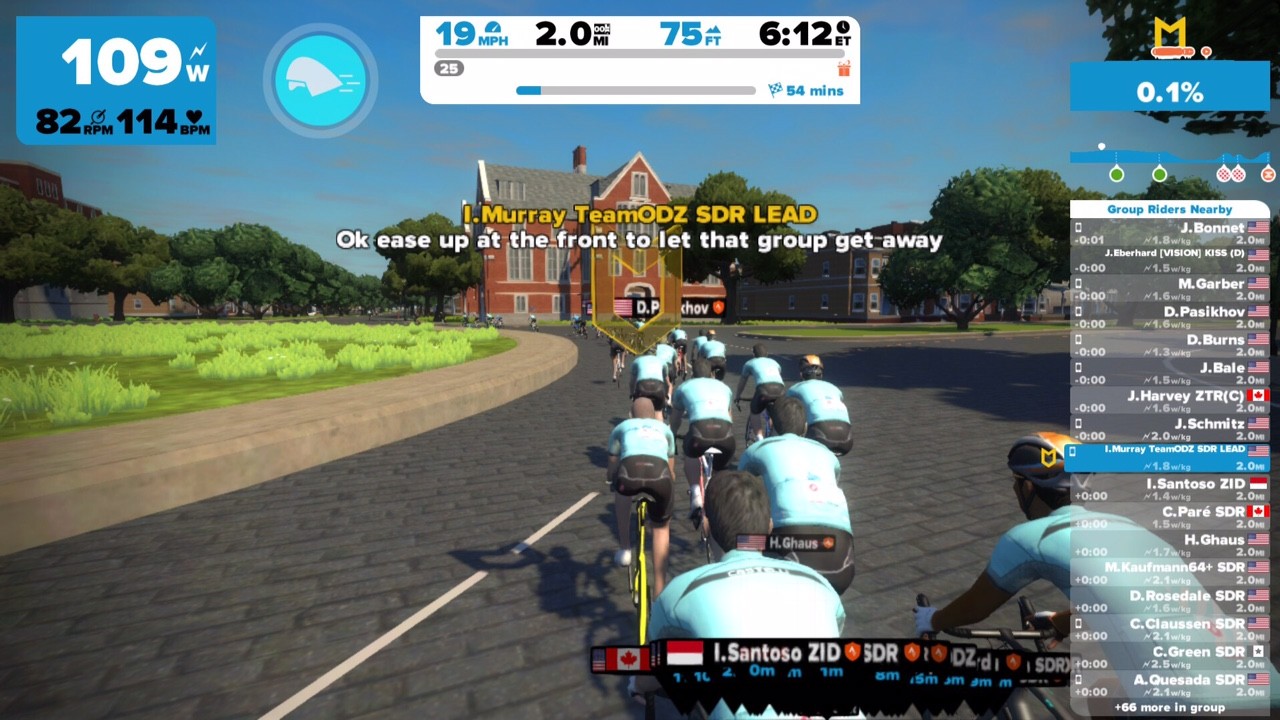
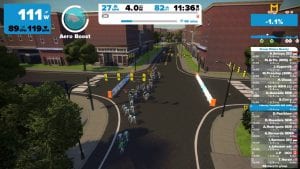 After the warm-up, we immediately got down to business. Like I said at the beginning, today was about controlled chasing of a small break. By small, I mean I sent one rider up the road. The ever faithful Chris V. went up the road on a moderate-hard attack for 90 seconds then dropped back to a steady 2.0 for the chase. I put a ceiling of 3.0 on the group, and we began working together to bring Chris back. Those who were able to do so took turns working the front of the group to maintain the pace, and those who couldn’t stayed in the draft. Keeping the pace steady meant a much smoother ride with fewer significant changes of pace. This allowed many of the riders with lower FTPs to be able to stay with the group, even at efforts greater than the riders could normally sustain on their own.
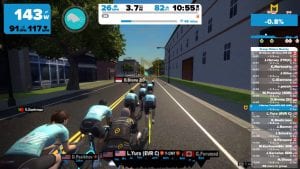 After a few more iterations, I moved to the front to play the surging game. In the surging game, all riders had to stay behind me and try to stay on my wheel. Meanwhile, I set about moving the pace from 2.0-3.0 w/kg in a completely random manner. Any rider who passed me had to stop pedaling, go to the back, and work their way back up to my wheel. Most riders found that period of time fluctuating back and forth to be much more difficult than the harder, steady efforts that we had been doing. This drill was simply to show everyone that keeping things steady is a much more efficient way to operate.
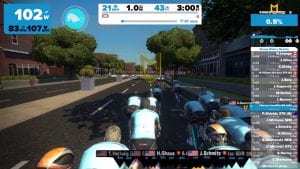 We closed off the ride with a couple short sprints, just so everyone could say that they got a decent workout. As we went through our cool down, we conducted a brief wrap-up of the evening’s lesson. First, hard but steady is way easier than constant surging over your limits in the long run. By maintaining a steady tempo, riders have more opportunity to share the workload. If the riders at the front are constantly jacking up the pace, there is little incentive for others to contribute to the chase. If only 3 riders are willing to do the work, it doesn’t matter if the chase pack is 3 or 50. It will still only have the strength of the 3 riders putting in the work. On the contrary, a steady pace will likely invite contributions from other riders, even it is not tactically smart to do so. The desire of most riders to stay near the front will inherently create space for the mistake of overshooting the leader now and again, meaning that there will be some contribution to pace setting.