

Zwift Video launched as part of Zwift Plus last Thursday, and the Zwift Community has put in lots of real video miles since then. I’ve been riding it myself, working to check off all of the Globetrotter Challenge routes to earn that sweet, sweet XP.
As I ride Zwift Video more, and as hundreds of thousands of Zwifters give it a try, we’re learning about this new way of Zwifting. Here are 10 things I’ve learned about Zwift Video in the past few days…
#1: Fun Sites/Zwift Memes
When every rider is experiencing precisely the same video each time a route is ridden, you can rest assured that every part of the route will eventually be examined closely. Every person, every animal, every vehicle, every road sign… you get the idea.
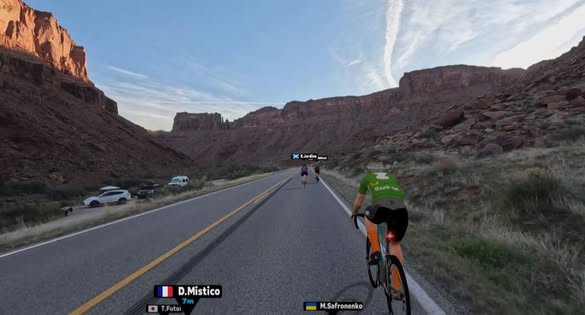
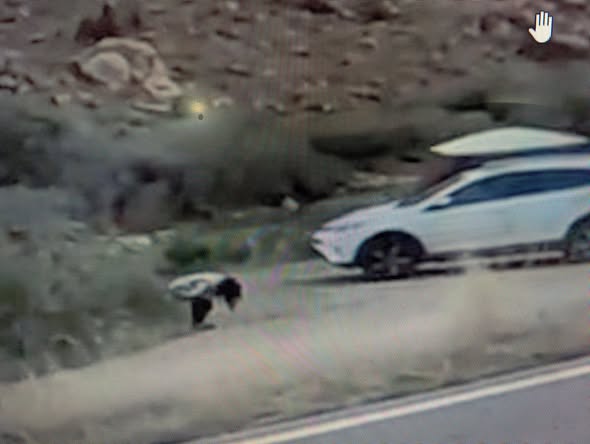
So far, the most prominent example of this is the pooper spotted 4.5km into the Colorado River Sunrise route. Zwift responded within a few hours by erecting new road barriers to block the view… and by adding a new sprint segment called “When You Gotta Go!” that ends at the site. Amazing.
Here’s how things looked before the update, just so we have this archived for all eternity:
Another person who will certainly turn into a Zwift meme is the poor fellow passed by the camera car 800 meters from the top of Sa Calobra:
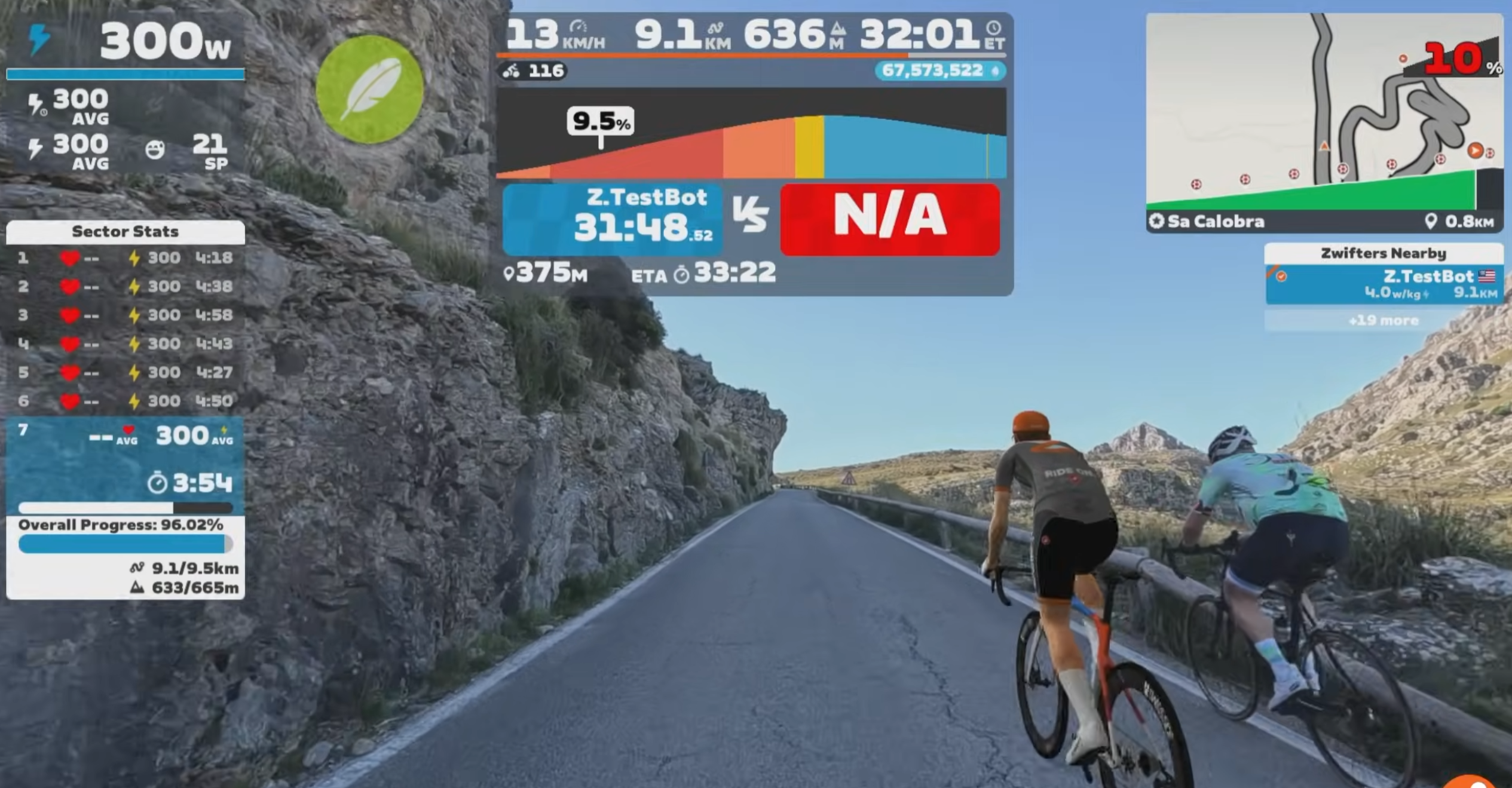
As Ryan Condon said in his video, “For the rest of their life, they’re going to have everyone on Zwift beating them…”
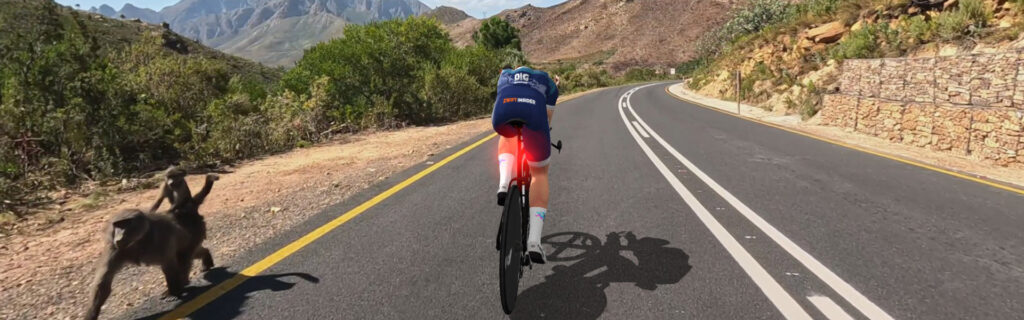
I think the baboons on Du Toitskloof Pass will also be popular:
But really, we need to crowdsource this. So please share other points of interest in the comments below!
#2: Auto Braking and Auto Steering
Speaking of the baboons, I noticed Zwift autobrakes your bike, slowing you down (for safety, of course) as you pass the baboon. You can actually see my brake light in the screenshot above! Autobraking also happens when the deer cross the road on Glen Garry Wilds and, I would bet, in other locations as well.
When it comes to steering, Zwift automatically steers us to keep us away from vehicles. It behaves a bit strangely with lots of riders around, though. In our recent rebel group ride, it was wild how everyone around me would quickly head to the side of the road to let a car pass from behind:
My avatar didn’t seem to veer as quickly or extremely, making it feel like they all knew something I did not!
#3: Virtual Segment Cross-Platform Weirdness
Most of the roads in Zwift’s game aren’t mapped directly over real-life roads. But these new video routes are all mapped to the real coordinates, and here’s the thing: other virtual cycling platforms have also done this.
Strava lumps all virtual segments together – they don’t care if the segment came from Zwift, Rouvy, Fulgaz, etc. So what you end up with is an activity on one platform (eg, Zwift) matching up to a segment created in another platform (eg, Fulgaz). This could obviously lead to issues, because the rules governing speed on one platform won’t match another. How fast was the virtual bike they were on? Was there virtual wind? How do that platform’s physics even work?
The most annoying thing for me, though, as a Strava segment nerd and the person who sort of stumbled into the job of being the only one in the world creating Zwift segments is… Strava won’t let me create a segment that too closely matches an existing virtual segment. So I’ve already been blocked from creating segments for Sa Calobra and Coll de Femenia.
#4: Rolling Resistance Confirmed
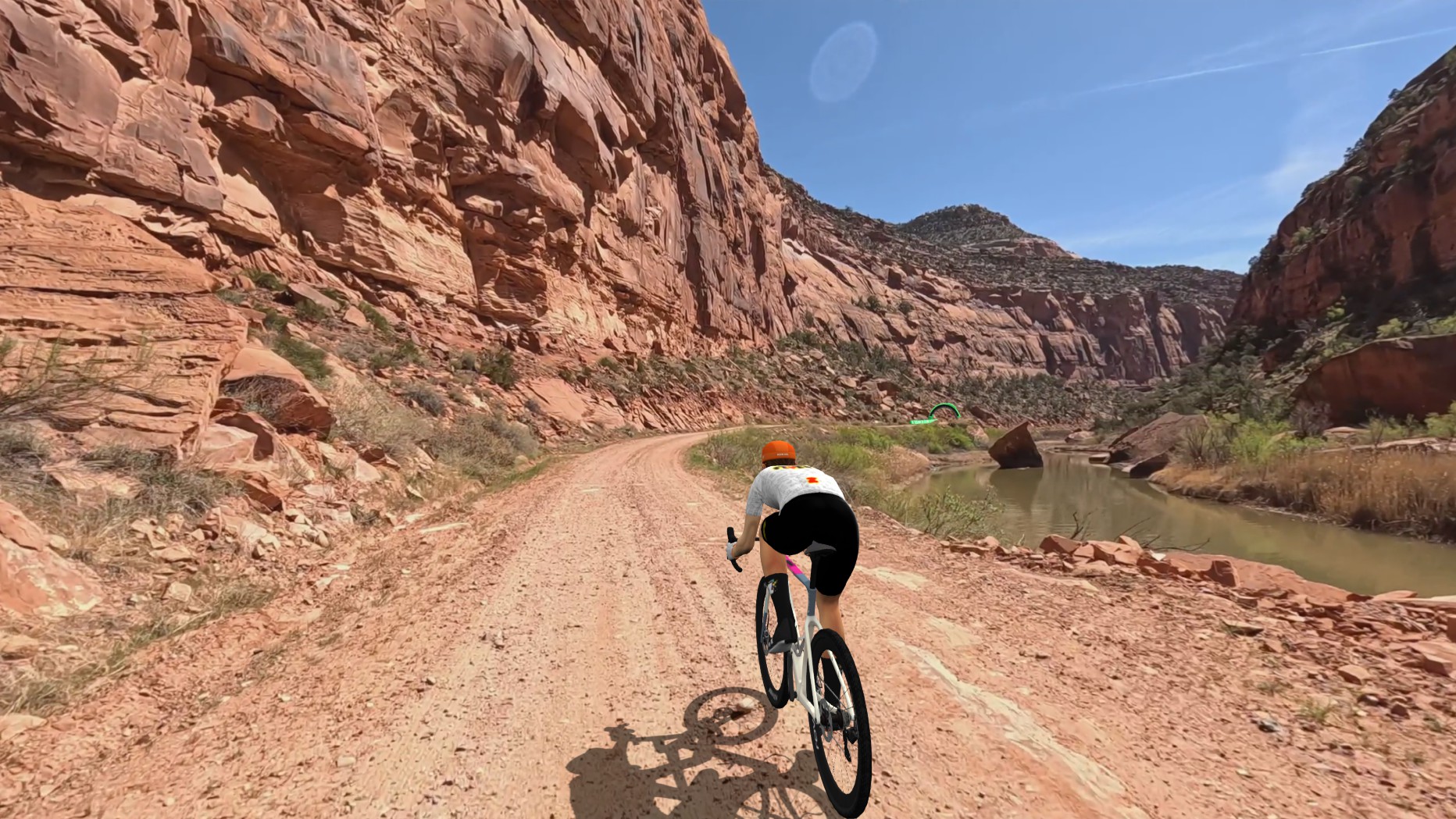
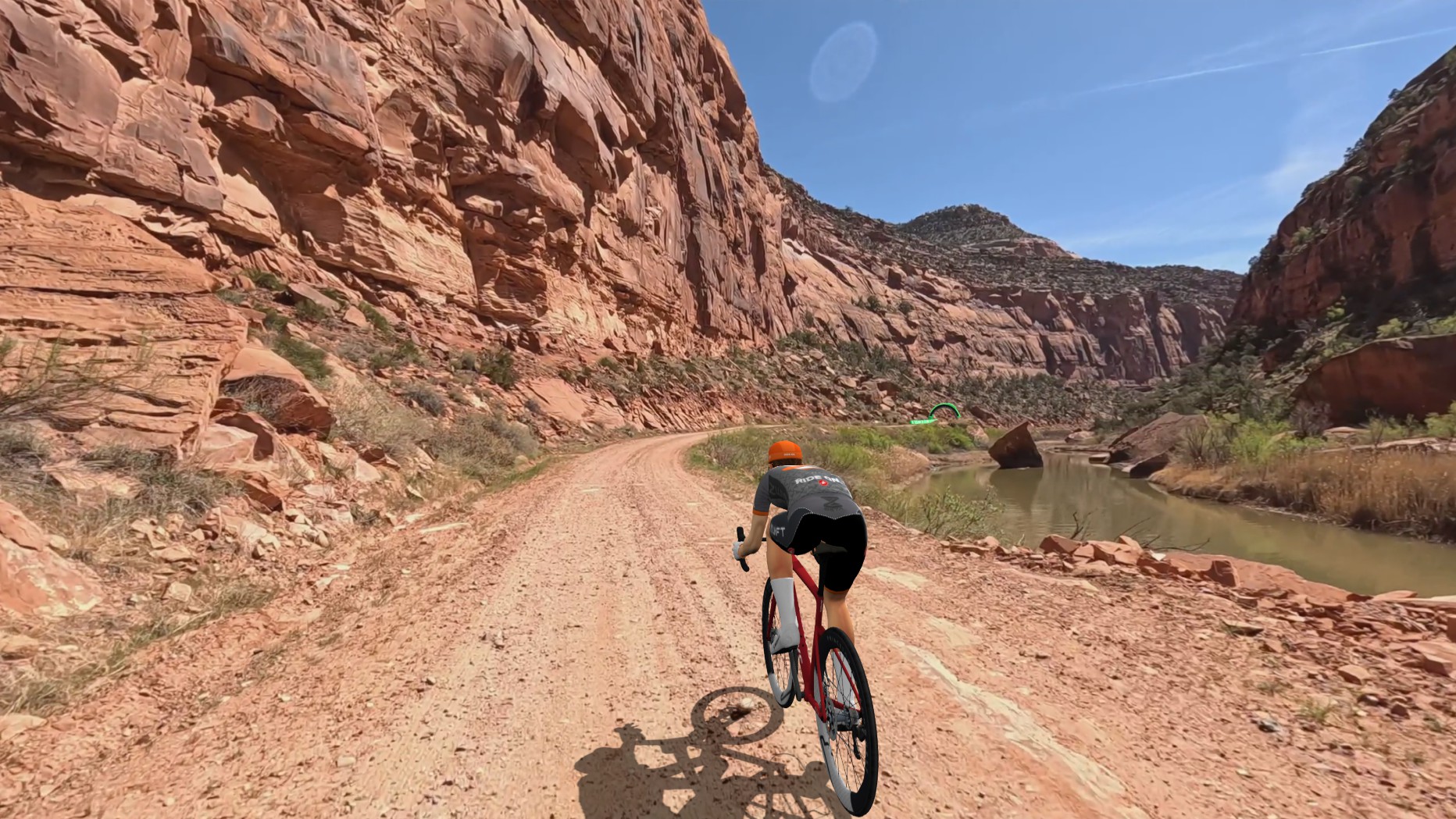
Zwift has said they’ve set up these videos so different surfaces roll with different resistance, just like in game (read more about Zwift Crr). This is tough to test over small patches of road, but what I did do was run a test lap of Dolores Dirt on a gravel bike vs a road bike. Both bikes were sort of the fastest race setup available (Cannondale SuperX LAB71 with Roval Terra Aero CLX wheels vs Specialized S-Works Tarmac SL9 with Princeton CarbonWorks Wake 6560 wheels). Results:
- Gravel setup: 24:12
- Road setup: 25:57
#5: Bandwidth Requirements
I’ve seen a fair number of comments from riders complaining that their Zwift Video screen went to the “climb portal” view partway into their ride:
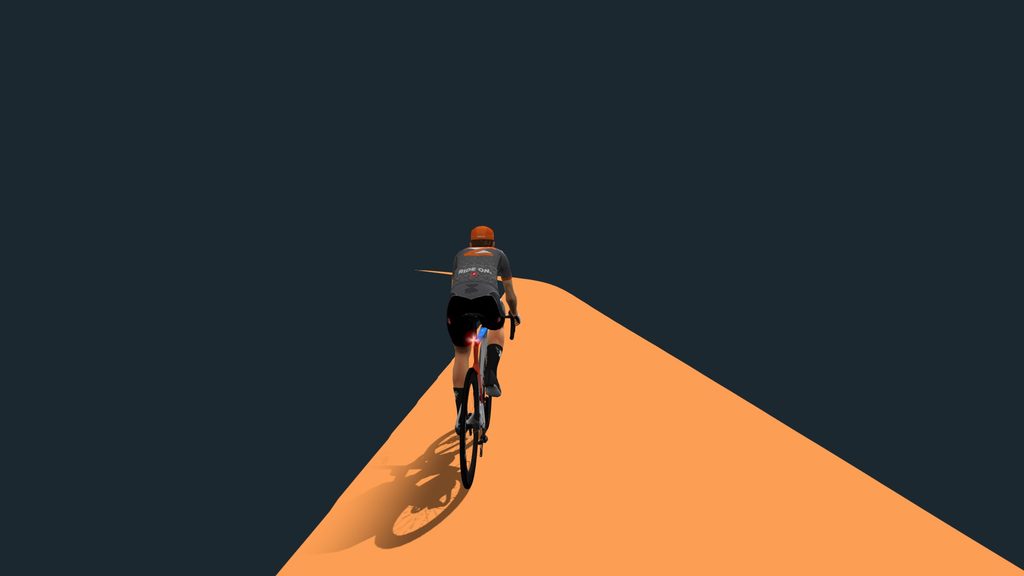
This happens when the game can’t stream the video data fast enough over your internet connection. How fast does your connection need to be? I decided to find out. Let’s go down this rabbit hole and answer the question fully.
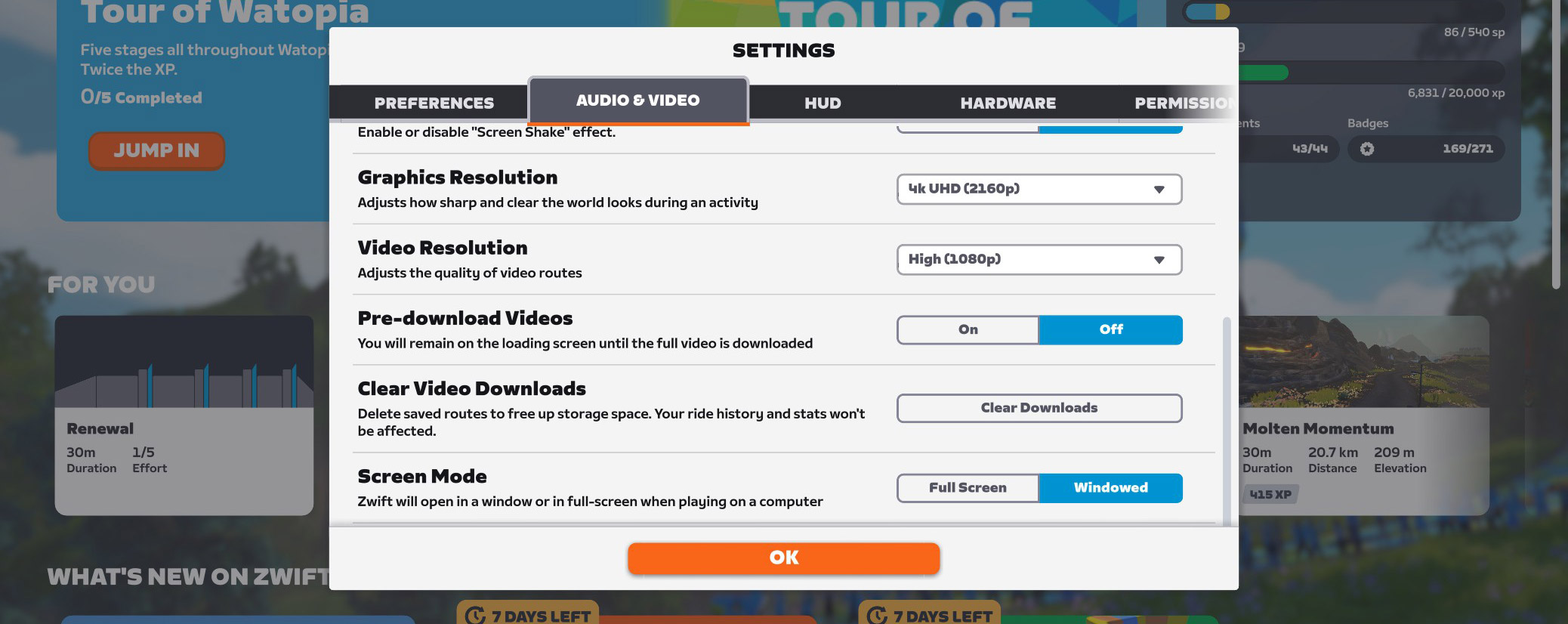
There are four video quality options, and the one you choose determines how fast of a connection you need:
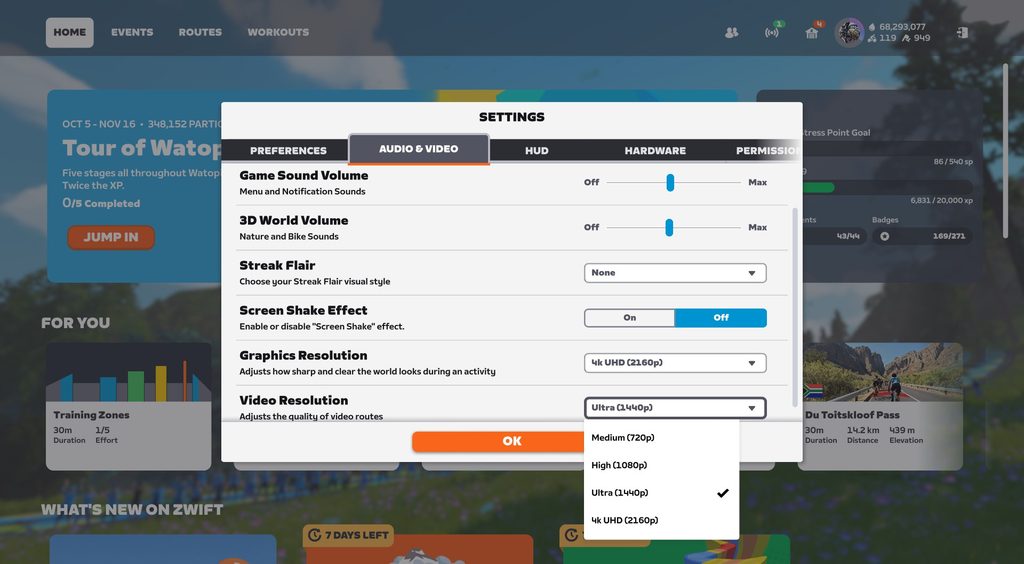
These four resolution options change download requirements significantly. Why is that? Well, videos are made up of pixels. Every pixel is a color, and all those little dots combine to make an image. Here’s how many pixels are included in a single frame of video, for each of the resolutions above:
- 4k UHD: 3840 × 2160 pixels = 8,294,400 pixels, or 8.3 megapixels (MP)
- Ultra (1440p): 2560 x 1440 pixels = 3.7 megapixels
- High (1080p): 1920 x 1080 pixels = 2.1 MP
- Medium (720p): 1280 x 720 pixels = 0.9 MP
Here are images at each resolution, so you can see the difference:
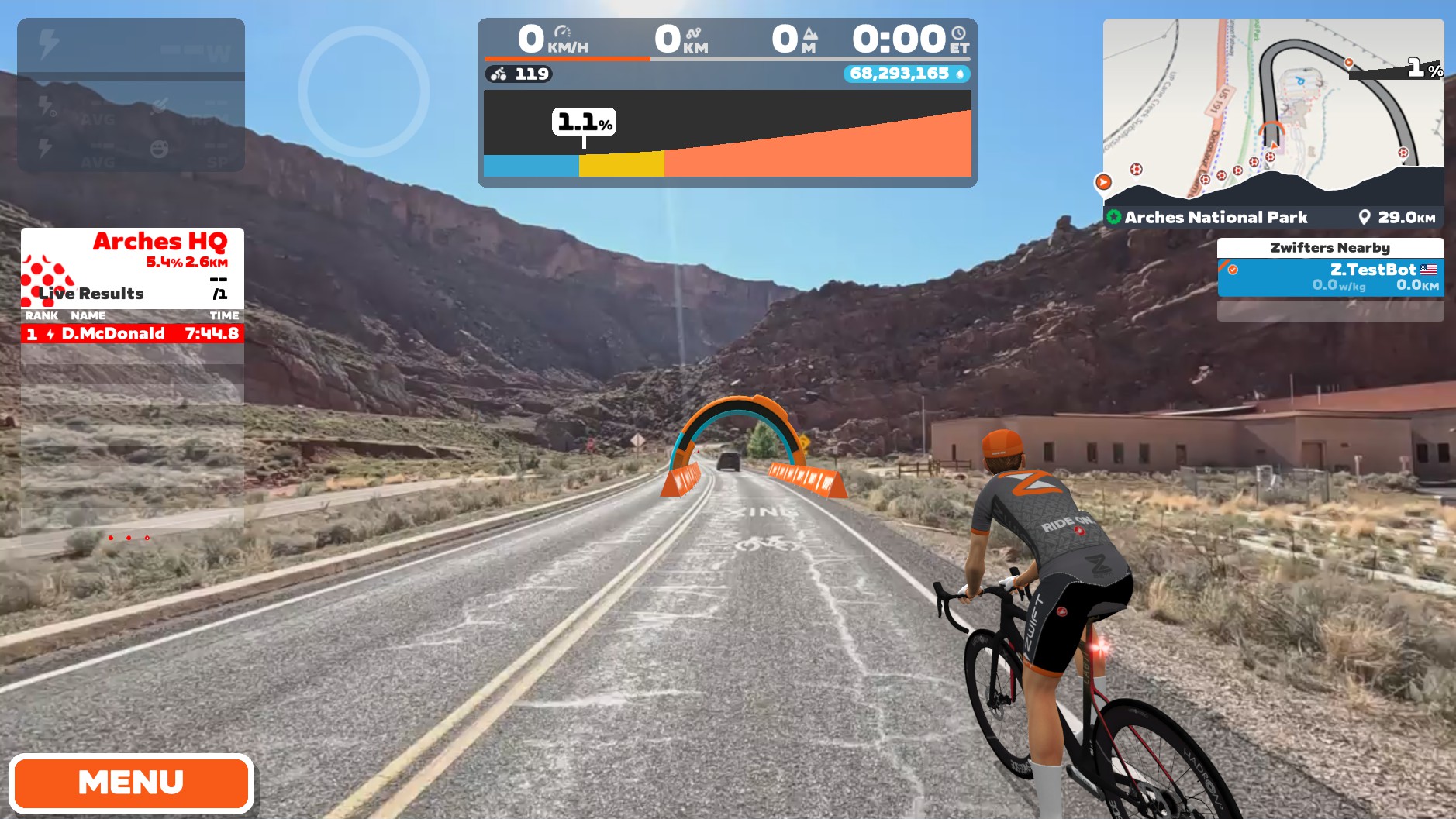
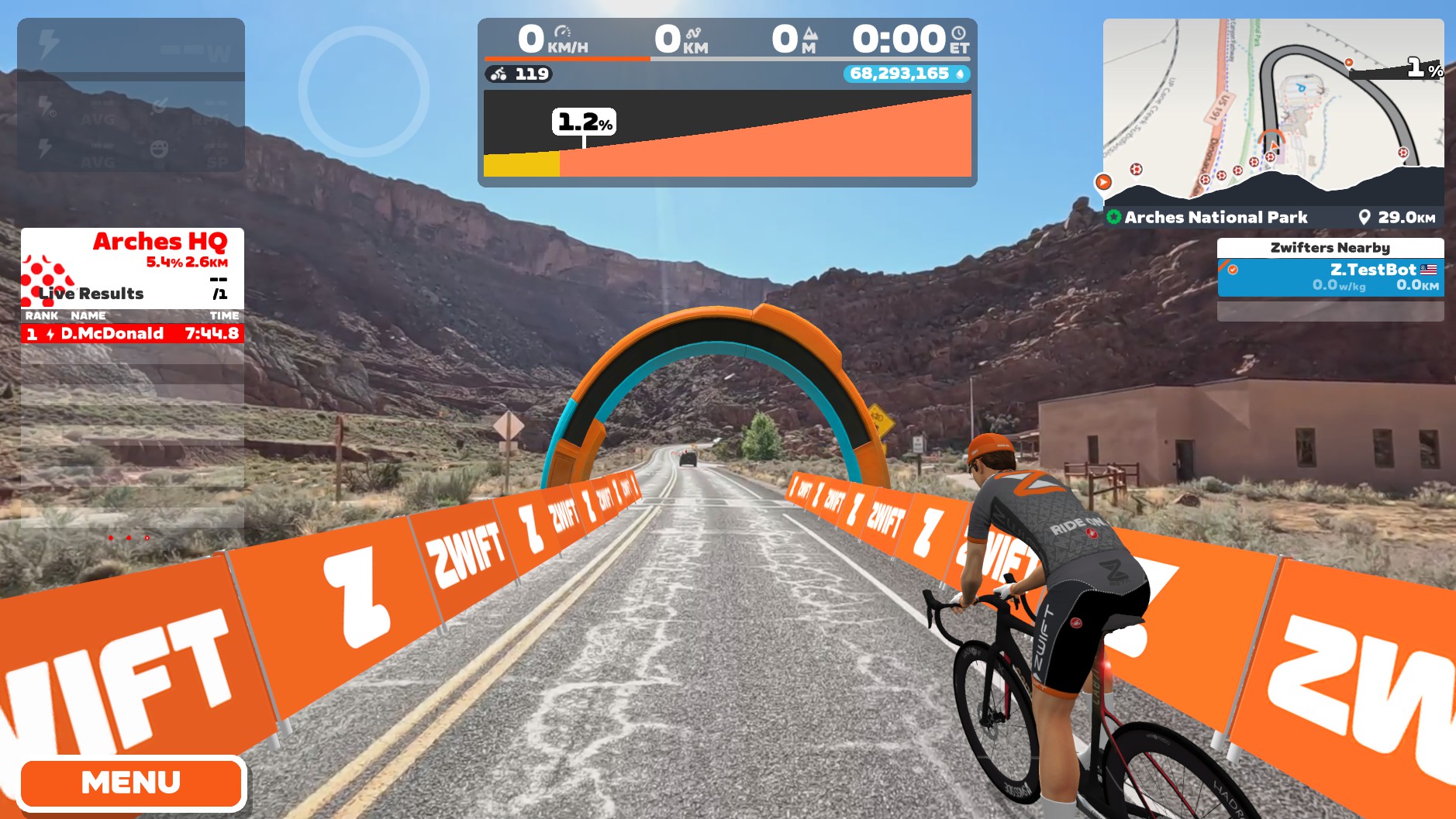
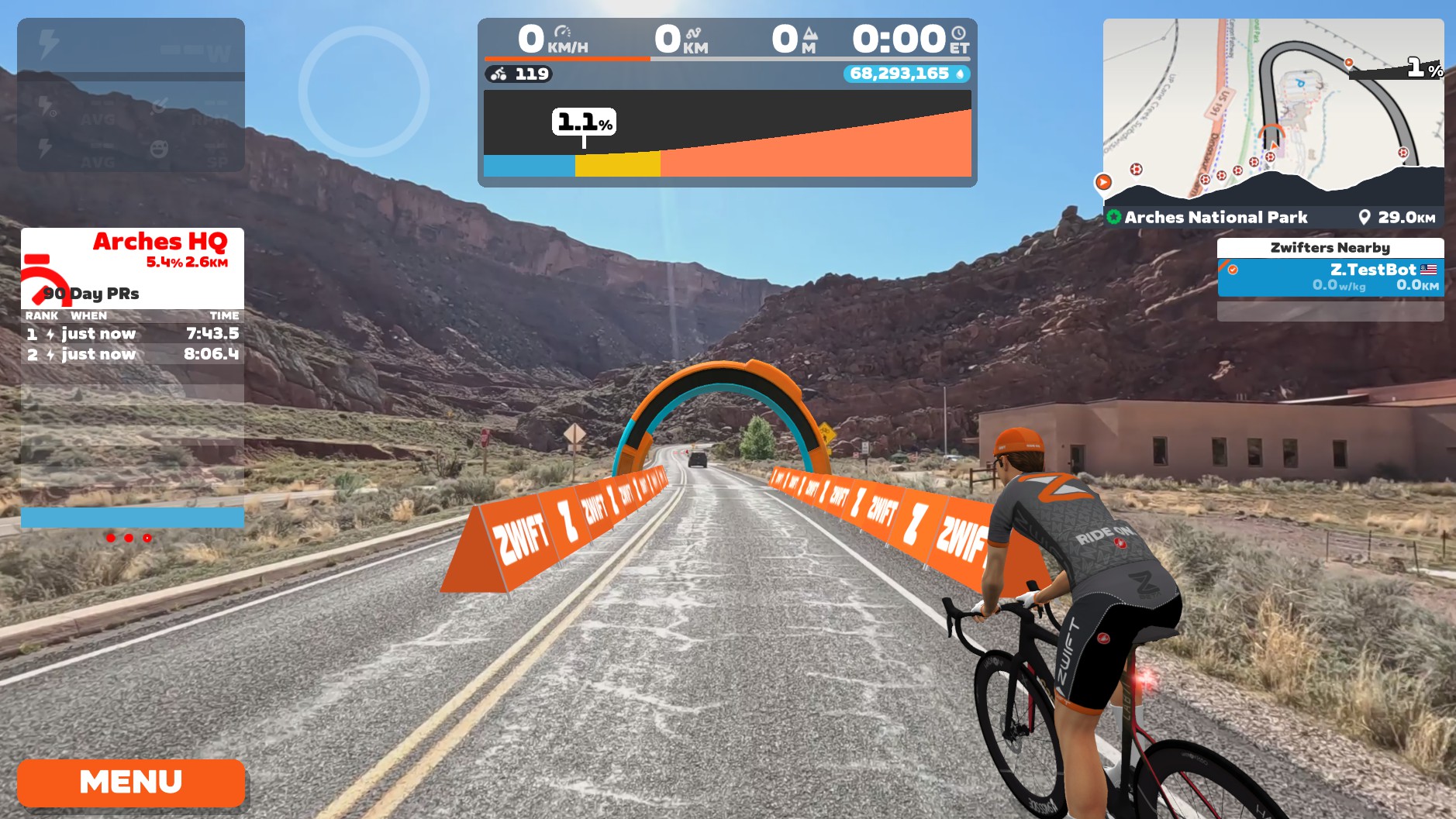
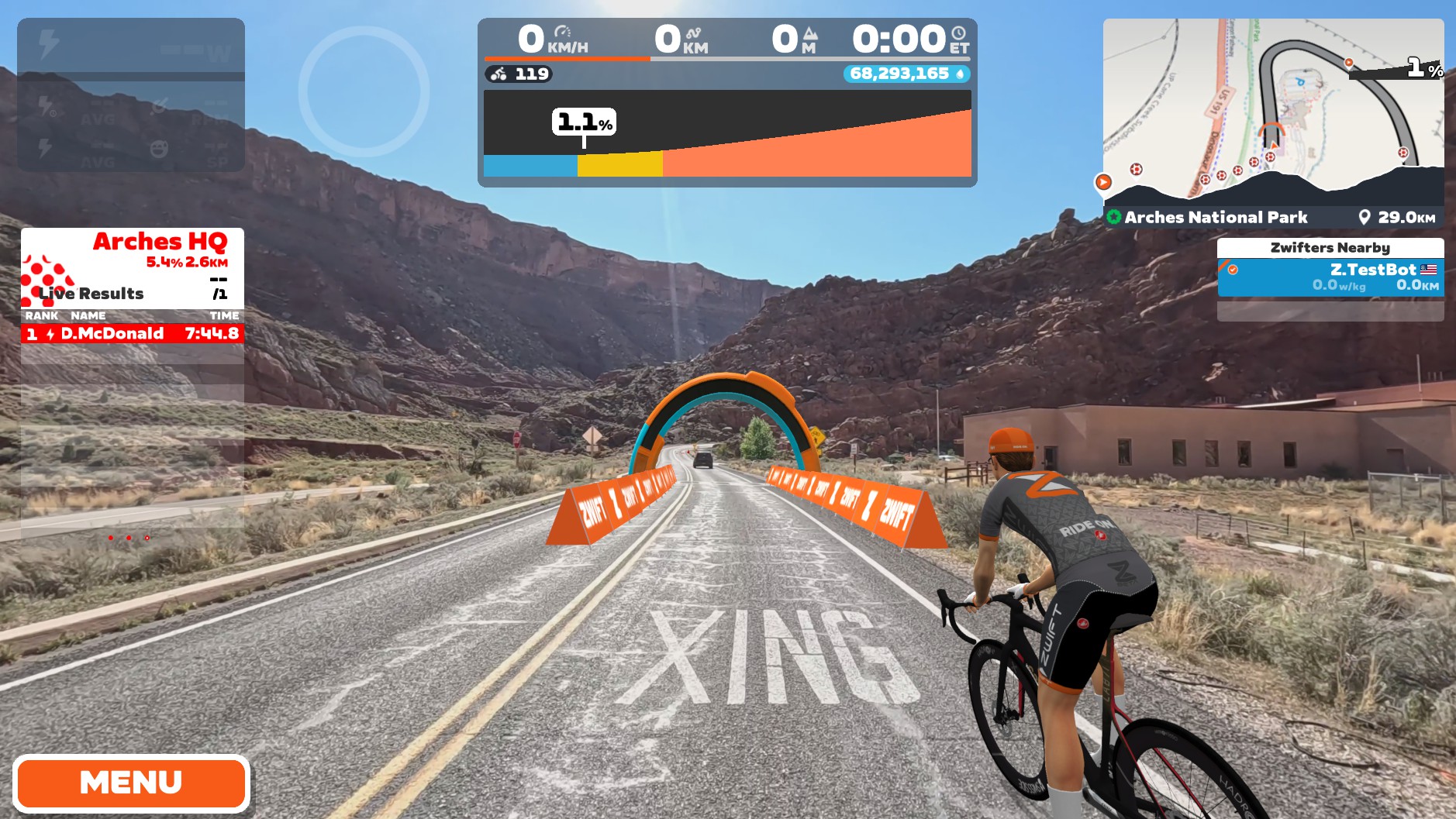
While modern video compression is quite impressive and makes the math more complex, you can see that Zwift’s highest video quality probably requires around 9x the bandwidth of its lowest video quality. But I decided to actually stream some video to look at hard numbers. Here are the results:
4k UHD
| Route | Total GB | Mbps @ 40kph | Mbps @ 30kph |
| Eggum Coastal (15.8km) | 17.72 | 107 | 80.3 |
| Glen Etive (6.2km) | 7.53 | 115.9 | 86.9 |
Ultra (1440p)
| Route | Total GB | Mbps @ 40kph | Mbps @ 30kph |
| Eggum Coastal (15.8km) | 7.2 | 43.6 | 32.7 |
| Glen Etive (6.2km) | 4.3 | 66 | 49.5 |
High (1080p)
| Route | Total GB | Mbps @ 40kph | Mbps @ 30kph |
| Eggum Coastal (15.8km) | 4.3 | 25.7 | 19.3 |
| Glen Etive (6.2km) | 2.6 | 40 | 30 |
Medium (720p)
| Route | Total GB | Mbps @ 40kph | Mbps @ 30kph |
| Eggum Coastal (15.8km) | 2.2 | 13.2 | 9.9 |
| Glen Etive (6.2km) | 1.3 | 20 | 15 |
You may not have realized that riding faster requires a faster internet connection… but it’s true! If you’re not sure how fast your connection is, visit fast.com on your Zwift device to learn. You may need to adjust your Video Resolution in settings to something that requires less Mbps.
Zwift released a game update yesterday that added a pre-download option, which is useful if your internet connection is a bit slow or unstable. Read how it works >
#6: The Group Ride Experience
Events aren’t yet supported in Zwift Video, but I was really curious what it would be like to ride a video route with lots of Zwifters around. So I organized a Rebel Group Ride last Saturday on the Colorado River Sunrise route. (No, we weren’t there to look for the nature breaker.)
We all just joined the route at the same time, and I gave the signal to start at 8am sharp. Like an old-school Zwift group ride! I thought the group ride experience overall was good. A couple of odd things, but nothing major. I recorded the event, and you can see how it went:
#7: No Cell Service
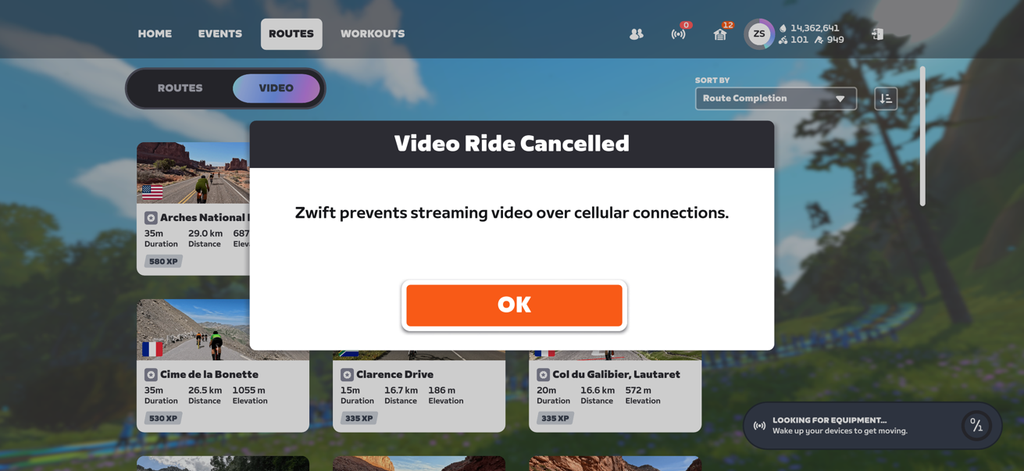
Have you tried riding a Zwift Video route from your cell phone on a cellular connection yet? This is what you’ll see:
#8: Things You Cannot Do
While Zwift Video still feels “Zwifty” due to the same avatars, arches, powerups, HUD, etc, there are a surprising number of Zwifty things that can’t be done in Zwift Video. Here’s my running list (let me know in the comments if you discover more):
- No teleporting
- No clicking a rider in the list to view their perspective
- No U-Turns
- No changing camera angles
- No navigation options at intersections
- No video screenshots (or automatic video screenshots of important moments)
#9: Prize Spinners!
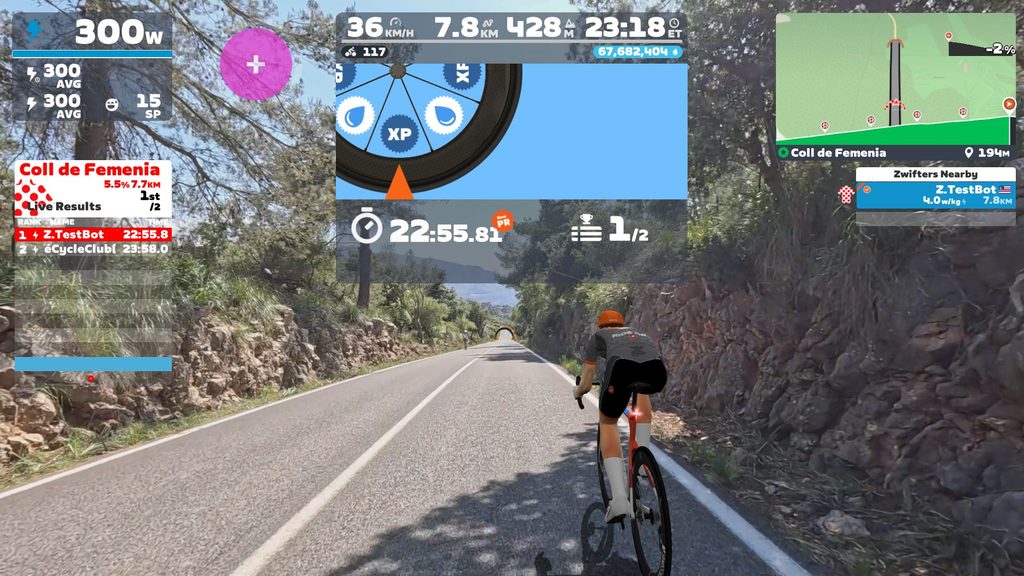
Several climbs in Zwift Video award you with a prize spinner at the top. These include:
- Col du Galibier, Lautaret
- Coll de Femenia
- Sa Calobra
- Upper Bonette
- Arches National Park – Devil’s Garden KOM
In general, Zwift added the spinners where a climb has no descent (as a way to compensate Zwifters for the lost descent) or where the climb is simply pretty epic and deserving a reward (like we already have on Alpe du Zwift and Ventoux).
The spinner prizes are either XP or Drops bonuses. Zwift isn’t sharing the exact probabilities for each, but shared these probability tiers with me:
XP
- 200 XP (2nd)
- 300 XP (Highest)
- 400 XP (3rd)
- 500 XP (4th)
Drops
- 15,000 Drops (2nd)
- 20,000 Drops (Highest)
- 25,000 Drops (3rd)
- 30,000 Drops (4th)
#10: Climb Sectors, Powerups, Virtual Arches
Longer climbs in Zwift Video are often broken up into equidistance sectors, like what we have on The Grade KOM and within the Climb Portal. Coll de Femenia, for example, is broken up into 5 sectors:
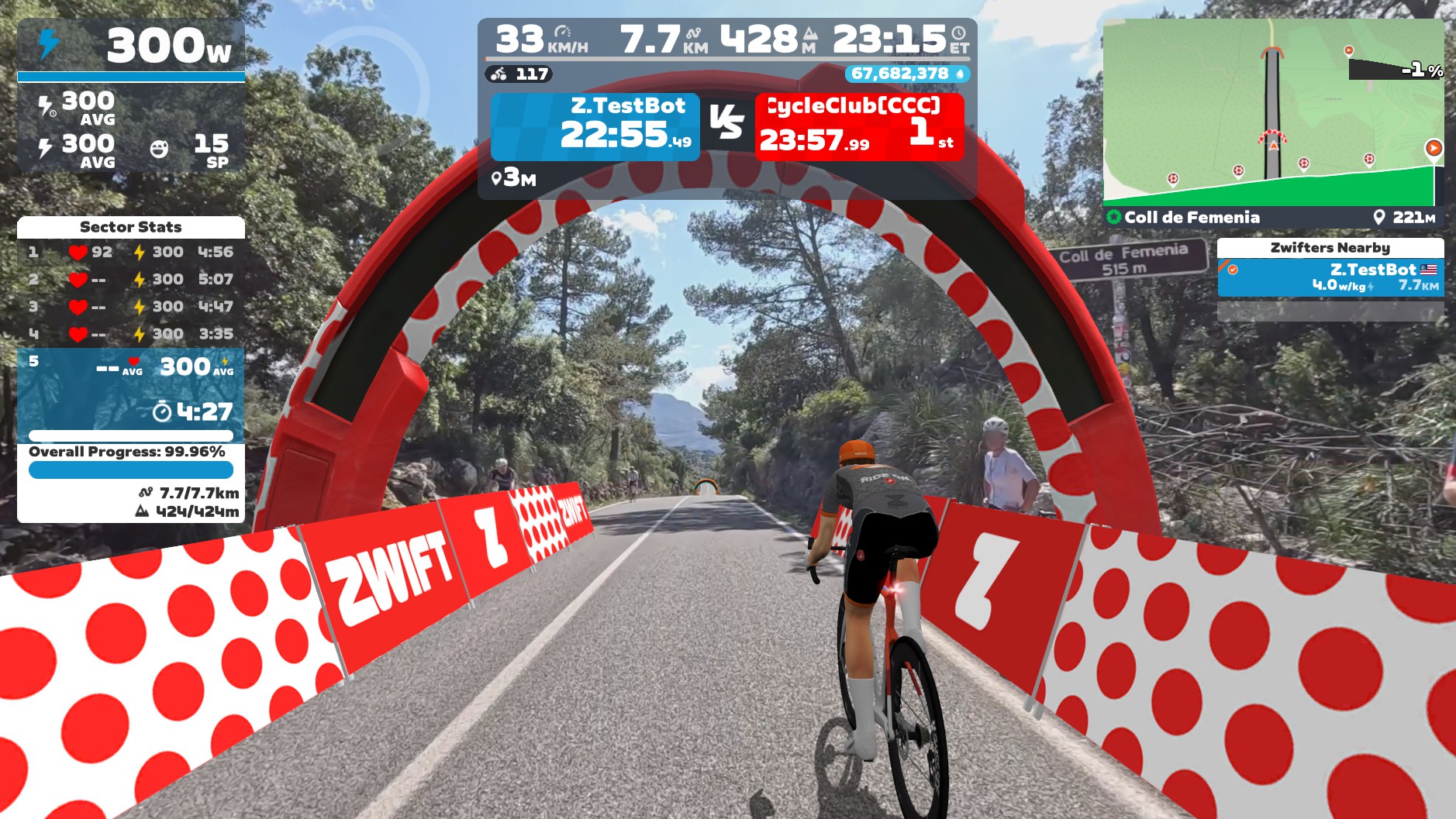
The sector start/end points appear as arches in the minimap, but do not appear in the actual video. Each time you finish a sector, you’ll get a powerup: either a feather, small XP bonus, or large XP bonus. Probabilities for these are similar to the Climb Portal at 100% (read how that works).
(Related fact: if you do a structured workout in Zwift Video, you’ll notice the interval arches show up in the minimap, but not in the actual video.)
Questions or comments?
Whew. That’s it for now, although I’m sure there’s more to discover in Zwift Video. Got comments, questions, funny things you’ve spotted? Share below!

