Episode 14 of Zwiftcast has been released. Here’s the full episode description:
Simon, Shane and Nathan are back – and the first few minutes of this edition are devoted to picking over some of the bones of the last episode’s interview with Eric Min, the CEO of Zwift. We talk about how soon Zwifters might feel the benefit of the huge new investment in Zwift from outside funders; and what Eric might have meant by a Smart Bike.
The first interview on this episode is with celebrity Zwifter, the Paralympian Jody Cundy, who talks about Rio, Gold Medals, how much the kilo hurts – and getting famous from a hissy fit. You can see Jody’s exploits here.
Simon, Shane and Nathan follow up with a discussion about the celebrated art of bike hurling – and whether it ought to be represented in game. Nathan introduces the hilarious idea of a potential “OhioThrow”. You can see the Bradley Wiggins incident which the boys discuss here.
There’s a very exciting set of new rides and races coming to Zwift with the Dutch National Team. The originators discuss how it came about and what we might expect. There’s more on this story here.
Simon has been spending time on the new top end trainer from Elite, the Drivo and he delivers his verdict in a detailed review and we have an interview with Derek Boocock, the rider who completed a remarkable distance record on Zwift.
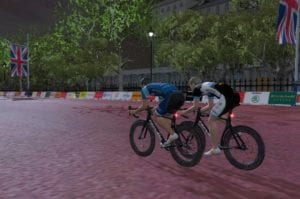
David Allonby (Vision)and Tim Cartwright (KissRT)shared the first step of the podium in the KISS EU of Nov 10th. On the flat roads of center London, the two englishmen went head-to-head to end up in a sprint finish.
Right from the gun, the Kiss Racing Team showed its hand trying to isolate Allonby. One by one, Branden Meltingtallow, Edgaras Spiridonov and Dafydd Williams attacked to tire the Vision rider, but the pack caught up with all the breaks until halfway through the race. Some other riders tried to break away as well, like Pedro Barroso (PTz), Ole Bergtun and Eoin McGovern.
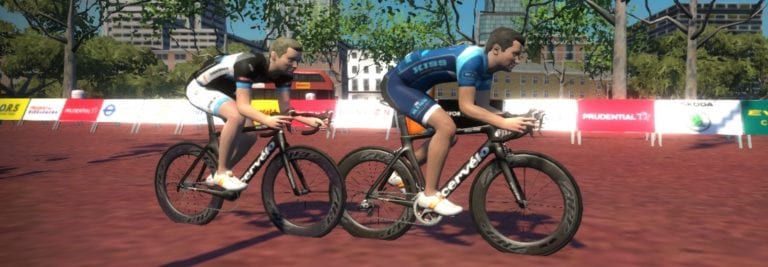
Cartwright (KissRT) and Allonby (Vision) head-to-head.
With Trafalgar climb as the only uphill for the whole course the spots to attack were a limited, but that didn’t keep the two TT specialists from going forward. Approaching the middle of the race, David Allonby (Vision) and Tim Cartwright (KissRT) went ahead and worked together for the remaining kilometers. The lead over the pack grew quickly as the chase couldn’t form up, as Cartwright’s teammates were keeping it from happening.
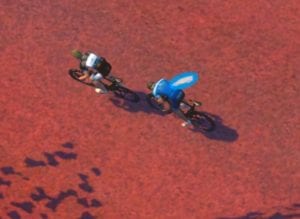
Allonby and Cartwright going all-out.
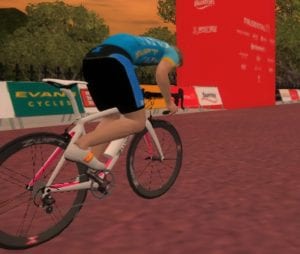
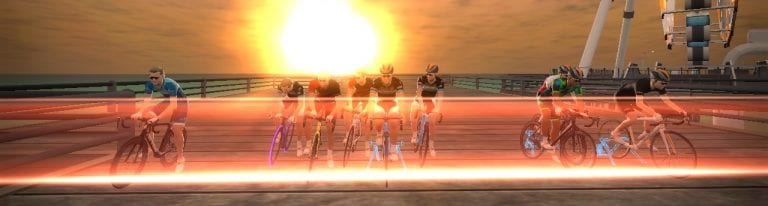
The final sprint, head-to-head between Cartwright and Allonby started at the last kilometer, each throwing in their aero power-up, and coming to one of the closest in recent Zwifstory. Zwiftpower said Cartwrightcame out first, the “photo-finish” services said Allonby did… “Whatever the official results say, it was an awesome race from Tim, says Allonby. We stayed together and settled this in a really close sprint: top racing.” The same speech comes from the KissRT rider: “I think I maxed out my turbo in that sprint” joked Cartwright.
Welcome to “Sprinterlandria”
About 35 seconds later, Anthony Portalino took third place in the bunch sprint over Dafydd Williams (KissRT) and Edgaras Spiridonov (KissRT). There were about 15 riders in the pack at the finish line, one of the biggest bunch sprints coming to the finish in the “Sprinterlandria” of the London Classique Course.
Millar takes the win in the B category.
Following the A race, the Mall only saw massive sprints to settle the results between the packs. In the B category, Jared Millaroutsprinted BJ Afonso (PTz) and Sam Bacon (BR Team). For the Cs, a couple of riders got upgraded, but Roger Kristiansentook the win for the PTz Team, with Jesper Faxe (Vikings)coming in second and Brian McCardlecoming in third. Ultimately, in the D race, Andrew Keedle took his second win of the week by going solo. Andrew Nokes and Jonathan Miller went on to complete a 100%-British podium.
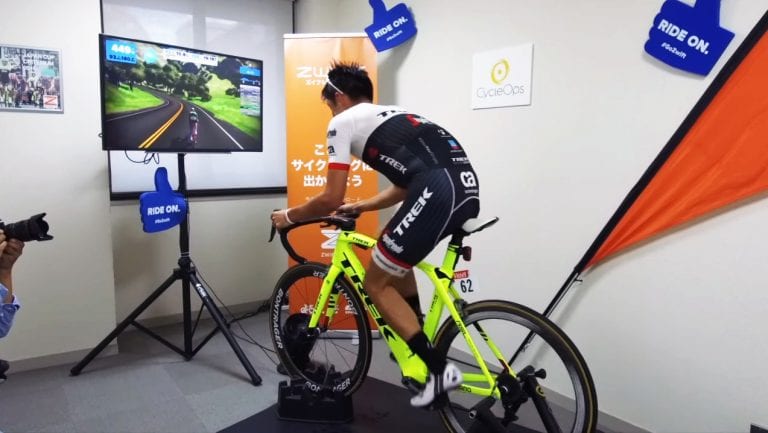
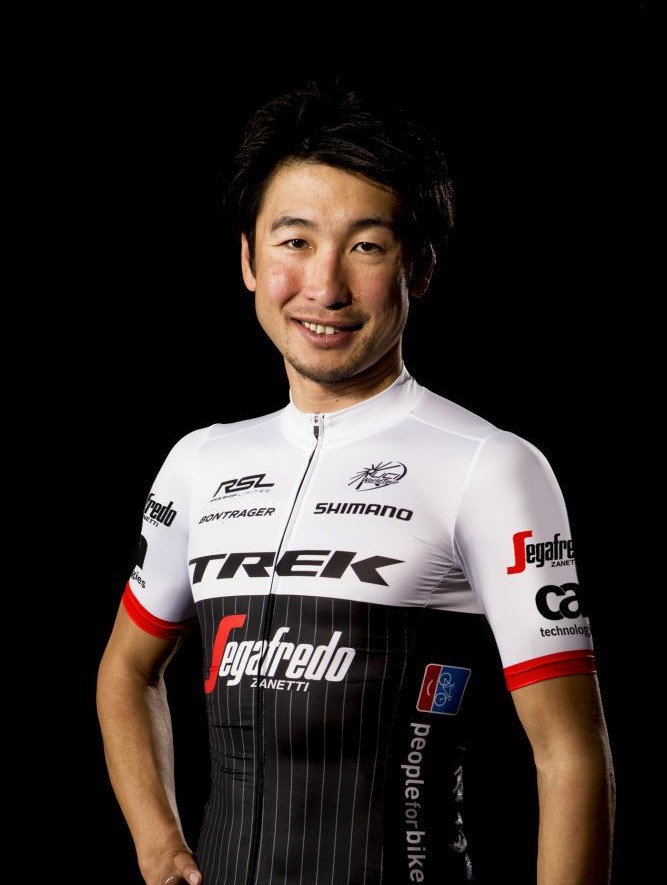
Fumiyuki Beppu, the most celebrated cyclist in Japan’s history, rides in the pro peloton for Trek/Segafredo. Zwift HQ recently shared a video of Fumy hitting the Watopia Hilly route hard for one lap, and the numbers are impressive!
His lap time of 12:03 got him 41st place on Strava for the lap. Impressive ranking, considering this was a solo effort. (I’m currently in 1665th place with a time of 13:57, and I’m sure that was riding in a pack.)
He averaged 443w for the lap, which works out to 6.42 w/kg since he weighs 69kg. Amazing.
And again: he makes it look so easy. He doesn’t appear to be straining at all until a bit of effort at the end.
Last weekend my family and I drove down to Southern California to ride “Bike the Coast” with my brother in Oceanside. It’s a long drive: 10 hours if you drive straight through (California is a big state, and I live near the top). But it was well worth it to spend quality time with family, ride a century along the ocean, and pay a last-minute visit Zwift HQ in Long Beach.
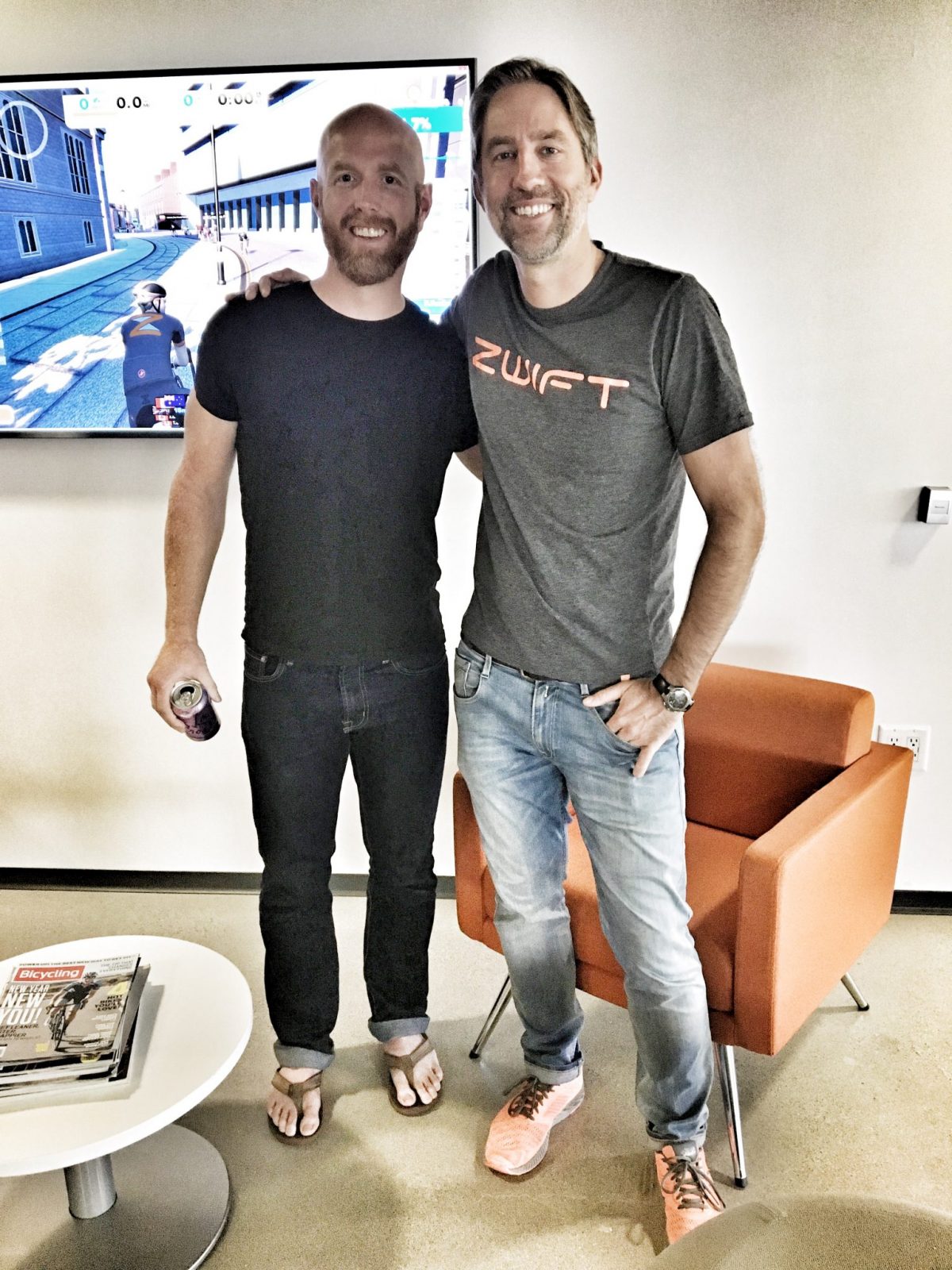
Scott Barger (right) and myself.
Scott Barger, one of Zwift’s co-founders, generously gave my brother and I a complete tour of the place. (My plans had changed at the last-minute, so just the fact that he made this happen says a lot.) The vast majority of Zwifters aren’t familiar with Scott’s name because he keeps a pretty low profile on social media, but Scott is in charge of the customer experience side of things: so when you get a helpful automated email from Zwift, or the Zwift support team helps you with a tech problem, you have Scott to thank.
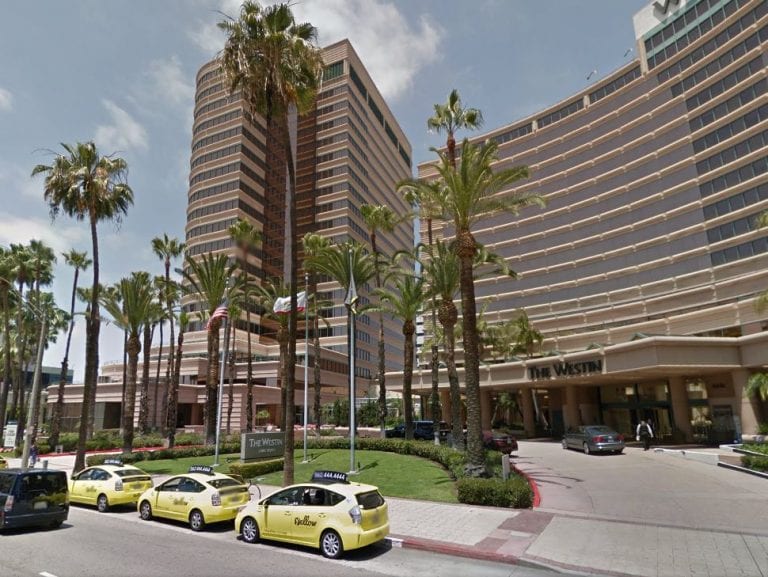
Zwift HQ is located on the 19th floor of a large office building located at 301 E. Ocean in Long Beach, CA. It’s a beautiful office space with expansive views of the Pacific and surrounding city. When I arrived I was greeted by office manager Elise Baden, who I have emailed back and forth with several times. The entry area includes a couple full bike racks on the wall, a large TV with Zwift running live, and easy access to the various departments and offices.
Scott came out to meet me, and I also had a quick chat with retired pro (world pursuit champion) Mike McCarthy, VP of Partnerships at Zwift. We proceeded to visit each department, and I’m sorry to say while I met lots of great folks, I can’t remember many names. In hindsight, I should have taken more notes and photos!
We began with Customer Experience where I met Eric Chon and others. This crew handles Zwift’s social media, email blasts, and more.
Art Department, touching up pelicans, bikes, and scenery (most of the crew was gone for lunch when I snapped this shot)
The Art Department was next, where five different artists were working on drawing new bikes (there are a lot of bikes coming to Zwift), touching up pelicans, and more. It was fascinating to watch them hand-draw the game elements I interact with regularly.
Next I met the two website guys who are responsible for the very nice and every-improving Zwift.com. Then we hit the Game/Physics Group–these are the “math guys” who decide how drafting works, automatic positioning in a pack, etc. Our last department was Tech Support where we said hi to Lindsay Ruppert (who often chimes in on Zwift Riders) and crew.
After the meet and greets we hit Zwift’s gym/test lab which had several Zwift machines, big screens, and a pile of trainers along with a treadmill and Concept2 rower. This is where the Zwift crew gets to ride for workouts and live game testing. Scott also showed us a connected storage room which contained shelf after shelf of nearly every trainer known to man because, as Scott explained, Zwift staff needs to test every trainer to make sure the Zwift experience is as accurate as possible.
Throughout the tour Scott introduced me as “Eric Schlange–the guy who did the map!” and everyone was very friendly and gracious. I even saw a few of my Watopia maps framed and hanging up, which was pretty gratifying.
My only regrets were not getting to meet “Game Master” Jon Mayfield (who wasn’t in) or CEO Eric Min (who lives in London). But I was able to meet so many of the flesh and blood humans who work every day to make our Zwift experience more amazing, and I was impressed with just how many people it takes to make Zwift work. It’s no small undertaking, and this was only a portion of Zwift’s crew (they also have offices in New York, London, Rio de Janeiro and Tokyo.)
I especially enjoyed talking with Scott about Zwift’s story–past, present, and future. There is so much in store for Zwift (as Eric Min’s recent Zwiftcast interview explained) and it was exciting to be at the epicenter of it all.
The 4 “bumps” in the hilly race led to a pretty clear race from the get-go in the KISS EU of Nov 8th. David Allonby (Vision) took the win in the As, with Si Hughes and Pascal Evers completing the podium.
The first breakaway in the Italian village.
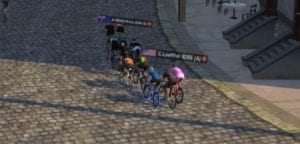
Coming early in the race, the first hill was a moment of choice to go forward for a dozen riders, led by Kim Little (Team X) and Pascal Evers. For the first kilometers there were 11 up front : Kim Little (Team X), Carl Loeffler, Anthony Portalino, Dafydd Williams (KissRT), Penn Henderson, Pascal Evers, Si Hughes, Shawn Gray (Team X), Koen Van Geyt, D.Bane and David Allonby (Vision).
The group of 7, led by Allonby (Vision).
Despite a few attacks through the Esses, the second hill made the cut and the big break went on to last for the remaining kilometers. On board, we could find: Allonby (Vision), Hughes, Evers, Portalino, Van Geyt, Loeffler and Williams (KissRT). At that point the first chase group was already half a minute behind.
A fighting duet
It was up to Allonby, then, to ring the last lap bell. The englishman attacked right at the line, putting the hammer down and smashing the group of seven into seven groups of one. “He was way too strong, admits Williams. The first three climbs were brutal, fourth one was too much for me. I’m pretty happy with my result, in the end. This course suits me well and I made the best of it“.
At the top of the hill, only Si Hughes managed to keep up with Allonby, and held on to him until the approach of the last Esses. Allonby tried in the descent first, in the climb before the village then coming to the sprint banner, the Vision rider ultimately went on to take the win.
Allonby & Hughes fighting it up.
In the B category, Havard Thomassen (Vikings)took the win over Austestad and Fitzsimmons. Springett took the win in the C category, whereas Andrew Keedle won the D race.
With less than two weeks to go before the big event, the hype for the Team Worlds 2016 keeps building. With a very special set of rules and a system for registration, this race is putting team racing in the limelight. Let’s get a quick tour of what this event’s meant to be this year, with the main organizer: Thomas “Tam” Burns.
This is the second edition of the Team Worlds, how did the first one go ?
T.B : “It was a big success, number-wise. It was also very hard to organize, since we didn’t have all the resources we have this year: ZwiftPower, event module, staggered starts… We had 283 riders coming from 25 different countries, huge event. We had a couple of bumps in the road, some technical issues but it all ended up okay. The biggest challenge back then was the registration, because we didn’t have the system we have this year. We used to do it all via e-mailing, so that was pretty hard to manage. I think I sent almost 2500 e-mails, and received even more, that was absolutely crazy. ”
Talking about registrations. How will the “non-branded” riders will be included ?
“The riders without brand team are going to be affiliated to national teams, divided by categories, as much as possible. I really want to make it a team event. And finally, the last remaining riders will be affiliated with composite teams, but will have a chance to run for gold as well. I’m also looking into filling the the brand teams who need a couple of guys to complete their roster.”
“Put all the categories into light”
There’s also been a lot of question about the point system. In a few word, can you explain it ?
“Of course. You have 2 ways of scoring. First, the simplest: the 4 first riders of each team will score a certain amount of point, equal to their ranking. First will get 1 point, second will get 2, thirty-seventh will get 37…and so on. With that part, every team is going to have a certain number of points. Second part is the sprints. At every sprint banner (not KoM, just sprints), the 3 fastest riders will score points. These points will be substracted to their team counter. At the end of the day, the team that scored the less point will win.”
What will the different awards be?
“There will be 5 of them. One for each category, and one overall. Last year, one team got all the focus, but this year, I really want to put all the categories into light, so that everyone has a chance to shine. It’s all in the spirit of making it a team event. ”
In the future, will this event become a regular rendezvous in the Zwift season?
“I hope so, yes. This year, it’s been partnered with the ODZ team. And even though they’ve been rather quiet, it happened for a reason. They did a lot of background work, including securing the deal around the event’s kit & jersey. I don’t think I’ll run it solo next year like, I did last year, but I won’t be too far either.”
About Tam Burns: Living in Ayr, western Scotland, Tam Burns is a 55-yo married man, with 3 children. Involved in sports for quite a long time: athletics, lifting (with several national caps), even 4 times his weight at some point, he joined the army for 23 years before going into logistics. Cycling-wise, he “started about knee high to a grasshopper, and never stopped.” Never taking it too seriously, he went on to run mostly triathlons and IronMans. The competitive spirit is more alive than ever, he describes himself like this: “I’m just an older version of my young self. Always looking to get better, always looking to beat myself, and not necessarily others.”
David Allonby (Vision) took the win in the TFC Autumn Race-Nov 4th, making it its 10th straight win. Kleiven (BRT) and Boniface complete the podium for the A’s.
Lead group going into the second lap.
The two laps of London Loop and the mass start didn’t scare off the 160 starting racers, but the first climb of Box Hill surely made the peloton break apart. At the KoM point, it’s a group of 8 that openned the road : Allonby, Webb (Vision), Kleiven (BRT), Appleby (TFC), Vieira (PTz), Boniface, Gray and Henderson. Out of this group, Appleby and Webb got dropped in the descent, leaving Allonby alone in front of his responsibilities as a super-favorite.
Opportunity Maketh Race
Allonby (Vision) goes solo
In the second lap, the Vision rider popped out of the group in Traffalgar climb, surprising his companions, then creating an almost immediate 10-second gap. “There was a lot of looking around, no group work, so I went for it as soon as I got the opportunity” explains Allonby. In the chasing group, Kleiven and Vieira were the main chasers, but the PTz rider out of Portugal was soon to be DQed, regarding ZADA rules, leaving the 2nd place to the Norwegian.
Fast pace in the last descent
Hanging on in front of the race, David “Debbie” Allonby kept his pace and took some time to appreciate the win, finishing with a 5″ gap over Njal EivindKleiven. In the sprint for the last podium spot, Boniface managed to be the fastest over the line against Curtis Gray, 35 seconds after the winner. Penn Henderson took 5th, 1’10” down.
In the TFC Series, Shawn Gray (Team X) keeps the lead, but the BRT team managed a well-placed group shot, taking 2nd, 6th, 9th and 10th in the race. In the B category, Darren Heath (BRT) won the sprint over BJ Afonso (PTz), whereas in the C’s, Svein-Erik Vatle (§rytteme) took his 7th win in the Autumn Series. Finally, in the D category, the win goes to Tim McCarthy (TFC).
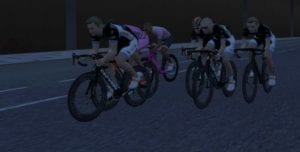
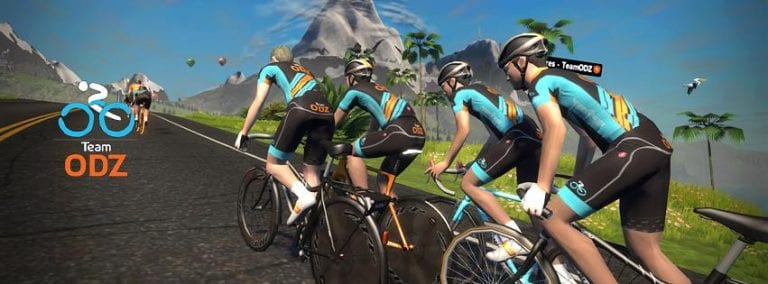
ODZ SkillZ and DrillZ Ride: Chasing the Break– Despite a technical difficulty, we had a successful SkillZ and DrillZ Ride on 2 November. Due to an oversight, we didn’t get the SDR for today in the group module. However, we did have a small group on Discord, so we went ahead with the training anyway. Today’s lesson was about working as a group to chase down a break.
As usual, we started our ride as a group, practicing staying tight by making small changes to power. Despite our best efforts, keeping the draft or not shooting past the group remains a challenge even for some of our most experienced Zwifters. With practice, everyone will continue to get better, but it definitely takes consistency to fine tune that skill.
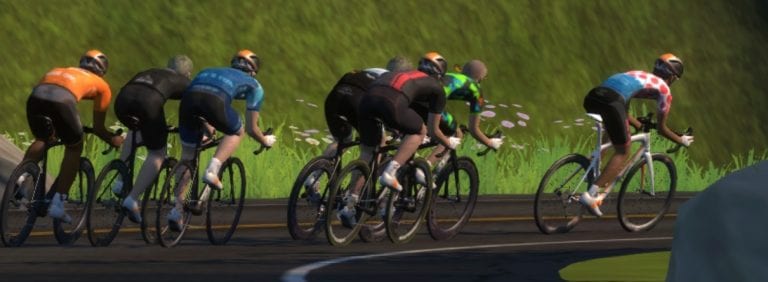
After our brief warm-up and group dynamics practice, we began working on the skill of the day, chasing down the break. Like IRL racing, Zwift races often have a break get away from the gun. If the race is long enough, you may decide to let a small group of riders burn some matches trying to get away early and remain with a much larger group of strong riders. Over time, the larger group, if it works together, will often be able to go faster at an easier effort than the smaller breakaway group. Like outdoors, the drafting effect greatly impacts the speed of the group, and the bigger the group, the bigger the draft.
For our purposes, we conducted the drills at less than race pace to ensure that everyone could stay with the group and learn. For the first set, two riders went up the road for 20 seconds as hard as they could while remaining together. They then backed it down to 2.0 w/kg, and the rest of the group chased at 2.5-3.0 w/kg, using a rotating paceline, sharing the workload. After about one minute, the chasers shut down the break, barely raising their heart rates above what we had been riding during warm-up.
We repeated the drill a few more times using a number a variations in the number of riders in the breakaway and chase groups, also changing the composition of the strength of the groups. Two key learning points were emphasized in the latter part of the class. First, the chase group has to be organized. In one instance, we sent a weaker rider solo up the road, but the chase group took a while to get organized. The lack of organization was actually due to power drop issues and traffic on the course rather than planned. However, those disruptions created a great opportunity to learn. Despite the fact that the breakaway rider was not going much harder than our regroup pace, the chasers couldn’t get a consistent paceline, leaving the gap yo-yoing between 5 and 20 seconds for a couple of minutes. Finally, the chasers got sorted out and shut down the breakaway in short order. Second, stronger riders can allow a larger group of weaker riders to get a fairly good lead, as it can be shut down in quick order with a well-coordinated effort from the group of stronger riders.
Why does this matter? Well, in many Zwift races, the breakaway is the winning move because the race is less than 30 kilometers. But, in longer races like the upcoming Team Worlds on 19 November or the staggered start races like the ODZ Cat & Mouse races, the breakaway and chase group scenarios often play out. In those cases, the battlefield calculus or cycling math needs to be done quickly to determine which group to join and how much of a leash to give. Sometimes, a Zwift teammate may serve as the Director Sportiff and do the math for you, but it is usually left to the individual rider. If you are able to play the part and get the other temporary allies to work together, you may be able to pull back a group while saving energy for a late-race attack.
Next week, we hope to be back in the event module and to finalize the recording of the event complete with the Discord discussion. I thought I had it today, but my microphone failed me. That’s it for this week. For the next ODZ SkillZ and DrillZ, we will be riding on Richmond. We’ll take advantage of the course and practice two skills, climbing and taking a sprint victory. We won’t focus on the Zwift jerseys, but we will go over some tactics and techniques to give you that edge. Hope to see you all out there next Wednesday and on Discord.
Turn off Zwift’s startup music with this easy hack
UPDATE: this hack is no longer needed, as Zwift added a “Title Music” option in the main menu which allows you to turn off the start up music.
Ever wish you could disable the startup music Zwift plays before you begin riding?
Some people find it annoying to hear the same song every time they begin their ride. Others simply don’t want any music because they’re already listening to tunes or watching TV. Here’s how you can turn off the startup song:
Get to the right location: On PC, go to C:\Program Files (x86)\Zwift\data\Audio\PC On Mac, go to Mac HD\Users\Account Name (specific to your setup)\Library\Application Support\Zwift\data\Audio\OSX
Rename file “777200017.wem” to “777200017.tmp”. This file contains your startup song. Changing the extension to .tmp allows you to keep the file on your computer in case you want it back, but prevents Zwift from finding and playing it on startup.
Note: this file may be re-created on our system by a future Zwift update. If the startup music begins to play again after an update, simple perform the same steps above once more.


 About Tam Burns:
 ODZ SkillZ and DrillZ Ride: Chasing the Break