

Today, Hammerhead officially joins Wahoo and Garmin in sending outdoor activities from riders’ Karoo head units to Zwift’s systems. This is good news for Hammerhead users, as those outdoor rides automatically sent to Zwift are included in Fitness Tracking metrics, earn XP, and help keep your Zwift Streak alive! Read on for details…
Connecting Hammerhead to Zwift
For now, the place to connect your Hammerhead account to Zwift is via your account Connections settings page at zwift.com (zwift.com/settings/connections).
Zwift will be rolling out a Companion app update in the next week or so which includes Hammerhead support, so Zwifters will be able to manage the Hammerhead connection through the app beginning August 19. But we figured Hammerhead users would want to know they can hook up their accounts today via the web.
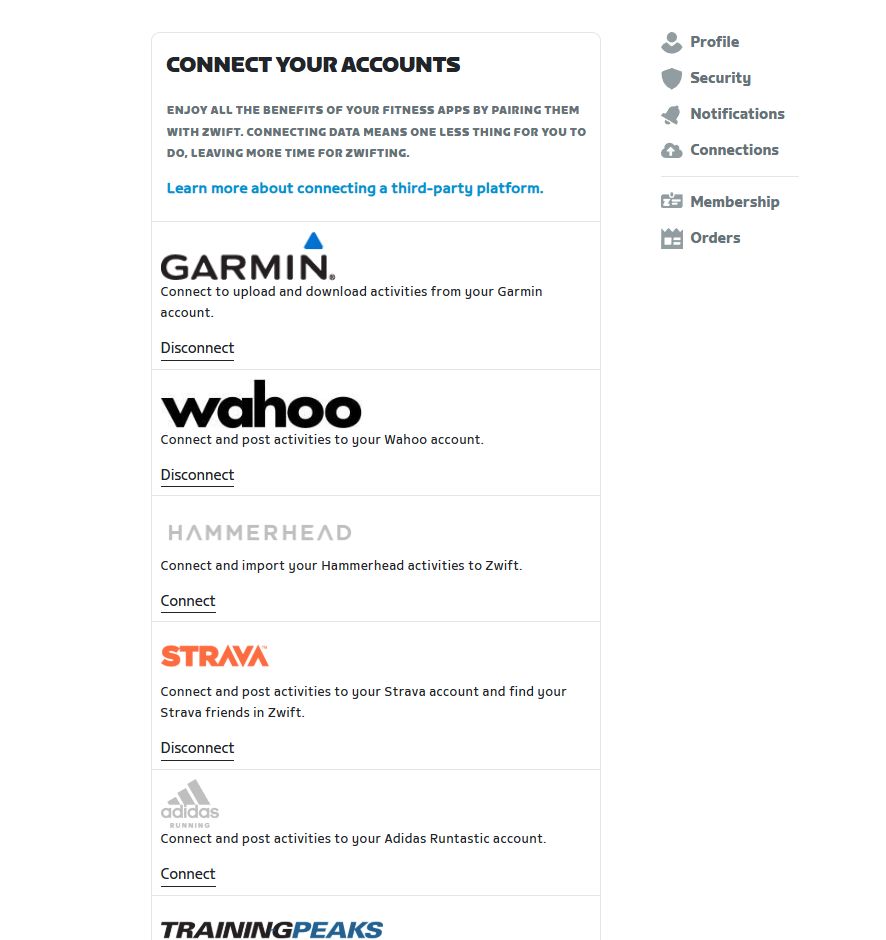
Navigate to your account’s Connections page and click “Connect” under Hammerhead:
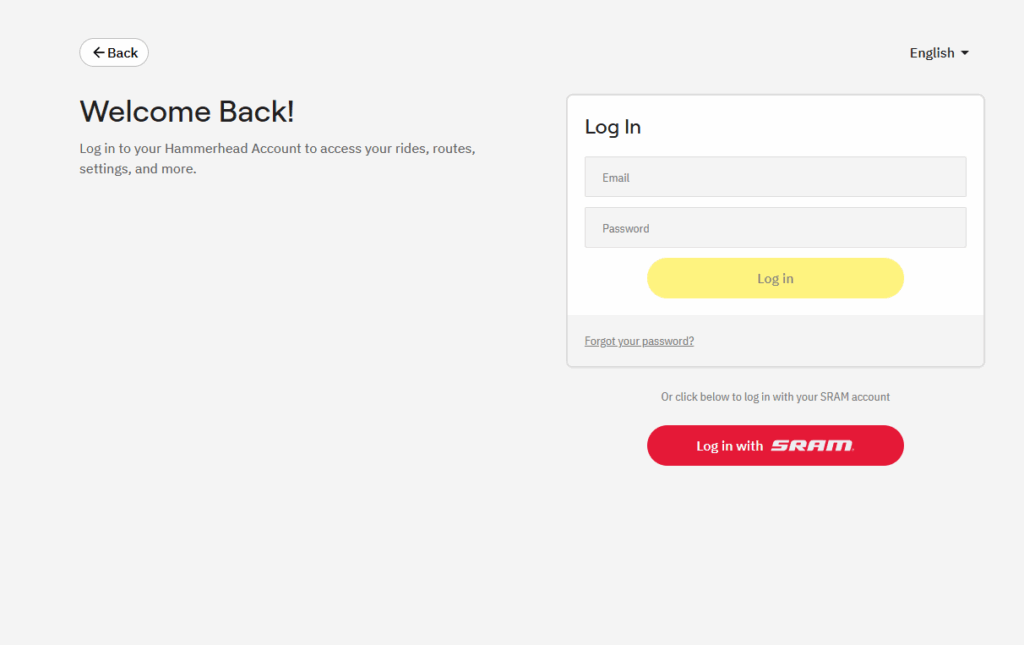
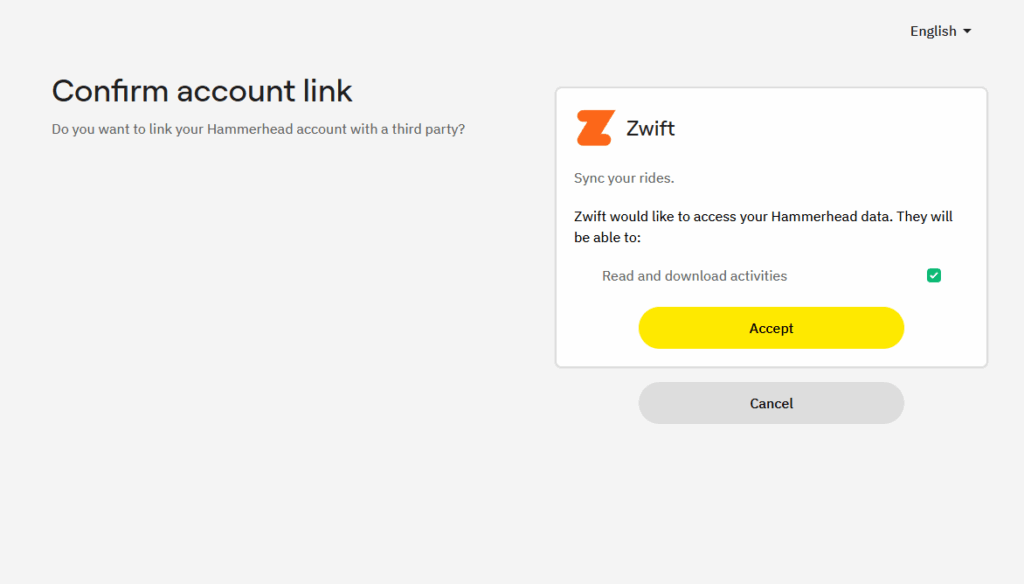
You’ll need to log into your Hammerhead account on the next screen, then give Zwift access to read and download activities:
When you’re finished, Hammerhead will show as connected on your account’s Connections page at zwift.com.
Hammerhead Rides in Zwift Companion
Once you’ve connected your Hammerhead account to Zwift, any outdoor rides saved to your Hammerhead account will be sent to your activities list in the Companion app and included in your Fitness Tracking metrics.
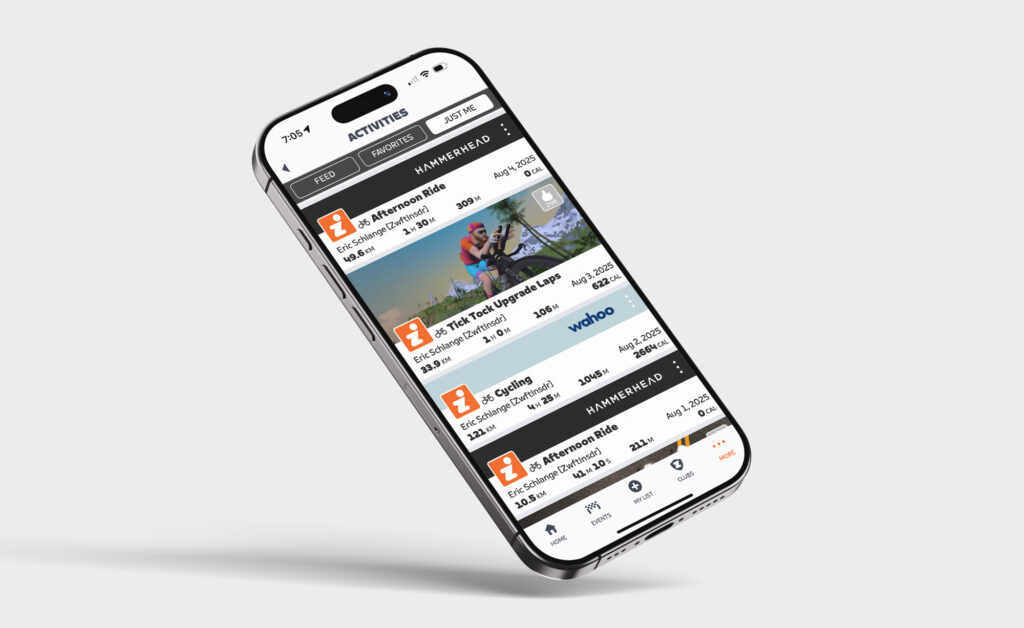
I’ve been testing it myself for a couple of weeks now, and everything appears to be working smoothly. Activities imported from Hammerhead include the Hammerhead logo:
Once you connect your Hammerhead account, the past 90 days of activities will be sent to Zwift for processing and integration into your fitness metrics.
More About Fitness Tracking on Zwift
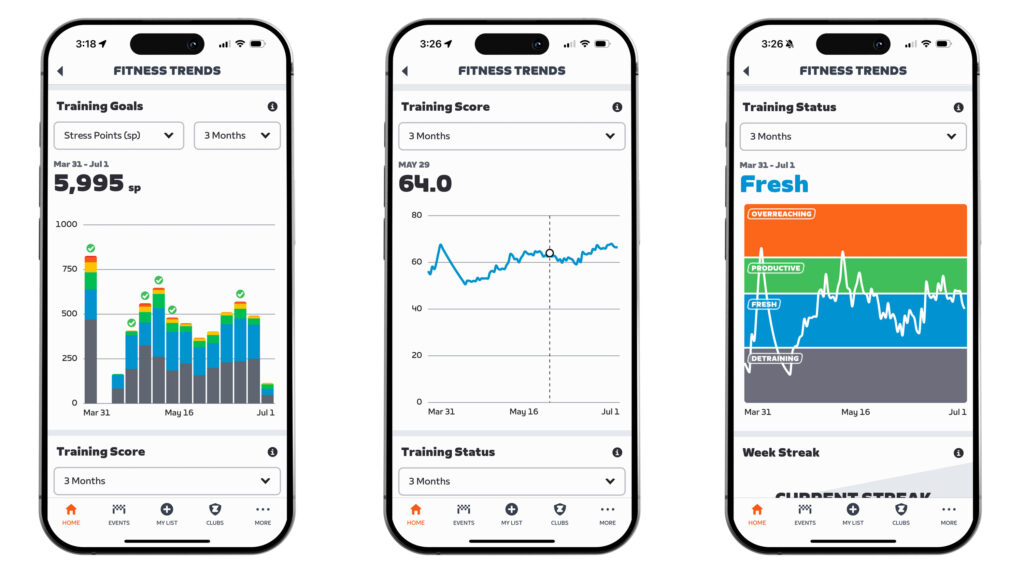
Curious why Zwift would want to see your outdoor rides? It’s simple, really: Zwift wants to build an accurate profile of your current fitness and freshness so you can train smarter.
For more info, read All About Zwift’s New Fitness Tracker, which now includes Fitness Trends historic charts.
Questions or Comments?
Share below!


I’ve been patiently waiting for this! One of those things that only affects a few Zwift users, but if you’re in that group, it’s awesome. I love my Hammerhead Karoo2 and do a lot of riding outside.
FINALLY! Hammerhead Plebs unite! 😀
🤩Let’s goooo….made my week 💯🚲
Bugged, as usual. Not sure I got XPs.
Up until last week I would download the fit file from hammerhead and upload it to Garmin. Haven’t done it today yet. I connected my account to hammerhead and today’s ride shows up, but no XP. On top of days with a Garmin ride, zca displays half a sun with both eyes. Touching it pops up a full sun and displays the number of XPs. On today’s ride, imported from hammerhead, I only see a third of a sun, no eyes, and touching it pops up a full sun and shows no XP, just blank space.
Looks like zwift sees the mileage but gives no XP.
Yep same here 4 rides after the GC trick, no xp for any of them.. 👎
Screenshot
Thanks Eric, I just realized Zwift had integrated outdoor rides thanks to this post (I just totally missed the Garmin integration news from 4 months ago, lol).
I tested it today with Garmin and everything worked perfectly — I even got my XP.
All good here 🙂
Merci Eric
The initial link went well (and ported across 90 days of activities), but to get new ones to go across at the moment I seem to have to go into the Hammerhead dashboard and manual click “share to Zwift” on each new activity. Is anyone else having this problem – have I got a setting wrong somewhere?
Zwift shows as a greyed-out “CONNECTED” on the HH Dashboard but it never uploads rides. Other upload connections are shown as a black “DISCONNECT”, which makes sense as they are alive and well.
K2 is using my home Wifi. Same ride(s) upload connections to RWGPS, Komoot & Strava no problem and have been for years. FWIW, Zwift does NOT appear in the Connected Accounts list on the device despite what the HH dashboard may think. Appears to me that the method to “bond” the K2 to the HH dashboard and beyond isn’t the same process for Zwift.