

Zwift began featuring a Workout of the Week in August 2025, giving Zwifters the chance to earn an XP bonus by completing a particular workout. They stopped scheduling Workouts of the Week on November 10, 2025.
Here’s the past schedule of featured workouts, including the bonus XP you’ll earn for completing each. (Click workout for details.)
| ||||||||||
| Monday | Tuesday | Wednesday | Thursday | Friday | Saturday | Sunday | ||||
| 1 | ||||||||||
| 2 | 3 | 4 | 5 | 6 | 7 | 8 | ||||
| 9 | 10 | 11 | 12 | 13 | 14 | 15 | ||||
| 16 | 17 | 18 | 19 | 20 | 21 | 22 | ||||
| 23 | 24 | 25 | 26 | 27 | 28 | 29 | ||||
| 30 | ||||||||||
| ||||||||||
Featured workouts switch at 9am Pacific each Monday (noon Eastern, 4pm UTC).
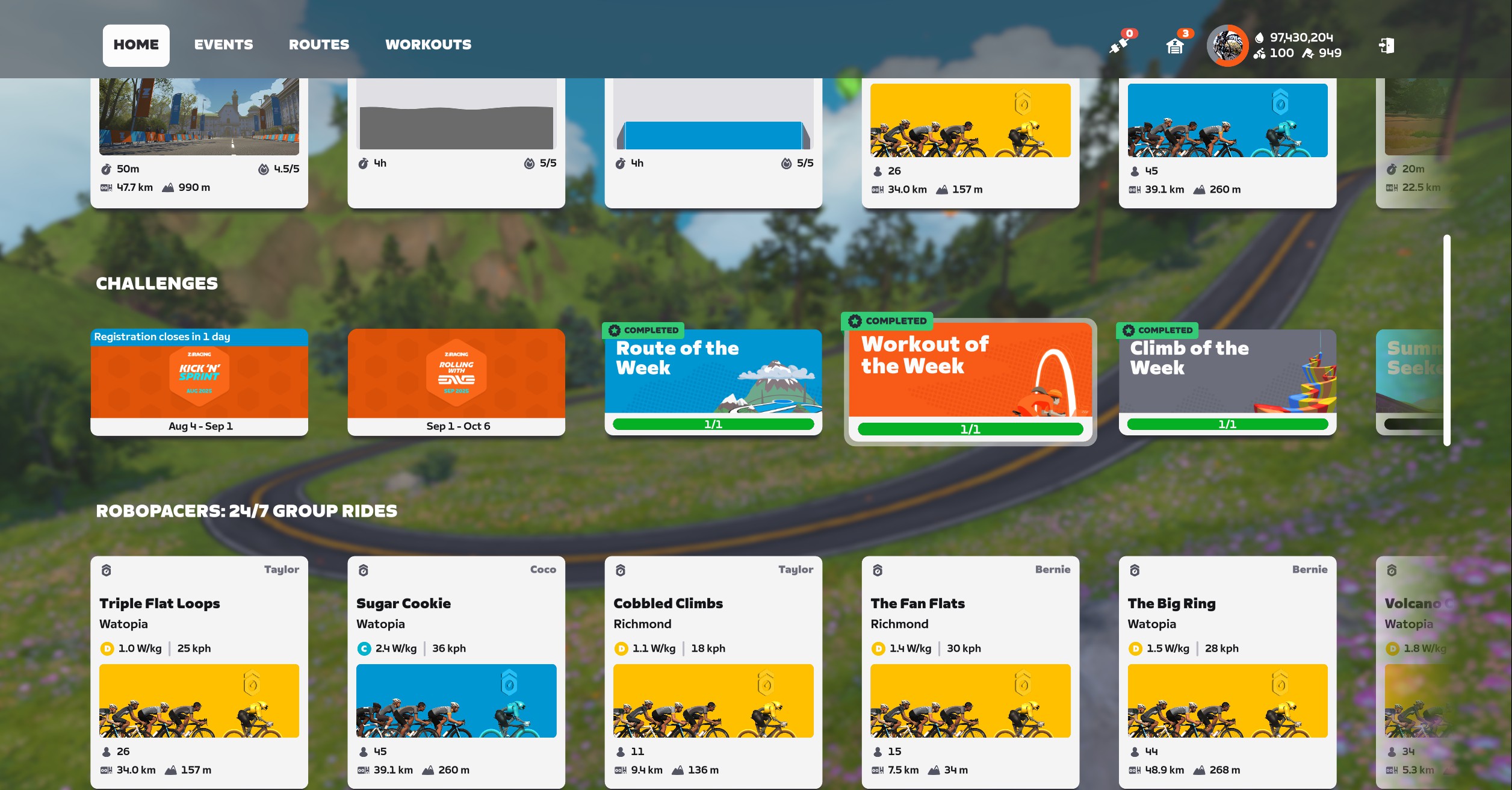
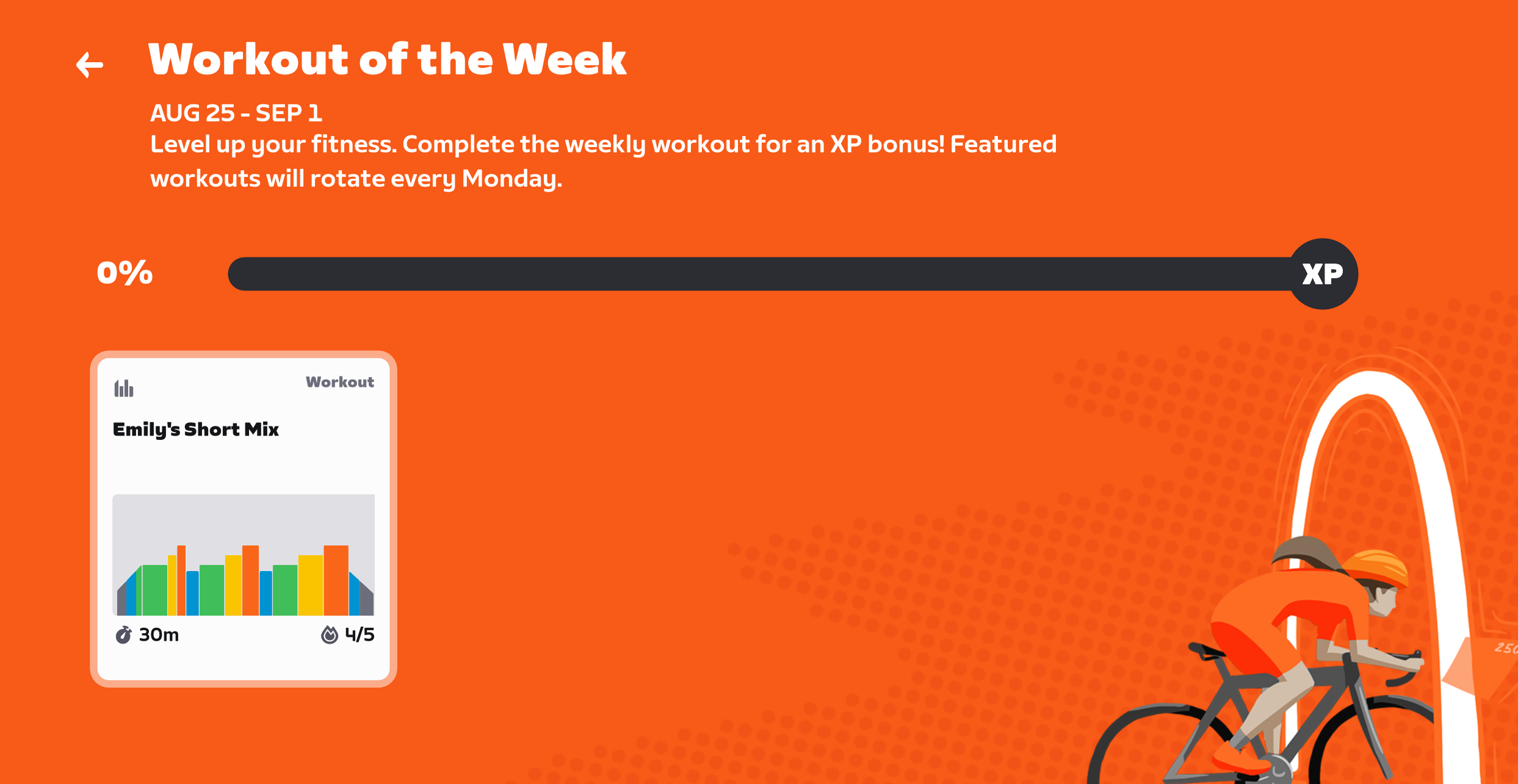
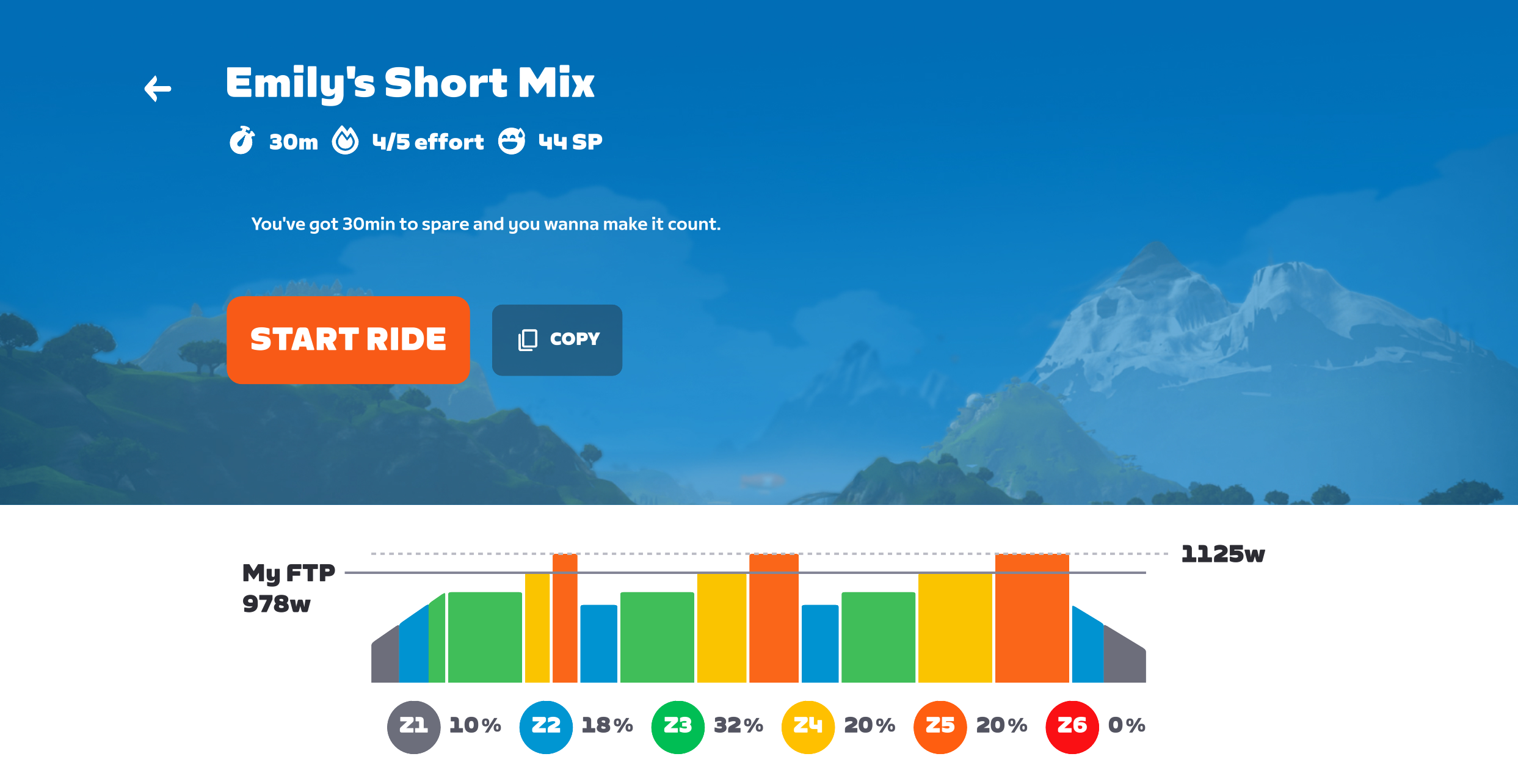
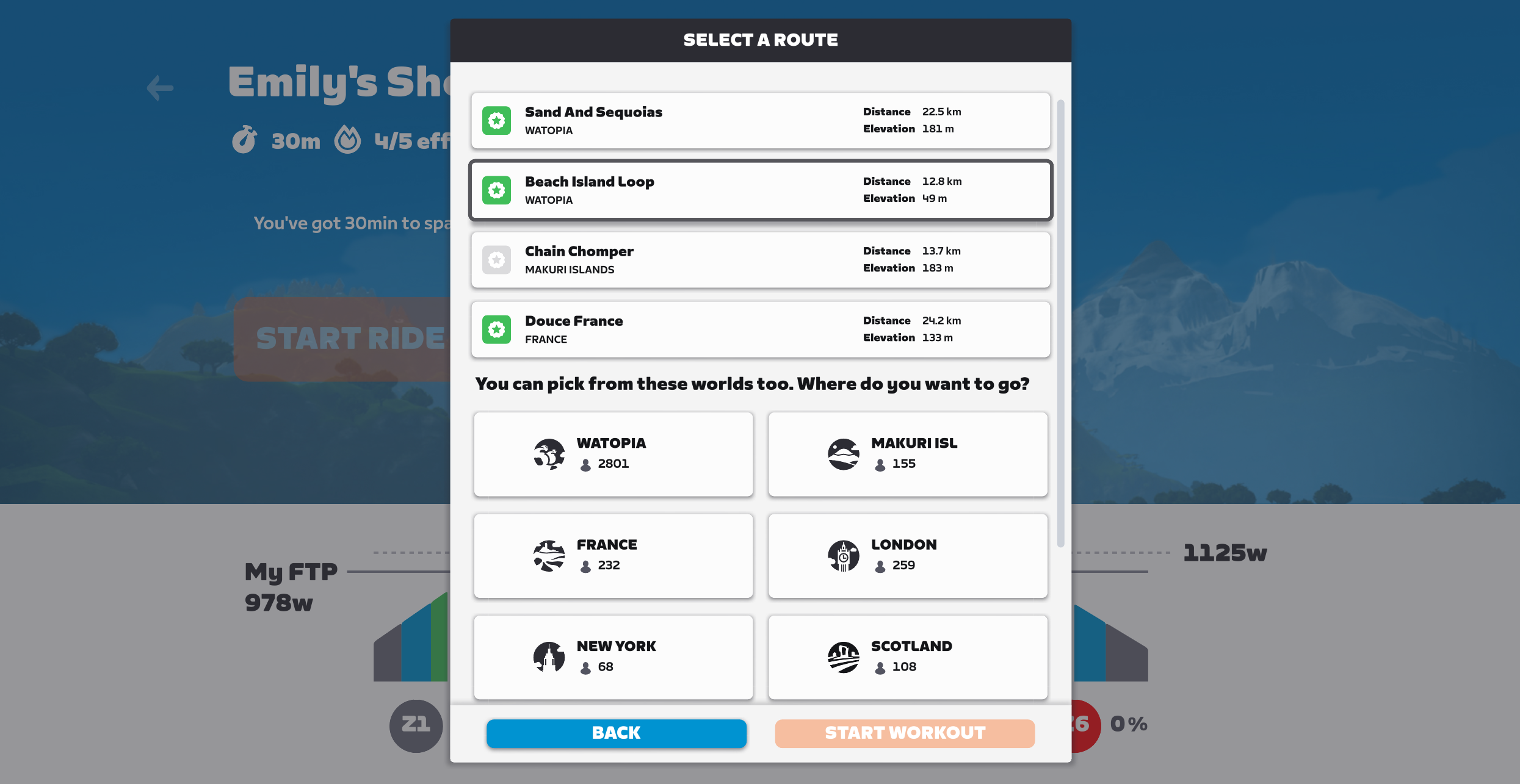
To access the Workout of the Week, begin by clicking the challenge card on the homescreen. Click the workout, click Start Ride, choose your route, and click Start Workout.
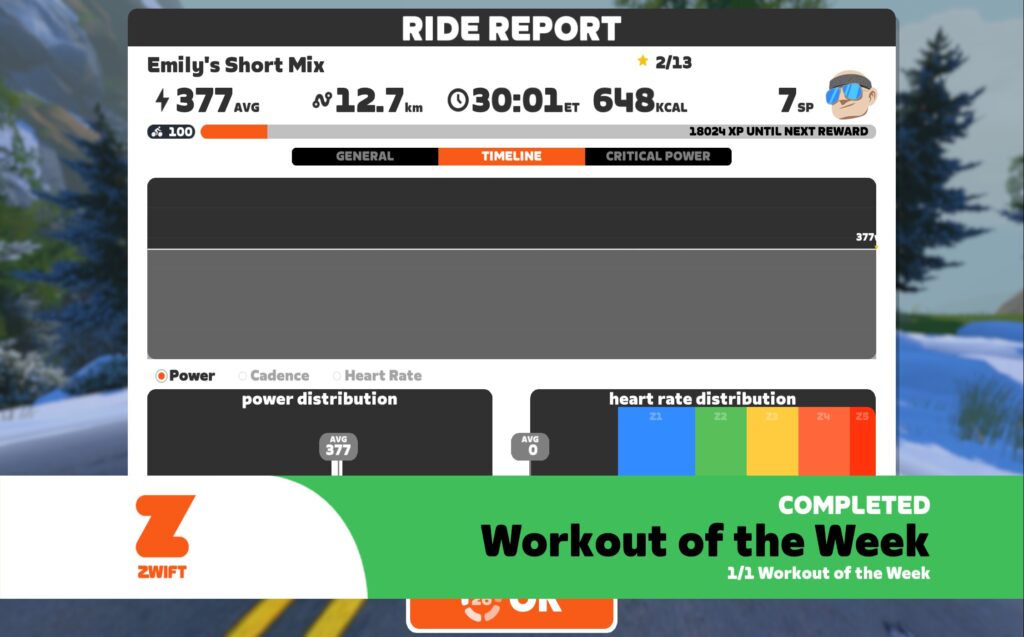
Finish the full workout and you’ll get a completion banner across your screen:
Double Up
Workouts of the Week can be stacked with the Route or Climb of the Week to earn bonus XP extra fast.
To do this, you must first click the Workout of the Week challenge card, which brings you to the orange screen shown above. This “registers” you for the week’s workout challenge.
Next, go through either the Route of the Week or Climb of the Week challenge cards to select a challenge and enter the game. Once you’re in the game, pull up the list of workouts (use the “E” keyboard shortcut or access it by clicking Menu>Workouts).
Find this week’s featured workout in the workout archive. (If you aren’t sure where to find it, click the workout on the calendar above to learn where it’s stored.) Load the workout and complete it while completing the Route or Climb of the Week. Double the fun!
Questions or Comments
Questions or comments about the Workout of the Week? Share below!



Does this also work in club events?
No, you can’t load a workout while doing an event.
Obvious comment/request, do you think Zwift will provide you with a “Climb of the Week” schedule?
TBH, they should just combine it with the Climb Portal schedule somehow.😉
Yes. Publishing it in… 67 minutes. I’ll publish a combined page soon.
Is there a percentage of stars that need to be earned to get the bonus XP? I’m guessing not, as the screenshot with Emily’s mix above shows 2/13 stars, and the workout complete banner is there.
Doesn’t seem to be. But let’s not pass that around… 😂
a similar thought. I rarely have time for an hour workout. Can intervals be skipped? If they can be it’s probably a glitch that’ll be patched.
I tested skipping a bunch of intervals in previous workout challenges, all I can say for sure is that hammering the tab button and “finishing” a workout in 10 seconds does not get you credit. At the other end, doing the full workout time but failing most/all of the intervals does get you credit as we can see in the sus-AF screenshot above (377w for 30 minutes for 7TSS? Guessing this is Eric’s testing bot). The line for credit/no credit is probably somewhere in between those two extremes.
Why this feature is retired? I used it every week from the release 😭