

Zwift version 1.122 begins its phased rollout today. This update includes automatic background pairing, homescreen changes, and the removal of all level-locked roads. Read on for details!
No More Roadblocks
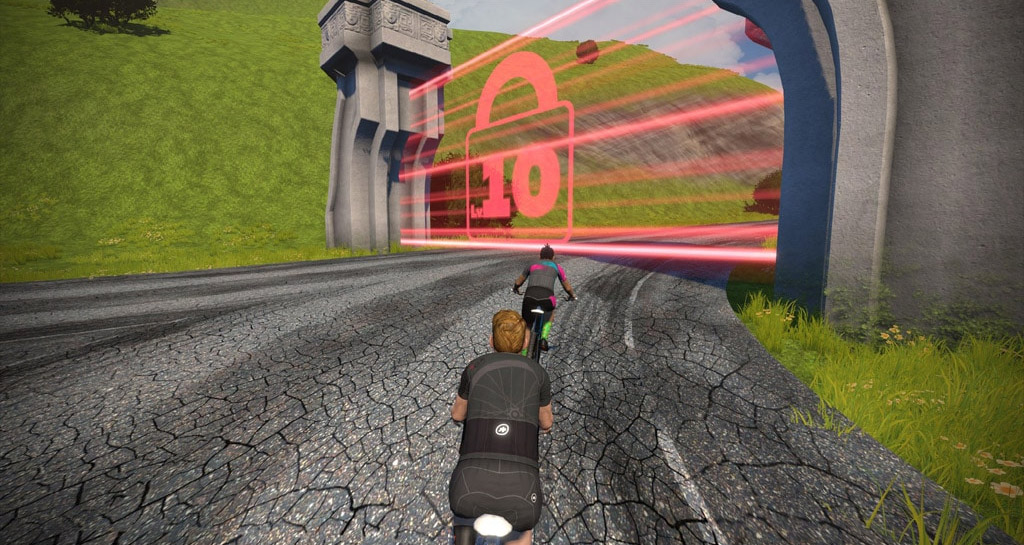
Zwift’s update notes say they have, “Removed level restrictions from routes and route intersections, making all routes available to Zwifters at any level.”
Prior to this update, level gates existed when turning off the Epic KOM Reverse toward the Jungle (level 5+), turning from the Jungle Circuit onto Alpe du Zwift (level 6+), and turning at the LAX Roundabout onto the Southern Coast Road (level 10+).
Background Pairing
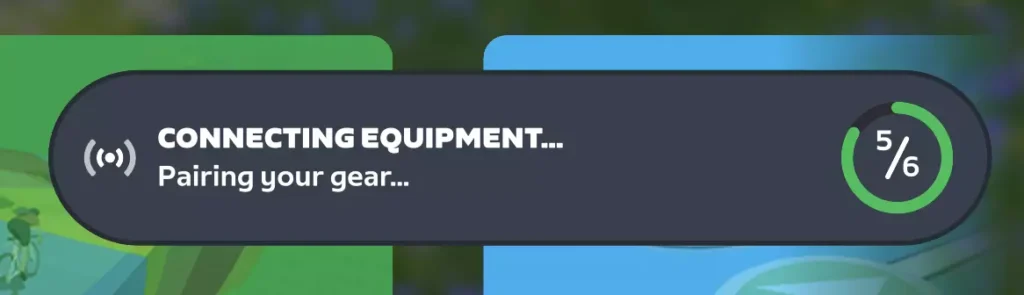
As mentioned in last week’s “What else is coming on Zwift?” post, today’s update includes background pairing. If you have it enabled (it’s turned on by default), the game boots directly to the homescreen and automatically connects to your fitness devices (trainer, power meter, heart rate monitor, controllers, etc) instead of forcing you to click to continue from the pairing screen.
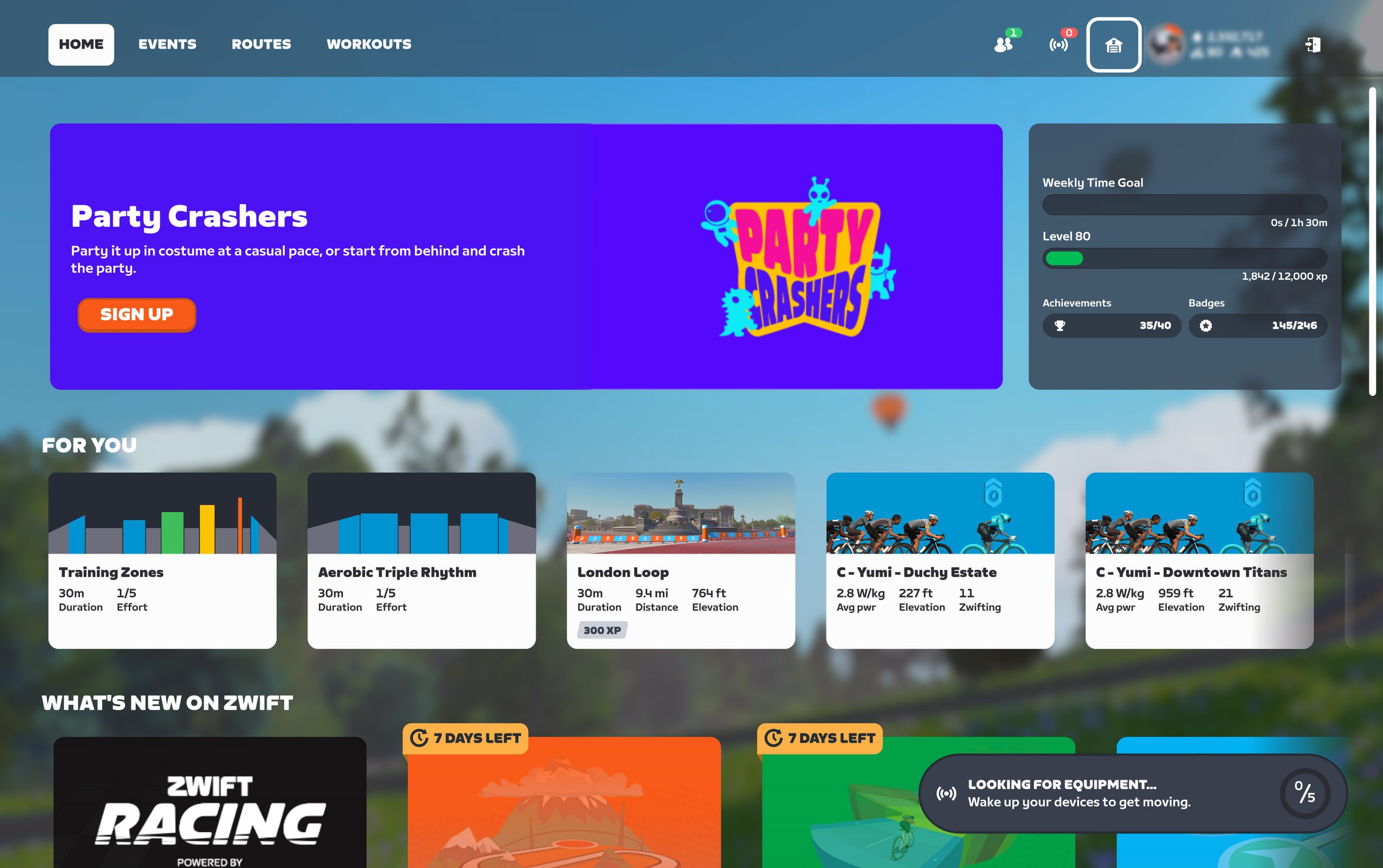
Small widgets on the homescreen show your pairing progress:
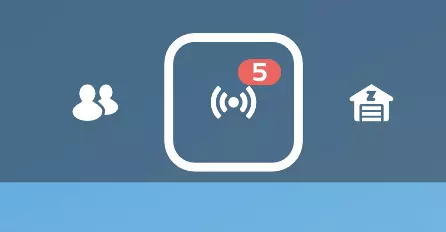
The Pairing button on the homescreen shows how many devices are connected, and you can click it to add or change devices:
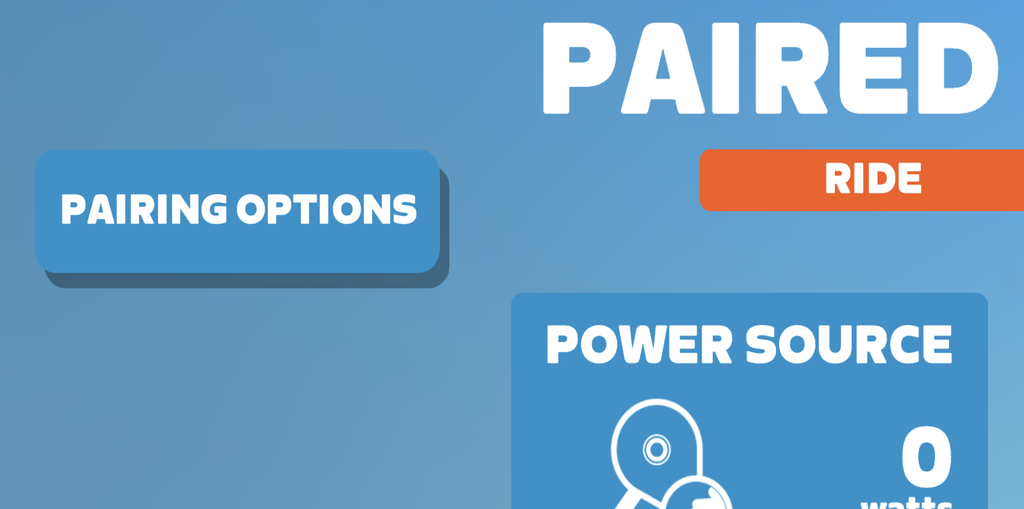
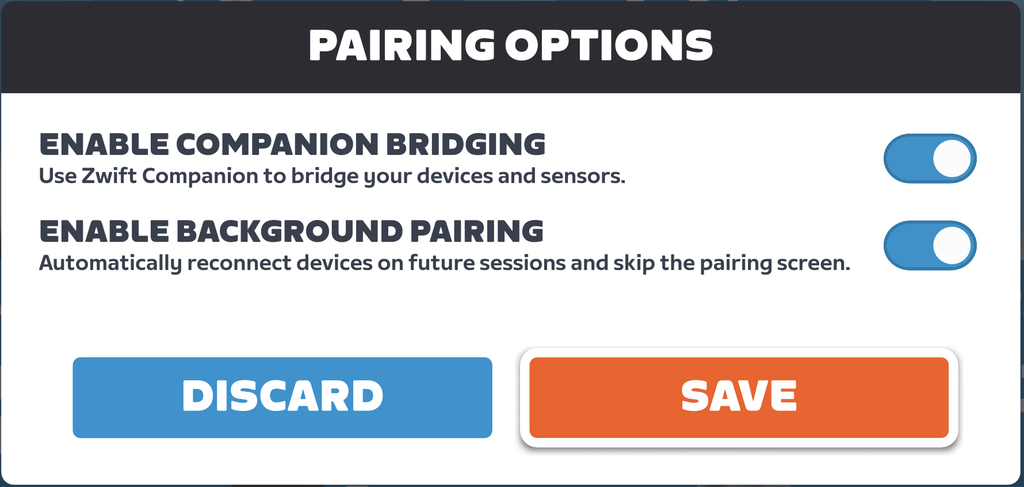
Additionally, Pairing Options are now available on the Pairing screen, allowing you to enable or disable the new Background Pairing feature and use Zwift Companion as a Bluetooth bridge:
Homescreen Changes
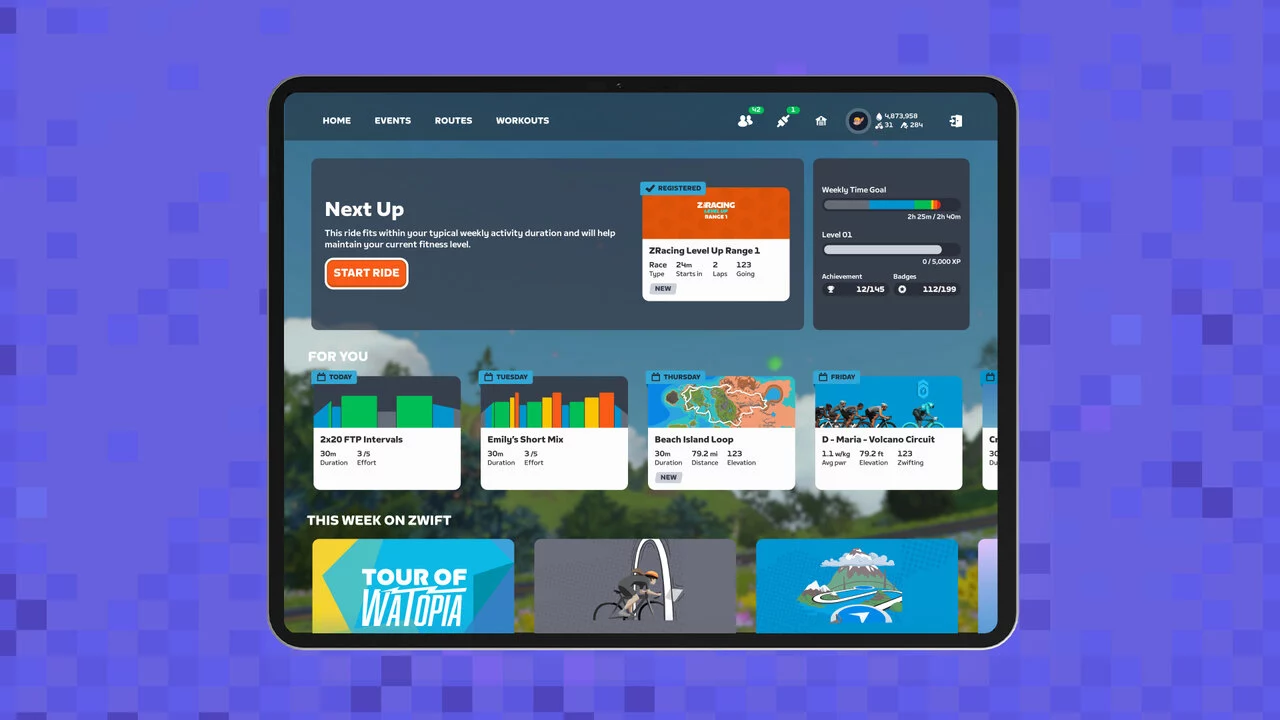
As announced in their “This Season On Zwift” Fall 2026 Press Release, Zwift has been working on several homescreen changes. These will “roll out gradually” starting with today’s game update. Changes include:
- The new theater card puts Challenges front and center on the Home screen.
- Personalized Recommendations are now only visible in the ‘For You’ row.
- New Progress Widget on the Homescreen makes levels, achievement counts, and route completion more visible, giving Zwifters something to chase every time they log in.
- The ‘For You’ row now uses ribbons to show when planned activities are due, e.g. today, tomorrow, and day-of-week labels.
- Estimated duration now shown on route cards when selecting a workout from the Home screen.
New Launcher
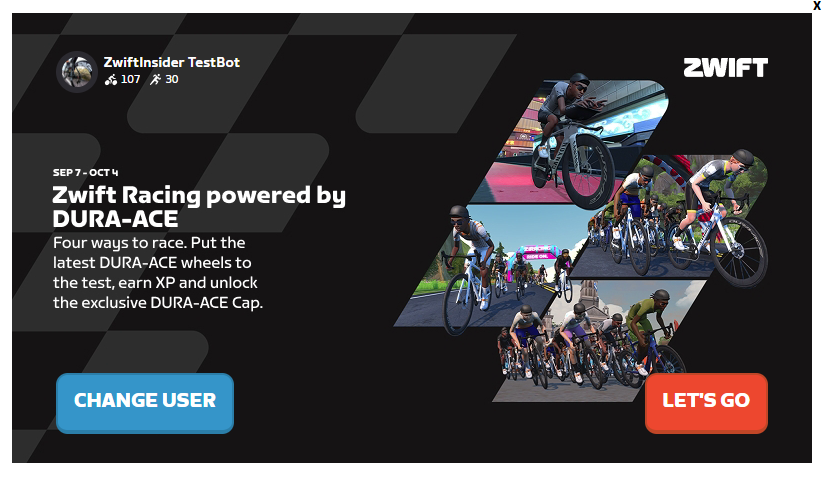
Zwift says that launcher version 1.1.18 is now the minimum required version and will be installed automatically. This launcher has a slightly different look from the old one, and includes your profile photo, name, and ride/run levels:
The more important improvements, though, are behind the scenes, particularly for macOS users who have had connectivity challenges due to recent OS updates. Zwift’s release notes for the new launcher include this line for macOS:
Improved Local Network and Bluetooth permission handling when the macOS Launcher starts Zwift. Wi-Fi trainers and Companion devices connect more seamlessly on newer versions of macOS.
Coming Soon – Tour of Watopia
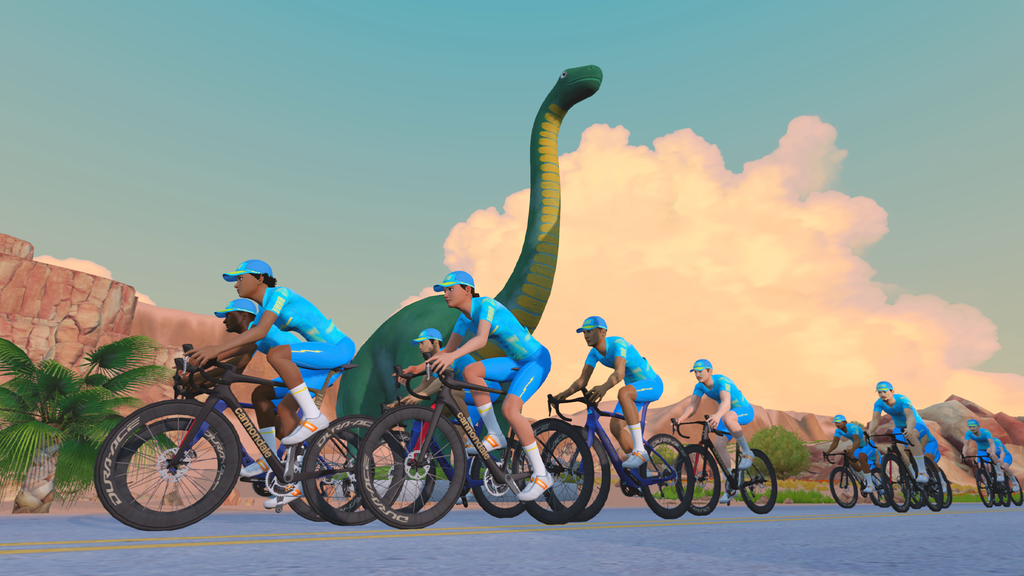
Today’s release notes include a mention of Tour of Watopia coming soon. This big ride series is always a fun kick off to “indoor season”. This year features double XP, new unlocks, and our first look at the Watopia expansion… what’s not to love?
The Tour runs from October 5-November 15. Watch Zwift Insider this Friday for all the details about ToW 2026!
Release Notes
Zwift supplied these additional release notes:
- Fixed a crash that could occur with JetBlack Victory trainers connected via USB when used as a Bluetooth bridge for other fitness devices like heart rate monitors or Zwift controllers.
- Windows: Improved Bluetooth connection reliability.
- iOS and tvOS
- Reduced the amount of time it takes to open Zwift on some devices.
- Improved text clarity on larger / lower DPI displays.
Discuss this update in Zwift’s forum >
Questions or comments?
If you spotted any other changes or bugs in the update, please comment below!

