

You can customize your Zwift experience by adjusting the settings in-game but there are some additional things you can do by changing prefs.xml–the configuration file.
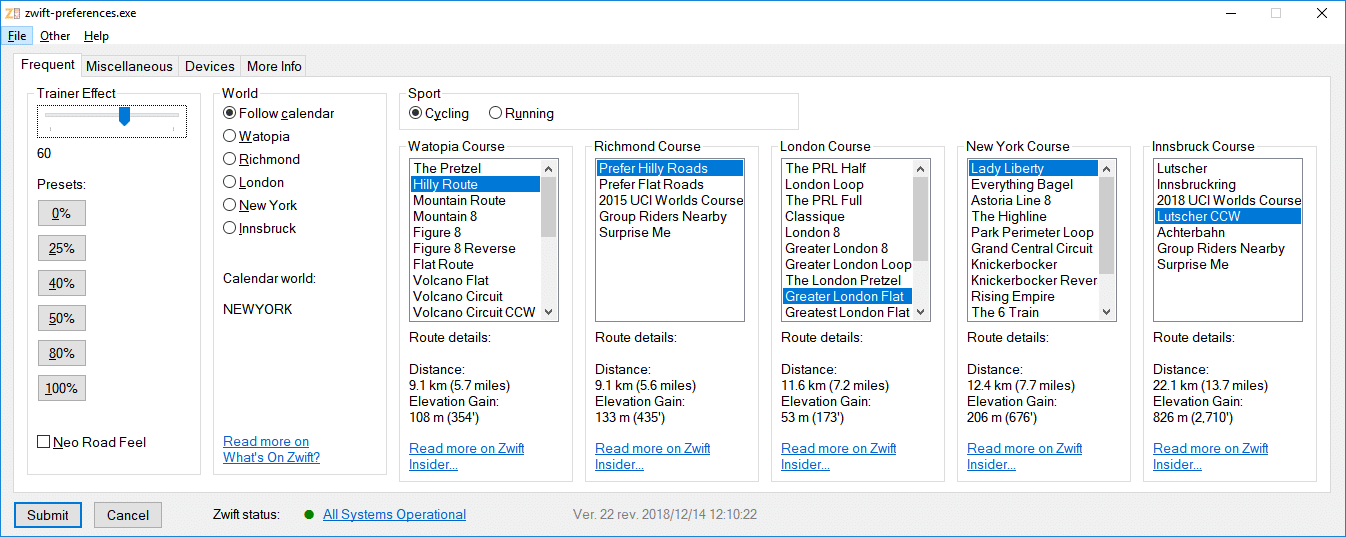
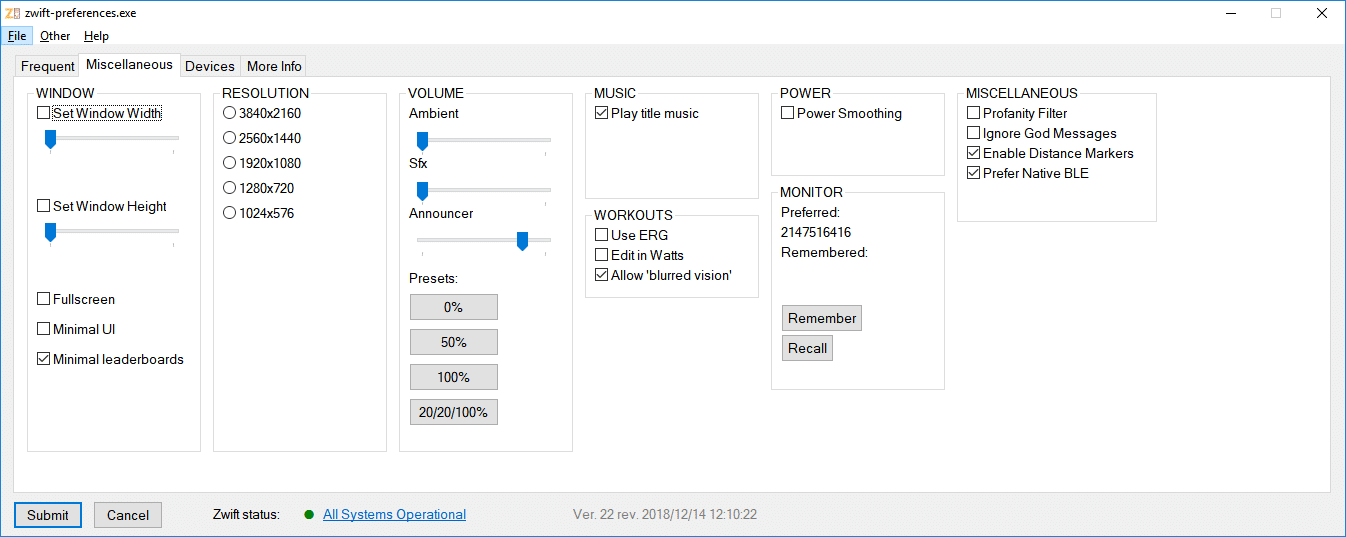
ZwiftHacks has created several scripts for Zwift users, and one of the most downloaded and used is zwift-preferences for Windows computers. This script lets you set trainer difficulty effect, choose which world and course to ride, toggle Neo road feel, and set a variety of other preferences.
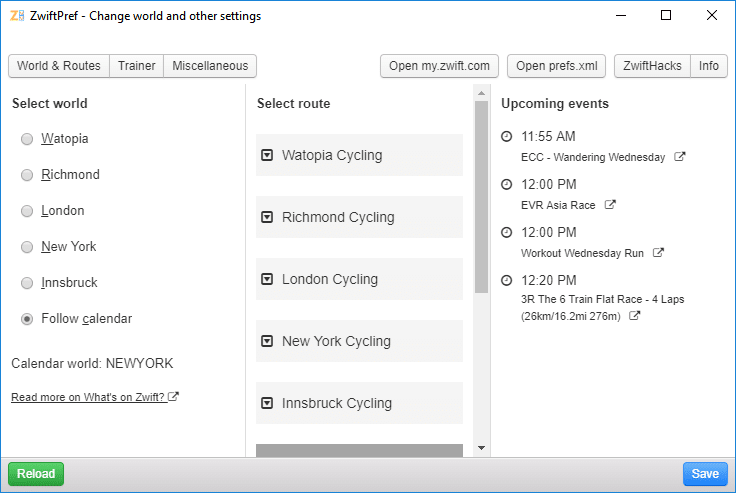
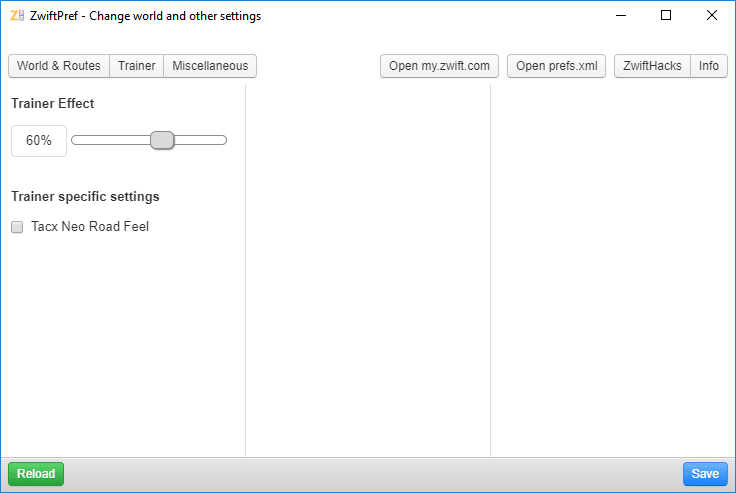
A very similar tool but for Zwifters with macOS computers is ZwiftPref.
The benefit of both ZwiftPref and zwift-preferences is that they make it easy and safe to make changes to prefs.xml. You could write the same changes manually but why run the risk of messing up the file in a text editor when you could just toggle an option and click on a button?
This is zwift-preferences:
And this is ZwiftPref:


Would you please explan the difference between “Trainer Effect vs Power Smoothing”?
How this affect my riding in Zwift. – Thanks
It does (at least it did yesterday). Make sure you’re using the latest version. If you’re still having problems then comment on the zwift-preferences pages at zwifthacks.com and we’ll figure out what the problem is.