

Editor’s note: this article refers to syncing your Withings scale with Zwift, but this connection has been broken for 5 years or more. Someday, we hope Zwift+Withings will get together and fix the connection. Until then, you can use this approach.
One of the keys to being successful and fair in Zwift racing is making sure your weight is current and correct. I just discovered that you can automatically sync your smart scales to Zwift.
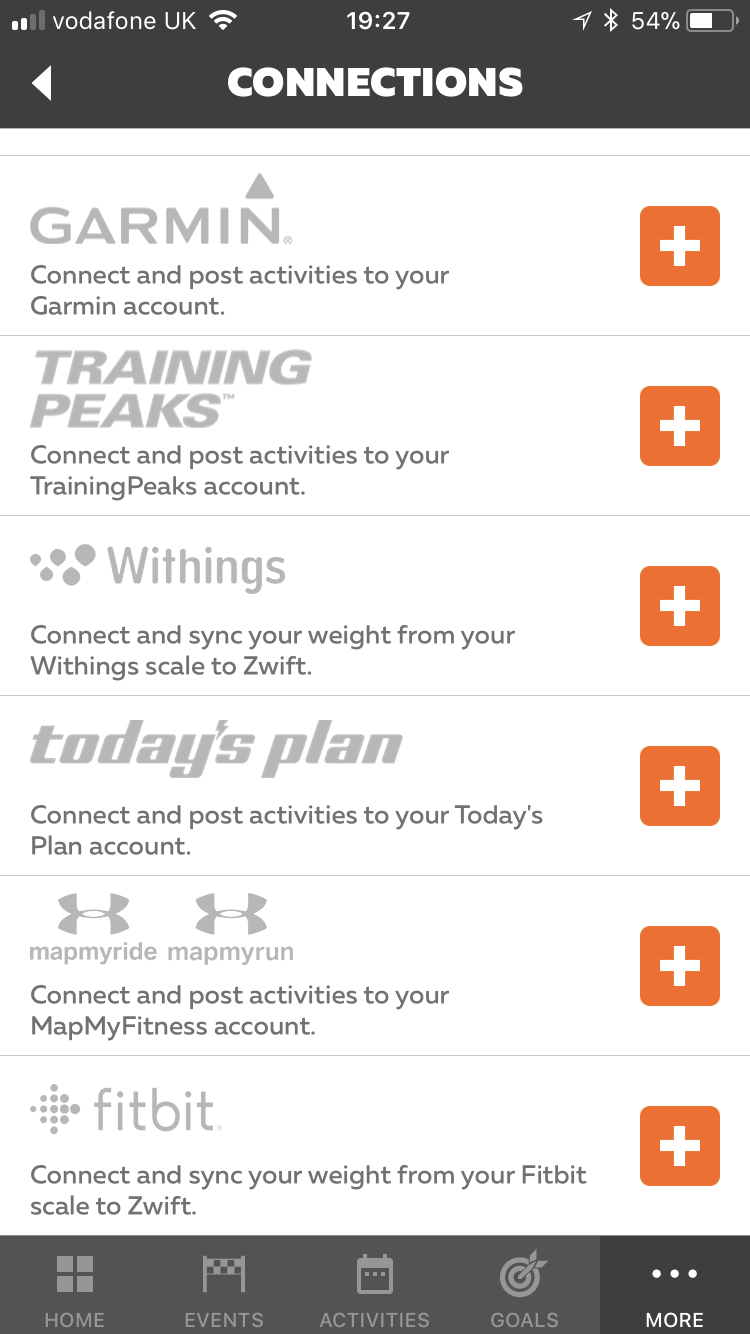
This is fairly simply done via the Zwift Companion app. (These instructions are based on the app for iOS.) Once open, tap more in the bottom right hand corner, then tap settings and finally connections.
Depending on whether your scales are Withings/Nokia or Fitbit, tap the appropriate +
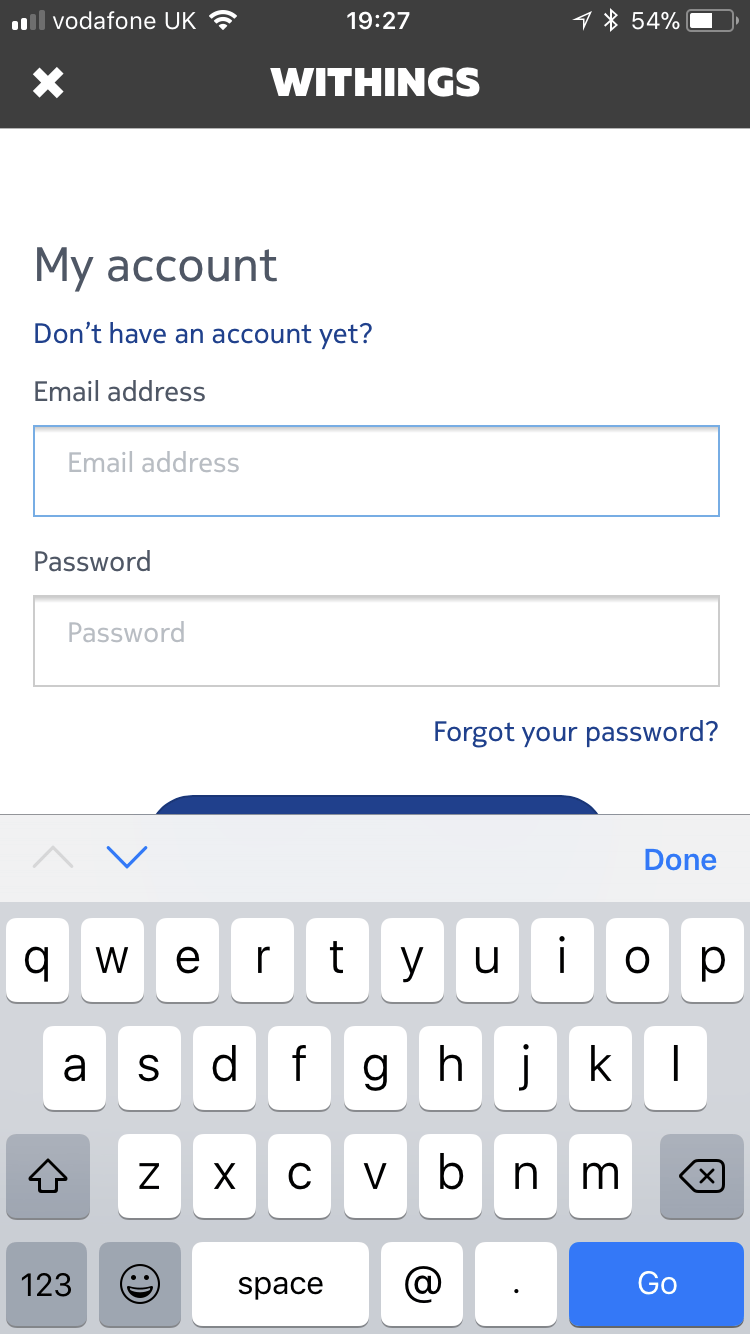
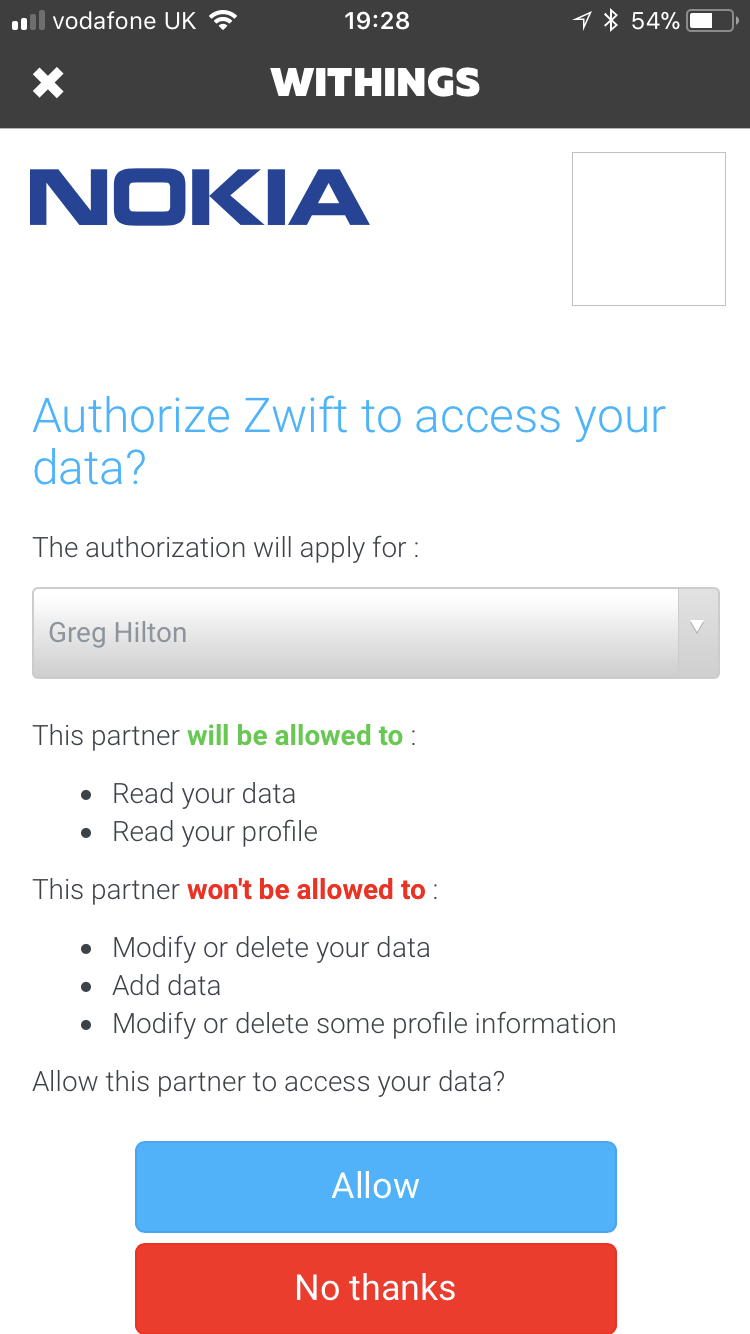
I set up my Withings scales (pick one up on Amazon here). I had to sign into my Withings account and authorise Zwift to access its data:
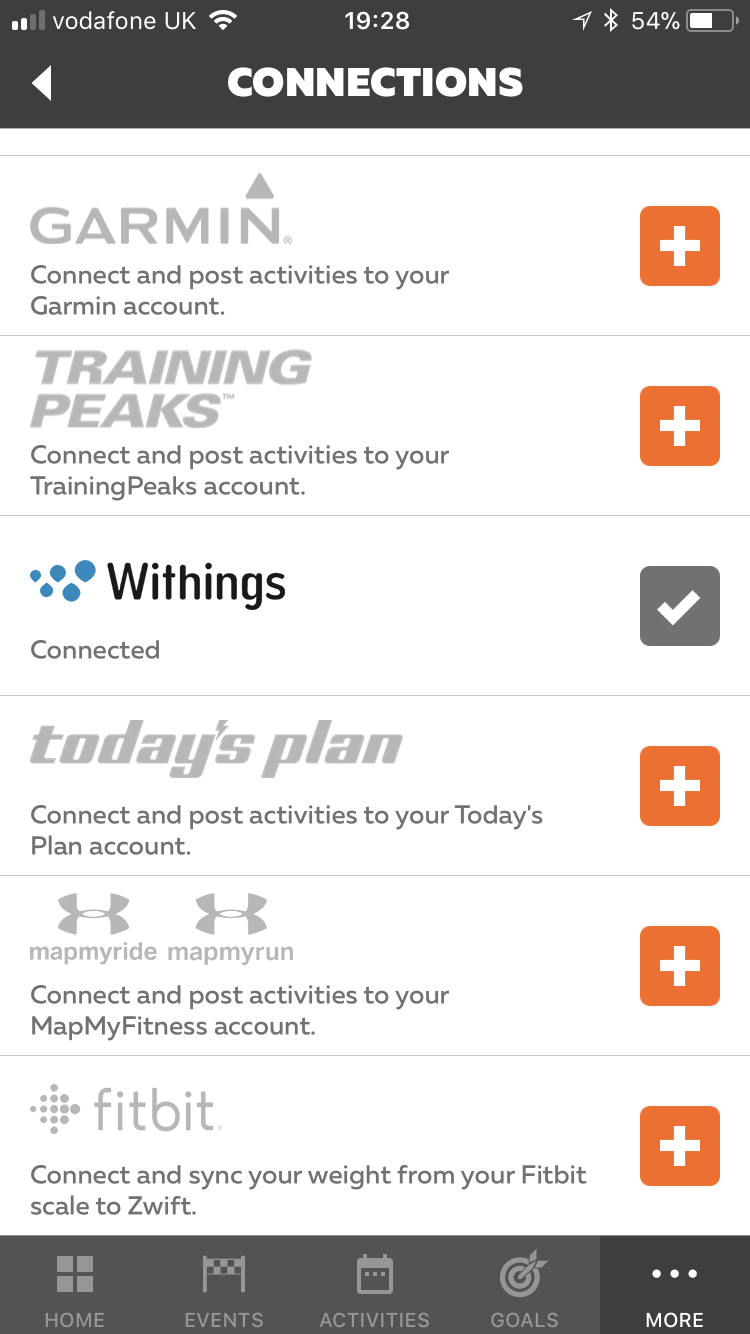
Once done the source now has a grey check next to it on the list of connections:
Now every time you weigh yourself, it automatically updates your weight in Zwift. I weigh myself in kilograms and it rounds up or down, so the first time I weighed myself at 75.8kg, Zwift had my weight at 76KG. Later after some tough workouts I weighed myself at 75.4kg and that was shown as 75kg in Zwift.
So whilst not perfect, it’s one less thing to worry about if you are gaining or losing weight.
Ride on!


It would be great if Zwift enforced a smart scale weigh-in schedule – You cannot qualify in races unless your profile has a verified smart scale reading within the last 12 weeks – this would address the weight adjustment cheating that ruins the racing experience in Zwift
I don’t do much racing in Zwift if any at all but agree with Ben M. on this. One of the reasons I don’t even bother to join a race is because I know more than half the people on the platform don’t use the correct weight in the profile. So what is the point?
Smart Scale weigh-ins are easy to fake, though. Have someone else weigh in for you and you’re “cleared”.
Or only put one foot on the scale
I connected my scale successfully exactly as described in this article, but somehow my weight does not seem to change at all on zwift when I weight myself (I made myself heavier taking some more things with me on the scale to see a difference, but nothing changes on zwift). It’s a withings body+ scale. Any ideas?
Hi Yvonne, Zwift seem to have broken this integration, it’s not working for me either. It is mentioned as being a known bug by Zwift. For me on a Withings scale, if I disconnect and reconnect I do seem to get a single sync!
This used to work for me but it nolonger does. It was a really nice feature. I hope they fix this.
Why the Garmin scale is not aync?
The connection to Garmin account is already there!
I guess a lot of cycling fans use Garmin.
Looks like with withings was removed as a connection source. Disappointing.
been like that for ages! Try this workaround Withings Scale Users: Here’s How to Use a FitBit Account to Re-link To Zwift | Zwift Insider
Hi,
I bought a Withings Body+ and the scale is connected to my WLAN. But unfortunately my “connection screen” on zwift.com looks different than in the screenshot aboveF Fitbit is still there but withings does not appear. Is this my fault or is the synchronization with Withings not possible anymore?
Sorry, just spotted the update from 2020 and will try to connect vit fitbit – Withings
The connection to Withings seems to be back, but still broken.
Purchased a Withings scale and my initial connection to Zwift works correctly but weight updates are not syncing. Kind of bummed this is not working as that is one of the reasons I bought the scale. Looking to see if Zwift has an API I can just write a script to update my profile.
See above