Zwift Camp: Build is now underway. This is a 5-stage route-based workout series, with each stage lasting one week and focusing on developing power over a specific time interval.
My plan is to do each of the five workouts before their weeks begin, so I can write a post unpacking the workout and delivering some tips along the way. This post covers Stage 2’s anaerobic workout on France’s Bon Voyage. Let’s dive in!

Stage 2 Walkthrough: Anaerobic Capacity (~1 minute)
The second stage of Zwift Camp: Build focuses on what you might call “long sprint power,” with efforts lasting 20-60 seconds. To do so, you’ll ride a lap of France’s Bon Voyage route (31.4km, 155m).
Here’s a profile of the route, not including the lead-in. As you can see, there are 9 sprints on the route itself. But watch out! You’ve got one more on the lead-in, for a total of 10.
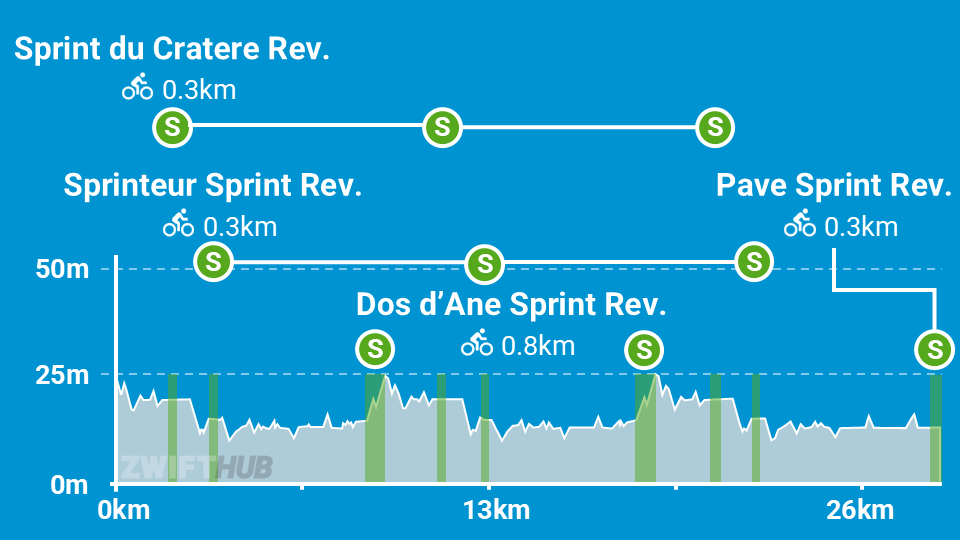
The sprints you’ll hit are thus:
- Dos d’Âne Sprint Reverse (0.75km, 1.7%) – at the end of the lead-in
- Sprint du Cratère (0.3km, 0.1%)
- Sprinteur Sprint Reverse (0.25km, 0%)
- Dos d’Âne Sprint Reverse (0.75km, 1.4%)
- Sprint du Cratère (0.3km, 0%)
- Sprinteur Sprint Reverse (.25km, -1.8%)
- Dos d’Âne Sprint Reverse (0.75km, 1.4%)
- Sprint du Cratère (0.3km, 0%)
- Sprinteur Sprint Reverse (.25km, -1.8%)
- Pavé Sprint Reverse (0.33km, 0%)
Executing the workout is simple enough: just hit every sprint segment hard. (I said simple, not easy!) 10 sprints is a lot, especially when three of them are 1-minute efforts. So expect some suffering.
I went into the workout with semi-tired legs, but figured I could put in a decent effort because I thought we would only be doing three 1-minute efforts, based on the event description.
Unfortunately for me, this workout had more sprints than anticipated. But lucky for you, now that you’re reading this, you know what you’re getting yourself into!
My first sprint, Dos d’Âne Sprint Reverse, began 2.4km into the event. It was a little off, for a few reasons:
- It wasn’t clear to me from the on-screen instructions that I was supposed to sprint at the line. (The messaging before most of the subsequent sprints makes this more clear, but this first one did not.)
- When I went to turn my Wahoo Headwind fan up partway through the sprint, the fan turned completely off! So I had to fumble around with that.
- My legs clearly needed this to be a recovery day.
- The sprint was longer than anticipated, taking me 74 seconds to complete.
It wasn’t until 4.5km into the ride that a message popped up telling me the next sprint was coming up – Sprint du Cratère – and that I was supposed to sprint on it. That’s when I realized I would be sprinting on every segment on this route. Uh oh. I picked a bad day to have bad legs!
I sprinted rather halfheartedly my first time over Cratère, but the game was very impressed:
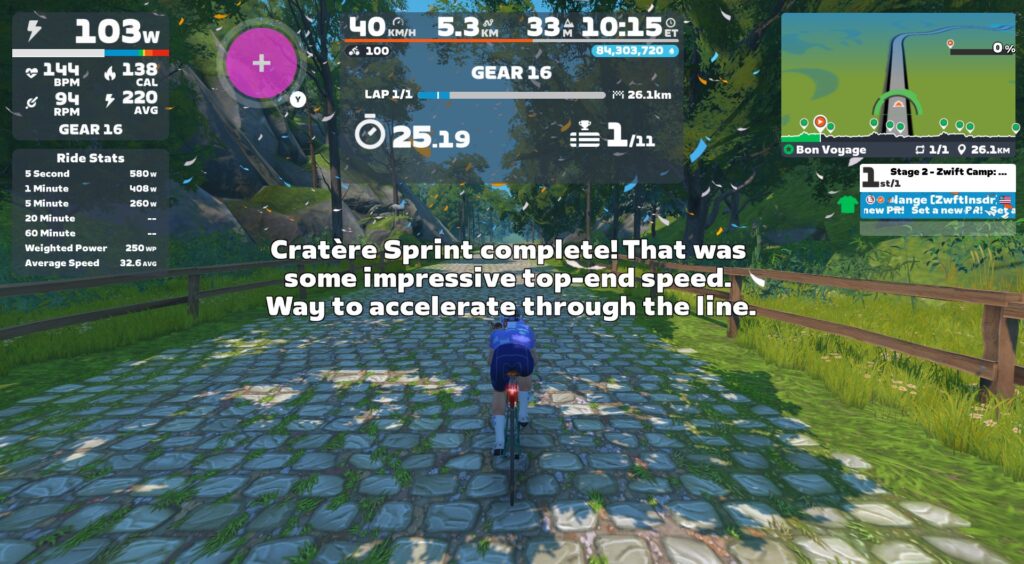
Wouldn’t it be cool if Zwift had some intelligence built into these messages, so the response reflected your actual performance? Maybe with a “Snark Slider” in Settings so we could determine how acerbic our coach was. My screen should have said something more like:
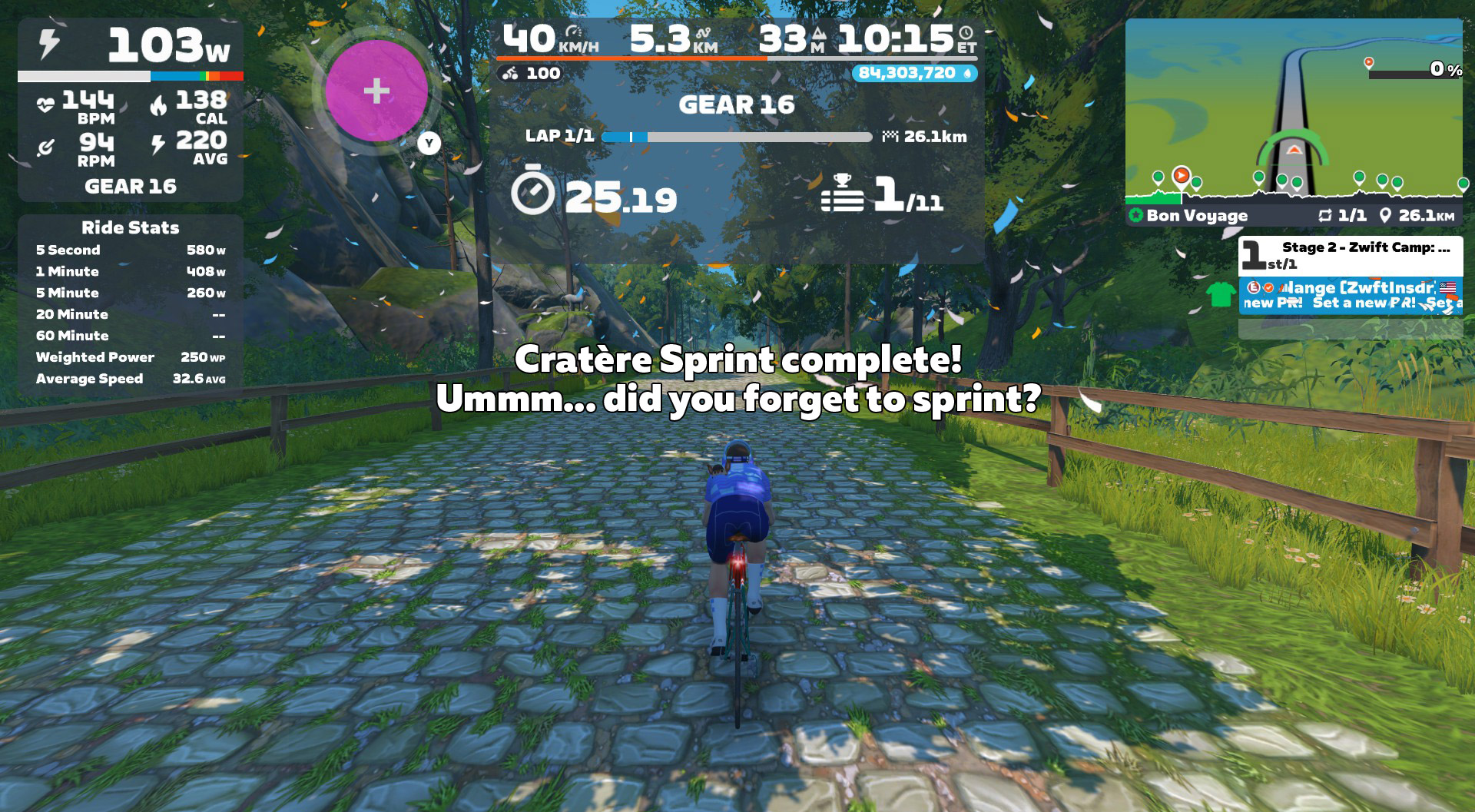
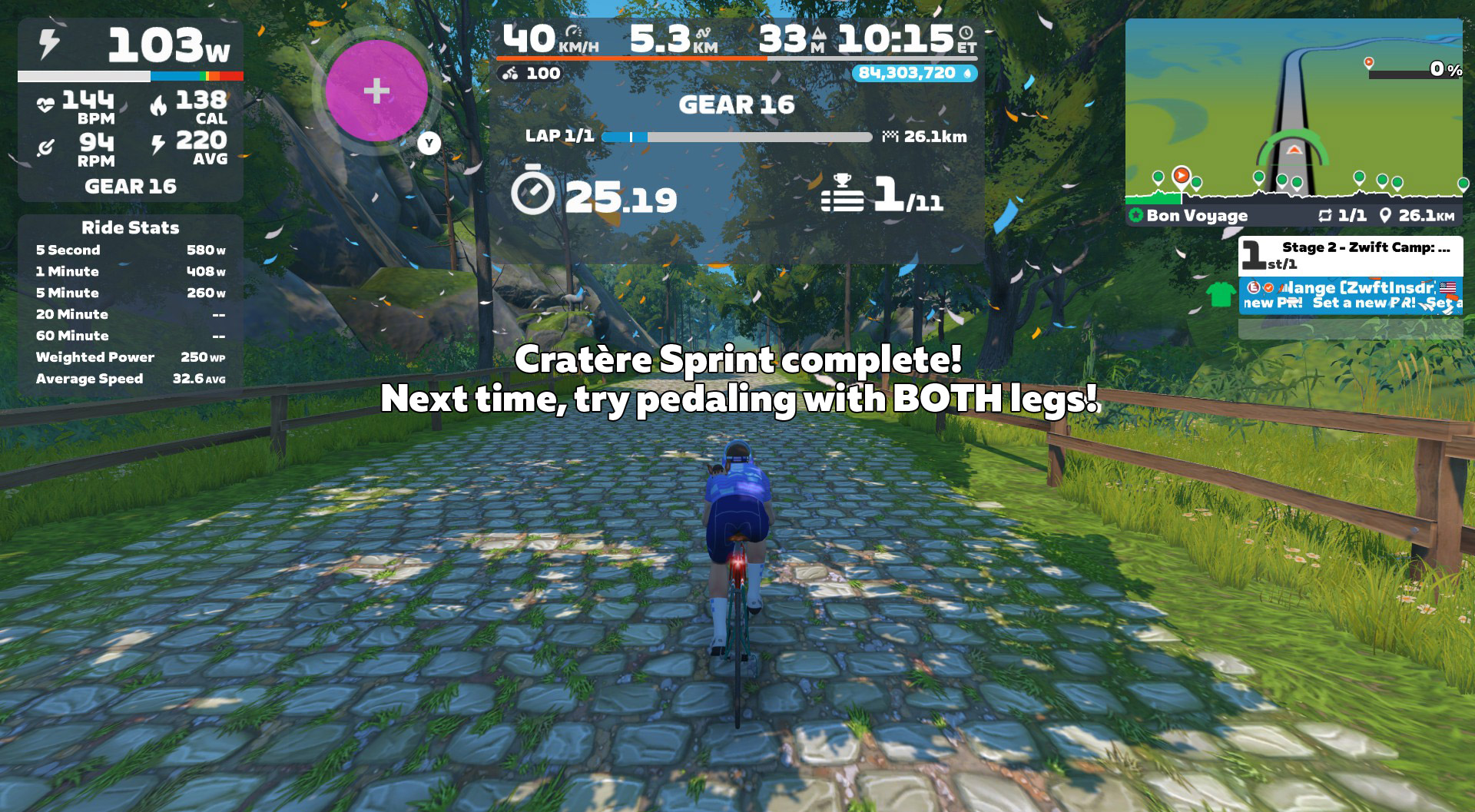
This route uses some of the newer HUD features I mentioned in stage 1’s writeup, showing the Ride Stats panel as well as the Lap Splits.
Like stage 1, Ride Stats was more useful than Lap Splits. I appreciated seeing the 1-minute power field on Ride Stats, as that gave me something to chase. But Lap Splits? Totally useless for this workout, because of how the route is laid out and how the Splits were used. (More on this topic in the Suggestion Box below.)
On-screen messaging does a good job of telling you when the next sprint is about to arrive, plus you can see the finish lines approaching on the mini-map profile.
There isn’t much more to say about this workout from an execution standpoint: just sprint hard at every sprint segment, and rest in between.
Again, same warning as stage 1:if you ride this in a group event, it may be harder to dial it down and spin between sprints. But you’ll definitely want to do so, if you want to have the energy for maximal sprint efforts.
HoloReplay Bug
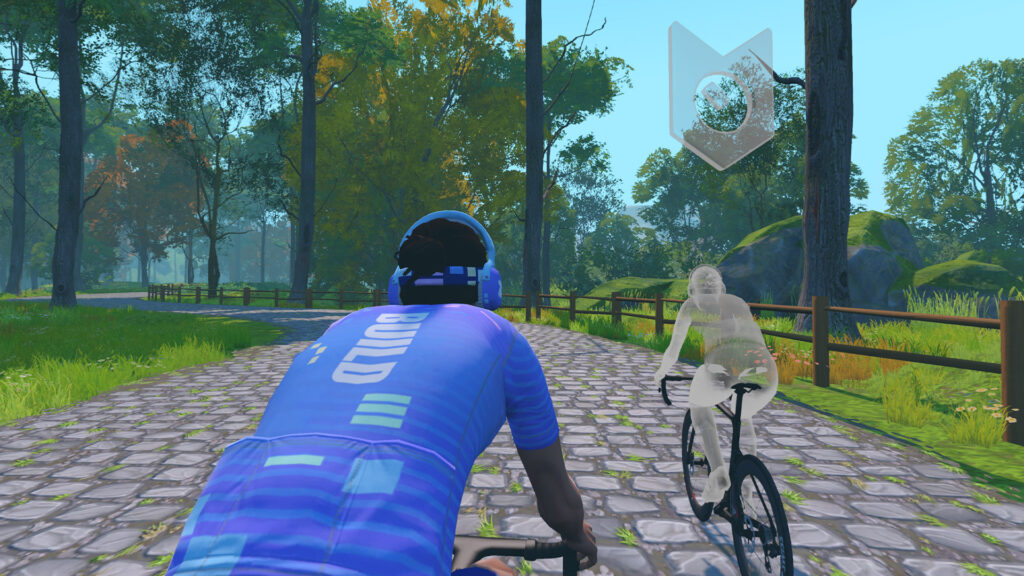
I found Zwift’s HoloReplay to be helpful as a motivator on the sprints, but the same bug is in this workout as in stage 1, causing two different ghosts to appear, instead of just my previous effort. (More on this in the Suggestion Box below.)
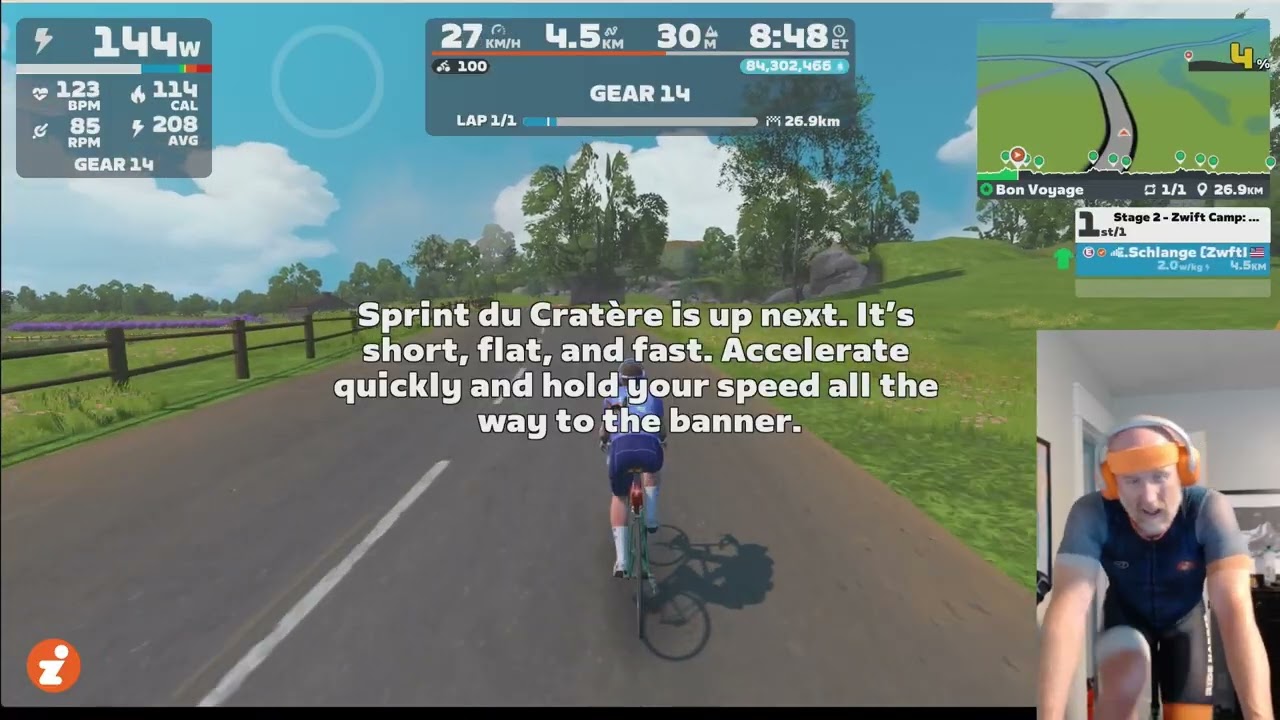
Watch My Video
More On Anaerobic Power
A few interesting things about the anaerobic energy system that stage 2 focuses on (read much more on this excellent TrainerRoad post):
- Anaerobic capacity is typically measured with a 30-second sprint test
- Unlike the neuromuscular system from stage 1, the anaerobic system is highly responsive to training
- Strong anaerobic performance is particularly useful in “spiky” cycling disciplines like cyclocross, crits, and MTB racing
Anaerobic Training Tips
The anaerobic system is very adaptable to training, so if you find this is an area you’d like to focus on, you can execute stage 2’s workout more than once! You can also try making your own workout, or using workouts from Zwift’s library.
One classic anaerobic workout is called “Thirty Thirties”. 30 seconds on, 30 seconds off. Repeat this 5-10x, rest for a few minutes, then repeat it again. Do 2 or 3 sets. Fit riders can typically do 3 sets of 10 30-30s. You can do the 30-second hard efforts as free ride segments in a workout, or set them to 130-150% of your FTP if you like Erg mode. You can even do this during a free ride, simply using the game clock as your timekeeper. It’s a simple yet effective workout.
Three tips to maximize your anaerobic workouts:
- Fuel properly: Anaerobic work is almost entirely glycolytic, which means it’s fueled by sugar. If you don’t have glycogen stored up to fuel the workout, you won’t be able to put in repeated full efforts in your anaerobic zone.
- Go in recovered: If you’re dealing with residual muscle fatigue from yesterday’s workout or tiredness from a poor night’s sleep, you’ll have a really hard time executing a quality anaerobic workout. These efforts are sharp, hard, and repeated. They take focus and mental (as well as physical) energy.
- Set accurate targets: if you’re doing these as an ERG workout, make sure your FTP is accurate and your targets are realistic (130-150% of FTP is normal). As with all ERG workouts, an inaccurate FTP means you won’t be training the systems you thought you were training. And nobody’s got time for that!
Suggestion Box
The second workout of Zwift Camp: Build would have gone better if I’d known, going in, that there would be 10 sprints. I would have gone easier the day before, knowing I needed more in the tank.
Here are my suggestions for improvements Zwift could make to stage 2:
- How many sprints? The marketing for this stage talks about “Three 1-Minute Efforts”, but the actual in-game messaging has you sprinting all 10 segments. Those are two very different workouts. Zwift needs to decide what the actual goal is, then communicate that consistently.
- No Lap Splits: This route is basically two laps of a circuit, plus a lead-in at the start, and a “lead-out” at the end. So at best, you could time two “laps”. But the way it’s set up, the first lap isn’t auto-triggered until the second time through the Dos d’Âne Sprint, meaning the first lap’s time includes the lead-in. That means you can’t compare it to the second lap’s time… which makes the Splits timers useless for this workout.
- Fix HoloReplays: It’s clear that Zwift has hard-coded the HoloReplay functionality into these events, because changing my settings doesn’t seem to make a difference! It wasn’t a big deal for me, and the ghosts still motivated me to push hard. But Zwift should fix these events so they automatically show HoloReplays (just one ghost of your previous effort) for everyone.
- Improve the event description: I already mentioned this for stage 1, but stage 2 is a perfect example of how a simple line or two in the event description would clarify what people are signing up for (once Zwift figures out what that is, see the first bullet above).
- Intelligent in-game messaging: OK, this is sort of silly and a major stretch goal at best. But it sure would be cool if the game could respond accurately to my actual efforts on the segments, as pitched above. Zwift has the data necessary to do so. Just hook it up to ChatGPT and let ‘er rip!
Sign Up For Stage 2
Sign up for stage 2 events in-game, in the Companion app, or go to zwift.com/events/tag/zwiftcampbuild2025wo2.
Questions or Comments?
Have you done this workout yet? Share your thoughts below, or any questions you may have heading into the workout.