

Yesterday, three trainer companies announced firmware updates that bring Zwift virtual shifting capabilities to existing trainers. We’ve updated our “Zwift Virtual Shifting: Which trainers support it now, and which trainers will support it soon?” post with this info, but here are the details…
Virtual Shifting with the Elite Direto XR and Direto XR-T
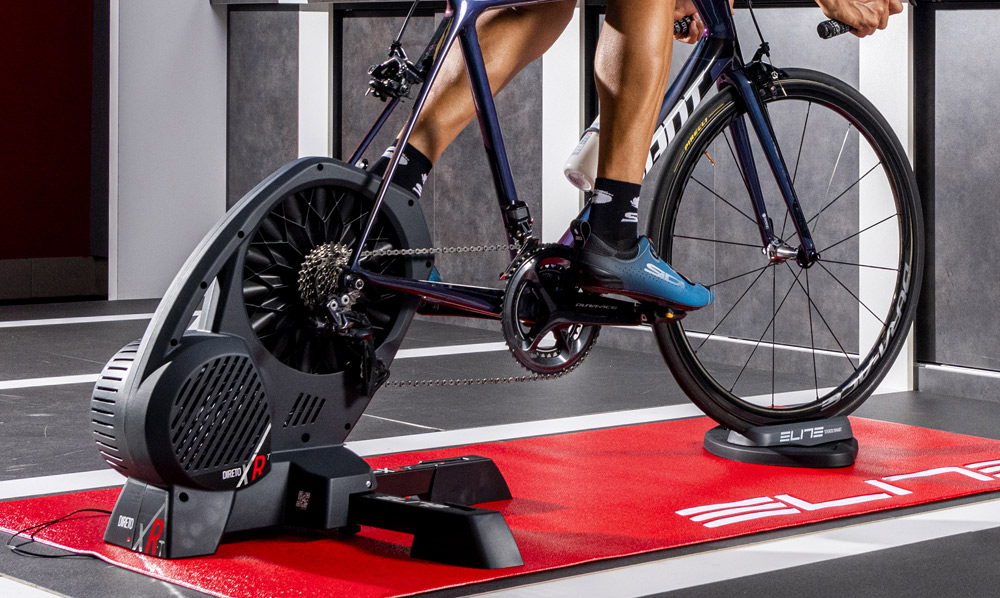
After Elite’s announcement of the “Zwift Ready” Direto XR with Zwift Cog and Click in September, it’s not surprising that they’re rolling out a firmware update (version FW86) for existing Direto XR customers. In fact, it’s only surprising that it took this long!
But let’s not look a gift horse in the mouth. If you own an Elite Direto XR or XR-T (essentially the same trainer, but the XR-T was sold without a cassette pre-installed) you can install the latest firmware update via Elite’s Upgrado app to instantly get virtual shifting capabilities on your trainer.
See firmware upgrade instructions from Elite >
More To Come from Elite
It sounds like Elite will be rolling out virtual shifting capabilities to additional trainers soon, which is great news! Elite says, “After introducing the Cog and Click integration with Direto XR, we’re thrilled to extend this to all standard models. Firmware updates for Justo, Justo 2, and Avanti are expected in early 2025, with updates for Suito(-T), Direto, Direto X, and Direto XR Team coming this spring.”
Virtual Shifting with the JetBlack Volt V2
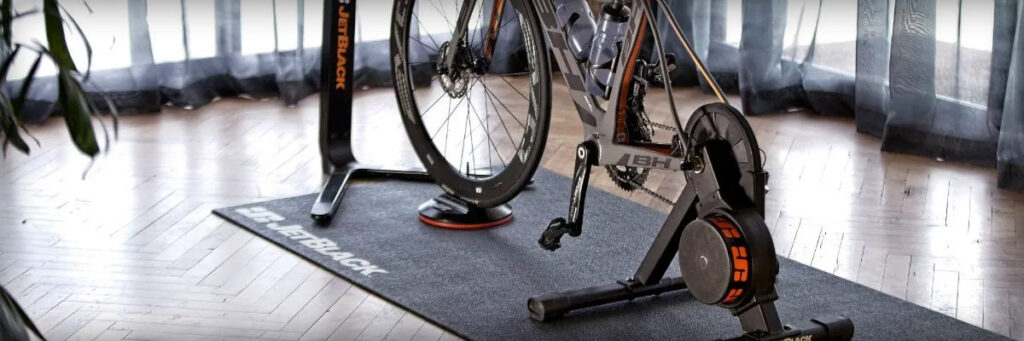
JetBlack’s Victory has been getting all the press lately (and for good reason), but JetBlack did their customers right by rolling out virtual shifting for their older Volt V2 this week via firmware version 3.1.84.
See firmware upgrade instructions from JetBlack
(under FAQs/Is my VOLT compatible with Zwift Cog & Click?) >
Which Volt Version?
If you’ve got the Volt V1, unfortunately that won’t be getting a virtual shifting upgrade. JetBlack says “The VOLT 1.0 is old technology and unfortunately unable to support the firmware update needed to be compatible with Zwift Cog & Click.”
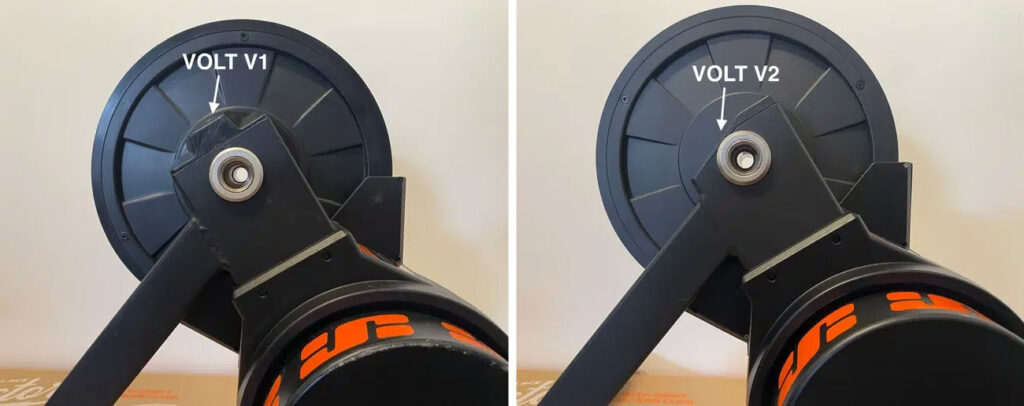
Not sure which version you have? You can figure it out by looking at the drive side of the trainer. VOLT 1.0 has a flat cap, VOLT 2.0 has a sloped cap.
Virtual Shifting the with VAN RYSEL D100
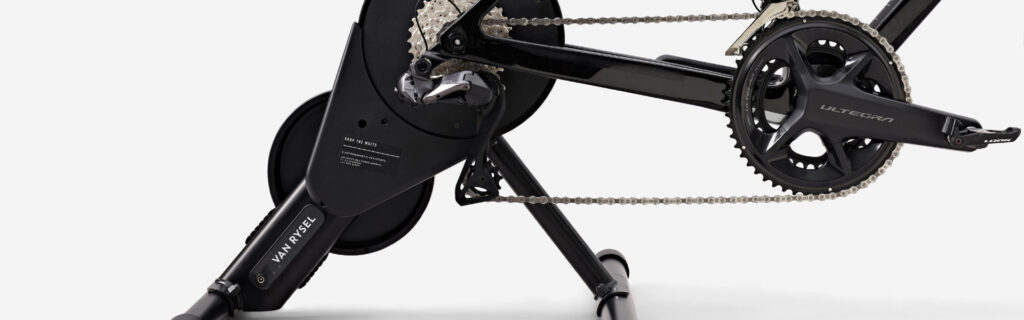
Available only in the UK and EU, the VAN RYSEL D100 is perhaps the most budget-priced direct-drive smart trainer on the market. This week’s firmware update (version 0.104) brings virtual shifting to anyone who bought the non Zwift-Ready version.
Firmware updates are accomplished via the OneLap Fit app.
Requirements for Virtual Shifting
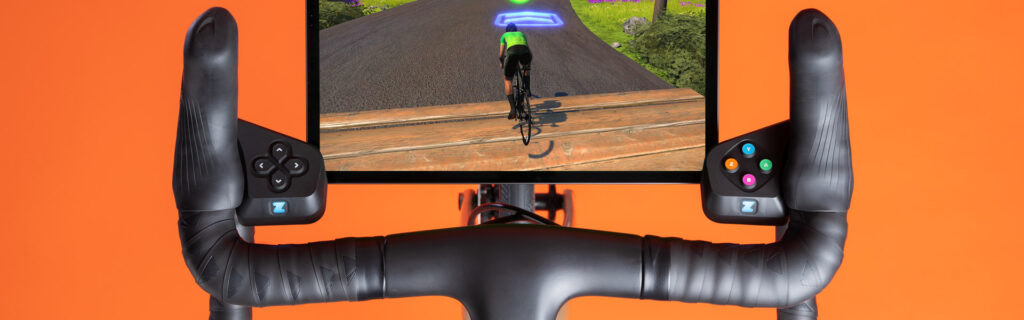
Once you’ve got a trainer that supports virtual shifting, there are two additional requirements you’ll need to meet before you can start shifting virtually:
- Virtual Shifting Controller: you need a device to do the shifting. There are currently three virtual shifting devices: Zwift Play controllers, Zwift Click, and the Zwift Play controllers built into the Zwift Ride smart frame.
- Bluetooth Connectivity: your smart trainer and virtual shifting controllers must be connected via Bluetooth. Virtual shifting is not supported via ANT+.
If you want to buy the Zwift Cog as well (especially handy if you’re swapping various bikes between one trainer), Elite’s firmware announcement included a discount code for the Zwift Cog and Click Upgrade Pack! Get a $20/£20/€20 discount using this discount code: ELITEZCOG2024 (only available in EU, UK, and US).
Zwift Ride Compatibility
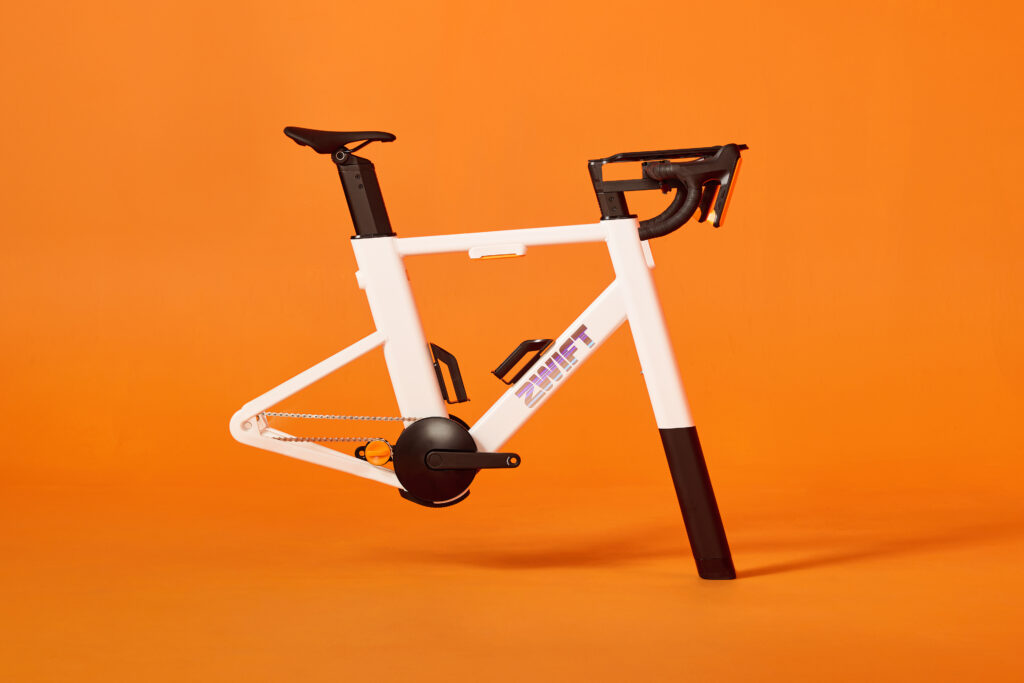
Lastly, it’s worth noting that all the trainers referenced above are fully compatible with the Zwift Ride smart frame once they’ve received firmware updates. So if you already own the trainer, you can purchase the standalone frame and have a smooth new Zwift Ride setup!
Questions or Comments?
Post below!

