
“Oh Hill No” Route Details (Watopia)

If you’re looking to directly access Zwift’s “The Grade” FTP test climb, this is the route to do it. But you’ll want to be warmed up beforehand, because the test begins as soon as you start pedaling!
Route Basics
Length: 7.9 km (4.9 miles)
Elevation: 306m (1,004′)
+0.2km (0.1 miles) lead-in
Map: Watopia
ZIMetrics
Rating: 6.8/100 🛈
Time Estimates 🛈
lead-in + first lap
4 W/kg: 18 minutes
3 W/kg: 20 minutes
2 W/kg: 27 minutes
Start & Finish
Events begin with a lead-in from the southern coast start pens, but the route officially starts and ends at the start of The Grade KOM.
Format: Loop
Ride Achievement Badge: 160 XP
Run Achievement Badge: 320 XP
Leaderboard Segments |
| The Grade KOM (3.52km, 8.6%) |
Strava Segments
Route Description
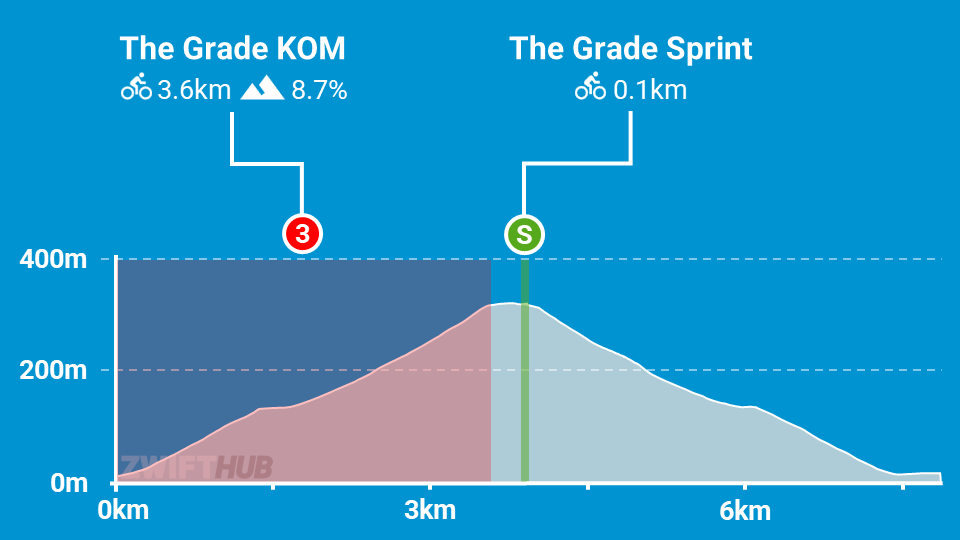
Route profile by ZwiftHub – the place to plan and track your route achievements!
This route begins from the coastal start pens, or if you choose to free ride it the game will place you just before the start line of The Grade KOM. Either way, be ready to climb as soon as you start pedaling!
The key feature of this route is The Grade KOM: a steep (8.6%) 3.5km-long section of road created to function as an FTP test within Zwift. The idea is to go as hard as you can up the climb, then Zwift will compute you FTP based on your segment time and average power.
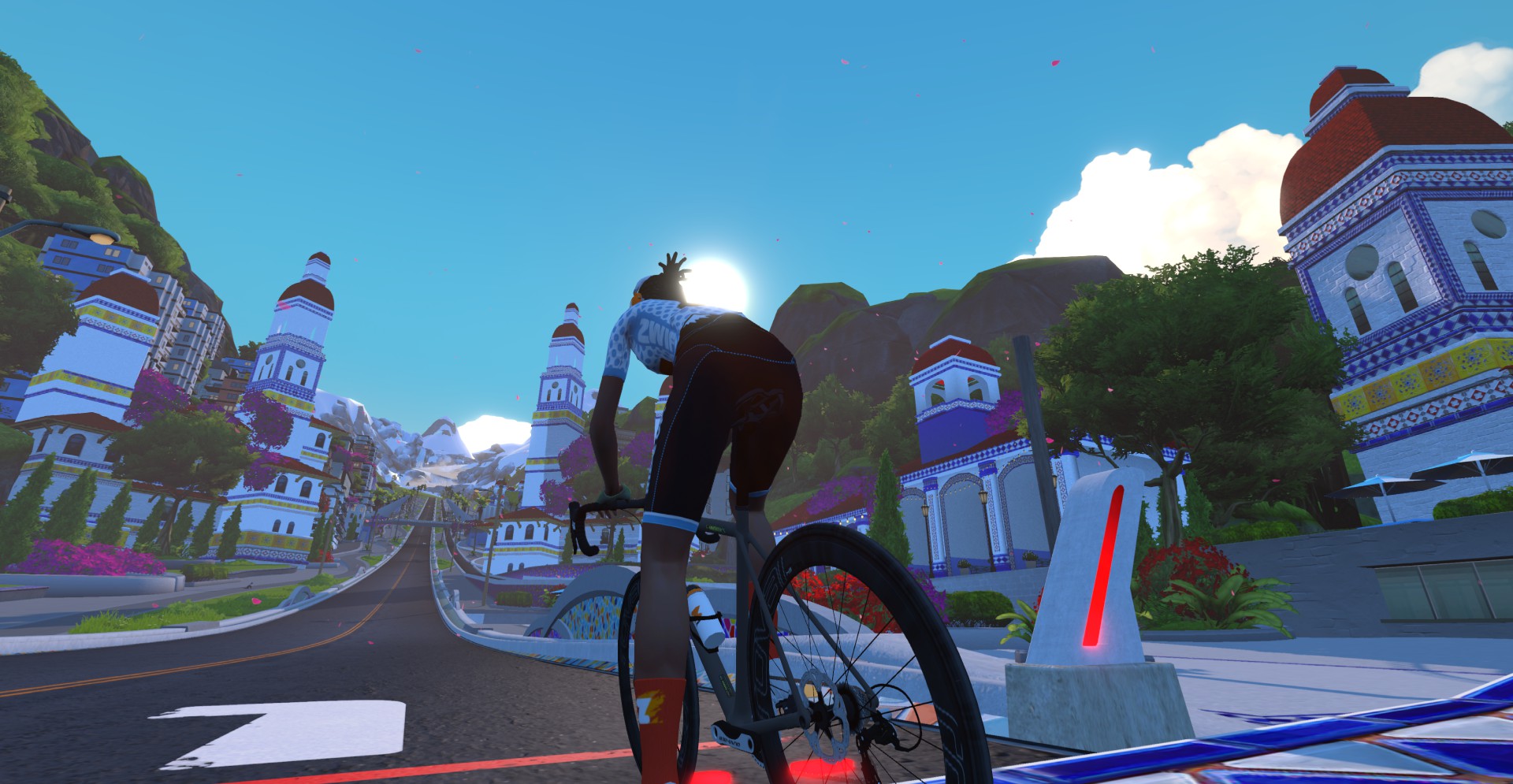
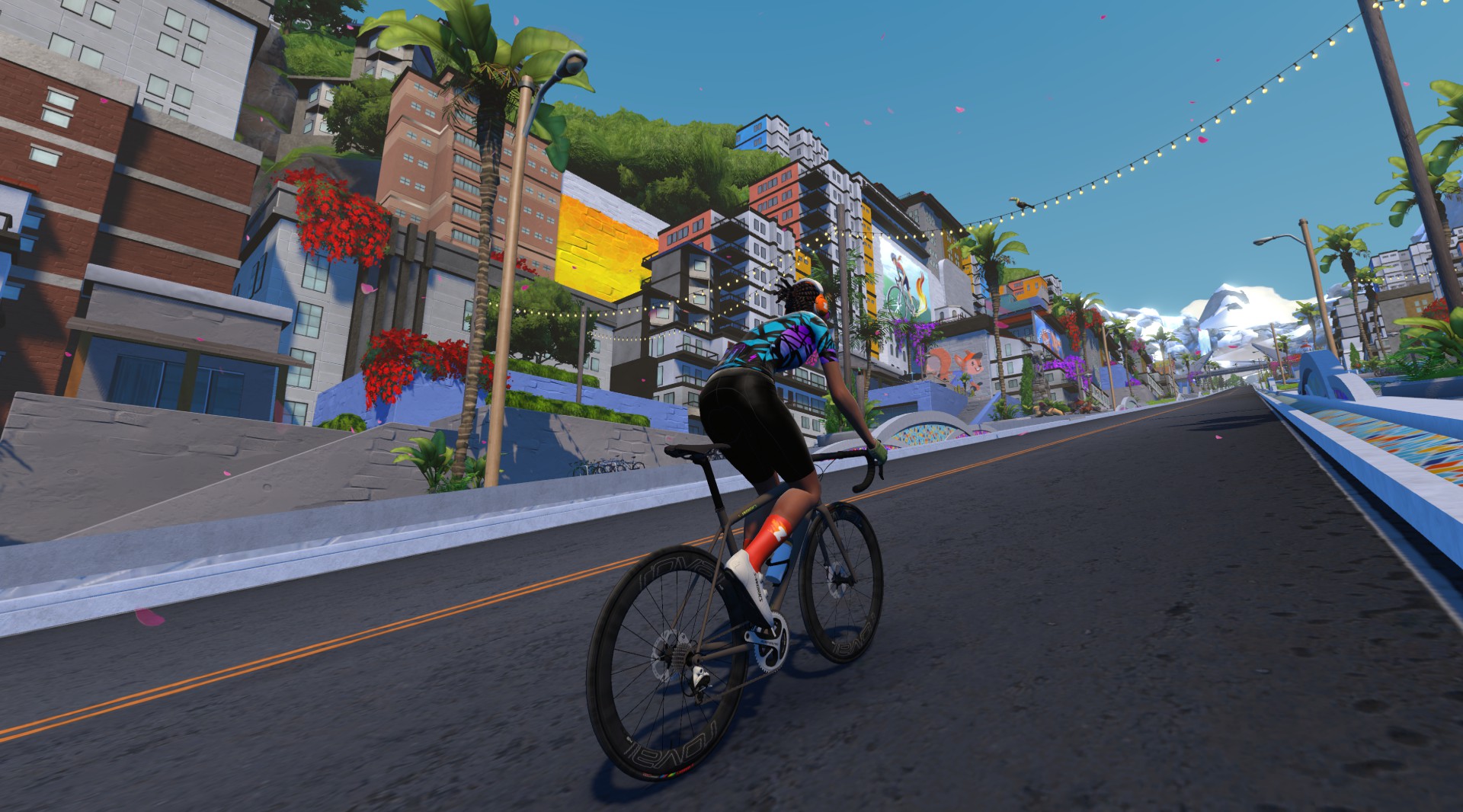
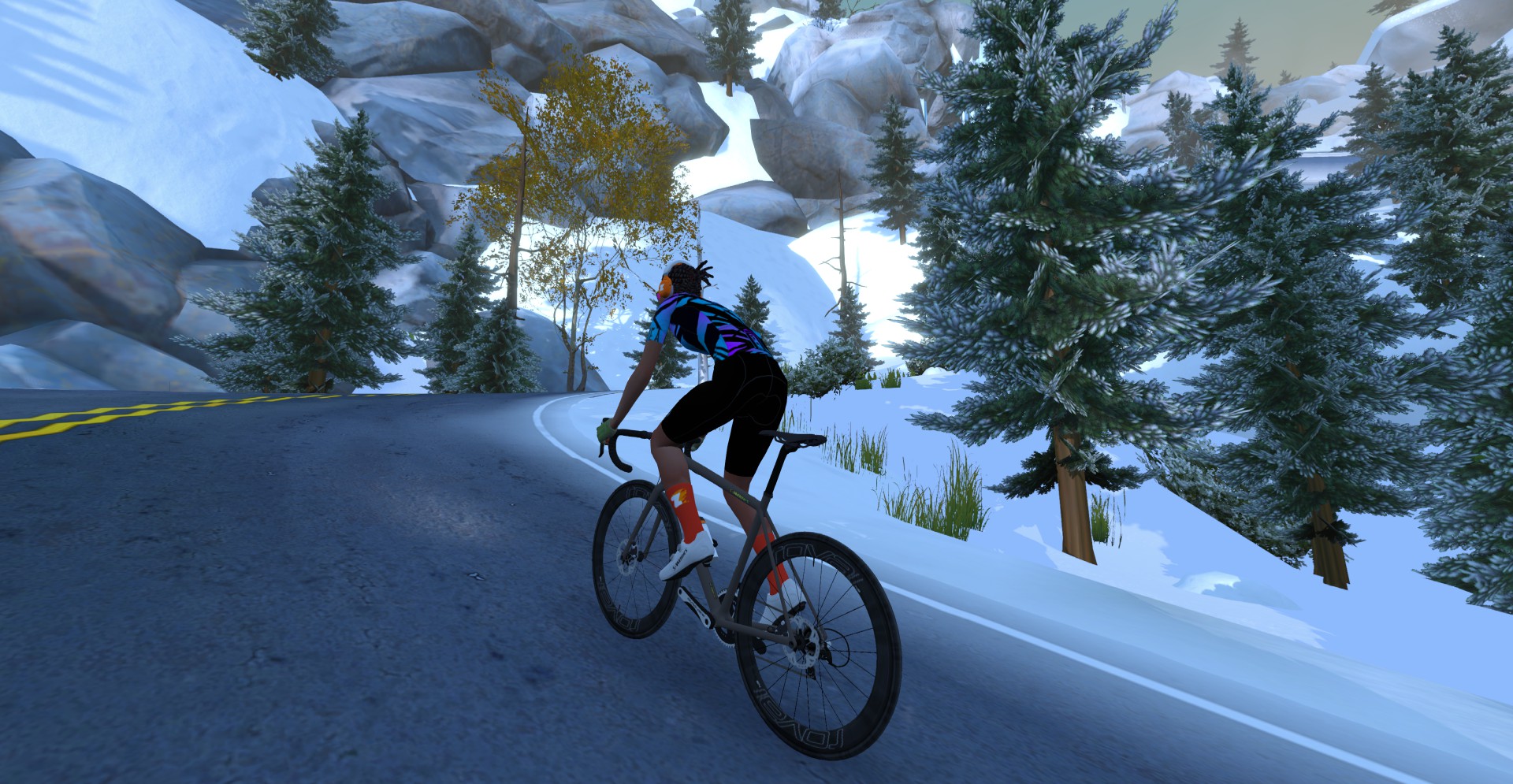
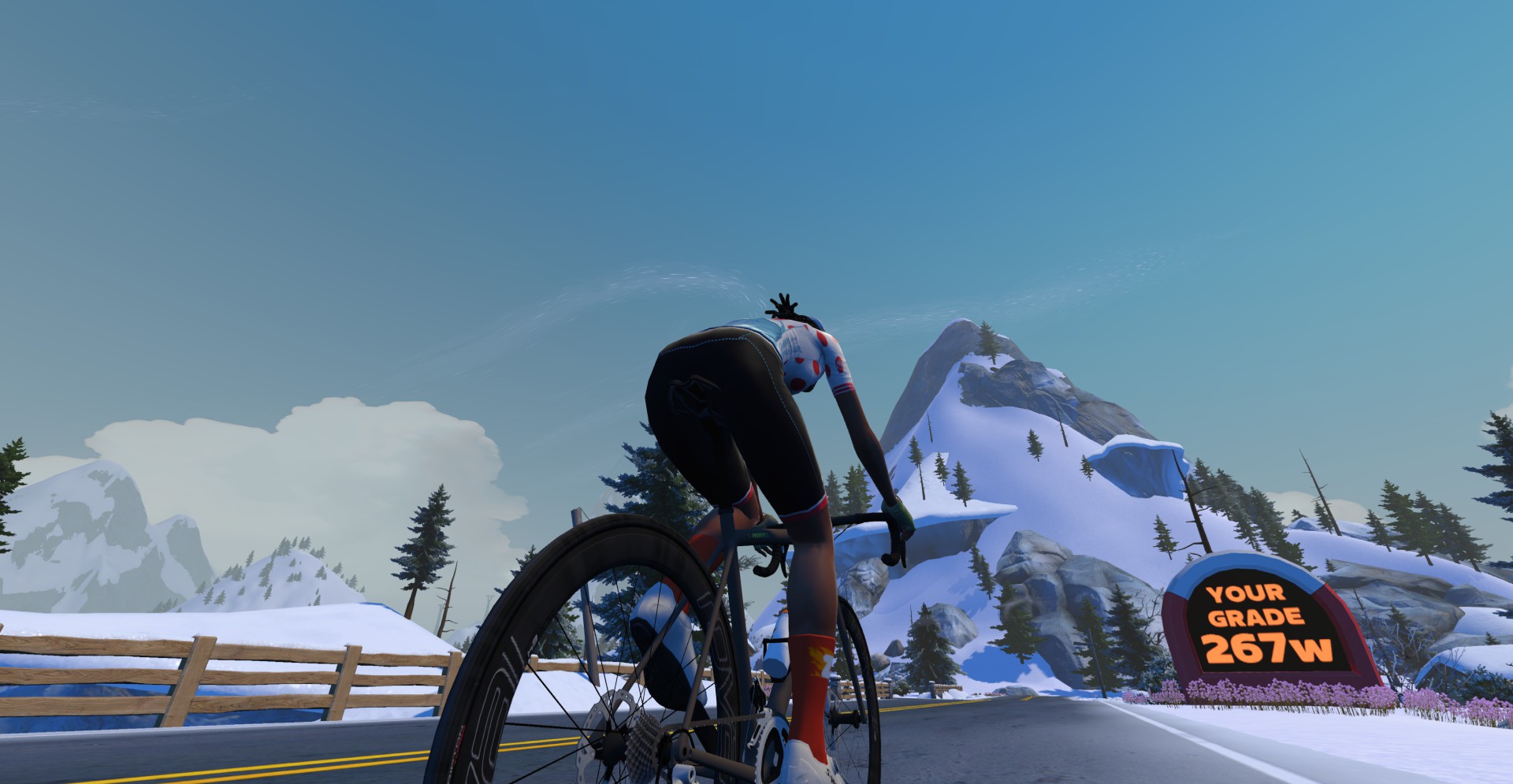
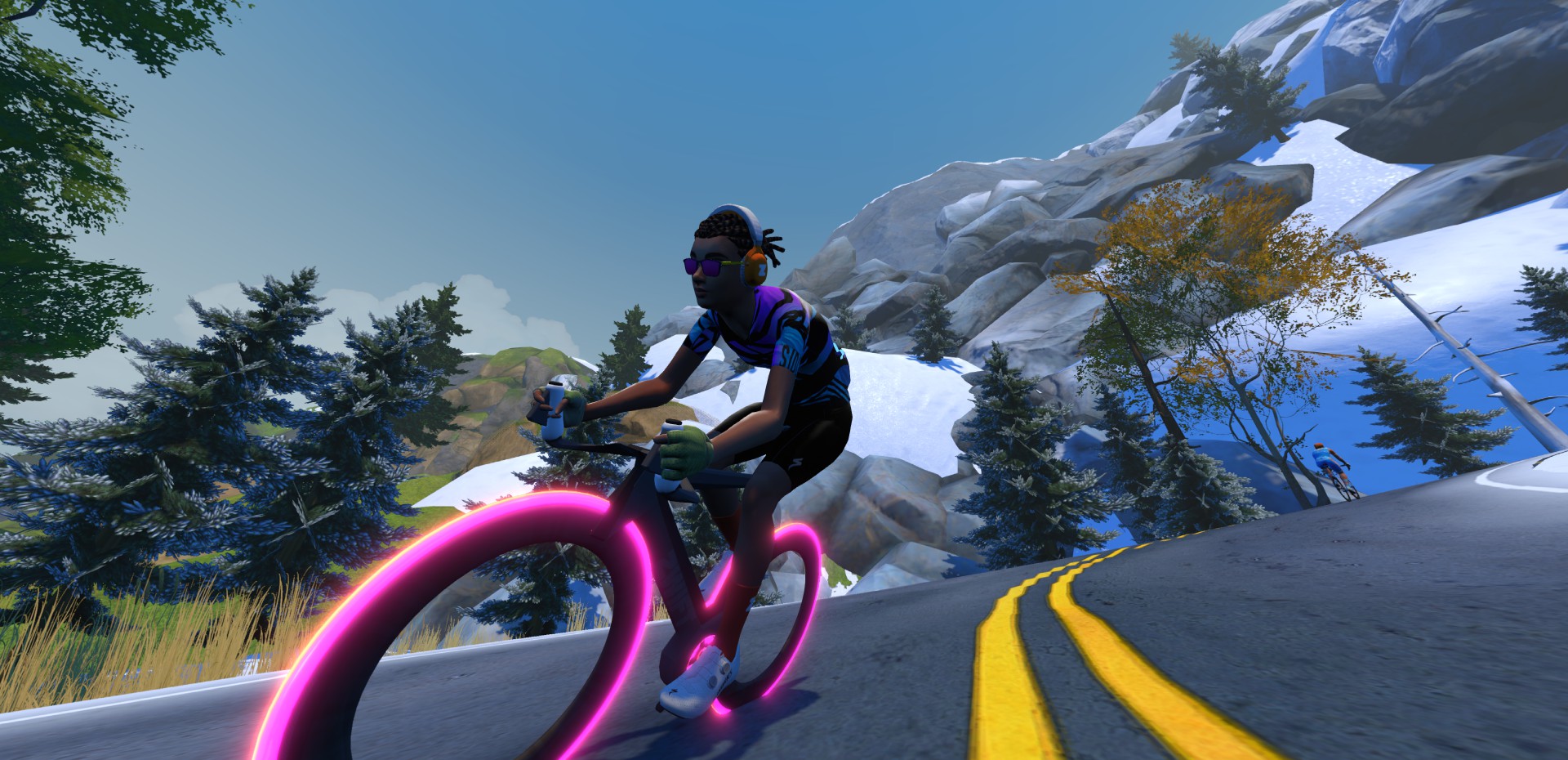
Your average power is displayed while you climb The Grade, to help you hit your target pace.
The first section of The Grade is perfectly straight, and as you pass the buildings of Ciudad la Cumbre (“Summit City”) you’ll see the climb is divided into 10 equal-length sections denoted by numbers painted on the road.
Just before the halfway point, the road flattens for a bit. Be ready to shift to a harder gear so you can keep your power up!
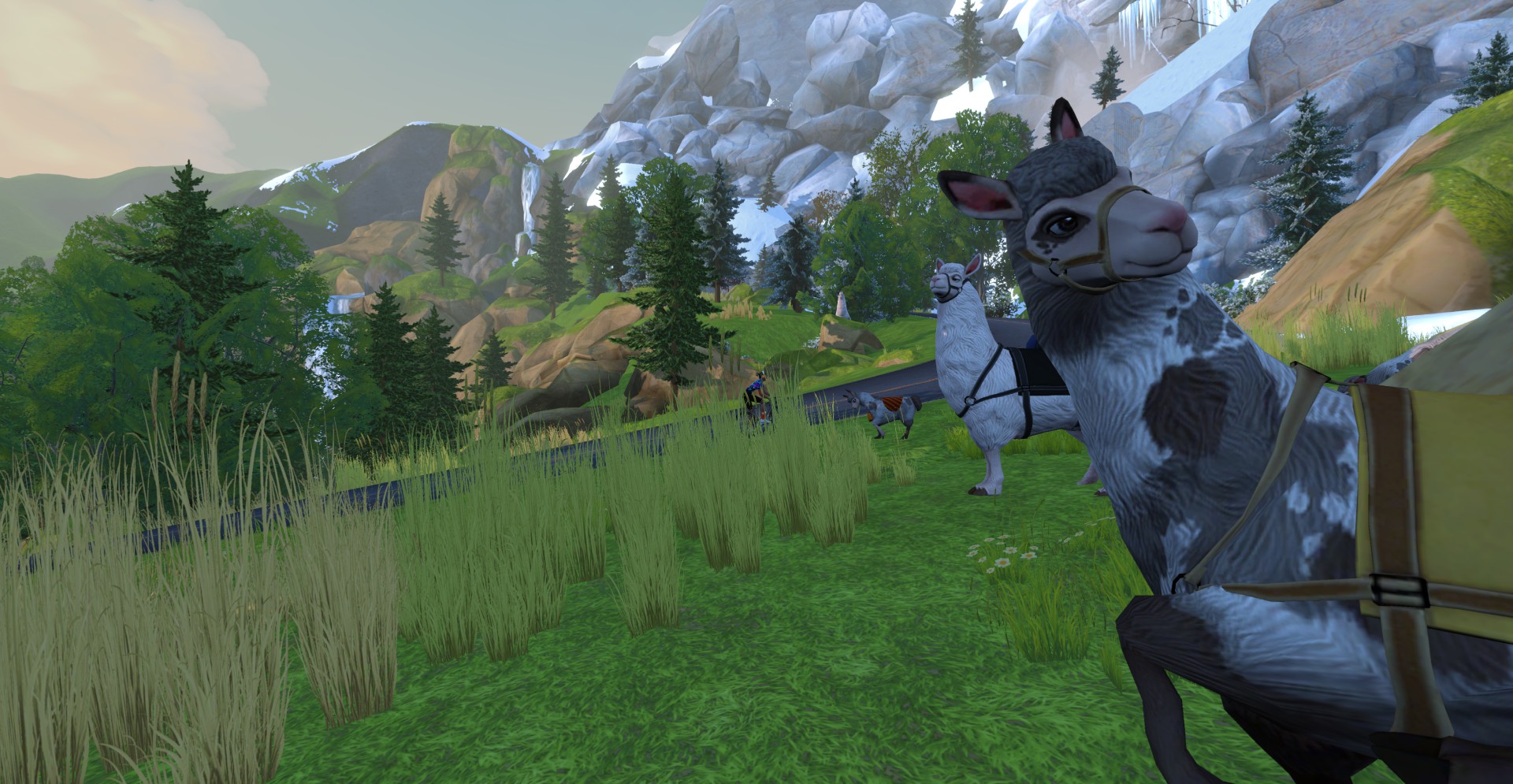
After the flat bit you’ll enter the twisty upper half of The Grade. This is where you need mental and physical strength. Keeping your power up as you pass the waterfalls and the landscape turns icy. Don’t leave anything on the table – go all-in when you see the KOM banner on screen! The game will show your computed FTP on a signpost just past the banner, and confetti will pop if it’s an improvement over your current FTP.
Looking for target times on The Grade? See our list here >
Once you complete the climb, you’ll turn around and descend back to sea level. The route begins and ends at The Grade’s start line.
Who’s gonna Everest on it first?
29 reps is what it takes fyi
Did this today, but didn’t get the badge. Probably just zwift being zwift.
This happened to me too. I reached the roundabout at the bottom and turned left. It turns out you can’t turn left or right if you want the badge. You have to go up again a little bit to the KOM start banner.
Yep, route ends at the Grade start line. You have to pass there and manually turn around if you don’t want to do it again.
What happens if you do the Grade as part of a longer ride and aren’t going flat out? Will Zwift lower your FTP?
Nope. Zwift will only bump it up.
Thanks
If I am doing an FTP test and I don’t make it to the banner in 20 minutes will I have to continue to hold that power until I reach the banner to achieve a new FTP?
Two things:
1) This is a fantastic route. I love doing hill repeats on it.
2) Thanks for this site. It’s a wonderful resource for Zwift enthusiasts!
I completed the 8848 Challenge on July 20, and the overall feeling was a bit more comfortable than “The road to sky”! https://www.strava.com/activities/11935653675
Hello Yao,
I’m about to do an vEveresting and I’m choosing between Oh Hill No and AdZ. So I’m interested on why you say the overall feeling was a bit more comfortable on Oh Hill No?
Hi I want to use Oh Hill No to do an FTP test. I’m very out of shape after a few surgeries and illnesses. A typical FTP test is 20 minutes. by my calculations it would take me around 23 minutes to reach the banner. If I drop my power after 20 minutes will this lower my FTP score. I watched the video and the rider in it reached the banner in !8 minutes. Do I need to try and hold power to the banner or will it calculate at 20 minutes? Thank You
PS I am 63.3 kg and my current ftp is 155?
I think the question you really are asking is – Does this count as an 8 minute or 20 minute test. Really its up to you. If you did the course and finished in 14 minutes what would you count it as? Or to answer your question if you took 23 minutes, you will get a score you can use as your FTP number. If you let your power drop after 20 minutes, yes it will lower score, so you will need to hold power until you finish. Also during the test you should as message on your screen telling you what you are currently averaging while the test is running.
Free Pro-tip of the day: The difference between a good FTP test and a bad one is how many internal organs you barf up.
Laura: don’t think of this like a 20-minute test. Think of it as you getting your best time on The Grade KOM segment.
That’s all you’re trying to do. Go as hard as you can up the segment, and at the top, Zwift will give you an FTP estimate based on your average power and time up the segment.
Eric, thank you for clarifying this for me. I will give it a try in the near future.
I’m fairly sure that Zwift automatically, every time you ride anywhere, raises your FTP any time you exceed your current FTP during a 20 minute span (average watts over the 20 minutes times 0.95). So if it takes 23 minutes to complete, it will find your highest wattage 20 minute period of your entire ride including the downhill and use it to see if your FTP is higher. I rode this route today and did the hill in around 19 minutes, so I had to shift a lot and continue to push at the top to achieve my new FTP, which it displayed.
Hey Art – Zwift actually changed how they auto-calculate FTP about a year ago. See https://zwiftinsider.com/update-1-79-0-136993/ for details…
Road this route today and only the Upper Portion segment of The Grade showed up on Strava. Was hoping for a PR, but nope!