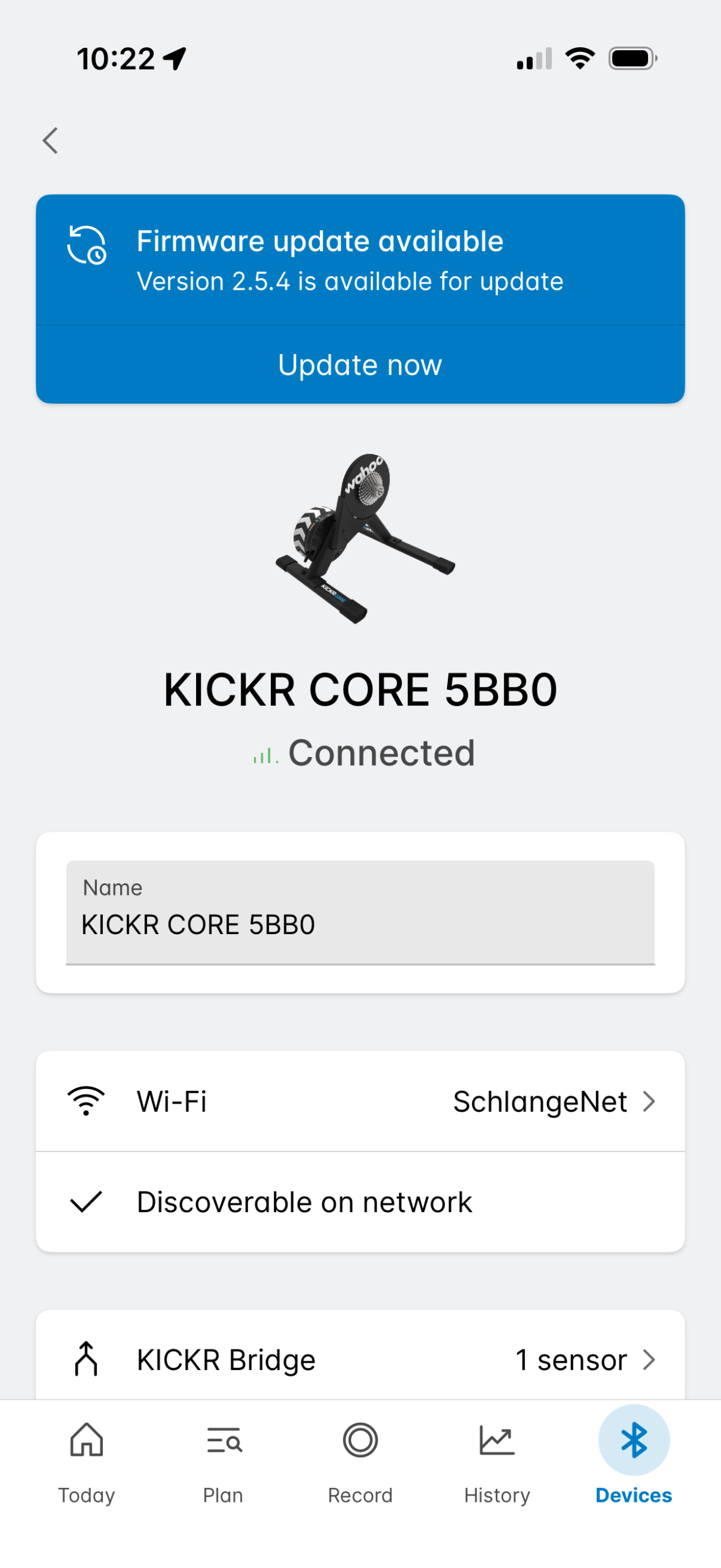
Yesterday, Wahoo released updated KICKR CORE 2 firmware (version 2.5.4 / 3.5.4) to enable the trainer to bridge Zwift Click v2 or Zwift Ride handlebars.
What is “bridging,” how does it work, and why does it matter? I’m so glad you asked! Let’s dive in…
Bluetooth Bridging
“Bridging” refers to a device’s ability to act as a hub or “go between,” connecting one or more Bluetooth devices to another. Why is bridging useful? Mostly because Apple TV limits you to connecting to only two Bluetooth devices (for example, your trainer and HRM). This isn’t a big deal when all you’ve got is a trainer and heart rate, but with more and more riders using Zwift controllers (often for the benefits of virtual shifting), people are finding themselves hitting this connection limit:
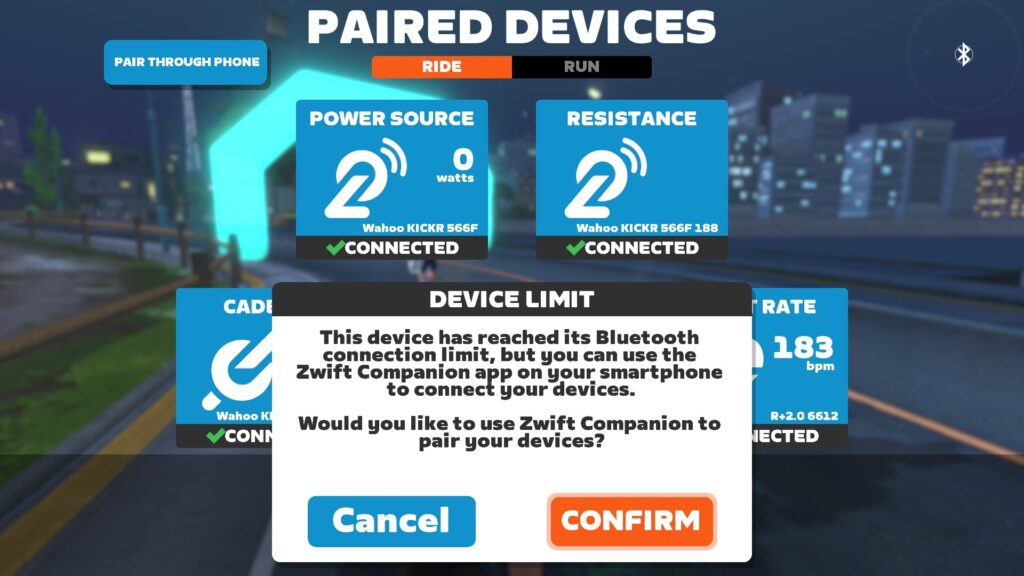
Bridging consolidates multiple Bluetooth connections into one. Only your KICKR CORE 2 needs to be connected to your Zwifting computer (in this case, Apple TV), but it will send along the datastream of the additional devices it is bridging.
Note: another way around the Bluetooth connection limit is to use a trainer that can connect via WiFi or Direct Connect… read this post for details.
When the KICKR CORE 2 was released in September 2025, it already had what Wahoo calls the “KICKR Bridge” feature, but this only worked to bridge heart rate monitors.
Yesterday’s update added bridging support for Zwift Click v2 and the controllers on the Zwift Ride handlebars. This means you can connect your trainer, HRM, and controllers, using just one Bluetooth connection. (Or, I suppose, if your KICKR CORE 2 is connected via WiFi, you’d be using no Bluetooth connections at all!)
This should simplify connection and startup for Apple TV users, who are a huge segment of the Zwift population. Why? Because Apple TV is a simple and affordable device for Zwifting!
Test Results
I’ve been using the new firmware for a couple of weeks here in the Zwift Insider Lab, and it’s been working well! I’ve mostly used it with the Click v2 controllers, and here’s what you see on the pairing screen when you first click the “Controls” box to pair:
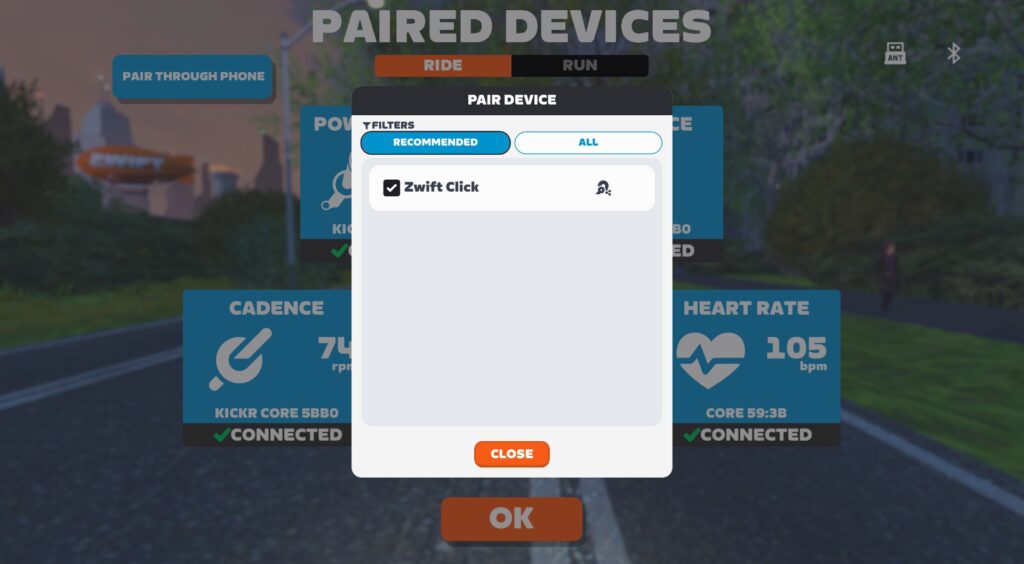
Unlike bridging for other apps, this bridging is done automatically when you’re using Zwift. According to Wahoo’s support docs, “The Zwift game ignores the heart rate monitor stored in the trainer/BIKE’s firmware, but once a CORE 2 or BIKE PRO on current firmware is selected in the Zwift pairing screen, Zwift will have the trainer search and bridge any available compatible heart rate monitors and/or Zwift controllers.”
I’ve even tried some “officially unsupported” connection schemes, like pairing the classic Zwift Play controllers via Bluetooth, while the Click v2 is connected via bridging. Notice the bridged device has a little trainer icon next to it, while the direct Bluetooth connections use a Bluetooth icon (and a green icon signifying the use of Zwift protocol):
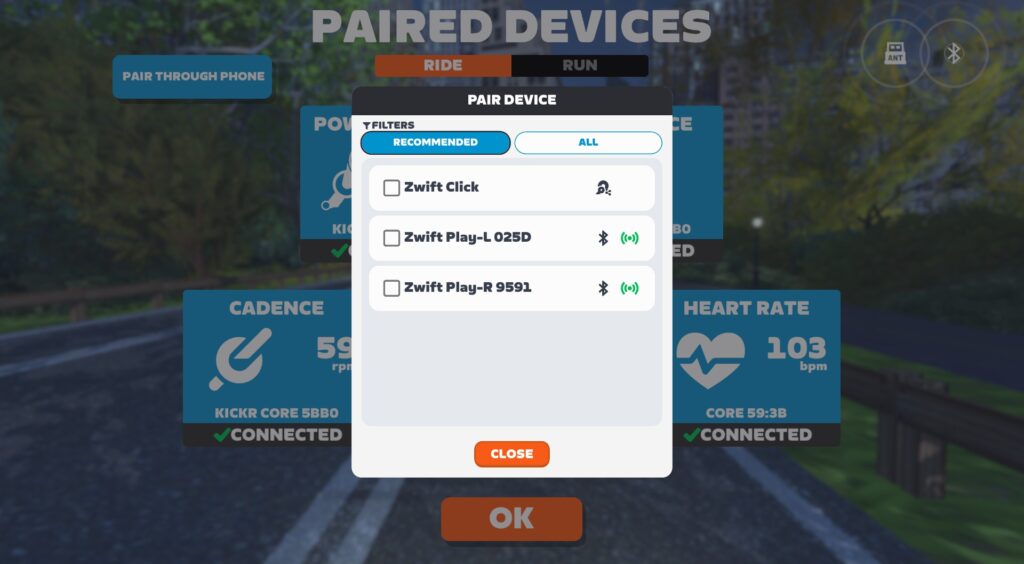
This scheme works well, though I’ve occasionally seen the Play controllers respond slowly, while the Zwift Click v2 remains very responsive. Not sure what that’s about.
Overall, the updated KICKR Bridge works well on Apple TV, PC, or any other device that can run Zwift.
Upgrading Your Play + KICKR CORE 2 Firmware
To start connecting to your Click v2 or Ride controllers through the KICKR CORE 2 bridge, you’ll want to make sure your controllers’ firmware is up to date, and also update your trainer’s firmware.
Update your controllers via the Zwift Companion app. Click More>Equipment>Your Controllers to update. Here’s what I saw when I connected to my Click v2:
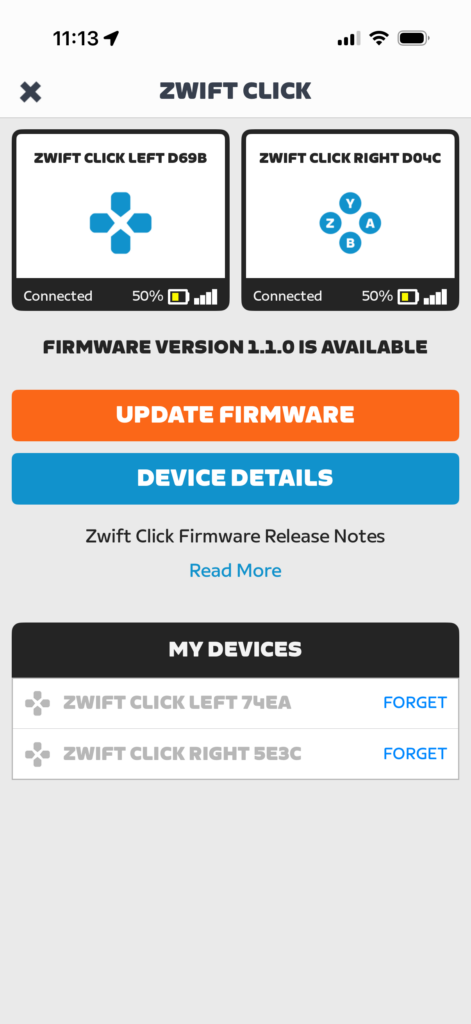
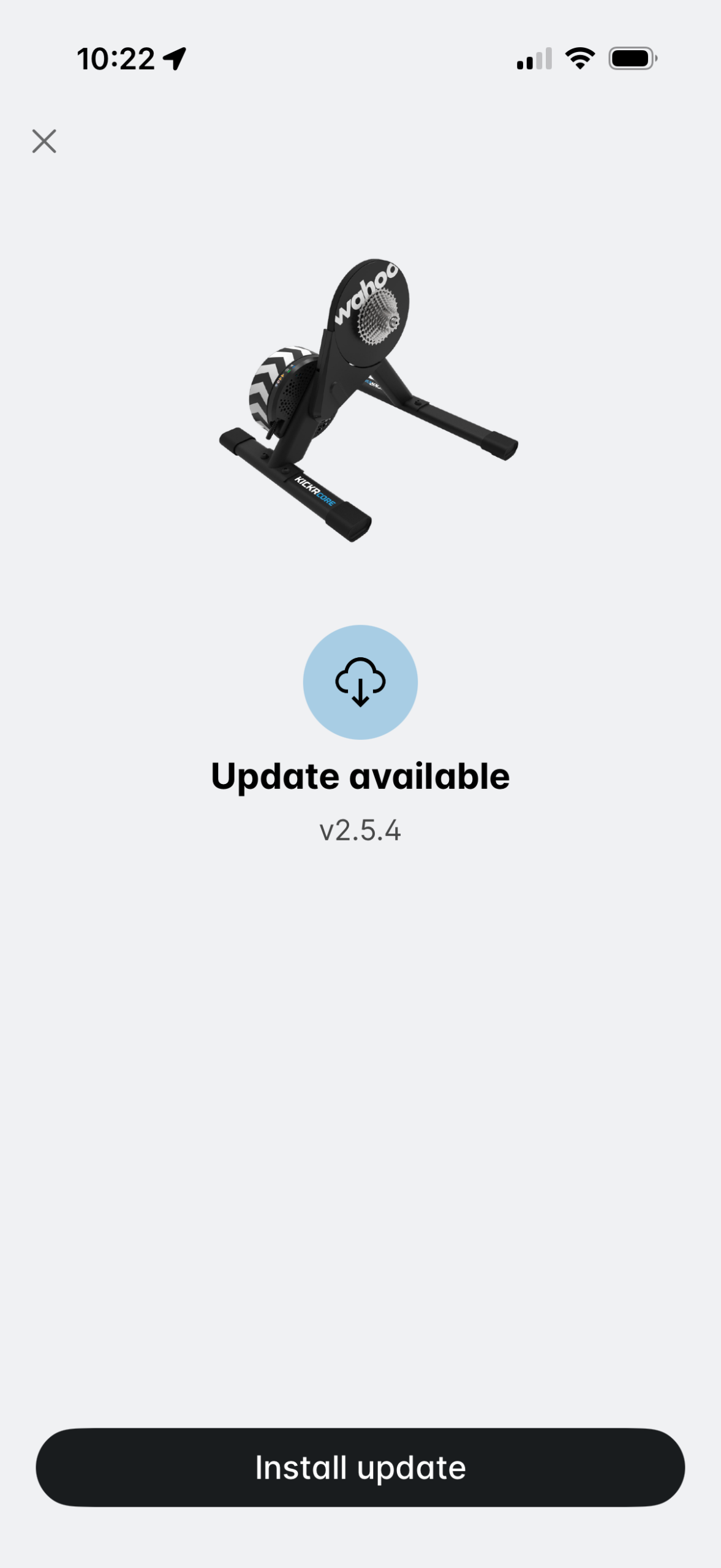
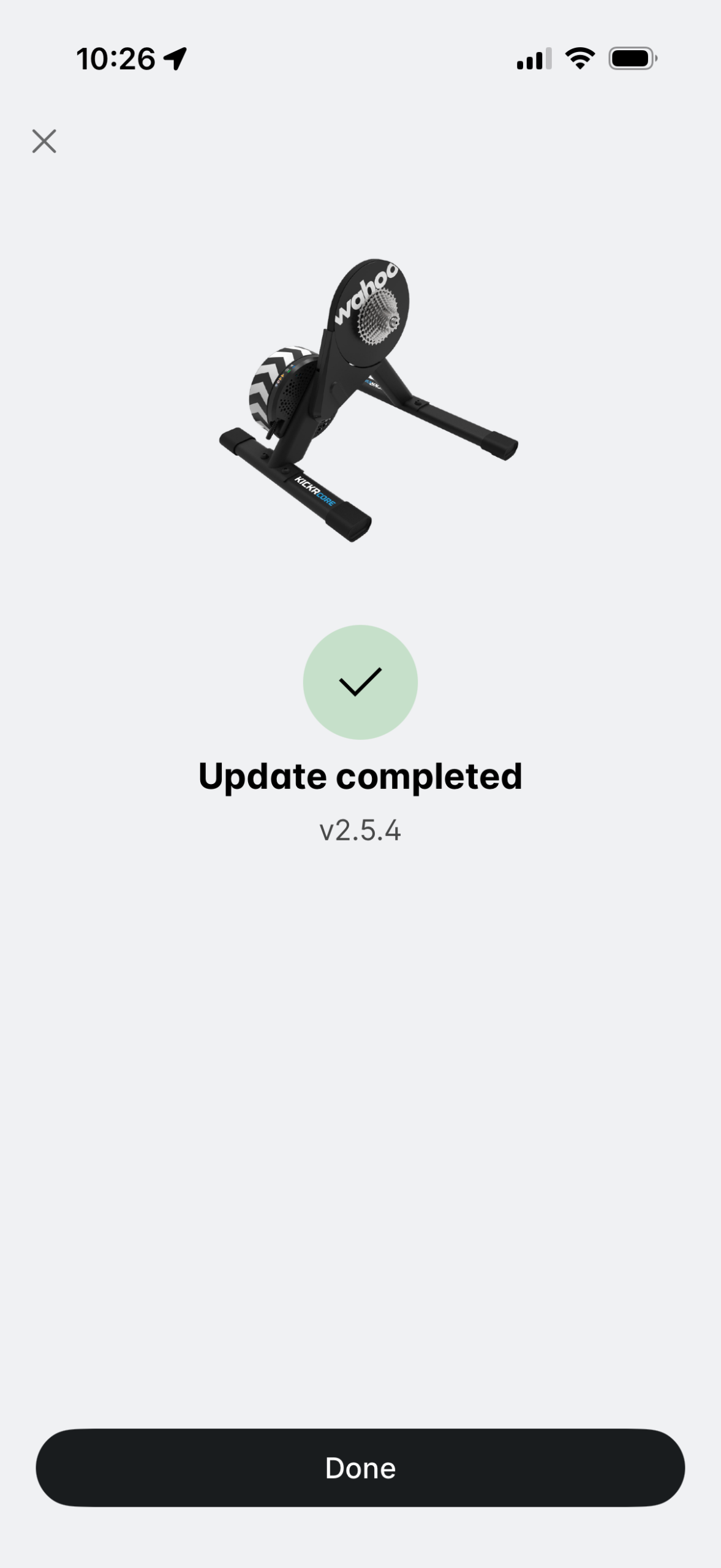
Update your KICKR CORE 2’s firmware via the Wahoo app.
Questions or Comments?
Learn more about the KICKR Bridge on Wahoo’s support site, and read about this latest firmware update, too. Got other questions or comments? Share below!

 wpDiscuz