

Today, Zwift unveiled their first challenge where outdoor miles count. Fittingly named the “Indoor Outdoor Challenge”, the goal is to complete 1,000 kilometers between indoor and outdoor rides or runs. You’ve got until September 30th to get it done. Read on for details!
One Challenge, Many Methods
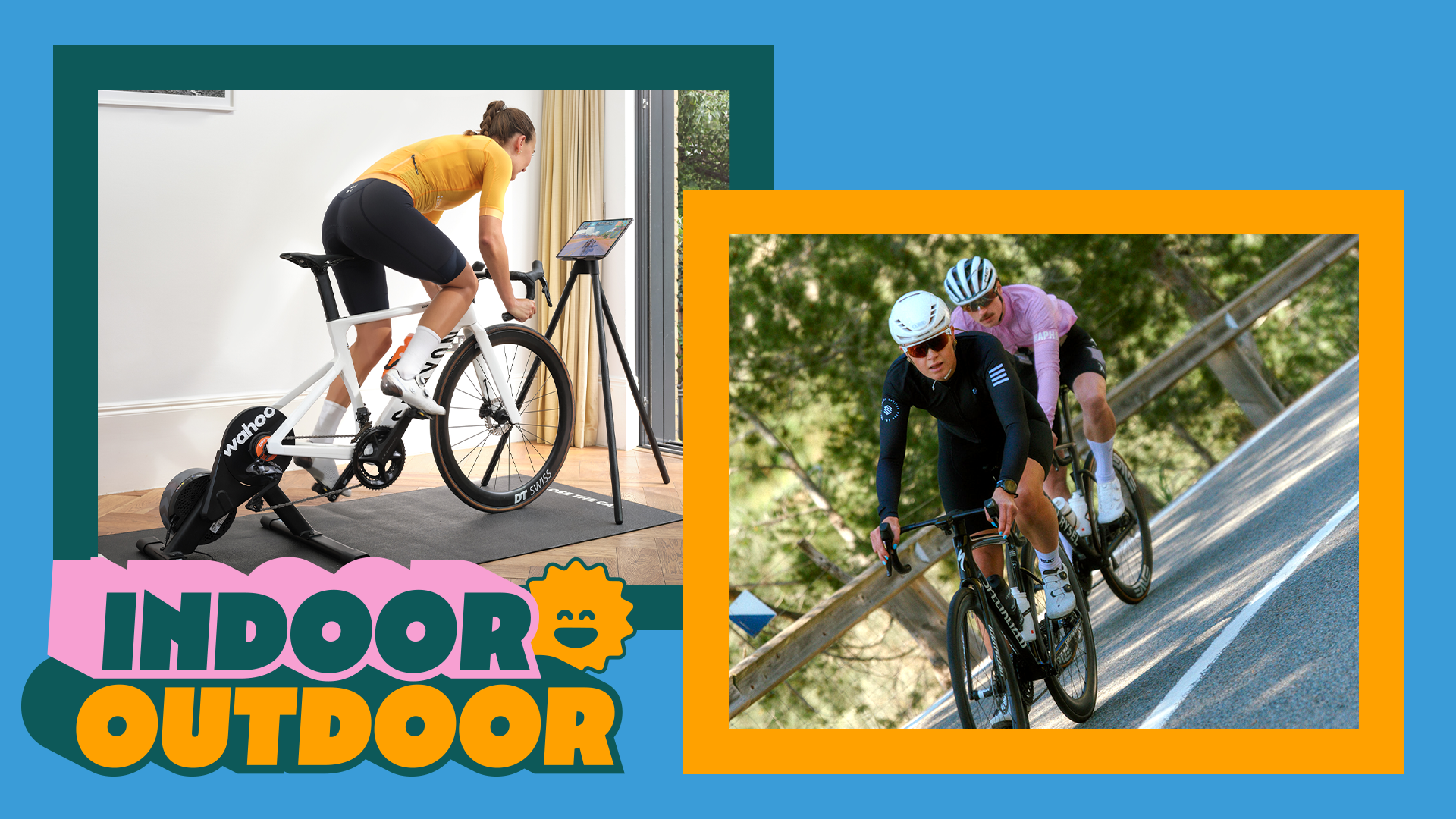
Again, the goal here is simple: between July 1, 2026, and September 30, 2026, cover a total of 1000 kilometers by doing any combination of the following:
- Zwift rides
- Zwift runs
- Outdoor rides or runs synced from Garmin, Wahoo, or Hammerhead
Unlocks and Rewards
You’ll earn rewards as you progress through the challenge:
- 250 km: 100,000 Drops
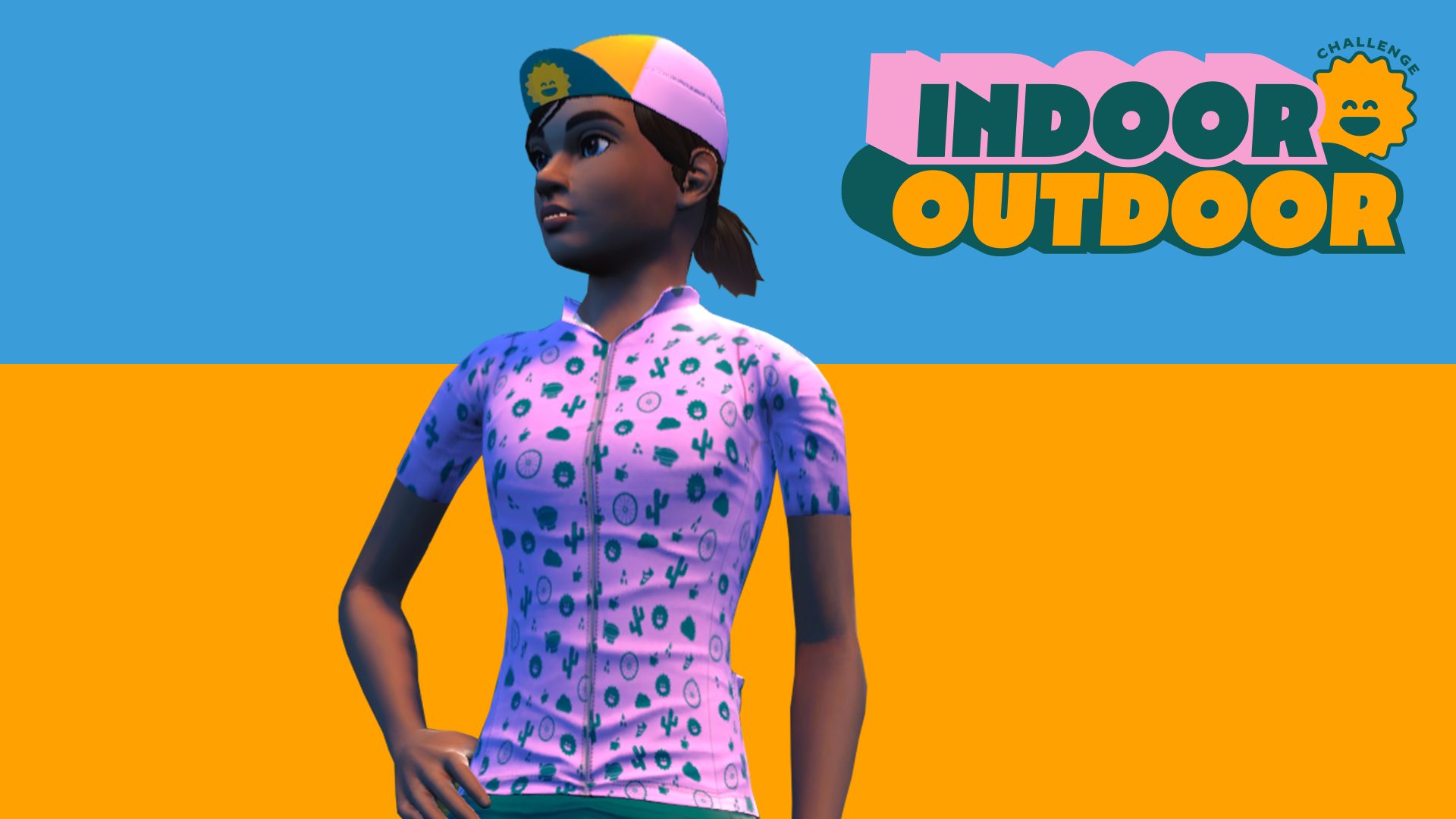
- 500 km: An exclusive cap + 20% off Maurten products (sent via email, be sure you’re opted in at zwift.com/settings/emails)
- 750 km: 5,000 XP
- 1,000 km: An exclusive in-game kit, a separate 20% discount off Maurten products, and an entry for a chance to win an unforgettable trip to L’Étape du Tour de France 2027, including airfare, lodging, and a $100 Maurten gift card (where eligible). Read terms and conditions >
Maurten Fueling
Zwift has partnered with Maurten for this challenge, and they’ll be sharing fueling tips to ensure you prepare properly for your long efforts and tackle recovery like a pro. Maurten is also offering all Zwifters access to the beta version of the Maurten Fuel Planner, where you can enter your ride or run and receive an ideal fueling recommendation.
Getting Started
A few important notes as you start the challenge:
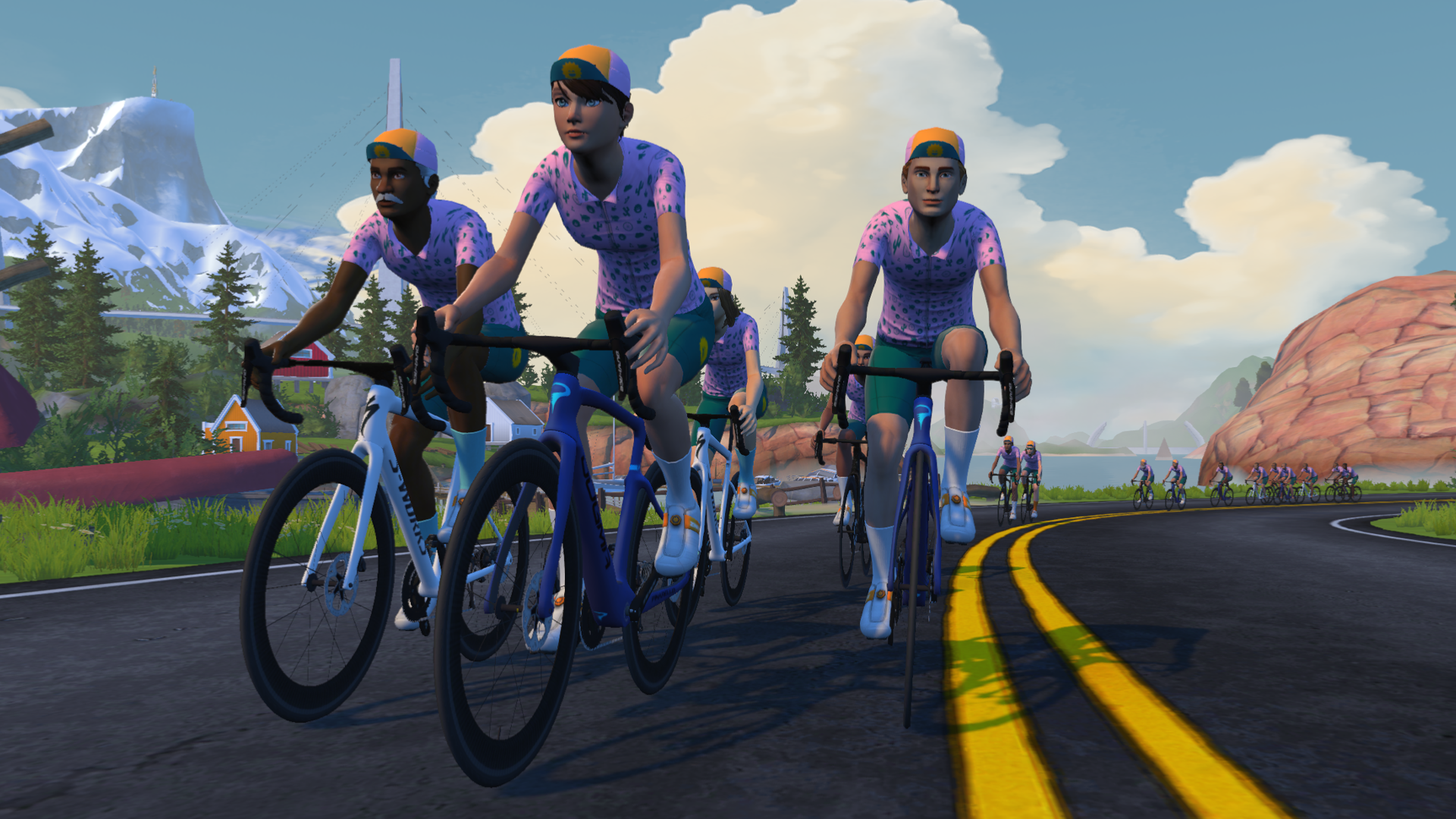
- If you are an active Zwift subscriber, you are automatically enrolled in the challenge.
- Connect your Garmin, Wahoo, or Hammerhead account to Zwift so your outdoor activities count toward the challenge.
- You can do this via the Companion app under Settings>Connections, or by logging into your account at zwift.com and going to Account>Connections.
- If you’re not seeing your progress, try unlinking and relinking your Garmin, Wahoo, or Hammerhead account. You won’t lose any data by doing so.
- Make sure you’re on the latest version of Zwift (v1.116). Zwift says, “If you are not on the latest game version, you may see the tracker in Zwift Companion, but no progress will be made towards the challenge until the game version is updated.”
- You can track your progress on the Zwift homescreen (in riding mode, not running) or in the Companion app.
Questions or comments?
Share below!

I commute 185 a week so this should be rather easy.
Yeah, I average around 300km per week, so it’ll be easy for me too.
I think it would be fun if Zwift could add some sort of incentive for going longer… a 500XP bonus every 1000km, for instance.
Is there anyway to count those outdoor miles without Garmin, Wahoo, or Hammerhead account?
It would bei anbot complicated to import those outdoor Rides twice. First into Garmin and then into Zwift
If you record the ride just using the Wahoo app and have it connected with Zwift the distance will pull through to Zwift. You don’t need a Wahoo device.
I have a Bike computer fromma different company. I got it done. But it is very complicated. Export the fit-file from my Bike computer’s app. Fix the corrupt time in a website. And finally Upload it to a Garmin Connect Account.
Zwift should just have a fit import function. That would be a lot easier
I’ve tried downloading the Wahoo app and done all the linked accounts etc. And it’s still not crossing over to show up on my Zwift account as outdoors runs etc
I like the sweat drop reward!
Today I went for a short bike ride with my son and recorded it using my Garmin sports watch. The activity is visible in both Garmin Connect and Strava. Despite having the correct Zwift version installed and disconnecting and reconnecting both Garmin and Wahoo, Zwift still does not show the activity.
It can take a minute to get connected, was it working before?
Yes, i van see the ride in the companion app.
Did the ride happen to start before 8am PDT today? Because the challenge began at that time, activity started before will not count.
Do you have the Zwift Companion app? I see my Garmin activities there. You have to link the Garmin & Zwift accounts – and then look at just your activities in the Companion app (not the general activities feed)
It’s July 6 and I’ve only seen 80km of indoor riding show up this week. Similarly, rides outdoors are appearing on Garmin Connect and Strava. Maybe it doesn’t count outdoor rides if you’re over level 100? Maybe you have to leave your head unit running when you come in the house so it’s on the same WiFi network and then open Zwift? I tried the QR code, unpaired and repaired in the companion app, and nothing has happened. I think they just need to rename it the Indoor/Indoor challenge since outdoor activities don’t count.
This morning ride was not taken into account (was already 1st July but not announced yet)
I also did not get this morning’s (USA 06:00 EDT) ride included.
The challenge began at 8am PDT so rides before that time unfortunately do not count. Anything after that time and before October 1st will count.
Glad they finally released one of these, it also counts runs which seems like it would make the challenge much harder. I should be done within the month on the bike
Crap….did 200km just yesterday 🙁
I think that means you have to do another 200km today
Not much of a challenge and hardly any information from zwift. Do we actually get 100kdrops if we reach 250km on a run, and will the 5000xp bonus go to the activity type you do when you reach 750km?
Regardless of how you achieve the distance (ride or run) you will get the 100,000 drops reward at 25% completion and the 5000xp bonus will apply to your cycling profile.
9AM got my 1st of 3 rides in , total of 34 miles in , it shows on Zwift Companion . Clicked in the indoor /outdoor challenge and it shows 0mi as of 3:30 EST after I reset my settings on Zwift companion , on my phone and IPAD . Running current updated v1.116 .And still zero miles before and after I reset my connections on Zwift Companion . Active paying member . Wonder if because I use Apple TV which always has a delay in all upgrades , will this be delayed as well ?
Looks like the challenge officially start 11am EST, so if you mean you did the ride 9am EST, it won’t count.
My issue is Zwift doesn’t recognize that it’s a dual recording from my Garmin unit and will record duplicates for a ride indoors. Doubling everything.
It was easier to just stop sharing the Garmin file with Zwift. I can delete in Strava if needed, but not on Zwift.
The whole “upgrade” hasn’t been very useful for me.
You can use the companion app to delete the Garmin workouts. They should be in blue under your activities.
I’d like a maurten jersey instead please =)
Isn’t this the second one of these? Rapha 500 counted indoor and outdoor last year as well plus there have been outdoor ride challenges popping up for me the last couple months.
Sounds like you’re talking about Strava challenges, not Zwift challenges…?
No, I am talking about Zwift challenges, the Rapha 500 challenge in Zwift this year was a combination of inside and outside riding.
I am not a native speaker.
Is that cap at 500 km virtual or a physical present?
My guess is a virtual cap, since I believe there will be lots of folks earning it.
Has Zwift enabled a way of not syncing every Garmin logged ride as an outside ride? I ask because I dual record my Zwift rides on my Garmin Edge with my Assiomas to get richer data. When I connected Garmin and Zwift for outdoors indoors it synched every Garmin ride to Zwift and it took a lot of undoing.
I only care about Xp, all the rest is just noise for me
I hope that i am wrong but Zwift should do anything different than only adding challenges if they want to keep people. Now that levels dont matter there isnt any interest on having more xp because its just a number. From a racing point of view Zwift is dying. I know that its summer for most people but last years there was at least some racing. Now apart from @Eric Schlange tts and TTTs everything its empty even ZI lately hasnt got many things to talk about apart form challenges or new bikes. I think Zwift should focus more on developing the software (trying new things) which is their main area of profit.
Are indoor rides not 100% taken into account 🙂 Did 25km on Zwift and the challenge only shows 23Km indoor (app and companion)
Same with me. I drove 23 km and only counted 20 km.
It does rectify itself, 5 min after ride it shows correct mileage but it happens on every ride for me
My 50 kms ride from yesterday wasn’t included.
Guessing you started before 8am Pacific. Only activities after that count.
Is there a min indoor run distance for the challenge as both of my runs dont show,
You have to run at least 0.8 km (0.5 miles) for a run to save in Zwift. I assume it’s the same outdoors.
I can ride 100k in three hours on Zwift. Road is 4hrs for similar effort because of lights and traffic. Off-road is up to six. I hope a mileage total doesn’t make people choose indoor over outdoor in order to get it done.
I’m doing the majority outdoors, it’s summer. Tomorrow (Saturday) I’ve a BRM400 which will give me 40% in one go. Nice challenge though!
Just need to update today, good luck everyone on the L etape de Tour draw.
Im curious as to why you care so much that internet strangers on the online cycling app you use complete the challenge indoors instead of outdoors. Also, did you ever realize that: 1) Zwift is an indoor cycling app; 2) the challenge is not meant to be an epic test of cycling abilities, but rather a way to keep users subscribed during the summer months, which is the only reason why your outdoor mileage is even included in the first place, and also why Zwift made it as appealing, accessible and “doable” to as many types of users as possible; and 3) not everyone is like you, and there are many Zwifters that for whatever reasons cannot, do not, or don’t even want to ride outdoors.
You seem to know a lot about me. Could I suggest that some of your statement is wild supposition? People can do it however they like, but if the “need” to do miles means people stay indoors at the expense of the benefits of being outdoors then – in my opinion and others are welcome to theirs – that is a shame.
Not sure if this has been previously mentioned…but if you started your ride before 8 am PDT on July 1st…but…kept riding after that time….Zwift will record the distance from 8 am onward. I did a 165 km ride that day/morning and Zwift recorded 83 km of it.
As for the challenge…should take me about 2 weeks, since I average a minimal of 500 km per week. I believe Eric mentioned in the comments he thought it would be good if Zwift awarded additional XP for every 500 km above and beyond the Challenge goal…if so….I agree.
Ride On…and On…and On 🚴🚴♀️💪⚡🎉
Do walks count on this challenge or only runs? I just completed a short walk and it registered on Garmin and Strava, but not on the challenge. Disappointing!
Only runs and rides, virtual or real.
When you level up thanks to XP gained due to outdoor ride, you won’t get 50k drops reward. Its worth remembering when hitting 750km barrier in this challenge for those who will level up with 5000XP reward.
So with 11k between levels it’s better to halt the outdoor rides and level up by ordinary means by riding Zwift indoors and go for the final 750k just after a level up?
Yes, e.g. if you have 730k in the challenge and you’re close to the next lvl, then ride these 20 remaining ones on Zwift to get 50k drops after level up. I leveled up few times by outdoor ride, wasn’t awarded by 50k drops then so I created ticket to Zwift Support and they wrote that it is expected behavior. Since then I always rememer to ride indoors when I’m close to next lvl 🙂
Is it really requiring a subscription? I just run on the platform but out in enough mileage to hit the goal.
Hey, I hit 250km milestone today but was given only 50k drops, without any in-game notification 🙁 Did anyone have the same problem?
Yes same problem today. No drops bonus and I’ve completed over the required 250km.
I noted the same problem. No drops bonus but on the challenge card the drops reward has a green tick. Do you need to complete the full challenge to earn the rewards or are they incremental?
They are incremental.
My polar watch that I am using backup to strava. Why cant we link strava aswell?
I didn’t get the 100k drops bonus for completing the first stage
what if when I complete the 500km I didn’t have the email notification on?
Is it strictly necessary to use a Garmin device to get outdoor points if you have an account on Garmin? For example can I upload gpx files (recorded on another device like an apple watch or strava app) to my Garmin Connect account, which is linked to Zwift, and then have them count?
Tried unlinking/relinking my Garmin account but the outdoor rides are still not showing up.
Has anyone else tried this yet?
If u upload ur fit-files, it works just fine.
It would be nice if Zwift would sync my outdoor rides with Strava since I, and others, use a Bryton S800 head unit. It would be good for all who aren’t in the Garmin/Wahoo/Komoot world.
Maybe I’m not understanding this — if you ride 500km – you can earn an actual cap? With a code sent to you by email?
Or is it in the game?
I understand there is an in-game kit. I’m at 477 miles but never got an email sent to me. I could be misunderstanding this.
It’s all in-game kit. Make sure you’re opted into emails as mentioned above, otherwise you won’t get ’em.
Thanks Eric!
I have opted in the emails but haven’t received anything – idk!
Dumb question but will it count outdoor activities retroactively? I just did the QR code today. Will it pick up my outdoor rides from July-Sept?
Hmmm… I doubt it. Your outdoor history will be imported into Zwift for calculating fitness metrics, but you won’t get “credit” for past outdoor stuff in terms of XP. So probably not challenges, etc either.
At what time, exactly, is the deadline? Is it Sep 30 or Oct 1? (Which time zone is it based on? PDT?)
I got the answer; this is from Zwift Support (official source):
When does the Indoor Outdoor Challenge take place?
Indoor Outdoor Challenge takes place from July 1, 2026 @ 8 am (PT) through September 30, 2026 @ 11:59 pm (PT).