

Zwift version 1.120 begins its phased rollout today. This update includes new Shimano DURA-ACE wheels, more route badges for runners, and some minor tweaks and fixes. Read on for details!
New Shimano Wheels
The following new wheels are now available in the Drop Shop:
- Shimano DURA-ACE C36: 3 stars aero, 4 stars weight, requires level 6+ and 600,000 Drops
- Shimano DURA-ACE C50: 4 stars aero, 4 stars weight, requires level 10+ and 650,000 Drops
- Shimano DURA-ACE C60: 4 stars aero, 3 stars weight, requires level 12+ and 650,000 Drops
- Shimano DURA-ACE C99/Disc: 4 stars aero, 1 star weight, requires level 28+ and 900,000 Drops
These are the in-game versions of Shimano’s latest DURA-ACE wheelsets, which are labeled as “coming soon” on their website. Watch for speed test results here on Zwift Insider this week, and news coming soon of upcoming Zwift races featuring these wheels!
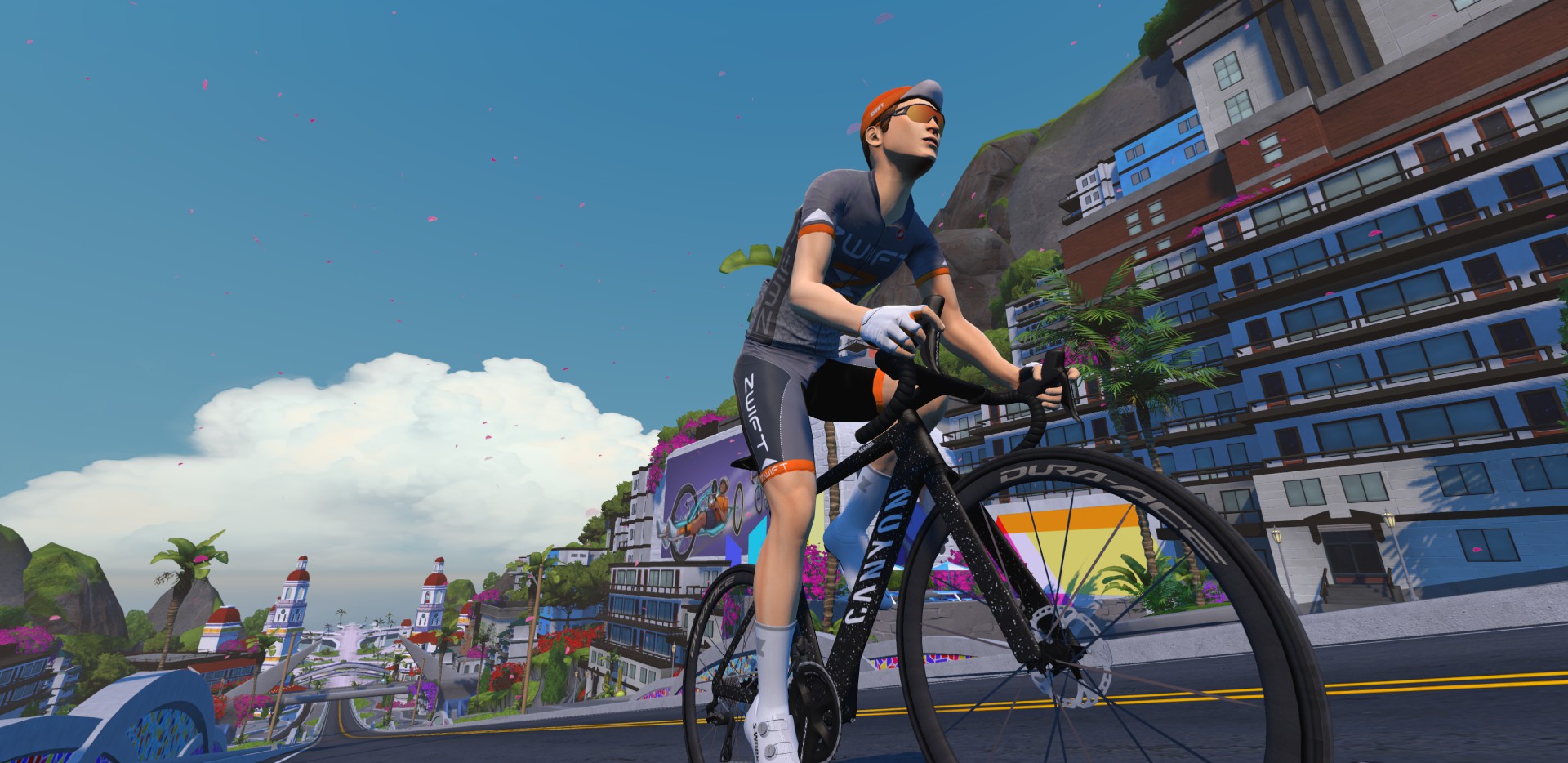
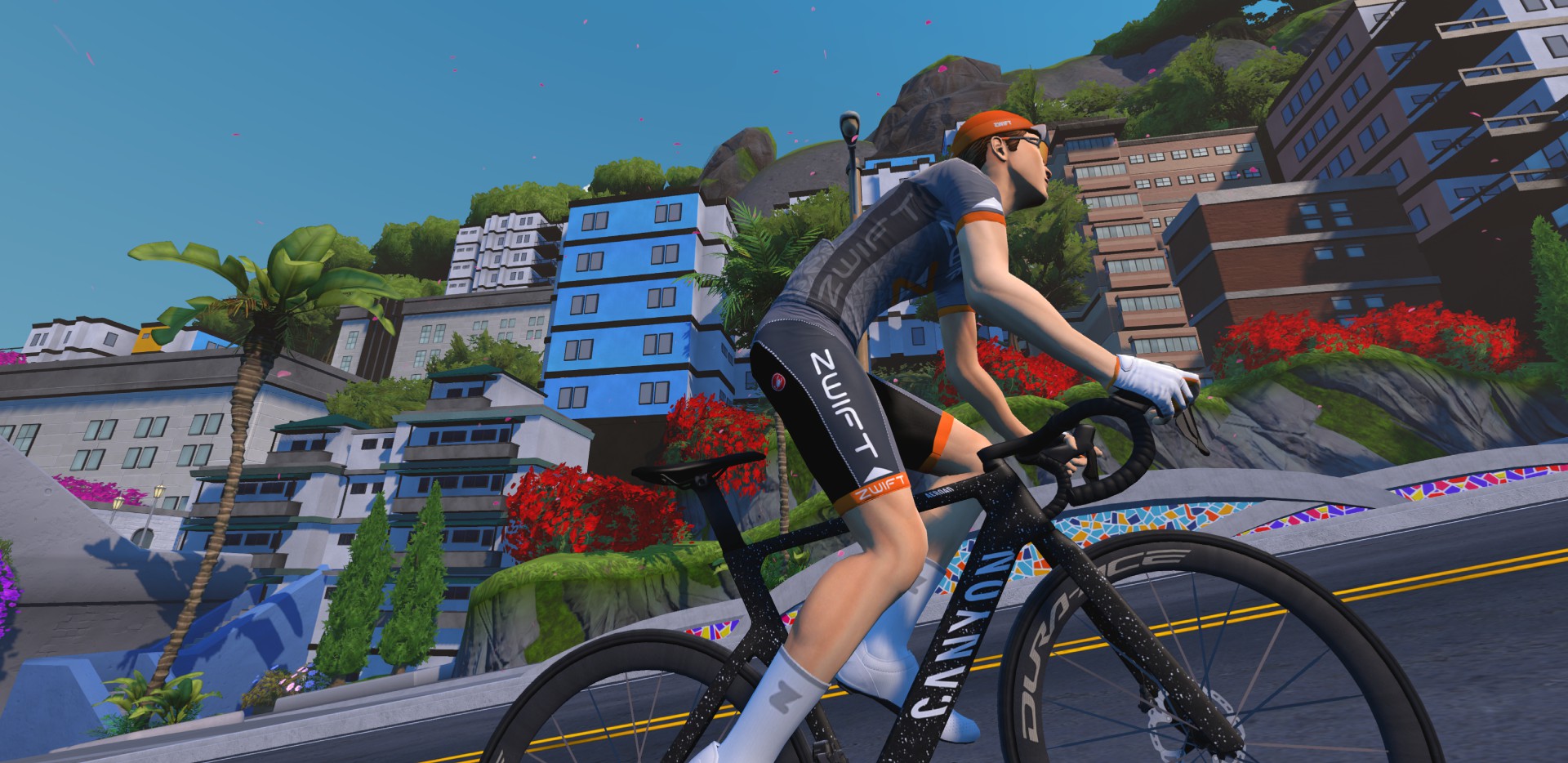
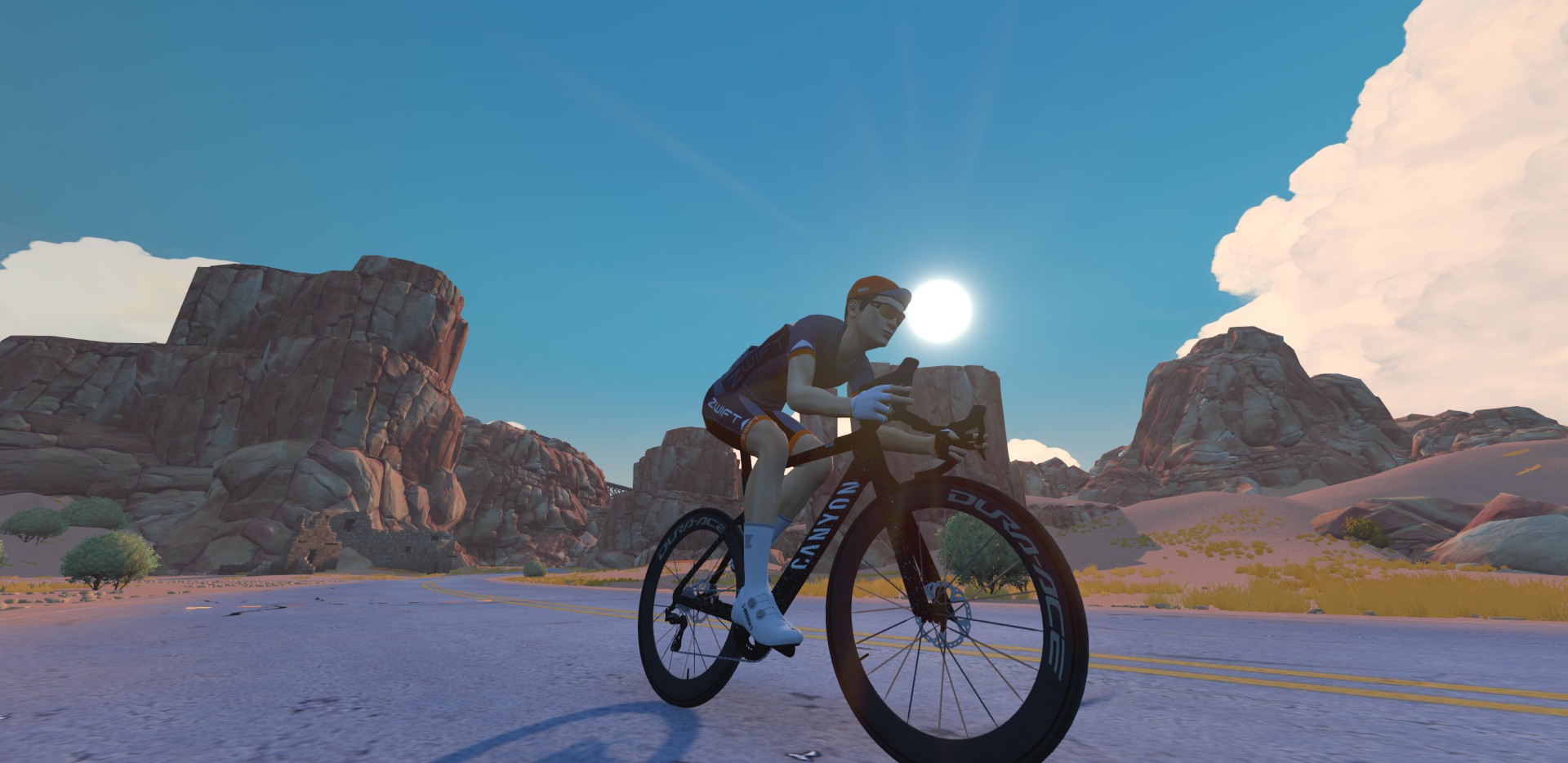
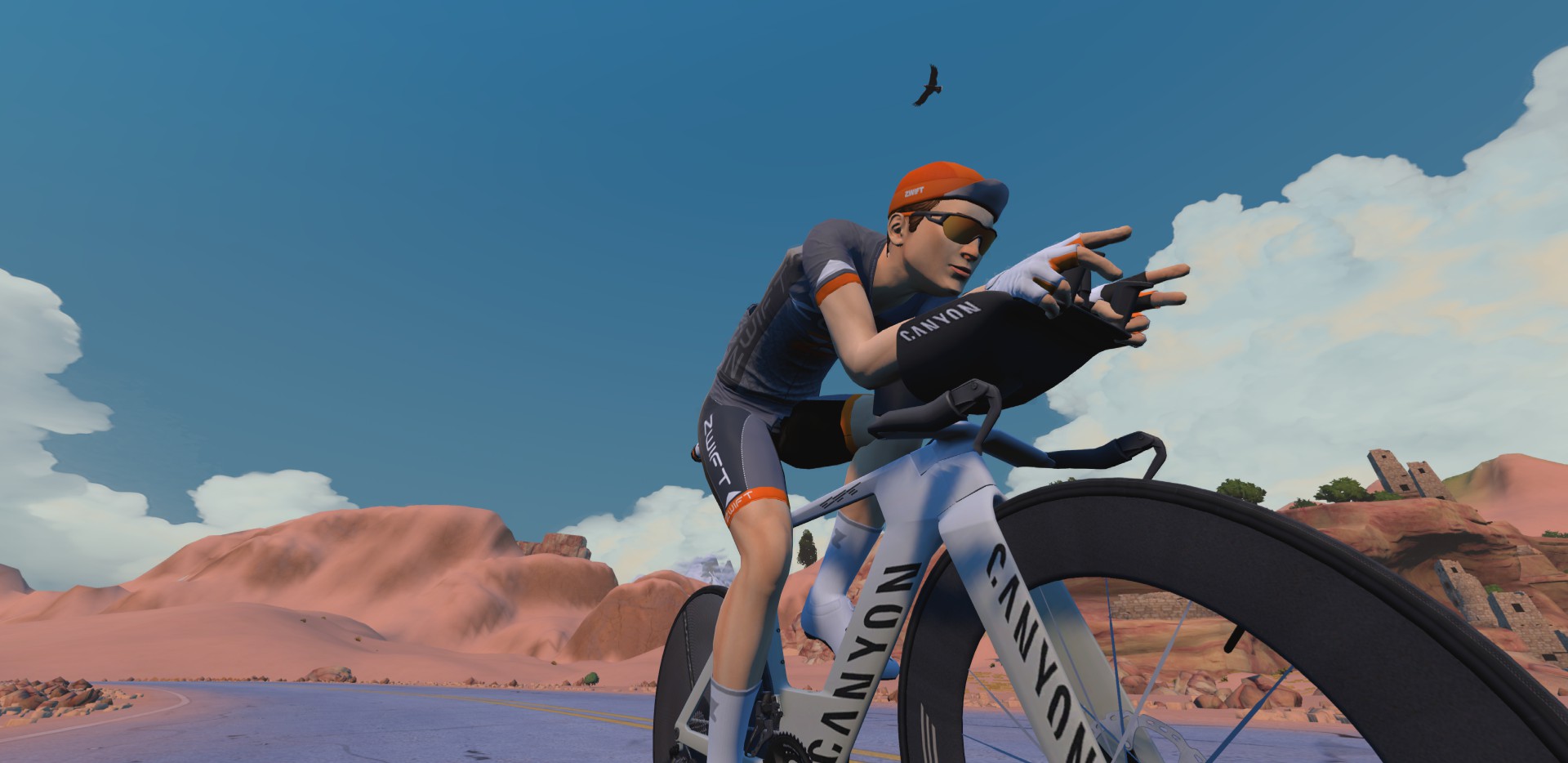
The older versions of the C36, C50, and C60 have been removed from the Drop Shop, so they are no longer available for purchase, although they will remain in your garage if you’ve already purchased them.
Saving Wheelsets to Frames
Here’s a nice little update we didn’t see coming. Zwift’s release notes say, “Equipping a wheel set in the garage will save it to the equipped bike. Each owned bike in the garage can have a unique wheel set saved.”
Now you can easily set up, say, a climbing bike (Specialized Aethos with Princeton Alta wheels), a TT rig (Canyon Speedmax CFR with DT Swiss disc), a gravel bike (Cannondale SuperX LAB71 with Roval Terra Aero CLX wheels) and an all-around racer (Tarmac SL9 with Princeton Wake 6560 wheels). To swap from one bike to the other, just choose the new bike in your garage. Voilà! It already has the right wheels attached.
We’ve got two more garage requests for Zwift – an easy one, and a tougher one:
- Save our bike colorways, so we don’t have to click and pick it each time we swap back to that frame.
- Let us archive or delete eqipment from our garages so they aren’t so crowded. (Or better yet, let us sell items back for half price.)
New Route Badges for Runners
Zwift has added four new route badges for runners, continuing the trend they started in the v1.119 release. Once you’ve installed version 1.120, the following routes will have achievement badges and XP available for runners:
- Flat Route Run (390 XP)
- Loop de Loop Run (250 XP)
- Volcano Flat Run (480 XP)
- Beach Island Loop Run (510 XP)
Unmentioned Tweaks
Not mentioned in the release notes, but worth putting here just for the record:
- Specialized Tarmac SL9 has been renamed to the Specialized S-Works Tarmac SL9
- The Princeton Carbonworks 6560 Lava wheels were tweaked just a bit in their settings so they’ll perfectly match the White version of the wheels.
Release Notes
Zwift supplied these additional release notes:
- Fixed an issue where non-supported emojis used in the ride leader name would change the name to display as ‘Ride Leader’
- Fixed an issue where equipping a different bike colorway would reset the equipped bike to stock paint.
- You can now choose not to upload any screenshots at the end of a ride.
Discuss this update in Zwift’s forum >
Questions or Comments?
If you spotted any other changes or bugs in the update, please comment below!


On the garage upgrade – i think the easiest way to impliment this is to add a 2nd layer – your “Team Car”
This allows you to configure/add your 4 favourite setups – Frame, Wheelset & Colour onto your team car, and then allows for a fast in game bike swap, you stop and pick 1,2,3 or 4 from the team car and you swap.
You can then use the existing garage to take a bike off the team car and into the garage, and add a new setup onto the team car, or change a wheelset or colour scheme.
In reality that would allow an Aero, Climbing, Gravel and TT setup to be saved in the team car, and you chop and change as you see fit.
Good idea, would also be nice if it swapped to the correct bike for the race type.
This is a brilliant idea. Too good. Surely the UCI has banned it for reasons of being too logical.
You can have 4 setups, and they can all be at the top of your list – as long as you pick 4 different frames 😂
Users don’t churn because their garage is difficult to use or cluttered. The recent garage enhancements (bike upgrades, sorting, and now this) explain Zwift’s priorities. Bike upgrades make Zwift stickier for new users and support user growth and retention and came with necessary UI updates. Sorting and wheelset memory, on the other hand, are clever ways of addressing longstanding zwifter gripes without UI changes. Minimal investment that honestly does a pretty good job of addressing the pain.
I just wouldn’t expect archiving or selling bikes anytime soon. Selling equipment for drops would work against Zwifts habit-building goals.
Alrighty then, if we’re going to have a team car then let’s have random flat tyres and mechanical failures so that you have to stop to swap equipment. 🤦♂️🤷
Nice. 👍 👍 👍
Where is the subtitle upgrade of the S-Works SL9. Still to come?
Zoon.
Thanks looking forward to it.
Classic
Let us be able to just buy a color upgrade instead of buying the same bike just for a different color scheme. Or give us a discount if we already have the bike when a new paint job is available.
Amen, sister!
“let us sell items back for half price” YES PLEASE 🙏
Or prorated based on age and use.
While I wouldn’t say no to some drops, I’d be happy enough just being able to delete them from my inventory.
Voilà, not Viola, lol
No Coffee Break fix yet? Just add a short delay before someone can use a Coffee Break after teleporting to a RoboPacer. It’s common sense and would prevent the annoying spam in Constance’s group. If you can’t keep up for a few minutes, you shouldn’t be able to stay on Coffee Break!
Look, I know people do all sorts of weird stuff but I don’t understand this at all. What is the pay off? Why do people do this?
To get extra 2km for free at the end of ride?
I mean, I guess if 40xp matters to people maybe.
it’s more than that, free upgrade distance/time on frames as well.
I attempted the other day because I was beat and about a mile short on my weekly goal.
wound up only getting 30 seconds of actual Constance mileage, instead of 3 minutes, due to a technical, so I wound up pounding out ten additional miles after the three minute break.
Unless you are racing, why does it matter/ The coffe break is non-functional during competition anyway. The only person who is effected is the person who uses the hack (for whatever reason they have to do it) The person doing it is paying for Zwift and it doesn’t bother me how they use it as long as they aren’t cheating someone else…
Any initial speed tests? Do these wheels live up to their star rating?
They already seem to be in the wheelset charts. Seems like we have new fastest disc wheelset. The others are good, especially for their low level availability, but not the absolute best.
Disc is basically the same speed as the existing top disc wheels. Maybe 1-2s faster in an hour of climbing, but it’s basically within our error margin. I’ll write a post about it soon though!
AI coding models are solving 200-year-old math problems and coding whole games in one hour, and Zwift is fixing emojis. WTF are those guys doing there? Can Zwift’s development finally move forward?
AI is not doing any of this well today
Do you mean fixing emojis? 🙂
Nice updates! I’m still waiting for the “buy all of the new stuff” button so one click and it’s done! Lol
It isn’t tough to be able to delete or archive frames from a software perspective. Garmin already allows this with its ‘Gear’ in Garmin Connect where one can delete or ‘retire’ gear.
It’s probably implemented as a database with a link between a rider’s account and the bike entry in the database. All it needs is a button to remove that link.
I would like to have a “stopp coffee break” Button, if someone hanging on me on hills with Coffe Break :-D!
I’m right there with you. Downvote me all you want but my hard work should not pull someone else in a free ride.
Has the recalibration button gone from pairing screen? I cannot see one ther
I just tested out the “saving wheelsets to frames” feature during my last Zwift session this afternoon. When you go into your garage and start assigning wheelsets to four different frames (I tried it with just two different frames), it actually doesn’t “save” until you go into a world and ride that frame for a short distance (in my case about 2 miles).
If you ride a Tron bike like me for upgrade purposes, you could technically say that 5 setups are saved since the Tron has its own fixed wheelset – at least the color is being saved now, not being reset when you switch to another frame.
I like saving wheels with bikes thats a smart update.
The two things I want:
The Stelvio in the climb portal
Update time splits to be actual time splits or distance behind, not the nonsense it is now
The Loop de Loop Run link points to the Loop de Loop de Loop route in Paris, where the actual Loop de Loop Run route is in Watopia. I can’t seem to find that run route page here.