Your speed in Zwift is determined by several factors. Of those, your power is what you have immediate control over. FTP (Functional Threshold Power) is the most popular way to look at the kind of watts you can throw down.
FTP is “the highest power a rider can maintain in a quasi-steady state without fatiguing.” Many training athletes can hold their FTP for 40-55 minutes, which is one reason why FTP is often associated with a maximal 1-hour effort, even though that’s not what it actually measures.
Why Does It Matter?
It’s important to know your FTP in Zwift, for at least two reasons:
- Your FTP is used in Zwift to determine target power numbers for workouts. If your FTP isn’t accurate, your workouts may be too easy or too difficult
- Some races in Zwift are categorized by your watts/kg (your FTP divided by your body weight in kilograms). The categories may look something like this: A Group: >= 4w/kg, B Group: >= 3.2 w/kg, C Group: >=2.5 w/kg, D Group <2.5 w/kg.
Outside of Zwift, knowing your FTP is just smart from a training standpoint. Many cyclists come to Zwift without knowing their FTP, but once you’ve established that baseline you can work to increase your power and measure your FTP again weeks or months later to see track improvements.
How Is It Measured?
Zwift has built-in workouts for a full 60-minute FTP test, a 20-minute one, or a ramp test. You can enter workout mode to take these tests.
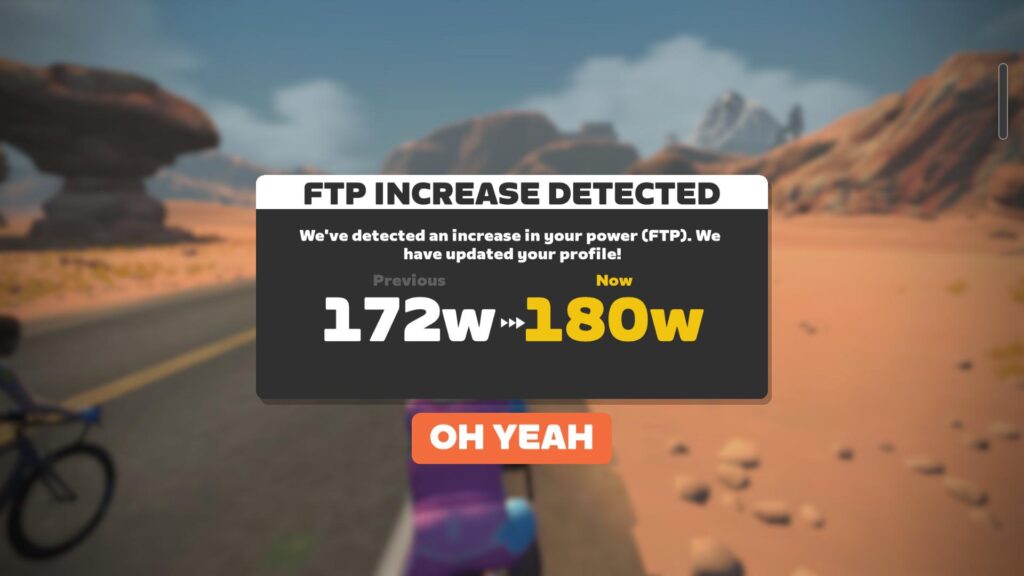
Alternatively (or additionally), every time you ride on Zwift for more than a few minutes, the game us auto-calculating your FTP based on your power numbers, and will notify you at the end of your session if it detects an FTP increase.
How Can I Increase My FTP?
Lots of strategies here, but here’s a good article from Nate Wilson at Training Peaks: Three Ways to Improve Functional Threshold Power.
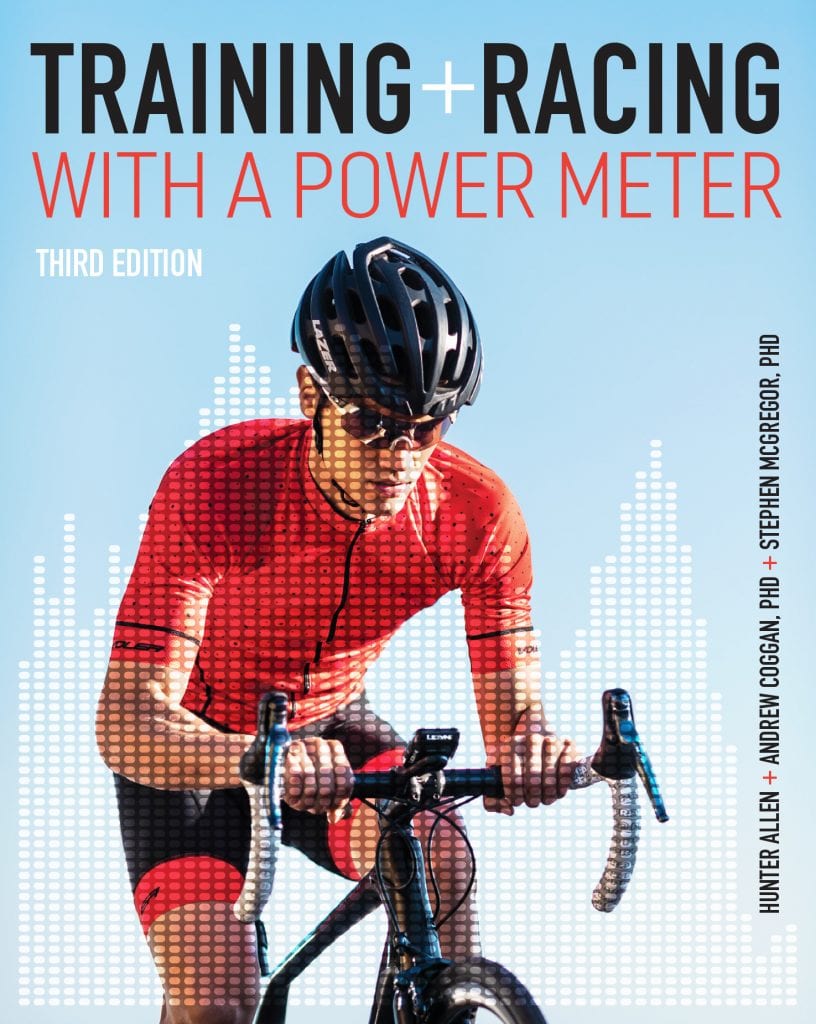
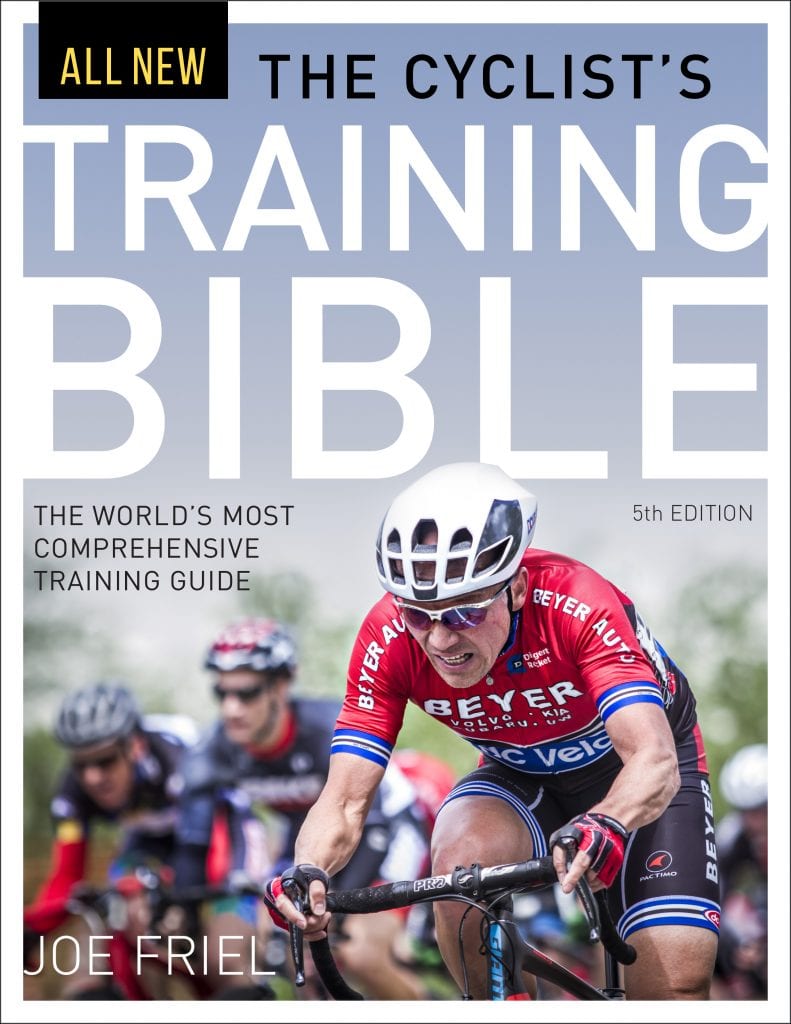
If you like books (we do!), here are the two we’d recommend for those learning to train with power:

 wpDiscuz